You have a PDF, a deadline, and a client who will not download a 40 MB attachment. A flipbook link fixes that, and both Heyzine and AnyFlip promise to produce one for free. The real question is which free tool actually shares your PDF better once you leave the signup page. If you also want a third option with no watermarks, keep Flipbooks AI in mind as we go.
This comparison focuses on what happens after upload: how the link looks, how the embed behaves, who can see the file, and what the free plan quietly takes away. Free tiers change often, so treat the numbers below as patterns and confirm current limits on each pricing page before you commit.
The Short Answer
Both tools convert a PDF into a page-turning viewer you can send as a link or embed on a site. Heyzine tends to feel lighter and quicker for one-off sharing. AnyFlip tends to offer a bigger library-style environment with a public bookshelf. Which one wins depends on whether you want a private, clean link or a public showcase.

| Question | Heyzine (free) | AnyFlip (free) |
|---|
| Best for | Quick private links | Public bookshelf and showcase |
| Setup speed | Very fast | Fast, more menus |
| Branding on free plan | Usually present | Usually present |
| Embed on a website | Yes | Yes |
| Privacy controls | Limited on free | Limited on free |
💡 Pro tip: Open each tool's pricing page in a separate tab before uploading anything. Free limits on page count, file size and branding are the details that decide this comparison.
How We Compare Them
A fair test needs the same file and the same goals. Use a 20 page PDF with images, a few links, and a table. Upload it to both tools, then check these items in order:
- Time from upload to shareable link.
- How pages render on a phone.
- Whether internal links and images survive conversion.
- What branding or ads appear around your content.
- Whether you can restrict who opens the file.
Test file setup
Keep the PDF under the free file size limit of both tools so the result is not skewed by an upload error. Export from your design software at a sensible resolution, because a bloated file loads slowly on mobile no matter which tool you choose.
What we looked at
We looked at sharing quality first: the link, the embed, the mobile view and the privacy options. Design customization comes second, because a pretty viewer means little if the recipient cannot open it.
Sharing by Link
The link is the main way most people share a flipbook. It goes into an email, a chat message, or a social post.

Heyzine links
Heyzine focuses on a direct viewer link that opens straight to your document. For a freelancer sending a proposal, this is the smoother path: one click, no detour through a catalog page. Free links usually carry some Heyzine branding, and long term hosting can depend on your plan, so check how long free flipbooks stay online.
AnyFlip links
AnyFlip gives you a link too, but the platform leans toward placing your book inside its own public ecosystem. That helps discovery if you want strangers to find your work. It can feel off if you only wanted a private proposal in front of one client.
Link comparison
| Link feature | Heyzine | AnyFlip |
|---|
| Direct viewer link | Yes | Yes |
| Public listing by default | Less emphasis | More emphasis |
| Short, clean URL | Reasonable | Reasonable |
| Custom domain on free | Generally no | Generally no |
⚠️ Warning: A public listing means anyone browsing the platform might open your flipbook. If the PDF holds pricing, contracts or internal data, check the visibility setting before you send the link.
Embedding on Your Website
Embedding keeps visitors on your own page. A restaurant can place its menu inside the contact page. A school can drop a newsletter into its parent portal.
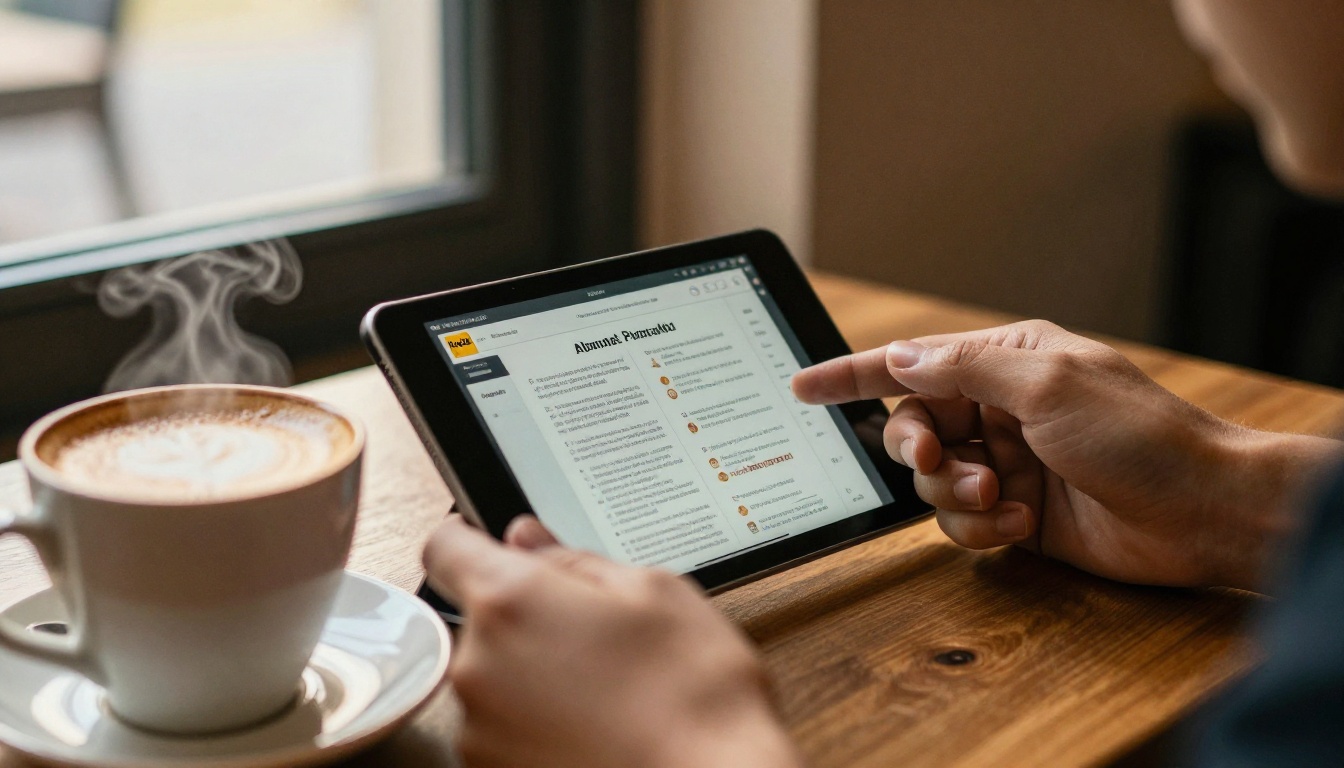
Both tools provide an embed code you paste into your page builder. The differences show up in the details:
- Responsiveness: Test on a phone. A fixed width embed that looks great on desktop can overflow a small screen.
- Branding inside the frame: Free embeds often keep a small logo or toolbar link back to the tool.
- Loading speed: Heavier flipbooks take longer to load, so shrink images before upload.
- Controls: Zoom, fullscreen and download buttons may be toggled differently on free plans.
A quick embed checklist
- Copy the embed code from the share panel.
- Paste it into a custom HTML block on your site.
- Set the width to 100 percent where your builder allows it.
- Preview on desktop and phone.
- Click every link inside the flipbook to confirm it still works.
✅ Best practice: Always test embeds in a private browser window. That shows you what a first time visitor sees, with no logged in extras.
Privacy and Access Control
This is where free plans differ most from paid ones. Sharing a PDF often means sharing something you do not want indexed by a search engine.
| Privacy need | What to check on free plans |
|---|
| Password protection | Often reserved for paid tiers |
| Hide from search engines | Check the visibility or unlisted option |
| Disable downloads | Frequently a paid feature |
| Expiry dates | Rarely available for free |
| Lead capture before viewing | Typically paid |
If your document is sensitive, free plans on either tool may not be enough. Password protection and private links are features worth paying for, and they are one reason people move to platforms such as Flipbooks AI, where password protection is part of the product.
Branding and Watermarks
Free flipbooks usually carry the tool's own branding. That can include a logo in the viewer, a footer link, or promotional elements around the book. For an internal draft this is harmless. For a client facing brochure, it can undercut your brand.

What to expect
- Logo or watermark inside or near the viewer.
- Limits on custom colors and backgrounds.
- No option to swap in your own logo without upgrading.
Why it matters
A real estate agent sending a listing brochure wants the buyer to remember the agent, not the software. Branding on the viewer pulls attention away from the sender. If that matters to you, check whether the free plan allows any customization at all.
Real World Scenarios
Different jobs favor different tools. Here is how the choice plays out.
A freelancer sending a proposal
Pick the tool with the cleanest direct link and the least public exposure. Heyzine's lighter approach tends to suit this, as long as the free branding does not bother you.
A school sharing a newsletter
An embed on the school website matters most. Test mobile rendering carefully, since parents will read it on phones.

A photographer showing a portfolio
Visual quality and public discovery both help here. A public bookshelf can bring in extra views, which is where AnyFlip's showcase style may fit. Photographers who want a polished, branded result can also look at a photography portfolio flipbook.
A restaurant publishing a menu
Menus change often, so editing and re-uploading speed matters. Look at how easily each tool replaces a PDF while keeping the same link. If you need a purpose built option, the Restaurant Menu Creator is worth a look.

A real estate agent with a listing brochure
The agent needs a clean look and a link that works in a text message. A dedicated Real Estate Brochure tool can remove the branding problem entirely.

Side by Side Summary
| Category | Heyzine | AnyFlip | Edge |
|---|
| Speed to first link | Very quick | Quick | Heyzine |
| Public discovery | Minimal | Strong | AnyFlip |
| Private sharing on free | Limited | Limited | Tie |
| Embed support | Yes | Yes | Tie |
| Clean look without branding | Paid | Paid | Tie |
| Best single use | Private link sharing | Public showcase | Depends |
The Real Cost of Free
Free tools are not free of tradeoffs. You pay in other ways:
- Branding: Your content sits inside someone else's frame.
- Limits: Caps on flipbook count, pages or storage can bite after a few uploads.
- Control: Missing password protection and analytics mean you cannot tell who read your file.
- Longevity: Free content may be removed or limited over time, so keep your original PDF.
💡 Pro tip: Keep the source PDF in two places. If a free flipbook disappears or a link breaks, you can rebuild it in minutes elsewhere.
A Third Option Without Watermarks
If both free plans leave you wanting a clean, private result, Flipbooks AI is built for exactly that gap. It offers no watermarks, password protection, custom branding, embeds, and mobile responsive viewing. Paid tiers add analytics and lead generation.
How to share a PDF with Flipbooks AI
- Create an account on Flipbooks AI.
- Upload your PDF with the PDF to Flipbook Converter.
- Customize colors, add your logo, and adjust page effects.
- Add multimedia such as video or audio where it helps the reader.
- Choose how to share: a direct link, a password protected link, or an embed.
- Paste the embed code with the Embed Flipbook on Website tool instructions.

Feature table
| Feature | Free tools (typical) | Flipbooks AI |
|---|
| Watermark free | Usually no | Yes |
| Password protection | Often paid | Yes |
| Custom branding | Limited | Yes |
| Offline downloads | Rare | Yes |
| Analytics and leads | Paid tiers | Professional plan |
| Unlimited flipbooks | Capped | Standard plan and above |
Which One Should You Pick?
Use this quick decision path:
- You want a quick private link for one person: Start with Heyzine and check the visibility setting.
- You want public exposure and a bookshelf: AnyFlip fits better.
- You need a clean look and real privacy: Skip the free tier and use a watermark free option.
- You share many documents a month: Check the file count limits before you build a workflow around either free plan.
Ready to Share Your PDF?
Whichever tool you try first, run the same test file through both and judge the link, the embed and the phone view with your own eyes. When free limits start to get in the way, get started for free on Flipbooks AI, browse all flipbook tools, or compare pricing plans to see what fits your workflow.



