Every board member has seen it happen. A new family closes on a house, receives a three-pound folder of bylaws, and buries it under moving boxes. Three weeks later, a trash can is out on the wrong day, a fence gets painted the wrong color, and everyone is frustrated. The fix is not stricter rules. It is a better HOA welcome packet that new homeowners read before the first meeting, and a format they will actually open. With a tool like Flipbooks AI, you can turn your existing PDFs into a page-turning booklet that works on any phone.
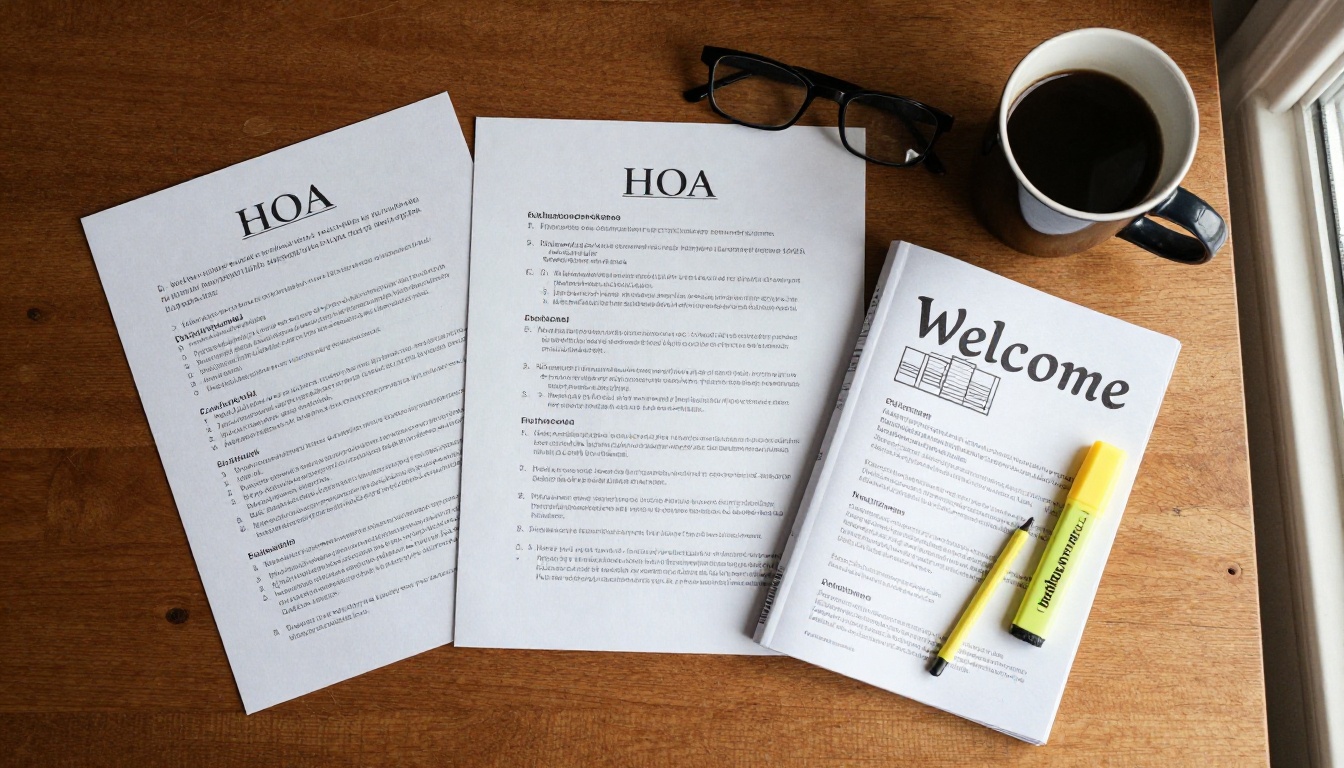
Why Most Packets Get Ignored
A typical packet lands on a new owner at the worst possible moment. They are signing documents, scheduling movers, and setting up utilities. A stack of legal language is not going to win that contest.
The problem has three causes:
- Too long. Forty pages of covenants with no summary.
- Too late. Handed over at closing, or mailed weeks after move-in.
- Too hard to find things. No contents page, no search, no links.
💡 Pro tip: Ask a recent buyer to read your current packet and time them. If they give up before page ten, your neighbors will too.
The Cost of Skipped Reading
When owners skip the packet, the board pays for it. Violation letters multiply, volunteers spend evenings on avoidable disputes, and new residents feel policed instead of welcomed.
A short, friendly packet changes the tone of the very first interaction. It says: here is how we live together, and here is who to call.
What New Owners Actually Want
Surveys of new residents tend to show the same priorities. They want practical answers, not legal text:
- When is trash and recycling pickup?
- Can I paint my door, build a fence, or park a trailer?
- How much are dues, and when are they due?
- Who do I call when something breaks?
- When is the next meeting, and do I need to attend?
Answer these five first. Everything else can live in an appendix.
What Belongs in the Packet
Think in layers. The front of the packet is a friendly summary. The back holds the full legal documents for anyone who wants them.
The Front Layer: One Page Summaries
Start with a short welcome letter from the board president, signed by a real person. Follow it with one-page summaries, each with a heading and no more than ten bullet points.
- Dues and payment options: amounts, due dates, late fees, and how to pay online.
- Architectural review: what needs approval, how long it takes, and a sample request.
- Common rules: parking, trash bins, pets, noise, holiday decorations.
- Amenities: pool hours, clubhouse booking, gate codes, playground rules.
- Contacts: management company, board members, emergency numbers.
The Back Layer: Official Documents
Behind the summaries, include the governing documents as clearly labeled sections:
- Declaration of covenants, conditions, and restrictions
- Bylaws
- Rules and regulations
- Architectural standards
- Latest budget and reserve summary
- Meeting calendar for the year
Label each one with a plain-language note such as "Read this if you plan to change your exterior." People skim, so tell them where to look.
Packet Contents at a Glance
| Section | Length | Who Needs It | Priority |
|---|
| Welcome letter | 1 page | Everyone | High |
| Dues and payments | 1 page | Everyone | High |
| Common rules summary | 2 pages | Everyone | High |
| Architectural review | 2 pages | Owners planning changes | Medium |
| Amenity rules | 1 to 2 pages | Families, pool users | Medium |
| Governing documents | Full length | Anyone who wants detail | Reference |
| Contact directory | 1 page | Everyone | High |
✅ Best practice: Keep the front layer under ten pages. Anything longer belongs in the reference section.
Timing Matters More Than You Think
Delivery timing decides whether the packet is read. The best window is the first week after closing, when a new owner is curious and still motivated.

Before the First Meeting
Send the packet at least seven days before the next board meeting, with a short note: "Skim pages one through six before the meeting. Bring any questions." This turns the meeting from a lecture into a conversation.
You can also add a short list of what will be discussed, so new owners know whether to attend.
A Simple Delivery Timeline
| When | Action | Channel |
|---|
| Closing day | Agent shares a link to the packet | Email or text |
| Day 2 | Board sends a welcome note with the packet | Email |
| Day 7 | Neighbor ambassador drops by with a printed card and QR code | In person |
| Day 14 | Reminder about the next meeting | Email |
| Day 30 | Quick check-in survey | Online form |
Why a Digital Flipbook Beats a PDF Attachment
A raw PDF is better than a paper folder, but it still has problems. Attachments get blocked, files are large, and phones render them poorly. A flipbook solves each of those.

Print, PDF, and Flipbook Compared
| Feature | Printed Folder | PDF Attachment | Digital Flipbook |
|---|
| Cost per new owner | High | None | None |
| Works on phones | No | Poorly | Yes, mobile-responsive |
| Easy to update | No, reprint | Resend file | Yes, one link stays the same |
| Clickable links | No | Sometimes | Yes |
| Can add video or audio | No | No | Yes |
| Track who opened it | No | No | Yes, on the Professional plan |
| Password protection | No | Limited | Yes |
For a board that changes a rule every year, the "one link stays the same" row is the biggest win. Update the document, and every homeowner sees the new version.
Real-World Example
Picture a 200-home community with twenty move-ins per year. Printing and mailing a packet might cost several dollars per household plus volunteer time. A digital packet costs nothing per recipient, can be sent from the closing agent's phone, and shows exactly which new owners opened it. Real estate agents like it too, because they can share a real estate brochure style booklet as a closing gift.
How to Build Your Packet With Flipbooks AI
If your board already has a Word or PDF version, you are most of the way there. Here is the process.
Step by Step
- Create your account. Visit Flipbooks AI and sign up. Review the pricing plans to see which tier fits your community.
- Prepare one PDF. Combine the welcome letter, summaries, and appendix into a single file. Add a contents page with page numbers.
- Upload and convert. Use the PDF to Flipbook Converter. Your pages become a realistic page-turning book in seconds.
- Customize the look. Add your community logo, pick brand colors, and choose a page-turn effect. Keep the style calm and readable.
- Add multimedia. Embed a short welcome video from the board president, or an audio message that explains gate codes. Videos and audio can be embedded directly.
- Set sharing options. Copy a direct link, or use the Embed Flipbook on Website option to place it on your community portal.
- Protect private content. If the packet includes gate codes or contact numbers, turn on password protection and give the password in the welcome email.
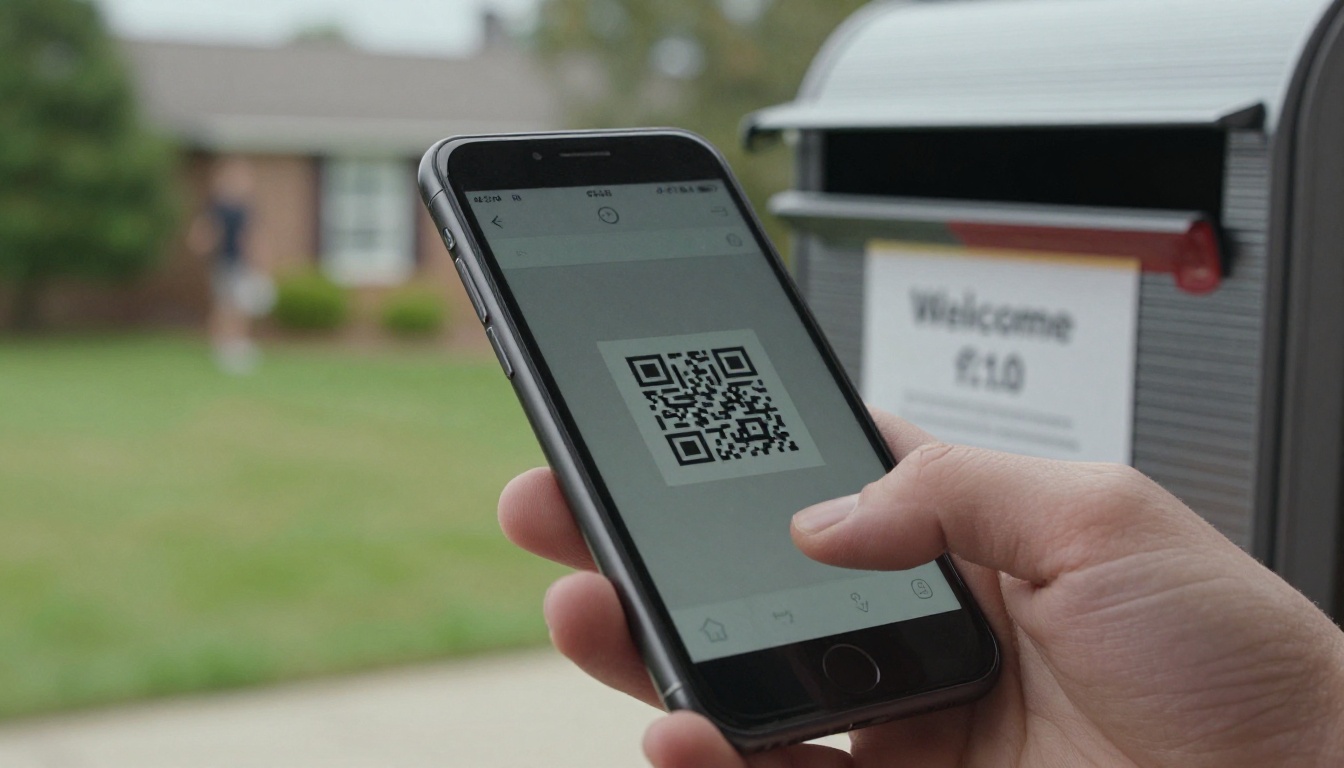
- Print a QR code. Put it on a welcome card, a mailbox sticker, or the clubhouse bulletin board.
⚠️ Warning: Never publish gate codes or personal phone numbers in a public link. Use a password, and change it when the board changes.
Features Worth Using
- ✅ No watermarks, so the packet looks like it belongs to your community
- ✅ Unlimited flipbooks on the Standard plan and above, handy for separate packets by phase or building
- ✅ Offline downloads, so owners can keep a copy without a connection
- ✅ Custom branding with your logo and colors
- ✅ Analytics and lead generation on the Professional plan, to see which pages get read
Browse the full list of flipbook tools if your board also publishes newsletters or annual reports. The Newsletter Flipbook Publisher works well for monthly community updates, and the Annual Report Creator suits yearly financial summaries.
Design Choices That Help People Read
Good design is mostly restraint. Resist the urge to fit everything on every page.

Tone and Language
Write like a neighbor, not a lawyer. Compare these two lines:
- Legal: "Owners shall not permit receptacles to remain visible from the street outside designated collection periods."
- Friendly: "Please bring trash bins in by the evening after pickup."
You can keep the official text in the appendix and link to it from the friendly version.
Layout Rules of Thumb
- Use one idea per page.
- Put the most common questions first.
- Use tables for fees and schedules, bullets for rules.
- Add photos of real community spaces, not stock clip art.
- Use large text, because many owners read on a phone.
- Link every mention of a form straight to the form.
Words to Cut
A few phrases make packets feel cold. Swap them out:
| Instead of | Try |
|---|
| Residents are required to | Please |
| Failure to comply will result in | If this happens, we will |
| Pursuant to Article IV | See page 22 |
| Prohibited | Not allowed |
Make It Feel Like a Welcome
A packet is a first impression. If the only content is rules and fees, owners will assume the community is only rules and fees.
Add the Human Touches
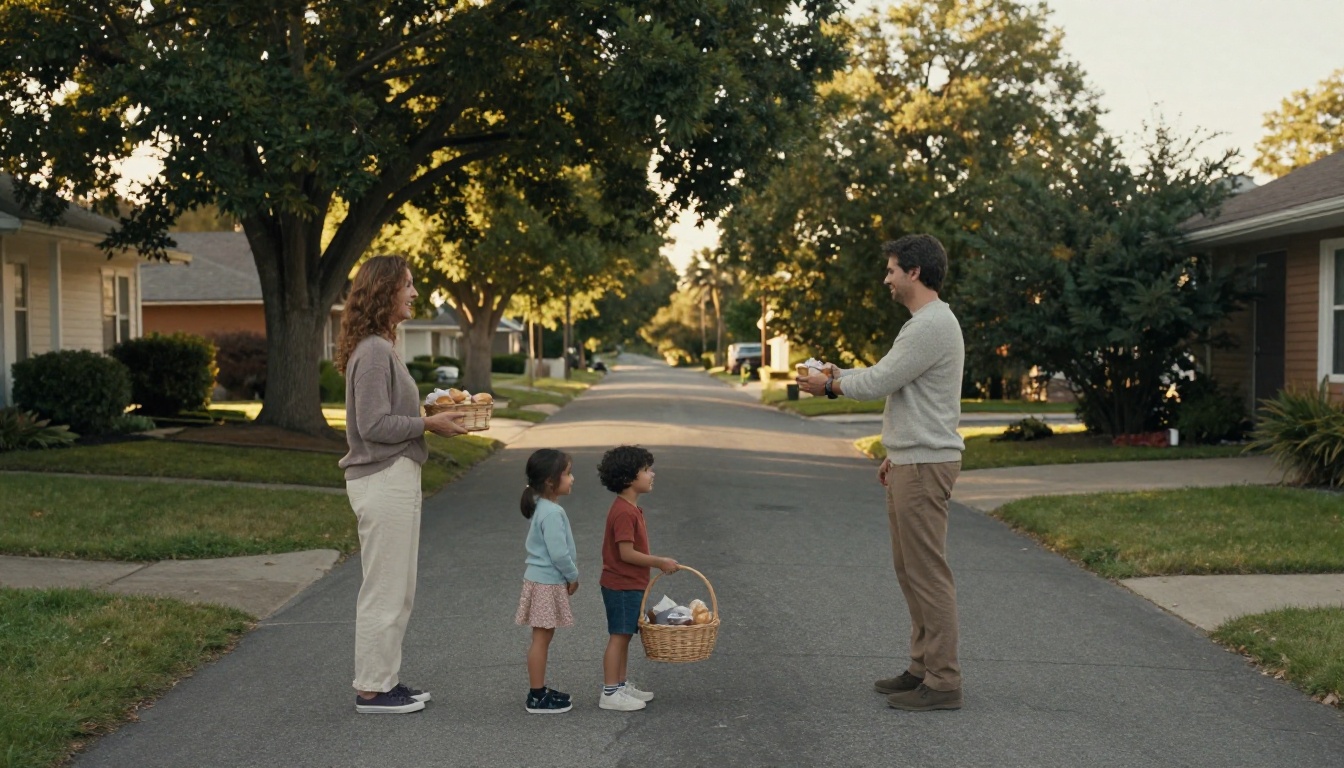
Include a page called "Meet Your Neighbors" with a few volunteers, their favorite thing about the community, and how to reach them. Add:
- A short history of the neighborhood
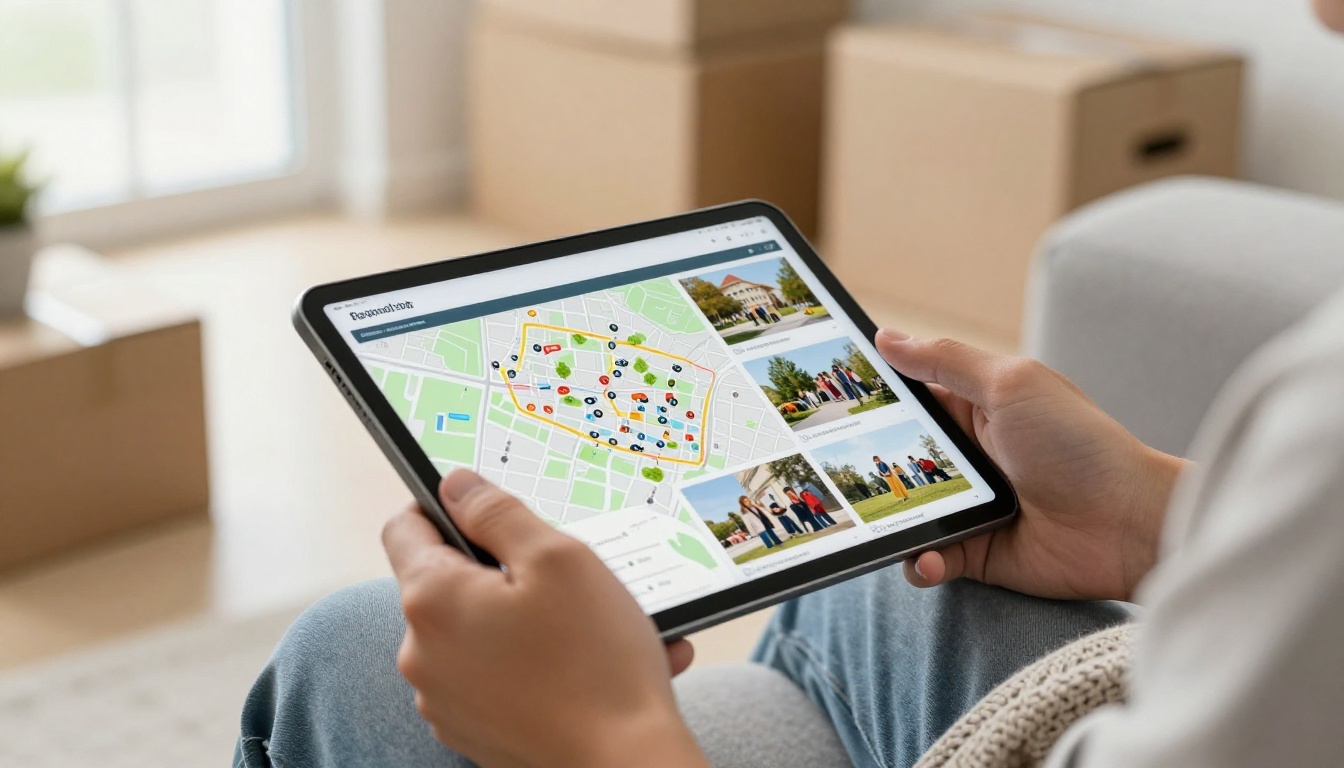
- A map with walking trails, parks, and the pool
- Recommended local services, such as landscapers and plumbers
- A calendar of social events like block parties and holiday lights
- A list of clubs and committees that need volunteers
Show the Amenities
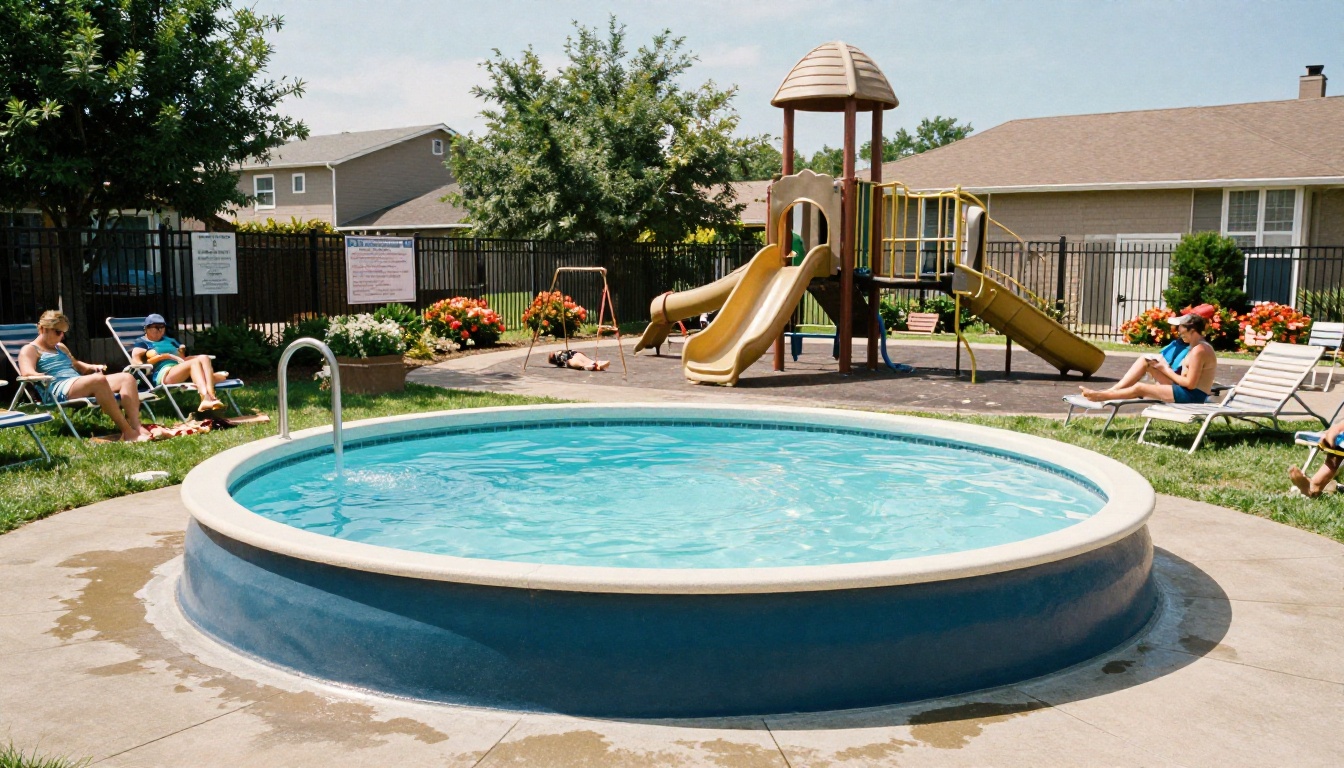
Photos sell the lifestyle. A single page with the pool, playground, and clubhouse tells a new owner what their dues are paying for.
💡 Pro tip: Add a "First 30 Days" checklist: register vehicles, set up dues autopay, save the maintenance hotline, and pick up amenity access cards.
Track What Works and Improve It
Once the packet is live, treat it like a living document. A packet that is never updated loses trust fast.
Metrics to Watch
On the Professional plan, analytics show how many people opened the packet and which pages they spent time on. That gives the board real answers instead of guesses.
| Metric | What It Tells You | Action |
|---|
| Open rate | Whether delivery timing works | Resend at day 7 if low |
| Pages viewed | Where readers stop | Shorten or move that section |
| Time on page | Which topics cause confusion | Add a plain-language summary |
| Downloads | Who wants an offline copy | Offer a printable version |
Update Rhythm
- Quarterly: check contacts, meeting dates, and gate details.
- Yearly: refresh dues, the budget summary, and the rules.
- After any rule change: edit the source file and republish so the link stays valid.
Common Mistakes to Avoid
- Sending everything at once. Give the summary first, the legal documents second.
- Forgetting renters. Create a short version for tenants and landlords.
- Skipping mobile testing. Open the packet on a phone before you send it.
- Using outdated numbers. One wrong phone number erodes trust in every page.
- No feedback loop. Add a short survey at the end and read the answers.
A Sample Packet Outline You Can Copy
Use this order as a starting point and adjust it for your community.
- Welcome letter from the board president
- Your first 30 days checklist
- Dues and payments at a glance
- Ten rules neighbors ask about most
- Architectural requests in four steps
- Amenities and how to book them
- Meet your neighbors and board
- Meeting calendar, with the first meeting highlighted
- Contact directory and emergency numbers
- Reference section with the governing documents
This structure keeps the readable content at the front and the legal weight at the back, which is exactly what busy new owners need.
Ready to Build Yours?
A welcome packet works when it is short, timely, and easy to open. Start with the five questions every new owner asks, add a friendly letter, and put the legal documents in the back. Then send it a week before the first meeting.
Ready to publish yours? Create a free account on Flipbooks AI and upload your first PDF today. Browse all tools and templates for newsletters, reports, and brochures, or compare pricing plans to choose the one that fits your community.



