A meeting planner sends the same request to eight hotels on a Monday morning. By Wednesday, six replies have arrived as dense PDFs with the rate buried on page nine. The two proposals that get a second look are the ones that answer the questions fast: how many rooms, at what price, and where will 200 people actually sit. This hotel group sales proposal template is built for that moment. It also shows how to publish the finished document as an interactive flipbook with Flipbooks AI, so planners can flip, search and forward it in seconds.
💡 Pro tip: Planners compare proposals side by side. The one that is easiest to read in the first 30 seconds usually survives to the shortlist.
What a Group Proposal Must Answer
Before you write a word, remember who reads it. The planner is rarely the only decision maker. A finance lead checks the total cost, an executive assistant checks dates, and a committee member checks the photos. Your proposal has to work for all of them.
The Five Questions Every Planner Asks
- Do you have my dates? State availability in the first paragraph.
- What is the room rate? Show the net rate, taxes and fees clearly.
- Where will we meet? Give capacities, layouts and square footage.
- What does it cost in total? Include food and beverage minimums.
- What are the terms? Cutoff dates, attrition and cancellation rules.
Match the Proposal to the Buyer Type
Different groups care about different things. A corporate retreat wants reliable Wi-Fi and breakout rooms. An association wants a strong room block and flexible attrition. A wedding party wants atmosphere and a clear per-person cost.
| Buyer Type | Top Priority | What to Lead With |
|---|
| Corporate | Productivity and budget control | Meeting rooms, AV, total cost summary |
| Association | Attendance risk | Attrition clause, room block flexibility |
| Sports team | Logistics | Early breakfast, parking, group arrival |
| Wedding or social | Experience | Photos, event spaces, catering menus |
| Incentive travel | Memorable moments | Unique venues, local experiences |
The Proposal Template Structure
Here is the section order that works for most properties. Keep each section short and put the numbers in tables.
Section 1: Cover Letter and Summary
Open with a personal note of three to four sentences. Mention the group name, the dates and one detail you remember from the call. Then give a summary box with the essentials.
Sample wording:
Thank you for considering our hotel for the Harlow Partners Annual Summit. We are pleased to confirm availability for October 14 to 17 and have reserved a block of 120 rooms and our Grand Ballroom for your general sessions.
A short summary table helps the reader orient themselves right away:
| Item | Details |
|---|
| Event dates | October 14 to 17 |
| Room block | 120 rooms peak night |
| Main meeting space | Grand Ballroom (4,800 sq ft) |
| Estimated total | $148,500 including F&B |
| Proposal valid until | September 20 |
Section 2: Rooms and Rates
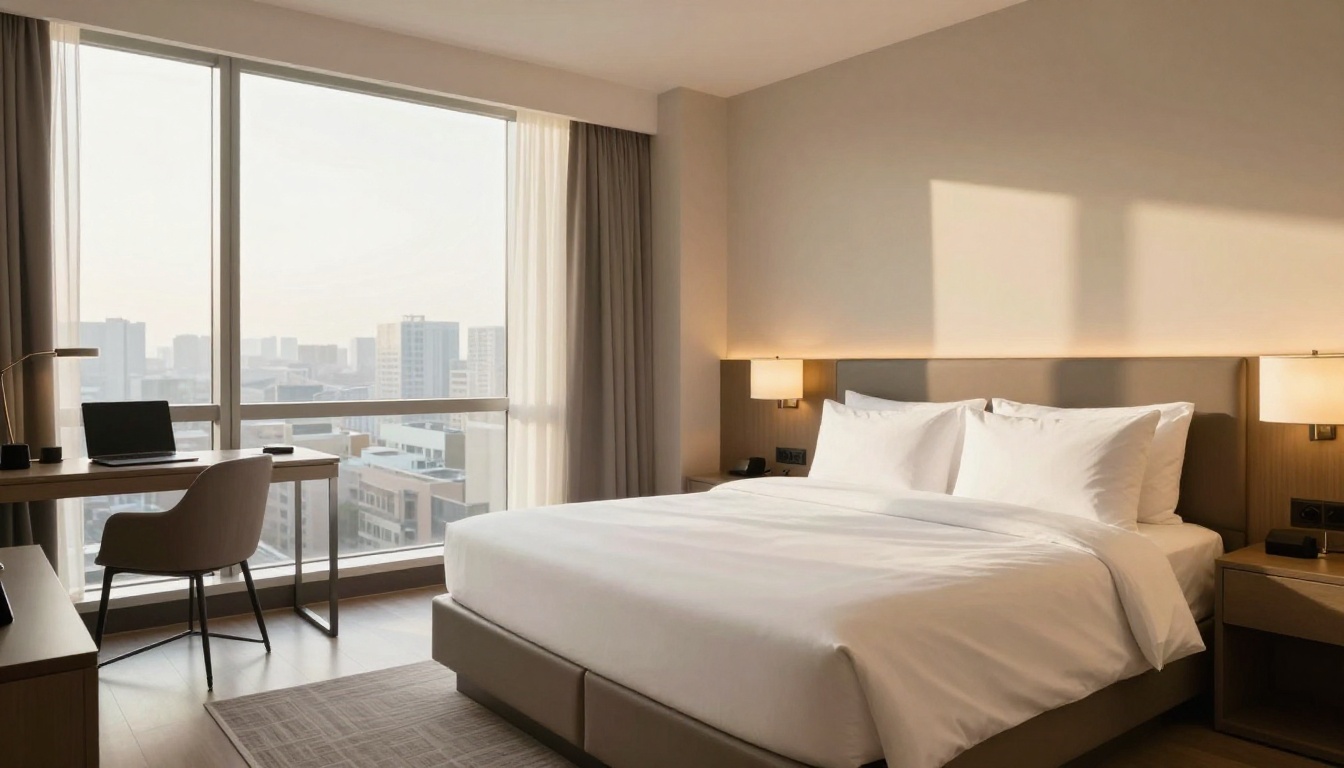
This is the heart of the document. Show the room types, the number of rooms each night, and the group rate.
| Room Type | Oct 14 | Oct 15 | Oct 16 | Group Rate |
|---|
| Standard King | 60 | 80 | 80 | $219 |
| Standard Double | 30 | 30 | 30 | $219 |
| Executive King | 10 | 10 | 10 | $259 |
| Suite | 2 | 2 | 2 | $389 |
Add a short list under the table so nothing is hidden:
- Rates are quoted per room, per night, before 14.5% tax.
- Resort fee of $25 per night is waived for group attendees.
- Complimentary Wi-Fi in guest rooms and meeting spaces.
- Check-in at 3:00 PM and check-out at 11:00 AM.
Spell Out the Booking Method
Planners want to know how guests reserve. Offer a dedicated booking link, a rooming list option, or both. Explain the cutoff date, which is when unreserved rooms return to general inventory. A typical cutoff is 30 days before arrival.
⚠️ Watch out: Never bury fees in a footnote. Hidden costs are the fastest way to lose trust, and a planner who finds one will question the rest of the numbers.
Section 3: Meeting and Event Space
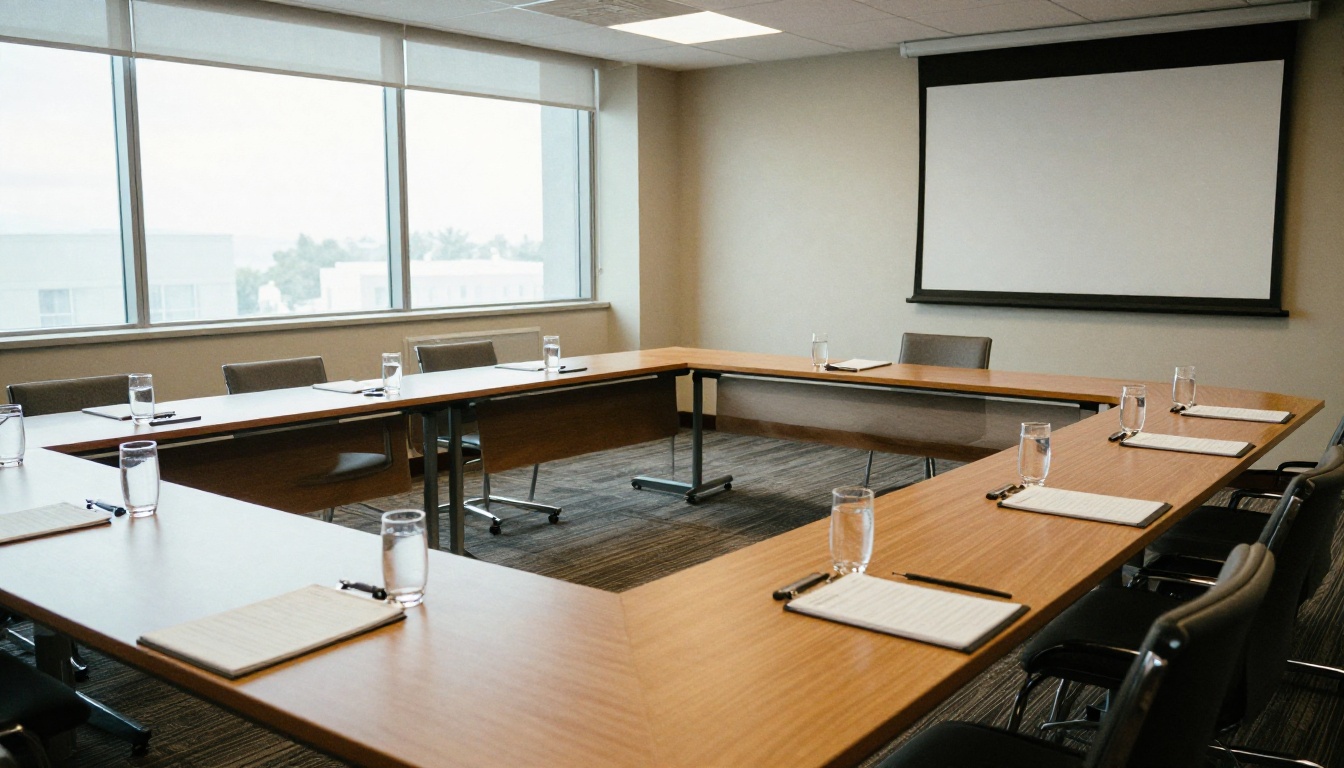
Capacity charts are the most useful single page in the document. Show the room name, size, ceiling height and capacity by layout.
| Space | Size (sq ft) | Theater | Banquet | Classroom | U-Shape |
|---|
| Grand Ballroom | 4,800 | 400 | 280 | 200 | 80 |
| Skyline Room | 2,100 | 160 | 120 | 90 | 50 |
| Boardroom A | 600 | n/a | n/a | n/a | 20 |
| Breakout 1 to 4 | 450 each | 40 | 30 | 24 | 18 |
Add Floor Plans and Setup Photos
A table gives numbers, but a photo gives confidence. Include one image per major room in a realistic setup. If you have a floor plan, place it next to the capacity chart so the planner can see the walking distance between sessions and breaks.
Section 4: Food and Beverage
Group buyers care about the per-person cost and the minimum spend. List sample menus for breakfast, a mid-morning break, lunch and a reception.

| Meal | Sample Menu | Price per Person |
|---|
| Continental breakfast | Pastries, fruit, coffee and juice | $32 |
| Morning break | Coffee, tea and snacks | $18 |
| Plated lunch | Choice of three entrees | $58 |
| Evening reception | Hors d'oeuvres and two drinks | $76 |
State the service charge and tax in a single line. For example: All food and beverage is subject to a 24% service charge and 8.5% sales tax. Short, honest, and impossible to misread.
Section 5: Concessions and Value Adds
Concessions show the planner what the relationship is worth to you. Tie each one to a performance level so the terms stay fair.
| Concession | Condition |
|---|
| One complimentary room per 40 booked | Based on rooms actually used |
| Ballroom rental waived | F&B minimum of $60,000 met |
| Complimentary Wi-Fi in meeting rooms | Always included |
| Upgrade for the planner | Based on availability |
| Reduced parking rate | Group of 50 rooms or more |
Section 6: Terms and Next Steps
Keep legal language short in the proposal and refer to the full contract for details. Cover these points in plain words:
- Attrition: the group may release up to 10% of the block without penalty.
- Deposit: 25% of estimated room revenue due at signing.
- Cancellation: sliding scale based on the notice period.
- Proposal expiry: the date the held space is released.
End with a single clear action: Reply by September 20 and we will send the contract the same day.
Writing Tips That Win Group Business
Strong proposals share a few habits. They are specific, they are quick to read, and they sound like a person wrote them.

Use Plain Language
Replace "we are delighted to offer a bespoke experience" with "we will set your ballroom in rounds of ten and open it at 7 AM for setup." The second sentence is a promise the planner can picture.
Show the Total Cost Early
Do not make the reader add things up. A one-line estimated total near the top builds trust, and the detailed tables behind it prove the number.
Offer a Site Visit
A walk-through often decides the deal. Include a line inviting the planner to tour the property, and mention two or three dates that work. Many sales managers also offer a virtual walk-through with photos in the proposal for planners who cannot travel.
Follow Up With a Schedule
Plan a gentle rhythm: confirm receipt on day one, answer questions on day three, and check in before the expiry date. Never send the same message twice.
✅ Best practice: Track which pages a planner opens. If they spend time on the rates page and skip the menus, your follow-up should talk about pricing, not food.
Common Proposal Mistakes
Even strong properties lose business to avoidable errors. Here are the ones that show up most often.
| Mistake | Why It Hurts | Fix |
|---|
| 30-page PDF with no summary | Planners stop reading | Add a one-page overview |
| Rates without taxes and fees | Looks misleading | Show net and total clearly |
| Generic stock photos | No trust | Use real photos of your rooms |
| No expiry date | No urgency | Set a firm hold date |
| Large attachment file | Blocked by email filters | Share a link instead |
Skipping the Visuals
Text-only proposals are easy to ignore. A planner choosing between two hotels with similar rates will favor the one that shows the ballroom in real use.
Sending Files That Are Hard to Open
Large PDFs bounce, load slowly on phones and cannot be updated after they are sent. This is where a digital format helps.
Turn Your Proposal Into a Flipbook
A static PDF cannot tell you whether it was read. An interactive flipbook can. With Flipbooks AI, you can convert your proposal into a page-turning, mobile-friendly document with a single shareable link.
How to Create a Group Proposal Flipbook with Flipbooks AI
- Get started. Create an account and open the dashboard. Take a look at the Hotel Brochure Designer if you want a ready-made starting layout.
- Upload your PDF. Drop in the proposal exported from Word, Canva or your sales software. The PDF to Flipbook Converter turns every page into a flip-ready spread within moments.
- Customize the look. Add your logo, set your brand colors and choose a page-turn effect. Insert images, a property video or an audio welcome message from the sales manager.
- Choose sharing options. Copy a direct link for email, or use an embed code to place the proposal on your group sales page. Turn on password protection for sensitive pricing.
- Turn on analytics. On the Professional plan, see which pages were viewed and for how long. You can also collect leads with a short form before the flipbook opens. Check the pricing plans to see what is included.
- Allow offline download. Let the planner save a copy to review on a plane or share with a committee.
💡 Pro tip: Build one master flipbook per property, then duplicate it for each prospect and change only the cover letter and the dates. That keeps your response time under an hour.
PDF vs Flipbook for Group Proposals
| Feature | Standard PDF | Flipbooks AI Flipbook |
|---|
| Mobile reading | Pinch and zoom | Responsive layout |
| Video and audio | Not supported | Embedded directly |
| Page view tracking | None | Analytics (Professional) |
| Updating after sending | Resend a new file | Edit the same link |
| Password protection | Limited | Built in |
| Watermarks | Depends on tool | None, ever |
Related Tools Worth Using
A Real-World Example
Picture a 180-room hotel that handles about 60 group inquiries a month. The sales team used to send a 24-page PDF. Replies took days, and planners often asked for the same details again.
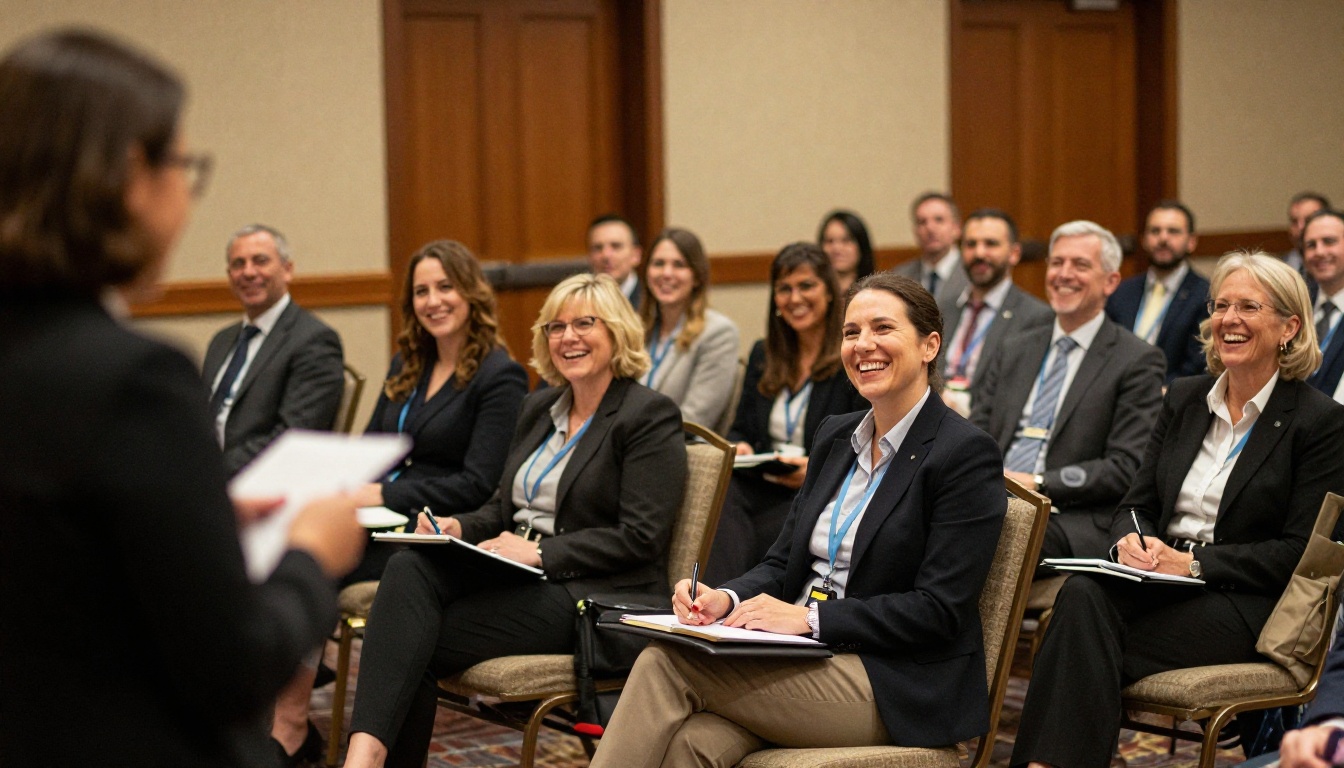
After moving to a flipbook with a summary page, a rate table and a capacity chart, the team could see that most planners spent the longest on the meeting space page. They moved that page earlier and added photos of real sessions. Inquiries that reached the site-visit stage rose noticeably, because the planner arrived already confident in the space.
Quick Checklist Before You Send
- Dates and availability are in the first paragraph.
- Room rates show taxes and fees.
- Capacity chart matches the layouts you can really build.
- Food and beverage minimums are stated in one place.
- Concessions are tied to clear conditions.
- Attrition, deposit and cancellation terms are brief and honest.
- The expiry date is visible.
- Every photo is a real picture of your property.
Make Your Next Proposal Count
Group business is won by the property that makes the decision easy. A clear summary, honest rate tables, a useful capacity chart and a simple next step will beat a long document every time.
Ready to send something planners will actually open? Get started for free on Flipbooks AI, browse the tools and templates for hospitality teams, and compare pricing plans to pick the one that fits your sales volume. When you are ready for analytics and lead capture, head straight to the Professional plan.



