The seatback pocket used to hold a safety card, an airsickness bag and a thick glossy magazine. Now many pockets hold only the card. Airlines pulled print copies for weight, cost and hygiene reasons, but the editorial teams, advertisers and destination partners behind those magazines did not disappear. They moved to screens. If you run a publication that used to live in a seat pocket, a tool like Flipbooks AI shows how the same layouts can reach passengers on their own phones.
This article breaks down what airlines actually do after pulling print, which formats work, what the numbers look like, and how to build your own digital edition step by step.
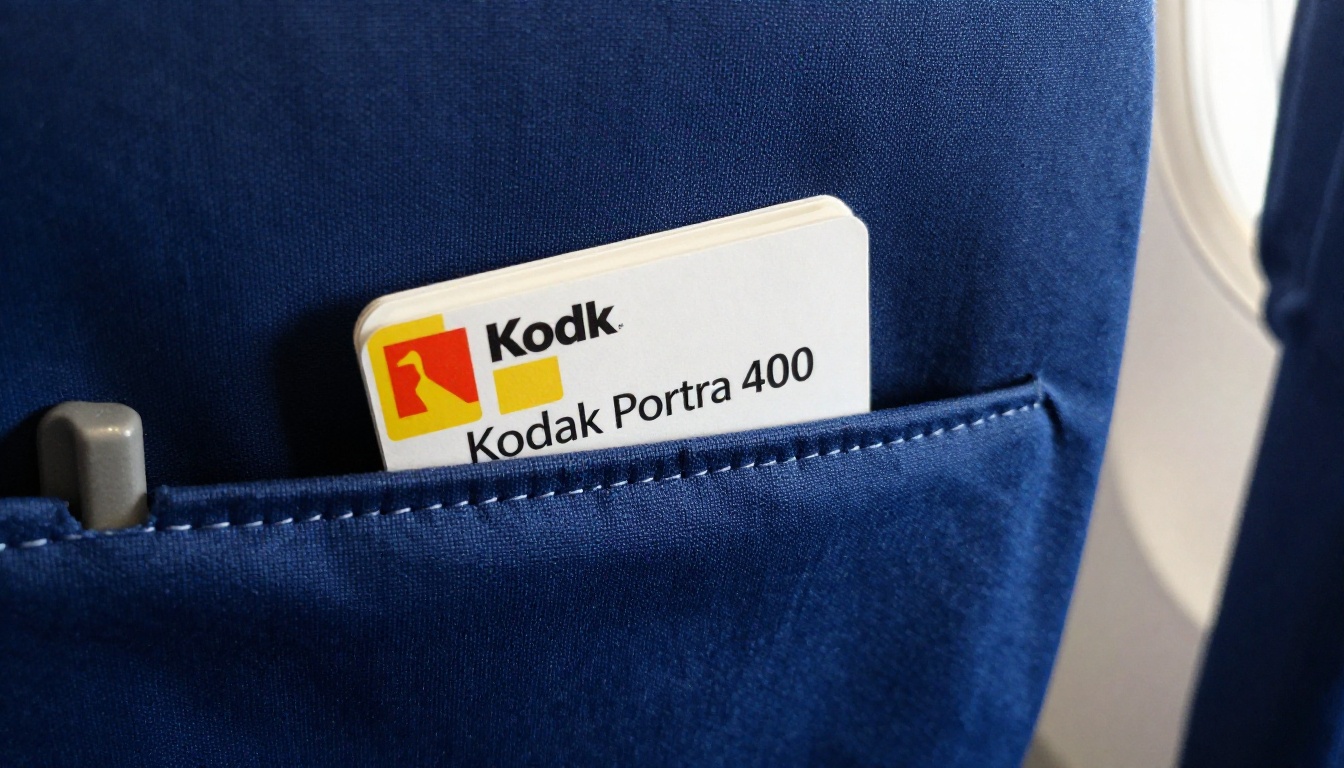
Why Airlines Pulled Print
Three pressures hit at once, and none of them reversed.
- Weight and fuel. A stack of magazines across a full fleet adds up. Every kilogram removed from a cabin trims fuel burn on every flight.
- Hygiene. After 2020, shared paper handled by hundreds of passengers became a liability. Many carriers never put it back.
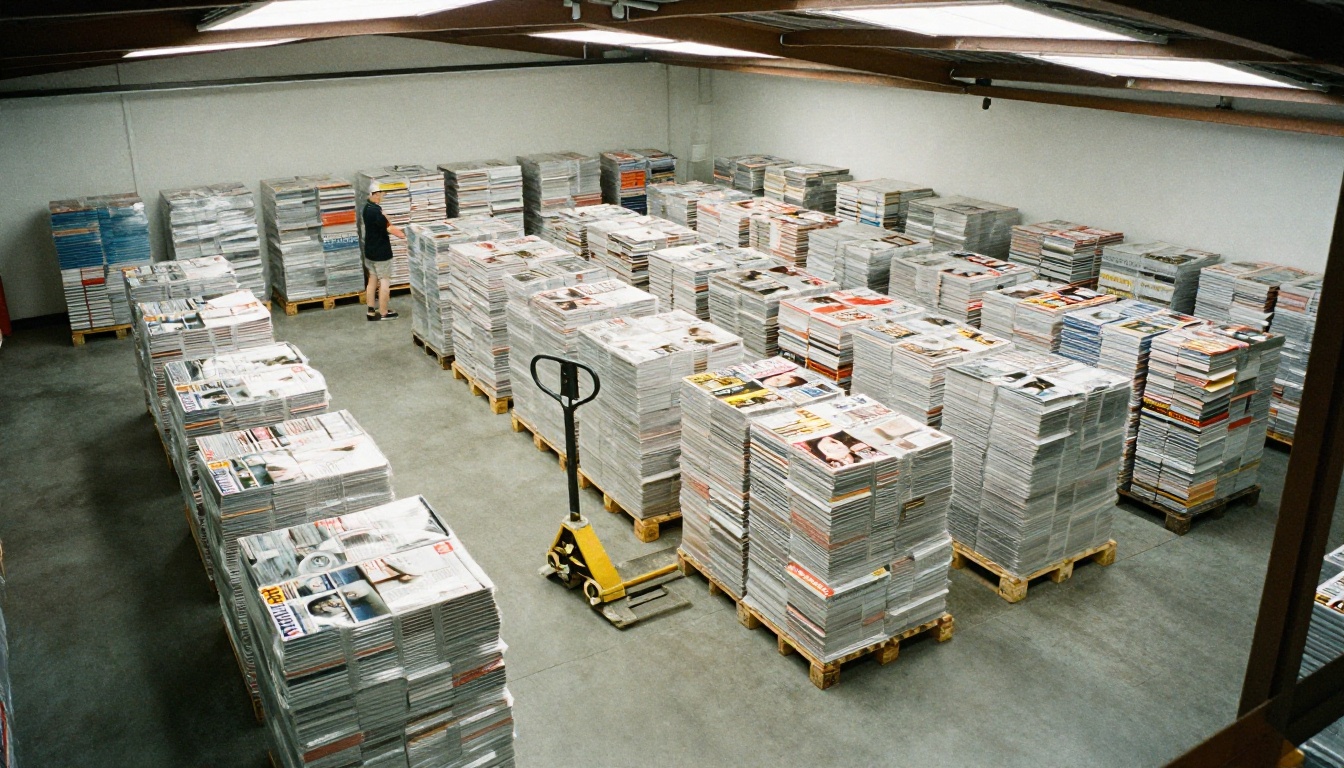
- Logistics. Printing, shipping to hubs, swapping monthly editions and discarding unread copies created cost and waste.
The result is a content gap. Passengers still have two to fourteen hours to fill. Advertisers still want an audience that is captive and affluent. The medium changed, not the demand.
💡 Pro tip: Treat the pulled print edition as a design asset, not a loss. Your existing PDF layout is the raw material for the digital version.
What Airlines Do Instead
Carriers have settled on a handful of delivery patterns. Most use more than one.
QR Codes on the Seat and Tray
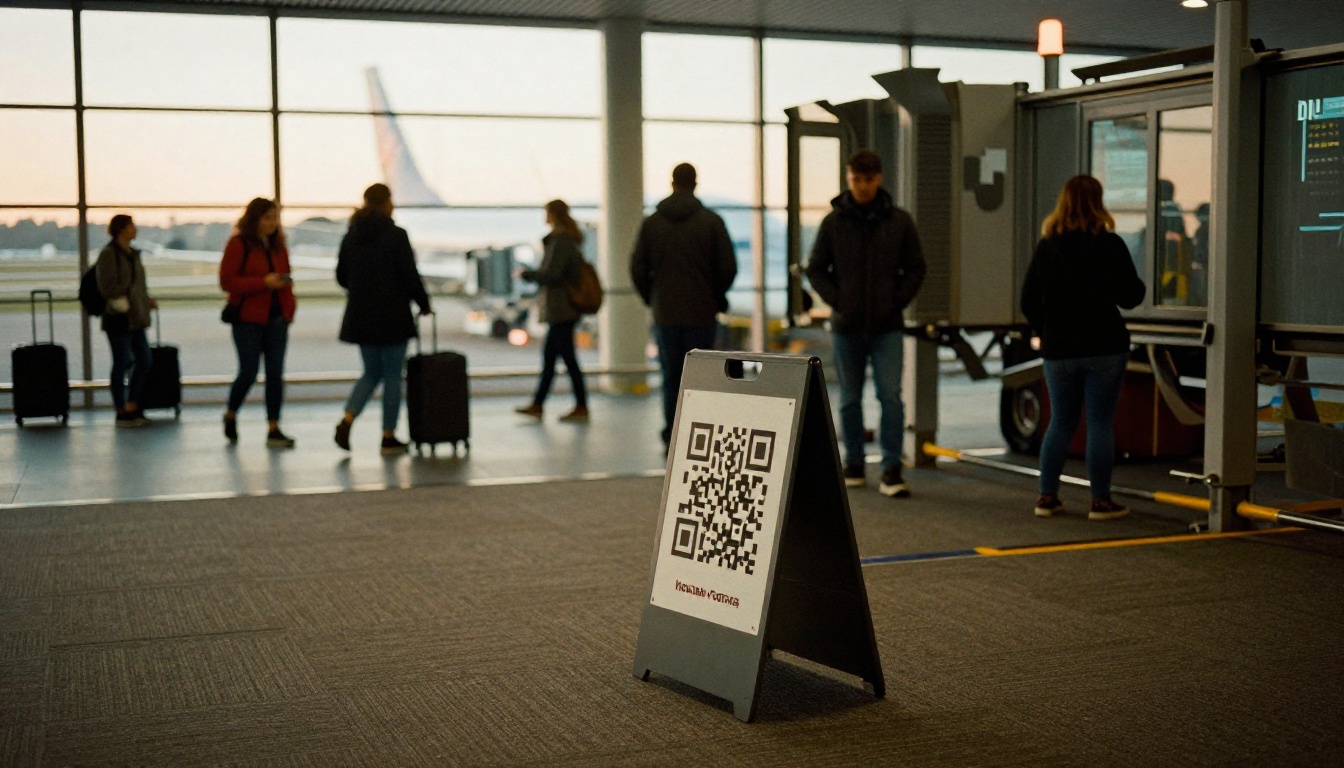
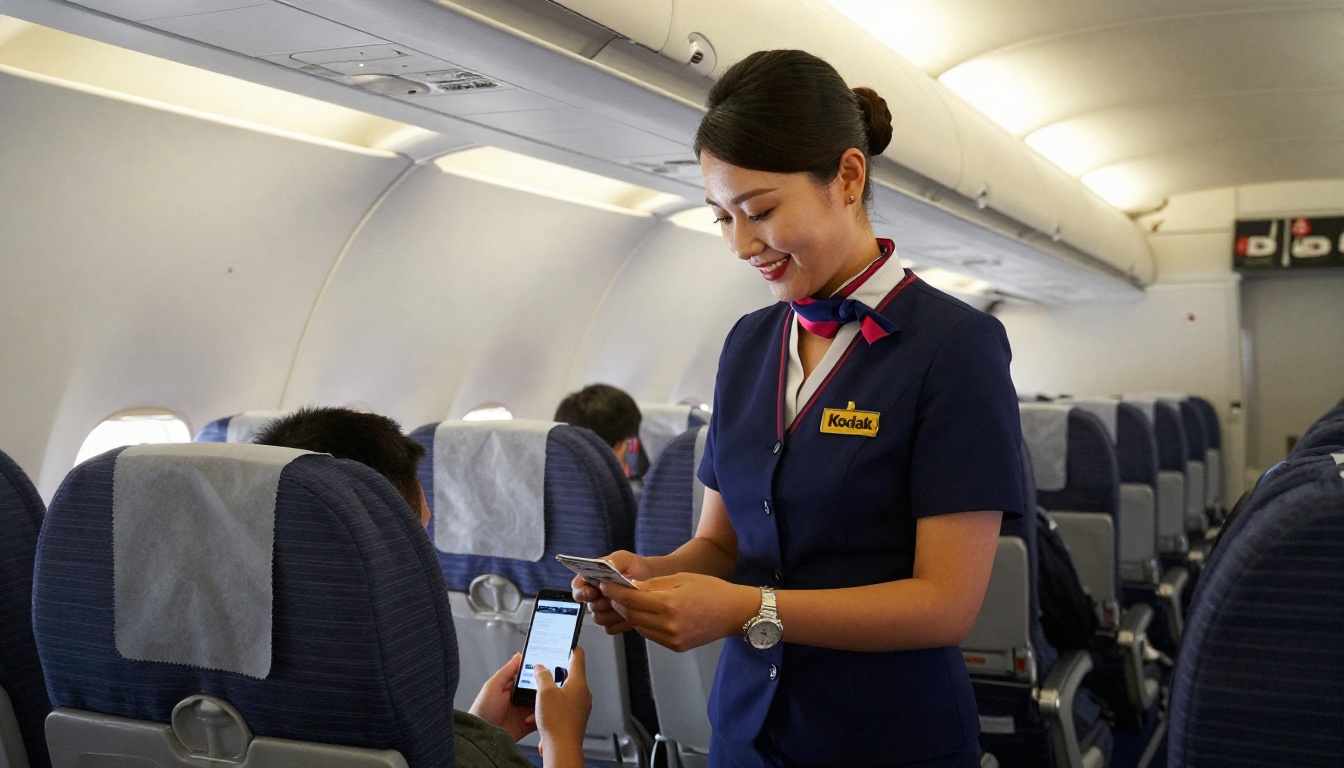
A small printed code on the tray table, headrest or safety card opens the magazine in the passenger's browser. No app download is required, which matters because passengers rarely install an app for a single flight.
Inflight Entertainment Portals
Some airlines place the magazine inside the seatback screen or the wireless streaming portal. This works well on aircraft with built-in systems, but it ties the magazine to specific fleets.
Pre-Flight Email and Boarding Pass Links
Others send the link with the booking confirmation or check-in message. Passengers can download the edition at home on free Wi-Fi, which solves the problem of weak or paid inflight connectivity.
Airport Lounge and Gate Displays
Terminal screens and lounge tablets extend the reach to people who have not yet boarded.
Comparing the Delivery Options
| Delivery method | Needs internet in flight | Setup effort | Best for |
|---|
| QR code in browser | Only to open, then cached | Low | Every passenger with a phone |
| Seatback screen portal | No | High | Wide-body fleets with IFE |
| Email or boarding pass link | No, if downloaded early | Low | Loyalty members |
| Lounge and gate screens | No | Medium | Premium and transit audiences |
| Downloadable PDF | No | Low | Offline reading, but no interactivity |
For most airlines the QR route wins, because it combines low setup cost with the largest possible audience.
Why Flipbooks Beat Plain PDFs
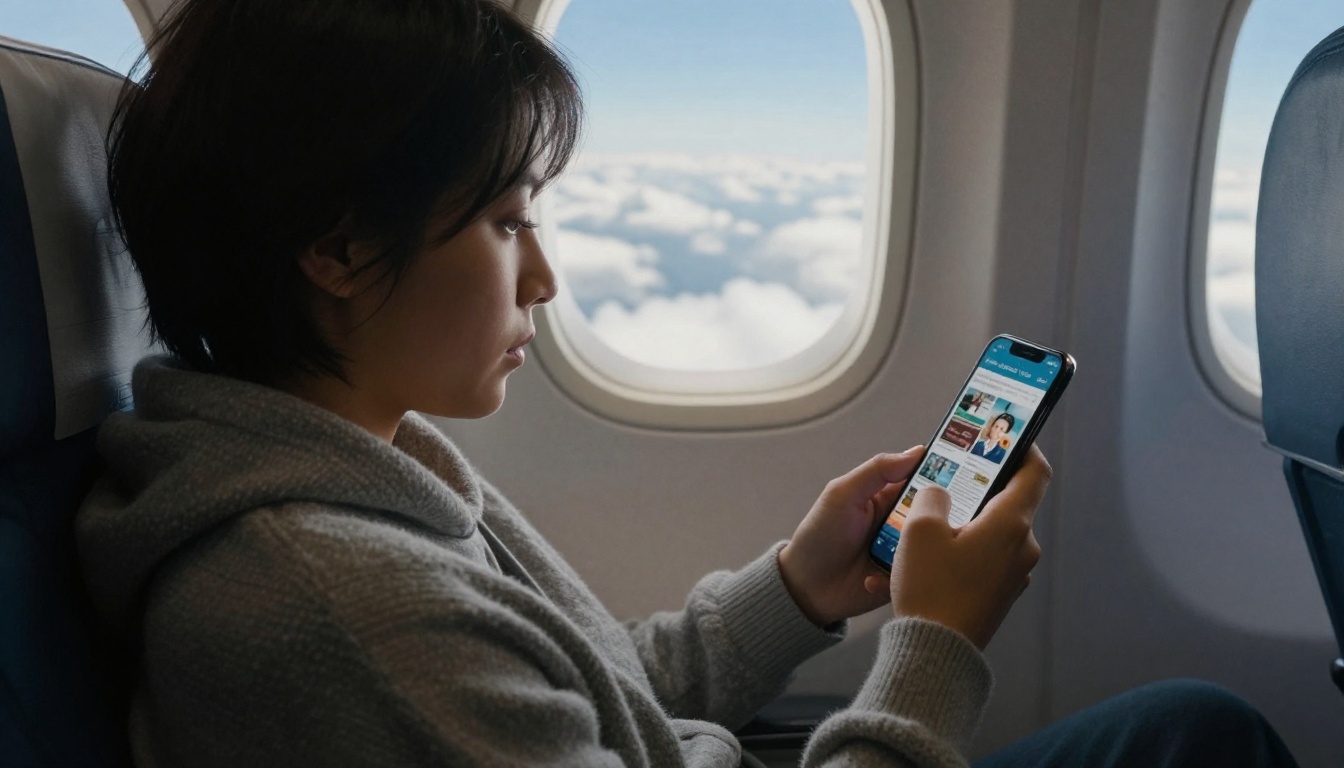
A raw PDF on a phone is a frustrating experience. Pinch, zoom, scroll sideways, lose your place. Airlines that tried it saw readers leave after a page or two.
A flipbook keeps the magazine feel: real page turns, a table of contents, and layouts that adapt to the screen. Magazine Flipbook Creator and E-Magazine Publishing Tool are built for exactly this conversion.
| Feature | Plain PDF | Flipbook |
|---|
| Page turn effect | None | Yes |
| Mobile responsive | Poor | Yes |
| Clickable links and video | Limited | Yes |
| Reader analytics | None | Yes |
| Branding and custom domain | No | Yes |
| Password protection | Rare | Yes |
The Real Cost of Print
Print is not only the press run. Here is a rough breakdown of what an airline publisher pays for each monthly edition.
| Cost line | Print edition | Digital edition |
|---|
| Printing | Highest single cost | None |
| Shipping and warehousing | Significant | None |
| Cabin loading labor | Recurring | None |
| Waste and unread copies | Constant | None |
| Design and editorial | Same | Same |
| Hosting and tools | None | Small monthly fee |
Design and editorial stay the same. Everything else collapses into a software subscription. That is why even airlines that loved their printed magazines struggled to justify bringing them back.
How Ad Sales Survive the Move
Advertisers worried most about the switch. A page in a seat pocket was easy to sell. A tappable page on a phone needed a new pitch, and it turned out to be a stronger one.
- Measurable results. Print gives a circulation figure. Digital gives opens, page views, time per page and clicks.
- Clickable offers. A hotel ad can link directly to a booking page. A tourism board can link to an itinerary.
- Video and audio. A destination ad can play a short clip instead of showing a still.
- Flexible placement. Advertisers can swap creative mid-month without a reprint.
A tourism board, for example, can buy a six-page destination feature, embed a 30-second video and track how many readers tapped through to the visitor site. That is a case no printed page could ever make.
✅ Best practice: Give advertisers a monthly report with page views per ad and click counts. It turns a vague brand buy into a renewable one.

How to Publish Your Digital Edition With Flipbooks AI
If your magazine already exists as a PDF, you are most of the way there. Here is the workflow, from export to onboard link.
Step 1: Export Your Layout
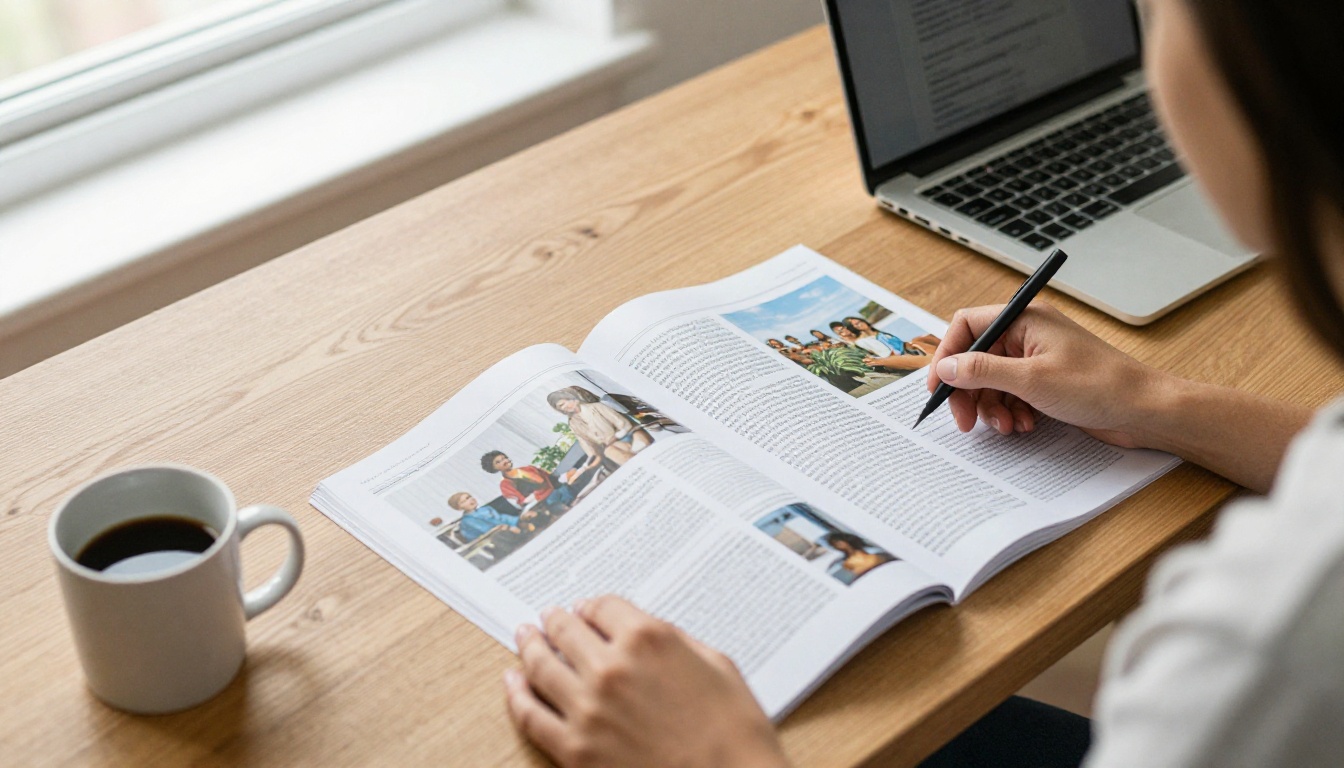
Export the finished magazine as a high-resolution PDF from InDesign, Affinity or whichever layout tool you use. Keep spreads as single pages if you want a classic page turn.
Step 2: Upload and Convert
Create an account and upload the file. The PDF to Flipbook Converter turns it into a responsive flipbook in minutes, with no watermarks.
Step 3: Customize the Look
Add your airline or publisher logo, set brand colors, choose a page flip effect and add multimedia where it helps: a destination video, an audio interview, a clickable map.
Step 4: Add Links and Calls to Action
Link every ad, booking offer and destination story to a live page. Use clear buttons rather than small text links, since passengers read with a thumb.
Step 5: Share and Embed
You have several options:
- Copy a direct link and turn it into a QR code for tray tables and boarding passes.
- Use the Embed Flipbook on Website option to place it in your airline's travel hub or app.
- Protect premium editions, such as business class issues, with a password.
- Enable offline downloads so passengers can open the issue once and keep reading in airplane mode.
Step 6: Track and Improve
Professional plan features include analytics and lead generation. See which stories get the longest reading time, which ads get tapped, and which pages readers abandon. Use that to plan next month's issue.
⚠️ Warning: Do not rely on live connectivity. Many routes have patchy or paid Wi-Fi. Always offer an offline-ready version or a pre-flight download link.
Designing for a Phone, Not a Seat Pocket
A magazine built for an 8 by 11 inch page behaves differently on a six-inch screen. A few changes make a large difference.
- Shorter paragraphs. Break long text into two or three sentence blocks.
- Larger type. Body text under 14 points becomes hard to read on a vibrating airplane.
- Fewer columns. Three-column grids shrink poorly. Use a single column for features.
- Tap targets. Buttons should be big enough for a thumb, with space around them.
- Cover image first. The opening page decides whether a passenger keeps reading.
What to Keep From Print
Do not strip the magazine of its identity. Large photography, strong headlines and the feeling of turning a page are the reasons people read inflight magazines in the first place.
What to Add
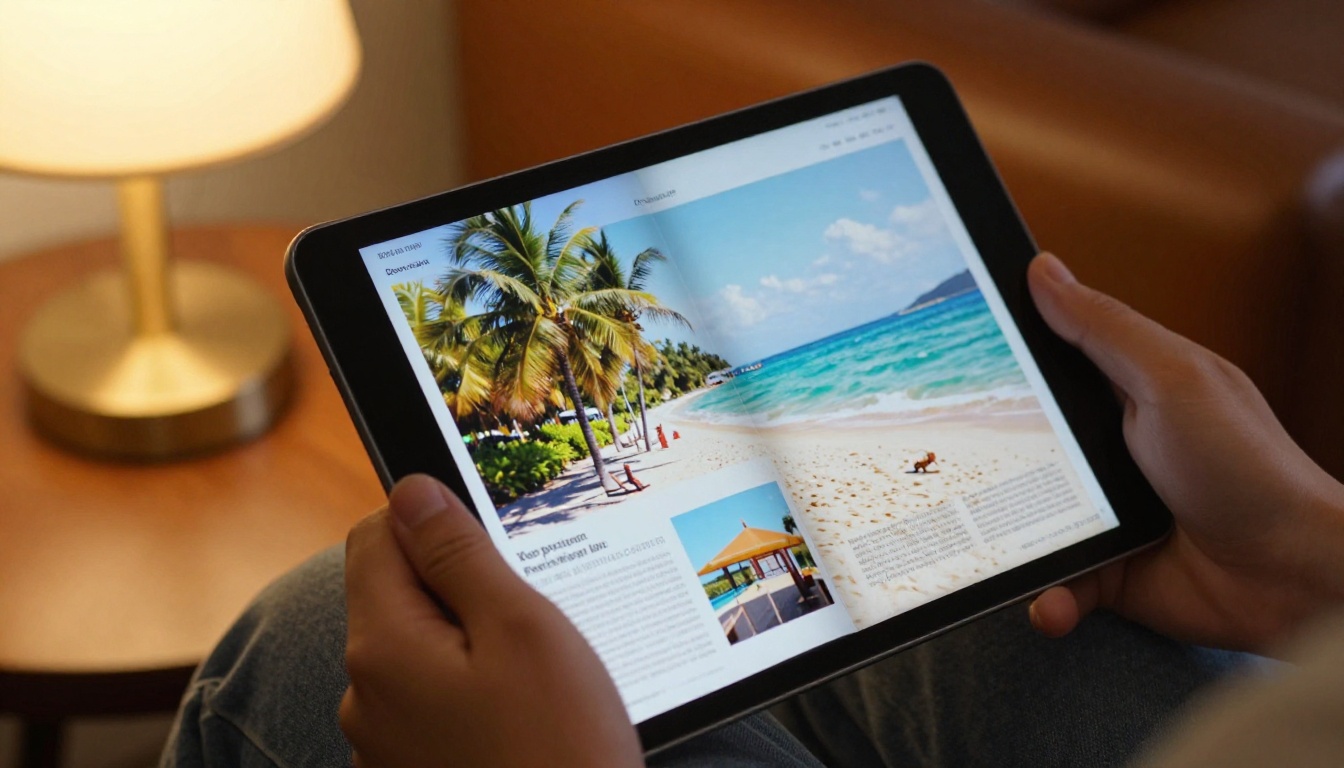
Add things print could never offer: embedded video of the destination, audio from the captain's welcome, live links to book a hotel, and a map the reader can tap.
Real-World Use Cases
The same approach is not limited to large airlines.
- Regional carriers can publish a small seasonal magazine promoting local tourism partners, instead of paying for a short print run.
- Charter and private aviation operators can send a personalized destination brochure by link before boarding. A Travel Guide Flipbook fits this well.
- Airports can publish a terminal shopping and dining magazine, and link it from gate signage.
- Cruise lines and rail operators facing the same print cost problem can reuse the method.
- Hotels and tourism boards can supply their own flipbook for airlines to host as a sponsored section.
A tourism board for a small island, for instance, can build a 24-page flipbook with video, upload it once and share a single link with every airline that flies there.
Common Mistakes to Avoid
- Posting a raw PDF. Readers leave within seconds. Convert it to a flipbook instead.
- Hiding the QR code. If it is not on the tray table or boarding pass, nobody scans it. Make it obvious and tell passengers what they get.
- Ignoring offline use. A link that needs a strong signal fails over the ocean.
- Skipping tracking. Without data, you cannot show advertisers what they paid for.
- Keeping the same slow release cycle. Digital lets you update a story in minutes. Use it.
Quick Plan for Your First Issue
| Week | Task |
|---|
| 1 | Export the PDF, pick the hero stories, line up advertisers |
| 2 | Upload, convert and brand the flipbook |
| 3 | Add video, links and a QR code for the cabin and the boarding pass |
| 4 | Publish, share, then read the analytics |
Four weeks is realistic for a small team, and the second issue takes far less time because the template already exists.
Ready to Publish Without Print?
The airlines that pulled print copies did not stop publishing. They found a lighter, cheaper and more measurable way to reach the same passengers. You can do the same with the PDF you already have.
Get started for free on Flipbooks AI, browse all flipbook tools, or compare pricing plans to choose what works for your publication. When you are set, pick a plan and publish your first digital issue today.



