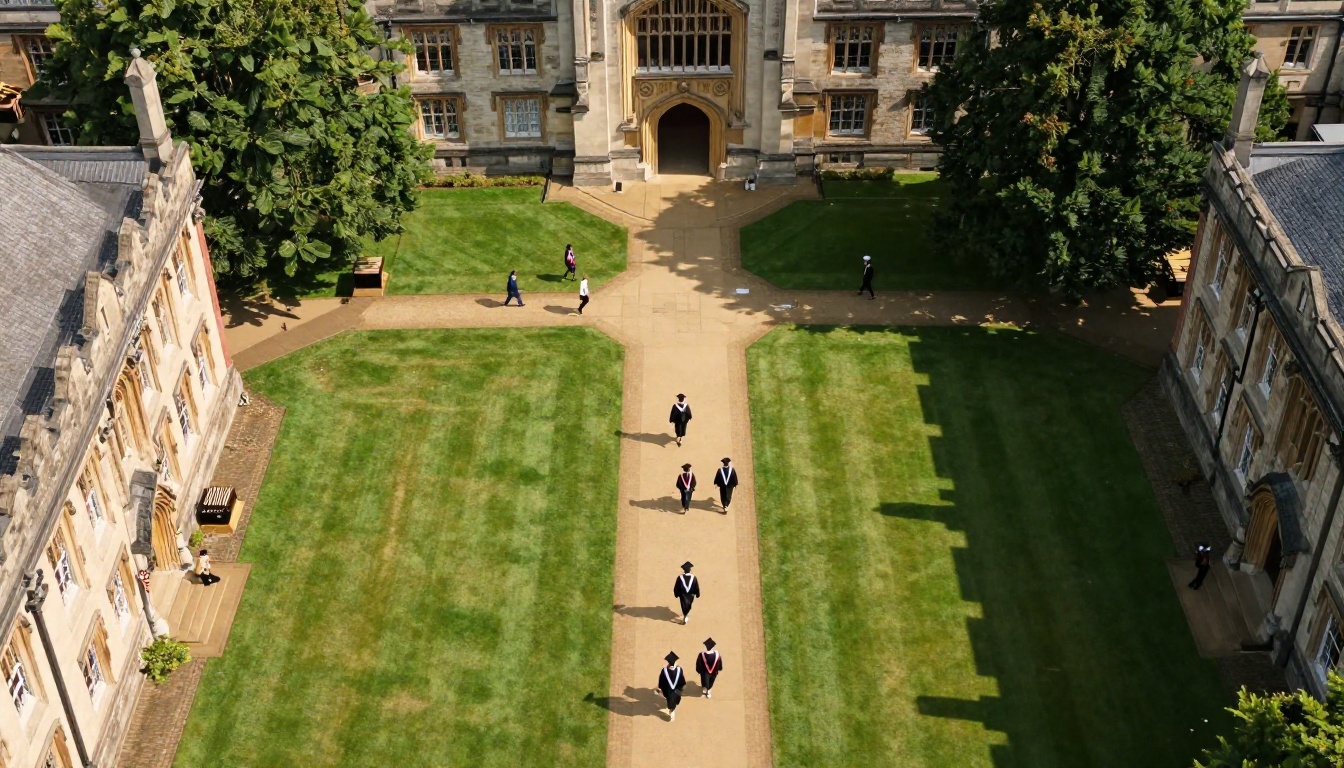
Every year, thousands of alumni magazines go out the door, and a surprising share of them land in the wrong mailbox, a recycling bin, or a returned-mail pile. Graduates move every two to three years. Their addresses go stale faster than your database can be updated. A digital edition solves that problem at the root, and a tool like Flipbooks AI lets a small alumni office publish one in an afternoon, with no design team and no developer.
This article walks through why print alone leaves graduates behind, what a digital edition changes, how to build and distribute one, and how to measure whether it works. Expect real scenarios, comparison tables and a step-by-step tutorial you can follow today.
Why Print Misses Graduates
A printed alumni magazine depends on one fragile thing: a correct mailing address. Alumni offices know the pain well. A class of 2015 graduate may have lived in four cities since commencement, and none of them is the address on file.
The Address Decay Problem
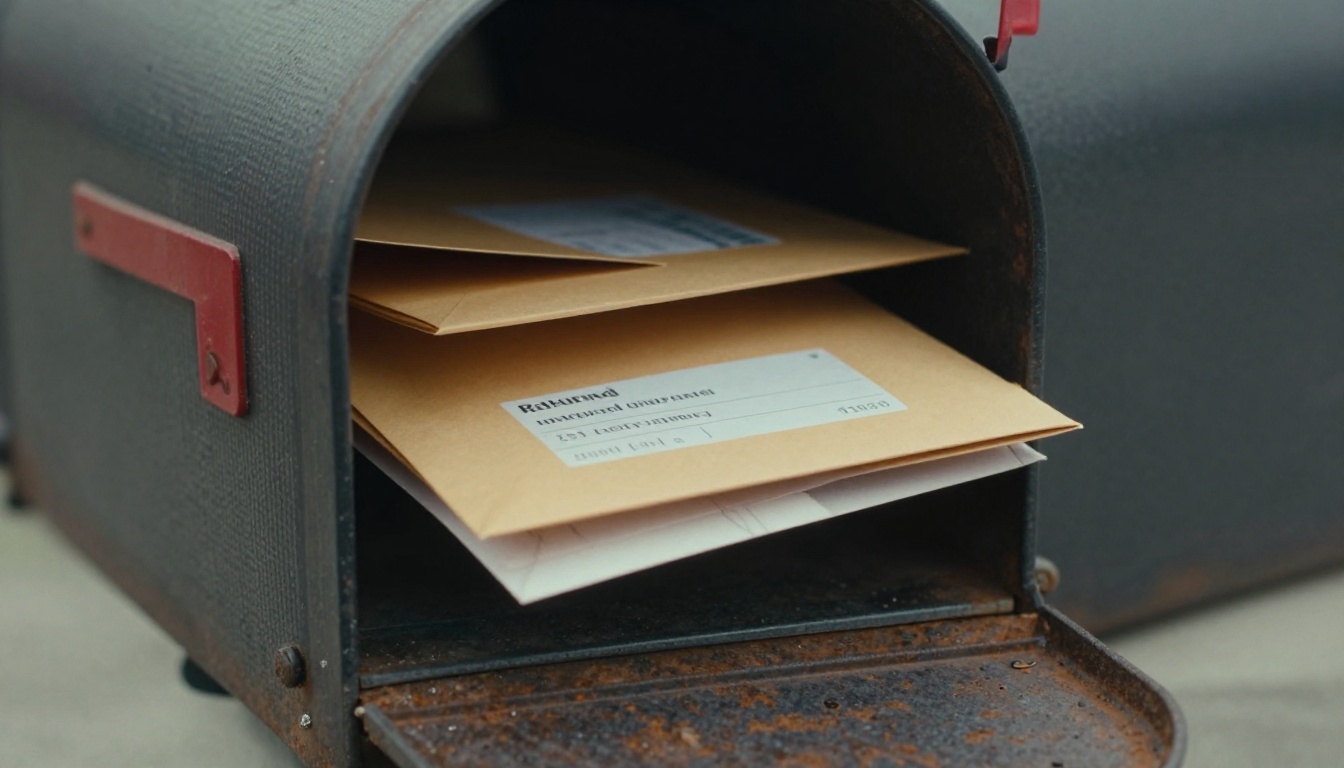
Mailing lists decay at roughly 15 to 25 percent per year for young graduates. Every returned copy is wasted printing, wasted postage and a lost chance to reconnect. The people most likely to move are also the ones early in their careers, the group alumni offices most want to engage for mentoring and giving.
The International Gap
Shipping a magazine abroad is slow and expensive. Some copies arrive months late, others never arrive. For universities with large international student populations, that means a big slice of the alumni community effectively gets no magazine at all.
The Cost Per Reader
Printing and postage often run between $2 and $6 per copy. When 20 percent of copies never reach a reader, the true cost per actual reader climbs quickly.
| Cost Factor | Print Only | Digital Edition |
|---|
| Printing per issue | High, scales with copies | Near zero |
| Postage | $1 to $4 per copy | None |
| Returned mail | 10 to 25 percent wasted | None |
| Reach abroad | Slow, costly | Instant |
| Reader data | None | Opens, time per page, clicks |
| Update after publishing | Impossible | Same day |
💡 Pro tip: Keep print for your top donors and a physical keepsake edition, and use the digital edition for everyone else. Many offices cut print runs by 40 percent and still reach more people.
What a Digital Edition Changes
A digital edition is not a PDF attached to an email. A PDF is heavy, awkward on phones, and invisible to you once sent. A flipbook keeps the page layout alumni recognize, with real page-turning, but lives at a link that opens in any browser.
One Link, Any Device
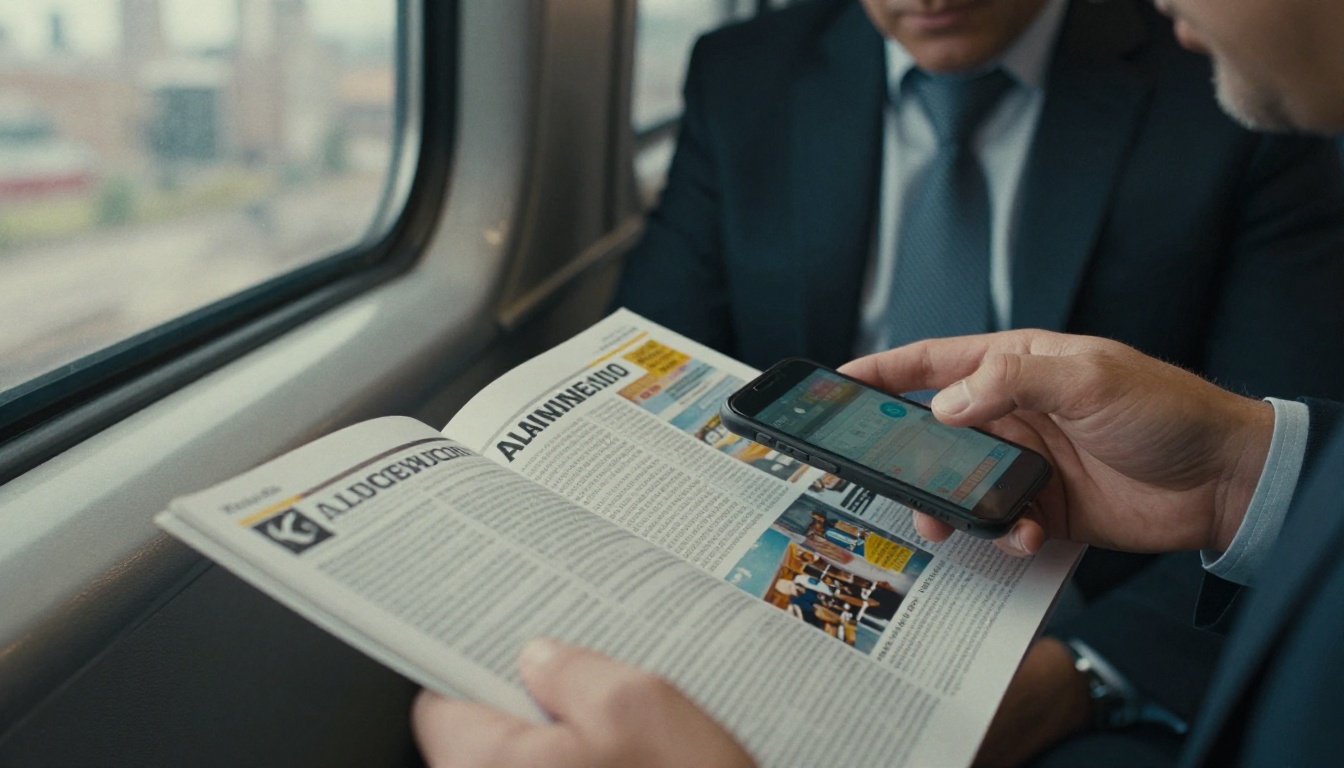
The same link works on a phone during a commute, a tablet at home or a desktop at work. Responsive design means text stays readable without pinching and zooming. Nobody has to install an app or create a login.
Links That Travel With the Person
Email addresses outlast street addresses. Many graduates keep the same personal email for a decade or more, even as they change cities. Send the edition through email, social media, a class group chat or an alumni portal, and it follows the graduate wherever they are.
Multimedia Inside the Pages
Print cannot play a commencement speech. A flipbook can embed video, audio, slideshows and clickable links to giving pages, event registration or career services. That turns a magazine into a working tool for the alumni office.
Searchable and Accessible
Readers can search for their own class year, a favorite professor or a classmate's name. Text can be resized, and the issue stays online as an archive rather than gathering dust in a drawer.
Reaching Every Type of Alum
Not all graduates read the same way. A good distribution plan treats them as distinct groups.
| Alumni Group | Preferred Channel | Best Format Choice |
|---|
| Recent grads (0 to 5 years) | Phone, social, text | Short link, mobile flipbook |
| Mid-career professionals | Email, LinkedIn | Link with a table of contents |
| Retired alumni | Email, print | Large text, print keepsake plus link |
| International alumni | Email, WhatsApp, WeChat | Direct link, no app |
| Major donors | Mail plus email | Printed edition with QR code to digital |
Recent Graduates
They live on their phones. A link in a text message or Instagram story beats any mailing. Keep the opening pages punchy and put class notes up front.
Retired Alumni
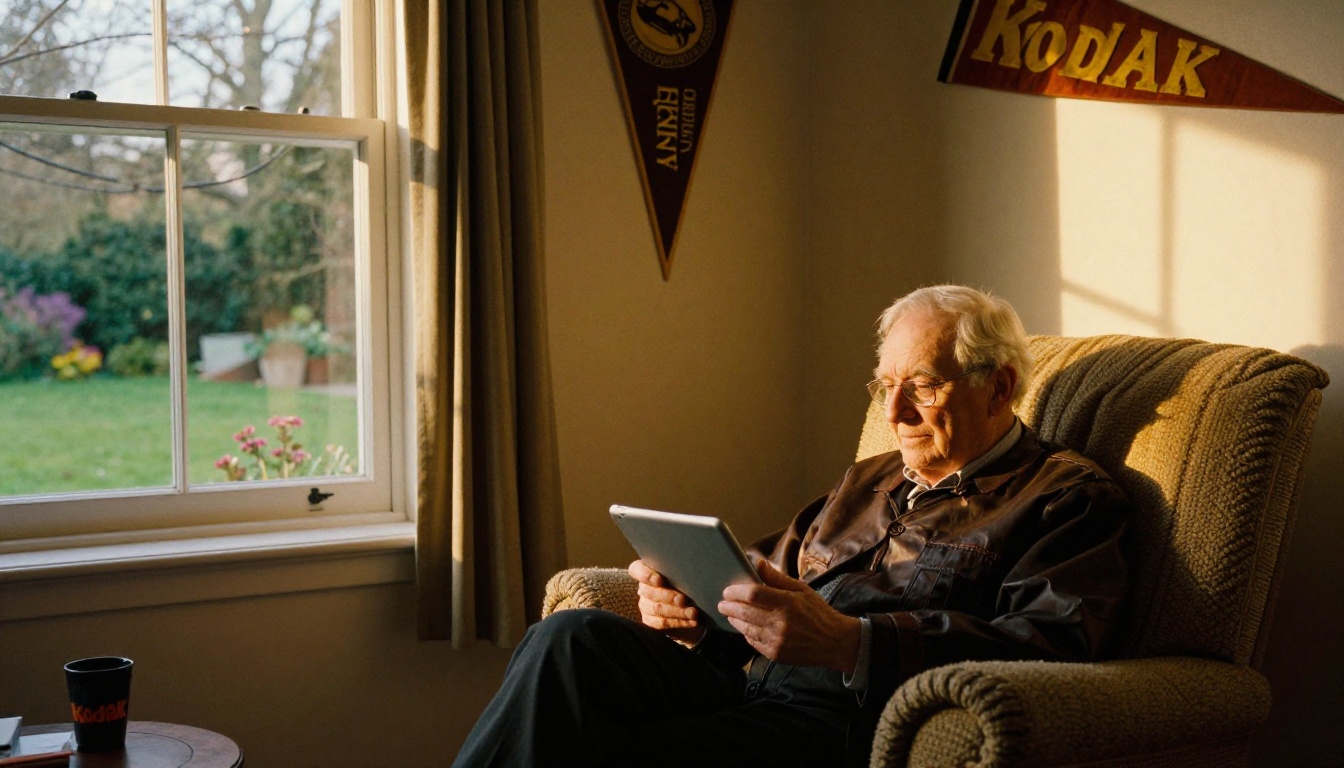
Do not assume older readers reject digital. Many read on tablets because they can enlarge the text. Offer both options and let them choose.
Graduates Overseas
A scenario: a university in Ohio has 1,800 alumni in India, Brazil and Germany. Print copies reached fewer than a third of them. After moving to a flipbook sent by email, the office saw readers from all three countries open the first issue within a week.

How to Build the Edition on Flipbooks AI
If your magazine already exists as a PDF from InDesign, Canva or Word, you are most of the way there. Here is the full process.
Step 1: Create Your Account
Head to Flipbooks AI and sign up. The platform adds no watermarks, so your university branding stays clean.
Step 2: Upload the PDF
Use the PDF to Flipbook Converter and drop in your file. Pages convert in seconds, keeping fonts, photos and layout.
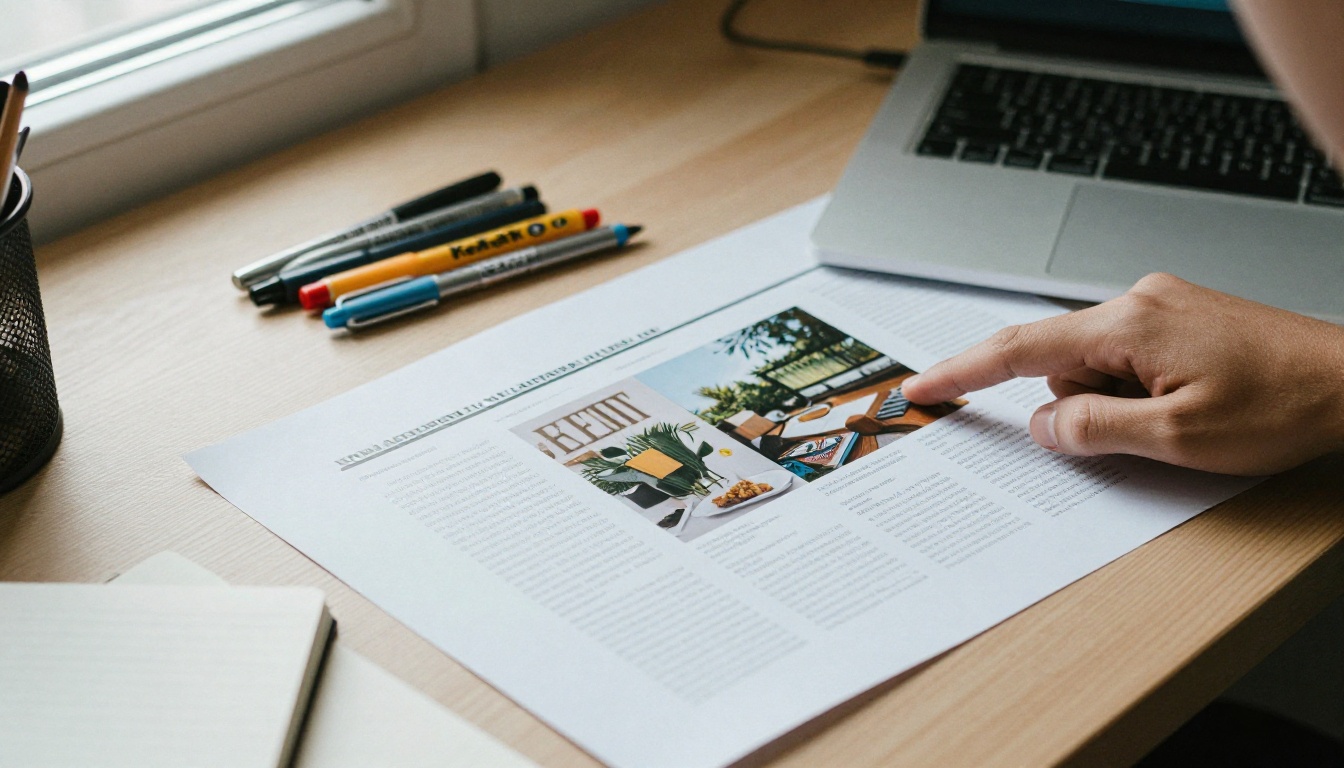
Step 3: Customize the Look
Match the flipbook to your school's identity:
- Add your logo and school colors.
- Choose the page-turn effect and background.
- Add a custom thumbnail so the share preview looks polished.
- Set the cover so the first thing readers see is the issue theme.
The Magazine Flipbook Creator and the E-Magazine Publishing Tool are built for exactly this layout.
Step 4: Add Multimedia
Embed a video message from the president, an audio interview with a retired professor or a link to the giving page. Every link inside the issue becomes a trackable action.
Step 5: Choose Sharing Settings
| Option | Best Use |
|---|
| Direct link | Email, social posts, text messages |
| Embed code | Alumni portal or university website, see Embed Flipbook on Website |
| Password protection | Donor-only editions, class reunion issues |
| Offline download | Alumni with weak internet connections |
⚠️ Warning: If an issue includes private class notes or donor names, turn on password protection and share the password through your alumni portal rather than public social media.
Step 6: Track and Capture Leads
The Professional plan adds analytics and lead generation, so you can see which pages get read and ask readers to confirm their email or update their details. Review the options on the pricing page.
✅ Best practice: Place a short "Update your address" form link on page two. It costs nothing and quietly repairs your database with every issue.
Distribution That Actually Works
Building the edition is half the job. The other half is making sure it lands.
Email With a Strong Preview
Use a subject line that names something specific, like "Your class notes and the new library opening." Include a thumbnail image of the cover linking to the flipbook. Send at consistent times so readers expect it.
QR Codes on Print Pieces
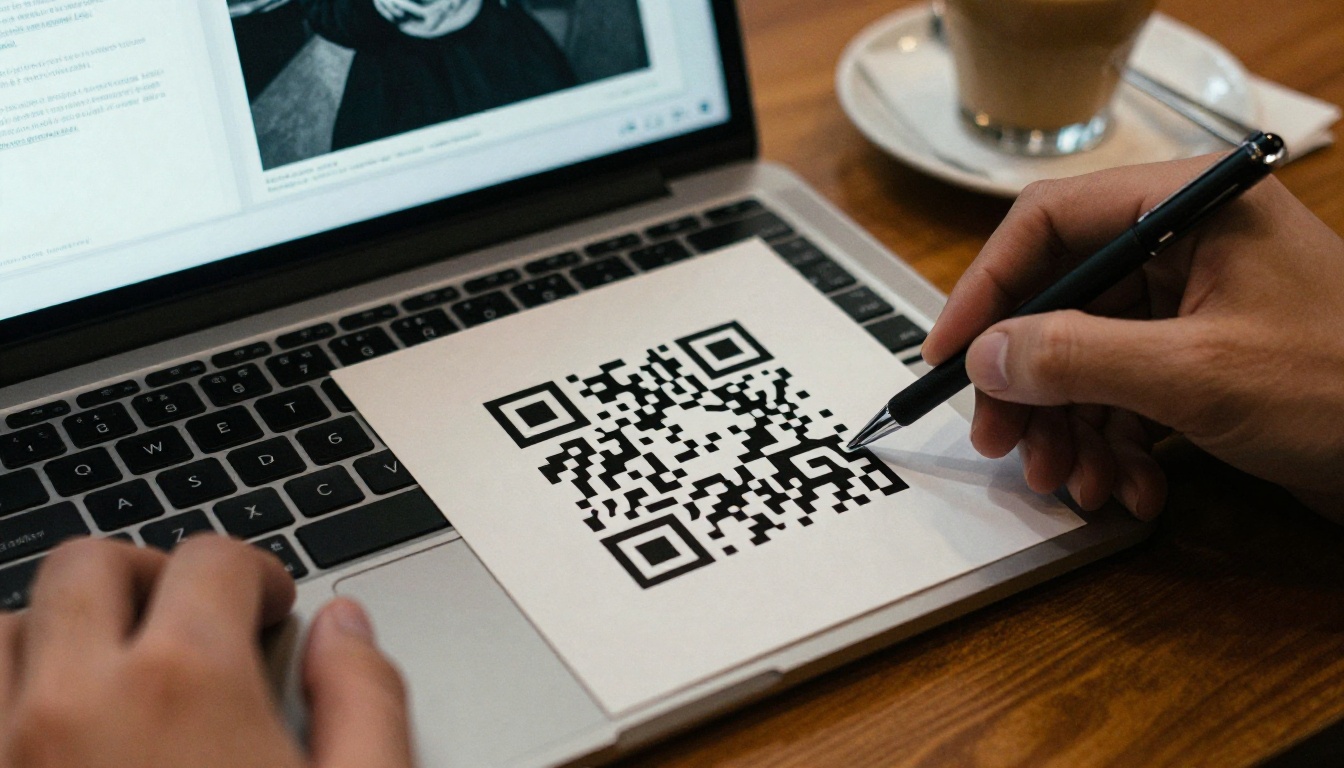
Every printed postcard, reunion invite and giving appeal can carry a QR code to the current issue. That bridges the two worlds and rescues readers who only see paper.
Events and Reunions
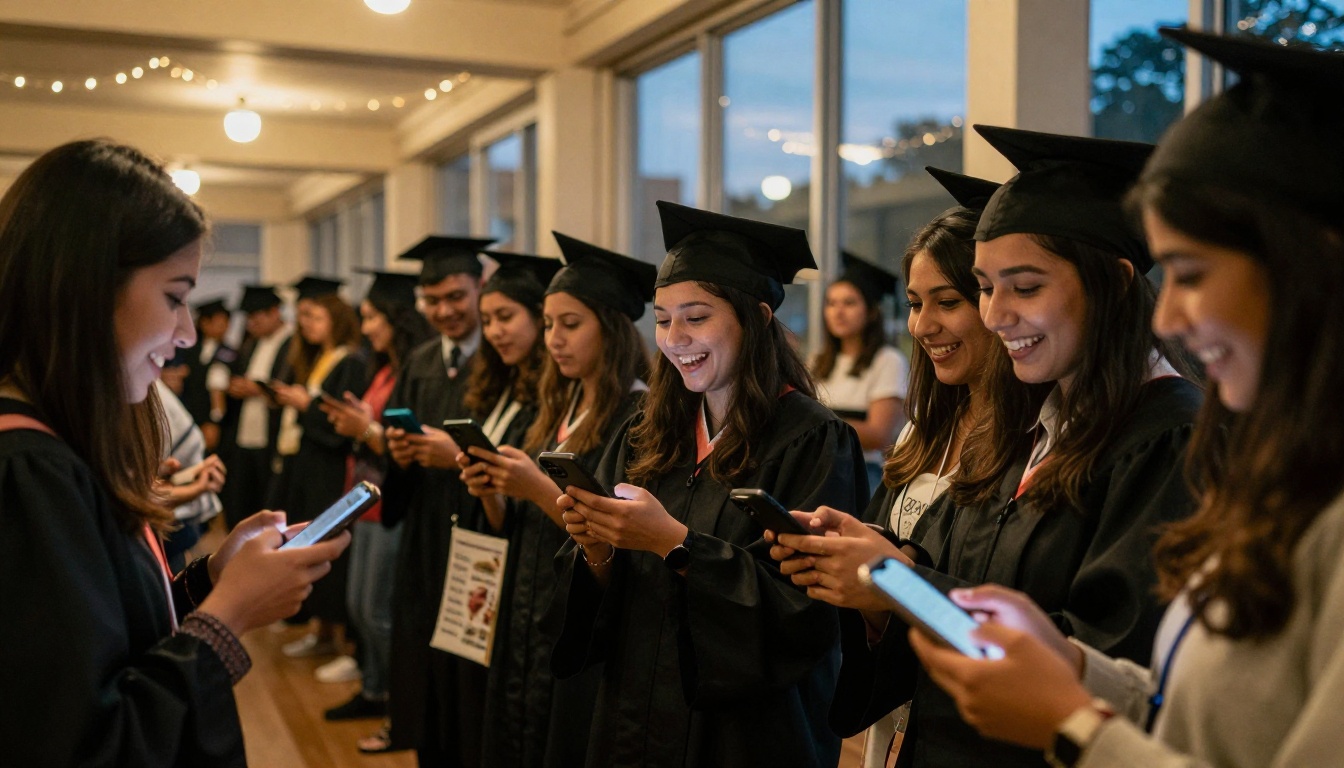
At reunions, put a QR code on the welcome table and name tags. Graduates who attend are already warm; getting their email at the door and sending the issue the next day keeps that warmth alive.
Social and Chapter Networks
Regional alumni chapters and class Facebook groups are powerful. Give chapter leaders a ready-made post with the link and a cover image. Peer sharing beats institutional email every time.
A Simple Weekly Rhythm
| Day | Action |
|---|
| Launch day | Email to full list, post on social channels |
| Day 3 | Chapter leaders share in local groups |
| Day 7 | Reminder email to non-openers |
| Day 14 | Highlight one story as a standalone post |
| Day 30 | Report results to leadership |
Measuring What Matters
Print gives you almost no feedback. A digital edition gives you plenty, as long as you know what to look for.
Metrics Worth Tracking
- Unique readers: how many different people opened the issue
- Pages viewed: which stories held attention
- Time spent: a quick scan or a real read
- Click-throughs: giving, event and career links
- Geography: which countries and cities respond
Turning Data Into Decisions
If class notes get three times the readership of the president's letter, move them forward. If the giving link on page 12 is rarely clicked, try it on page 3. Each issue improves the next.

A Sample Before and After
| Metric | Print Only | Print Plus Digital |
|---|
| Alumni reached per issue | 6,500 | 14,000 |
| Cost per reader | $4.80 | $1.60 |
| Address updates collected | 0 | 900 |
| Giving page visits | Unknown | 1,250 |
These numbers are illustrative, but the pattern is consistent across institutions: more people reached, fewer dollars per reader, and data that did not exist before.
Common Mistakes to Avoid
- Sending a raw PDF. It loads slowly on phones and tells you nothing about readership.
- Dropping print entirely overnight. Phase it down by segment and watch the response.
- Hiding the link. One clear button or link beats three paragraphs of instruction.
- Ignoring the archive. Keep past issues in one library so alumni can browse decades of stories.
- Skipping the mobile check. Open every issue on a phone before you send it.
💡 Pro tip: Build a small test group of five alumni from different age groups and different time zones. Send them the draft first and ask what they noticed.
Your Next Issue Starts Here
Reaching every graduate is not about sending more paper. It is about meeting people where they are now, on a phone, in a new city, with an email address that has not changed in ten years. A digital edition keeps the pride of a magazine and adds reach, speed and data.
Ready to publish your first issue? Get started for free on Flipbooks AI, browse all flipbook tools built for schools and universities, or try the School Newsletter Creator for smaller updates between issues. When you are ready for analytics and lead capture, compare pricing plans and pick the one that fits your alumni office.