A request for qualifications is not a design competition. Nobody on the selection panel expects a sketch, a render or a fee. They want proof that your firm has done something close to this before, that the people named in the proposal will actually show up, and that you can write a clear document under pressure. The firms that win understand this and build their submissions around evidence rather than adjectives. Many of them now also publish the final package as an interactive document using a tool like Flipbooks AI, so the panel can page through it on any screen without downloading a heavy PDF.
This article walks through how architecture firms present qualifications when answering an RFQ, from reading the document to the moment you hit submit.
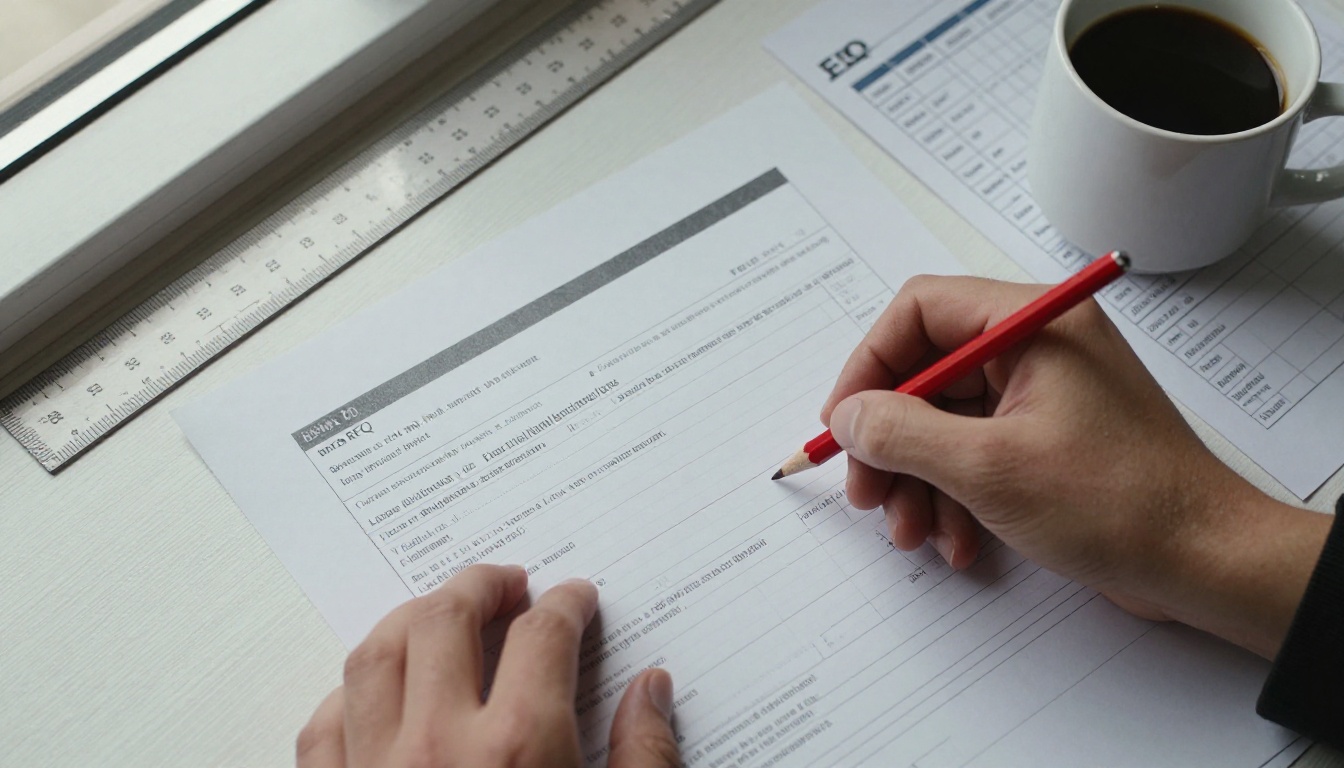
What an RFQ Really Asks
Most public and institutional RFQs follow a predictable pattern. The owner publishes a scope summary, lists the submission requirements, and states how responses will be scored. The scoring criteria are the most important paragraph in the whole document, because they tell you exactly where the points are.
A typical scoring breakdown looks like this:
| Criterion | Typical Weight | What Panels Look For |
|---|
| Relevant project experience | 30 to 40% | Similar building type, size, budget and delivery method |
| Team qualifications | 20 to 30% | Named people with real roles, licenses and past collaboration |
| Firm capacity and schedule | 10 to 15% | Current workload, ability to meet milestones |
| Approach and understanding of the project | 10 to 20% | Short, specific notes on risks and priorities |
| References and past performance | 10 to 15% | Owners who will pick up the phone |
💡 Pro tip: Copy the scoring table into your own planning document and write the page count you will spend on each line. If experience is worth 40%, it should not get one page out of twelve.
Read the Fine Print Twice
Before any design thinking, build a compliance checklist. Page limits, font size minimums, required forms, insurance certificates, addenda acknowledgments and file naming rules all appear in the fine print. A beautiful package that exceeds the page limit by one page can be rejected without being read.
Pay attention to these items first:
- Submission format: hard copies, a PDF upload, a portal, or a link
- Page limit: whether cover pages, dividers and resumes count
- Mandatory forms: signed affidavits, local preference statements, small business participation plans
- Question deadline: the last date to submit written questions to the owner
- Addenda: every addendum often must be acknowledged in writing
Decide Whether to Bid
Experienced principals use a quick go or no-go screen. If your firm has no comparable project, no relationship with the owner and a team stretched across three other pursuits, the hours are better spent elsewhere. A focused bid on five RFQs beats a rushed bid on fifteen.
Build the Core Narrative First
Before anyone opens InDesign, strong firms write a one paragraph thesis for the submission. It answers a single question: why are we the obvious choice for this owner? The answer might be a record of delivering schools on tight budgets, a deep bench in historic preservation, or a long relationship with the same university facilities group.
That thesis then drives every choice that follows: which projects appear, which team members are featured, which photographs open the document.

Write Like the Owner Talks
Look at the owner's own website, board minutes and capital plan. If they say "student success" and "operational resilience," mirror that vocabulary where it is honest to do so. Panels respond to a firm that sounds like it has already listened.
Keep the Letter Short
The cover letter is usually one page. Good ones contain four things: a direct statement of interest, the thesis in two sentences, the names of the principal in charge and project manager, and a confident close. Skip the history of the firm. That belongs later.
Choose Projects That Prove Fit
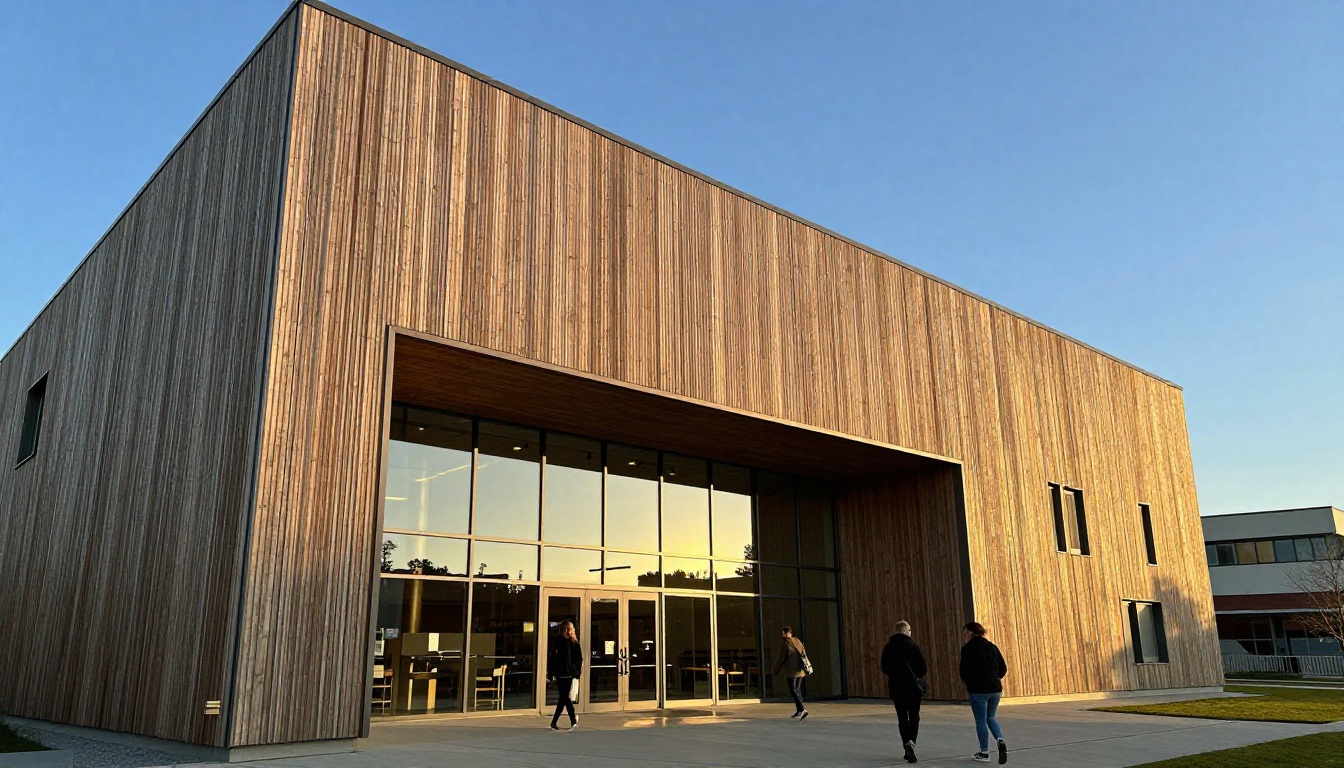
Project selection is the single biggest lever you have. Firms often make the mistake of showing their best-looking work instead of their most relevant work. A panel for a public library will score a modest, well documented library higher than a glamorous museum.
The Relevance Matrix
Create a simple matrix to rank candidate projects against the RFQ. Score each from 1 to 5.
| Project | Building Type | Size Match | Budget Match | Same Team | Total |
|---|
| Northside Branch Library | 5 | 4 | 4 | 5 | 18 |
| City Arts Pavilion | 3 | 3 | 5 | 4 | 15 |
| Harbor Mixed-Use Block | 2 | 5 | 3 | 3 | 13 |
| Campus Learning Commons | 5 | 5 | 4 | 3 | 17 |
Choose the top three to six, depending on the page budget. If a project scores high on building type but the key people have left the firm, say so honestly and show who from the original team remains.
What Goes on a Project Page
A strong project page is skimmable in about ten seconds. Use a consistent layout so the panel can compare projects side by side.
- One dominant photograph, ideally with people in it
- A fact strip: client, location, size, construction cost, completion year, delivery method
- Two or three sentences on the problem and the result
- One number that matters: on budget, ahead of schedule, a measured energy figure
- The roles your proposed team members played on it
✅ Best practice: Always list the final construction cost and whether you finished on budget. Owners care about this more than awards.
Show the Before, Not Only the After
For renovation and adaptive reuse work, a small before and after pair tells the story faster than a paragraph. For larger urban projects, an aerial view with a simple annotation can show the scale of coordination involved.

Present the Team as People
Panels often score the team section more heavily than firms expect. The goal is to prove that the people named are the people who will do the work.
Organization Chart With Names
Show a clean chart with the owner at the top, your principal in charge, project manager, design lead, and the key consultants beneath. Mark each person with their percentage of availability if the RFQ allows it. Vague charts that list roles without names raise suspicion.
Short, Relevant Resumes
Keep each resume to half a page. Include:
- Name, role on this project and years of experience
- Licenses and certifications
- Three to five relevant projects with the person's role on each
- A one line statement about working with the proposed colleagues before
If a consultant has worked with your firm on three previous projects, mention it. Familiarity reduces perceived risk.
Consultants Count
Structural, MEP, civil, landscape, cost estimating and specialty consultants are part of the team score. Show past joint projects, and give each consultant a clear scope. A single sentence per consultant about why they were chosen is enough.
⚠️ Warning: Do not list a star designer as principal in charge if they will only attend a kickoff meeting. Panels check references, and they ask who ran the job day to day.
Show Capacity and Approach Briefly
Owners worry about two things: will you be too busy, and do you have a plan for the unglamorous parts? Address both without long essays.
Capacity in a Table
A simple workload table builds trust.
| Role | Current Projects | Availability for This Project |
|---|
| Principal in charge | 3 | 20% |
| Project manager | 2 | 60% |
| Design lead | 2 | 50% |
| Project architect | 1 | 80% |
| Interior designer | 2 | 40% |
Approach, Not a Design Proposal
An RFQ is not the place to propose a building. Instead, give a short list of project specific risks and how you manage them: phasing around an occupied facility, working with a historic review board, coordinating utility upgrades, controlling cost during volatile material pricing. Three well chosen risks show more insight than a page of general process diagrams.

Design the Package for Reading
The people on the selection panel are often reading dozens of submissions in a short window, frequently on a laptop or tablet. Design for that reality.
Layout Rules That Work
- Landscape or portrait, but be consistent across the whole document
- Generous margins and a simple two or three column grid
- A maximum of two typefaces
- Captions on every image, since panelists skim images first
- Section headers that echo the RFQ's own language, so scorers can find each criterion fast
Printed vs Digital Delivery
Many RFQs still require hard copies, but a growing number accept links or portal uploads. Each format has trade-offs.
| Format | Strength | Weakness |
|---|
| Bound hard copy | Tactile, memorable | Costly, slow, fixed once printed |
| Standard PDF | Universal, simple | Large files, no tracking, static |
| Interactive flipbook | Page-turn reading, small load, links and video | Must confirm the owner accepts a link |
| Portal upload only | Compliant by default | Limited presentation control |
Where the RFQ allows it, an interactive version can sit beside the required PDF. Panel members can open it on a phone, jump to a project, and watch a short walkthrough video without managing attachments.

How to Publish Your RFQ as a Flipbook
If you want a shareable digital version of the submission, the process takes less than an hour once the PDF is final. Here is the workflow many firms follow with Flipbooks AI.
- Finalize the PDF. Export at a reasonable resolution, around 150 dpi for images, with fonts embedded. Keep the file in the order the RFQ requests.
- Upload and convert. Use the PDF to Flipbook Converter to turn the file into a page-turning document. Conversion keeps links and layout intact.
- Customize the look. Apply your firm's colors and logo, choose the page effect, and set a neutral background so the work stands out. For a firm portfolio, the Digital Portfolio Creator and Portfolio Flipbook Builder are good starting points.
- Add media. Embed a short project video or audio narration on the pages where they help, such as a construction time lapse on a case study page.
- Set sharing controls. Turn on password protection if the owner's procurement rules require a private link, or keep it open for a public portfolio. Copy the direct link or use the Embed Flipbook on Website option for your proposals page.
- Track opens and leads. On the Professional plan, analytics and lead generation show when and how often the document was viewed. See the pricing plans for what each tier includes.
- Test on three devices. Open the link on a phone, a tablet and a desktop browser before you send it.
Flipbooks AI exports have no watermarks, and the Standard plan and above allow unlimited flipbooks, which suits firms that bid on many pursuits a year. For a firm that also builds a corporate brochure, the Online Brochure Designer uses the same workflow.
💡 Pro tip: Keep the compliant PDF as the official submission and share the flipbook as a companion link in the cover letter. That way you never risk disqualification over format.
Common Mistakes That Sink Good Firms
Even strong firms lose points in predictable ways. These are the mistakes selection panels mention most often.
Mistake 1: Generic Content
Recycled boilerplate is easy to spot. If the same paragraph could be sent to a hospital and a school, it will persuade neither.
Mistake 2: Too Many Projects
Fifteen projects in twelve pages means each gets a thumbnail and no story. Fewer, deeper pages beat a mosaic.
Mistake 3: Hiding the Fees and Cost History
You will rarely be asked for fees in an RFQ, but construction cost history is fair game. Omitting it looks evasive.
Mistake 4: Unreadable Image Captions
Tiny gray text over a photo is a favorite design habit and a common scoring headache. Use plain, readable captions.
Mistake 5: No Final Proofread
Misspelled owner names, wrong project numbers and inconsistent dates quietly lower trust. Assign one person who did not write the content to proofread against the RFQ checklist.

Final Checks Before You Submit
The last 48 hours decide whether the work you did earlier gets read. Use a short pre-flight list.
- Compliance sweep: every required form, signature, addendum and certificate is included
- Page count and file size: both within the stated limits
- Naming: file names match the RFQ's required convention
- Link test: every hyperlink and QR code works from a clean device
- Print test: if hard copies are required, review a physical proof for color and trim
- Early submission: aim to upload at least a day ahead, because portals crash near deadlines
A Simple Timeline
| Days Before Deadline | Task |
|---|
| 14 | Go or no-go decision, thesis written |
| 12 | Project selection and consultant confirmation |
| 9 | First draft of narrative and resumes |
| 6 | Layout and image selection |
| 3 | Internal review and proofread |
| 1 | Final export, flipbook publishing and upload |

After You Submit
The work does not stop at the upload button. Follow the owner's rules on communication, since many public bodies forbid contact during evaluation. Once a shortlist is announced, prepare for interviews with a short deck, your team rehearsed, and one clear answer to the question "What would worry you about us?"
If you lose, ask for a debrief. Many owners will explain how you scored, and that feedback is more valuable than any template. If you win, the same material becomes the base of your proposal for the next pursuit.

Ready to Build Your Next Submission
Winning RFQ responses share a pattern: they answer the scoring criteria directly, choose relevant projects over pretty ones, present real people with real availability, and arrive in a format the panel can open in seconds.
If you want a cleaner way to deliver the final package, create a free account on Flipbooks AI, convert your PDF in minutes and share a link that works on every device. Browse all flipbook tools for portfolios, brochures and reports, or compare pricing plans to pick the one that fits your pursuit volume.



