Walk any dock at a major boat show on day three and you will spot the same thing: abandoned brochures. They sit soggy on bench seats, stick out of trash bins, and curl up in cup holders. Dealers who once printed 5,000 glossy copies per show are now putting a single QR code on a sign and letting visitors open a digital brochure on their phones. Tools like Flipbooks AI make that switch simple, because a PDF you already have becomes a page-turning brochure in minutes.
This article shows how boat dealers swap paper brochures for QR codes at boat shows, what the setup looks like, what it costs, and how to track every scan so the sales team knows who to call on Monday.
Why Paper Fails at Boat Shows
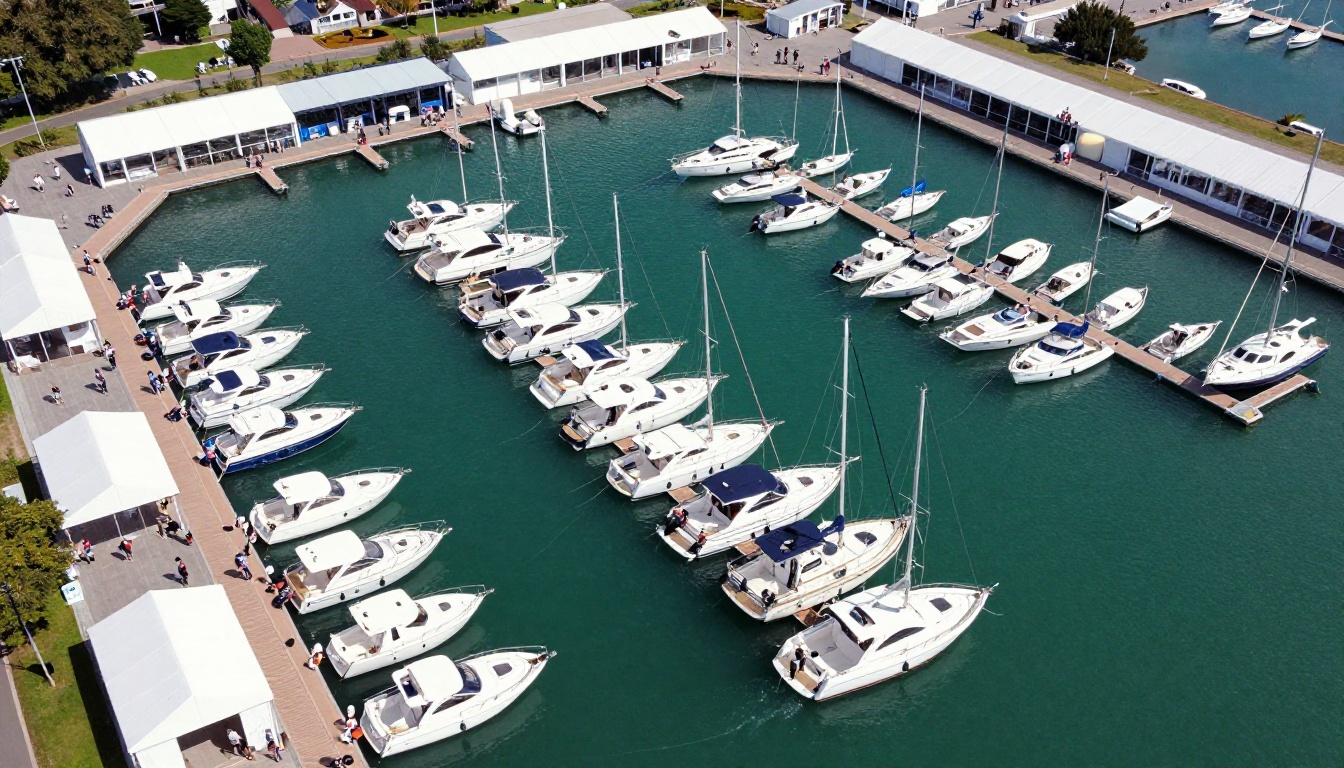
A boat show is one of the harshest places to hand out printed material. Wind, water, sun, and crowds all work against a stack of paper. Dealers who have tried both formats say the same three problems keep coming back.
The Weight Problem
A single full-color brochure for a 30-foot center console can run 24 pages. Multiply that by the 12 models on a typical dealer lineup and a visitor leaving with a bag of paper is carrying a few pounds of print. Most people take one look at the bag, leave it in the car, and never open it again.
The Weather Problem
Marina air is humid. A sudden shower, spray from a wash-down, or a gust that knocks a display rack over can ruin a thousand copies in a minute. Printed specs also go stale: if a price or engine option changes mid-show, every copy on the table is wrong.
The Lead Black Hole
When a visitor takes a brochure, you learn nothing. You do not know who they are, which boat they liked, or whether they read page two or tossed it in the first trash bin. Paper gives you no data, so follow-up depends on whatever the salesperson wrote on a napkin.
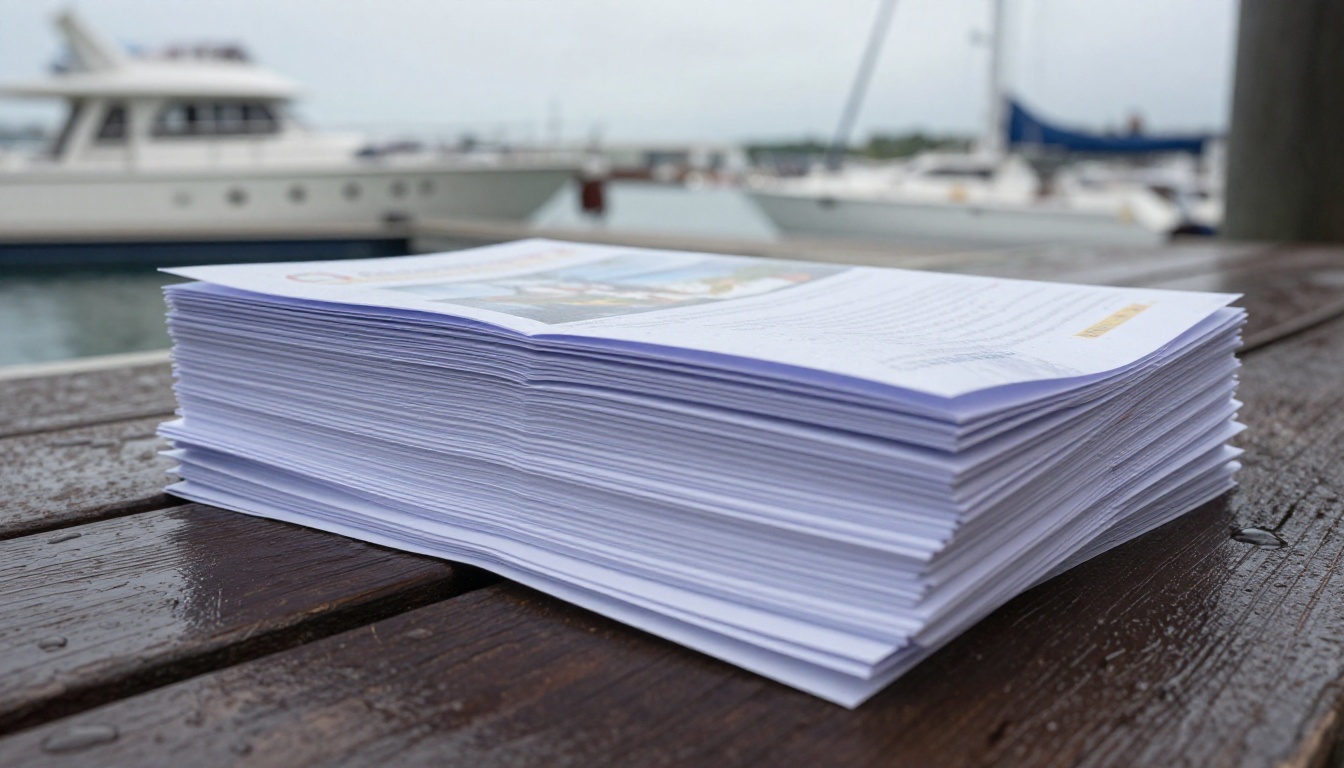
⚠️ A common rule of thumb in event marketing is that most printed handouts never get a second look. At a show where visitors collect material from dozens of booths, your brochure competes with all of it.
What a QR Code Setup Looks Like
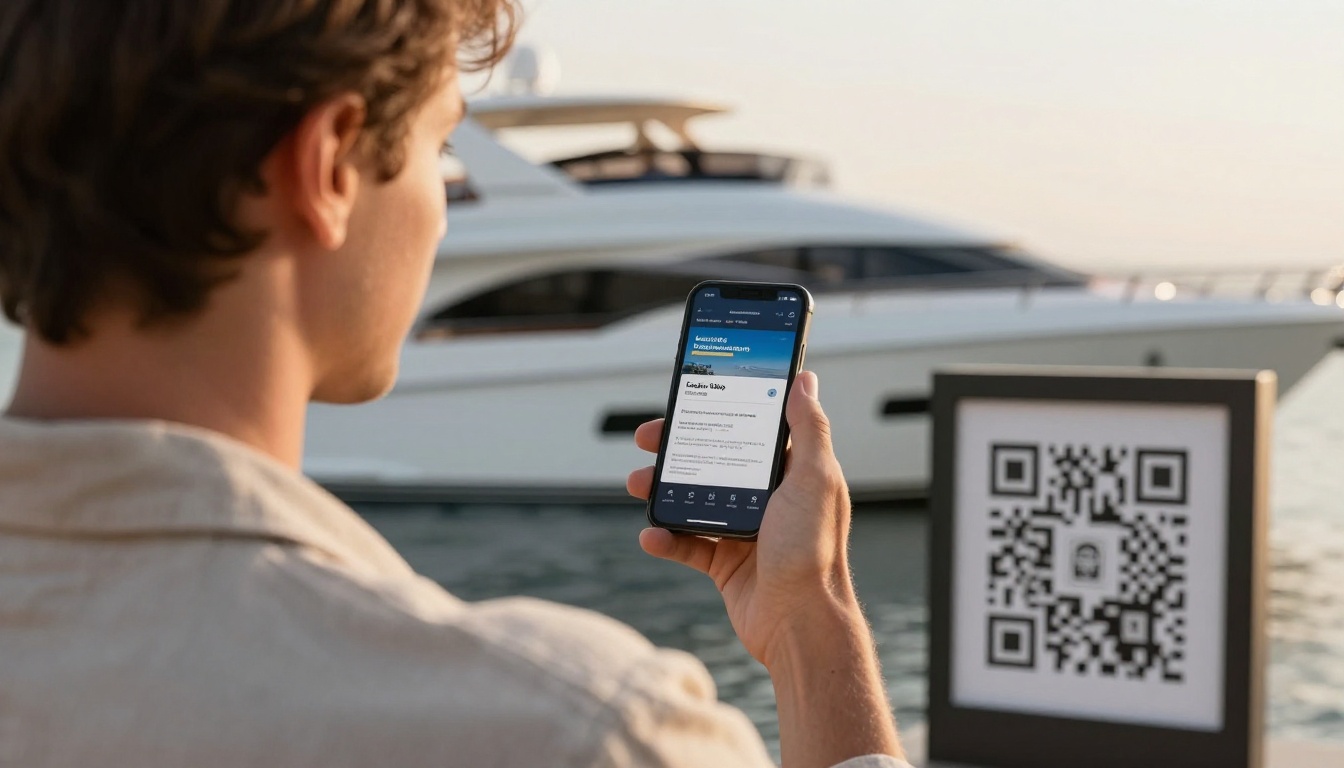
The idea is simple. A visitor points a phone camera at a printed code, a digital brochure opens in the browser, and no app download is needed. What changes from dealer to dealer is how many codes they use and where they put them.
One Code per Boat
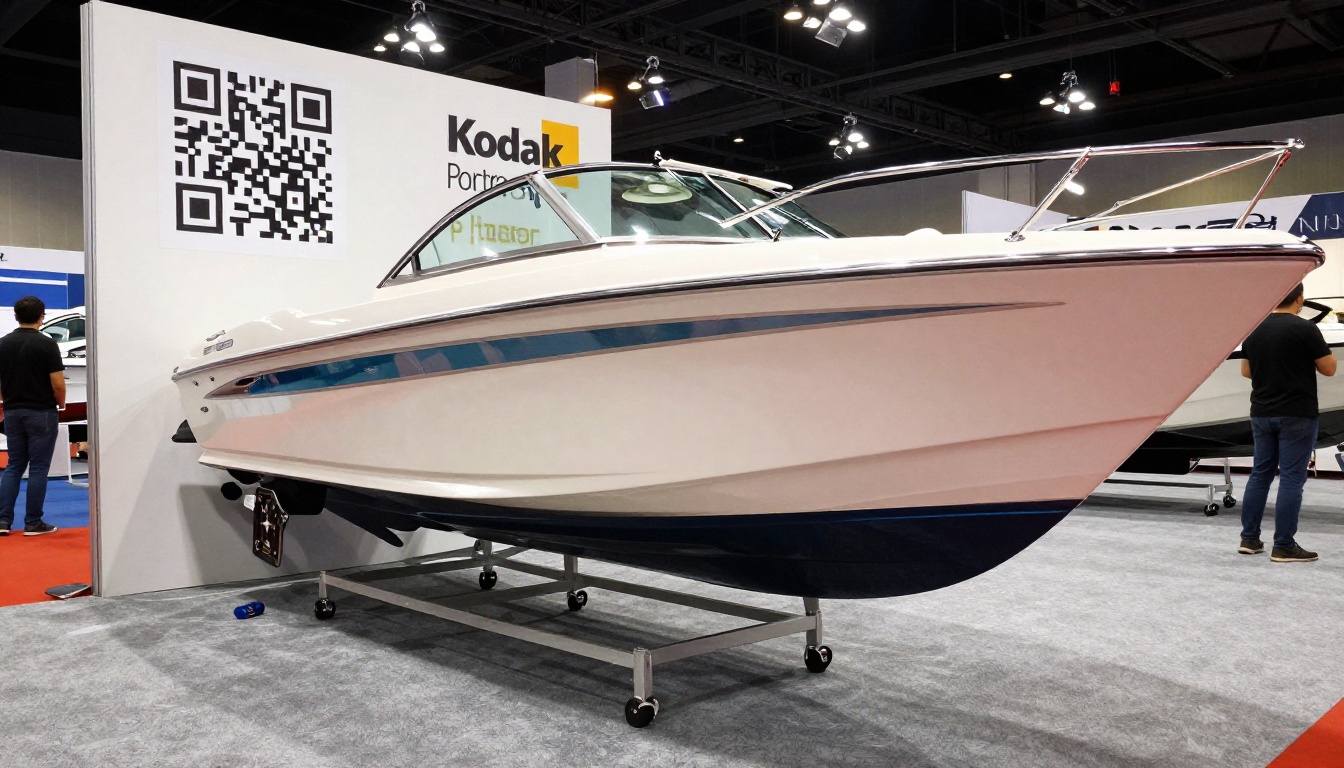
The strongest setups give every boat its own code. A visitor standing beside a 28-foot bowrider scans that boat's code and lands on that boat's brochure, not a generic catalog. That one extra step keeps the visitor interested because they see exactly what they came to see.
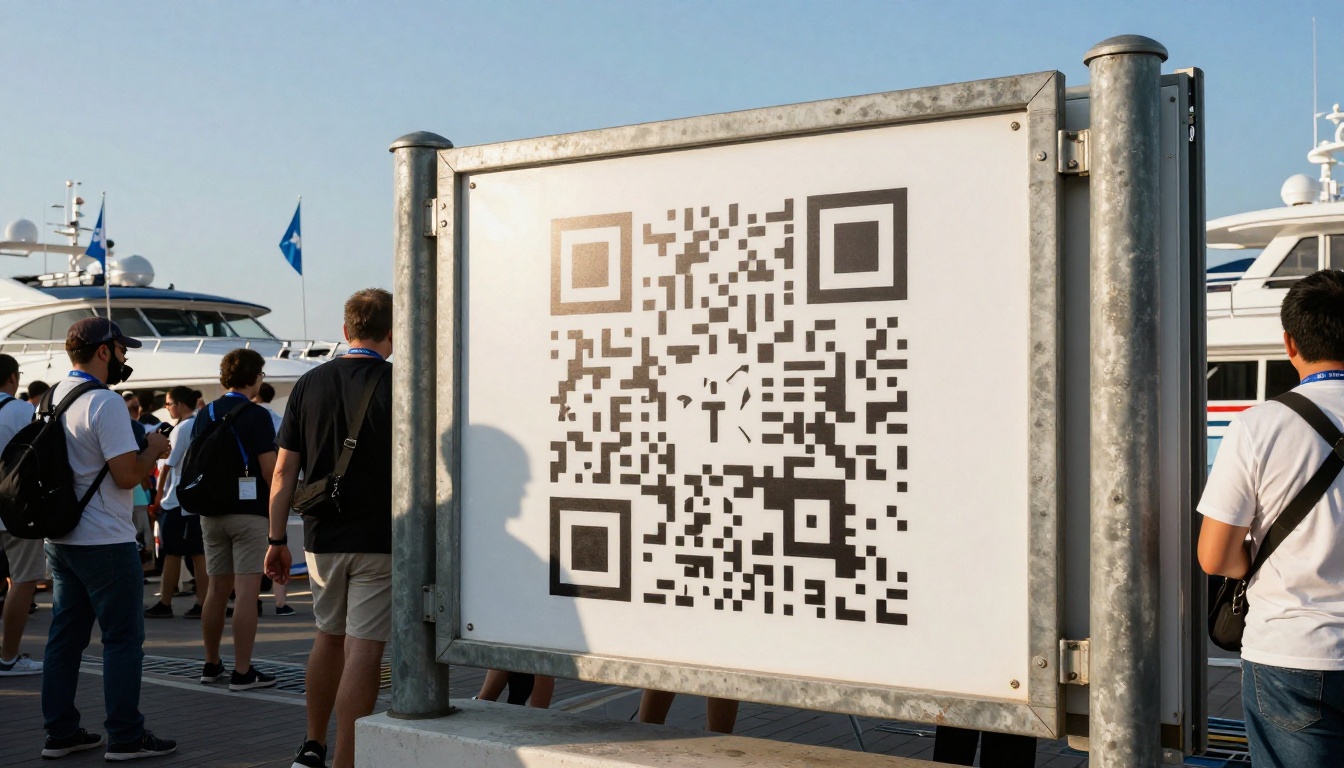
Signs That Get Scanned
A code only works if people can scan it from a natural standing position. Dealers who get strong scan counts follow a few habits:
- Print the code at least 4 by 4 inches on a rigid, glare-free sign
- Add a short instruction such as "Scan for specs and pricing"
- Use a plain white border so cameras lock on fast
- Mount signs at chest height, not on the deck where visitors have to bend down
Paper vs QR: Side by Side
Before you commit, it helps to see how the two formats compare on the things dealers care about most.
| Factor | Paper Brochure | QR Code + Digital Flipbook |
|---|
| Cost per show | Printing and shipping, often thousands of dollars | One digital file, reused at every show |
| Weather resistance | Poor | Not affected (the sign is laminated) |
| Updating prices | Reprint required | Edit the file once, link stays the same |
| Lead data | None | Scan counts and visitor details |
| Weight to carry | Boxes of print | One sign per boat |
| Visitor takeaway | Bag of paper | Link saved on the phone |
| Video and audio | Not possible | Embedded walkthroughs and engine sound |
The last row matters more than dealers expect. A visitor can watch a 60-second sea trial from the brochure itself, something no printed page can offer.
💡 Keep a small stack of printed one-page spec cards for older buyers who prefer paper. Put the QR code on that card too, so even the paper leads back to your digital brochure.
How to Build the Digital Brochure
You do not need a designer or a developer. If your marketing team already has a print-ready PDF, you are most of the way there. Here is the process on Flipbooks AI, using the Automotive Brochure tool as a model for vehicle-style layouts.
Prepare the PDF
Export your boat brochure as a PDF at screen resolution. Keep each model to its own file, so you can create one flipbook and one QR code per boat. If you want a single dealer catalog as well, build it with the Brochure Flipbook Maker.
Upload and Convert
- Create a free account at flipbooksai.com/account.
- Click to create a new flipbook and upload your PDF.
- Wait a few seconds while the PDF to Flipbook Converter turns each page into a turnable spread.
- Preview the result on both a laptop and a phone, since most visitors will open it on mobile.
Brand and Customize
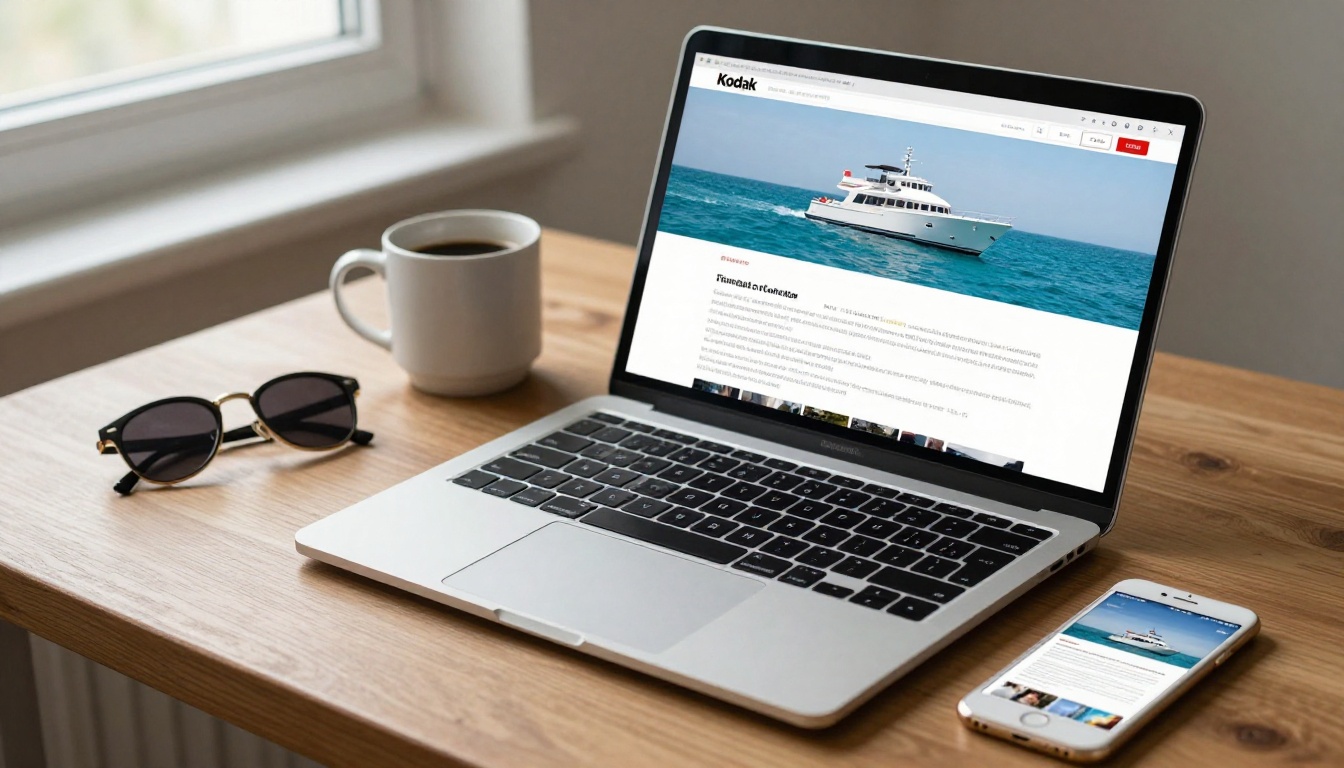
Add your dealership logo, pick colors that match your booth, and choose a page-turn effect. Then add multimedia: an embedded sea trial video, a short audio clip of the engine at idle, or a link to your financing form. All Flipbooks AI exports are free of watermarks, which keeps the brochure looking like your own.
Share and Protect
Copy the direct link and turn it into a QR code with any generator. You can also embed the flipbook on your website so the same brochure serves online visitors after the show. For dealer-only price sheets, enable password protection and share the password only with qualified buyers.
| Plan Feature | Why Dealers Use It |
|---|
| Unlimited flipbooks (Standard and above) | One flipbook per boat model |
| Password protection | Private dealer pricing |
| Offline downloads | Buyers save the brochure for the ride home |
| Analytics and lead generation (Professional) | See who scanned and who left details |
| Custom branding | Match the dealership look |
Compare the options on the pricing page to see which plan fits your lineup.
Placing Codes Around the Show Floor
Where the code sits can matter as much as what it opens. The best spots are the ones where a visitor is already standing and looking.
At the Dock
Place a sign at the bow of every boat in the water, facing the pier. Visitors usually stop there to take photos, and a scan takes five seconds. Use a weighted base or zip ties so wind cannot knock the sign over.
At the Booth
Inside the tent, use a larger banner with one master code that opens your full dealer catalog, plus smaller per-boat codes on display cards. Train your staff to say, "Scan this and the whole lineup is in your pocket." That one sentence replaces the old habit of pushing paper into a visitor's hand.
On Business Cards and Name Badges
Print a code on the back of every business card. Some dealers also add a small code to staff badges, so a visitor who meets a salesperson in the aisle can scan without visiting the booth at all.
✅ Test every code on both an iPhone and an Android phone the morning of the show. Do it from the distance a visitor would actually stand.
Tracking Leads After the Show
The real gain from QR codes is the data. Paper leaves you guessing, while a digital brochure tells you what happened.
Read the Scan Data
With analytics on the Professional plan, you can see how many people opened each brochure, which pages they read, and how long they stayed. A model with 400 scans and long reading time is a strong signal of interest, while a model with 400 scans and instant exits suggests the first page needs work.
Capture Contact Details
Lead generation forms can ask for a name and email before the brochure opens, or after a certain page. Many dealers place the form right after the pricing page, since that is where serious buyers pause.
| Lead Signal | Likely Meaning | Suggested Follow-Up |
|---|
| Opened pricing page twice | Comparing options | Call within 24 hours |
| Downloaded offline copy | Sharing with a partner | Send financing details |
| Watched the full sea trial video | High interest | Offer a private demo |
| Opened once, left fast | Browsing | Add to email newsletter |
Follow Up Within 48 Hours
Boat buyers meet many dealers in one weekend. The dealer who sends a short, specific message first usually wins the next conversation. Reference the exact boat they scanned: "Thanks for stopping by the 28-foot bowrider. Here is the sea trial video and the financing sheet." Because you know what they viewed, the message feels personal rather than automated.
Common Mistakes to Avoid
Dealers who switch to QR codes usually run into the same few problems. All of them are easy to prevent.
Dead Links and Broken Codes
If you print a code that points to a draft or a deleted file, a thousand visitors will see an error. Keep the same flipbook link for each boat and update the contents instead of creating a new file. That way, printed codes stay valid after you revise prices or specs.
Tiny Codes
A code printed on a business card is fine for close scanning, but a code on a sign must be large enough to scan from three or four feet away. When in doubt, print bigger.
No Wi-Fi Plan
Marinas often have weak cell reception, especially in crowded show weeks. Offer a free guest Wi-Fi network with a simple name and password printed beside the code. You can also let visitors save the brochure with an offline download, which solves the signal problem for good.
Forgetting the Paper Crowd
Some buyers will still ask for something to hold. Keep a small stack of spec cards with a code printed on them. You spend a fraction of your old print budget and still serve everyone.
Your Next Boat Show Plan
The dealers who switch tend to follow the same path: convert the best-selling model first, test the code at one small event, then roll it out to the full lineup. You can have a first brochure online in less than an hour.
- Pick your top three boats and export their PDFs.
- Create a free account and convert each file into a flipbook.
- Generate one QR code per flipbook and print weather-resistant signs.
- Set up lead forms and, if you want scan analytics, review the pricing plans.
- Run the new setup at your next show and compare results against your last paper-based event.
Looking for other layouts? Browse all the flipbook tools, from the Digital Catalog Maker to the Event Program Maker. When you are ready to scale, get started on Flipbooks AI and give your next boat show a brochure that never gets soggy.