An architect has about ninety seconds to decide whether your product deserves a place in the specification. That is the whole window. If your spec sheet is buried in a 40 MB PDF on page six of your website, or locked behind a form nobody fills in, you lose the spec before the conversation starts. Building product brands that win consistently treat the spec sheet as a sales tool, and they put it where architects already work. Modern tools like Flipbooks AI make that easier by turning static PDFs into fast, trackable, mobile-friendly documents.
This article breaks down how manufacturers actually reach architects, which formats work, what to put on the sheet, and how to measure whether it is working.
Why Spec Sheets Decide Projects
Architects do not buy products. They specify them. A line in a project specification names your product, your performance values and your standard, and the contractor then has to supply exactly that or prove an equal. Once you are written in, you are very hard to remove.
That is why the spec sheet matters more than any brochure. It answers the questions an architect cannot skip:
- Does it meet the fire, thermal, acoustic or structural rating on this project?
- What are the dimensions, tolerances and finishes?
- Which standards and certifications back it up?
- Is there a warranty, and who stands behind it?
- Can I drop a detail or BIM object into my drawing today?

💡 Pro tip: Architects scan, they do not read. Put the performance table in the top third of the first page. If they have to scroll or turn the page to find the R-value or fire rating, many will not bother.
The Early Specification Window
Most products are chosen during schematic design and design development, long before bidding. A brand that appears at that stage shapes the project. A brand that appears at tender stage fights for scraps against a named product.
What Architects Say They Ignore
Common complaints from specifiers are consistent: marketing language with no numbers, missing test reports, outdated PDFs, and sheets that will not open on a phone at a site meeting. Fix those four and you are already ahead of most competitors.
Where Architects Actually Look
Reaching architects is mostly a question of presence. You need your sheet to be one click away at the moment they need it.
| Channel | Reach | Cost | Best for | Weak point |
|---|
| Manufacturer website | High, if searched | Low | Ongoing reference | Hard to find, poor mobile PDFs |
| Product directories and BIM libraries | High | Medium | Active specifiers | Crowded, limited branding |
| Architect office visits | Low, deep | High | Relationship building | Does not scale |
| Trade shows | Medium | High | New launches | Short window, leads go cold |
| Email to specifier lists | Medium | Low | Updates and launches | Attachments get blocked or ignored |
| Lunch and learns | Low, deep | Medium | CPD credit and trust | Needs follow up material |

Sales Reps Are Still Your Best Channel
A good rep walking into an architecture office with a sample in one hand and a link in the other still beats any advertisement. The problem is what happens after the visit. If the rep emails a bulky attachment, it sits unopened. If the rep sends a short link to a clean, fast flipbook, the architect opens it between meetings.
Directories and BIM Platforms
Listing in product databases gets you found by people already looking. But those listings cap how much story you can tell. Use them as a doorway, then point architects to your own branded spec flipbook for the full picture.
What Belongs on a Spec Sheet
A strong spec sheet is short, factual and structured the way specifiers think. Many brands follow the CSI three-part format (General, Products, Execution), because architects already write specifications that way.
Essential contents:
- Product name, model numbers and a one line description
- Performance data in a table (thermal, fire, acoustic, load, slip, whatever applies)
- Dimensions, weights and available finishes
- Standards and certifications with test report numbers
- Installation notes and compatible substrates
- Warranty terms in plain language
- Downloadable CAD details, BIM objects and guide specifications
- A named technical contact with a direct phone number
Pair the Sheet With Visuals
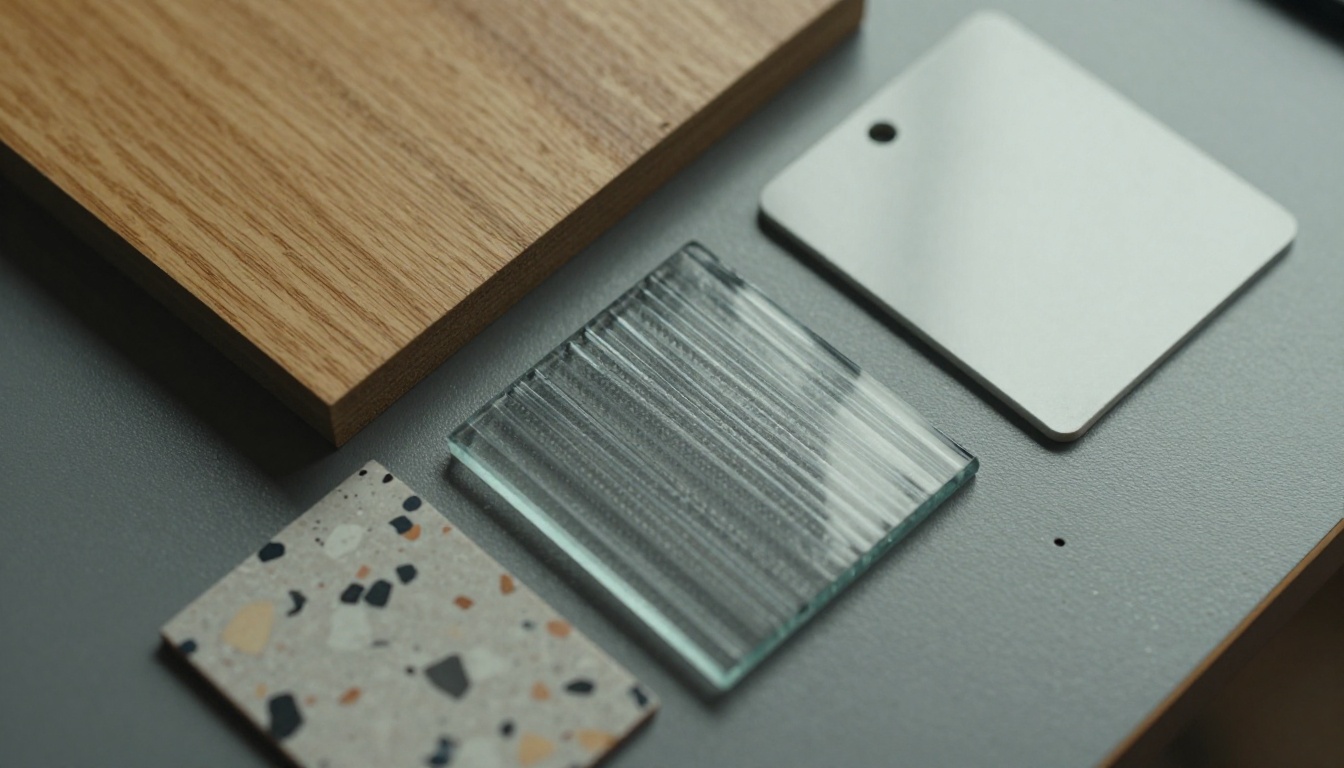
Architects respond to context. A photo of the product installed on a real building does more than a studio render. Include two or three project images, a section detail drawing, and a short note on where the product has been used.
✅ Best practice: Put a revision date on every sheet. A spec sheet with no date looks abandoned, and architects will assume the numbers are stale.
Keep It Light
Heavy files kill opens. Aim for a sheet that loads in a couple of seconds on a site phone connection. Compress images, remove unused fonts and avoid embedding full 4K photography.
Why Static PDFs Fall Short
The PDF is the default format, and it has real problems when your goal is to be found and read.
| Feature | Traditional PDF attachment | Interactive flipbook |
|---|
| Load on mobile | Slow, often pinch and zoom | Responsive, fast |
| Shareable link | Needs hosting, often emailed | Single link or embed |
| Tracking | None | Views, time, pages (Professional plan) |
| Updating | New file, old copies persist | Update once, link stays live |
| Embedded video or audio | No | Yes |
| Branding | Basic | Custom colors, logo, layout |
| Access control | Weak | Password protection |
| Offline use | Native | Offline downloads available |

The biggest gap is visibility. With a PDF attached to an email, you never know whether it was opened, forwarded or deleted. With a hosted flipbook, you can see which pages were read, which gets you real data on what architects care about.
How to Build a Spec Sheet Flipbook With Flipbooks AI
If your product literature already exists as PDFs, you can turn it into a trackable flipbook in minutes. Here is a straightforward process.
- Create your account. Go to Flipbooks AI and sign up. You can try the platform before committing to a paid plan.
- Upload the PDF. Drag your spec sheet or full product catalog into the uploader. The PDF to Flipbook Converter turns each page into a crisp, flippable page with no watermark, ever.
- Customize the look. Add your logo, set brand colors, choose the page turn effect and background. Keep it restrained. Architects respond to clean and technical, not flashy.
- Add multimedia. Embed an installation video, a short audio note from your technical team, or a link on each product row that jumps to the CAD download.
- Set access. Public for general literature. Use password protection for pricing, project specific packages or pre-release products.
- Share it. Copy the direct link for email signatures and rep follow ups, or use the Embed Flipbook on Website tool to place it on a product page.
- Track it. On the Professional plan, analytics and lead generation show who opened the document, how long they stayed and which pages held attention. See the pricing plans for what each tier includes.
💡 Pro tip: Create one flipbook per product family rather than one giant catalog. An architect looking for curtain wall data should not have to flip past flooring.
For manufacturers with a wide range, the Product Catalog generator and the Digital Catalog Maker are built for exactly this, and offline downloads let architects save the file for sites with poor signal.

Getting Sheets Into Architects' Hands
A great document does nothing if it sits on a server. Here is how successful brands distribute it.
Put the Link Everywhere
- In every rep's email signature
- On the product page, above the fold
- In the QR code printed on sample boxes and showroom displays
- Inside BIM object descriptions and directory listings
- On trade show signage and business cards
Time Your Follow Ups
A short follow up within 24 hours of a meeting, with a single link, beats a long email days later. Mention a specific project detail from the conversation so it reads as help, not a pitch.

Make Trade Shows Pay Off
Instead of handing out paper that gets thrown away, scan visitors into a flipbook link. Lead capture on a protected document gives you a name and an email tied to the exact product they cared about. Compare that with a stack of business cards in a bowl.
⚠️ Warning: Do not gate your basic spec data behind a form. Architects will go to a competitor who shows numbers freely. Gate extras like detailed test reports or project case packs, not the essentials.
Real World Examples
A facade cladding manufacturer was emailing 25 MB PDFs. Open rates were poor and bounce rates high. After moving to a hosted flipbook linked in rep emails, they saw which pages were opened most. Fire test data on page three was visited far more than finishes, so they moved it to page one.
A window and glazing brand built a separate flipbook for each product line and embedded it in its product pages. Architects could now flip through thermal tables on a phone while standing in a site office.
A flooring distributor used password protection for a pre-launch collection and shared it only with a shortlist of specifiers. They then watched who opened it before calling.
Measuring What Works
You cannot improve what you cannot see. Track a handful of numbers and review them monthly.
| Metric | What it tells you | Good sign |
|---|
| Opens per link sent | Whether the follow up lands | Rising over time |
| Time on document | Depth of interest | Over two minutes |
| Most viewed pages | What architects care about | Matches your top pitch |
| Drop off page | Where the sheet loses people | Late in the document |
| Repeat visits | Active specification work | Same company opening multiple times |
| Downloads of CAD or BIM | Strong buying signal | Follow up quickly |

Close the Loop With Sales
Give reps a simple rule: when a flagged architect opens a sheet several times in a week, call. That is a project in progress, and you want to be the voice answering their question before a competitor is.
Keep Sheets Current
Build a quarterly review into your calendar. With a hosted flipbook, you update the source once and every shared link shows the latest version. No more chasing old PDFs sitting in inboxes.
Common Mistakes to Avoid
- Leading with marketing copy. Architects want numbers first, story second.
- Hiding test reports. If you have the certification, show it.
- No mobile format. A sheet that cannot be read on a phone loses site meetings.
- Skipping the date. Undated sheets look neglected.
- One document for everything. Split by product family and use case.
- No tracking. Without data, you are guessing which pages work.

Put Your Spec Sheet to Work
Getting specified comes down to being easy to find, easy to trust and easy to act on. Write the sheet around the questions architects ask, keep it light and current, share it as a single link, and use the data to decide where to spend your next hour.
Ready to turn your product literature into trackable flipbooks? Get started for free on Flipbooks AI, browse all flipbook tools to find the right template, and compare pricing plans to see where analytics and lead generation fit. When you are ready to upgrade, create your account and go straight to pricing.



