The customer drove the car for twenty minutes, smiled at the second traffic light, and said "I'll think about it." Then they left, and for most dealerships that is where the sale starts leaking. The follow-up decides whether that smile turns into a signed deal. This article shows how car dealers follow up a test drive with a digital brochure that is personal, trackable and easy to share, built in minutes with Flipbooks AI.
Why the Follow-Up Decides the Sale
A test drive is the peak of interest. Within 48 hours that interest fades, competing dealers send their own offers, and the buyer's partner starts asking questions the salesperson is not there to answer. A sharp follow-up keeps your car in the conversation while the buyer is still emotionally attached.
Most dealers still send one of two things: a generic "Thanks for visiting" email or a heavy PDF attachment that bounces between inboxes. Neither one gets opened on a phone in a parking lot. A digital brochure that flips like a real magazine, loads instantly and carries the exact model the buyer drove solves both problems.
💡 Pro tip: Send the first follow-up within two hours of the drive. The buyer still remembers the seat position, the sound system and the way the car handled the on-ramp.
What Buyers Do After They Leave
Understanding the buyer's next steps helps you time your message. Typically they:
- Open the dealer's email or text once, usually within the first day
- Show the car to a spouse, parent or friend
- Compare trims, financing and monthly payments on their phone
- Check two or three rival models at other dealers
- Come back to the first message when a price question comes up
Your brochure has to survive every one of those moments. It needs to be easy to forward, easy to read on a small screen and easy to find again.
Paper Brochure vs Digital Brochure
Paper still has a place on the showroom floor. After the visit, though, it loses on almost every measure that matters.
| Factor | Printed Brochure | PDF Attachment | Digital Flipbook Brochure |
|---|
| Delivery after the visit | Handed over on the day only | Email, often blocked or ignored | Link by text, email or WhatsApp |
| Phone readability | None | Pinch and zoom | Mobile responsive pages |
| Tracking | None | Rarely | Views, time spent, pages seen |
| Updates to pricing or offers | Reprint required | Resend a new file | Replace the file, same link |
| Video and audio | No | No | Embedded walkaround clips |
| Cost per customer | Printing and handing out | Free | Free to send, one build for all |
A flipbook is the only format that is shareable, measurable and updatable at the same time. That last point matters when a manufacturer changes a rebate on the 1st of the month and your printed stock is suddenly wrong.

What Goes Inside the Brochure
A brochure that tries to say everything says nothing. Build it around the questions a buyer asks after the drive.
The Model They Actually Drove
Open with the exact trim, color and engine from the test drive. A buyer who drove the hybrid does not want ten pages about the diesel. Personal relevance is what makes the message feel like service rather than marketing.
Real Photos and a Short Walkaround
Use photography of the real car, interior close-ups and a 30-second walkaround clip. Flipbooks AI lets you embed videos and audio right on the page, so the buyer can replay the cabin tour while sitting on the couch.
Trim and Price Comparison
Buyers always compare. Do it for them, honestly, in one table.
| Trim | Engine | Monthly Payment Example | Standout Feature |
|---|
| Base | 2.0L petrol | Lowest | Safety suite included |
| Mid | 2.0L hybrid | Balanced | Larger touchscreen, heated seats |
| Top | 2.5L hybrid | Highest | Panoramic roof, premium audio |
⚠️ Warning: Never publish a payment figure without the financing terms beside it. Legal and trust problems start with fine print that hides.
Financing, Trade-In and Warranty
Add a single page with financing options, a trade-in estimate request and the warranty terms. This is the page the spouse reads.
A Clear Next Step
End with one action: book a second visit, request a quote, or reply with a question. One button beats five.
The Follow-Up Timeline That Works
Timing matters as much as content. This sequence works for most franchise and independent dealers.
| When | Channel | Message Goal |
|---|
| Within 2 hours | Text or WhatsApp | Thank them, send the brochure link |
| Day 1 evening | Email | Offer a trade-in estimate, answer questions |
| Day 3 | Phone call | Ask what they liked, what they doubt |
| Day 5 | Text | Share a limited offer or new arrival |
| Day 10 | Email | Send an updated brochure version if prices changed |
| Day 21 | Text | Light check-in, no pressure |
Message Templates You Can Copy
Two hours after the drive (text):
"Hi Maria, thanks for driving the Hybrid SE today. Here is a brochure built around that exact car, with photos, payments and the warranty. Tell me what you'd like me to check for you: [link]"
Day 3 (email subject): "Your SE Hybrid and the questions your partner might ask"
Day 10 (text):
"Hi Maria, the brochure link now shows this month's updated offer. Same link, new page 6."
That last message is only possible because a flipbook link stays the same when you update the file.
How to Create the Brochure with Flipbooks AI
If you already have a manufacturer PDF or a dealership brochure, you are minutes away from a shareable version. The Automotive Brochure generator is built for exactly this use case.
- Sign up. Go to Flipbooks AI and create an account. No watermarks, ever.
- Upload your PDF. Drop in the brochure. The PDF to Flipbook Converter turns it into turning pages with realistic page effects.
- Customize. Add your logo, dealership colors, a hero photo and a background that matches your showroom. Place the walkaround video on the page where it belongs.
- Choose the sharing method. Copy the direct link for text messages, grab the embed code for your vehicle page using the Embed Flipbook on Website option, or add a password for private offers.
- Turn on tracking. On the Professional plan you get analytics and lead generation, so you can see who opened the brochure and what they read. Compare pricing plans to see what fits your store.
- Offer offline downloads. Buyers with weak signal at home or on the road can save the brochure and read it anywhere.
✅ Best practice: Build one master brochure per model, then duplicate it per customer with the trim and color they drove. Five extra minutes of personalization beats a generic file every time.
Which Plan Fits a Dealership
| Need | Suggested Plan |
|---|
| One salesperson, a few models | Starter or Standard |
| Whole showroom, unlimited flipbooks | Standard and above |
| Analytics, lead capture, follow-up tracking | Professional |
Browse all flipbook tools to see what else you can build for the lot, from price lists to service menus.
Tracking What Buyers Read
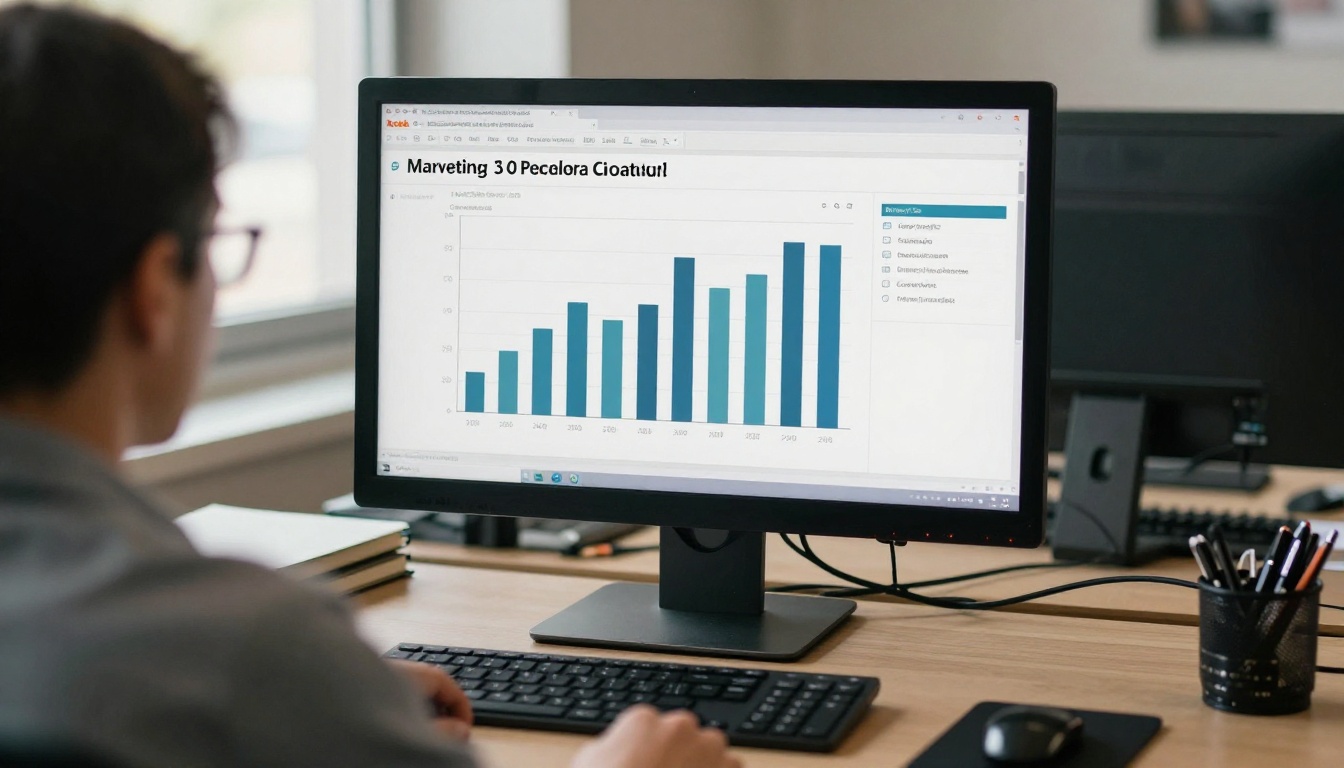
Sending is half the job. The other half is knowing what happened next. With analytics you see:
- Who opened it and how many times
- Which pages held attention, such as financing or safety
- How long they stayed on each spread
- Whether the link was forwarded, shown by new devices and locations
Turn Data Into the Next Call
Data is only useful if it changes the conversation. Here is how a salesperson might read the signals.
| What You See | What It Likely Means | Your Next Move |
|---|
| Opened 4 times, long time on financing | Price is the sticking point | Call with a payment plan |
| Opened once, skipped to the last page | Ready to act, short on time | Offer a fast second visit |
| Opened on several devices | Spouse or friend is involved | Send a short summary for them |
| Never opened | Message missed | Resend by another channel |
| Long time on trade-in page | Selling the old car matters | Offer a quick appraisal |
💡 Pro tip: If a lead opens the brochure at 9 p.m., call the next morning, not at 9:05 p.m. Respect keeps the relationship alive.
Real Examples From the Showroom
A family SUV buyer. A salesperson sends the trim comparison page and a safety summary. The parent reads the safety page three times. The next call opens with child seat anchors and crash ratings, and the deal closes the following weekend.
A first-time buyer on a budget. Analytics show long time on the financing page and none on the premium trim. The salesperson skips the upsell and presents a certified pre-owned alternative with a clean payment table.
A fleet manager. A small business owner test drives two vans. The brochure includes cargo dimensions, service intervals and a warranty summary. The manager forwards it to an accountant, and the new device shows up in the tracking data, which tells the salesperson to prepare numbers.
Common Mistakes to Avoid
- Sending a 60-page manufacturer file. Trim it to 8 to 12 pages around the buyer's questions.
- Using stock photos only. Real photos of your inventory build trust.
- Hiding the price. Buyers who cannot find it assume the worst.
- Following up only once. Most sales need several touches.
- Ignoring mobile. More than half of opens happen on a phone.
- Forgetting to update. Expired offers destroy credibility, so replace the file when rebates change.
A Simple Weekly Routine
- Monday: refresh the master brochures with current offers
- Daily: send brochure links to every test drive within two hours
- Wednesday: review opens and call the warmest leads
- Friday: resend updated links to buyers who went quiet
Who Else Can Use This Approach
The same playbook works beyond new car sales. Used car lots can send certified pre-owned lists. Service departments can send maintenance menus. Motorcycle and boat dealers can follow the same timeline. If you want to experiment before building a full set, try the Digital Catalog Maker for your whole inventory.
Send It Before They Reach the Highway
The best follow-up feels like a favor, not a pitch. A digital brochure built around the car the customer drove, delivered within two hours and tracked afterward, gives the buyer everything they need and gives you a clear signal about when to call.
Ready to build yours? Get started for free on Flipbooks AI, browse the tools and templates, and compare pricing plans to choose what works for your dealership. When you are set to go live, take the final step to pricing and start sending brochures that buyers actually open.



