A client orders 5,000 printed catalogs, and a week later asks whether they can also get "something for the website." Most printers have heard that question. The smart ones already have an answer ready, and it is usually a digital edition built from the same press-ready PDF. This article shows how commercial printers add digital editions to catalog print jobs without extra design work, without new equipment, and without a second invoice fight. We will use Flipbooks AI as the example platform, since it turns a PDF into a page-turning flipbook in minutes.
Why Printers Are Adding Digital Editions
Print volumes for catalogs are stable in many niches, but buyers now expect a link they can send by email, drop into a chat, or open on a phone. A printer who can only hand over boxes loses part of the job to someone else.
The Client Request You Already Get
Clients ask for three things after approving a print proof:
- A link to share with sales reps who are not near the warehouse
- A version that works on a phone without pinching and zooming
- A way to keep the catalog online after the printed copies run out
Each of these is a digital edition request in disguise. If you do not offer it, the client's marketing team will export the PDF themselves and upload a heavy file to a website.
Where the Extra Revenue Comes From
A digital edition is not a replacement for the print job. It is an add-on that rides on the same artwork. The printer already holds the final file, already has the relationship, and already owns the deadline. Charging a modest setup fee plus an annual hosting fee turns a one-time order into recurring income.
💡 Pro tip: Quote the digital edition on the same estimate as the print run. Clients accept it far more often as a line item than as a follow-up email.
What a Digital Edition Actually Is
A digital edition, often called a flipbook, is the catalog displayed in a browser with realistic page turning, zoom, search and links. It is not a raw PDF download.

Flipbook Versus Plain PDF
| Feature | Plain PDF | Flipbook Edition |
|---|
| Opens in a browser without download | Sometimes | Always |
| Page-turning feel | No | Yes |
| Works well on phones | Poor | Mobile-responsive |
| Clickable product links | Limited | Yes |
| Embeds on a website | Awkward | One snippet of code |
| Viewing analytics | None | Available on Professional plan |
| Branding and colors | None | Custom |
Why the Press PDF Works as the Source
The file sent to the press already has the final pages, the right order and the approved colors. Exporting a screen-optimized version (RGB, smaller file size, no crop marks) takes a few minutes. That is the only extra production step.
The Printer Workflow, Step by Step
Here is a workflow printers use to add the digital edition without slowing the print schedule.
Step 1: Offer It at Quote Time
Add a line to your catalog estimate template: "Digital edition, hosted for 12 months." Describe it in one sentence. Do not wait until the job is on press.
Step 2: Export a Screen Version
Once the proof is approved, export a second PDF from the same layout file:
- Remove bleeds and crop marks
- Convert to RGB
- Keep pages in reading order, single pages rather than printer spreads
- Compress images so the file stays under a sensible size
Step 3: Convert It to a Flipbook
Create your account at Flipbooks AI, upload the screen PDF, and the platform converts it with the PDF to Flipbook Converter. For product-heavy jobs, the Catalog Flipbook Creator and the Digital Catalog Maker are good starting points.
Step 4: Brand and Test It
Add the client's logo and colors, then open the link on a phone and a desktop. Check page order, zoom and any links before sending.
Step 5: Deliver the Link With the Boxes
Send the share link, a short embed snippet and, if needed, a password. Do it the same day the printed catalogs ship, so the digital edition feels like part of the order.
✅ Best practice: Put the digital link and a QR code on the delivery note. Clients forward it straight to their sales team.
Setting Up the Edition With Flipbooks AI
If you want to see how simple it is for a production team, this is the flow inside the platform.
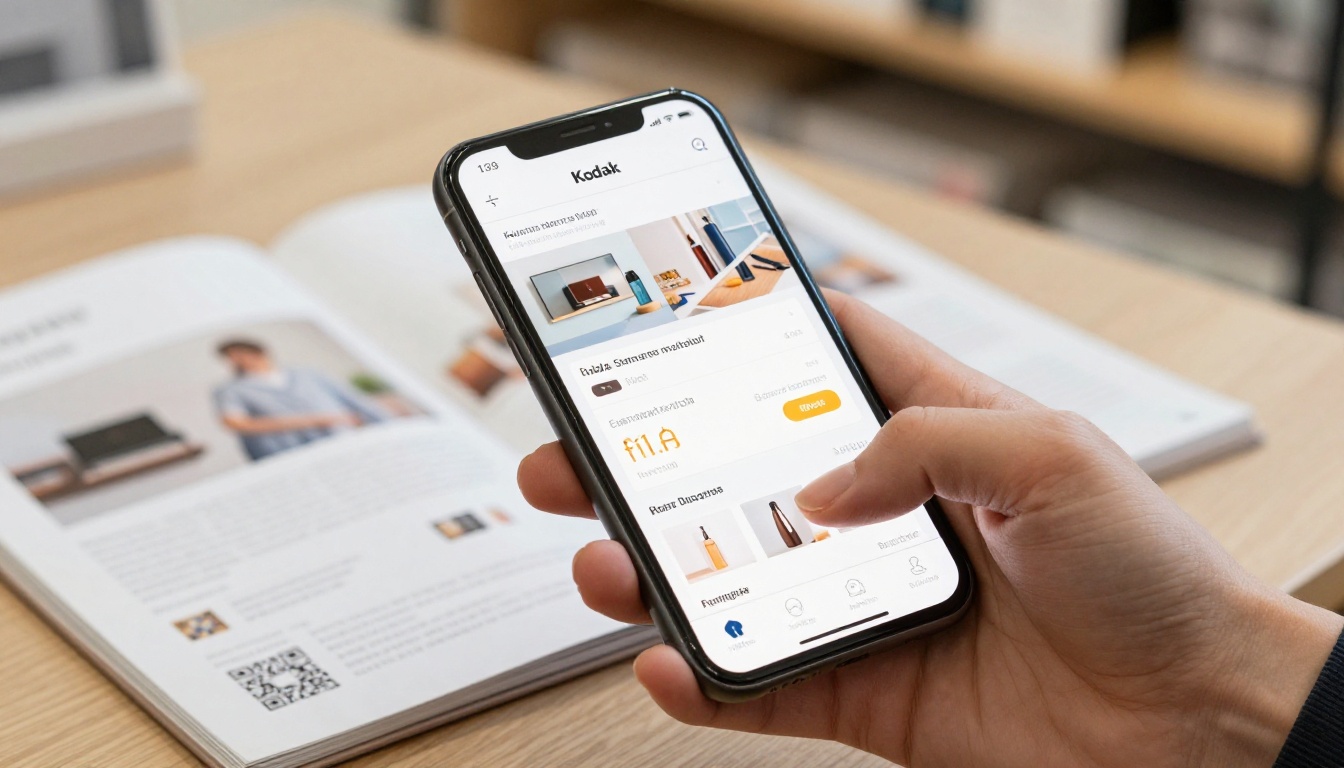
How to Create a Catalog Flipbook
- Open Flipbooks AI and sign in.
- Upload the screen PDF. Conversion runs automatically.
- Choose branding: logo, background color, toolbar style and page effects.
- Add multimedia where it helps, such as product videos or audio notes. Embedding videos and audio is supported.
- Set sharing: direct link, embed code, or password protection for private price lists.
- Publish and copy the link.
The result has no watermarks, which matters when the client's name is on the work.
Sharing and Privacy Options
| Option | Best for | Notes |
|---|
| Direct link | Email and chat | Fastest to send |
| Embed code | Client websites | See Embed Flipbook on Website |
| Password protection | Trade price lists | Keeps wholesale pricing private |
| Offline download | Field sales teams | Useful with poor connectivity |
Professional Features Worth Offering
Lead generation and viewing analytics sit on the Professional plan. Printers can resell these as a premium tier: the client sees which pages get opened and who requested the catalog. Check the current pricing plans before you build your own price list.
Pricing and Packaging the Add-On
The common mistake is giving the digital edition away. It then feels worthless to the client and eats into your time.
Three Pricing Models
| Model | How it works | Pros | Cons |
|---|
| One-time setup fee | Charge per catalog | Simple to quote | No recurring income |
| Setup plus annual hosting | Fee at order, renewal yearly | Predictable revenue | Needs renewal tracking |
| Bundled in print price | Included for orders over a set quantity | Wins competitive bids | Margin pressure |
A Realistic Example
A regional printer produces 40 catalogs a year. If 25 of those clients take a digital edition at a setup fee of $90 and renew at $60 a year, the add-on brings in $2,250 in the first year and $1,500 in recurring renewals after that, with very little added labor. Your own numbers will differ, but the structure holds: small fee, high acceptance, repeat billing.
⚠️ Warning: Do not promise hosting for "life." Set a clear term, for example 12 months, and renew it.
Quality Control Before Delivery
Printers already know proofing. The same discipline applies to the digital file.

Proof the Screen Version
Check these items before the link goes out:
- Page order matches the printed catalog
- Images are sharp on zoom
- Fonts render correctly
- Links and product references work
- The first page loads quickly on mobile data
Color Differences Between Print and Screen
Print uses CMYK, screens use RGB. A deep green that looks rich on paper may look slightly brighter on a monitor. Tell the client this in advance and show them both. It prevents complaints.
Common Mistakes to Avoid
- Uploading printer spreads instead of single pages
- Using the 300 dpi press file, which makes the flipbook slow
- Forgetting to test on a phone
- Skipping the password on wholesale price pages
Selling It to Different Client Types
Different clients value different things. Match your pitch.
Retail and Wholesale Brands
Sales reps need to send the catalog before a meeting. A link with a password protects wholesale pricing while still being easy to share. The Product Catalog Generator fits this case.
Furniture and Fashion Clients
Visual products benefit from large zoomable images. See the Furniture Catalog Maker and the Fashion Catalog Creator for examples of layouts that suit these clients.
Comparison of Client Needs
| Client type | Main need | Best feature to pitch |
|---|
| Wholesaler | Private pricing | Password protection |
| Retailer | Seasonal updates | Fast republish of new edition |
| Manufacturer | Field sales access | Offline downloads |
| Agency | Reporting to its own client | Analytics and lead capture |
Fitting It Into Production and Fulfillment
A digital edition should not slow down the shop floor.
Assign One Owner
Pick one person in prepress to own the digital step. They export the screen PDF, upload it, test it and add the link to the job ticket. One owner means fewer lost files.
Add It to the Job Ticket
Add three fields: digital edition yes or no, branding notes, and sharing settings. The ticket then travels with the print job through finishing and shipping.

Bind It Into Reorders
Reprints are the best moment to renew the edition. When a client reorders, update the PDF, publish the new version and keep the same link so nothing breaks on their website or in old emails.
Start Offering It This Month
You do not need new software on the shop floor or a new designer on staff. You need a screen-ready PDF, a flipbook platform and a line on your estimate template.
Printers who add a digital edition to every catalog job stop losing the second half of the project to someone else, and the client gets one supplier for both paper and screen.



