A contracting officer opens your email, gives your attachment about eight seconds, and decides whether you belong on the shortlist. That is the reality behind how consultants use capability statements to win government contracts. The document is short, but it carries the full weight of your credibility. Many consultants now publish theirs as an interactive flipbook with Flipbooks AI, so it opens instantly on any device, tracks who reads it, and never turns into a clunky 14 MB attachment.
This article walks through what a winning capability statement contains, how top consultants tailor it per agency, and how to deliver it in a format that gets read.
Why Capability Statements Matter
A capability statement is a one to two page summary of what your business does, who you have done it for, and why you are a safe choice. Government buyers use it to screen vendors during market research, long before a solicitation is posted.
💡 Pro tip: Most federal and state buyers run market research first. If your statement is in their hands at that stage, you can influence how the requirement is written.
What Buyers Actually Look For
Procurement staff scan for proof of three things: that you can do the work, that you have done similar work, and that you meet the eligibility rules of the contract vehicle.
- Relevant core competencies tied to the agency's mission
- Past performance with named clients, values, and outcomes
- Identifiers such as UEI, CAGE code, and NAICS codes
- Small business certifications like 8(a), HUBZone, WOSB, or SDVOSB
- Contract vehicles you already hold, such as GSA schedules
Capability Statement vs. Resume
Consultants often confuse the two. A resume lists a person's history. A capability statement sells a business to a buyer who has a problem to solve.
| Feature | Resume | Capability Statement |
|---|
| Audience | Hiring manager | Contracting officer |
| Focus | Individual career | Business solutions |
| Length | 1 to 3 pages | 1 to 2 pages |
| Proof | Job titles | Contracts and results |
| Identifiers | None | UEI, CAGE, NAICS |
| Goal | Get an interview | Get a meeting or a bid invite |

The Anatomy of a Winning Statement
Strong statements follow a predictable order because buyers read in a predictable order. Put the most persuasive material where eyes land first.
Open With a Sharp Differentiator
Skip the generic "full service consulting firm" line. Name the problem you solve and the agency type you solve it for. For example: "We help state transportation departments cut grant reporting time by 40 percent."
List Core Competencies Tightly
Use four to six bullets. Each one should be a service the agency could realistically buy, written in the same language found in their solicitations.
Show Past Performance With Numbers
This is the section that wins or loses the shortlist. Vague claims get ignored. Specific results get remembered.
| Weak Claim | Strong Version |
|---|
| "Supported a federal agency" | "Delivered a 14-month process redesign for a regional Department of Labor office" |
| "Improved efficiency" | "Cut average case processing time from 22 days to 13 days" |
| "Trusted by many clients" | "Rated Exceptional in 3 of 3 CPARS evaluations" |
| "Experienced team" | "Four consultants with active Secret clearances" |
Add Differentiators and Credentials
Include certifications, clearances, security frameworks, and memberships. If you are a small business, say so clearly, because set-aside contracts depend on it.
Close With Clear Contact Details
Give one named person, one phone number, and one email. Add a direct link to your digital version so the buyer can explore more in a single click.

How Consultants Tailor Per Agency
The consultants who win repeatedly never send the same document twice. They keep a master version and adjust it for each target.
Mirror the Agency's Language
Pull phrases from the agency's strategic plan, budget justification, and recent solicitations. If they say "mission readiness," use "mission readiness," not "operational excellence."
Match NAICS and Set-Aside Codes
Lead with the NAICS codes that match the contract you want. A buyer filtering for 541611 should see it in the first few lines.
Swap in the Most Relevant Case Studies
Keep six or seven case studies in your archive and show only the two or three closest to the agency's need.
A practical example: a cybersecurity consultant targeting a county government might lead with a municipal ransomware recovery project. The same consultant, pitching a federal civilian agency, would lead with a compliance project aligned to NIST frameworks.
✅ Best practice: Name the version in the file or link, like "Acme_Capability_StateDOT_2026," so you always know which agency saw which document.

Why PDFs Often Fall Short
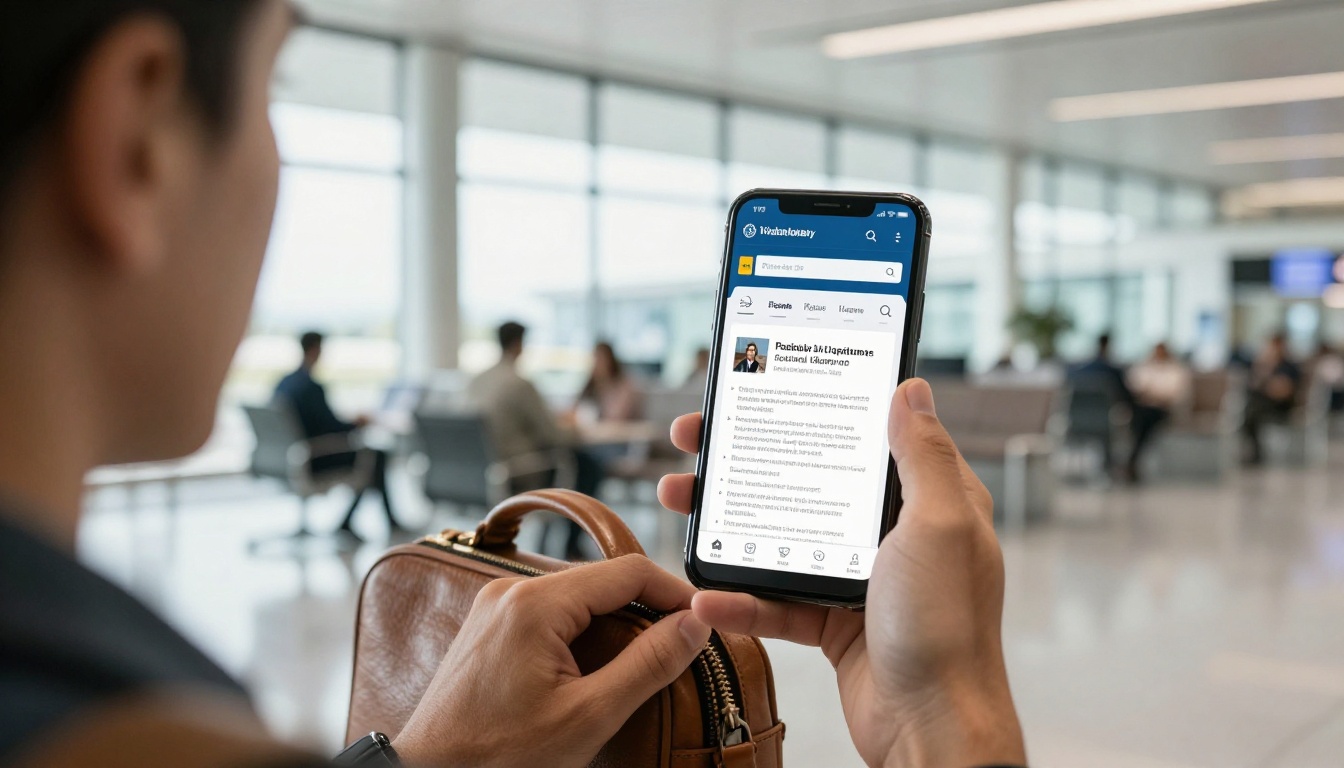
The standard PDF attachment has three weaknesses. It gets stripped by strict email filters, it cannot tell you whether anyone opened it, and it looks flat on a phone screen. Buyers frequently review vendors on mobile between meetings.
Common PDF Problems
- Large files bounce or land in spam
- No analytics, so you never know if the buyer read it
- Outdated versions keep circulating after you update
- Links and videos are awkward or blocked
Why Interactive Formats Win
An interactive flipbook loads in a browser, turns pages with a natural motion, and stays current because you update one source. You can also add a short video introduction or an audio overview, which makes a small firm feel established.
| Feature | Email PDF | Interactive Flipbook |
|---|
| Opens on mobile | Pinch and zoom | Responsive layout |
| Update after sending | Impossible | Instant |
| Read tracking | None | Analytics available |
| Password protection | Limited | Built in |
| Embedded video or audio | No | Yes |
| Branded look | Basic | Custom branding |
| Spam filter risk | High | Low (link only) |

How to Build Yours With Flipbooks AI
Here is a practical workflow consultants use to turn a Word or design file into a shareable capability statement.
- Finish the PDF first. Build your one or two page statement in Word, Canva, or any design tool and export it as a PDF.
- Create an account. Head to Flipbooks AI and sign in.
- Upload the PDF. Use the PDF to Flipbook Converter. Conversion takes moments and keeps your text sharp.
- Apply your branding. Set your logo, brand colors, and background. Choose a page effect that feels professional rather than flashy.
- Add multimedia. Embed a 60 second introduction video or an audio note from your principal.
- Set sharing rules. Copy the direct link, grab the embed code, or turn on password protection for sensitive past performance details.
- Track opens. On the Professional plan, analytics and lead generation show who viewed the document and how long they stayed. Review pricing plans to see what fits.
💡 If you pitch a sales team on your capability statement regularly, the Sales Presentation tool and the Corporate Report Maker are useful companions for longer proposals and annual summaries.
Useful Features for Government Pitches
- ✅ No watermarks, ever, so your document looks like your own
- ✅ Password protection for restricted or sensitive material
- ✅ Mobile-responsive design for buyers reading on a phone
- ✅ Custom branding that matches your website and proposals
- ✅ Offline downloads for agencies with strict network controls
- ✅ Embed videos and audio for a personal introduction
You can also embed the statement directly on your own site using the Embed Flipbook on Website tool, so your homepage always shows the latest version.

Using Data to Follow Up Smarter
Government sales cycles are slow, so every signal matters. Reading behavior tells you when to reach out and what to say.
Read the Signals
When a contracting officer spends two minutes on your past performance page, that is a stronger signal than a polite "thanks for sending." Mention that section in your follow up.
| Signal | What It Suggests | Next Step |
|---|
| Opened once, under 10 seconds | Low interest or wrong fit | Send a tailored version later |
| Several opens across days | Shared internally | Offer a short capabilities call |
| Long time on case studies | Checking for proof | Send a reference contact |
| Opened on mobile after hours | Serious review | Follow up next morning |
| Link forwarded to new viewers | Decision group forming | Ask who else needs materials |
Time Your Follow Up
Wait one or two business days after the first open, then send a short message that references something specific in the document. Keep it to three sentences.

Where to Use Your Statement
A capability statement only works if it reaches buyers. Consultants who win consistently place it in many spots.
Industry Days and Small Business Events
Agencies host outreach events where small firms meet program offices. Bring a QR code that opens your flipbook, so no one has to carry paper.
Teaming and Subcontracting
Prime contractors need small business partners to meet subcontracting goals. Send your statement to primes who hold contracts in your NAICS codes.
SAM.gov and Vendor Portals
Complete your SAM.gov profile and link to your digital document in your company description wherever allowed. Many state portals offer a similar field.
Email Signatures and Proposals
Add the link to your signature and attach it as an appendix reference in every proposal.
Mistakes That Cost Contracts
Even strong firms lose bids to small errors. Here are the most frequent ones.
- Too much text. Dense paragraphs get skipped. Use bullets and white space.
- Missing identifiers. Without a UEI or NAICS codes, a buyer cannot add you to a vendor list quickly.
- No proof. Claims without numbers or named clients read as marketing.
- One version for everyone. Agencies can tell when a document was not written for them.
- Stale information. Expired certifications or old contact details damage trust fast.
- Stock photos and clip art. Real project photos and clean layouts look far more credible.
⚠️ Warning: Never claim certifications you do not hold. Misrepresenting small business status can lead to debarment and legal penalties.
A Quick Pre-Send Checklist
- Is every identifier correct and current?
- Does the first line name a specific buyer problem?
- Are there at least two measurable results?
- Does the link open cleanly on a phone?
- Is a named contact listed with a direct number?
Real Examples From the Field
A boutique cybersecurity consultant replaced emailed PDFs with a branded flipbook link. Within two months, three contracting officers opened it multiple times, and one invited the firm to a sources sought briefing.
A grant management consultant working with state agencies embedded a short video walkthrough of a past project on page two. Reviewers commented that the firm "felt established" even though it had only three full time staff.
A facilities consulting group built separate versions for city, county, and federal buyers. Each carried the same core facts but led with different case studies. Their reply rate to outreach nearly doubled compared with their generic version.
| Consultant Type | Tailoring Move | Likely Result |
|---|
| Cybersecurity | Lead with compliance framework experience | Faster technical screening |
| Grant management | Embed project video | Stronger memorability |
| Facilities | Separate city, county, federal versions | Higher reply rate |
| Training and education | Add sample course page | Proof of quality |

Ready to Build Yours?
A capability statement will not win a contract on its own, but a sharp one gets you into the conversations where contracts are won. Keep it short, specific, and tailored, then deliver it in a format that opens fast and shows you who is reading.
Here is your next move:



