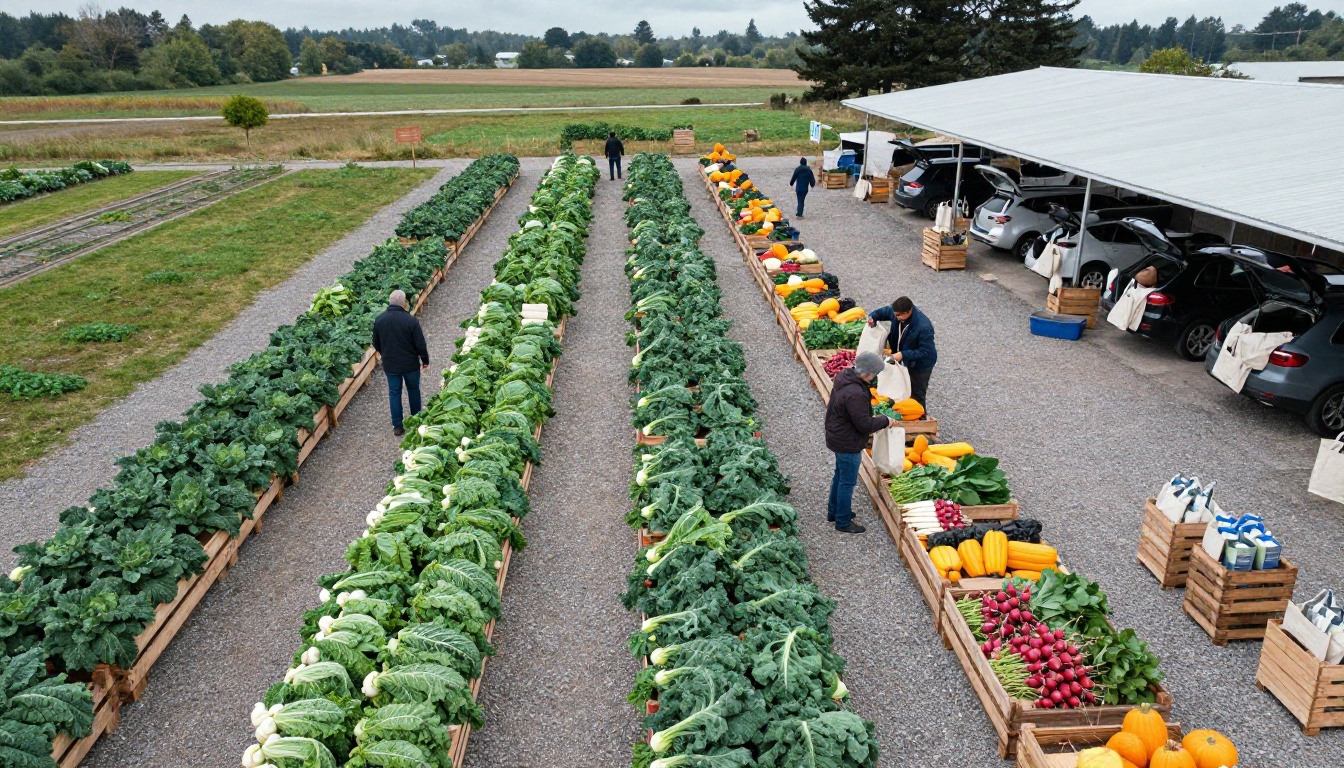
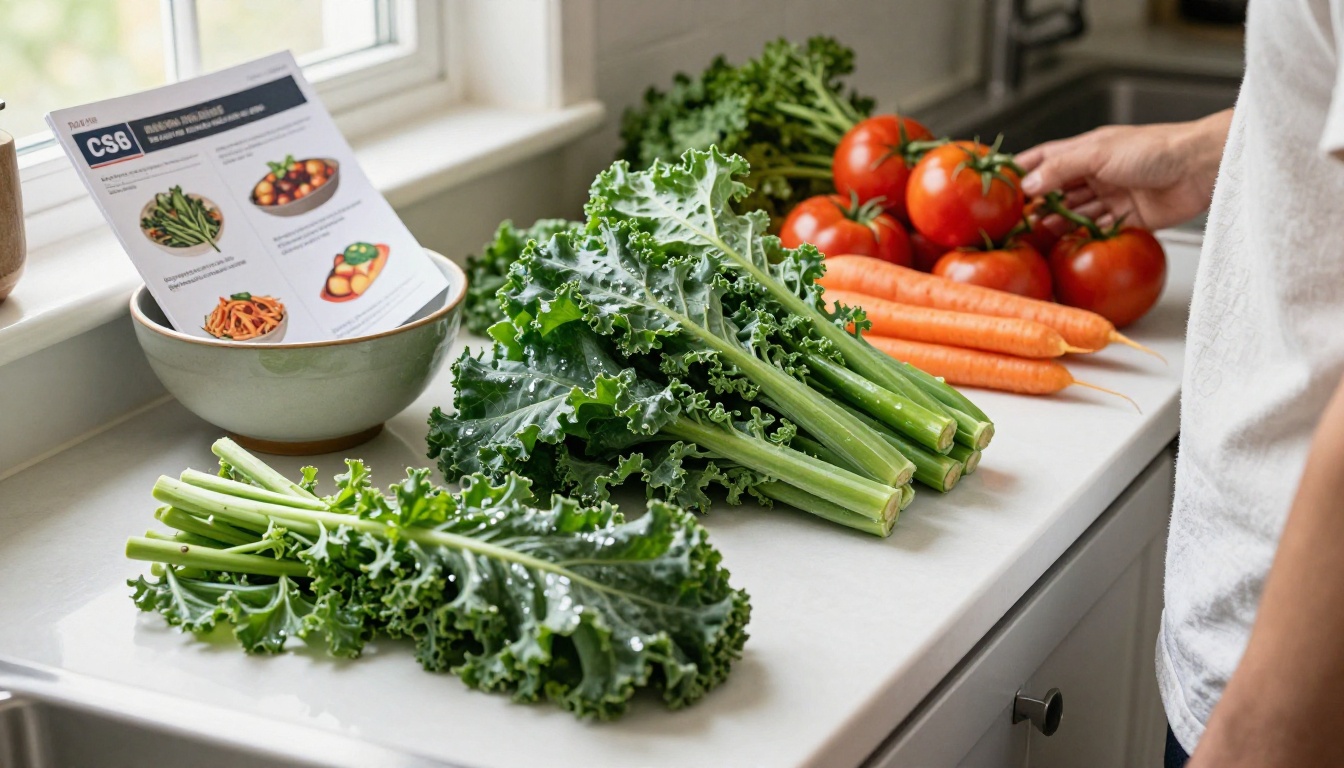
It is Tuesday night, the harvest is in the cooler, and forty families are about to open a box of vegetables they cannot quite predict. The farms that keep members for years all share one habit: they tell people what is coming before the box arrives. A good weekly harvest list plus two or three recipes turns an unfamiliar bunch of kohlrabi into dinner. This article shows how CSA farms do it, which formats members actually open, and how a farm can publish a clean, mobile-friendly newsletter with Flipbooks AI in a single afternoon.
Why Members Want a Weekly List
Community supported agriculture runs on trust. Members pay up front, and the farm hands back a surprise every week. Surprise is fun in July and stressful in November, when the third bag of storage turnips shows up.
A weekly list solves three problems at once:
- Planning: members can shop for the missing ingredients before pickup day.
- Waste: people who know what is coming use it. People who are caught off guard compost it.
- Retention: a member who cooks the box renews. A member who throws half of it out does not.
💡 Pro tip: Send the list at least 24 hours before pickup. Members decide their weekly menu around two days ahead, so a Monday evening message beats a Thursday morning one.
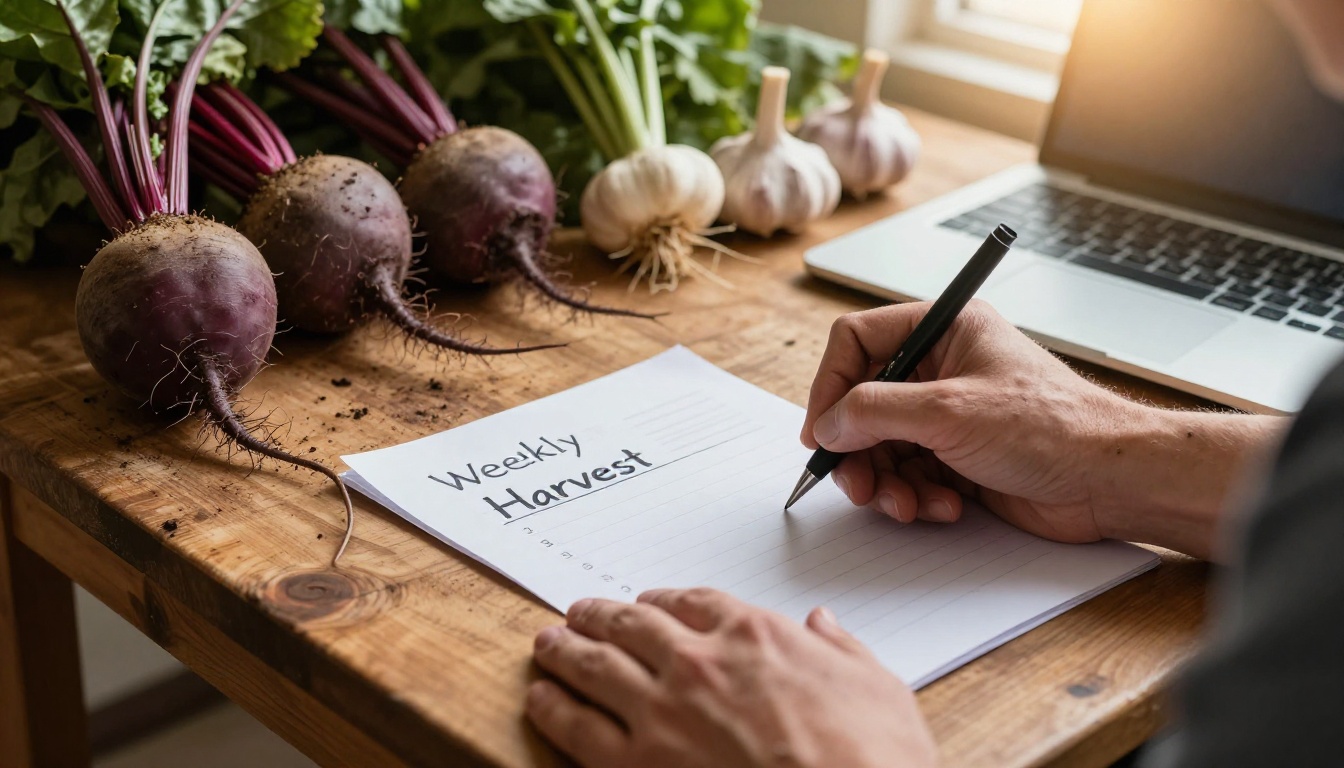
What Members Say They Need
Most surveys of CSA members land on the same three requests: a clear list of items, rough quantities, and an idea of what to do with the strange ones. Nobody asks for a long essay. They want to scan, save, and cook.
The Cost of Silence
Farms that send nothing field the same texts every Wednesday: "What is in the box?" and "How do I cook this?" Answering those one by one costs more time than writing a single weekly note.
What a Strong Harvest List Includes
The best lists are short and consistent. Members learn where to look, and the farmer fills in a template instead of starting from a blank page.
| Element | What to write | Why it helps |
|---|
| Item name | "Rainbow chard" | Avoids guessing at unfamiliar greens |
| Quantity | "1 bunch" or "2 lb" | Sets expectations for portions |
| Source note | "Field 3, picked Tuesday" | Builds pride in the harvest |
| Storage tip | "Wrap in damp towel" | Cuts spoilage at home |
| Swap or add-on | "Trade carrots for beets" | Gives members control |
Keep the Order Predictable
List items in the same order every week: leafy greens first, then roots, fruiting crops, herbs, and extras. A member should find the tomatoes in the same spot each time.
Add One Photo Per Section
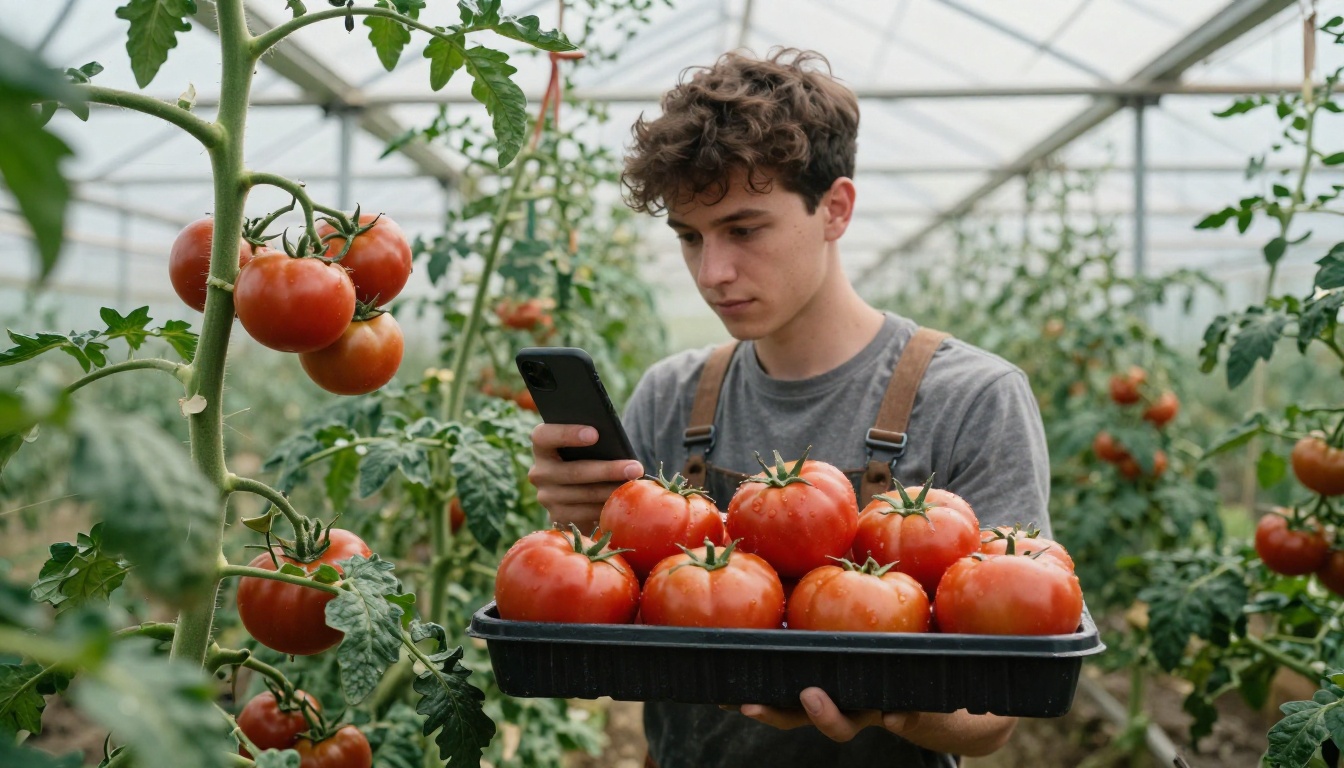
A photo of the actual produce prevents the classic mix-up between turnips and radishes. Real photos from the field beat stock images because members recognize their own farm.
Flag What Is New
Mark first-of-the-season items with a small "new this week" label. Members look forward to the first sweet corn, and the tag gives them a reason to open the message.
Recipes Members Actually Cook
A recipe attached to the list does more for renewals than almost anything else. The trick is restraint. Three short recipes beat a twenty-page cookbook that nobody opens.
Build Recipes Around the Box
Choose dishes that use two or three items from that specific week. A simple rule works well:
- Pick the item members struggle with most, such as kohlrabi, celeriac, or garlic scapes.
- Pair it with a familiar item from the same box.
- Keep the method to six steps or fewer.
- List ingredients with pantry staples marked clearly.
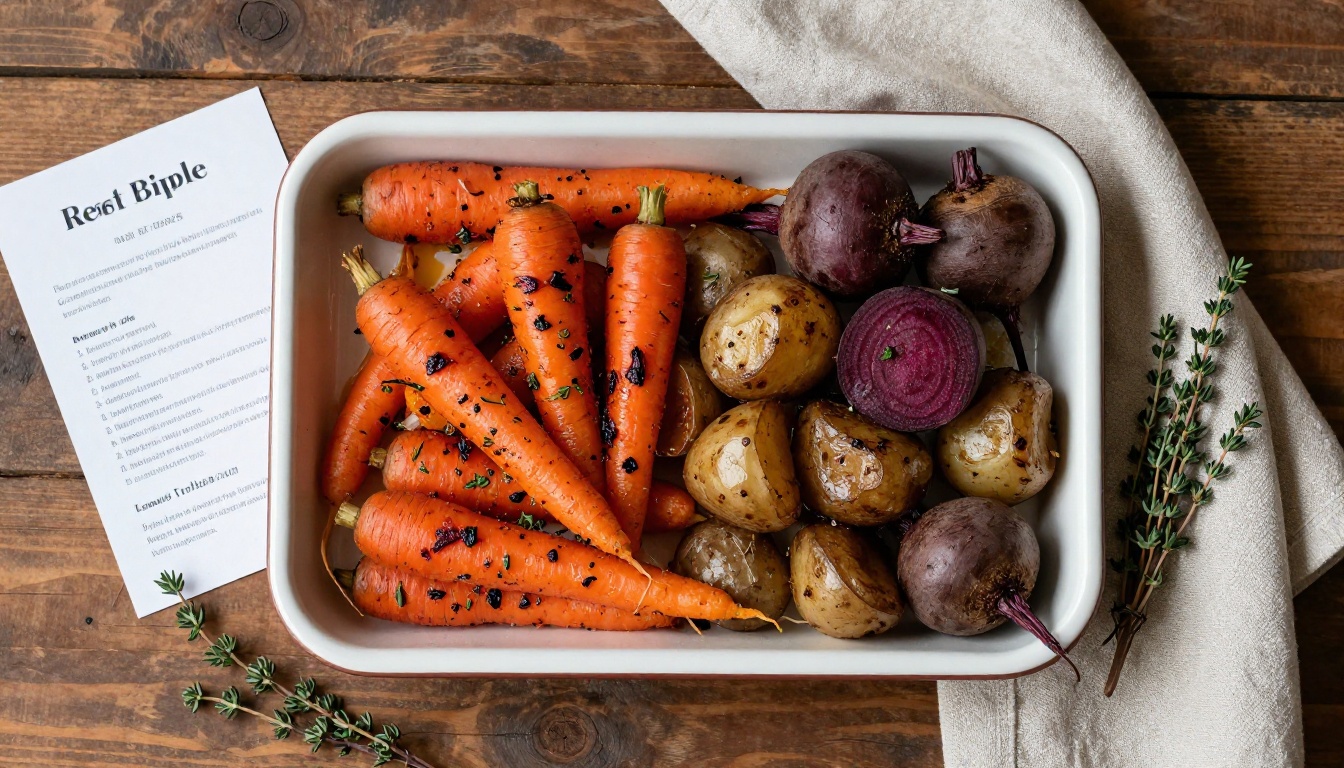
Sample Weekly Recipe Plan
| Box item | Easy recipe | Time | Skill level |
|---|
| Rainbow chard | Garlic and lemon sauté | 15 min | Beginner |
| Beets | Roasted beet and goat cheese salad | 50 min | Beginner |
| Winter squash | Roasted squash soup | 45 min | Beginner |
| Kohlrabi | Crisp slaw with apple | 10 min | Beginner |
| Leeks | Potato and leek gratin | 70 min | Intermediate |
✅ Best practice: Print the recipe name and a one-line promise ("dinner in 15 minutes") at the top. Busy members decide in two seconds whether to keep reading.
Let Members Contribute
Some of the strongest recipe sections come from the members themselves. Ask one household per month to share a favorite way to use the box, with a photo of the finished dish. It costs the farm nothing and makes the newsletter feel like a community table.
There is no single right channel. Most farms mix two or three, depending on their members and their time.
| Format | Strength | Weakness | Best for |
|---|
| Plain email | Fast to send | Long, hard to scan on phones | Small farms under 30 members |
| Text message | Instant, high open rate | No room for recipes or photos | Last-minute pickup changes |
| Private Facebook group | Lively conversation | Posts disappear in the feed | Farms with chatty members |
| Printed insert in the box | Stays on the fridge | Costs paper and time | Older members, farm stands |
| PDF attachment | Looks designed | Awkward to open on a phone | Seasonal summaries |
| Flipbook newsletter | Page-turn layout, works on any screen, shareable link | Needs a short setup | Farms that want recipes, photos, and lists in one place |
Why Flipbooks Fit CSA Newsletters
A flipbook keeps the look of a printed farm newsletter while loading fast on a phone. Members tap through the harvest list, the recipe pages, and the farm notes the way they would flip through a small magazine. The farmer sends one link, and the same link works every week if the farm updates the issue.
A PDF can do part of this, but the pinch-and-zoom reading experience frustrates people on small screens. A PDF to Flipbook Converter fixes that without redoing the design.
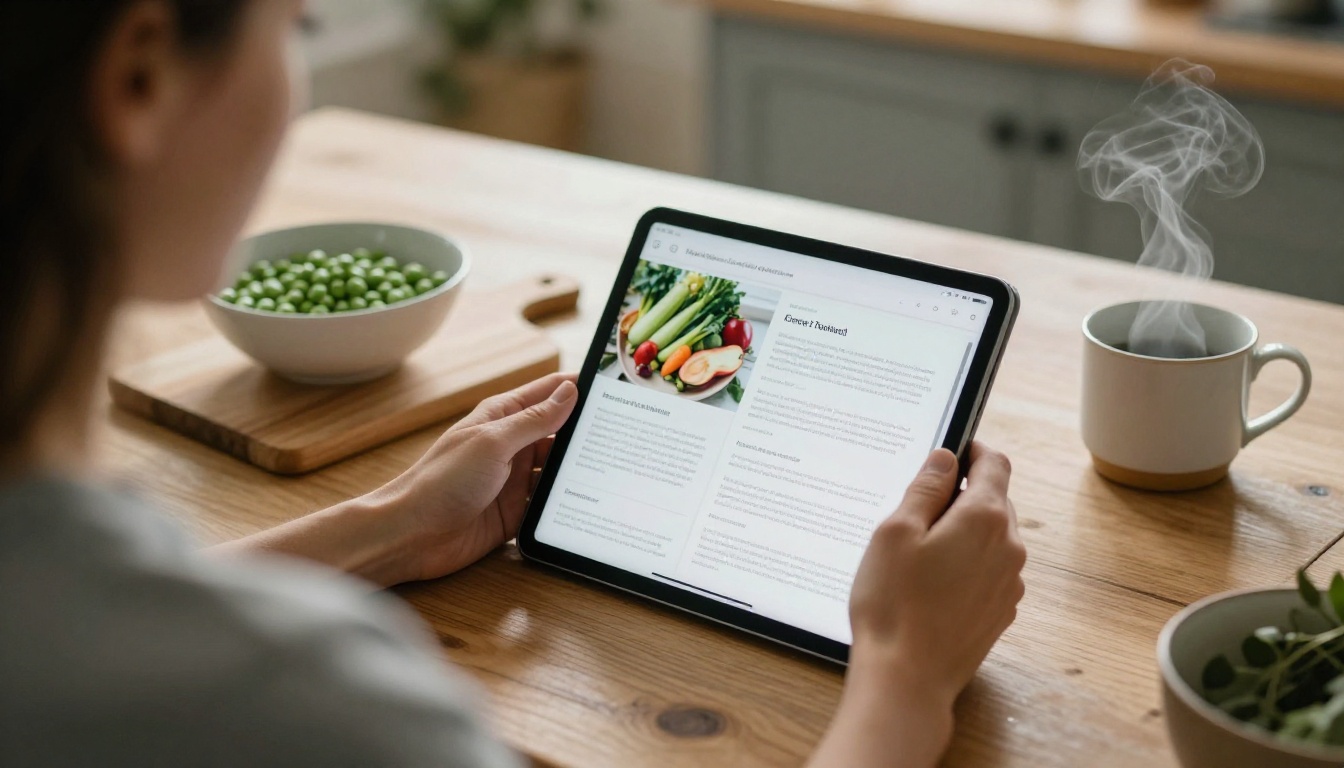
How to Build a Weekly Share Newsletter with Flipbooks AI
This is the workflow a small farm can repeat every week in under an hour. Start by choosing the layout tool, then reuse the same file all season.
Step 1: Draft in a Template
Write the harvest list and recipes in any design tool you already use, such as a word processor or a free layout app. Keep it to four to six pages: cover with the week number, harvest list, two recipe pages, farm notes, and a pickup reminder. The Newsletter Flipbook Publisher is built for this kind of issue, and the Recipe Book Flipbook works well for the seasonal recipe collection at the end of the year.
Step 2: Export and Upload
Export the file as a PDF, then create an account and upload it. The platform converts each page into a turnable flipbook page in moments, and the layout keeps your fonts and photos intact.
Step 3: Customize the Look
Match your farm. Add your logo, set the background to a soft cream or the green from your signage, and pick a page-turn effect. Embed a short audio or video clip if you want, such as a thirty-second field walk with the farmer describing what is ripe.
Step 4: Pick a Sharing Option
You have several choices, and most farms use more than one:
- Direct link: paste it into the weekly email or text.
- Embed code: place the flipbook on your farm site, using the Embed Flipbook on Website tool.
- Password protection: keep the issue limited to paying members only.
- QR code: print one on the pickup sign so walk-up visitors can open this week's list.
Step 5: Use Pro Features When You Grow
Farms with a few hundred members benefit from the Professional plan. Analytics show how many members opened each issue and which pages they spent time on, so you know if the recipe page earns its space. Lead generation forms can collect sign-ups for next season's waitlist. Offline downloads let members save an issue before they head to a spotty-signal farm stand.
💡 Pro tip: Keep the same flipbook file name and structure every week. Members build the habit of opening the same link, and you save time rebuilding the layout.
Sample Weekly Newsletter Layout
Here is a structure that works for a typical mid-summer share.
| Page | Content | Approx. words |
|---|
| 1 | Cover: week number, hero photo, one-line farm note | 40 |
| 2 | Harvest list with quantities and storage tips | 120 |
| 3 | Featured recipe with photo | 150 |
| 4 | Second recipe or member submission | 150 |
| 5 | Farm notes: weather, field updates, upcoming events | 100 |
| 6 | Pickup reminder, swap table, contact details | 60 |
A Real-World Example
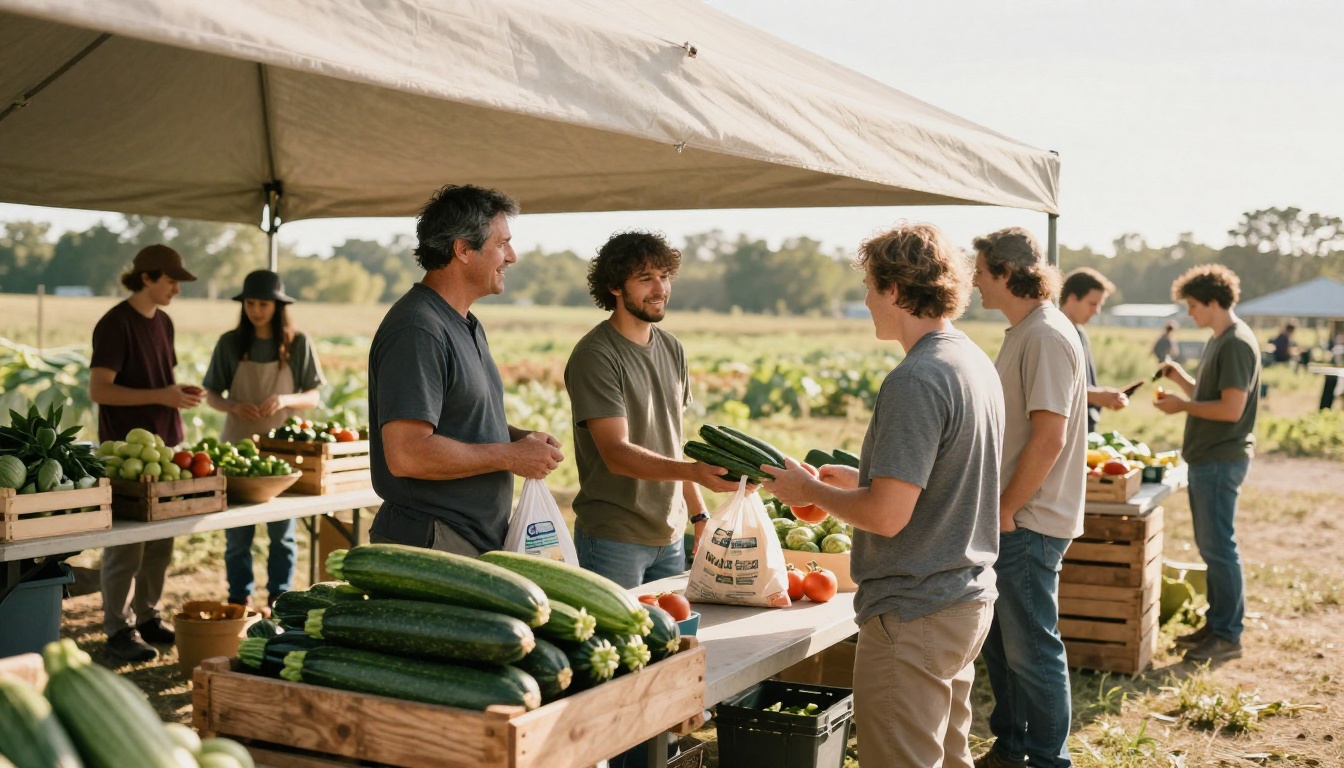
Picture a 60-member farm in the Hudson Valley. The farmer used to send a long Sunday email, and open rates hovered near 40 percent. After moving to a five-page flipbook with a photo-led harvest list and one recipe, members started replying with photos of their own dinners. The farmer now spends about 45 minutes a week on the issue and answers far fewer "what do I do with this" messages.
When a Printed Insert Still Makes Sense
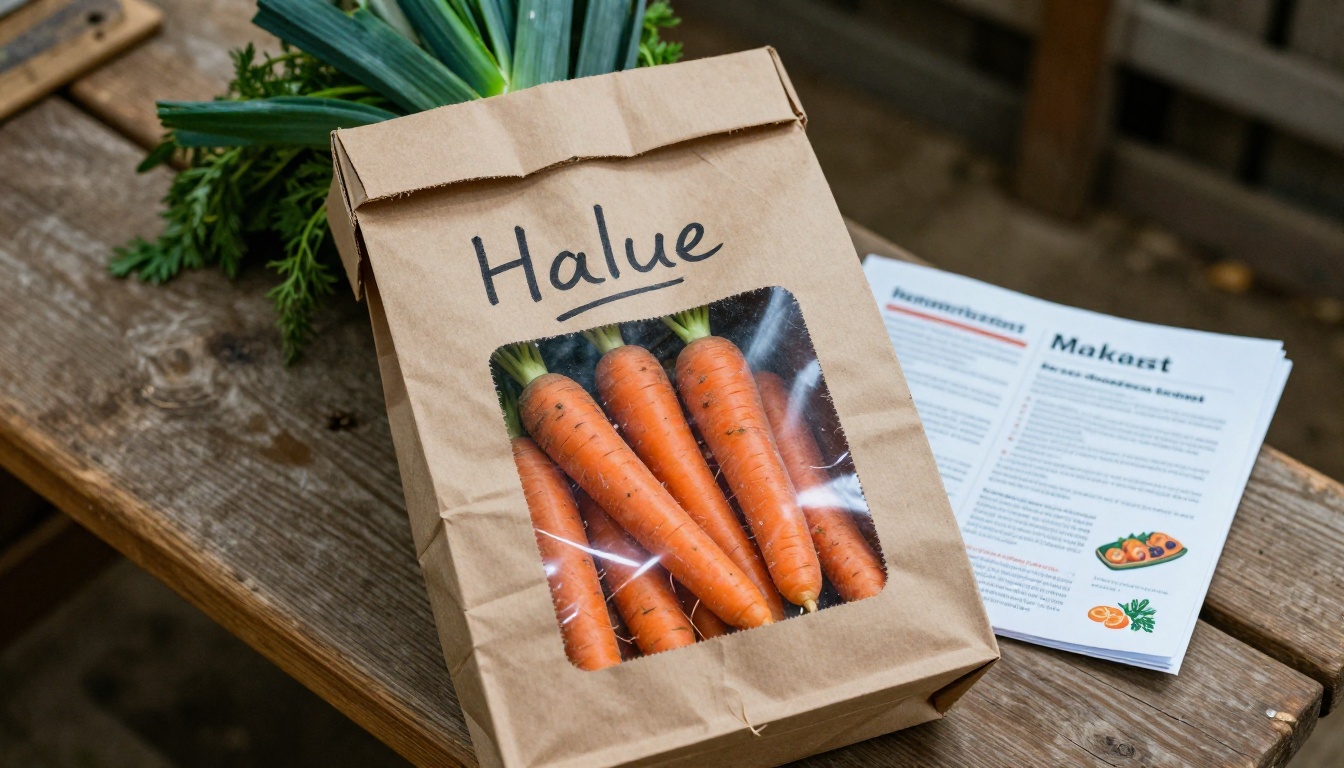
Some members still want paper. Print the same PDF as a half-page insert for the box, and add a QR code that opens the digital version. Paper stays on the fridge, and the digital copy carries the recipes and links.
Mistakes That Lose Members
A few habits quietly hurt retention. Avoid these:
- Sending the list after pickup. It arrives too late to help anyone plan.
- Burying the item list under a long story. Put the list first, the story second.
- Using farm jargon. "Scapes" and "fennel fronds" need a short explanation.
- Skipping storage tips. Most spoilage happens in the first three days at home.
- Changing the layout every week. Consistency beats novelty.
⚠️ Warning: Do not promise items you are not sure about. If the tomatoes might not ripen in time, write "possible" next to them. Members forgive a missed item more easily than a broken promise.
Handle Shortfalls Honestly
When a crop fails, say so, show a photo, and name the replacement. A short, honest note builds more trust than a silent substitution.
A Simple Weekly Routine
A repeatable schedule keeps the newsletter from eating the farmer's week.
- Monday: walk the fields, note what is ready, take three photos.
- Monday evening: fill in the template, pick one recipe, add one farm note.
- Monday night: export, upload, and check the flipbook on a phone.
- Tuesday morning: send the link by email and text.
- Pickup day: place the QR code at the stand.
Measure and Adjust
Once a month, check which pages members open most. If nobody reads the second recipe, replace it with a storage tip page or a member photo. Small changes keep the issue short and useful.
Where to Go From Here
A weekly harvest list and a few recipes will not grow the vegetables, but they make the box easier to love. Start with a four-page issue, send it the same day each week, and let the format settle. When you are ready to publish, get started for free on Flipbooks AI, browse all flipbook tools to find the layout that suits your farm, and compare pricing plans when your member list grows. Your members will thank you at the next pickup, probably with a photo of what they cooked.