Most churn does not happen at renewal. It happens in the first few weeks, quietly, when a new customer logs in once, feels lost, and never comes back. A digital welcome kit is one of the cheapest ways to stop that slide, and customer success teams that build one well see faster activation and fewer cancellations. With a tool like Flipbooks AI, you can turn a plain PDF into an interactive, trackable kit in an afternoon.
This article walks through why welcome kits work, what belongs inside, how to build one step by step, and how to measure whether it is actually reducing churn.
Why Early Churn Happens
Customers rarely leave because of one dramatic failure. They leave because the value never became obvious. They bought on a promise, then met a login screen, a long help center, and an inbox full of generic emails.

The First 30 Days Decide Everything
Think about your own habits. When you sign up for a product, you give it a short window to prove itself. If you cannot find the first useful result quickly, your attention moves on. Your customers behave the same way.
Common early warning signs include:
- No second login within the first week
- Setup steps left unfinished in the product
- Unanswered onboarding emails
- Questions that the team already answered in a help article nobody read
- Champions who change roles before the team is trained
💡 Pro tip: Pull the last 20 churned accounts and check when they last logged in. Most teams find that half of them went quiet inside 45 days of signing.
Where Traditional Onboarding Breaks
Onboarding calls help, but they are expensive and hard to repeat. Email sequences scale, but people skim them. Help centers are complete but overwhelming. None of these gives a new customer a single, calm place that says: here is what to do first, here is who to talk to, and here is what success looks like.
That is the gap a welcome kit fills.
What a Digital Welcome Kit Is
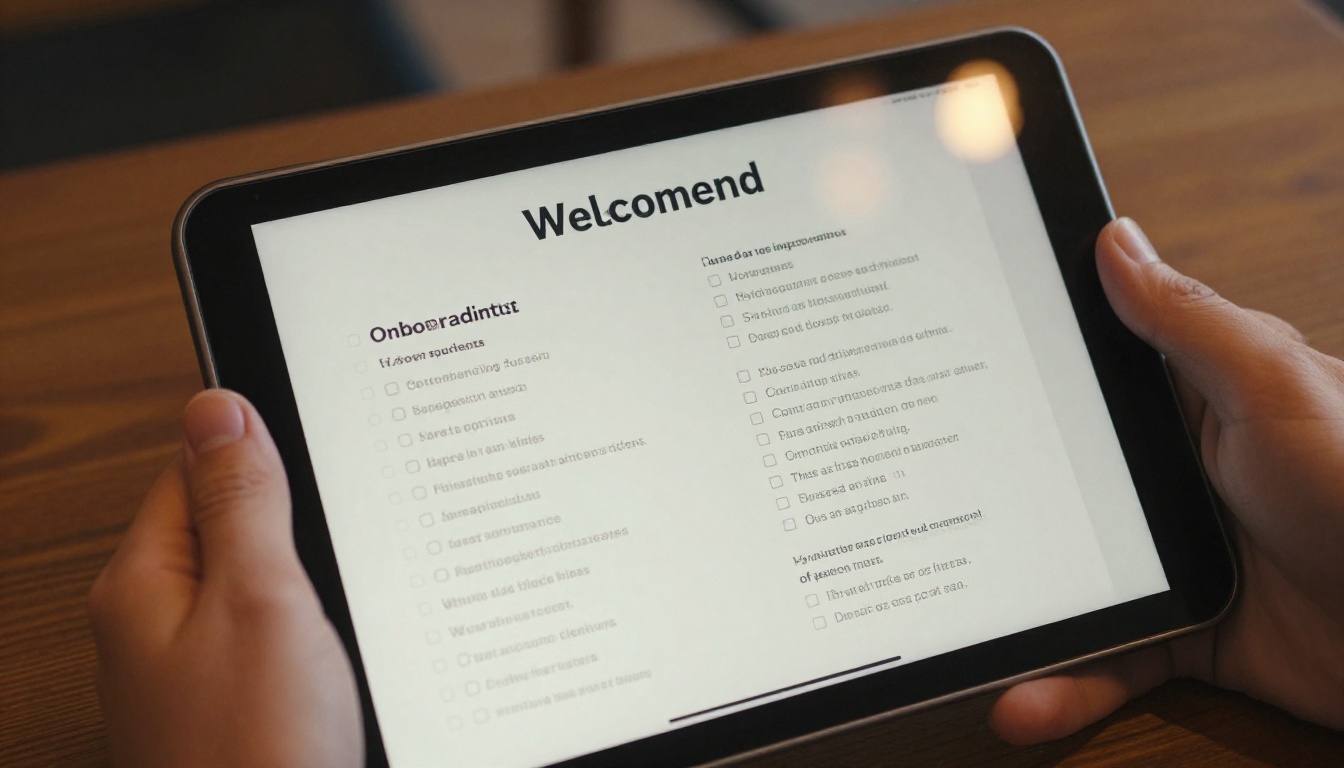
A digital welcome kit is a short, branded, interactive document sent to every new customer right after purchase. Think of it as the printed welcome box that luxury brands send, rebuilt for software and services.
Welcome Kit vs. Email Sequence
| Feature | Email Sequence | Help Center | Digital Welcome Kit |
|---|
| Single place for everything | No | Partly | Yes |
| Branded and visual | Limited | Limited | Yes |
| Page-turn reading experience | No | No | Yes |
| Tracks who reads what | Opens only | Page views | Page-level analytics |
| Easy to personalize per segment | Moderate | Hard | Easy |
| Works offline | No | No | Yes, with downloads |
The kit does not replace email or your help center. It sits in front of them and points people to the right place at the right moment.
Formats That Work
Teams usually pick one of three formats:
- Short kit (8 to 12 pages): best for self-serve and low-touch accounts
- Standard kit (15 to 25 pages): best for mid-market accounts with a setup process
- Enterprise kit (25 to 40 pages): adds security, integrations, and stakeholder maps
What to Put Inside
The best kits are short and specific. Every page should answer a question the customer is already asking.
The Core Pages
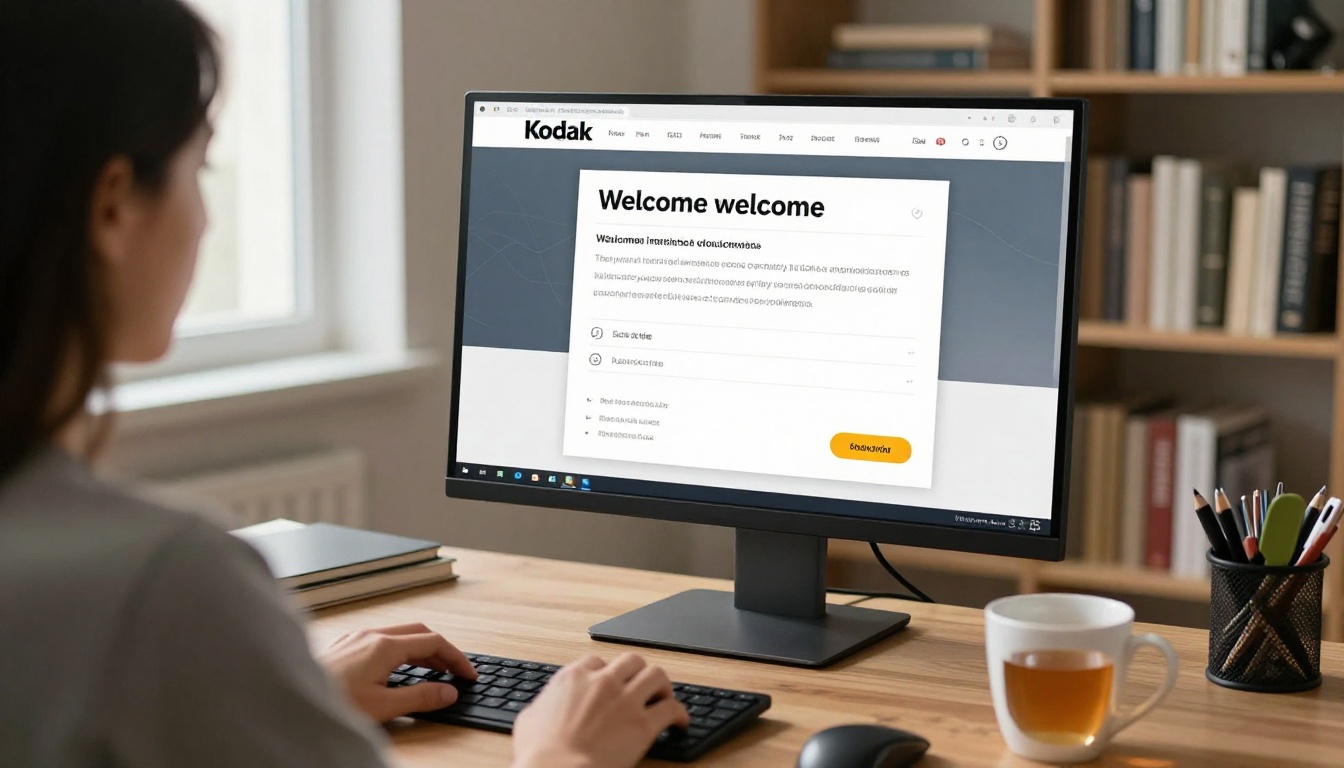
- A personal welcome from the named customer success manager, with a photo
- A 30-60-90 day roadmap showing milestones, not features
- A first win checklist with three to five actions that produce visible value
- Meet the team page with who to contact for what
- Support and escalation paths with response times
- Training calendar with live session links
- Success metrics the customer agreed to at the sale
Make the First Win Obvious
If you only get one page right, make it the first win page. Name the single result a new customer should reach in week one. Not "explore the dashboard" but "import your first 100 contacts and send one campaign."
✅ Best practice: Write the first win page from the customer's point of view. Use their words from the sales call, not your product vocabulary.
Add Media That Replaces Meetings
Short embedded videos and audio walkthroughs save hours of live training. A two-minute screen recording of setup beats a paragraph of instructions. A quick message from the account owner feels personal without costing a call.
A Sample Kit Structure
| Page | Content | Goal |
|---|
| 1 | Personal welcome and photo | Build trust |
| 2 | Your 30-60-90 day plan | Set expectations |
| 3 | First win checklist | Drive activation |
| 4 to 6 | Setup walkthrough with video | Reduce support tickets |
| 7 | Meet your team | Create human contact |
| 8 | Support paths and hours | Remove friction |
| 9 | Training calendar | Fill the first month |
| 10 | Success metrics and review date | Anchor value |
How to Build One with Flipbooks AI
If your team already writes onboarding documents in Slides, Docs, or a design tool, you are most of the way there. Here is how to turn that document into an interactive kit with Flipbooks AI.

Step 1: Create Your Account
Create an account on Flipbooks AI and open the dashboard. The free plan lets you test the flow with a real kit before you commit.
Step 2: Upload Your PDF
Export your onboarding document as a PDF and drop it into the uploader. The PDF to Flipbook Converter turns it into a page-turning flipbook in seconds, with no watermarks.
Step 3: Customize the Look
Match the kit to your brand:
- Upload your logo and set brand colors
- Choose a page-turn effect and background
- Add links to your product, calendar, and support desk
- Embed videos and audio on setup pages
- Check the mobile-responsive view, since many contacts will read on a phone
Step 4: Choose How to Share It
You have several options:
- Direct link in your welcome email
- Embed code inside your app or customer portal, using the Embed Flipbook on Website tool
- Password protection for enterprise kits that include internal details
- Offline download for customers who want a copy for stakeholders
Step 5: Turn On Analytics
On the Professional plan you get page-level analytics and lead generation forms. This is where the kit stops being a document and starts being a signal for your health scores.
💡 Pro tip: Use the Sales Presentation and Training Manual Flipbook tools as starting points if you want a layout rather than a blank page.
Personalize by Segment
A single generic kit works, but segmented kits work better. You do not need dozens. Three is usually enough.

Split by Customer Size
| Segment | Kit Length | Delivery | Follow-up |
|---|
| Self-serve | 8 to 12 pages | Email link, in-app embed | Automated nudges |
| Mid-market | 15 to 25 pages | Email plus onboarding call | CSM check-in at day 7 |
| Enterprise | 25 to 40 pages | Password-protected link | Weekly calls for 30 days |
Split by Use Case
If your product serves different jobs, such as reporting for finance and campaigns for marketing, create a kit per use case. People ignore pages that do not match their role.
A Real-World Scenario
Imagine a project management software company with 400 new accounts a quarter. Their CSMs were sending four separate emails, and activation by day 14 sat near 38 percent. They replaced the sequence with one 14-page kit, linked from a single welcome email. The CSM added a personal intro video on page 1 and a first win checklist on page 3. Within two quarters, day-14 activation rose, and early cancellations fell because customers finally knew where to start.
The numbers in your own business will differ, but the pattern holds: fewer, clearer touchpoints beat many scattered ones.
Use Analytics to Spot Risk
A welcome kit is also a data source. Page-level analytics tell you things a login count never will.

Signals Worth Tracking
- Open within 48 hours: a strong sign of intent
- Pages read: customers who stop at page 3 may be stuck on setup
- Time on the first win page: long dwell times suggest confusion
- Return visits: people coming back to the support page may need a call
- Shares and downloads: often a sign the champion is training colleagues
Turn Signals into Action
| Signal | What It Likely Means | CSM Action |
|---|
| Not opened after 3 days | Low intent or missed email | Send a short personal message |
| Stopped before the first win page | Overwhelmed | Offer a 15 minute setup call |
| Repeated visits to support page | Blocked on something | Reach out the same day |
| Downloaded and shared | Champion is selling internally | Offer a stakeholder session |
⚠️ Warning: Do not make customers feel watched. Use analytics to help faster, not to send messages that reveal how closely you track them.
Feed Your Health Score
Add kit signals to your customer health score alongside product usage and support tickets. A new account that opened the kit, finished setup, and attended a training session looks very different from one that did none of those, even if both logged in twice.
Mistakes That Waste a Good Kit
Even well-built kits fail for predictable reasons.

3 Common Errors
- Too long. A 60 page kit is a manual, not a welcome. Move reference material to your help center and link to it.
- Too much about you. Customers do not care about your company history. Spend pages on their goals and first steps.
- Sent too late. The kit works best within hours of signing, while excitement is high.
Keep It Alive
Review the kit every quarter. Remove outdated screenshots, update names and links, and check which pages nobody reads. Cut them or rewrite them.
Timing Matters
| When | What to Send |
|---|
| Within 1 hour of purchase | The welcome kit link |
| Day 2 | A short note pointing to the first win page |
| Day 7 | A check-in with a link to the training calendar |
| Day 30 | A progress recap tied to the success metrics page |
| Day 60 | A review invitation and updated roadmap |
Measure the Impact on Churn
Welcome kits earn their place only if the numbers move. Set a baseline before launch and compare cohorts after.

Metrics to Compare
- Day-14 and day-30 activation rate
- Time to first value
- Support tickets per new account in the first month
- 90-day logo retention
- Net revenue retention at the first renewal
Run a Simple Test
Split new accounts into two groups for one quarter. One group gets the kit, the other gets your current onboarding. Keep everything else the same. This gives you a clean read without complex tooling.
What Good Looks Like
You are not looking for perfection. A modest improvement in early activation compounds across every cohort, because retained customers expand, refer, and renew. Even small gains in first-90-day retention add up to meaningful recurring revenue over a year.
Where to Go Next
Once the welcome kit works, extend the same format to other moments in the customer lifecycle:
Start Building Yours Today
Churn is easier to prevent in week one than to reverse in month eleven. A digital welcome kit gives every new customer a clear start, a human face, and a first win they can reach quickly. It costs a fraction of extra headcount and scales with every signup.
Ready to build your first kit? Get started for free on Flipbooks AI, browse all flipbook tools and templates, or compare pricing plans to see which tier adds analytics and lead capture. If you already know you want the Professional features, go straight to account and pricing and launch your kit this week.



