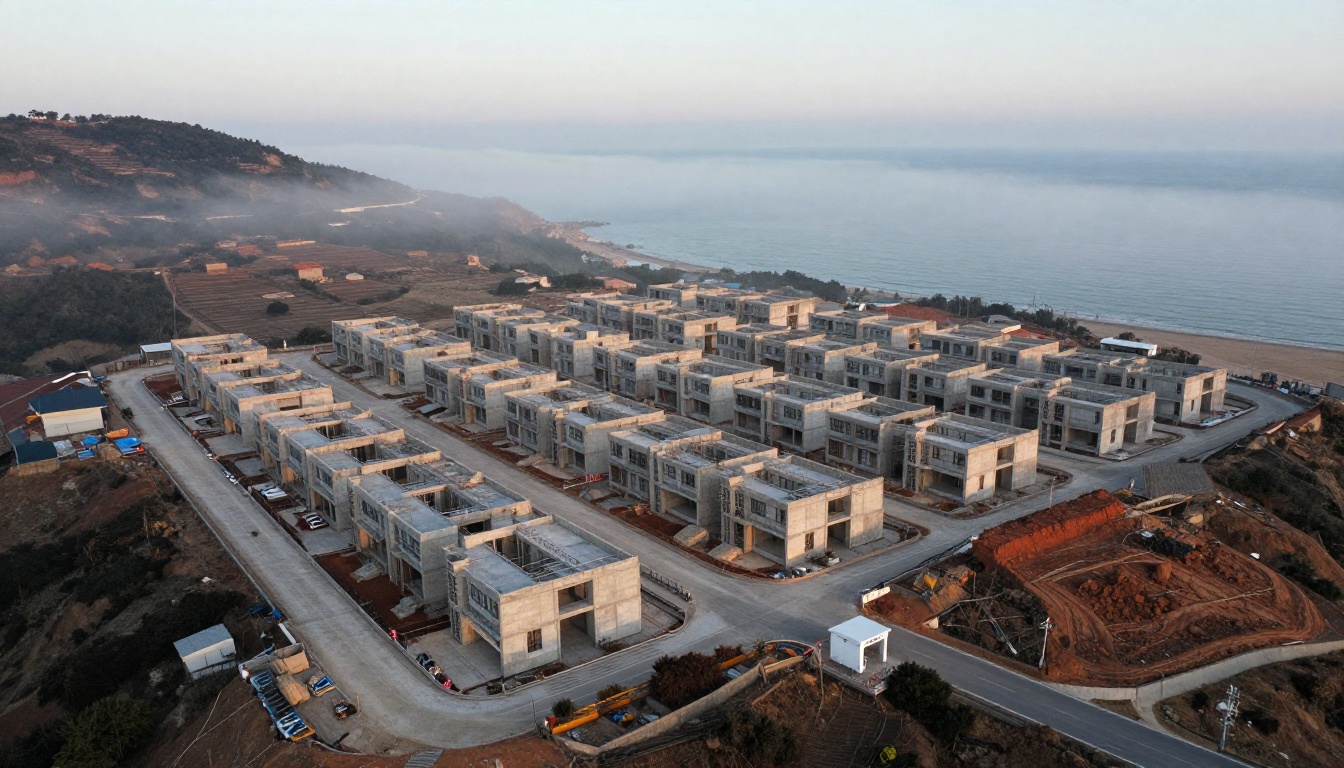
Selling a home that is still a hole in the ground is one of the hardest jobs in property. Buyers cannot touch the walls, stand on the balcony or check the light in the kitchen. They are asked to hand over a deposit based on drawings and a promise. That is why the smartest developers now put a digital brochure at the centre of the sale, and platforms like Flipbooks AI make it simple to turn a plain PDF into a page-turning experience that works on every phone.
This article walks through exactly how developers use digital brochures to sell off-plan homes: what goes inside, how to share it, how to track who reads it, and the mistakes that quietly cost reservations.
Why Off-Plan Sales Are Hard
Off-plan buying means purchasing a unit before or during construction. For the buyer it can mean a lower entry price, flexible payment plans and the best choice of floors and views. For the developer it means early cash flow that helps secure construction finance.
The catch is uncertainty. A buyer has three fears that every sales conversation must answer:
- Will the building actually be built?
- Will it look like the pictures?
- Is my money safe until handover?
A static PDF attached to an email answers none of these well. It is heavy, hard to read on a phone, impossible to track and gets forwarded without you knowing. A digital brochure fixes each of those weaknesses.
The Cost of a Weak Brochure
When a brochure loads slowly or looks cramped on mobile, buyers do not complain. They simply stop reading and move to the next project in their inbox. Developers often blame price or location when the real leak sits in the first thirty seconds of the buyer's experience.
What Buyers Expect in 2027
Most first-time enquiries now arrive from social ads, property portals and messaging apps. The buyer opens the link on a phone, often while commuting. If the brochure does not open instantly and read comfortably with one thumb, the sale is already in trouble.
What a Digital Brochure Actually Is
A digital brochure, sometimes called an interactive flipbook, is a web-based version of your brochure with realistic page-turning, zoom, embedded media and shareable links. There is nothing to download and no app to install.
| Feature | Static PDF | Digital Brochure |
|---|
| Opens on mobile | Slow, tiny text | Fast, responsive layout |
| Page-turning feel | None | Realistic page effects |
| Video and audio | Not supported | Embedded in pages |
| Read tracking | None | Views, time and pages (Professional plan) |
| Access control | Forwarded freely | Password protection available |
| Updates | Resend a new file | Update once, link stays the same |
| Branding | Fixed | Custom colours and logo |
The last row matters more than it seems. Off-plan projects change constantly: prices move, units sell, completion dates shift. With a single live link, every buyer sees the latest version.
What to Put Inside the Brochure
A brochure that sells off-plan homes does more than show pretty renders. It builds trust page by page. Use this running order as a starting point.
1. The Hook Spread
Open with one strong image of the finished building at its best hour, a short line about the neighbourhood and the starting price. Resist the urge to open with a long company history. Buyers care about the home first.
2. Location and Lifestyle
Show the real walking distances: five minutes to the metro, ten to the school, fifteen to the beach. Use a simple map page and a short list of nearby places. Specific numbers beat vague phrases like "prime location".
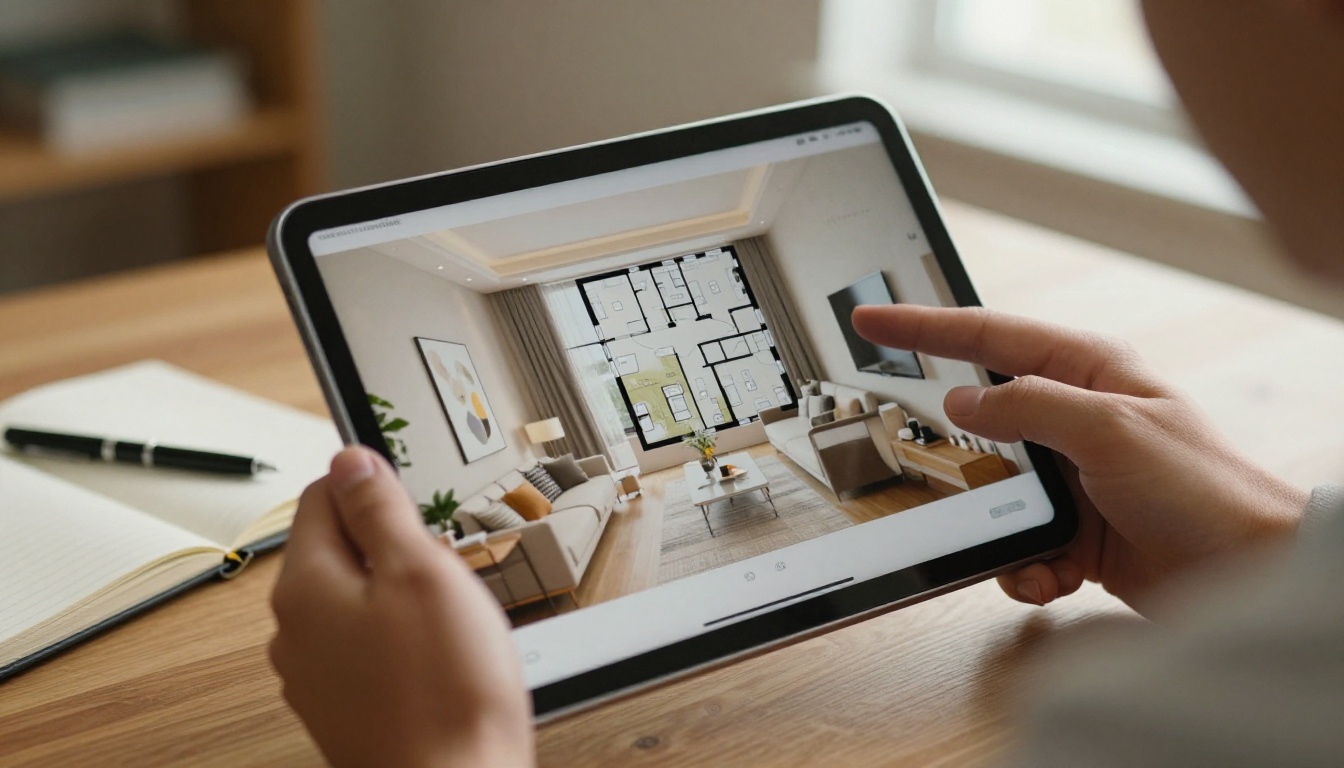
3. Floor Plans That Make Sense
Every unit type needs a clean plan with room sizes, orientation and balcony area. Add a small note on ceiling height and storage. If you can, label which floors each type appears on.
4. Specifications and Finishes
List flooring, kitchen brands, window glazing, air conditioning and parking. Buyers of off-plan homes read this page twice, because it is the nearest thing they have to inspecting the product.
5. Pricing and Payment Plan
Show the price per type and a clear payment timeline. A table works best here.
| Stage | Example Payment | When It Is Due |
|---|
| Reservation | 5% | On signing the reservation form |
| Contract | 15% | Within 30 days |
| Construction stage 1 | 20% | Foundations complete |
| Construction stage 2 | 20% | Structure complete |
| Handover | 40% | On completion and inspection |
💡 Pro tip: Put the payment table on its own page. Buyers screenshot it and share it with partners and family, which turns one reader into three decision makers.
6. Developer Track Record
This is the page that answers "will it actually be built?". Show past projects with completion dates, photos of delivered buildings and any awards. A single page of delivered homes does more than ten pages of promises.
7. Build Progress and Timeline
Add a page with dated site photos and a milestone chart. Update it monthly. Buyers who see the building rise week after week feel safe, and those who have already reserved become your best referrers.
8. Legal Safeguards
Explain in plain language how deposits are protected: escrow accounts, bank guarantees or regulated trust arrangements, depending on your market. Keep it short and link to the full documents.
9. Call to Action
End with one clear next step: book a visit, reserve a unit, or message a named sales agent. Include a direct phone or messaging link.

How to Build One with Flipbooks AI
Developers do not need a design team to do this. If you already have a brochure PDF from your agency, you are minutes away from a live version. The Real Estate Brochure Creator is built for exactly this case, and the PDF to Flipbook Converter handles the conversion itself.
Step by Step
- Create your account. Sign up on Flipbooks AI and open the dashboard.
- Upload your PDF. Drag in the brochure file. Pages convert automatically and keep their layout and image quality.
- Customise the look. Add your logo, choose background colours that match your project branding and select a page-turning effect. Flipbooks AI never adds watermarks.
- Add media. Embed a walkthrough video of the show apartment, an audio welcome from the sales director, and links to the booking page. Videos and audio play inside the pages.
- Set access. For pre-launch releases to investors or agents, switch on password protection so only invited readers can open it.
- Share it. Copy the direct link for messaging apps and email, or use the embed code to place it on your project website. The Embed Flipbook on Website tool explains the options.
- Track and follow up. On the Professional plan, analytics show how many people opened the brochure, which pages held attention and where readers dropped off. Lead generation forms can capture a name and email before the brochure opens. See the pricing plans for what each tier includes.
✅ Best practice: Keep one master brochure link per project and never create a new one for each price change. The link in your old social posts and emails then always shows current information.
If your project is a mix of residential and commercial units, the Online Brochure Designer and Brochure Flipbook Maker give you flexible layouts for each audience.

Where Developers Share Their Brochures
A great brochure still needs to reach the right people. Developers who sell well use several channels, each with a purpose.
| Channel | Best For | How the Brochure Is Used |
|---|
| Paid social ads | New leads | Link in ad opens the brochure directly |
| Messaging apps | Fast replies | Agent sends the link in the first reply |
| Email campaigns | Warm database | Brochure link with a clear call to action |
| Project website | Research stage | Embedded flipbook on the home page |
| Sales gallery | Walk-in visitors | QR code on the scale model |
| Overseas agents | International buyers | Password-protected link with agent notes |
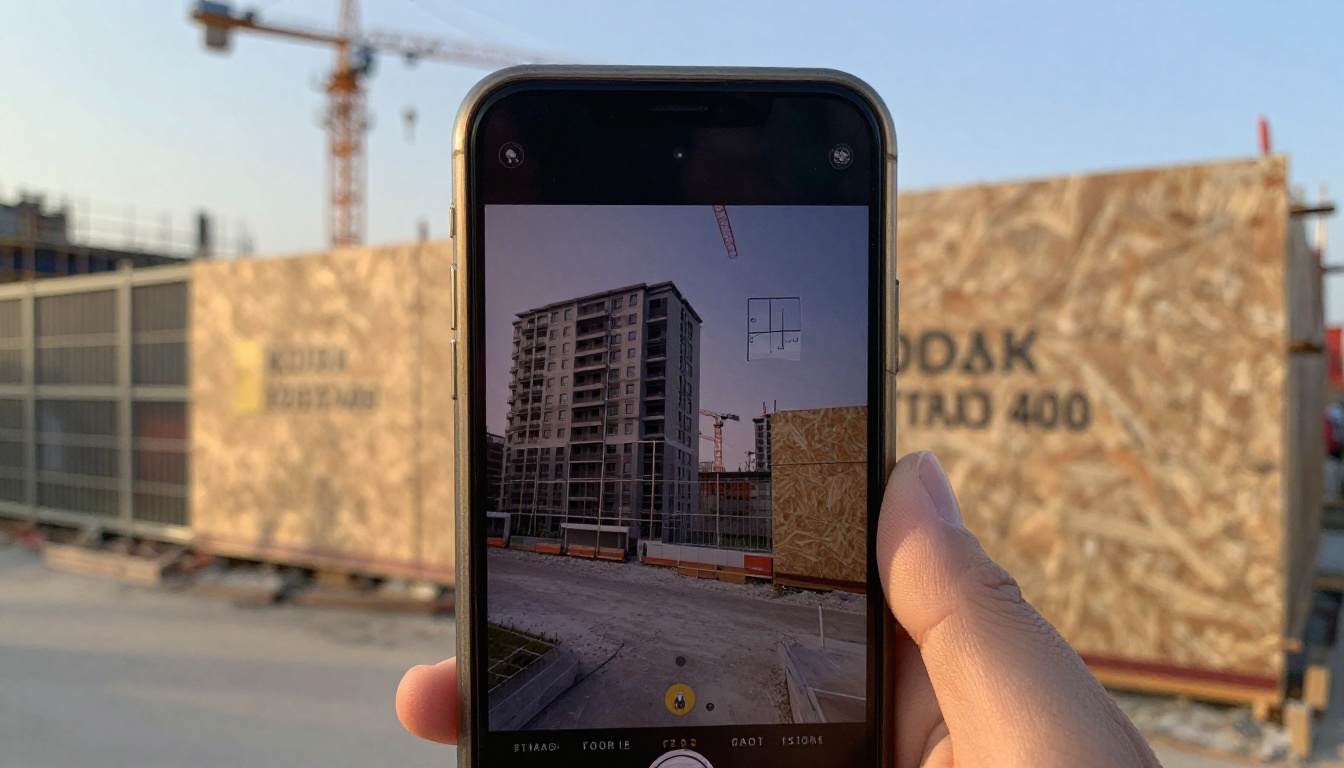
Put a QR Code on the Hoarding
The construction hoarding around your site is free advertising seen by thousands of people. Add a QR code that opens the brochure. Passers-by can scan, browse and send the link to a partner before they reach the end of the street.
Equip Your Sales Agents
Third-party agents often send outdated PDFs. Give them one approved link instead. When prices change, every agent is instantly in sync, and you remove the risk of someone quoting a unit that has already sold.
Reaching Overseas Buyers
A large share of off-plan demand comes from investors who will never visit the site before they buy. For them the brochure is the showroom.
Make It Easy to Trust From Far Away
Overseas buyers worry about distance more than anything else. Help them by adding:
- A short video message from the developer
- Dated build progress photos
- Names and photos of the sales and legal contacts
- Currency examples for the payment plan
- Clear information on ownership rules for foreign buyers
Use Password Protection for Pre-Launch
Before a public launch, many developers release the brochure to a short list of trusted agents and investors. A password keeps the pricing private until you are ready, while still giving early buyers a professional experience.

Using Analytics to Close More Sales
The biggest advantage of a digital brochure is visibility. A PDF disappears once it is sent. A flipbook tells you what happened next.
What the Numbers Tell You
| Signal | What It Usually Means | Suggested Action |
|---|
| Many opens, short reading time | Weak first pages | Redesign the opening spread |
| Readers stop at pricing | Price or plan is unclear | Simplify the payment table |
| Floor plan pages read for long | Strong interest in layouts | Call the lead the same day |
| Brochure reopened several times | Buyer is comparing or discussing | Offer a private viewing |
| Opens from one overseas region | Local demand emerging | Brief an agent in that market |
Follow Up at the Right Moment
When a lead opens the brochure again two days after the first visit, that is a buying signal. A short, friendly message such as "Happy to answer any questions about the two-bedroom plan" lands far better than a generic reminder.
⚠️ Warning: Do not call within seconds of an open. It feels intrusive. Wait a few hours and send a helpful message first.

Common Mistakes to Avoid
Even good brochures lose sales through avoidable errors. These are the ones that appear most often.
- Showing only renders. Buyers distrust perfect images. Mix renders with site photos and material samples.
- Hiding the price. Vague pricing creates friction and wastes agent time on unqualified calls.
- Too many pages. Aim for 16 to 28 pages. Longer brochures are rarely finished.
- Tiny text. If a buyer must pinch and zoom to read specifications, they will not read them.
- No dates. Every progress photo and milestone needs a date, otherwise buyers assume the worst.
- Forgetting the call to action. A beautiful brochure with no next step is a lost lead.
- Letting old versions circulate. Old PDFs in agent inboxes cause disputes. Use one live link.
A Quick Real-World Example
Picture a developer launching 120 apartments in a mid-sized coastal city. In the first month the sales team sends a PDF by email and gets forty replies. In the second month they switch to a single shared flipbook link, add a QR code to the site fence and use read analytics to rank leads. The agents now call the twelve people who reopened the floor plans, not the whole list. Reservations rise because effort goes where interest already exists. The exact numbers will vary by market, but the pattern holds across projects: better-targeted follow-up beats more follow-up.

Closing the Sale in Person
The brochure does not replace the sales gallery, it supports it. Agents who use a tablet with the brochure during a visit can jump to the exact floor plan a buyer asks about, show the progress page when a worry about delays comes up, and send the link home before the buyers have left the building.
A Simple Visit Routine
- Greet the buyer and ask what matters most: price, view, schools or investment return.
- Open the matching pages on the tablet.
- Walk to the scale model and point out the unit.
- Send the brochure link while the buyer is still present.
- Agree a follow-up date before they leave.
When the buyer is ready, the reservation page and payment plan are already in their pocket, which shortens the decision.
Ready to Build Yours?
Off-plan buyers decide with their imagination and their trust. A digital brochure supports both: it shows the home clearly and proves that the developer is organised, transparent and easy to reach.
Here is how to start today:
Your next buyer is probably reading a competitor's PDF on a small screen right now. Give them something better.



