A bride types "20x20 tent for 100 guests" into her phone at 11 p.m. She lands on a rental website, finds a blurry thumbnail, a price with no context and a PDF that takes forever to load. She closes the tab and calls the next company. This happens every week, and it is the reason why how event rental companies show tents, tables and linens online matters more than most owners think. With a tool like Flipbooks AI, a rental business can turn a messy price sheet into a clean, page-turning catalog that works on every phone.
This article walks through what actually works: how to structure inventory, what to photograph, how to display sizes and capacity, how to price without scaring people away, and how to move a visitor from browsing to a booked date.
Why Online Presentation Wins Bookings
Event rental is a visual and practical purchase. Customers need to picture a tent on their lawn, a table in their venue and a linen color next to their flowers. They also need hard facts: dimensions, seating counts and what is included.
When those answers are easy to find, people request quotes. When they are not, people leave. Most rental customers compare three to five companies before they reach out, and the company that makes the decision easiest tends to get the call.
The Problem With Paper and PDFs
Many rental companies still rely on a printed catalog or a long PDF price list. Both have the same weaknesses:
- Slow to open on mobile networks, especially with big photos.
- Hard to read on a small screen because pages are built for print.
- Outdated fast the moment a price or item changes.
- No sense of flow, so customers skip pages and miss the add-ons that raise order value.
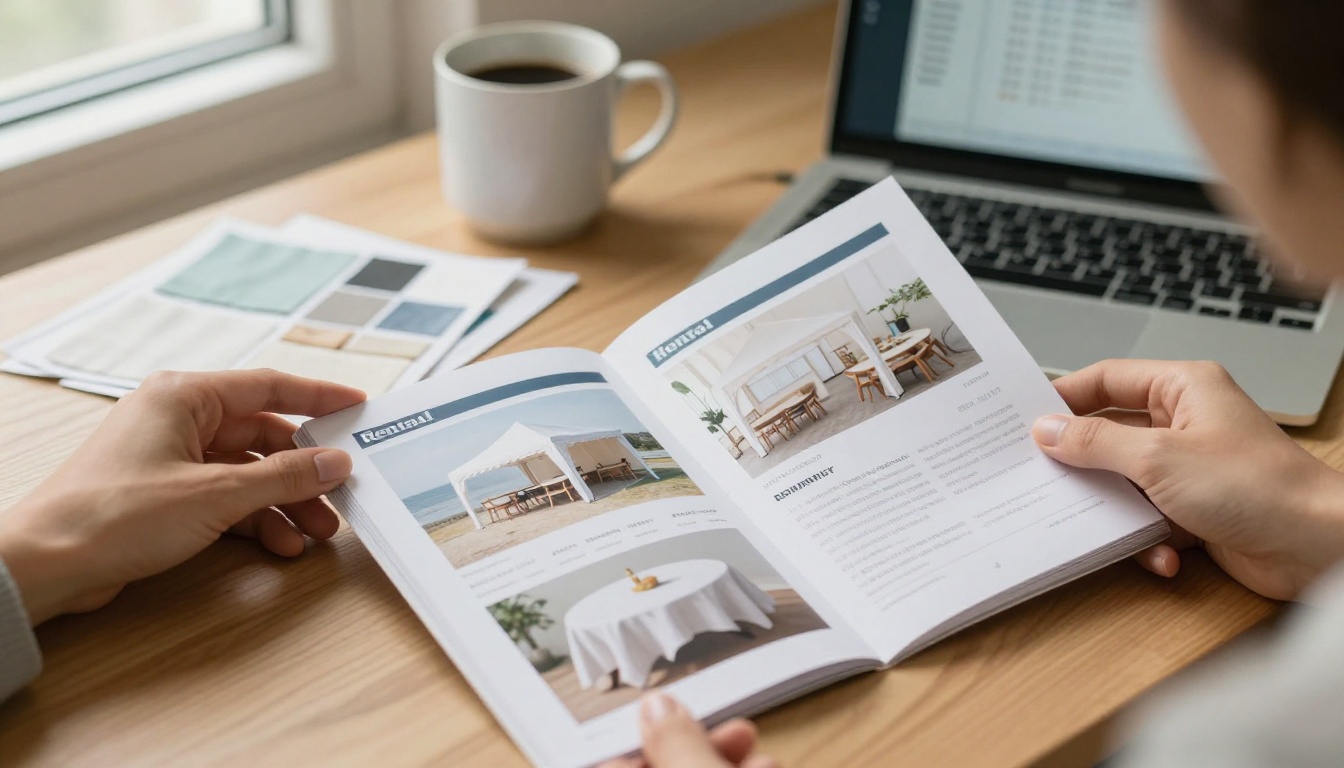
A digital flipbook keeps the familiar feel of a catalog but loads fast, reads well on a phone and can be updated by replacing one file.
What Customers Actually Look For
Before they ever talk to you, shoppers want answers to a short list of questions:
- Will this tent fit my space and my guest count?
- What do the tables and chairs look like in real life?
- Which linen colors are available, and are they in stock for my date?
- Roughly what will this cost?
- How do I ask for a quote?
Every page of your online catalog should answer at least one of these.
Structure Your Inventory Like a Shopper Thinks
Rental owners organize by warehouse zone or supplier. Customers think by event. A wedding planner is not looking for "Category 14." They want "Reception seating" or "Ceremony setup."
Group by Event Need
A strong structure for an online catalog looks like this:
- Shelter: frame tents, pole tents, pop-up canopies, clear-top tents, sidewalls and flooring.
- Seating and tables: rounds, rectangles, cocktail tables, chairs and benches.
- Linens and dressing: tablecloths, runners, napkins, chair covers and sashes.
- Extras: lighting, heaters, fans, dance floors and staging.
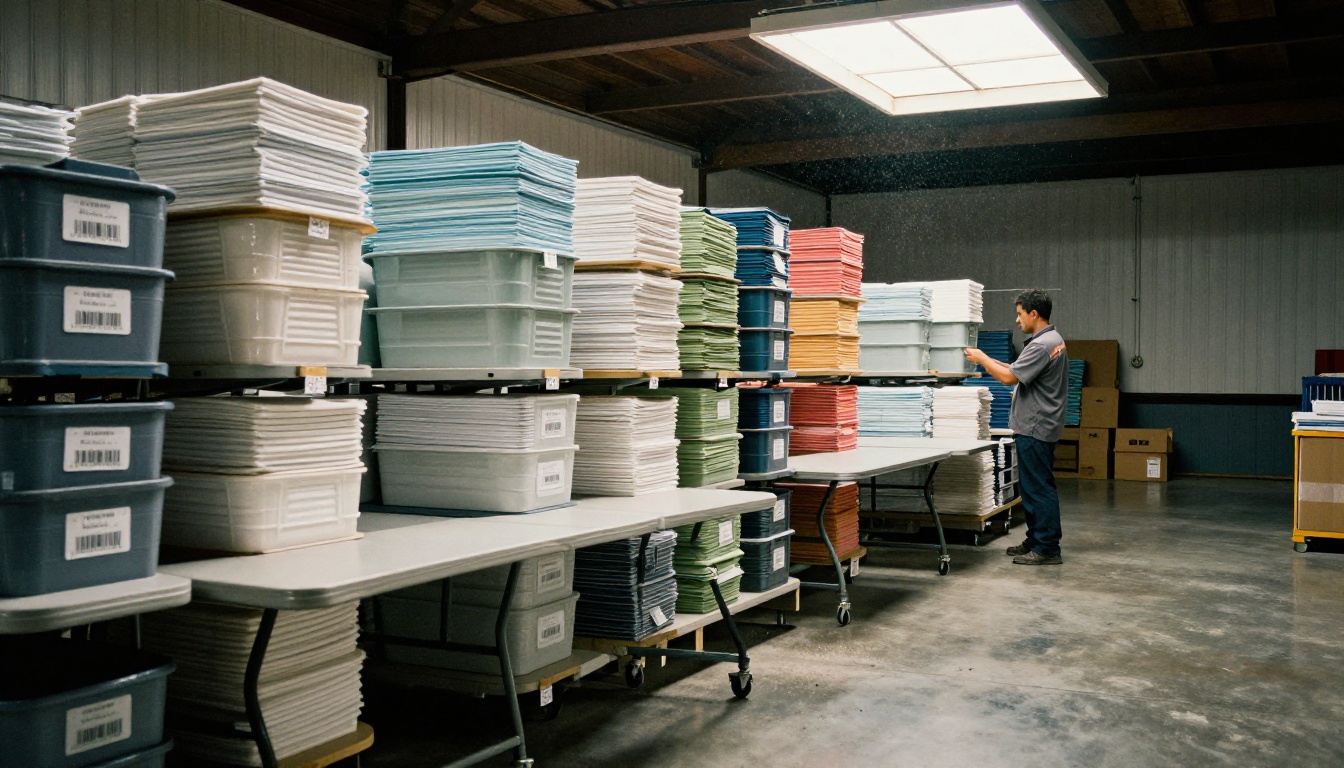
Inside each group, lead with your most requested items. If 60 percent of your orders include 60 inch rounds, they should be the first table the visitor sees.
Use a Consistent Item Layout
Every product page or catalog spread should follow the same pattern so people stop thinking and start choosing. A reliable format is:
- A large photo of the item in use
- The item name and a one line description
- Dimensions and capacity
- Price per unit or per day
- A short note on what is included
💡 Pro tip: Show each item twice. Use one clean studio style photo for detail and one lifestyle photo of the item at a real event. The first builds trust in the product, the second sells the feeling.
Tents: Show Size, Setup and Capacity
Tents are the highest value item in most rental orders and also the most confusing one for buyers. People do not think in square feet. They think in guests.
Translate Dimensions Into Guest Counts
A simple capacity table removes most of the back and forth emails. Here is a sample you can adapt to your own inventory:
| Tent Size | Best For | Seated Dinner (Rounds) | Cocktail Style | Typical Setup Time |
|---|
| 10x10 pop-up | Vendor booths, small shade | 8 guests | 15 guests | 20 minutes |
| 20x20 frame | Backyard parties | 40 guests | 70 guests | 2 hours |
| 20x40 frame | Weddings, graduations | 80 guests | 140 guests | 3 hours |
| 40x60 pole | Large receptions | 200 guests | 350 guests | 5 hours |
| Clear-top 30x60 | Evening galas | 120 guests | 220 guests | 4 hours |
Adjust the numbers to match your own layouts, since dance floors, buffet lines and stages reduce seating.
Show Real Photos From Multiple Angles
A tent looks very different from the side, from above and from inside. Offer at least three views of each tent type:
- Exterior: shows the shape and the look from guest arrival.
- Interior: shows the ceiling height and light quality.
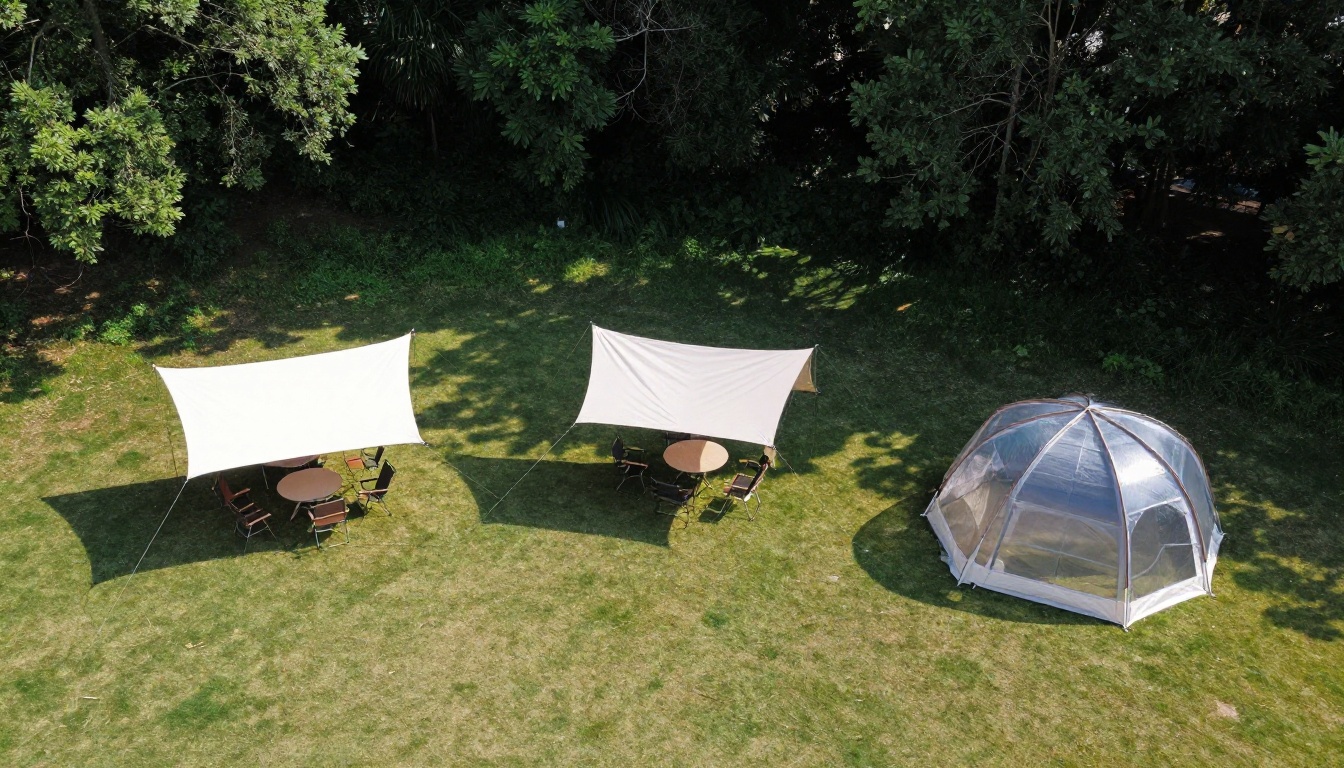
- Aerial: shows how it sits on a lawn next to other structures.
Explain Site Requirements Up Front
Nothing kills a booking like a surprise at the venue. Add a short note to each tent page that covers:
- Whether the tent needs stakes or ballast
- The flat area required, including clearance around the tent
- Whether utilities will be marked before install
- What happens in wind or rain
⚠️ Warning: Do not hide permit and weather policies in fine print. Customers who find them late feel misled, and those are the ones who leave bad reviews.
Tables and Chairs: Keep It Clear and Comparable
Tables and chairs are the easy sale, but only if shoppers can compare them quickly. Most people do not know the difference between a 60 inch round and a 72 inch round until someone shows them.
Build a Simple Table Chart
| Table Type | Size | Seats Comfortably | Best Use |
|---|
| Round | 48 inch | 4 to 6 | Kids tables, small rooms |
| Round | 60 inch | 8 | Standard dinner seating |
| Round | 72 inch | 10 to 12 | Large family style tables |
| Rectangle | 6 foot | 6 to 8 | Buffets, small groups |
| Rectangle | 8 foot | 8 to 10 | Long banquet layouts |
| Cocktail | 30 inch | 4 standing | Mingling, lounge areas |
A chart like this works best placed right next to a photograph of each table at an event, so the number and the picture reinforce each other.

Photograph in Context
A table on a white background tells me the size. A table dressed with a runner, plates and flowers tells me what my event could look like. The second image earns more clicks and longer reading time. Many rental companies run a quarterly photo day, dressing a few setups and shooting them all in a single afternoon with natural light.
Linens: Make Color Choices Easy
Linens are where rental shoppers get stuck. Digital screens distort color, and the difference between ivory and champagne can ruin a wedding palette.
Show Swatches Beside Real Fabric
For each linen, include:
- A close-up photo of the actual fabric texture
- A full table photo using that linen
- The exact color name used on your order form
- Available sizes and the tables they fit

Offer a Swatch Request
Even the best photo cannot guarantee a match. Add a clear line such as "Request a free swatch kit" on the linen pages. It signals confidence in your product and gives you a warm lead with an address and an event date.
Linen Sizing at a Glance
| Table | Cloth Needed for Floor Length | Cloth for Standard Drop |
|---|
| 60 inch round | 120 inch round | 90 inch round |
| 72 inch round | 132 inch round | 108 inch round |
| 6 foot rectangle | 90x156 inch | 90x132 inch |
| 8 foot rectangle | 90x156 inch | 90x132 inch |
Sizing charts reduce wrong orders, which in turn reduces returns and last minute swaps at delivery.
Pricing: Be Honest Without Giving Everything Away
Pricing is the part many owners fear. Publish too much and competitors copy you. Publish too little and customers assume you are expensive.
Three Common Approaches
| Approach | What You Show | Strength | Risk |
|---|
| Full price list | Every item with a price | Builds trust, filters out poor fits | Easy for rivals to compare |
| Starting prices | "From $X" per item or package | Sets expectations, keeps flexibility | Customers may expect the low end |
| Quote only | No prices shown | Protects margins | Lower response from cautious buyers |
Most successful rental companies use starting prices plus package examples. A visitor sees that a 20x20 tent with 40 chairs and five tables starts at a certain range, and then asks for the exact number.
Use Packages to Simplify
Bundles make the decision lighter. Consider offering:
- Backyard Party: tent, tables, chairs and basic linens
- Wedding Reception: larger tent, rounds, linens, dance floor and lighting
- Corporate Event: clear-top tent, cocktail tables and staging
✅ Best practice: Show what is included in each package with a short checklist, and show what costs extra. Surprises at checkout are the fastest way to lose trust.

Build a Catalog Customers Can Flip Through
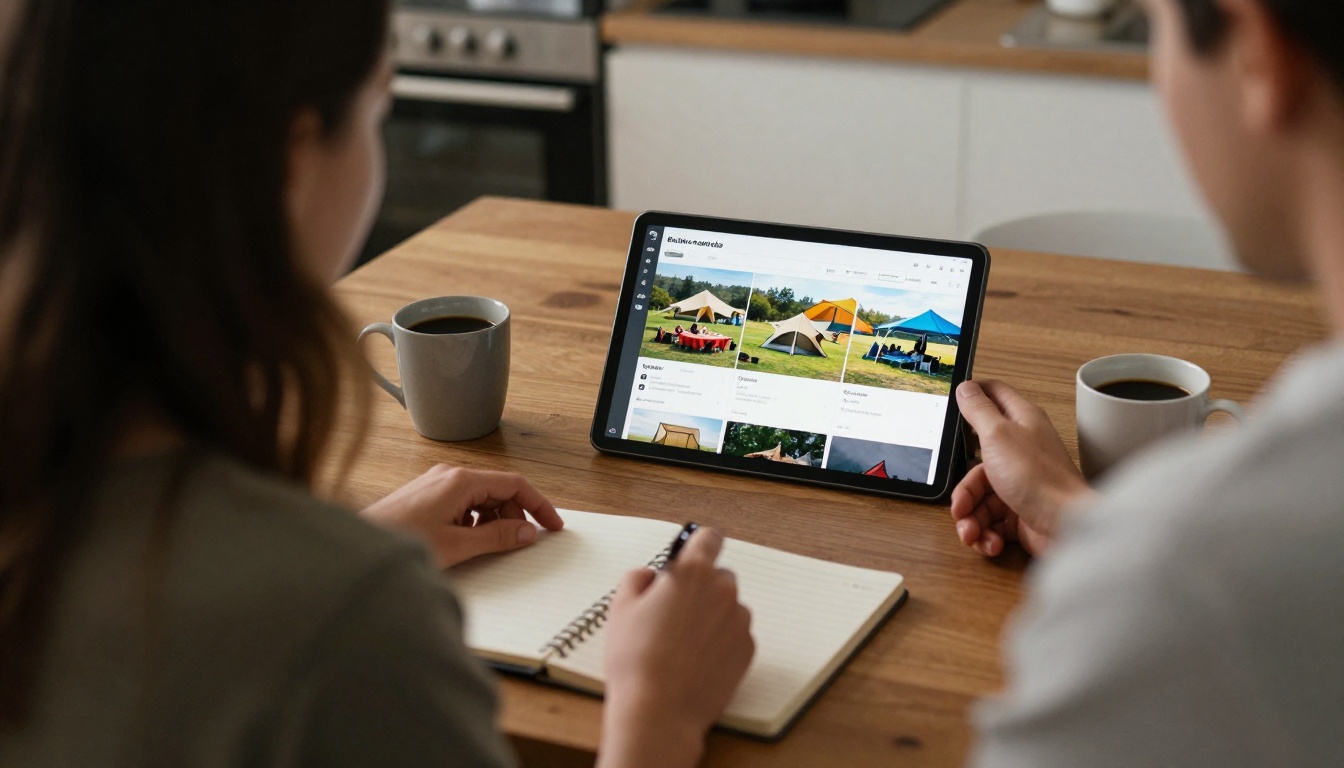
A website is good for search traffic. A flipbook catalog is good for browsing, sharing and sending to a client who asked for "everything you have." Many planners also forward catalogs to a couple or a committee so everyone can look at the same document.
Why a Flipbook Works for Rentals
- It feels like a real catalog. People already know how to turn pages.
- It loads quickly and adapts to a phone screen.
- It can include links to your quote form, phone number and booking calendar.
- It stays current, because you swap the file instead of reprinting.
How to Create a Rental Catalog With Flipbooks AI
The process is short enough to finish in an afternoon:
- Prepare your PDF. Build your catalog in any design tool, with one section each for tents, tables, chairs and linens. Use high quality photos and keep text readable at phone size.
- Create your account. Go to Flipbooks AI and sign up. You can try it before choosing a plan.
- Upload and convert. Use the PDF to Flipbook Converter to turn your file into an interactive page-turning catalog.
- Customize the look. Add your logo, brand colors and page effects so it matches your website and trucks. The Catalog Flipbook Creator and Digital Catalog Maker are good starting points for layout ideas.
- Add links and media. Link each item to your quote form and embed a short video of a tent setup or a walk through of a dressed table. You can also add audio or a welcome note.
- Share it. Copy the direct link for emails and texts, or use the Embed Flipbook on Website option to place it on your own pages. Password protection is handy for private wholesale or planner only price lists.
Flipbooks AI has no watermarks on any plan, and unlimited flipbooks come with the Standard plan and above. For rental companies, that means you can keep a general catalog, a wedding catalog and a corporate catalog all live at the same time.
Use Analytics to See What Sells
On the Professional plan, analytics show which pages are viewed most and where readers stop. If nobody gets past the linen section, maybe the colors need better photos. If the tent page gets long views, it deserves a bigger spot near the front. Lead capture can also collect an email and event date before someone opens your price pages. See the pricing plans for what each tier includes.
Planning Catalog Types
| Catalog | Audience | Content Focus | Update Frequency |
|---|
| General inventory | Everyone | All tents, tables, chairs, linens | Twice a year |
| Wedding collection | Couples, planners | Styled tablescapes, linens, lighting | Each season |
| Corporate events | Businesses | Clear-top tents, staging, cocktail setups | Yearly |
| Planner price list | Trade partners | Wholesale rates, delivery zones | Quarterly |
Each of these can also use a purpose built tool, such as the Event Program Maker for day-of schedules you hand to clients, or the Digital Price List Generator for your rate sheets.
Show Real Events, Not Just Products
A catalog of inventory is useful. A catalog of finished events is persuasive. Customers want to see that you can pull off the exact scenario they are planning.
Add a Gallery of Past Events
Include a handful of event stories with a short caption on each:
- Event type and guest count
- Tent size and layout used
- Linen colors and table styles
- A line about the venue or setup challenge

A single gala photo like the one above answers dozens of unspoken questions about lighting, spacing and finish quality.
Practical Example: A Backyard Wedding
A rental company in a mid-sized town builds a three page spread for backyard weddings. Page one shows a 20x40 frame tent over eight rounds. Page two shows the same setup dressed in ivory linens with sage napkins. Page three lists the package price range, what is included and a button to request a date. Inquiries from that page alone start arriving within weeks, because a visitor can see, count and budget in under a minute.
Practical Example: A Corporate Mixer
A second company builds a separate catalog for businesses, with clear-top tents, black linens and cocktail tables. Because the document shares the same brand and looks professional, office managers forward it internally without any extra work from the owner.
Make Asking for a Quote Effortless
Every attractive page needs a next step. Placing it only at the end of the catalog is a mistake, because many readers never get there.
Where to Place the Call to Action
- On the first page, right under your logo
- At the end of each product section
- On every package page
- In the last page with phone, email and a booking link
What Your Quote Form Should Ask
Keep it short. Four to six fields convert much better than a long form:
- Event date
- Venue or city
- Guest count
- Event type
- Name and email or phone
💡 Pro tip: Add "Is your date flexible?" as an optional field. It helps you plan inventory and lets you offer a better date if the first one is taken.
Follow Up Fast
Quick replies win most rental jobs. A catalog gets the interest, but a reply within an hour keeps it. Many owners set up a short text template with the link to the catalog attached, so the first response is already useful.
Common Mistakes to Avoid
Even good rental companies slip on the same issues. Check your own site and catalog against this list:
- Dark or cluttered photos that hide the product
- No sizes listed, forcing people to call for basic facts
- Prices that do not match between the website and the PDF
- No mention of delivery areas or fees
- Skipping mobile testing, so layouts break on phones
- Outdated inventory showing items you no longer own

A Quick Self Audit
| Check | Good Sign | Warning Sign |
|---|
| Photos | Bright, in context, consistent | Dark, mixed styles |
| Sizes | Clear on every item | Missing or inconsistent |
| Pricing | Starting prices or packages | Nothing at all |
| Mobile view | Fast and readable | Pinch and zoom needed |
| Next step | Visible on every section | Buried on the last page |
Your Next Step
You do not need a new website to look professional online. You need clear photos, honest sizes, simple pricing and a catalog that opens fast on a phone. Start by exporting your current inventory into a clean PDF, then create your Flipbooks AI account and publish your first catalog today.
If you want ideas for layout and structure, browse all flipbook tools to find a template that fits your rental business. When you are ready to share the catalog with planners and customers, compare pricing plans and pick the one that matches the way you work. A tent, a table and a linen swatch are easy to love in person. With the right online presentation, they are just as easy to book from a phone.



