An export business lives or dies on whether a buyer in Hamburg, Dubai, or São Paulo can read your specs without asking for help. Most manufacturers solve this by emailing a different PDF to every market, and within a year nobody knows which file is current. This article shows how exporters publish one product catalog in several languages without losing control of it, using a master structure, disciplined translation, and a digital flipbook from Flipbooks AI for each market.
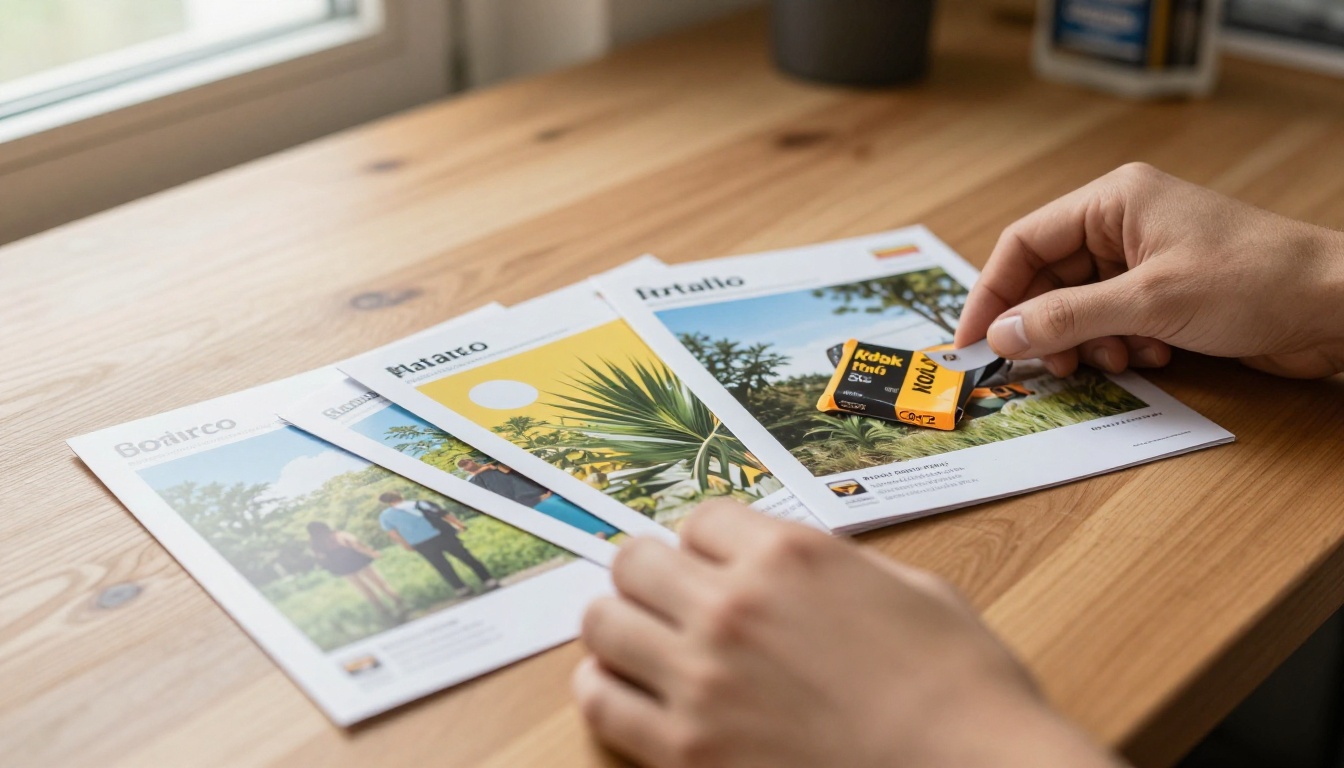
Why One Catalog Per Language Fails
The usual setup looks reasonable at first. Someone exports the English catalog to PDF, a freelancer translates it into Spanish, a distributor in Germany creates their own version, and a sales rep in Dubai edits an Arabic file on a laptop. Six months later you have nine files, four price lists, and two different torque ratings for the same valve.
The problems repeat across almost every exporter:
- Version drift: a spec changes in the English file and never reaches the others.
- Heavy attachments: large PDFs with product photos bounce from inboxes or load slowly on mobile connections.
- No visibility: you cannot tell which market actually opens the catalog.
- Layout breakage: German text runs 30% longer than English and pushes tables off the page.
⚠️ A buyer who finds a wrong dimension in one language will doubt every other number in your catalog. Consistency is a sales issue, not just a design issue.
Build a Master Catalog First
Before any translation starts, decide what stays fixed across languages and what changes. Exporters who skip this step end up retranslating the same content again and again.
Separate Data From Words
Part numbers, dimensions, materials codes, certifications, and photos are language neutral. Keep them in one spreadsheet or product database. Descriptions, usage notes, and warranty text are language specific and belong in a separate column set for each language.
Lock the Page Template
Design the layout once with room to spare. A good rule is to leave 35% extra space in every text box, because languages such as German, Finnish, and Portuguese expand. Arabic and Hebrew need a mirrored reading direction, so plan the grid so images can flip sides without breaking.
Use Plain Language in the Source
Short sentences translate better. Replace idioms such as "built like a tank" with measurable facts such as "wall thickness 4 mm, rated to 16 bar." Machine and human translators both produce cleaner results from precise source text.
| Element | Keep the same in all languages | Translate per market |
|---|
| Part numbers and SKUs | Yes | No |
| Dimensions and tolerances | Yes (add imperial units where needed) | Unit labels only |
| Product photos | Yes | Alt text and captions |
| Certifications and logos | Yes | Local certification notes |
| Descriptions and benefits | No | Yes |
| Prices and currency | No | Yes, per region |
| Contact details | Partly | Local office and hours |

Pick the Right Translation Workflow
There is no single best method. The right choice depends on how technical your products are and how much revenue each market brings.
Machine Translation With Human Review
Run the descriptions through a translation engine, then ask a native speaker in the industry to correct terminology. This cuts cost by roughly half compared with fully manual work and suits catalogs with hundreds of SKUs.
Professional Translator for Technical Terms
For machinery, medical parts, or chemicals, a single wrong word can cause a rejected shipment. Hire a translator who knows the sector, and give them a glossary of approved terms.
Distributor Review
Local distributors know how buyers actually speak. Send them the translated draft and ask for marked-up corrections rather than a rewrite.

| Method | Cost per 100 pages | Speed | Best for |
|---|
| Machine only | Very low | Hours | Internal drafts |
| Machine plus review | Low to medium | 2 to 4 days | Large catalogs, general goods |
| Professional translator | High | 1 to 2 weeks | Regulated or technical products |
| Distributor edit | Low | 3 to 7 days | Local tone and market phrasing |
💡 Keep a shared glossary with your product terms in every language. Reuse it for each new season and your translation cost drops with every edition.
Quick Example: A Valve Manufacturer
Picture a mid-size valve maker in Turkey that sells to Germany, Saudi Arabia, and Mexico. The team keeps one master spreadsheet of 420 SKUs. Descriptions are translated into German, Arabic, and Spanish, then dropped into the same page template. The result is four catalogs with identical structure, each exported as a PDF and published as a flipbook.
When the steel supplier raises prices in March, the team edits one column, regenerates four PDFs, and swaps them in a single afternoon. Before this process, the same task took two weeks and still left errors behind.

How to Publish Each Edition With Flipbooks AI
Once the PDFs are ready, a digital flipbook gives every market a clean link instead of an attachment. The Product Catalog generator and the PDF to Flipbook Converter are built for exactly this.
Step by Step
- Create your account. Go to Flipbooks AI and sign up. No credit card is needed to try the basics.
- Upload the PDF. Drag the English master into the converter. Pages become a page-turning flipbook in moments, with text and images kept sharp.
- Repeat for each language. Upload the German, Arabic, and Spanish files as separate flipbooks. Name them clearly, for example "Valve Catalog DE" and "Valve Catalog AR."
- Customize the look. Add your logo, brand colors, and page effects so every edition looks like part of one family. The Digital Catalog Maker offers templates for this.
- Add multimedia. Embed a short demo video or audio note on key product pages. It works the same in every language edition.
- Share it. Copy the direct link for emails and messaging apps, or use the embed code for your website.
- Protect private editions. Dealer price lists can sit behind a password so only approved partners open them.

✅ Flipbooks never carry a watermark, load well on phones, and let you keep unlimited editions on the Standard plan and above. See the pricing plans for details.
Organize Links by Market
Publishing is half the job. The other half is making sure each buyer lands on the right edition.
One Landing Page, Several Links
Create a simple "Download catalog" section on your website with a language selector. Each button opens the matching flipbook. Visitors pick their language once and stay on the right version.
Match Language to Region in Emails
Add the correct link to every sales email by market. Your CRM can store a "catalog language" field so the right link is inserted automatically.
Print QR Codes for Trade Fairs
Put a QR code on your booth banner that points to the language selector page. Visitors scan, choose, and read on their phones without carrying heavy brochures home.

| Channel | Best link type | Tip |
|---|
| Email to buyers | Direct flipbook link | Match language to the buyer's country |
| Company website | Embedded flipbook | Add a language switcher above it |
| Trade fair booth | QR code | Point to a selector page, not one language |
| Distributor portal | Password protected link | Include dealer prices only here |
| Messaging apps | Short direct link | Preview loads fast on mobile |
Keep Every Language in Sync
The biggest risk after launch is drift. A disciplined update routine prevents it.
Update the Master First
Always change the spreadsheet or source file, never the translated PDF. If a price, dimension, or certification changes, edit it in one place and push it to every edition.
Use a Release Calendar
Pick fixed dates, such as the first of January and July, for full catalog releases. Use smaller monthly patches for urgent corrections. Buyers learn when to expect updates, and your team stops rushing.
Name Files Consistently
A naming pattern such as catalog_2027_v3_DE.pdf avoids confusion when five people touch the same folder. Keep old versions in an archive folder rather than deleting them, so you can answer questions about earlier quotes.

💡 Replace the PDF inside the same flipbook when you update. The share link stays the same, so every email, QR code, and website embed already points to the new version.
Common Mistakes Exporters Make
Even careful teams repeat a few errors. Check your own process against this list.
- Translating before the source is final. Every later change costs double.
- Ignoring units. Add inches, pounds, and Fahrenheit for North America next to metric values.
- Forgetting local standards. A CE mark means little to a buyer who needs a different certification. List the standards each region cares about.
- Using flags as language icons. One country does not equal one language. Use language names written in that language, such as "Deutsch" or "Español."
- Skipping a mobile test. Open each edition on a phone and check that tables are readable.
- Hiding the contact page. Each edition needs a local contact, phone number with country code, and time zone.
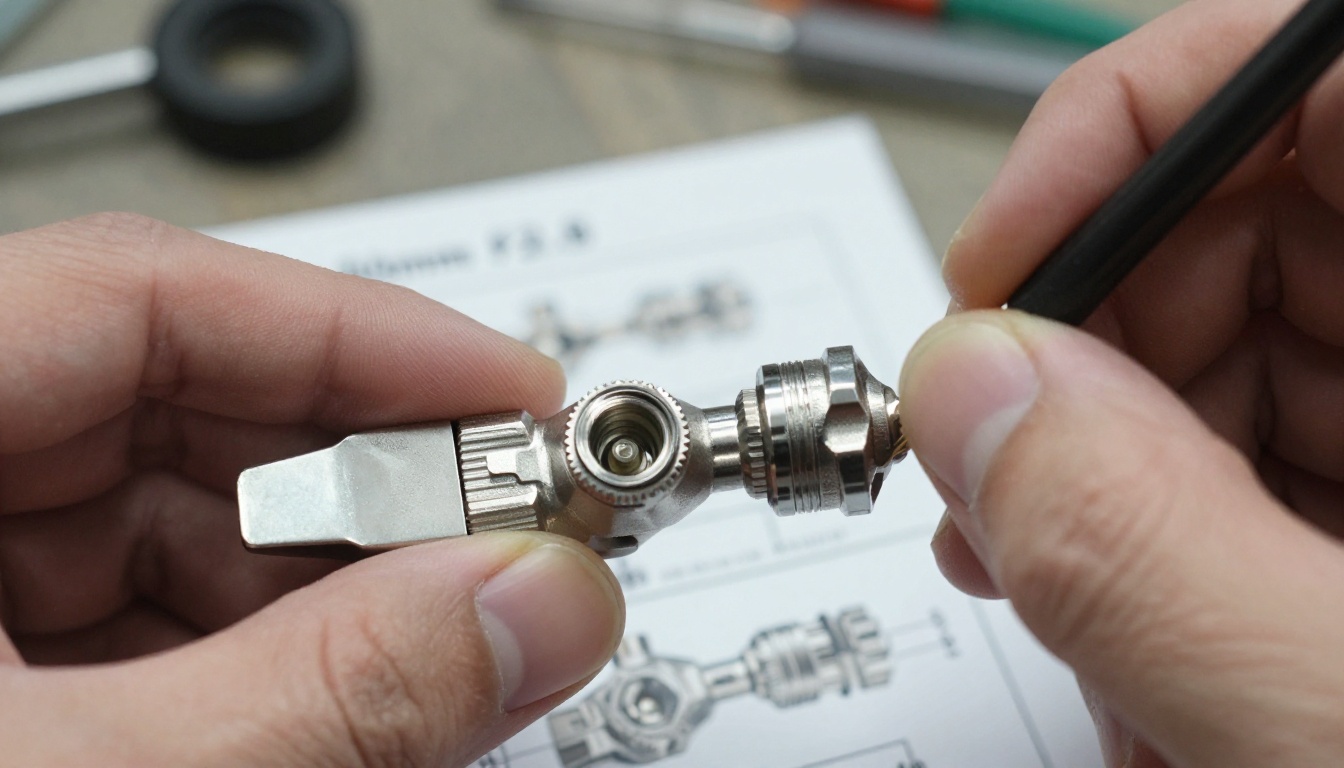
Measure Which Markets Respond
Once flipbooks are live, you can finally see what buyers do. The Professional plan includes analytics and lead generation, so you can check which language edition is opened most, which pages hold attention, and who asked for a quote. See the plan comparison to pick the right level.
A few simple questions help you make decisions:
- Which language receives the most opens relative to its target market size?
- Which product pages are viewed longest in each edition?
- Do password protected dealer catalogs get opened by every partner?
- Which regions download the offline version?
If your Spanish edition is opened twice as often as the German one, perhaps your German distributor has not shared it. That is a sales conversation, not a catalog problem.
| Plan feature | Why exporters care | Best fit |
|---|
| Unlimited flipbooks | One flipbook per language and season | Exporters with 3+ languages |
| Password protection | Private dealer price lists | B2B with tiered pricing |
| Offline downloads | Buyers with poor connections | Remote or emerging markets |
| Analytics and leads | Spot active markets | Sales teams tracking pipelines |
| Custom branding | Same look in every edition | Brand-conscious manufacturers |

A Simple Rollout Plan
If your catalog situation is messy today, do not try to fix everything at once. Use this sequence:
- Week 1: Collect every existing catalog file and decide which is the real master.
- Week 2: Split data from text and build the glossary.
- Weeks 3 and 4: Translate the top two markets and review with distributors.
- Week 5: Convert each PDF to a flipbook and test on phones.
- Week 6: Replace attachments in emails and on the website with the new links.
- Week 7 onward: Add the next language and review the analytics monthly.

Ready to Publish Your Catalog
A multilingual catalog does not need a bigger team, only a cleaner process: one master, careful translation, and one link per market that you can update at any time. Start by uploading your current English file to Flipbooks AI and see how it feels on a phone. Browse the full tools directory for catalog templates, or compare pricing and plans when you are ready to add the second and third language.



