A combine breaks down at 4 p.m. in the middle of harvest, twelve miles from the nearest cell tower, and the technician needs one part number. The binder is back at the shop. The portal will not load. Every hour of waiting costs the farmer real money. This is the exact problem farm equipment dealers solve when they give technicians parts manuals offline. With a tool like Flipbooks AI, a dealer turns heavy PDF manuals into light, searchable flipbooks that live on a phone or tablet and open without a single bar of signal.
This article shows how dealers actually do it: which formats work, how to build the files, how to keep them current, and what to avoid. Expect tables, checklists and a full step-by-step build.
Why Signal Fails Where Machines Break
Farm equipment does not break near Wi-Fi. It breaks in a wheat field, on a hillside pasture, or in a steel machine shed where coverage drops to zero. Dealers who rely on cloud-only portals watch their technicians stand idle.
The Real Cost of a Dead Zone
A service call that needs a second trip because the manual was unreachable costs fuel, labor and goodwill. During planting and harvest, a single idle day can cost a farmer thousands in lost work. Consider what one missed lookup triggers:
- A return drive to the dealership for the correct part number
- A delayed order, which pushes the repair into the next day
- A frustrated customer who starts calling the competitor
- A technician whose billable hours shrink
💡 Pro tip: Track how many repair visits per month end with the phrase "I need to check the manual." That number is your business case for offline access.
Where Coverage Disappears
Not every dead zone is remote. Metal buildings block signal. Grain bins, deep valleys and shelterbelts do the same. Technicians also work inside cabs of large machines, where the steel frame weakens reception further.
| Location | Typical Signal | Offline Needed? |
|---|
| Open field, rural county | Weak to none | Yes |
| Steel machine shed | Very weak | Yes |
| Dealership service bay | Usually good | Backup only |
| Customer farmyard | Mixed | Yes |
| Hillside or valley | None | Yes |
What Technicians Actually Need Offline
A full 900 page manual is not what a technician wants in the field. They want the exploded diagram, the part number, the torque spec and the service interval, in that order, in under ten seconds.

Parts Diagrams and Part Numbers
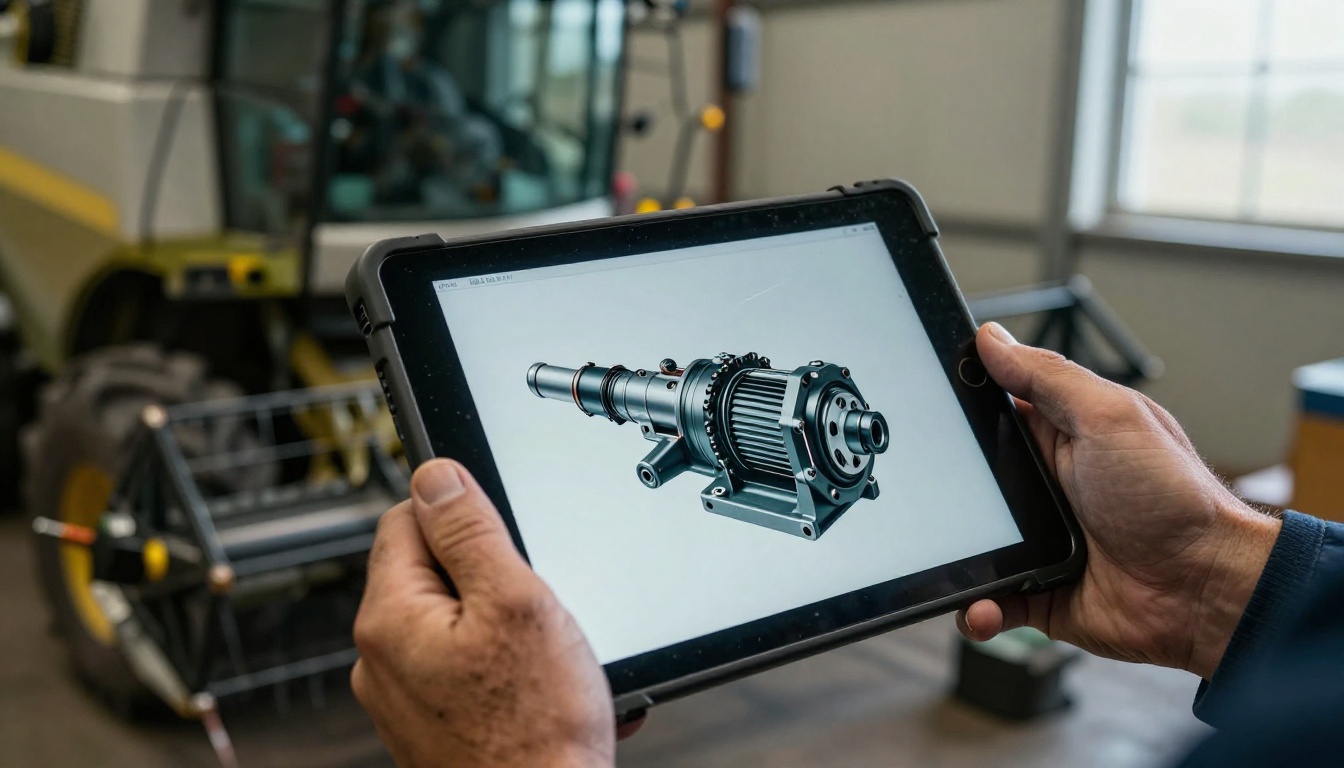
Exploded views are the most requested pages. A technician matches the worn component on the diagram, reads the part number, and orders it from the truck. Zoomable, sharp diagrams matter more than anything else in the file.
Torque Specs and Service Intervals
These are the second most used pages. Dealers often pull them into a short quick reference section at the front of each manual so no scrolling is needed.
Model and Serial Number Lookups
Parts differ by serial range. A good offline manual starts with a serial lookup table so the technician lands in the right section immediately.
✅ Best practice: Put a clickable table of contents on page one that jumps straight to hydraulics, engine, electrical, drivetrain and attachments.
Four Ways Dealers Deliver Manuals Offline
Dealers use four main approaches. Each one has trade-offs in cost, speed and upkeep.

| Method | Works Offline | Searchable | Easy to Update | Mobile Friendly |
|---|
| Printed binders | Yes | No | No | No |
| Raw PDF files on a tablet | Yes | Basic | Manual copying | Poor |
| OEM cloud portal | No | Yes | Yes | Mixed |
| Flipbook with offline download | Yes | Yes | Yes | Yes |
Printed Binders
Reliable but heavy, greasy and instantly out of date. A binder cannot be searched, and nobody updates 40 copies by hand.
Raw PDFs on a Tablet
Better than paper, but a 300 MB PDF crawls on a mid-range tablet. Pinch and zoom lag, search is slow, and files multiply across devices with no version control.
OEM Cloud Portals
Excellent when connected. Useless in the field. Many dealers keep the portal as the source of truth and use a lighter offline copy for the truck.
Flipbooks With Offline Downloads
A flipbook is a PDF converted into a fast, page-turning web document. It loads quickly, scales to any screen, supports search and links, and can be downloaded for offline use. This is the format most dealers settle on for field work.
How to Build an Offline Parts Manual Flipbook
Here is the full workflow dealers follow with Flipbooks AI. If your manuals are built as catalogs, the Digital Catalog Maker fits well, and the PDF to Flipbook Converter handles any existing file.

Step 1: Create Your Account
Head to Flipbooks AI and sign up. A free account is enough to test one manual end to end. When you are ready to publish many manuals, compare pricing plans.
Step 2: Prepare and Upload the PDF
Before uploading, clean up the source file:
- Split oversized manuals by machine family or system, such as hydraulics or electrical
- Remove duplicate or outdated pages
- Make sure diagrams are exported at readable resolution
- Name the file with model and revision, for example
8R-Series-Parts-2026-r3.pdf
Upload the PDF and the conversion runs automatically. Pages become crisp, zoomable flipbook pages.
Step 3: Customize for Your Dealership
Add your logo, brand colors and page turn effect. Keep the design plain: technicians want speed, not decoration. Flipbooks AI is mobile-responsive, uses custom branding and never adds watermarks, so the manual looks like yours.
Useful additions:
- A contact button for the parts counter phone number
- Embedded how-to videos for common repairs
- Links from the table of contents to each system
- Short audio notes for safety steps
Step 4: Choose Sharing Options
Pick how technicians reach the file:
- Direct link sent by text message
- QR code stuck inside the service truck door
- Embed code for your dealer intranet using the Embed Flipbook on Website tool
- Password protection so only your staff can open internal manuals
⚠️ Warning: Some OEM manuals have license limits. Check your agreement before sharing outside your team, and use password protection for anything restricted.
Step 5: Turn On Offline Download
Enable offline downloads so each technician saves the manual to a phone or tablet before leaving the shop. Once saved, it opens with no connection. With the Professional plan, add analytics and lead generation to see which manuals and pages get used most. See the pricing page for plan details.
A Daily Workflow That Works
Tools matter less than habit. The dealerships that succeed build a simple morning routine.
The Morning Sync
Every technician connects to shop Wi-Fi before leaving, opens the manual library and lets the latest versions download. It takes two minutes.
The Truck Setup
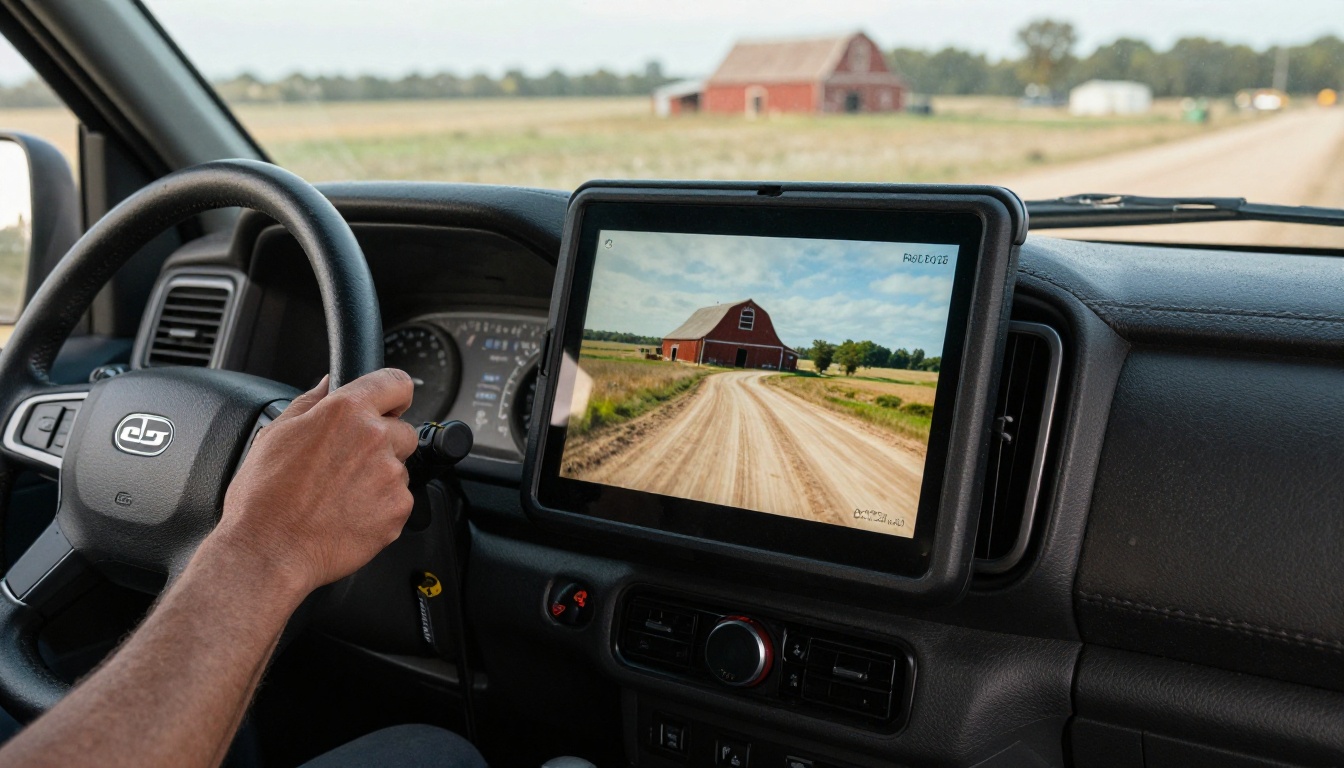
Mount a tablet in each service truck, or keep a rugged phone case with a clip. Place a QR code on the door frame that opens the library as a backup.
The Field Lookup
On site, the technician opens the offline manual, uses search or the table of contents, finds the diagram, and reads the part number. No signal needed. They send the order by text when coverage returns, or call it in from the road.
A Real Scenario
A mid-size dealer with eight technicians moved 120 manuals into flipbooks grouped by brand. Technicians sync each morning. Return trips for missing information dropped sharply in the first season, and the parts counter stopped fielding "read me the number" calls during harvest.
Keeping Manuals Current
An offline copy that is out of date is worse than none. Wrong part numbers cause wrong orders.

Version Naming That Makes Sense
Use the same pattern every time: model, series, year, revision. Put the revision date on the first page so a technician can confirm the version in one glance.
One Owner, One Source
Assign a single person, often the parts manager, as the owner of each library. When a manufacturer releases a bulletin, that person updates the PDF and republishes. Technicians receive the new version at the next morning sync.
A Simple Update Checklist
- Receive the manufacturer bulletin or revised PDF
- Replace the old pages and update the revision date
- Republish the flipbook
- Notify technicians by text or email
- Archive the old version for warranty disputes
| Task | Owner | Frequency |
|---|
| Replace revised pages | Parts manager | As released |
| Check links and table of contents | Service manager | Monthly |
| Confirm every device synced | Shop lead | Weekly |
| Review usage analytics | General manager | Quarterly |
Training Technicians to Use Them
Even the best library fails if people ignore it. New hires and veterans both need a short introduction.

A Thirty Minute Walkthrough
Show three things only: how to search, how to jump from the table of contents, and how to confirm the offline download worked. A related option is the Training Manual Flipbook tool for building the onboarding material itself.
Practice With a Real Repair
Give each technician a mock repair and a stopwatch. Have them find a part number with the phone in airplane mode. The first few attempts take a minute. After a week, it takes seconds.
Collect Feedback Fast
Ask technicians which pages they search most and which they never open. Trim the rest into a separate reference file. Smaller files load faster and keep the field copy focused.
Common Mistakes to Avoid
Dealers who rush the rollout run into the same problems.
Uploading One Giant File
A single 2,000 page file is slow to open and hard to search. Split by machine family and system instead.
Skipping the Offline Test
Always test with the device in airplane mode before the season starts. If a manual only loads online, the whole point is lost.
Forgetting Low Storage
Older tablets run out of space. Check free storage and remove unused files before syncing.
Ignoring Battery and Glare
Field work drains batteries and sunlight washes out screens. Pair devices with a vehicle charger and use a high contrast page theme.
💡 Pro tip: Keep one cheap spare tablet fully synced in the shop. When a device cracks or dies, a technician swaps in seconds.
| Mistake | Result | Fix |
|---|
| One giant file | Slow loading | Split by system |
| No offline test | Blank screen in field | Airplane mode check |
| No version owner | Wrong part orders | Name one owner |
| Weak access control | Manuals leak | Password protect |
Offline manuals are one piece of a connected dealer workflow. These other tools pair naturally:
Browse all flipbook tools to see what fits your shop.
Ready to Put Manuals in Every Truck?
Start with one machine family. Convert the manual, test it in airplane mode, hand it to two technicians and ask for honest feedback. Then roll it out to the whole team before the next busy season.
Get started for free on Flipbooks AI, browse the tools and templates, or compare pricing plans when you are ready to publish your entire parts library. The next breakdown will not wait for a signal, and neither should your technicians.



