Two weeks before market week, a showroom inbox looks the same everywhere: forty buyer requests, a half finished line sheet, and a photographer's folder of 600 unedited frames. The showrooms that fill their calendars with prepared buyers have one habit in common. They send the lookbook first, in a format people actually open. This article breaks down how fashion showrooms send lookbooks before market week appointments, and how a tool like Flipbooks AI turns a heavy PDF into a link a buyer can open on a phone in the back of a taxi.
Why Send Lookbooks Early
A buyer walking into your showroom cold has to absorb a collection, a price structure, and delivery windows in about thirty minutes. A buyer who has already seen the lookbook spends those thirty minutes on the questions that lead to orders: quantities, exclusivity, and which pieces to pair.
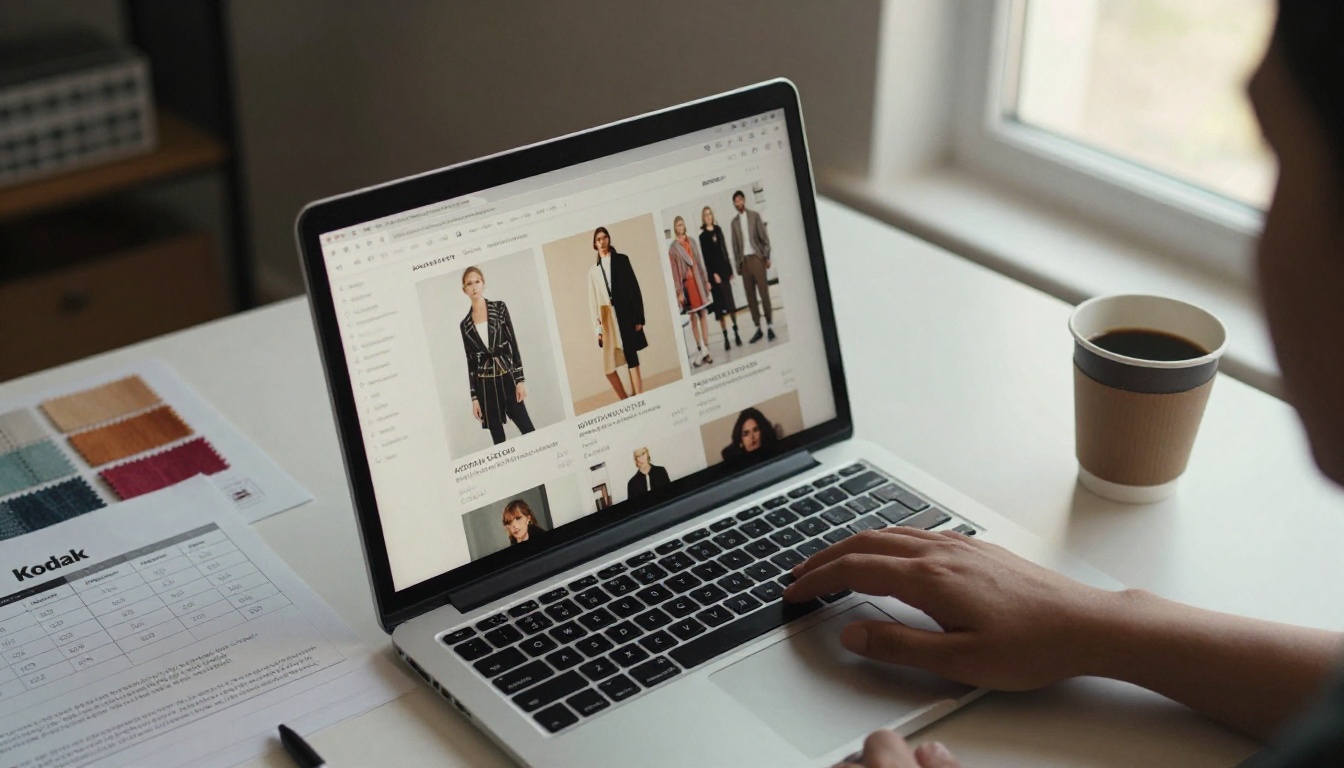
Sending early gives you three concrete advantages:
- Shorter appointments, more of them. Prepared buyers need less explanation, so you can fit more slots into the same days.
- Better conversations. Buyers arrive with marked favorites and objections already formed.
- Visible interest. When you can see who opened the lookbook, you know which appointments to prioritize.
💡 Pro tip: Treat the pre market lookbook as a sales tool, not a brochure. Every page should help a buyer decide what to ask for in the room.
The Cost of a Cold Appointment
An unprepared appointment burns your most valuable resource: face time. If half of it goes to introducing the brand story, the other half is rushed, and the order often gets postponed to "after I talk to my team."
What Buyers Say They Want
Buyers consistently ask for the same things before they travel: clear imagery, wholesale pricing context, minimums, and delivery dates. A lookbook that answers these in advance earns a place on the calendar.
The Timeline Showrooms Follow
Most showrooms work backward from the first appointment day. Here is a timeline that fits a typical market week schedule.
| Timing | Action | Goal |
|---|
| 4 weeks before | Lock the lookbook and line sheet | Final pieces, final prices |
| 3 weeks before | Send a save the date with a preview link | Plant the dates |
| 2 weeks before | Send the full lookbook to priority accounts | Collect early requests |
| 10 days before | Send to the wider buyer list | Fill remaining slots |
| 3 days before | Reminder with the appointment time | Reduce no shows |
| Day after | Follow up with a thank you link | Convert to orders |
Who Gets the Lookbook First
Existing accounts and high value targets receive the full lookbook first. They have the most context and the most to gain from early access, and their feedback can shape how you present the collection to everyone else.
How Often to Follow Up
One send plus one reminder is the sweet spot. A third message works only if the buyer opened the lookbook and did not book. Silence after an open is a signal, not a rejection.
Why PDFs Fall Short
The default way to send a lookbook is a PDF attachment. It is also the reason many lookbooks go unread.

- File size. A 60 MB PDF bounces from corporate inboxes or sits unopened on a phone.
- No visibility. You never learn whether it was opened, or which pages mattered.
- Awkward on mobile. Pinching and zooming through a spread breaks the visual flow.
- Version chaos. Once sent, an outdated attachment lives forever in someone's downloads folder.
Comparing the Common Formats
| Format | File size | Mobile friendly | Tracking | Easy to update |
|---|
| PDF attachment | Large | Poor | None | No |
| Shared cloud folder | N/A | Average | Limited | Yes |
| Website gallery | N/A | Good | Basic | Yes |
| Flipbook link | Light | Excellent | Detailed | Yes |
The Case for a Link
A link opens instantly, looks the same on every device, and can be changed after sending. That last point matters when a style gets dropped two weeks before market week and you need every buyer to see the corrected version.
What Goes Inside the Lookbook
A lookbook for buyers is different from a consumer campaign. It needs to inspire and inform at the same time.
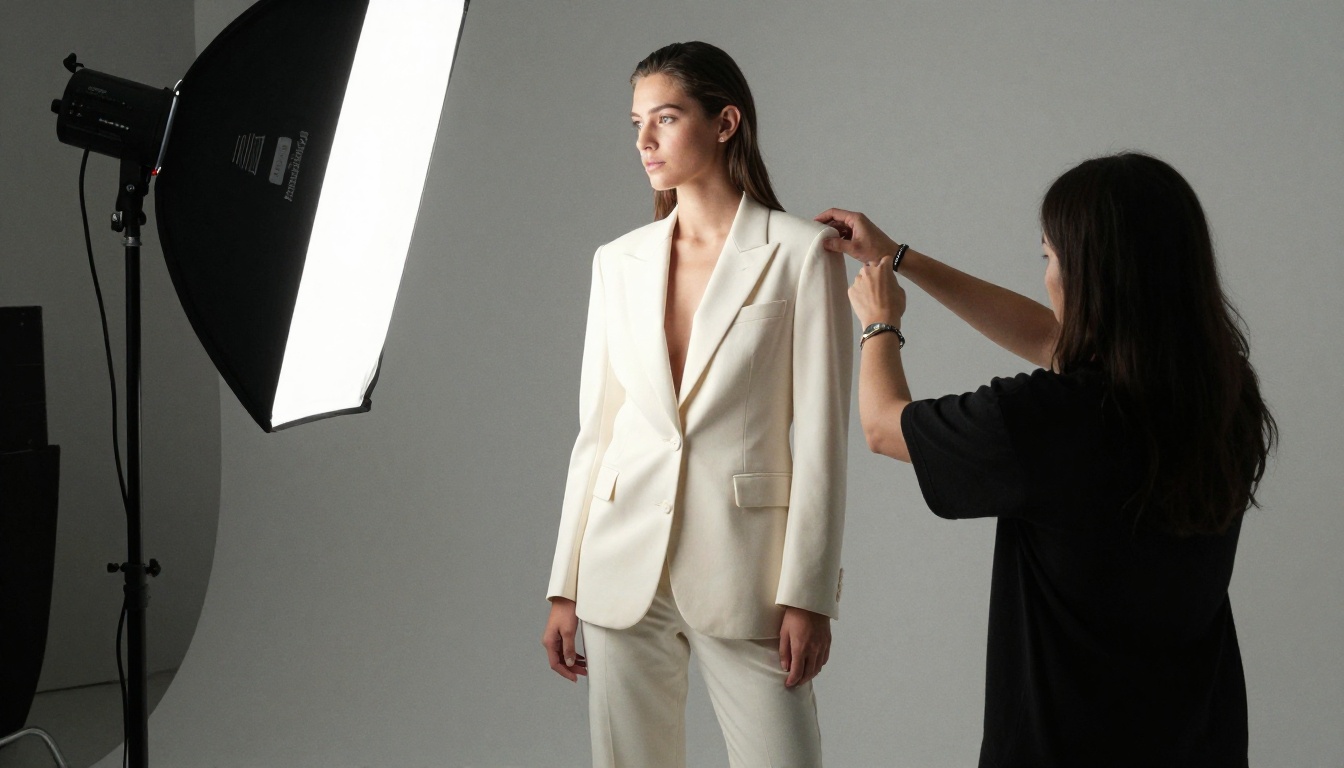
Essential Pages
- Cover and collection name with the season and delivery drop.
- Story spread in two or three sentences, not a manifesto.
- Outfit pages showing complete looks so buyers see how pieces pair.
- Detail pages with fabric close ups and construction notes.
- Color and size run so buyers can plan assortment.
- Ordering information covering minimums, terms, and the contact for appointments.
Show Looks, Then Pieces
Showrooms usually open with styled looks to build desire, then close with clean product shots for the order decision. Mixing the two across the same pages creates confusion about what is actually available to buy.
✅ Best practice: Put the wholesale appointment link on the first page and again on the last. Buyers decide at both ends.
Pricing: Include It or Gate It
Some showrooms print wholesale prices right in the lookbook. Others keep prices out of the public version and send a password protected edition to approved accounts. A flipbook handles both: one public preview, one private version with prices.
Sending With Flipbooks AI
Here is how a showroom turns its finished lookbook PDF into something a buyer will open. The PDF to Flipbook Converter handles the heavy lifting, and the Interactive Lookbook Designer is built for exactly this use case.
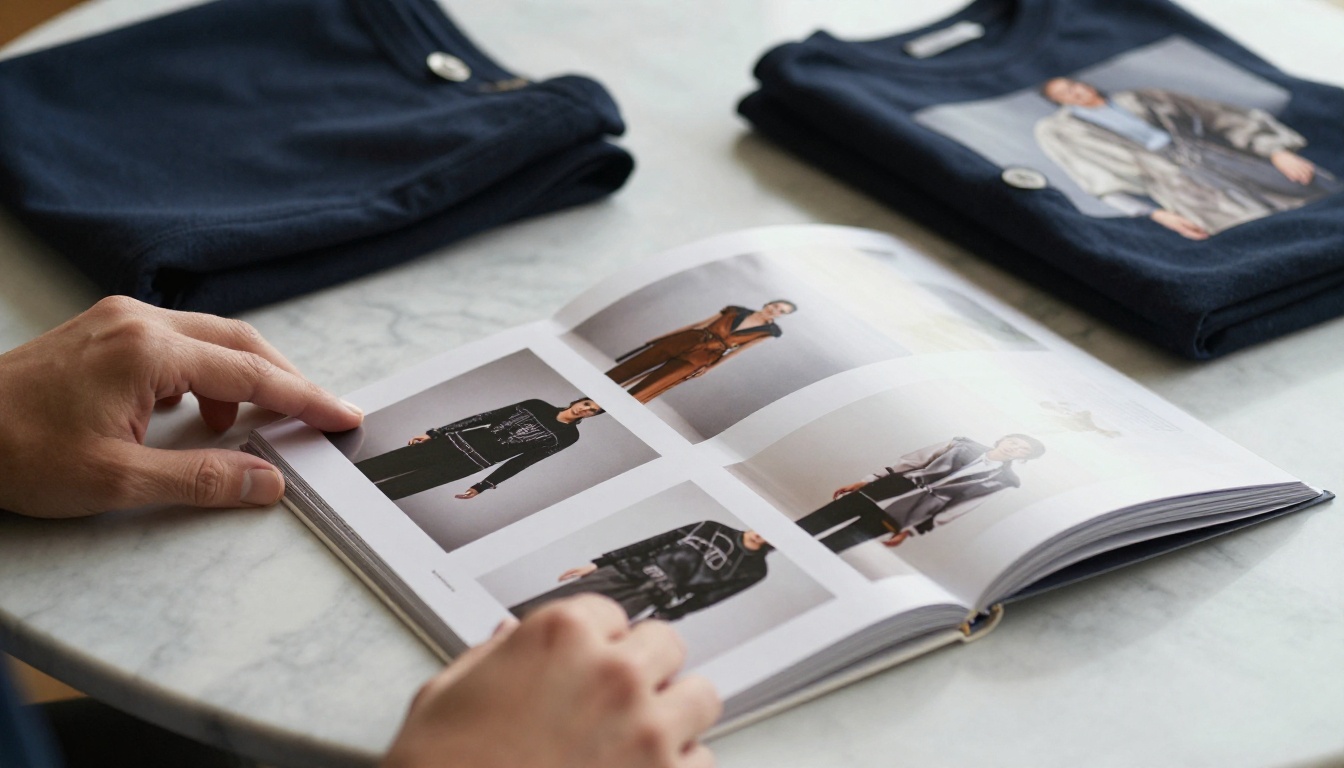
How to Create a Lookbook Flipbook
- Sign up. Create an account on Flipbooks AI and open your dashboard.
- Upload the PDF. Drag in your finished lookbook. Conversion takes moments, and page order and image quality are preserved.
- Customize. Add your logo, set brand colors, choose a page turn effect, and pick a background that suits the season.
- Add multimedia. Embed a short runway clip or a campaign audio track where it adds mood. Keep it light so pages load fast.
- Set privacy. Turn on password protection for the version that includes wholesale prices.
- Share. Copy the direct link for email, or use an embed code to place it on your showroom page. The Embed Flipbook on Website tool shows how.
- Track. On the Professional plan, analytics and lead generation show who opened the lookbook and which pages held attention. See pricing for plan details.
Features That Matter for Showrooms
| Feature | Why it helps before market week |
|---|
| No watermarks | Your brand stays clean in front of buyers |
| Password protection | Share wholesale pricing with approved accounts only |
| Custom branding | Match the lookbook to the collection mood |
| Mobile responsive | Buyers browse on phones between flights |
| Offline downloads | Review the collection without a signal |
| Analytics and lead capture | Prioritize buyers who actually opened it |
| Unlimited flipbooks (Standard plan and above) | One lookbook per brand, per season, per account tier |
💡 Pro tip: Build one flipbook per account tier. A department store buyer and an independent boutique often need different minimums and different pages up front.
The Email That Gets It Opened
The lookbook is only half of the job. The message that carries it decides whether it is opened.
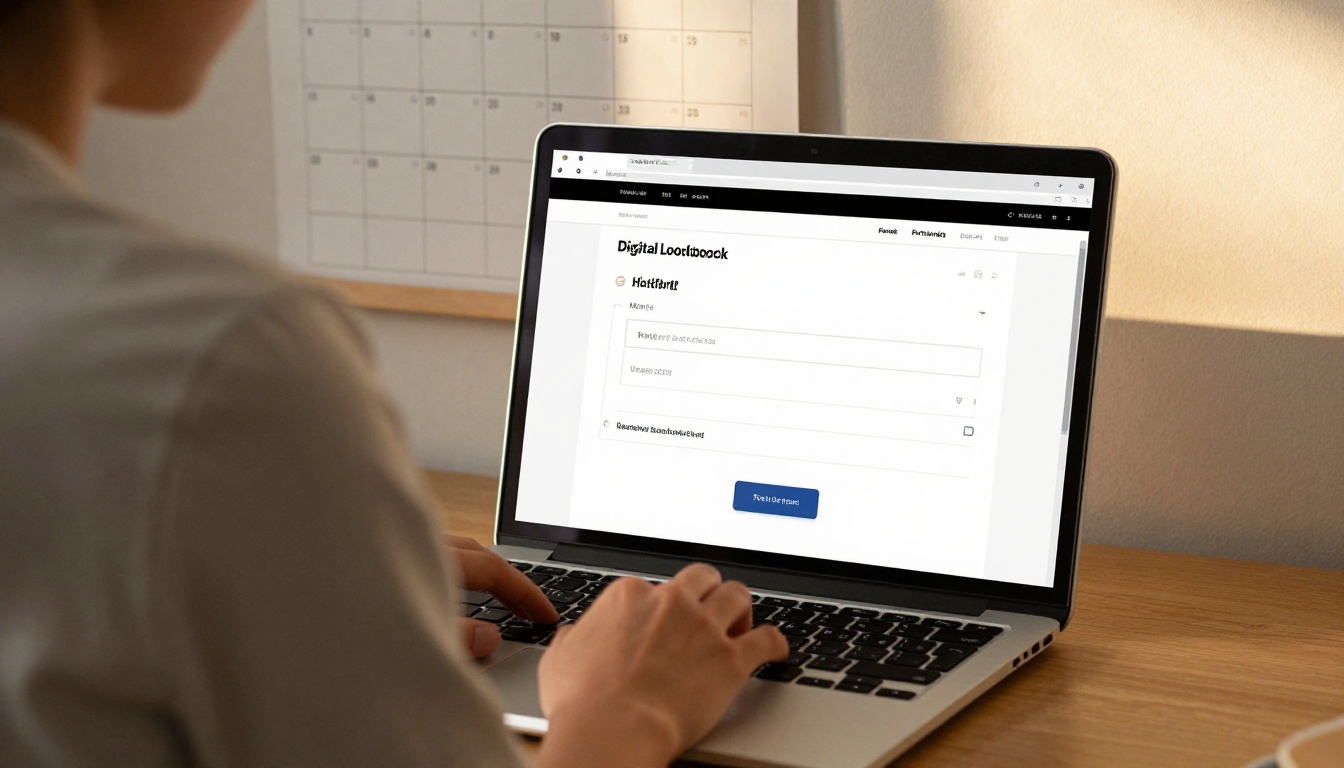
A Template That Works
Subject: Spring lookbook ready, appointments open for market week
Hi [Name],
Our spring collection is ready. Here is the lookbook: [link]
I have set aside time on Tuesday and Wednesday for your team. Pick a slot here: [booking link]
The first six pages show the looks we expect to lead with. The last page has minimums and delivery windows.
Looking forward to seeing you.
What to Avoid
- Attachments of any size.
- Long brand histories in the body of the email.
- Subject lines that read like a newsletter.
- Sending on Friday afternoons, when messages sink to the bottom.
Subject Line Options
| Style | Example | Best for |
|---|
| Direct | Spring lookbook and market week slots | Existing accounts |
| Personal | Pieces I think suit your store this season | Top buyers |
| Deadline | Last appointment slots for market week | The reminder email |
Reading the Signals
Once the lookbook is out, your job shifts to listening. Opens, time spent, and favorite pages tell you how to prepare.

Practical Examples
- A buyer opens the lookbook three times and spends most time on outerwear. Pull the outerwear pieces to the front of the rail before the appointment.
- A buyer opens once and leaves after page two. Send a shorter highlight link with six looks and a booking button.
- A buyer never opens it. Try a different channel, such as a text with the link, before the final reminder.
Turning Views Into Appointments
| Buyer behavior | Meaning | Next step |
|---|
| Opened, no booking | Interested, undecided | Send the booking link with two favorite looks |
| Opened multiple times | Strong interest | Offer a priority slot |
| Not opened | Wrong channel or timing | Resend by another channel |
| Booked, not opened | Relationship buyer | Send a brief preview the night before |
Market Week Day and After
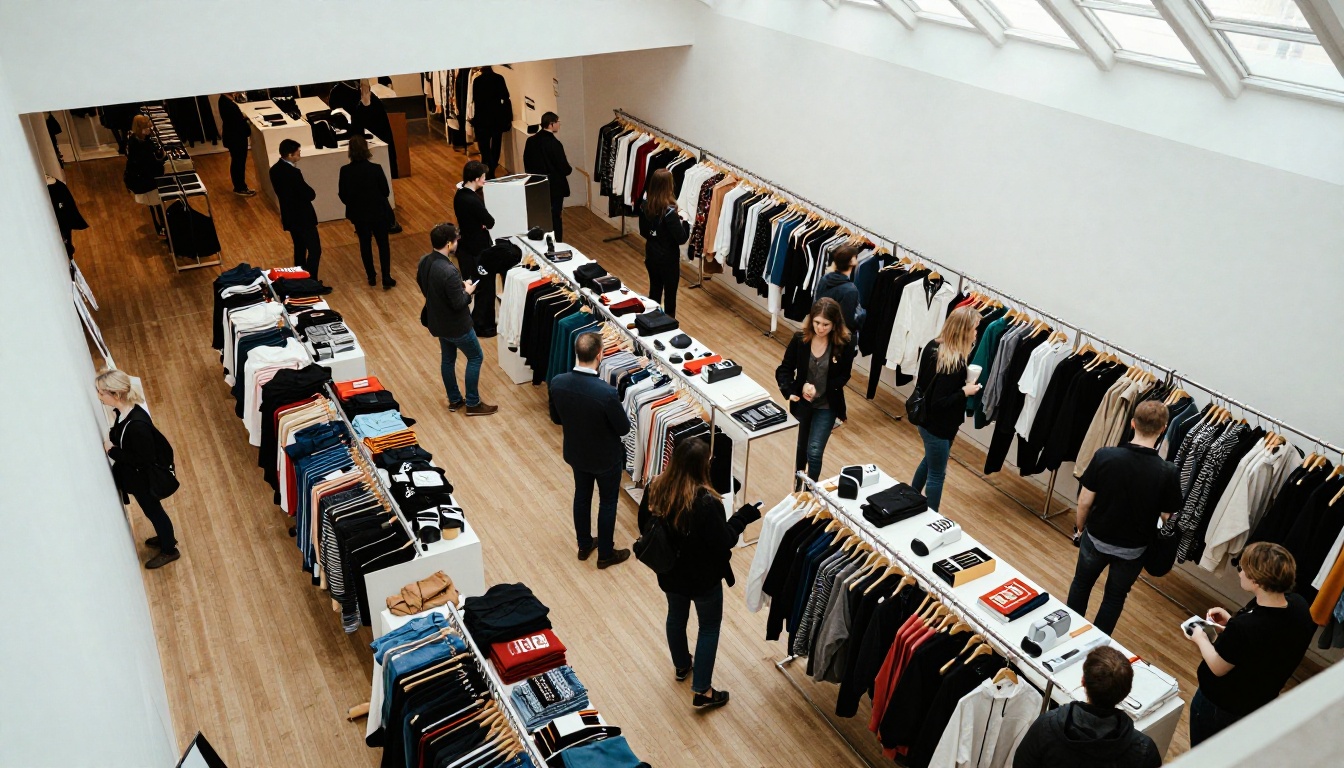
When appointments start, the lookbook stops being a pitch and becomes a reference. Keep it open on a tablet at the table so you can jump to any page in two taps.
In the Room
- Open on the page the buyer favored in advance.
- Walk the rail and show the physical piece next to the digital look.
- Note quantities directly against the page numbers.
- Close with delivery dates and the next step.
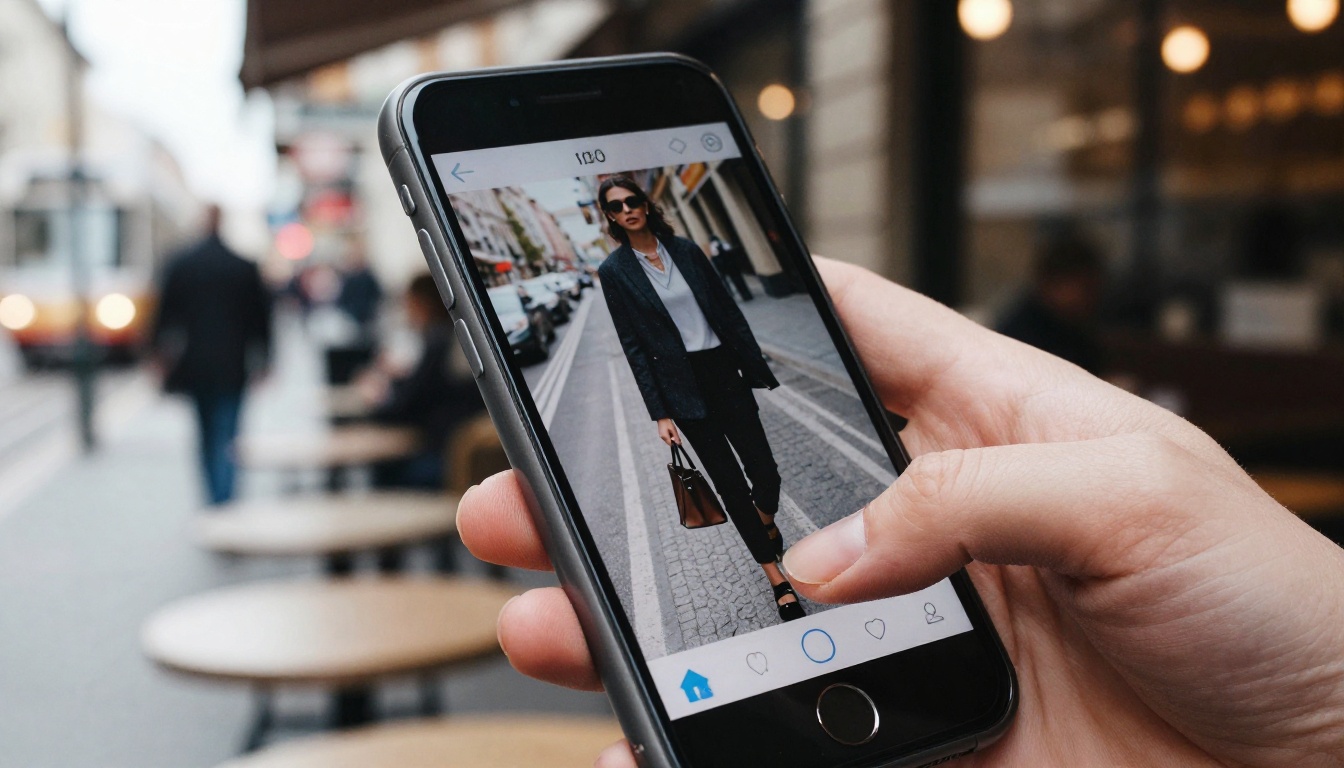
On the Phone
Buyers also flip through lookbooks on their phones between appointments at other showrooms. A mobile responsive format keeps your collection easy to review while the competition is also on their screen.
The Day After
Send a short thank you with the same link, so the buyer can place the order while the looks are fresh. Reference two pieces they reacted to. This message often decides the order.
Mistakes Showrooms Repeat
⚠️ Warning: Do not send a lookbook that is still changing. Buyers who see a style that is later dropped lose trust quickly.
- Sending a huge PDF. It bounces, or it never opens.
- No booking link in the lookbook. Interest cools between pages and email.
- Skipping mobile checks. Always test on a phone before sending.
- Mixing public and wholesale pricing. Use a private flipbook for pricing.
- No follow up plan. The thank you message is where orders often close.
Not every collection needs the same format. Menswear, resort, and accessories each lean on different pages. If you sell footwear or bags, the Fashion Catalog tool suits product led pages, while the Lookbook Flipbook Builder suits editorial styling. You can also pair a lookbook with a Digital Price List for wholesale terms.
| Collection type | Best starting tool | Focus |
|---|
| Ready to wear | Lookbook Flipbook Builder | Styled looks |
| Accessories and shoes | Fashion Catalog Creator | Product detail |
| Showroom wholesale pack | Digital Price List Generator | Prices and minimums |
| Press and editors | Press Kit Designer | Story and imagery |
Ready to Send Yours
Market week is won in the days before it starts. Build your lookbook once, share it as a link, and let the buyers who open it tell you where to spend your appointment time.
Get started for free on Flipbooks AI, browse all flipbook tools, or compare pricing plans to find the plan that fits your showroom.



