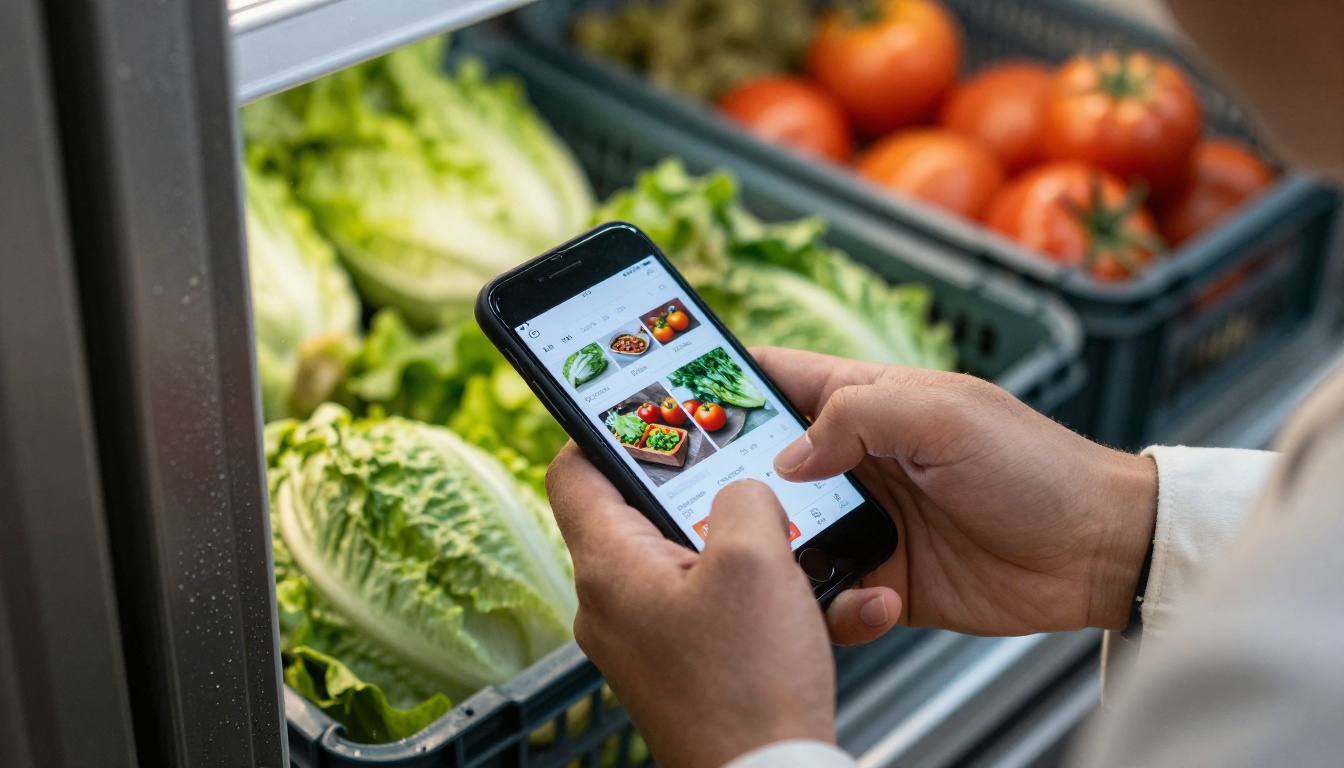
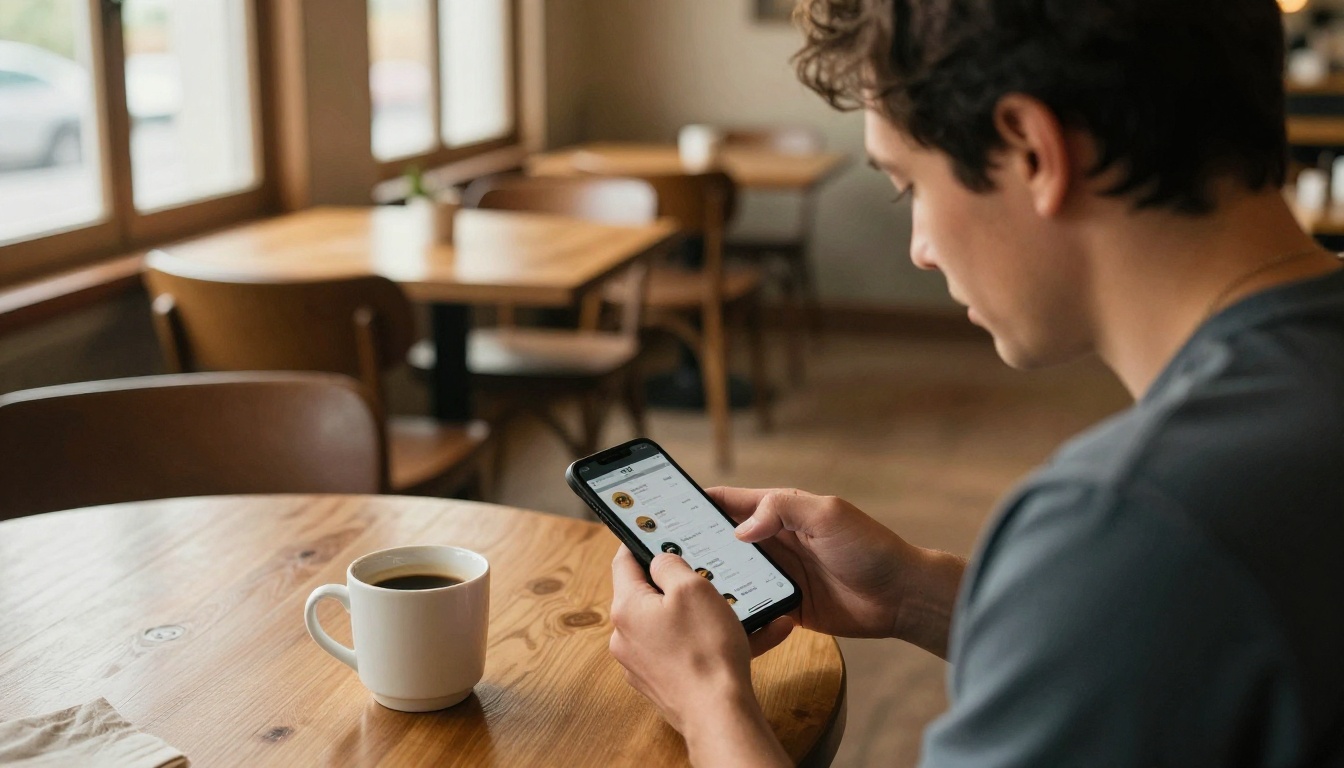
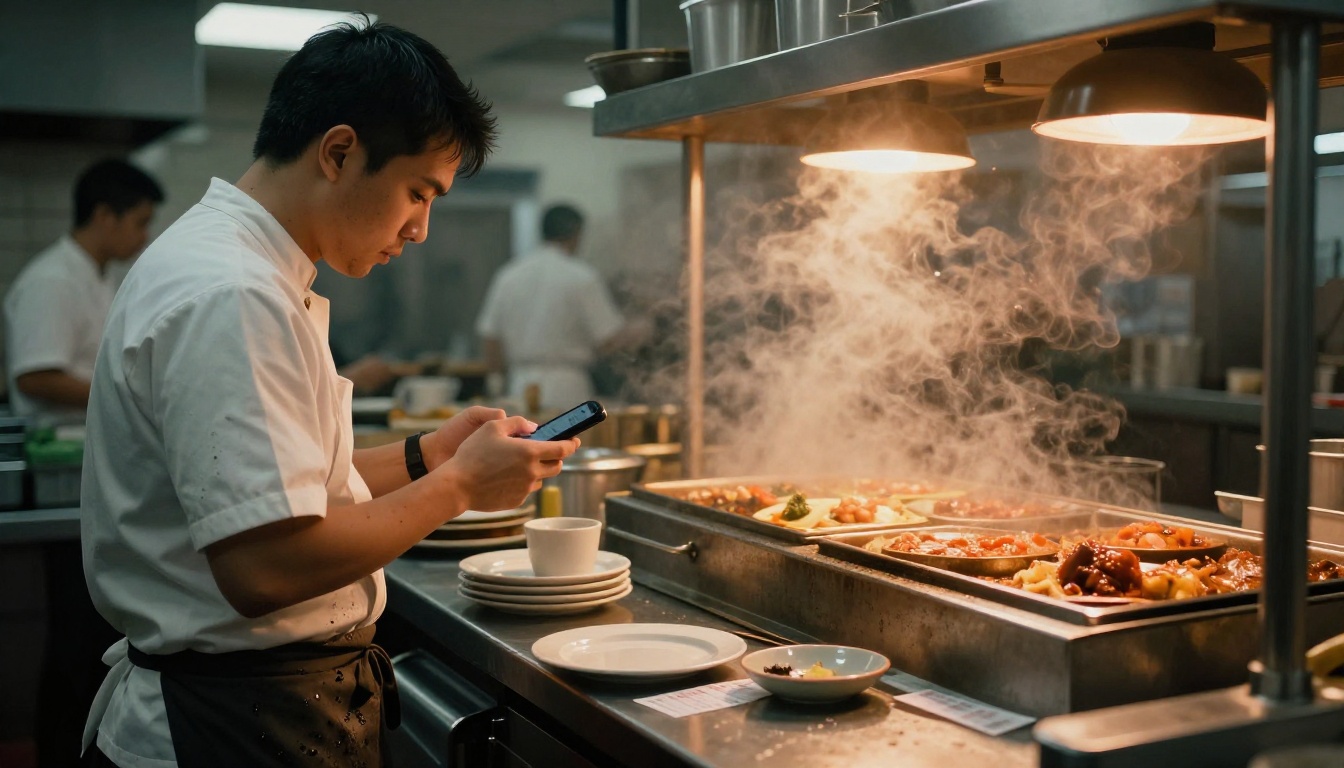
It is 6:40 in the morning, the walk-in is down to two cases of romaine, and the chef has a 120-cover Saturday ahead. Nobody is sitting at a desk. The order has to happen between a stock check and the first prep list, and the only device in reach is a phone. That is the exact moment foodservice distributors are now designing for, and the ones who get it right win loyal kitchens. If you sell to restaurants, a mobile-ready catalog built with Flipbooks AI is one of the fastest ways to join them.
This article walks through how distributors help busy chefs reorder from a phone, what actually works in a real kitchen, and how to build a catalog that chefs will open on purpose.
Why Chefs Hate Desk Ordering
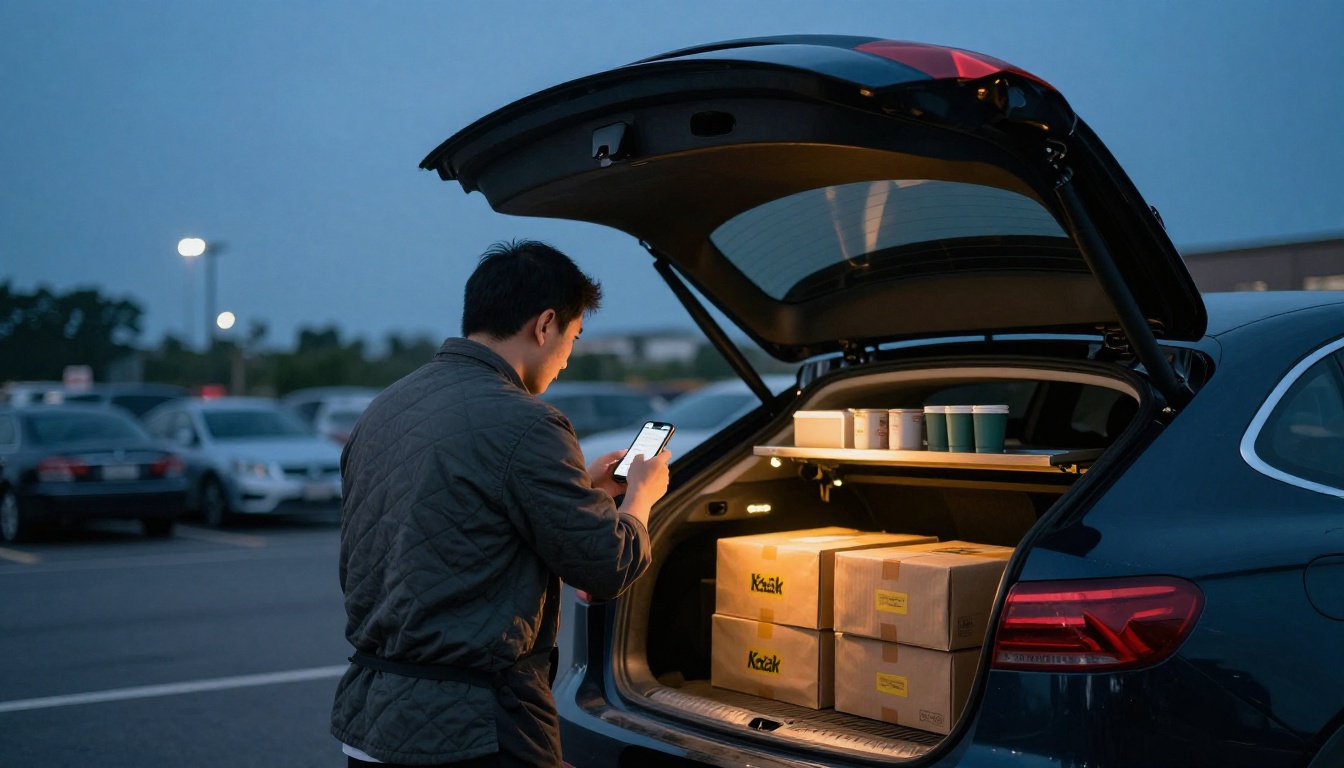
Most chefs did not choose the job to sit at a computer. They order in the gaps: during a delivery, at the pass, in a parking lot after close. Traditional ordering assumes a quiet office, a laptop and a 40-page PDF. That does not match the day.
The Phone Call Problem
A call to the sales rep works, but it has limits. The rep may be on another call. The chef forgets the item code. A rushed "same as last week" turns into the wrong pack size. Each mistake costs a credit memo, a second delivery or, worse, a missing ingredient on a Friday night.
The Laptop Problem
Portal logins with long passwords, tiny buttons and desktop-only layouts push chefs back to the phone call. A portal that cannot be used with one thumb while holding a clipboard is not really a portal for kitchens.
What Chefs Actually Want
- Speed: a reorder in under three minutes.
- Certainty: clear item names, pack sizes and prices.
- Memory: their own usual items already saved.
- Proof: a confirmation they can show a line cook or an owner.
How Distributors Make Phone Reordering Work
The best distributors do not simply shrink the website. They rebuild the order flow around how a kitchen thinks: by station, by par level and by delivery day.
Saved Order Guides
An order guide is the chef's personal shortlist: the 60 to 150 items they buy over and over. Instead of searching a 10,000-item database, the chef opens the guide, taps quantities and submits. Distributors who send these guides pre-built often see reorders happen the same day the kitchen runs low.
Photos and Pack Sizes Up Front
A chef should never have to guess whether "Tomato, Roma 25#" is a case or a half case. Clear photos, pack weights and unit prices on the same screen remove most order errors.
Cut-Off Reminders
Many foodservice distributors run a hard cut-off, such as 2:00 p.m. for next-morning delivery. A simple reminder text with a link to the catalog catches the chef while there is still time to order.
One-Tap Repeat
"Repeat last order" is the single most used button in mobile ordering. It turns a ten-minute task into a thirty-second one, with the chef only adjusting what changed.
Four Ways Distributors Deliver Mobile Ordering
Not every distributor needs a custom app. The right option depends on volume, budget and how tech-friendly the customer base is.
| Method | Setup Effort | Cost | Best For | Weak Spot |
|---|
| Custom ordering app | High | High | Large national distributors | Slow updates, app downloads |
| Responsive web portal | Medium | Medium | Mid-size regional distributors | Needs logins and training |
| Text or WhatsApp ordering | Low | Low | Small specialty suppliers | Manual entry, errors |
| Mobile flipbook catalog with order link | Low | Low | Specialty and local distributors | Not a full ERP checkout |
For many specialty and local suppliers, the last row is the sweet spot. A flipbook catalog opens instantly from a text message, needs no download and always shows current prices when you update the source file.
💡 Pro tip: Send the catalog link in the same text as the cut-off reminder. One tap, one decision.
Real Kitchen Scenarios
Theory is fine, but chefs trust stories from other kitchens. Here are three common patterns.
The Independent Bistro
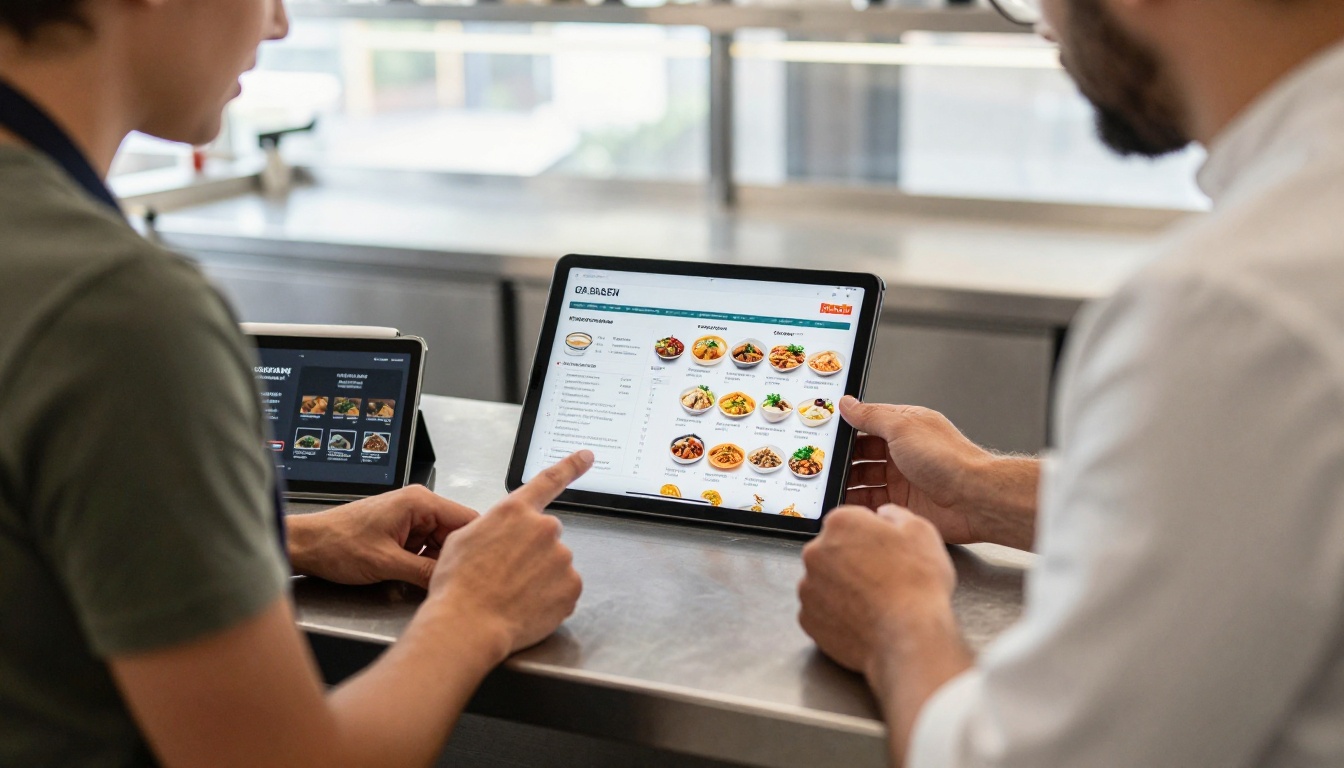
A 60-seat bistro orders produce, dairy and dry goods from one local distributor. The sales rep sends a seasonal flipbook every Monday with the week's specials flagged. The chef taps the page, notes the codes and replies by text. Orders that once took a phone call now take two minutes.
The Hotel Banquet Kitchen
A banquet chef has to price events weeks out. A digital price list with current protein and seafood costs lets them build quotes on the phone while walking the ballroom. When the distributor updates a price, the same link shows the new number.
The Ghost Kitchen Operator
A ghost kitchen runs three virtual brands from one line. The operator needs fast reorders of packaging and core ingredients, often at midnight. A mobile catalog with category tabs lets them reorder without waiting for office hours.
Building a Catalog Chefs Will Open
A mobile catalog fails when it is a shrunken PDF. Pinch-to-zoom on a 12-page spec sheet is not a good experience. Build for thumbs and short attention.
Organize by How Kitchens Shop
Skip alphabetical. Group items the way a chef walks the building:
- Produce and herbs
- Proteins and seafood
- Dairy and eggs
- Dry storage and oils
- Disposables and packaging
- Weekly specials and new items
Make Every Page Do One Job
One page, one category, six to ten items. Large product photos, bold pack sizes and the price in a consistent spot. Chefs scan; they do not read.
Add Order Codes Chefs Can Copy
Put the item code next to every product so the chef can copy it into a text or an order form without retyping. If your ordering system accepts a code list, this alone cuts mistakes sharply.
Keep File Weight Low
Kitchens often have weak Wi-Fi in walk-ins and back hallways. Compress images, keep pages light and test the link on a mid-range phone with one bar of signal.
| Catalog Feature | Why It Matters in a Kitchen | Priority |
|---|
| Fast load on weak signal | Walk-ins and dock areas have poor reception | High |
| Large tap targets | Chefs often wear gloves or have wet hands | High |
| Photos with pack size | Cuts wrong-item errors | High |
| Item codes on every product | Speeds up copy and paste ordering | High |
| Weekly specials page | Drives add-on sales | Medium |
| Password protection | Keeps negotiated pricing private | Medium |
How to Create a Mobile Catalog with Flipbooks AI
If you already have a price list or catalog in PDF form, you are about ten minutes from a mobile version. Here is the process.
Step 1: Start Your Account
Go to Flipbooks AI and create an account. The free plan is enough to build your first catalog.
Step 2: Upload the PDF
Upload your existing price list or catalog. The PDF to Flipbook Converter turns each page into a turnable, mobile-responsive flipbook. If you are starting from scratch, the Product Catalog generator or the Digital Price List Generator gives you a structured start.
Step 3: Brand It
Add your logo, brand colors and a clean cover. Choose a page effect that feels light on a phone. Embed a short video or audio clip if you want to show a new seasonal product. No watermarks appear on your catalog, ever.
Step 4: Share It Where Chefs Are
You have three simple options:
- Direct link in a text or WhatsApp message.
- QR code printed on delivery invoices and on the driver's tablet.
- Embed code to place the catalog on your website using the Embed Flipbook on Website tool.
If your pricing is customer-specific, add password protection so each account sees only its own version.
Step 5: Track What Chefs Open
On the Professional plan, analytics show which pages get viewed and which links get tapped, and lead generation forms capture new restaurants that find your catalog. See the pricing plans to compare what each tier includes. Offline downloads also help when a chef is in a dead zone.
✅ Best practice: Update the source file every Monday and keep the same link. Chefs bookmark the link and always see current items.
Flipbook Catalogs vs Other Ordering Channels
A catalog does not replace your ordering system. It makes the first step, finding and choosing items, much faster. Here is how it compares.
| Channel | Speed for Chef | Error Rate | Cost to Distributor | Works Offline |
|---|
| Phone call to rep | Slow | Medium | High (rep time) | Yes |
| Emailed PDF | Medium | High | Low | Yes |
| Full ordering app | Fast | Low | High | Rarely |
| Mobile flipbook plus text order | Fast | Low to medium | Low | Yes, with download |
For distributors without a custom app, the combination of a mobile flipbook and a text or form order is the cheapest way to cut call volume without losing the personal relationship.
Mistakes That Cost Distributors Orders
Making Chefs Log In Every Time
Every password prompt is a reason to pick up the phone and call instead. Use a link that opens straight away, and protect only what truly needs protecting.
Hiding Prices
Chefs compare costs constantly. If the price needs a login or a call, they go to the competitor who shows it. Show list prices, then offer contract pricing behind a password.
Ignoring Shortages
If an item is out, say so on the page. A chef who orders a missing item and finds out at delivery will remember it. A clear "out this week, use this substitute" note builds trust.
Forgetting the Rep
Mobile ordering does not mean the end of the sales rep. The best reps use the catalog to start the conversation, then spend their time on menu ideas, new products and cost savings instead of taking orders.
⚠️ Warning: Do not send a 200-page catalog as a single link. Split it by category so each flipbook loads fast and stays easy to scan.
Metrics Worth Watching
Once the catalog is live, measure whether it changes behavior. Track these numbers monthly:
- Share of orders placed outside business hours. A rise suggests chefs are using the phone flow.
- Order errors per 100 orders. Wrong pack size and wrong item codes should drop.
- Calls to the sales desk per week. Fewer routine calls frees the team for selling.
- Average order size. Weekly specials pages often lift add-on items.
- Catalog opens per customer. Low opens mean the link is not reaching the chef.
A Simple 30-Day Rollout Plan
You do not need a big project. A small pilot with five friendly customers is enough.
| Week | Action | Outcome |
|---|
| 1 | Turn current price list into a mobile flipbook | Link ready to share |
| 2 | Send to five trusted kitchens with the cut-off reminder | First feedback |
| 3 | Fix page order, add item codes and specials page | Cleaner flow |
| 4 | Print QR codes on invoices and roll out to all accounts | Wider adoption |
Ask each pilot chef one question: "What slowed you down?" The answers usually point to two or three simple fixes.
Ready to Make Reordering Easy?
Chefs will always choose the supplier that makes ordering easiest at 6:40 a.m. with one free thumb. A fast, clear, mobile catalog does exactly that, and it costs far less than a custom app.
Ready to build yours? Get started for free on Flipbooks AI, browse all flipbook tools to find the right template, try the Restaurant Menu Creator if you also serve restaurants with menu support, or compare pricing plans to pick the one that fits your team.



