A buyer standing in front of a sofa can run a hand across the fabric, tilt it toward the window and decide in ten seconds. A buyer looking at the same sofa on a screen cannot. That gap is the biggest problem in furniture sales, and it explains why how furniture makers show upholstery and finish options to buyers now decides who wins the order. A single sofa can ship in 40 fabrics, 12 leathers and 8 wood stains. That is thousands of combinations, and every one must be shown clearly. Many manufacturers now bring those choices together in interactive catalogs built with Flipbooks AI, so a buyer can flip through options the way they would flip through a sample book.
This article walks through every method manufacturers use, from physical swatches to digital flipbooks, with real costs, mistakes to avoid and a step-by-step workflow you can copy.
Why Options Overwhelm Buyers
Furniture is a high-consideration purchase. Buyers compare, hesitate and ask for samples. The more options you offer, the more likely they are to stall.
The Problem With Too Many Choices
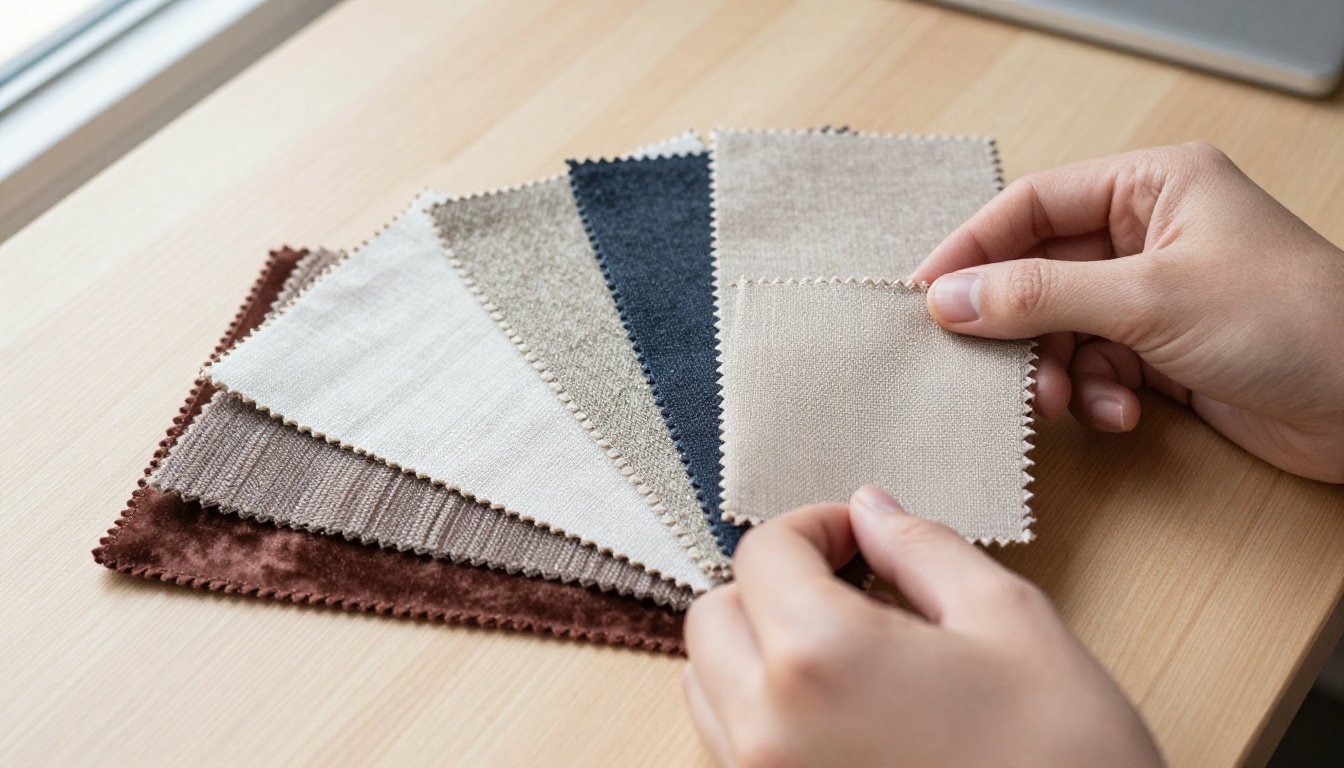
A dealer who receives a 200-page fabric book usually opens three pages. The rest is noise. When every option looks equal, buyers pick the safest one (gray, beige) or postpone the decision.
Common symptoms of poor option presentation:
- Buyers ask for "just a few more samples" and then disappear.
- Sales reps spend hours answering the same finish questions.
- Orders arrive with the wrong fabric code because the buyer misread a PDF.
- Returns spike because the color on screen did not match the sofa in the living room.
What Buyers Actually Need to See
Buyers judge four things before they trust a finish: color, texture, durability and how it looks on the real piece. Miss one and the doubt returns.
| Buyer question | What answers it |
|---|
| What color is it in daylight? | Photos shot under natural light, not studio flash |
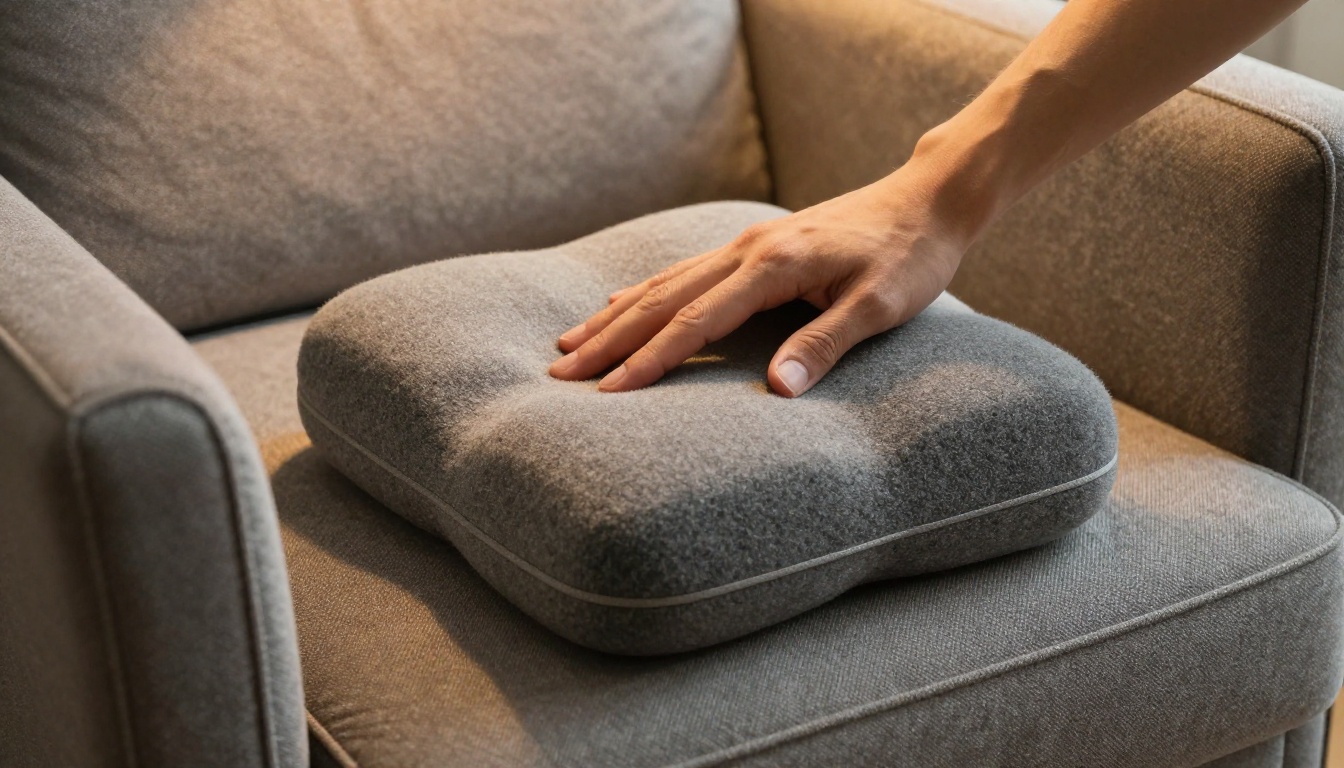
| How does it feel? | Close-up macro shots, physical swatch, texture description |
| Will it last with kids or pets? | Rub count, cleaning code, performance icons |
| How does it look on the sofa? | The same fabric rendered on the actual frame |
| Can I afford it? | Grade labels and price steps per fabric group |
💡 Pro tip: Show the finish on the product first, then the swatch. Buyers recognize a piece faster than a code.
Physical Swatches Still Matter
Digital has not killed the swatch. It has changed its job. A physical sample is now the final confirmation, not the first impression.
Swatch Books and Fan Decks
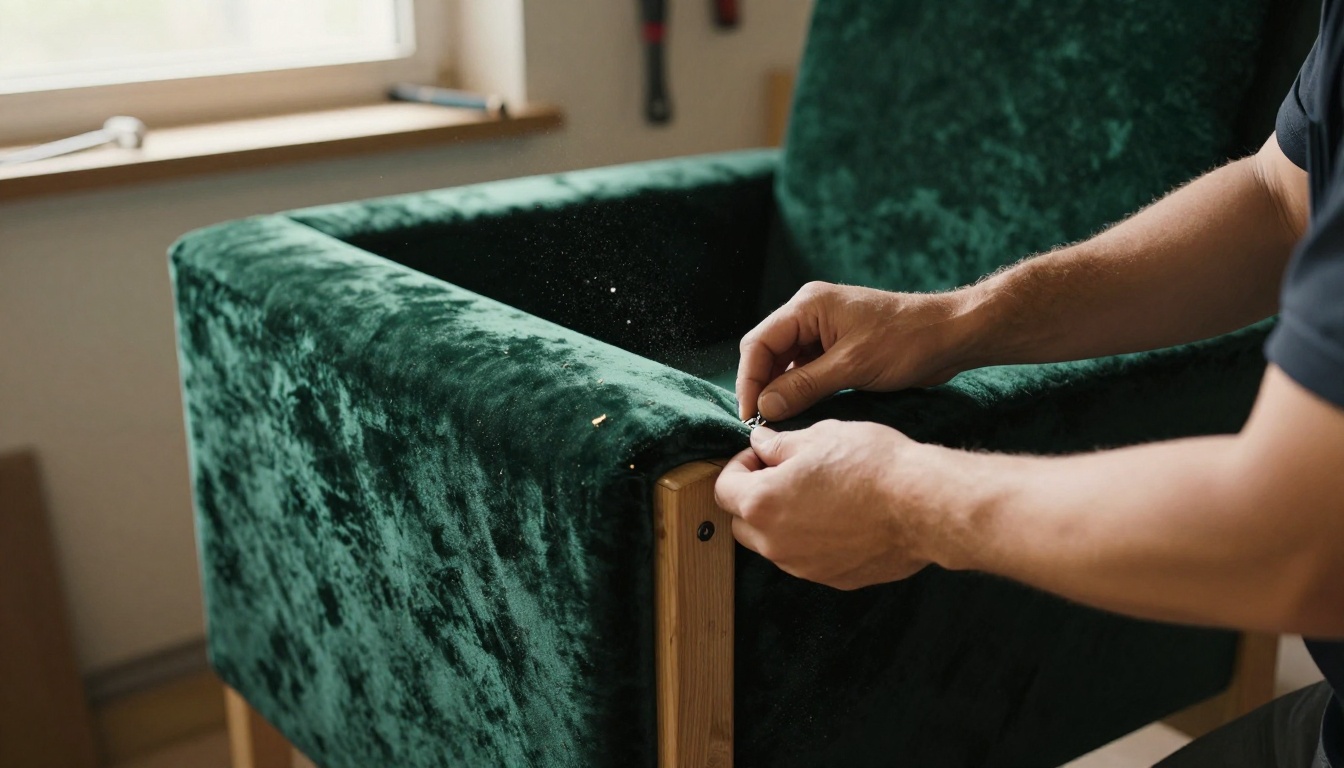
Fan decks hold small fabric squares grouped by color family or price grade. They are cheap to produce per unit but costly to keep current, since every discontinued fabric makes the book wrong.
Best practices manufacturers follow:
- Group by color family, not by supplier.
- Print the fabric code and grade on the back of every square.
- Replace books every season, never patch them with loose sheets.
- Send a limited edition of 12 to 20 pre-selected fabrics, not the entire range.
Memo Samples and Cuttings
A memo sample is a larger square, often 20 by 20 centimeters, that a buyer can drape over a cushion or place on a floor. It shows pattern repeats and how a weave catches light, which a 5 centimeter chip never can.
| Sample type | Typical size | Cost per unit | Best use |
|---|
| Chip in fan deck | 5 x 5 cm | Very low | First screening |
| Memo sample | 20 x 20 cm | Low to moderate | Final fabric approval |
| Wood finish board | 10 x 15 cm | Moderate | Stain and sheen check |
| Mini upholstered stool | Full piece | High | Trade shows and top accounts |
⚠️ Warning: Shipping samples costs more than most teams track. Add courier, labor and the cost of samples that never convert before you decide how many to send.
Showrooms and Trade Show Displays
When buyers can visit, nothing beats a well-organized room. The trick is arranging options so the visit feels like a guided choice, not a warehouse tour.

Vignettes Over Lines of Sofas
Manufacturers who sell the most per square meter avoid rows of identical models. They stage vignettes: one sofa in three fabrics, a rug, a side table and a lamp. Buyers picture the finished room.
The Finish Wall
A finish wall displays wood stains, metals and fabrics in vertical panels, labeled by code. It gives sales reps a quick reference and gives buyers a place to stand and compare against the real piece.
Lighting Decides Everything
A fabric that looks warm under showroom spotlights can turn gray at home. Good showrooms offer a daylight corner or a portable light box so buyers can check color under two light sources.
✅ Best practice: Place a window-lit sample table near the finish wall. Buyers trust what they see in natural light.
Photography That Sells Texture
Most buyers meet your finishes through images first. Photography has to do the work that touch cannot.
Macro Shots for Surface
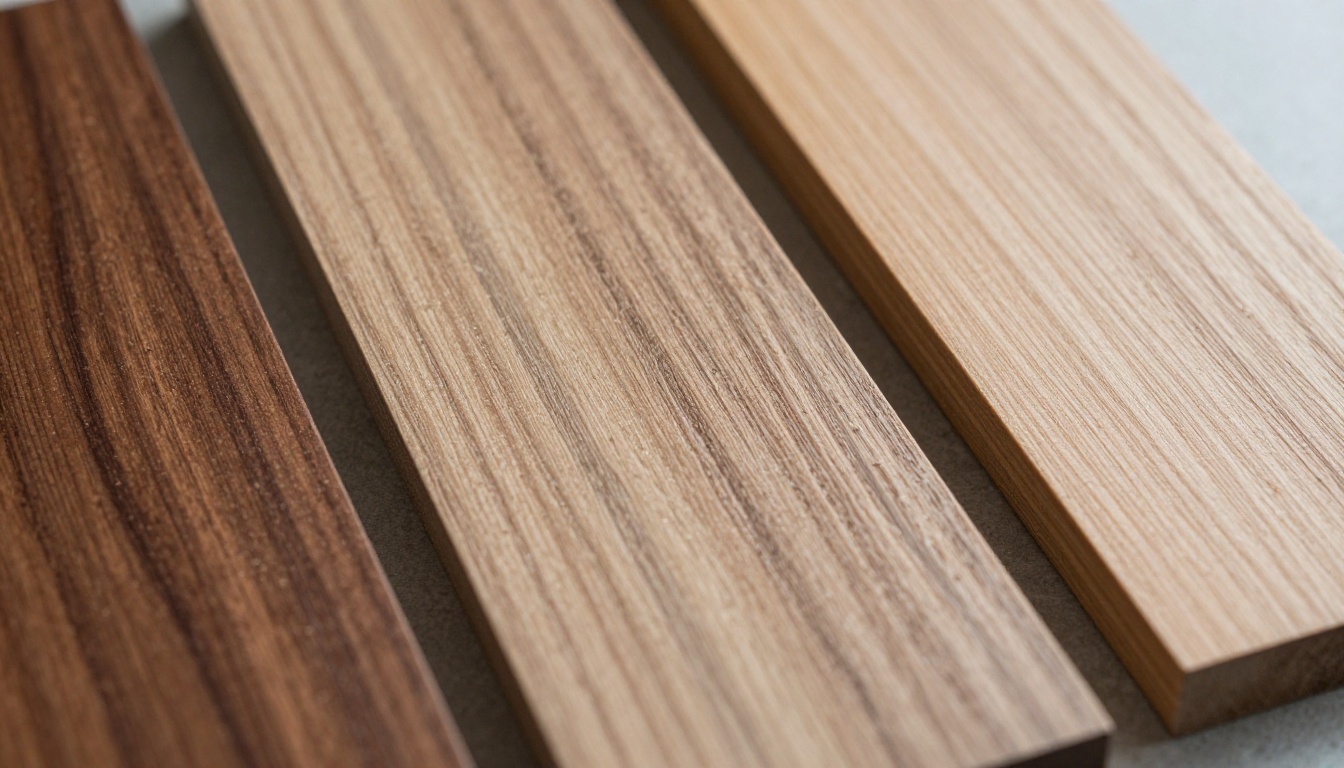
A tight shot at a raking angle shows grain, pores, weave and sheen. Light coming from the side reveals depth. Light from the front flattens it. This single choice separates a finish photo that sells from one that confuses.
Full-Piece Shots in Every Fabric
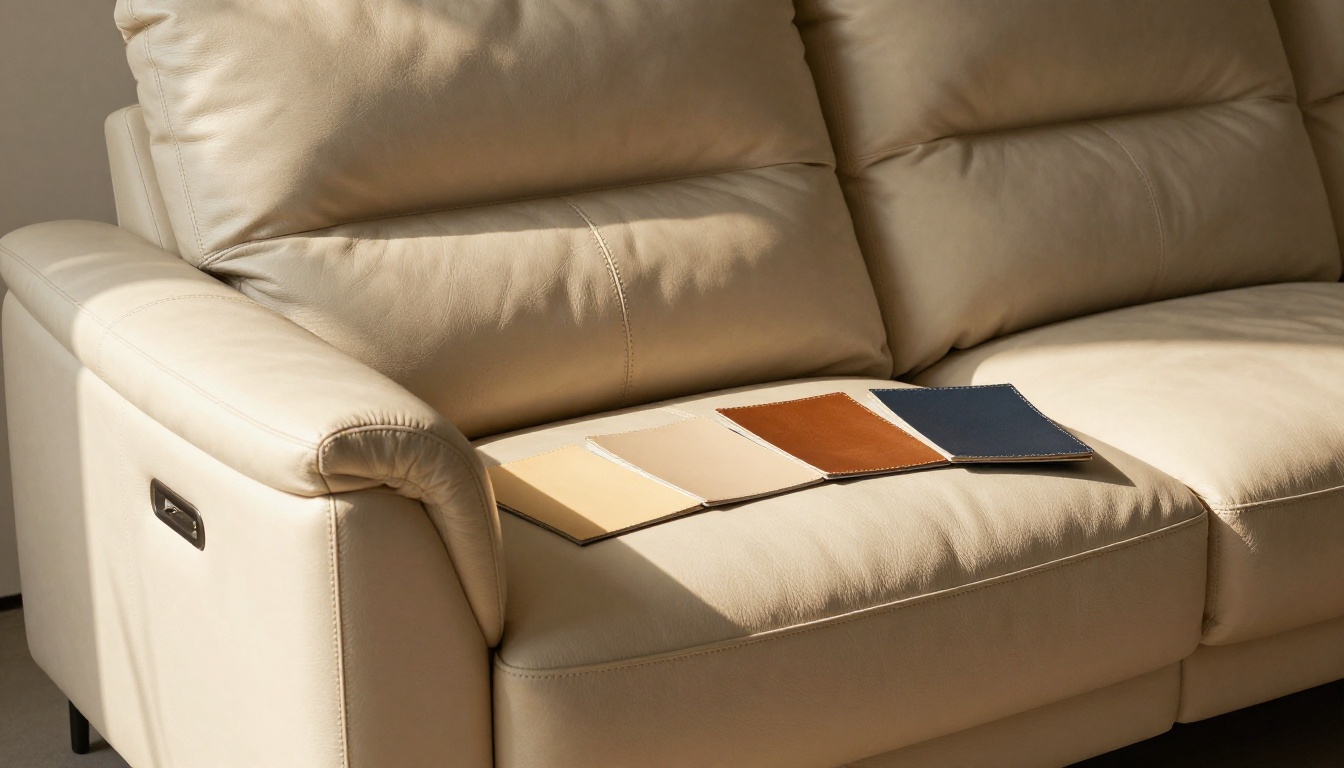
Showing only a swatch leaves the buyer guessing how a bold pattern behaves on a large surface. A bold stripe that looks elegant on a chip can look loud on a three-seat sofa.
Keeping Color Honest
Color mismatch is the top reason for finish-related returns. To reduce it:
- Shoot every fabric under the same lighting setup.
- Calibrate screens and monitors before editing.
- Add a note like "Colors may vary slightly by screen" near every swatch.
- Match the photo to the physical sample before publishing.
Studio Versus Lifestyle
| Photo style | Strength | Weakness |
|---|
| Studio on gray backdrop | Accurate color, easy comparison | Feels cold |
| Lifestyle in a room | Emotional, shows scale | Color shifts with decor |
| Macro texture | Shows weave and grain | No context of the piece |
| 360 degree spin | Shows every angle | Heavy file size |
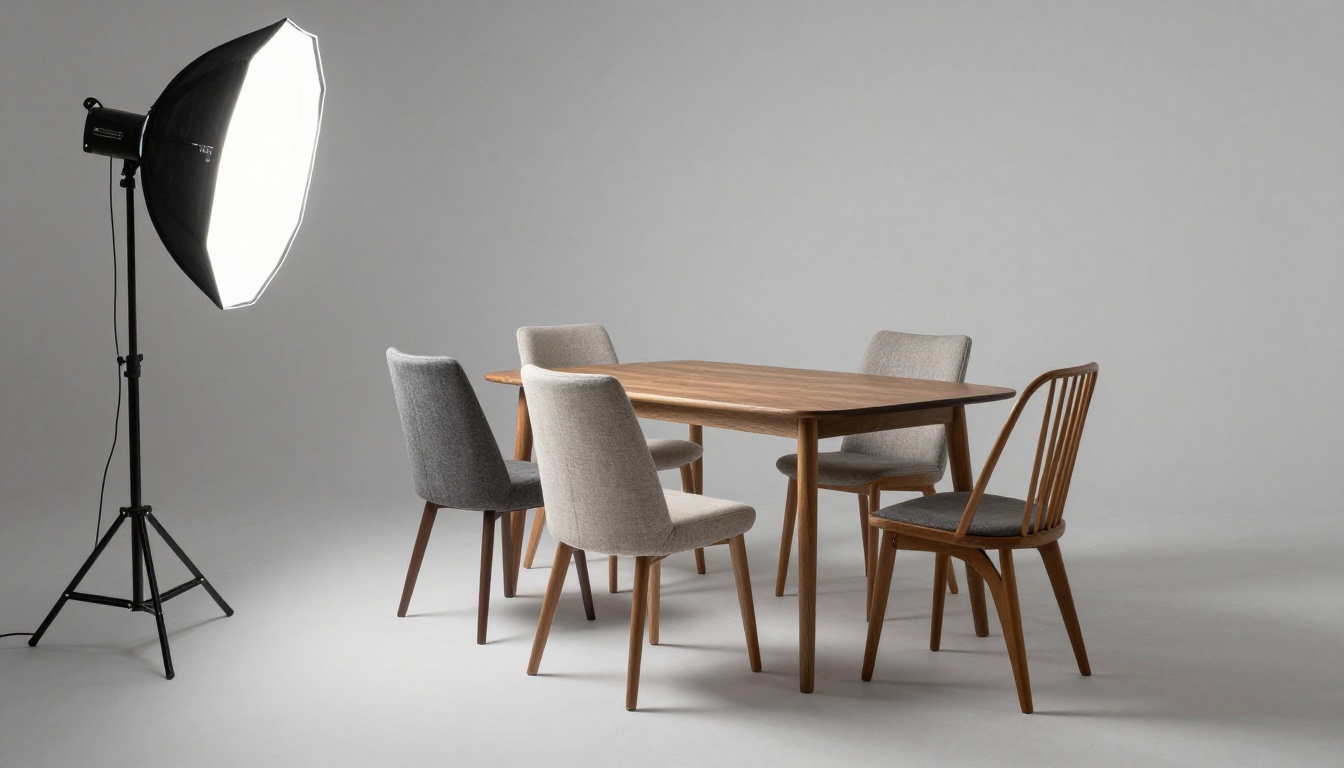
The strongest catalogs use all four: a studio shot for color accuracy, a lifestyle shot for emotion, a macro for touch and a spin where it matters.
Digital Catalogs and Configurators
Once the product range grows past a few dozen items, paper and showrooms cannot keep up. Digital tools take over.

PDF Price Lists and Their Limits
Most manufacturers start with a PDF. It is easy to build and email. But a PDF is a flat document: no motion, awkward on phones, impossible to update after it has been sent, and hard to track. A buyer who receives version 7 of a PDF may be quoting from version 3.
3D Configurators
A configurator lets buyers pick a fabric and see it applied to the model in real time. It is powerful, but it needs 3D assets for every product, a developer and a long budget. Smaller manufacturers often cannot justify it.
Interactive Flipbooks as a Middle Path
An interactive flipbook sits between a PDF and a configurator. It keeps the page-turning familiarity of a printed catalog while adding links, video, mobile-friendly layout and instant updates. With the Furniture Catalog Maker, a manufacturer can lay out a collection page by page, with each product followed by its fabric and finish pages.
| Method | Setup cost | Update speed | Mobile friendly | Buyer experience |
|---|
| Printed fan deck | Moderate | Slow | No | Tactile, limited range |
| PDF price list | Low | Medium | Poor | Static |
| 3D configurator | Very high | Medium | Good | Highly visual |
| Interactive flipbook | Low | Fast | Excellent | Familiar, easy to share |
💡 Pro tip: Put a "finishes" page directly after every product page. Buyers should never have to flip to the back of the catalog to find fabric options.
How to Build a Finish Catalog With Flipbooks AI
If you already have product photos and a PDF, you can have a shareable catalog the same day. Here is a workflow that suits furniture makers.

Step 1: Prepare Your Pages
Export your catalog from InDesign, Canva or Word as a PDF. Give each product two pages: one with the hero image and specifications, one with the fabric and finish grid. Use one consistent layout for every product.
Step 2: Upload and Convert
Create a free account at Flipbooks AI and upload the file. The PDF to Flipbook Converter turns each page into a flipbook page with a realistic page-turn effect. You do not need to redesign anything.
Step 3: Customize the Look
Add your logo, brand colors and a background that matches your showroom. Choose the page effect that fits your tone: soft for residential lines, crisp for contract furniture. Everything stays free of watermarks, which matters when you send the link to a dealer.
Step 4: Add Multimedia
Embed a short video of a craftsperson fitting a cover, or audio notes on care and cleaning. Link each fabric to a larger macro photo. If you work with hospitality buyers, a separate flipbook of contract-grade fabrics keeps their choices simple.
Step 5: Share and Protect
You have several options:
- Direct link for email and chat.
- Embed code to place the catalog on your site, using the Embed Flipbook on Website tool.
- Password protection for wholesale pricing or private dealer collections.
- Offline download so field reps can show it without a signal in a client's home.
Step 6: Measure and Follow Up
On the Professional plan, analytics show which pages buyers opened and how long they stayed. If a dealer lingers on the leather page for three minutes, that is your cue to send a leather memo sample. Lead generation forms can also capture contact details before the catalog opens. Compare pricing plans to see which tier fits.
| Feature | Why it matters for furniture |
|---|
| Unlimited flipbooks | One catalog per collection or per dealer tier |
| Password protection | Keeps trade pricing private |
| Analytics | Shows which finishes attract attention |
| Mobile responsive | Buyers browse on phones in stores |
| Offline downloads | Useful at trade shows with poor Wi-Fi |
| No watermarks | Keeps the brand clean |
Presenting Grades, Prices and Care
Buyers do not only want to know what a fabric looks like. They want to know what it costs and how it behaves.
Grade Systems Explained Simply
Most makers group fabrics in price grades (A, B, C or 1 to 5). Instead of printing a long price list, show the upcharge on the fabric page: "Grade B adds $120 per sofa." Buyers calculate the final price in their heads without a calculator.
| Grade | Typical material | Price effect | Common use |
|---|
| A | Standard polyester blend | Base price | Value lines |
| B | Textured weave, performance fabric | Moderate upcharge | Family homes |
| C | Linen blend, bouclé | Higher upcharge | Design-led retail |
| Leather | Aniline or semi-aniline hide | Highest upcharge | Premium collections |
Performance and Care Icons
Small icons for stain resistance, pet friendliness, outdoor use and cleaning code save long conversations. Keep them consistent across every page so buyers learn the language once.
Lead Times by Finish
A common surprise is delivery. A fabric in stock ships in two weeks, a special order takes ten. Print the lead time next to each option. It prevents canceled orders and angry emails.
Mistakes That Cost Sales
Even good makers fall into the same traps. Watch for these:
- Showing everything at once. Offer a curated set of 12 to 20 fabrics on the main page, with the full range one click away.
- Using supplier photos. Their lighting rarely matches yours, so your sofa looks different in every fabric.
- Hiding the code. Without a visible fabric code, orders get mixed up.
- Ignoring phone screens. Over half of dealer browsing happens on mobile.
- Never updating. Discontinued fabrics left in a catalog create broken promises.
⚠️ Warning: A single outdated page can trigger a remake. Keep one owner responsible for the catalog and review it every season.
Real-World Scenarios
A small upholstery workshop sells 14 sofas in 30 fabrics. They build one flipbook, add a macro photo for each fabric and send the link to interior designers. Sample requests drop because designers narrow their choices before asking.
A contract manufacturer serving hotels creates a password-protected flipbook per client with only the approved fabrics and finishes. Procurement teams open it on tablets and sign off without a site visit.
A wood furniture brand with five stain options adds a side-by-side finish page showing each stain on the same tabletop. Buyers stop asking whether "walnut" means light or dark.
Ready to Show Your Finishes Properly?
Buyers decide faster when they can see, compare and trust what they are choosing. Start with a clear finish page, honest photography and a catalog that updates when your range does.
Ready to build yours? Get started for free on Flipbooks AI, browse all flipbook tools to find the right layout, or use the Digital Catalog Maker to turn your next collection into something buyers can open on any device. When you are ready for analytics and lead capture, compare plans and pick the one that fits your sales team.



