Every Wednesday night, somewhere in a back office, a grocery marketing team locks a file that thousands of shoppers will open by Thursday morning. The paper circular that used to land in the mailbox is now a digital page that lives on phones, in emails and on store websites. If you run a supermarket, a regional chain or a small neighborhood grocer, Flipbooks AI lets you publish that same kind of weekly leaflet as an interactive flipbook without a design agency or a print run.
This article shows how grocery chains actually publish weekly leaflets and circulars online, what the workflow looks like from price file to live link, and how you can copy the parts that matter.
Why Grocers Moved Online
Print circulars are expensive. Paper, ink, distribution and the lead time of several days all eat into thin grocery margins. Prices also change faster than a printing schedule, so a leaflet can be wrong before it reaches the doorstep.
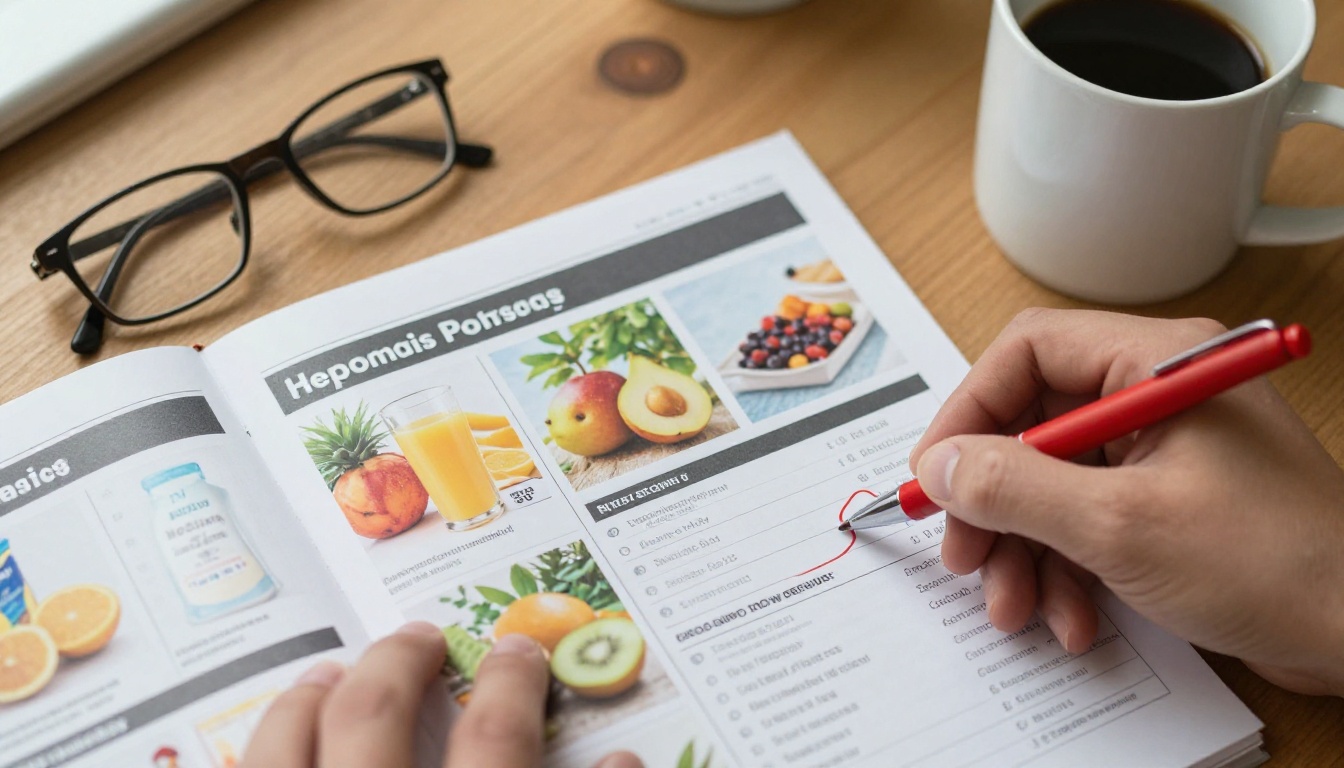
Digital publishing fixes several problems at once:
- Speed: a leaflet can go live minutes after approval.
- Cost: no printing, no postage, no distribution contracts.
- Accuracy: a wrong price is corrected by replacing the file, not by reprinting.
- Reach: one link works on email, social media, SMS and the store website.
- Measurement: you see how many people opened the leaflet and which pages they read.
💡 Shoppers still like the leaflet format. They flip through it, circle items and plan the week. The best digital circulars keep that page-turning habit and add links and search on top.
The Weekly Leaflet Workflow
Large chains run a repeatable cycle. The details vary, but the stages are nearly identical from one retailer to the next.
Stage 1: Build the Offer List
Category managers choose which products get promoted, based on supplier funding, stock levels and seasonal demand. The result is a spreadsheet with product names, prices, unit sizes and promotion dates.
Stage 2: Design the Pages
Designers place products into a page template. Front pages carry the strongest deals, produce and meat sit in the middle, and household goods fill the back. Photography is pulled from a shared product library.
Stage 3: Check Prices and Legal Text
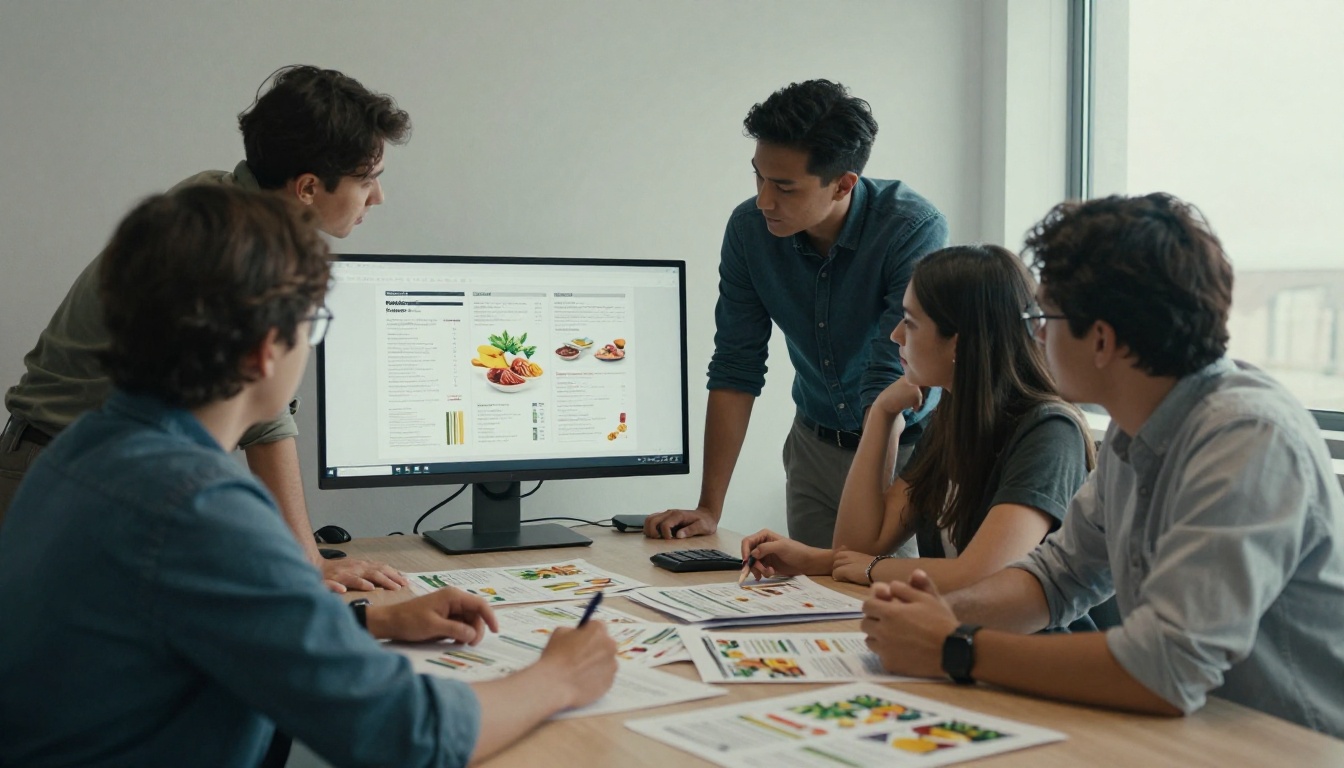
Every price is compared with the point of sale system. Legal notes such as "while stocks last" and regional exceptions are added. This is the step where most delays happen.
Stage 4: Export to PDF
The approved layout is exported as a print-ready PDF. Even chains that no longer print keep this format, because it is the common language between designers, printers and web tools.
Stage 5: Convert and Publish
The PDF becomes a flipbook or a web viewer. This is the stage where the leaflet turns from a file into something shoppers can open with one tap.
Stage 6: Promote the Link
The link goes into the weekly email, the app, social posts, and a QR code on the shelf and at the door. Many chains send it at the same time every week so customers build a habit.
Chains choose among a few ways to put a circular online. Each has trade-offs.
| Format | Setup effort | Reading experience | Easy to update | Tracking |
|---|
| Plain PDF download | Very low | Poor on phones | Replace file | Limited |
| Image gallery on a web page | Medium | Acceptable | Slow | Basic page views |
| Product grid (database driven) | High | Excellent for search | Automatic | Detailed |
| Flipbook viewer | Low | Familiar page turning | Replace file | Page level |
Large chains often combine a product grid with a flipbook. The grid serves shoppers who search for one item, while the flipbook serves those who like to browse. A smaller grocer gets most of the value from the flipbook alone.
What a Good Digital Circular Looks Like
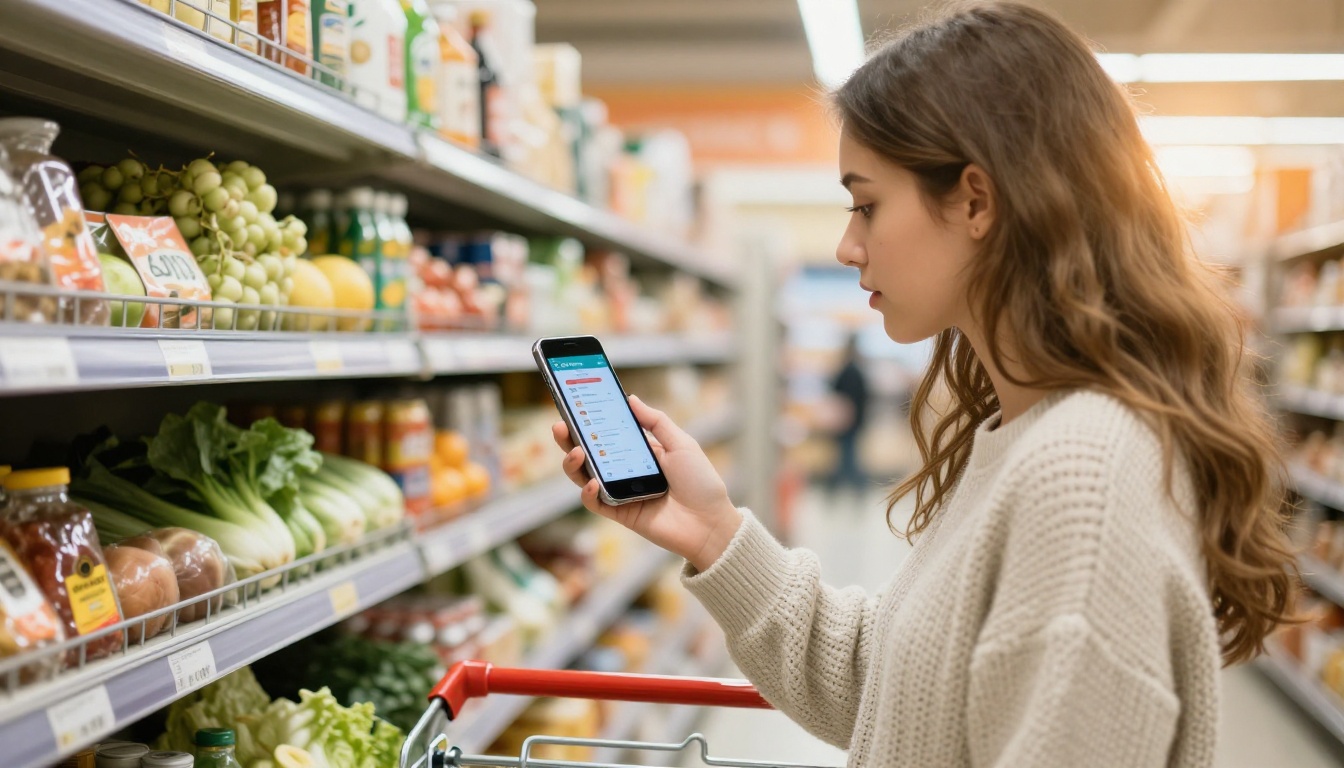
Most readers open the leaflet on a phone while standing in a kitchen or a store aisle. That changes how pages should be built.
Make Text Readable on Small Screens
Prices need large numbers. A 9 point price tag that works in print is invisible on a phone. Use big price callouts and keep product names short.
Put Strong Deals First
Readers drop off quickly. Place your best produce, meat and household deals in the first four pages.
Add Links Where They Help
Link a recipe page, a loyalty sign-up or the online ordering page right from the product. A leaflet that leads to action is worth far more than one that is only read.
Keep the File Light
Heavy files load slowly on mobile data. Compress photos before export and keep the PDF under a size that opens in a couple of seconds.
✅ Best practice: open every new leaflet on your own phone on mobile data before sending the link to customers.
Real Scenarios From Grocery Teams
A regional chain with 40 stores. The team keeps one master leaflet and a few regional versions with different prices. Each version gets its own link, and store pages show the right one based on location.
A family-owned market with one location. The owner exports a four page PDF from a template each week, uploads it and shares the link by SMS and a social post. The whole task takes under an hour.
An ethnic specialty grocer. The shop publishes bilingual pages and uses the QR code at the register so customers can scan on the way out and plan the next visit.
A deli and bakery counter. Fresh departments publish a short mid-week insert, since their specials change faster than the main weekly circular.
How to Publish a Weekly Circular With Flipbooks AI
If you already export your leaflet as a PDF, the rest is quick. Here is the process with the PDF to Flipbook Converter.
- Create an account. Open Flipbooks AI and sign in.
- Upload the PDF. Drag in your weekly leaflet. Conversion takes a few moments and every page becomes a flipbook page.
- Apply your branding. Add your logo and brand colors, and choose a background that matches your store identity. No watermarks are added to your pages.
- Choose the page effects. Pick a realistic page turn so the leaflet feels like a paper circular.
- Add extras. Embed a short video of the weekly special or an audio greeting from the store manager.
- Set sharing options. Copy the direct link, grab the embed code for your site, or add password protection for staff-only price previews.
- Publish and promote. Send the link by email, put it in the app and print the QR code for shelf and door signs.
If you build a catalog style leaflet with product photography and prices, the Digital Catalog Maker and the Digital Price List Generator are close fits. To place the leaflet on your own page, see how to embed a flipbook on a website.
💡 Reuse the same link every week by replacing the content of the existing flipbook. Customers, bookmarks and QR codes all keep working.
| Need | Print only | Basic PDF on a site | Flipbook with Flipbooks AI |
|---|
| Weekly cost | High | Low | Low |
| Mobile friendly | No | Weak | Yes |
| Page turning feel | Yes | No | Yes |
| Embed on website | No | Link only | Yes |
| Password protection | No | Rarely | Yes |
| Offline downloads | No | Yes | Yes |
| Reader analytics | No | Basic | Yes, on the Professional plan |
See the pricing plans to compare the Standard plan, which allows unlimited flipbooks, with the Professional plan for analytics and lead generation.
Where Shoppers Find the Leaflet
Publishing is only half the work. A leaflet nobody opens has zero value. Chains use several channels at once.
| Channel | Best for | Typical timing |
|---|
| Email newsletter | Loyal customers | Same weekday each week |
| SMS message | Quick reminders | Morning of the sale start |
| Social media post | New shoppers | Evening before the sale |
| Store website banner | Search visitors | Always on |
| QR code at the door | In-store readers | Printed once, reused weekly |
| Mobile app | Frequent buyers | Push alert on launch day |
Pick One Day and Stay With It
Habits form when the leaflet always arrives on the same day. Shoppers start planning around it.
Use QR Codes Smartly
Because the link stays the same each week, a QR code printed once on a door sticker or shelf strip works forever.
Add a Preview for Staff
Share a password protected version with store teams so cashiers know what is on sale before customers ask.
Measuring What Works
Print circulars give almost no feedback. Digital ones give plenty. Watch these numbers weekly:
- Opens per send: how many people clicked the link.
- Pages viewed: whether readers get past the first spread.
- Most viewed page: which category draws the most attention.
- Device mix: how much traffic is mobile, which guides your layout choices.
- Sales lift on promoted items: compare promoted products against the previous week.
⚠️ Do not judge a leaflet on opens alone. A high open rate with few pages viewed usually means the first page is weak.
Professional plan features such as analytics and lead generation also let you collect an email address before a reader opens a premium offer page, which grows your list for the following week.
Common Mistakes to Avoid
- Publishing a huge PDF. Slow loading loses readers before the first page appears.
- Changing the link every week. Bookmarks and QR codes break.
- Tiny prices. Print proportions rarely work on a phone.
- No call to action. Add a link to order online, join the loyalty program or find the nearest store.
- Forgetting expiry dates. Always state when the offers end, and remove old leaflets from the site.
- Skipping a phone test. What looks fine on a desktop monitor can be unreadable on a small screen.
A Simple Weekly Checklist
| Day | Task | Owner |
|---|
| Monday | Lock the offer list | Category team |
| Tuesday | Design pages and photography | Design |
| Wednesday | Price check and legal review | Compliance |
| Wednesday night | Export PDF and update the flipbook | Marketing |
| Thursday morning | Send email, SMS, social post | Marketing |
| Friday | Review opens and page views | Marketing lead |
Family Planning Starts With the Leaflet
The reason the circular survives is simple: households plan their week around it. A digital version fits right into that habit, on a tablet at the kitchen island or on a phone in the aisle. If your leaflet is easy to open, easy to read and easy to act on, shoppers keep coming back to it.
Grocery chains with large teams and tiny corner stores follow the same pattern: build the offers, design the pages, export a PDF, turn it into a flipbook and promote one stable link. The tools have become light enough that a single person can run the whole cycle.
Ready to Publish Your First Leaflet?
Get started for free on Flipbooks AI and turn this week's PDF into a flipbook in minutes. Browse all flipbook tools to find the format that fits your store, or compare plans to choose the one that suits your volume of weekly publishing.



