A retailer quotes a price for a refrigerator that your company discontinued three months ago. The customer is happy, the store is confused, and your sales team spends the afternoon sorting out the damage. This happens in the appliance trade every single season, and the cause is rarely carelessness. It is a distribution problem: the catalog changed, but the copy sitting in the buyer's inbox did not. With a live digital catalog built on Flipbooks AI, manufacturers fix that problem at the source, because every partner opens the same link and always sees the current edition.
Below you will find the real reasons catalogs go stale, a practical update workflow, three comparison tables, a step-by-step setup and the mistakes that trip up most teams.
Why Retail Catalogs Go Stale
Home appliance lines move fast. A mid-size brand might refresh a third of its range every year, adjust list prices twice, and swap finishes or colors on popular models without much notice. Each change touches a catalog that has already been emailed, printed, uploaded to a dealer portal and saved on a dozen laptops.
The Version Sprawl Problem
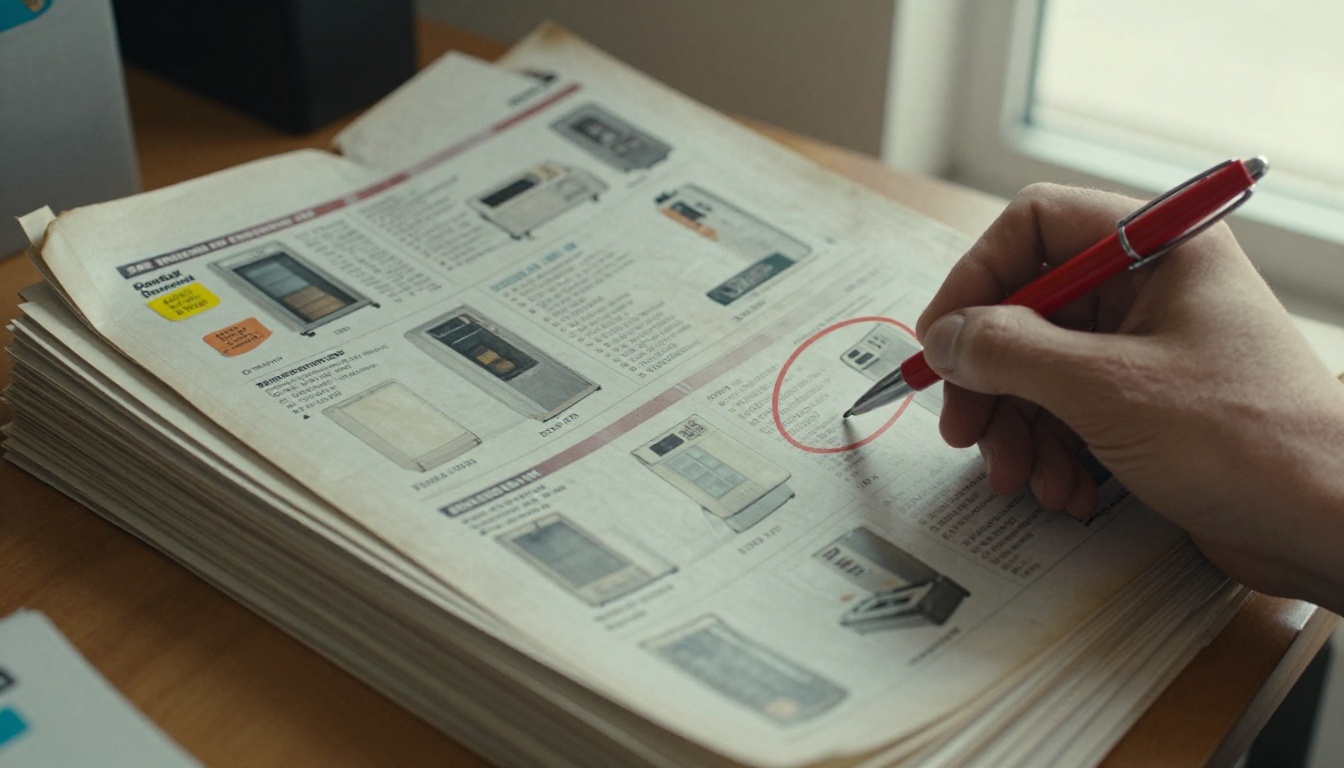
Picture one catalog file named Catalog_2026_FINAL_v3_revised.pdf. Now picture it forwarded by a regional manager, saved by a buyer, printed by a store clerk and attached to an old quote. Four versions now circulate, and nobody can say which one is right.
What Outdated Data Costs
The damage is not only embarrassment. Stale catalogs create concrete losses:
- Wrong prices quoted that the brand must honor or dispute
- Discontinued models promised to customers with no stock behind them
- Missed launches because the retailer never saw the new line
- Support calls from store staff asking which spec sheet is correct
- Returns and credits caused by mismatched model numbers
⚠️ A single wrong model number on a purchase order can delay a full pallet shipment. Treat catalog accuracy as an operations issue, not a design task.
Where Email Attachments Fail
Email feels fast, but it creates a copy every time. You cannot recall a PDF that is already on someone's desktop, and you cannot see who opened it. Dealer portals help, yet many retail partners never log in after the first week.
Who Needs the Fresh Catalog
Not every partner needs the same thing from your catalog. Before choosing a format, map out who actually reads it.

| Audience | What they need | How they use it | Risk when outdated |
|---|
| Category buyers | New models, margins, lead times | Planning seasonal orders | Ordering retired SKUs |
| Store managers | Display plans, promotions | Setting floor layouts | Showing models not in stock |
| Floor associates | Specs, features, comparisons | Answering customer questions | Giving wrong information |
| Online merchandisers | Images, dimensions, descriptions | Updating product pages | Publishing wrong data |
| Delivery and install teams | Dimensions, clearances, weights | Planning installs | Failed installs |
Floor Associates Matter Most
Buyers get the attention, but the associate on the showroom floor decides many sales. If that person can pull up a phone, tap a link and see accurate specs in seconds, the customer trusts the answer. If they flip through last year's brochure, the sale gets shaky.
Distributors Sit in the Middle
Regional distributors pass your catalog to dozens of smaller dealers. Any delay or edit at that layer multiplies the confusion. A single shared link removes the relay entirely, since each dealer sees exactly what the distributor sees.
The One Link Method
The idea is simple. Instead of sending files, you send a link to a living document. When the catalog changes, you replace the source file, and the link now shows the new pages. Nobody needs to download anything again.
How It Works in Practice
- Your marketing team exports the updated catalog as a PDF.
- You upload it to the existing flipbook, replacing the old file.
- Every embedded copy and shared link shows the new edition right away.
- Partners who bookmarked the link never notice a change in address.
Print and PDF Compared with a Live Flipbook
| Feature | Printed catalog | Emailed PDF | Live flipbook link |
|---|
| Time to update | Weeks | Days (resend to all) | Minutes |
| Old copies in circulation | Many | Many | None |
| Works on phones | No | Poorly | Yes, mobile-responsive |
| Open tracking | No | No | Yes, with analytics |
| Cost per update | High | Low but manual | Low |
| Embed in dealer site | No | No | Yes |
💡 Keep the same flipbook link for the whole year. Replace the contents, never the address, so old bookmarks and QR codes keep working.
A Simple Update Workflow
Technology only helps when the team has a routine. Here is a rhythm that works for manufacturers of every size.

Name One Owner
Pick a single person who approves every catalog change. Without an owner, product, pricing and marketing each edit their own copy and the sprawl returns.
Set a Calendar of Releases
- Monthly: small corrections, new accessory kits, price notes
- Quarterly: new models and discontinued items
- Annually: full catalog redesign and new photography
- Ad hoc: urgent recalls, safety notices or supply changes
Keep Specs in One Source
Spec sheets belong in a controlled spreadsheet or product database. The catalog pulls from it, not the other way around.

Announce Changes Briefly
When the catalog updates, send a short note to partners: what changed, which models are affected and the effective date. Link to the catalog in that message. Do not attach a file.
✅ A two-line change log at the top of the catalog saves buyers from hunting for differences page by page.
How to Build a Live Catalog with Flipbooks AI
You do not need a developer or a design agency. The PDF to Flipbook Converter turns the file you already have into an interactive catalog. For appliance lines, the Product Catalog generator and the Digital Catalog Maker are the best fits.
Step by Step Setup
- Create your account. Go to Flipbooks AI and sign up. No watermarks appear on your catalog, ever.
- Upload the PDF. Drag in your latest catalog. The platform converts each page into a flipbook with page-turn effects.
- Add branding. Set your logo, brand colors and page background so the catalog looks like your company, not a template.
- Add multimedia. Embed installation videos, energy label clips or short audio notes beside the right models.
- Set privacy. Use password protection for dealer-only price lists, and keep the consumer catalog open.
- Share the link. Copy the direct link, or use the Embed Flipbook on Website option to place it inside your dealer portal.
- Update when needed. Replace the PDF and the same link shows the new edition.
Features That Help Appliance Brands
| Feature | Why it matters for appliances | Plan |
|---|
| Password protection | Keeps wholesale prices private | Standard and above |
| Unlimited flipbooks | One catalog per product category | Standard and above |
| Analytics | Shows which retailers opened the new edition | Professional |
| Lead generation | Captures contact details from new dealers | Professional |
| Offline downloads | Lets reps share specs in stores with weak signal | Included |
| Embedded video | Demonstrates features like steam cycles | Included |
Compare options on the pricing page to see which plan fits the number of catalogs you maintain.
💡 Create separate flipbooks for consumer catalogs and dealer price lists. That way you can open one to everyone and lock the other with a password.
Making Partners Actually Use It
A perfect catalog still fails if nobody opens it. Adoption comes from making the link easy to find and hard to ignore.
Put the Link Where Work Happens
- Add it to your email signature across sales and support
- Print a QR code on shipping boxes and display tags
- Pin it in the dealer portal and in partner chat groups
- Place it on store training slides and onboarding checklists
Use Analytics to Spot Gaps
With the Professional plan, you can see which retail partners opened the latest edition and which have not. A quick follow-up call to the silent ones often catches a problem before it becomes a wrong order.
Train Floor Staff in Ten Minutes
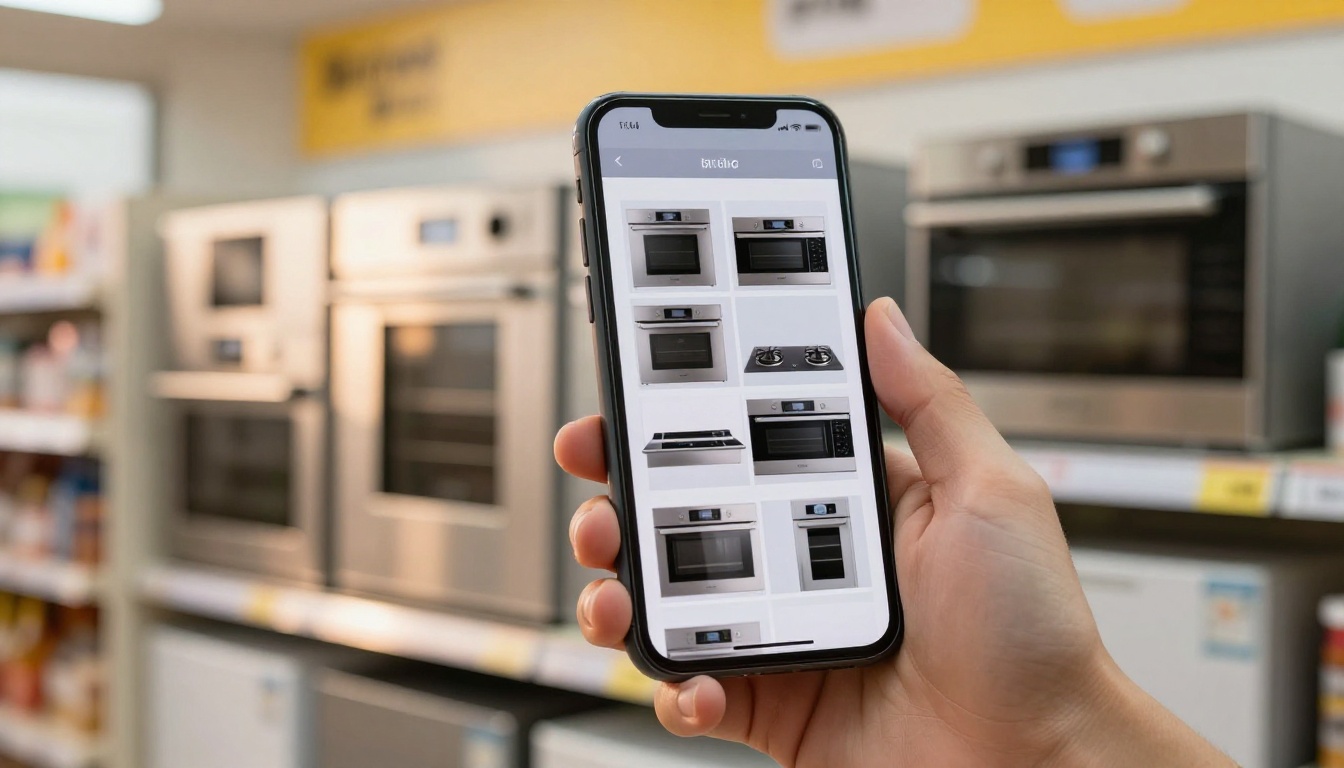
Show associates how to open the catalog on their phones, search for a model and share the page with a customer. Short sessions at the start of a shift work better than a long annual workshop.
Real Scenarios from the Trade
Here are three situations where a live catalog changes the outcome.
Scenario 1: A Mid-Season Price Change
A cooking brand raises list prices on its range line by four percent after a materials cost increase. With emailed PDFs, some dealers quote the old price for weeks. With a single link, marketing replaces the file in the morning and every dealer sees the new prices by lunch.
Scenario 2: A Model Goes Out of Stock
A washer model is delayed by a supplier. The sales team adds a notice page at the front of the catalog and updates the availability column. Retailers stop promising delivery dates the factory cannot meet.
Scenario 3: A Spring Launch
A brand introduces a new dishwasher series. Instead of mailing sample books, the team publishes the launch edition, sends one link and watches analytics to see which accounts opened it. Reps then follow up with the partners who have not.

Mistakes That Bring Stale Data Back
Even teams with a good system slip. Watch for these patterns.
Common Errors
- Changing the link every edition. Partners keep the old one and never see updates.
- Letting regions edit their own copies. Local versions drift within weeks.
- Skipping the change log. Buyers waste time comparing pages by hand.
- Forgetting the logistics team. Dimensions and clearances matter on delivery day.
- Leaving old PDFs on the website. Search engines index them and customers find them.
Quick Self Check
| Question | Healthy answer |
|---|
| How many catalog versions exist? | One |
| How long does an update take? | Under a day |
| Can you see who opened it? | Yes |
| Do old links still work? | Yes, and they show current data |
| Who approves changes? | One named owner |

⚠️ Remember to remove or redirect old catalog PDFs from your website and shared drives. One forgotten file can undo months of good process.
Start Your Live Catalog Today
Retail partners sell what they can see. When the catalog in their hands is current, they quote the right price, order the right model and speak confidently to customers. When it is not, your brand pays for it in returns, delays and lost trust.
Ready to put every partner on the same page? Get started for free on Flipbooks AI, browse all tools and templates to find the best fit for your range, and compare pricing plans to choose the level of analytics and privacy your dealer network needs. When you are set, upgrade your account and publish the first live edition this week.



