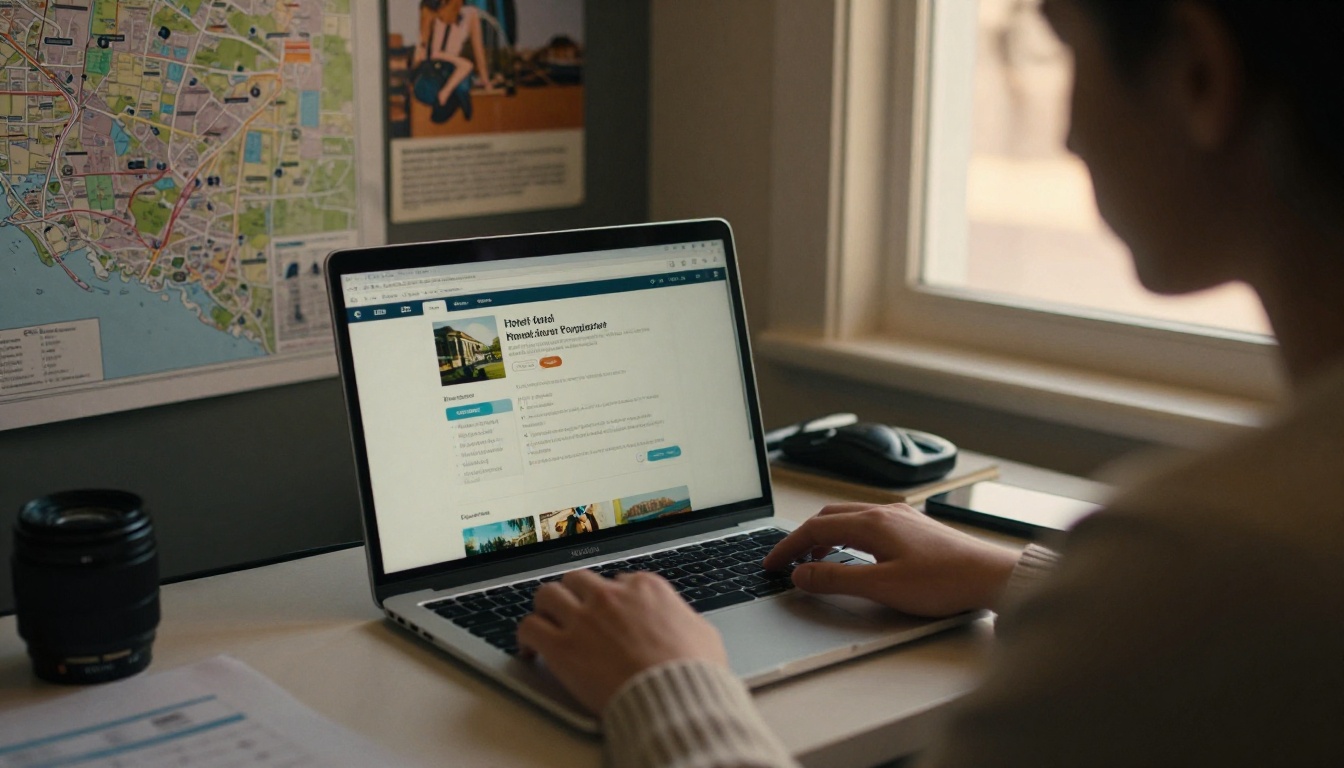
A travel agent with twelve browser tabs open and a client waiting on the phone does not read your website. They look for one page that answers the questions they get asked every day: how many rooms, what's the commission, how far from the airport, what's included. Hotels that hand over that page in seconds get the booking. Hotels that make agents dig lose to the property that did not. That page is the fact sheet, and when you publish it as a digital flipbook with Flipbooks AI, it stays accurate, trackable, and easy to forward.
This article breaks down how hotels use fact sheets to win travel agent bookings, what belongs on the page, what to leave off, and how to keep it current without a designer on retainer.
Why Agents Rely on Fact Sheets
Travel agents are salespeople working under time pressure. They compare dozens of properties across destinations and need to defend each recommendation to a client. A fact sheet gives them the raw material in a format they can scan, copy from, and attach to a proposal.
Agents typically use a fact sheet in three moments:
- Shortlisting: deciding in under two minutes whether your hotel matches the client brief.
- Proposal building: pulling room names, distances, and amenities into a quote.
- Client questions: answering "is breakfast included?" or "do they have a connecting room?" without calling you.
If the sheet fails at any of these moments, the agent moves to the next property. Nobody complains. They just stop sending you clients.
Fact Sheets vs. Websites
Your website is built for guests. It sells a feeling. A fact sheet is built for professionals and sells certainty. The two have different jobs.
| Feature | Hotel Website | Trade Fact Sheet |
|---|
| Main audience | Leisure guests | Travel agents and tour operators |
| Tone | Emotional, inspirational | Factual, scannable |
| Commission details | Rarely shown | Front and center |
| Room data | Marketing descriptions | Sizes, bed types, occupancy, view |
| Update speed | Depends on web team | Same day, if the format allows it |
| Forwardable to clients | Link only | Single file or link |
What Agents Say They Want
Ask any agent and the answers repeat. They want accuracy, brevity, and proof that someone at the hotel will respond. A sheet that reads like a brochure loses to a sheet that reads like a spec.
What Belongs on the Page
The best fact sheets are boring in the right way. Every line answers a real question. Here is the structure that works across city hotels, resorts, and boutique properties.
The Essentials Block
Place these at the top, in a compact grid:
- Property name, star rating, and year opened or last renovated
- Full address and distance to the airport, train station, and main attractions
- Total number of rooms and suites, with a breakdown by category
- Check-in and check-out times
- Trade contact: a named person, email, and direct phone line
- Commission rate and payment terms
💡 Pro tip: Name a real person in the trade contact field. Agents trust "Maria Alvarez, Reservations Manager" far more than "sales@hotel.com."
Room Details That Close Deals
Agents need room data they can paste into a proposal. A table is the cleanest way to deliver it.
| Room Type | Size | Max Occupancy | Bed Setup | View | Best For |
|---|
| Standard | 28 m² | 2 adults | 1 king or 2 twins | Garden | Couples, solo travelers |
| Deluxe | 36 m² | 3 adults | 1 king + sofa bed | Sea | Honeymooners |
| Family Suite | 58 m² | 4 adults + 1 child | 1 king + 2 twins | Pool | Families |
| Junior Suite | 45 m² | 2 adults | 1 king | Sea | Anniversaries |
Notice the last column. "Best For" does the matching work for the agent, which means you are doing part of their job.
Amenities, Dining, and Policies
Keep amenities factual. "Heated outdoor pool, open 7:00 to 20:00" beats "stunning resort-style swimming experience." Add dining outlets with opening hours and dietary options, then list policies in plain language:
- Cancellation terms for individual and group bookings
- Child and extra bed policy, with pricing
- Pet policy
- Deposit and payment rules
- Accessibility features and room counts
⚠️ Warning: Outdated policies cause the most expensive mistakes. A sheet that promises free cancellation you no longer offer will cost you a client and an agent relationship.
Photos Agents Actually Use
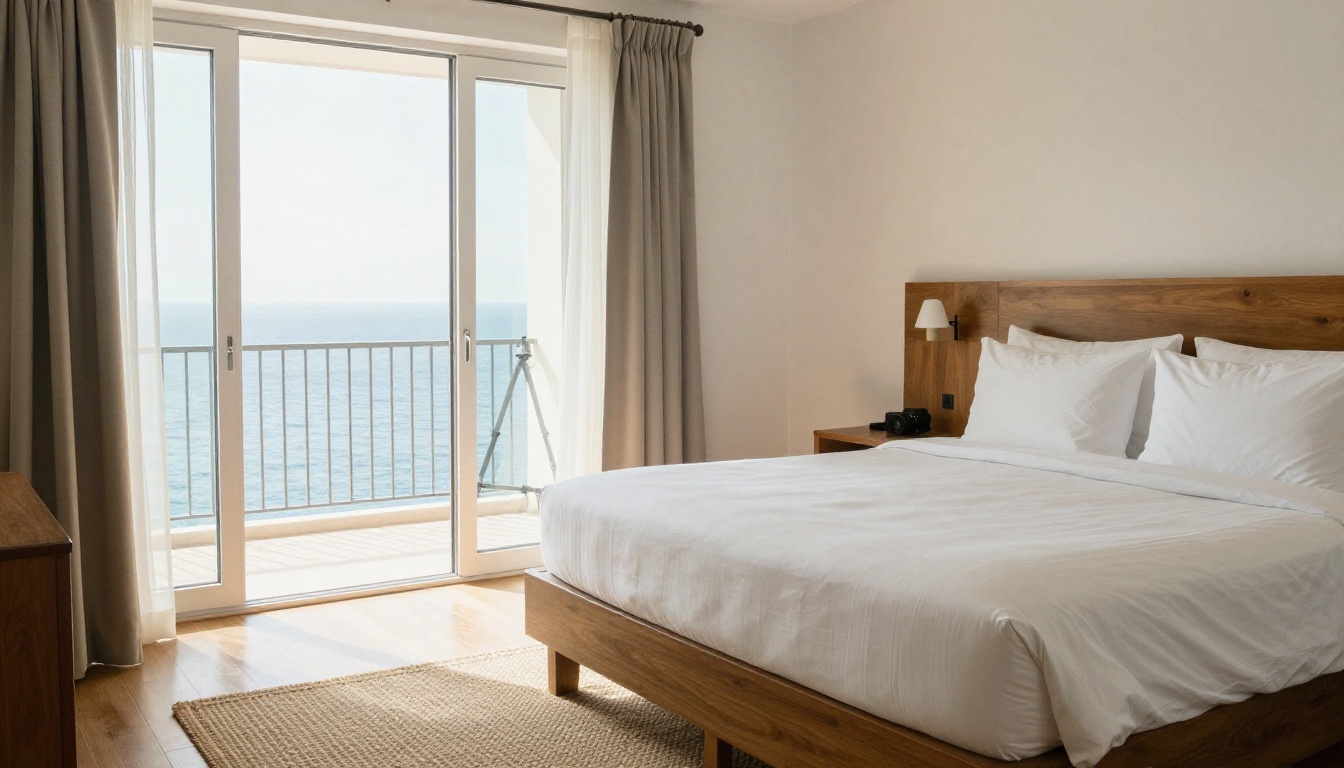
Agents ask for images constantly, then complain about low resolution and unclear captions. Include four to six strong photos on the fact sheet itself: the exterior, a lobby or arrival shot, your top two room categories, and one signature space such as a terrace or spa.

A few rules keep images useful:
- Show the real rooms, not a single hero suite that only two rooms resemble.
- Caption each photo with the room category or location.
- Use natural light and true colors. Over-edited images create complaints at check-in.
- Link to a full gallery for agents who want more.
The Photo Mix That Works
| Image Type | Purpose | How Many |
|---|
| Exterior or aerial | Sets location and scale | 1 |
| Lobby and arrival | Signals service level | 1 |
| Room categories | Matches clients to rooms | 2 to 3 |
| Dining or terrace | Sells the experience | 1 |
| Meeting or event space | Opens group business | 1 |

Selling Groups and Events
Individual bookings are good. Group and incentive business is better, and agents who place one group can place dozens of rooms. If your hotel has meeting space, give it its own section.
Include:
- Number of meeting rooms with capacity by layout (theater, classroom, banquet)
- Audio-visual equipment and Wi-Fi capacity
- Sample group packages with per-person pricing ranges
- Group booking contact and response time promise
A response time promise is underrated. "Group quotes within 24 hours" gives an agent a reason to try you for a deadline-driven client. If you add it, honor it.
Example: A Boutique Hotel Wins a Wedding Block
A 40-room coastal hotel added a group page to its fact sheet showing terrace capacity, a sample three-night wedding package, and a named events manager. Within a quarter, two destination wedding planners booked blocks of fifteen rooms each. Neither had called to ask for a brochure. Both said the fact sheet answered everything.
Pricing and Commission Transparency
Agents are paid on commission, and they prefer hotels that make the math easy. State your standard commission clearly, when it is paid, and whether it applies to all rate plans.
| Element | Weak Version | Strong Version |
|---|
| Commission | "Competitive rates" | "10% on room revenue, paid within 30 days of checkout" |
| Rates | "Contact us" | "Seasonal rate bands with a note on blackout dates" |
| Packages | "Ask about offers" | "Three named packages with inclusions listed" |
| Payment | Not mentioned | "Direct billing available for approved agencies" |
You do not need to publish confidential net rates. A seasonal range with a pointer to the reservations contact is enough to qualify the property.
Why PDFs Alone Fall Short
Most hotels send a PDF. It works, until it doesn't. Files get renamed, saved to desktops, and forwarded for two years. An agent quotes last year's rate from a sheet they found in an old email. Nobody at the hotel knows which version is in circulation.
Common PDF problems:
- No way to update copies already sent
- Large files that bounce from inboxes
- Poor viewing on phones
- Zero visibility into who opened it
A digital flipbook solves each of these. The agent receives a link, the content updates in place, and the hotel sees who opened it and which pages they read.
PDF vs. Flipbook for Hotel Fact Sheets
| Feature | Emailed PDF | Digital Flipbook |
|---|
| Update after sending | No | Yes, same link |
| Mobile-friendly | Often awkward | Responsive |
| Open tracking | None | Analytics available |
| Password protection | Limited | Built in |
| Embeds on a trade page | Download only | Embed anywhere |
| Embedded video | No | Yes |
| File size issues | Common | None, link-based |
How to Create a Hotel Fact Sheet Flipbook
If you already have a fact sheet as a PDF, you can publish it as a flipbook in minutes. Here is the process using Flipbooks AI.
- Create your account. Go to Flipbooks AI and sign up.
- Upload your PDF. Use the PDF to Flipbook Converter. Pages convert automatically with page-turn effects.
- Start from a hotel layout. The Hotel Brochure Designer gives you a structure for rooms, amenities, and contacts if you are building from scratch.
- Apply your branding. Add your logo, set brand colors, and choose a page effect that suits a hotel feel. Flipbooks carry no watermarks.
- Add media. Embed a 60-second property video or ambient audio on the lobby page. Agents often watch a video before they open a rate sheet.
- Set access. Use password protection for the version that includes net rates or confidential commission tiers, and keep a public version for general trade use.
- Share. Copy the direct link, send it by email, or embed the flipbook on your trade page.
- Track results. With the Professional plan, analytics and lead generation show which agencies opened the sheet and which pages held attention. Offline downloads are also available for agents who work at trade shows with weak Wi-Fi.
✅ Best practice: Keep one master flipbook per property and update it in place. Every agent who saved the link sees the new rates without you sending a thing.
Choosing a Plan
| Need | Suggested Plan Level |
|---|
| One property, occasional updates | Standard, with unlimited flipbooks |
| Several properties, need open tracking | Professional, with analytics and lead generation |
| Trade page embeds and branded domains | Professional |
Review current options on the pricing page.
Distribution Beats Design
A perfect fact sheet that sits on a hard drive wins nothing. The hotels that win bookings put the link everywhere agents already look.
Where to Place Your Link
- Email signature of every sales and reservations team member
- A dedicated "Travel Trade" page on your website
- Replies to agent inquiries, attached as a link instead of a file
- Trade show follow-ups, sent within 24 hours of meeting
- Familiarization trip welcome packs, with a QR code on the printed card
- Profiles on GDS, consortia, and wholesaler portals
Build a Follow-Up Rhythm
- Day 0: Send the flipbook link after a first inquiry or meeting.
- Day 3: If analytics show an open, send a short note offering a site inspection or a sample quote.
- Day 30: Share an update when rates, renovations, or packages change.
- Each season: Send a refreshed version to your top-producing agencies first.
💡 Pro tip: An agent who opens the room page twice in one week is probably building a proposal. That is the moment to call.
Mistakes That Cost Bookings
After reviewing how many properties present themselves to the trade, the same errors keep appearing.
- Brochure language instead of facts. "Unforgettable luxury" tells an agent nothing about bed types.
- No commission information. Agents assume the worst and move on.
- Stale data. A closed restaurant or old phone number erodes trust fast.
- Too many pages. Two to four pages is the sweet spot for a core sheet. Put extras in a separate group or wedding flipbook.
- Missing contact name. A faceless inbox rarely gets a reply.
- Heavy files. A 40 MB attachment will not reach a phone on a trade show floor.
A Quick Audit Checklist
| Check | Yes / No |
|---|
| Commission and payment terms stated | |
| Named trade contact with direct line | |
| Room table with size, occupancy, and view | |
| Distances to airport and landmarks | |
| Cancellation and child policies in plain language | |
| Four or more captioned, true-to-life photos | |
| Updated in the last 90 days | |
| Available as a mobile-friendly link | |
If you answer no to more than two, rewrite before you send it to anyone else.
Ideas for Different Hotel Types
Fact sheets are not one-size-fits-all. Adjust the emphasis to the property.
- Resorts: Lead with the airport transfer time, all-inclusive options, and kids' facilities. Pair it with a travel guide flipbook of nearby excursions.
- City hotels: Highlight transit links, business facilities, and corporate rates.
- Boutique hotels: Emphasize the story, unique rooms, and small-group capacity.
- Spa and wellness retreats: Add treatment menus using the Spa & Wellness Menu Creator.
- Hotels with restaurants: Attach a menu built in the Restaurant Menu Creator.
Agents reward clarity. A fact sheet with real commission terms, real room data, and a named contact makes their job easier, and they send business to the properties that make their job easier. Publishing it as a flipbook means every agent works from the same current version, and you finally see who is reading.
Ready to build yours? Get started for free on Flipbooks AI, browse all flipbook tools for hotels and travel brands, or compare pricing plans to choose the right fit for your property.



