Open the trunk of a typical independent rep's car and you will find the problem right away: boxes of printed catalogs, binders of price sheets, and sample books that weigh more than a carry-on bag. The good news is that one tablet can now hold all of it. With a platform like Flipbooks AI, every brand catalog becomes a fast, page-turning flipbook that opens in a second, works offline, and never goes out of date.
This article walks through how reps who sell for dozens of brands set up their tablets, what they keep on the home screen, and how they share pages with buyers without sending a 90 MB PDF that bounces from the inbox.
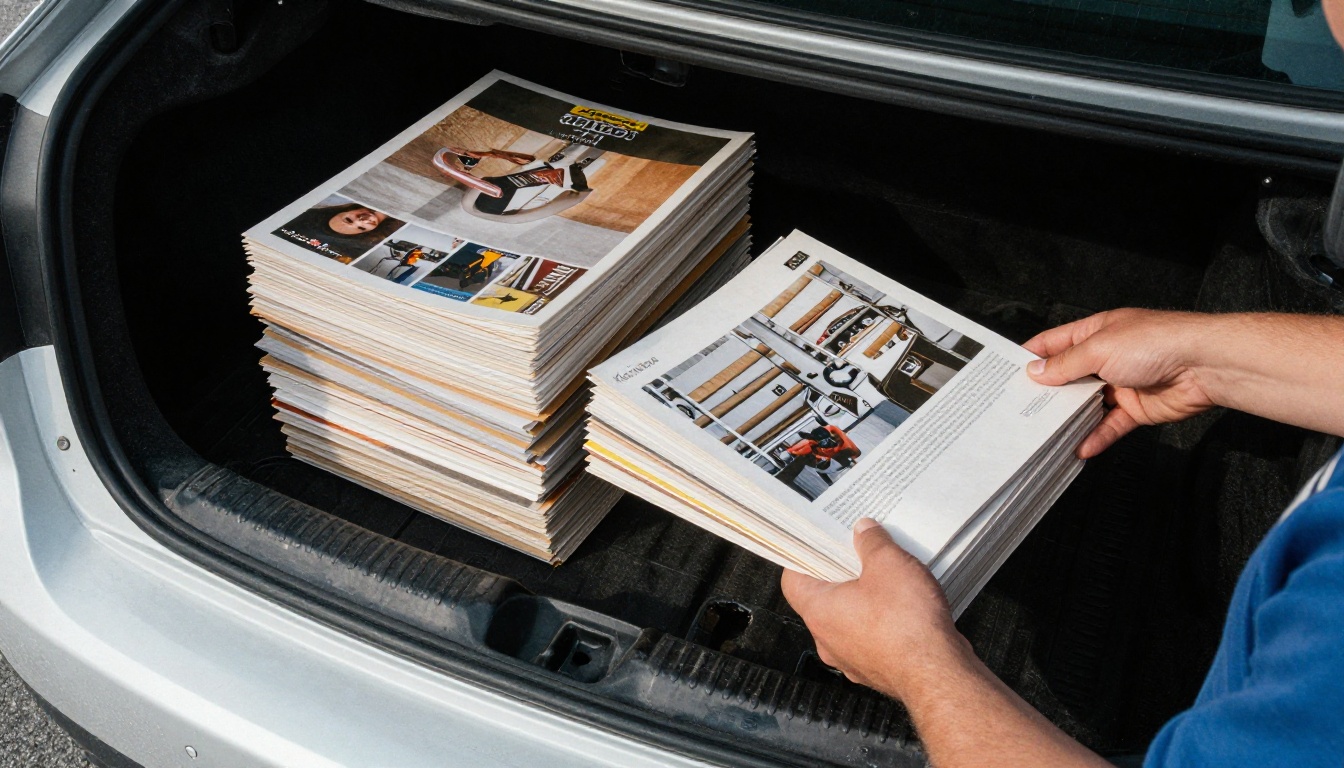
The Weight of Paper Catalogs
Independent reps (also called manufacturer's reps or commission agents) usually carry a line card with 10 to 40 brands. Each brand sends its own catalog, often once a year, and sometimes with a mid-season supplement. The result is a stack nobody wants to lift.
What Paper Actually Costs
Printing and shipping are only part of the bill. Consider the hidden costs:
- Outdated prices: a printed price sheet is wrong the day a supplier changes costs.
- Lost orders: if the catalog for brand 14 is at home, that sale waits a week.
- Back pain and fuel: heavier trunks, more trips to the office to restock.
- Wasted samples: reps throw away unused catalogs every season.
| Item | Paper approach | One-tablet approach |
|---|
| Weight carried | 20 to 40 lb | About 1 lb |
| Update time | Weeks (reprint, ship) | Minutes (replace the file) |
| Cost per brand per year | $150 to $600 | One subscription |
| Search for a SKU | Flip and guess | Type and jump |
| Share a page with a buyer | Photograph it | Send a link |
💡 Pro tip: Count how many catalogs you actually opened last month. Most reps use five or six brands in 80% of their visits, and those become your home-screen favorites.
Why PDFs Alone Fall Short
Many reps already store PDFs on a tablet. It is better than paper, but it breaks down quickly. Large PDFs load slowly, pages jump around when you pinch to zoom, and finding the right supplier means scrolling through a messy file manager. Buyers also tend to ignore PDF attachments.
A flipbook fixes this. It keeps the original layout, adds a realistic page turn, loads page by page, and gives you a shareable link instead of a heavy file.
How the One-Tablet Setup Works
The idea is simple: one flipbook per brand, one shelf for all of them. You convert each supplier's PDF catalog, name it consistently, and keep a bookmarked list on your tablet.

Build a Brand Shelf
Create a single page of links, one per brand, in the order you use them most. Many reps add the page as a home-screen icon so it opens like an app. Group brands by category, such as kitchen, lighting, or textiles, so you can find them without thinking.
Name Files Like a Pro
Consistent naming saves you in front of a buyer. A format that works well:
- Brand name
- Catalog type (full line, new arrivals, price list)
- Season or year
Example: Northwind Ceramics, Full Line, 2027.
Keep Current Versions Only
When a supplier sends an update, replace the old file and keep the same link. Your buyers always see the latest pricing, and you stop worrying about which version is in your bag.
Real Reps, Real Scenarios
Here is how the setup plays out on actual sales calls.
The Boutique Visit
A rep selling twelve apparel and accessory brands walks into a boutique. The buyer mentions needing a belt line. Instead of digging through a bag, the rep opens the accessories shelf, taps the brand, and flips straight to the right section. Ten seconds later they are discussing order quantities.

The Hardware Counter
A hardware rep stands at a counter with a contractor who needs a specific fastener. The tablet sits on the counter, both people look at the same large page, and the rep zooms into the spec table. No squinting at a tiny printed chart.
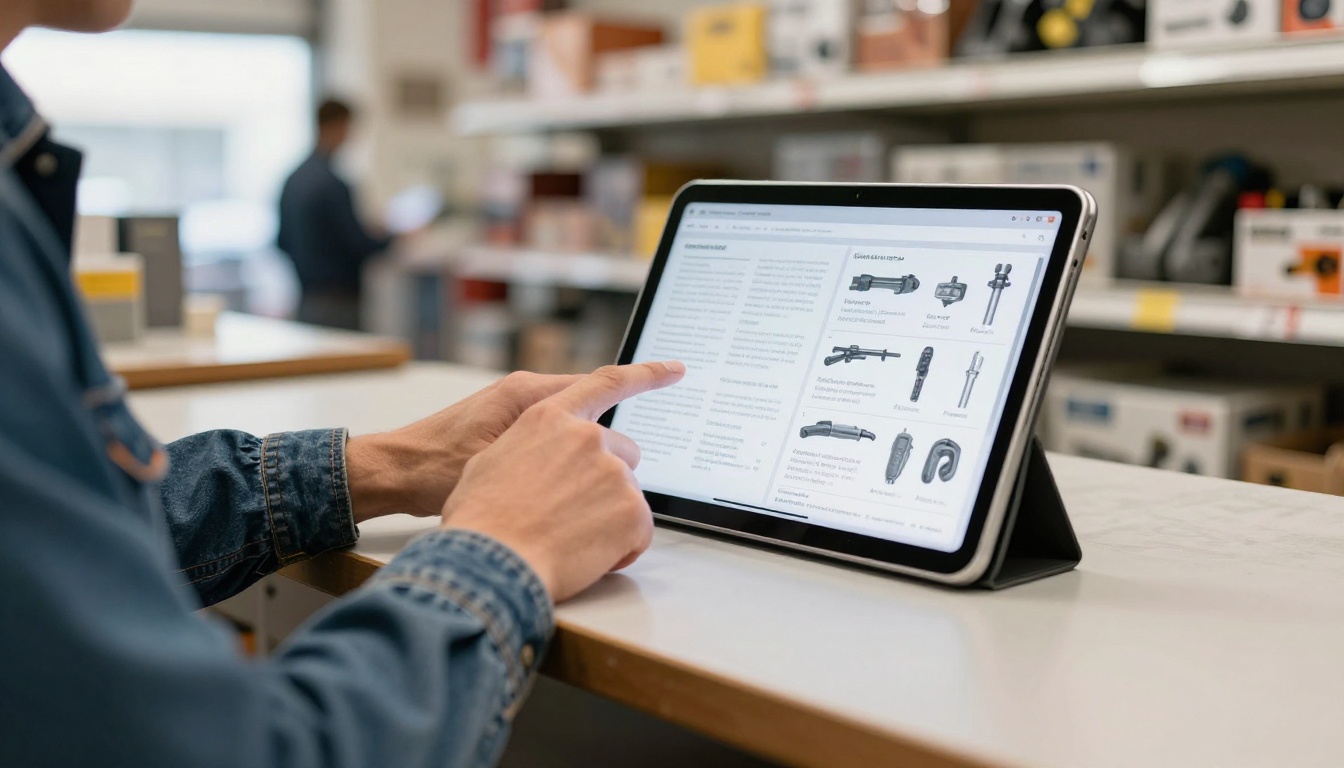
The Trade Show
At a trade show, two reps share one booth and one tablet. They send each interested visitor a link to the exact catalog that matters, and the visitor receives it before they have left the aisle.

| Situation | What the rep does | Result |
|---|
| Boutique visit | Opens brand shelf, jumps to section | Faster product match |
| Hardware counter | Zooms into spec table | Fewer wrong orders |
| Trade show | Sends link to one catalog | Leads receive exactly what they asked for |
| Car between visits | Reviews price list offline | Prepared for the next buyer |
How to Create Brand Catalogs with Flipbooks AI
If a supplier hands you a PDF, you can turn it into a flipbook in a few minutes. This is the process most reps follow.
- Get started. Go to Flipbooks AI and create an account.
- Upload the PDF. Use the PDF to Flipbook Converter. The pages are converted automatically and keep their original layout.
- Customize. Add your own logo or the brand's, pick background colors, and choose the page effect. You can also embed videos and audio, for example a product demo.
- Share. Copy the direct link, use an embed code for your website, or protect private price lists with a password.
- Use the extras. On the Professional plan you get analytics and lead generation, so you can see which buyers opened which pages. Offline downloads keep catalogs available where the signal is weak.
✅ Best practice: Create a separate flipbook for wholesale price lists and protect it with a password. Public catalogs show products, private ones show your margins.
For specific catalog types, try the Digital Catalog Maker, the Product Catalog tool, or the Digital Price List Generator. You can also browse all flipbook tools.

Working Offline on the Road
Reps spend a lot of time where service is poor: warehouses, basements, rural stores, and parking lots. A setup that fails without a signal is a setup that fails at the worst time.
Download Before You Drive
Use offline downloads for your top brands the night before a route. Check that each opens with Wi-Fi turned off. It takes a minute and prevents embarrassing moments in front of a buyer.
What to Keep Offline
| Content | Keep offline? | Reason |
|---|
| Top 5 brand catalogs | Yes | Used on most calls |
| Current price lists | Yes | Needed when quoting |
| Seasonal lookbooks | Yes | Visual selling tool |
| Archive catalogs | No | Rarely needed, saves storage |
| Training material | Optional | Useful on long drives |

⚠️ Warning: Do not rely on a cached browser page. Use a proper offline download, because browser caches clear without warning.
Sharing Pages With Buyers
The tablet is not only for your own reference. It is a selling tool.
Send Links, Not Attachments
Large attachments get blocked or ignored. A link opens in any browser, on a phone, with no download. You can also link directly to a page so the buyer lands exactly on the item you discussed.
Track What Gets Read
With analytics on the Professional plan, you see which catalogs get opened and how long buyers stay on each page. That helps you decide where to follow up first. See the available pricing plans for details.
Embed on Your Own Site
If you run a small website for your agency, you can use Embed Flipbook on Website to show every brand on one page, so buyers can browse without calling you.
Mistakes Reps Make With Digital Catalogs
Switching is easy, but a few habits slow people down.
- Uploading without checking the layout. Open each flipbook once and confirm pages are in order.
- Skipping naming rules. Fifty files called "catalog_final" are no better than fifty paper catalogs.
- Forgetting to update. When a supplier changes prices, replace the file the same day.
- Ignoring permissions. Check that suppliers allow digital distribution, especially for price lists.
- Relying on one device. Keep a backup of links on your phone.

Not every file needs the same treatment. Match the format to the job.
| Format | Best for | Weakness |
|---|
| Flipbook | Catalogs, lookbooks | Needs conversion step |
| Plain PDF | Quick internal reference | Slow, hard to share |
| Spreadsheet | Raw pricing data | No visuals |
| Website page | Public brand info | Needs internet |
For most reps, the best mix is flipbooks for anything visual and a short spreadsheet for fast price checks. If a brand sends a sales presentation, convert it too, so it sits on the same shelf as the catalog.
Build Your Tablet Shelf This Week
You do not need to convert everything at once. Start with your five best brands, test them on a real route, and add the rest as you go. Within a month your trunk can be lighter, your quotes faster, and your catalogs always current.
Ready to start? Get started for free on Flipbooks AI, browse the tools and templates, and compare pricing plans to pick what fits your line card.



