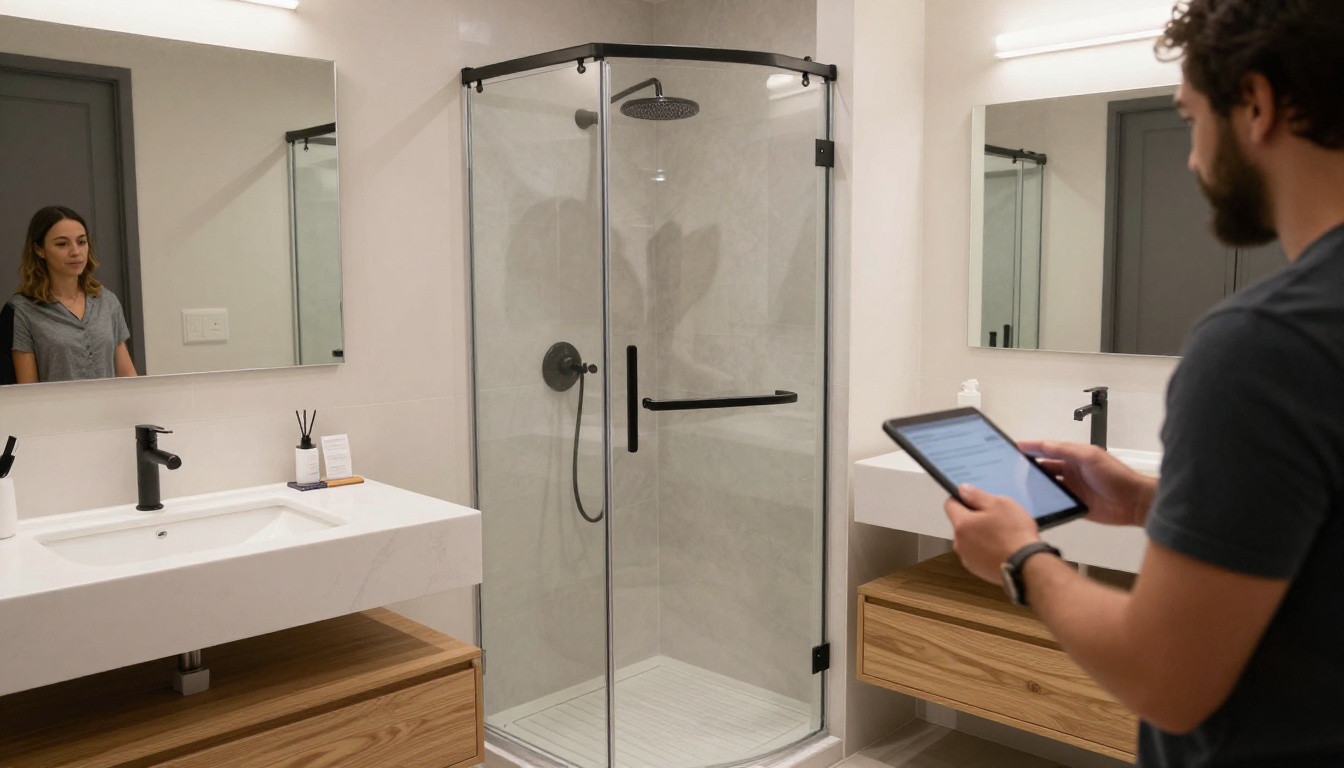
A couple walks into your showroom on a Saturday morning, and within ten minutes they have touched six cabinet doors, two countertops, and a faucet. Then they ask the question every designer hears: "Can we see that in a different color?" The designer reaches for a binder that is three seasons old. This is the moment where a tablet brochure earns its place. Showrooms that build their catalogs as page-turning digital publications with Flipbooks AI can answer that question in two taps, with the right finish, the right price tier, and a short install video, all without leaving the island display.
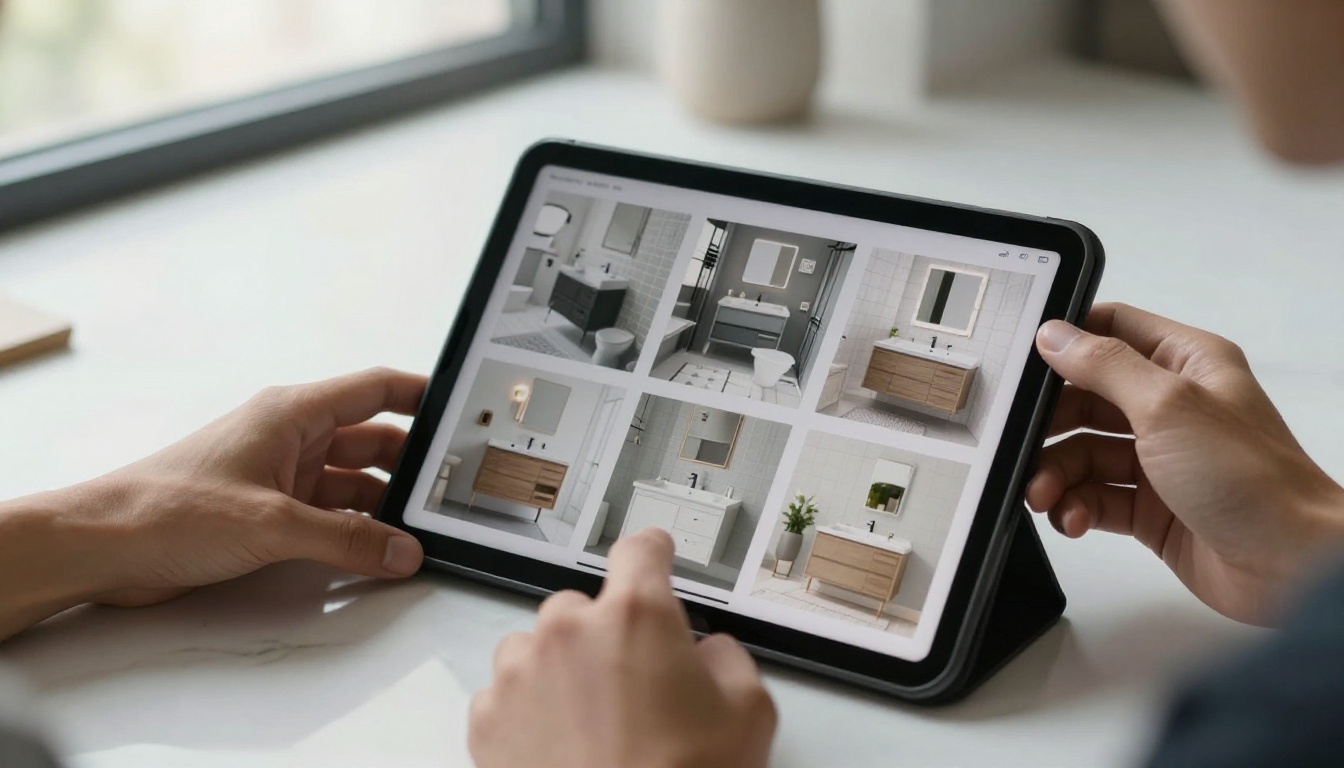
This article walks through how kitchen and bath showrooms actually put tablet brochures to work, from the first greeting to the follow-up email. You will see real floor scenarios, comparison tables, a build tutorial, and the mistakes that quietly kill the results.
Why Paper Binders Lose the Sale
Kitchen and bath is a visual, high-ticket, slow-decision category. Clients compare cabinet lines, stone slabs, tile, fixtures, and hardware across several showrooms, often over weeks. Whatever you hand them has to keep working after they leave.
The Sample Wall Problem
Even a large showroom cannot display every door style in every finish. A single cabinet line can run to dozens of colors, and a faucet collection often ships in six or seven finishes. Showrooms handle this with sample boards, binders, and manufacturer catalogs, and each one has the same weakness: it goes stale the day a supplier updates a lineup.
A tablet brochure fixes the staleness. You update one source file, republish, and every tablet on the floor shows the new version the next time it opens.
What Clients Do After They Leave
Most clients photograph a few displays, grab a business card, and go. Weeks later they cannot remember which door style they liked. A brochure they can open from a link, on their phone, with the exact pages you showed them, keeps the conversation alive.
💡 Pro tip: Ask clients which three pages they liked best before they leave, then send the link with a note that names those pages. Specific follow-ups get replies far more often than generic thank-you messages.

What a Tablet Brochure Looks Like
A tablet brochure is not a PDF dropped onto an iPad. A raw PDF forces pinch-and-zoom, scrolls awkwardly, and feels like paperwork. A flipbook turns the same pages into a spread that flips with a swipe, loads fast, and fills the screen.
The Page-Turn Format Clients Recognize
People already know how a brochure works. They flip, pause, flip back. A flipbook keeps that habit, so a client who has never used your catalog can use it within seconds, and the designer does not need to explain the interface. That matters on a busy Saturday when three groups are waiting.
Paper, PDF, and Flipbook Compared
| Feature | Printed binder | Plain PDF on tablet | Flipbook brochure |
|---|
| Updates when lines change | Reprint required | Re-send file | Republish once |
| Feels natural to browse | Yes | No | Yes |
| Embedded install videos | No | No | Yes |
| Works on client phones | No | Sometimes | Yes, mobile-responsive |
| Password protection for trade pricing | No | Limited | Yes |
| Shows what clients viewed | No | No | Yes, with analytics |
The last two rows matter most for showrooms. Trade pricing and contractor sheets can sit behind a password, and view data tells you which collections draw attention.
Five Moments on the Sales Floor
Here is where tablets fit into a normal client visit. Not every showroom uses all five, but most start with two or three.
The Greeting at the Door
A greeter hands the client a tablet loaded with the showroom's main brochure: brands carried, design services, and a gallery of finished projects. The client browses while the designer finishes with another group. Waiting time becomes browsing time, and the designer starts the conversation knowing what already caught the client's eye.
The Island Conversation
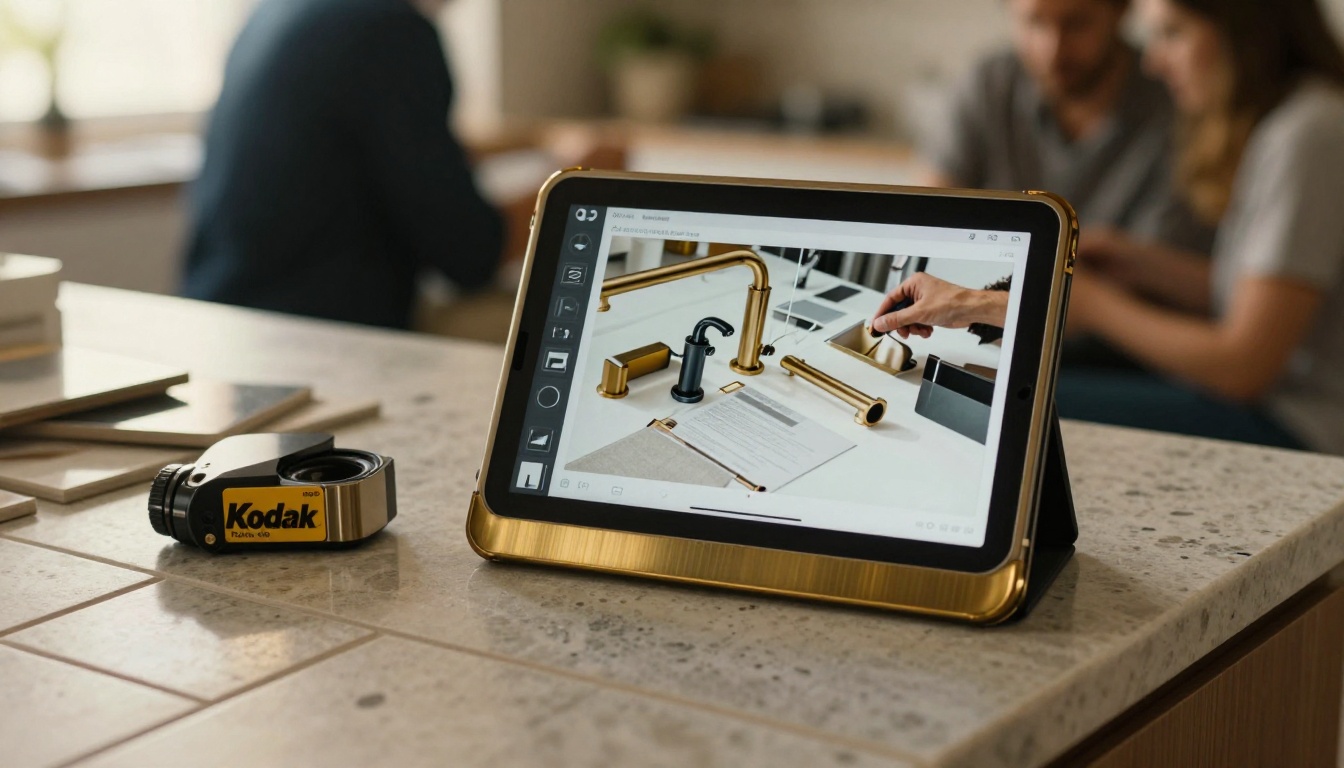
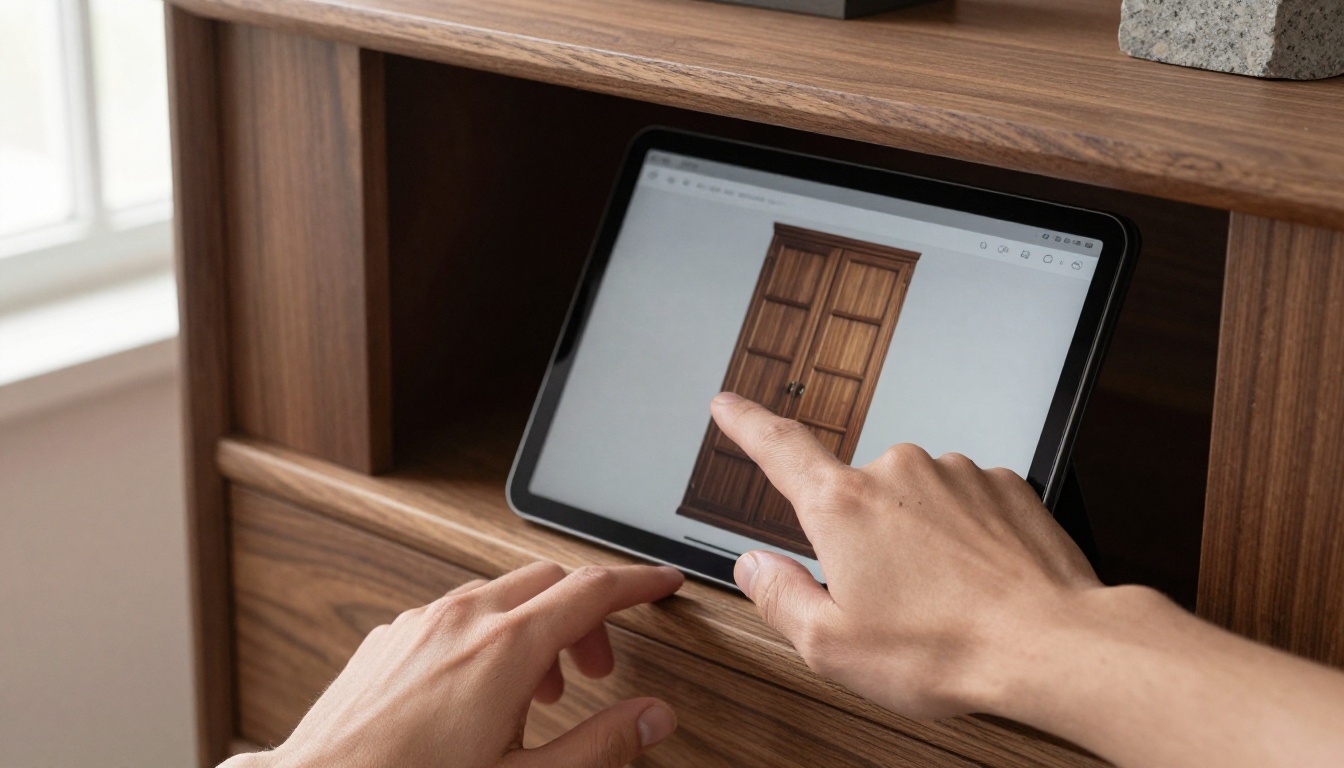
At the kitchen island display, the designer pulls up the cabinet line the client is touching and flips to the finish page. The client sees the same door in six colors without the designer hunting through boxes. A short embedded video shows how soft-close drawers and pull-out organizers work, which is hard to demonstrate on a static display.

The Bath Vignette
Bath displays take up floor space, so showrooms usually stage one or two vanities and a shower. A tablet brochure extends that small display into a full collection: tubs, vanities, mirrors, and fixtures, each on its own page with dimensions and finish options.
The Design Desk Close
At the desk the designer sketches a layout and keeps the tablet open to the pages the client picked. Selected items go onto a shortlist page, and the same brochure link goes into the follow-up email. The client leaves with the exact pages discussed instead of a vague memory.
The Contractor Hand-Off
Builders and remodelers visit showrooms for specs. A password-protected brochure with spec sheets, rough-in dimensions, and lead times saves a phone call every time. Contractors bookmark it and stop calling to ask for the same PDF twice.
✅ Best practice: Keep a client-facing brochure and a separate trade brochure. Clients should never stumble across contractor pricing, and contractors should not wade through lifestyle photography to find a rough-in diagram.
Use Cases by Showroom Type
| Showroom type | Best brochure content | Main goal |
|---|
| Kitchen cabinet specialist | Door styles, finish chips, hardware options | Faster selection at the island |
| Bath and plumbing | Vanities, fixtures, finish ladders | Show full collections beyond the display |
| Full remodel design center | Project galleries, process steps, service tiers | Win the design contract |
| Trade-focused supplier | Spec sheets, lead times, rough-in details | Cut contractor phone calls |
How to Build One With Flipbooks AI
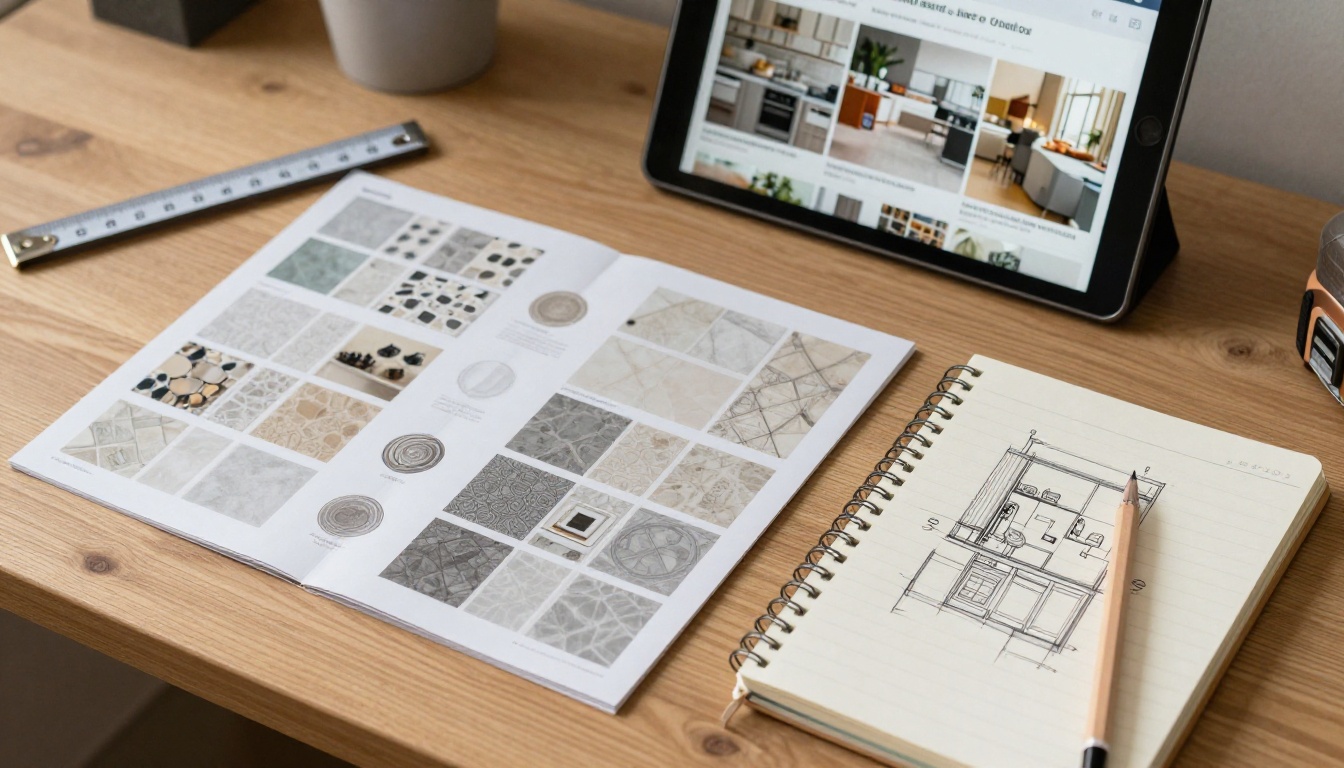
If your catalog already exists as a PDF from a manufacturer or your own design team, you are most of the way there. The PDF to Flipbook Converter handles the conversion, and tools like the Brochure Flipbook Maker and Digital Catalog Maker suit showroom use well.
Step 1: Upload Your PDF
- Create an account and sign in.
- Choose to create a new flipbook and upload your catalog PDF.
- Wait a few moments while the pages convert into a flipbook.
- Check that fine print, finish names, and dimensions stay readable on a tablet-sized screen.
⚠️ Warning: Low-resolution source pages look soft on a high-density tablet display. Export finish swatches and product photos at high quality before you upload.
Step 2: Brand It and Add Media
Open the customization panel and set your logo, colors, and background. Pick a page-turn effect that feels right for the showroom. A soft, quick flip suits a busy sales floor better than a slow, theatrical one. Then add short videos and audio where they help, such as a 30-second clip on soft-close hinges or a stone fabrication walkthrough. There is no watermark on your brochure, so it looks like it belongs to your brand.
Step 3: Share and Protect
You have several options:
- Direct link for emails and text messages after a visit
- Embed code to place the brochure on your own website with the Embed Flipbook on Website tool
- Password protection for trade pricing and contractor pages
- Offline download so the tablet still works if showroom Wi-Fi drops
A QR code at each display works well too. Clients scan it and open the exact collection on their own phone.
Which Plan Fits a Showroom
| Need | Plan level to look at |
|---|
| One or two brochures, basic sharing | Entry plan |
| Many brochures per supplier line, no limits | Standard plan and above |
| View analytics and lead capture forms | Professional plan |
Compare current options on the pricing page before you commit. Most showrooms with several supplier lines end up on Standard or above, because each brand tends to need its own brochure.
Tracking What Clients Care About
A paper binder tells you nothing. A digital brochure tells you where people spent their time.
Page-Level Analytics
On the Professional plan, analytics show which pages get opened, how long readers stay, and where they stop. If one door style gets triple the views of the rest, it deserves a floor display. If nobody opens the countertop section, the page layout or photography may need work.
Lead Capture Before the Pages Open
You can place a short form in front of a brochure, so a visitor leaves a name and email before reading. This works well for QR codes on social posts, trade show tables, and your website. Every lead arrives already tagged with the brochure they chose, which tells your team what to talk about on the first call.

Mistakes Showrooms Make
A few errors show up again and again.
Treating the Tablet as a Replacement
Samples still sell kitchens and baths. Clients want to touch a countertop and feel a drawer glide. The tablet extends the display; it does not replace it. Keep the best pieces on the floor and use the brochure for everything else.
Uploading the Supplier PDF Untouched
Manufacturer catalogs are written for dealers, not shoppers. They include confusing part numbers and dealer-only prices. Cut them down to a client-friendly version with finish names, photos, and clear dimensions.
Letting Content Go Stale
A brochure with discontinued finishes damages trust fast. Assign someone to review each supplier brochure every quarter and republish. Because the link stays the same, clients holding an old email still see current pages.
Skipping Staff Practice
If designers fumble with the tablet, clients notice. Spend fifteen minutes in a team meeting practicing the flow: open the brochure, jump to a collection, play a video, send the link.
💡 Pro tip: Put a one-page cheat sheet beside each tablet charging dock listing the five brochures and what each one is for. New hires get up to speed in a day.

A Simple Rollout Plan
- Pick your two best-selling supplier lines and build a brochure for each.
- Load them on two floor tablets and place QR codes at the matching displays.
- Run it for a month and review the analytics.
- Add the trade brochure and a follow-up email template.
- Expand to the remaining lines once the team is comfortable.
Put Tablet Brochures on Your Floor
A showroom's job is to help people picture a finished room. Tablet brochures extend that picture past the edge of your display, into every finish, every option, and every follow-up message. Start with the Brochure Flipbook Maker or browse all flipbook tools to find the one that matches your catalog.
Ready to build your first showroom brochure? Get started for free on Flipbooks AI, or compare pricing plans to see which tier fits your team. If you want your whole supplier lineup, price lists, and project galleries in one place, the Digital Price List Generator and Sales Presentation tools are good next steps.