Every library has the same quiet problem: the programs are great, but half the community never hears about them. A story time that fills a room on Tuesday morning, a résumé clinic nobody attends, a seasonal brochure that sits in a rack by the door. Putting that material online fixes most of it, and tools like Flipbooks AI make it possible without a web developer or a design budget. This article shows how libraries publish event calendars and program brochures online, what formats work best, and how to set up a routine your staff can repeat every season.
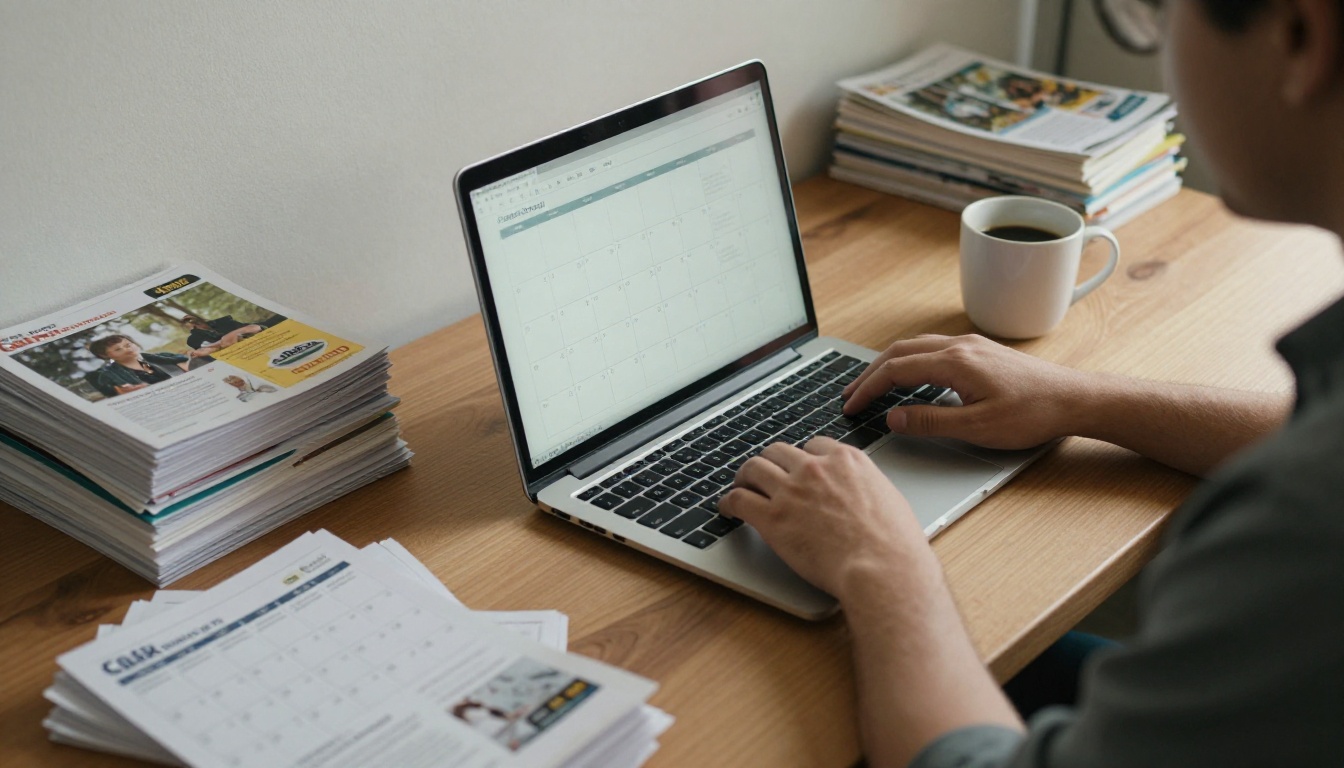
Why Libraries Move Programs Online
Printed brochures still matter. Patrons pick them up at the desk, and they work for people without reliable internet. But print has limits: it goes out of date the moment a program is rescheduled, it reaches only people who walk in, and it costs money for every reprint.
Publishing online adds a second channel instead of replacing the first. A single digital version can be shared by email, pinned on social media, linked from a school newsletter and displayed on the website, all at once.
Here is what most library teams report as the main reasons for the shift:
- Reach beyond the building. Parents, teachers and caregivers can open the schedule at home.
- Faster updates. A cancelled workshop gets fixed in minutes, not at the next print run.
- Lower printing costs. Fewer reprints, and print only the copies you need.
- Better accessibility. Text can be resized, and links can lead to registration pages.
- Shareable by partners. Schools, senior centers and community groups can forward one link.
💡 Pro tip: Treat the digital version as the source of truth. Print copies can say "Scan for the latest schedule" so patrons always land on the current version.
Three Ways Libraries Publish Schedules
Most libraries end up using a mix of three formats. Each has strengths, and the right choice depends on how often your schedule changes and how designed you want the material to look.
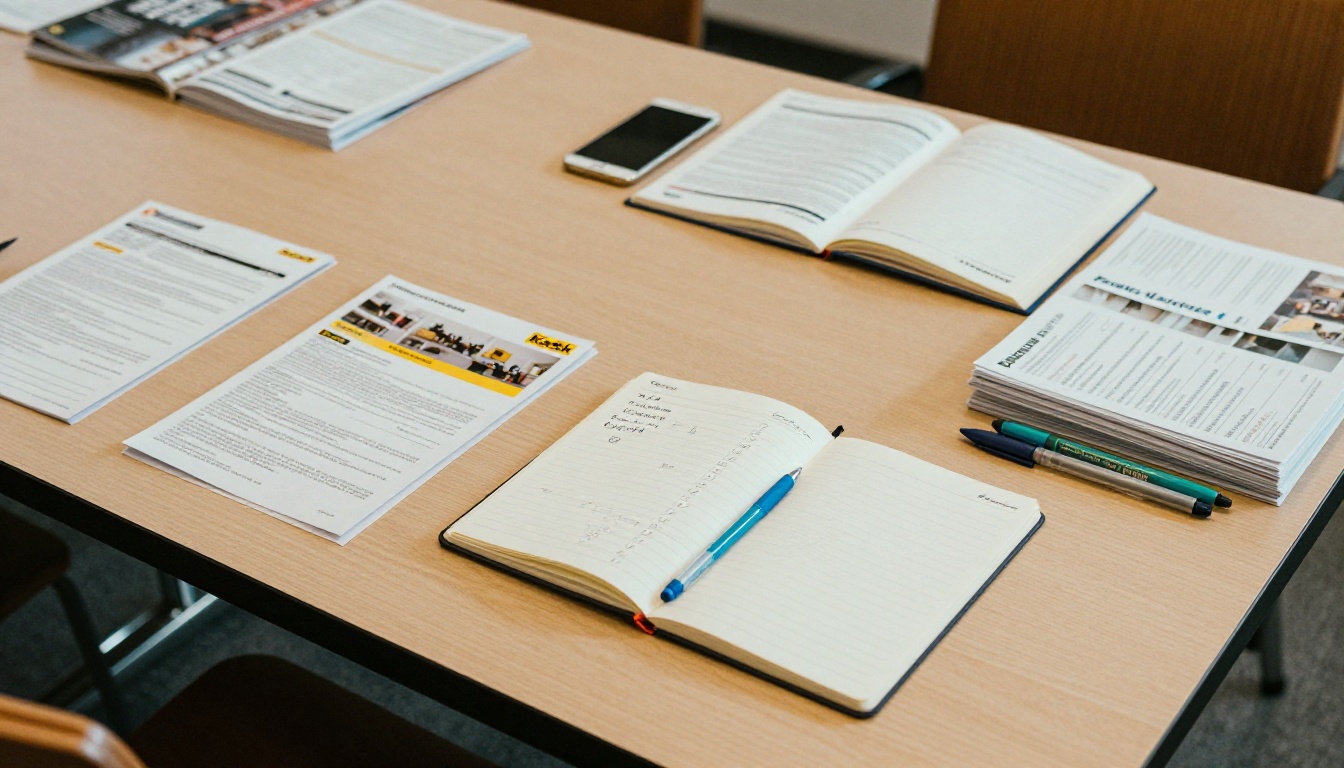
Live Calendar Widgets
A calendar widget lists events by date, with filters for age group, branch and topic. It is ideal for day-to-day browsing: "What is happening this Saturday?" Most library management systems include one.
The weakness is storytelling. A grid of dates cannot show the feel of a summer reading program or explain how a six-week coding series fits together.
Plain PDF Downloads
PDFs are the default for brochures. They keep the layout the designer intended and print cleanly. The downside is reading experience: on a phone, a PDF means pinching, zooming and sideways scrolling, and many people simply give up.
Page-Flip Digital Brochures
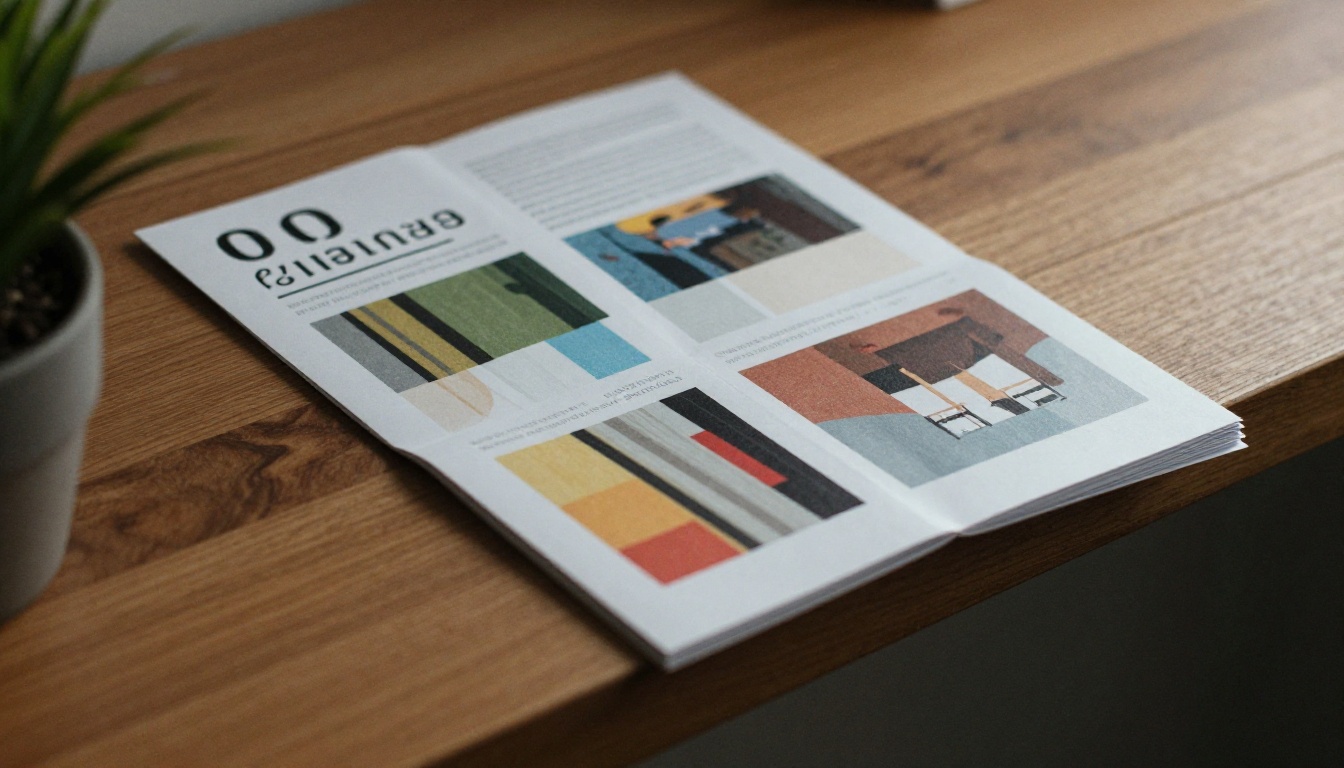
A flipbook keeps the brochure layout but behaves like a web page. Pages turn, text is sharp on any screen, links are clickable and the whole thing opens from a single URL. For seasonal guides and annual program catalogs, this format gives the best balance of design and usability.
| Format | Best for | Update speed | Mobile experience | Print friendly |
|---|
| Calendar widget | Daily and weekly events | Instant | Good | Poor |
| PDF download | Archival and print runs | Slow (re-upload) | Weak | Excellent |
| Page-flip brochure | Seasonal program guides | Fast (replace file) | Very good | Good |
| Web page list | Single large events | Fast | Good | Fair |
What Goes Into a Good Library Brochure
Before choosing a tool, get the content right. A brochure that is hard to read online will be hard to read anywhere.
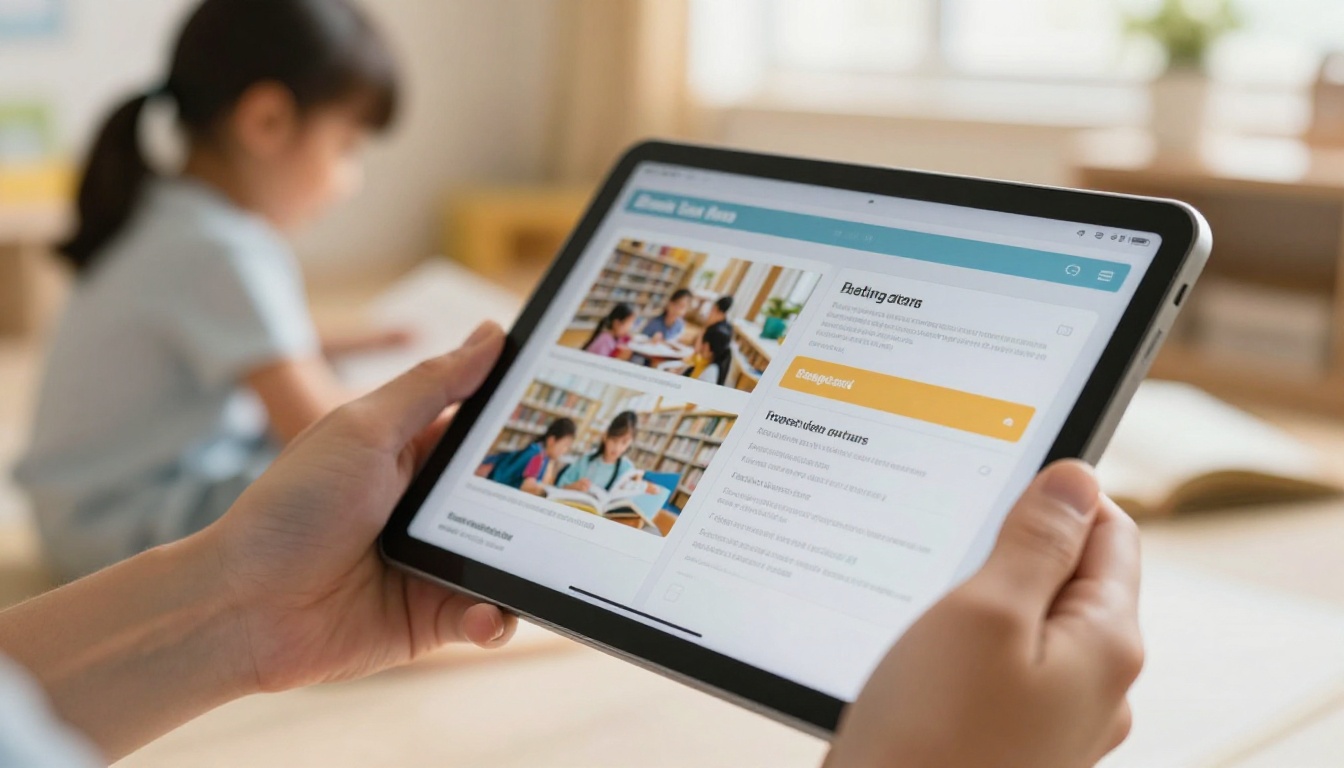
Organize by Audience, Not by Date
Patrons think in terms of who the program is for. Group your pages into sections such as Kids and Families, Teens, Adults, Seniors and Job and Business Help. Within each section, list events by date.
Keep Every Entry Consistent
Use the same pattern for each program so people can scan quickly:
- Program name
- Date and time
- Location or room
- Age range
- Registration needed (yes or no) and how
- One sentence about what happens
Design for Phones First
Many patrons will open the link on a phone. That means large type, strong contrast, short paragraphs and buttons or links that are easy to tap. A page full of tiny eight-point text will fail even if it looks fine in print.
✅ Best practice: Test your brochure on the phone of someone who has never seen it. If they cannot find a specific event in under 30 seconds, simplify the layout.
How to Create a Program Brochure with Flipbooks AI
If you already design your brochure in a tool such as Canva, Word or InDesign, you do not need to rebuild anything. The workflow is export, upload, publish.

Step by Step
- Create an account. Start on Flipbooks AI; a free account is enough to test the process.
- Export your brochure as a PDF. Use the final print or screen version. Keep fonts embedded.
- Upload the PDF. The PDF to Flipbook Converter turns each page into a turning page, with sharp text and no watermarks.
- Customize the look. Add your library logo, match your brand colors, and choose page-turn effects. For a brochure format, the Brochure Flipbook Maker is a good starting point, and the Online Brochure Designer helps if you want to build from scratch.
- Add links and multimedia. Link event titles to registration pages. Embed a short welcome video or audio message from the director if you have one.
- Choose sharing settings. Copy the direct link, grab the embed code for your website, or set a password for staff-only versions such as a draft of next season.
- Publish and promote. Post the link in your newsletter, social profiles and on the printed copies with a QR code.
Sharing Options at a Glance
| Option | Where it fits | Good to know |
|---|
| Direct link | Email, social media, text messages | Fastest way to share |
| Embed code | Library website, events page | Follow the guide for embedding a flipbook on your website |
| Password protection | Staff drafts, board packets | Keeps unpublished material private |
| Offline download | Patrons with limited data | Useful for rural branches |
💡 Pro tip: If your library publishes a brochure every quarter, keep the same flipbook link and replace the file. Old shared links and printed QR codes keep working.
Event Programs and Calendars for Specific Occasions
Not every publication is a seasonal brochure. Libraries also produce single-event materials, and each deserves its own approach.
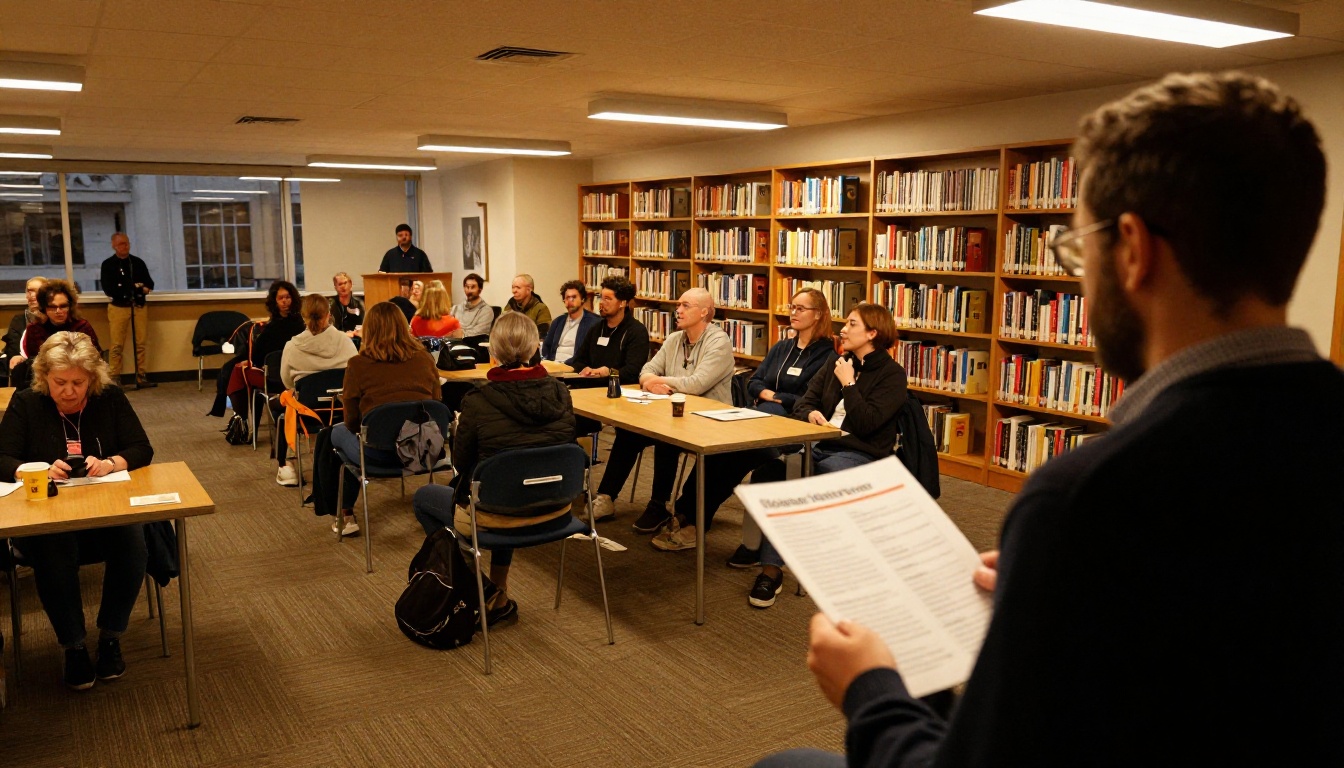
Author Talks and Festivals
For a festival, a printed program usually lists sessions, rooms and speakers. The Event Program Maker gives attendees a digital copy they can open on arrival, without a stack of paper.
Annual Summer Reading Programs
Summer reading booklets are a classic case. They combine rules, prizes, weekly events and reading logs. Published as a flipbook, parents can find the weekly schedule without hunting through a long PDF.
Friends of the Library and Nonprofit Reporting
Libraries and their foundations often need to report to donors. A Non-Profit Annual Report in flipbook format makes the numbers feel real, with photos of programs, attendance stats and thank-you pages. Because analytics are available on the Professional plan, you can see how many donors actually opened the report.
Newsletters
A monthly digital newsletter can reuse the same workflow. The Newsletter Flipbook Publisher is built for that cadence.
| Material | Typical length | Update frequency | Suggested tool |
|---|
| Seasonal program guide | 12 to 24 pages | 4 times a year | Brochure Flipbook Maker |
| Festival schedule | 8 to 16 pages | Once a year | Event Program Maker |
| Annual report | 16 to 40 pages | Once a year | Non-Profit Annual Report |
| Monthly newsletter | 4 to 8 pages | 12 times a year | Newsletter Flipbook Publisher |
Make Digital Programs Accessible
A library has a special duty to be open to everyone. Online publishing helps, but only if you set it up thoughtfully.
Serve Patrons Who Prefer Paper
Not everyone will use a screen. Keep a few printed copies at the front desk, and offer large-print versions on request. A short line on the printed copy, "Also available online," points the other direction.
Support Screen Readers and Low Vision
Use real text rather than pictures of text wherever possible. Choose high-contrast color pairs, and avoid pale gray type on white. Include plain-text details such as date and time next to any graphic banner.
Offer Help in the Building
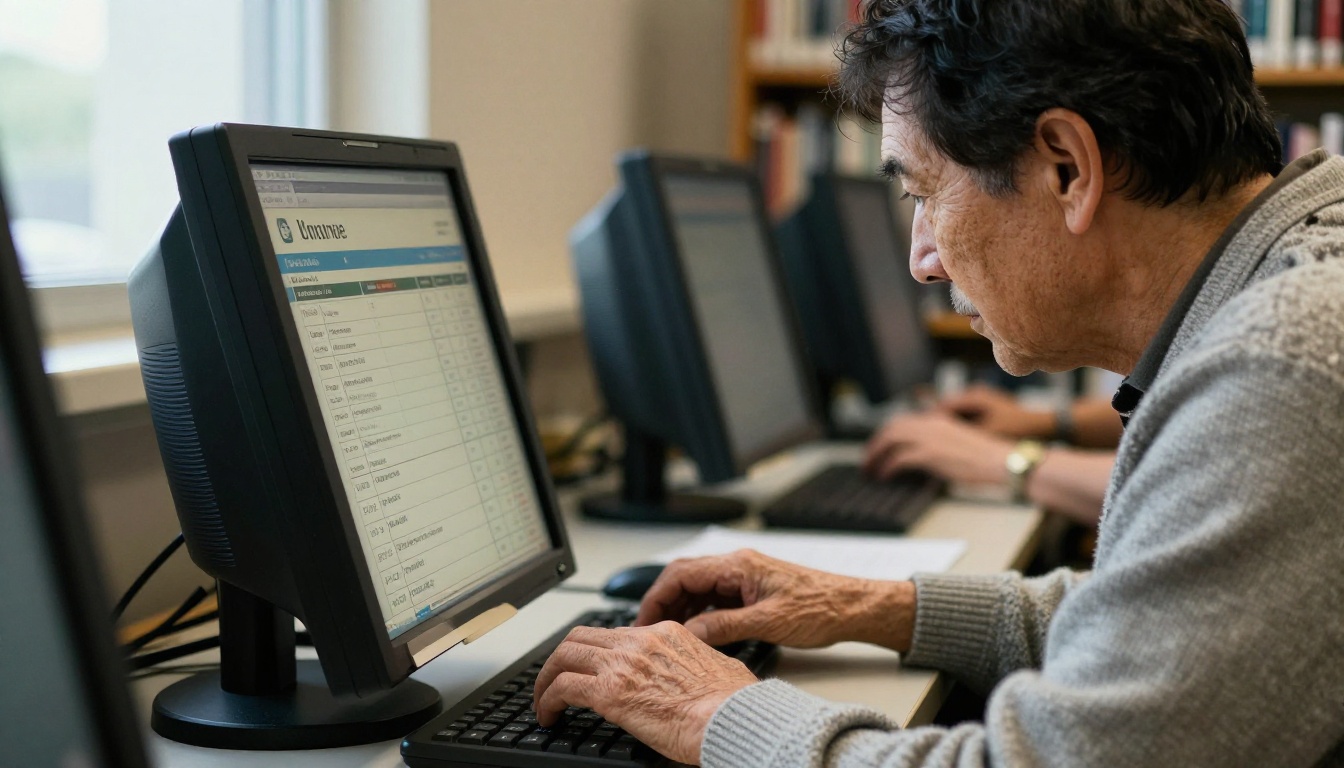
A librarian standing next to a patron at a public terminal is still the best onboarding tool. Add a 10-minute "Find Our Programs Online" session to your own schedule, and promote it in the brochure itself.
⚠️ Watch out: If your brochure is only an image export with no real text, search engines and screen readers cannot read it. Export from your design tool with text intact.
Publishing is half the job. A brochure nobody opens does not help anyone.
A Simple Promotion Checklist
- Add a QR code to every printed flyer, bookmark and poster.
- Send the link in your email newsletter on the first day of the season.
- Share it with local schools, senior centers and community groups so they can forward it.
- Pin the link on your library's social profiles.
- Put the link on your checkout receipts or due-date slips.
- Mention it at every story time and club meeting.
Reach Teens Where They Are
Teen programs often have the lowest attendance. Make a short teen-specific booklet and share it where teens already are: the school portal, the library's Instagram, and the makerspace itself.
Track What Works
On the Professional plan, analytics show how many people opened the brochure, which pages they viewed and how long they stayed. If page 7 gets all the attention, put your most important programs there next season. If nobody reaches page 15, shorten the brochure.
| Metric | What it tells you | Action to take |
|---|
| Total opens | Overall reach | Compare with last season |
| Most viewed page | Which programs attract interest | Move priority events there |
| Drop-off page | Where readers lose interest | Shorten or reorder |
| Traffic source | Which channel works | Invest more in that channel |
What It Costs and How Long It Takes
Library budgets are tight, so the practical question is cost. Compared with printing, the math is usually favorable.
A print run of 1,000 full-color brochures can cost several hundred dollars, and a second run after a schedule change costs the same again. A digital version costs the subscription you already pay, regardless of how many people open it. Unlimited flipbooks are available on the Standard plan and above, so a branch can publish a brochure, a newsletter and an annual report without worrying about a per-publication fee. See the current pricing plans for details.
A Realistic Seasonal Timeline
| Week | Task | Owner |
|---|
| 1 | Collect program details from all departments | Program coordinator |
| 2 | Draft and design the brochure | Communications staff |
| 3 | Proofread, approve, export PDF | Director and editors |
| 4 | Upload, publish, add QR codes, send to print | Digital staff |
| 5 onward | Share, track, update as needed | Everyone |
✅ Best practice: Set one person as owner of the master file. When programs change, that person updates the file and re-uploads it, so there is never a confusion about which version is current.
Common Mistakes to Avoid
Libraries that start publishing online tend to make the same few errors. Avoid them and your first season will go smoothly.
- Publishing a print file as is. Printed bleed marks and crop lines look odd on screen. Export a clean screen version.
- Burying the registration link. If a program needs signup, put the link right next to it.
- Forgetting to retire old versions. An outdated brochure still floating around creates calls to the desk. Replace the file or mark it clearly.
- Using tiny type. If you cannot read it at arm's length on a phone, neither can your patrons.
- Skipping the print option. Do not lose patrons who rely on paper.
Real Examples You Can Copy
A small branch with two staff members can run this entire system. One branch might publish a 12-page seasonal guide, a one-page teen flyer and a monthly newsletter, each as a flipbook, with all three linked from a single "Programs" page on the website. A larger system might give each branch its own brochure and gather them on a shared page with filters by neighborhood.
A school library can do the same with a term calendar, a reading challenge booklet and a parent newsletter. For more ideas on other kinds of publications, browse the full list of flipbook tools.
Ready to Publish Your Next Season?
Start with the brochure you already have. Export it as a PDF, upload it, add your logo and links, and share the URL. In an afternoon, your programs can reach every family in your community, not just those who walk past the rack at the front desk.
Ready to publish? Create your free account on Flipbooks AI, try the PDF to Flipbook Converter with your latest program guide, and compare pricing plans when you are ready for analytics and lead tools.



