The short answer: 32 pages. That is the standard length of a traditional children's picture book, and it has been for decades. But the full answer has more moving parts: board books run shorter, early readers run longer, and a digital edition built with a tool like Flipbooks AI has no printing limits at all. This article walks through the numbers publishers use, the math behind them, and how to plan your own story so every page earns its place.
If you are writing your first picture book, page count is not a boring technical detail. It decides your pacing, your illustration budget, your printing cost, and whether an editor even reads past your first spread.
The 32-Page Standard Explained
Open almost any picture book on your shelf and count. Most have 32 pages, including the title page, copyright page, and endpapers. That does not mean 32 pages of story. The real story space is smaller.
A typical 32-page layout breaks down like this:
| Section | Pages | Purpose |
|---|
| Front endpapers | 2 | Often a decorative pattern or color |
| Half title and title page | 2 to 3 | Book name, author, illustrator |
| Copyright and dedication | 1 | Legal text, ISBN, dedication |
| Story spreads | 24 to 26 | The actual narrative |
| Back matter or final art | 1 to 2 | Author note, last image |
So you are really working with about 12 to 13 double-page spreads of story. Think of it as a budget. Every spread must move the plot forward, add a visual surprise, or deepen a character.
💡 Pro tip: Count in spreads, not pages. Most editors think "13 spreads" the way novelists think "30 chapters."
Why Printers Love Multiples of 8
The 32-page rule is not tradition for its own sake. It comes from how commercial presses work.
Printers print large sheets with several pages on each side, then fold them into groups called signatures. One sheet folded three times produces a signature of 16 pages. Two signatures together make 32. Anything that does not fit this pattern leaves blank pages or increases cost.
The Math of Signatures
Here is the pattern most offset printers follow:
- 16 pages: one signature, rare for picture books
- 24 pages: possible with a half signature, common for budget titles
- 32 pages: two signatures, the industry default
- 40 pages: a bit more room, used for longer stories
- 48 pages: the upper end for traditional picture books
- 64 pages: reserved for large illustrated stories or early chapter hybrids
Every one of these is a multiple of 8. If your manuscript needs 35 pages, you will end up paying for 40 and filling five pages with something useful.
What Happens With Odd Counts
If your layout lands at 30 pages, you have two choices: cut two pages or add two. Most illustrators prefer adding an extra spread of art, a map, or a short author note. Cutting is cleaner for pacing, though, so ask yourself whether the story really needs those pages.
Page Counts by Age Group
Not every children's book is a 32-page picture book. The right length depends heavily on the reader's age and attention span.
| Format | Age | Typical Pages | Typical Word Count |
|---|
| Board book | 0 to 3 | 10 to 24 | 0 to 100 |
| Picture book | 3 to 7 | 32 | 300 to 800 |
| Longer picture book | 5 to 8 | 40 to 48 | 800 to 1,500 |
| Early reader | 6 to 9 | 48 to 64 | 1,000 to 2,500 |
| Illustrated chapter book | 7 to 10 | 64 to 120 | 5,000 to 15,000 |
Board Books for Babies and Toddlers
Board books use thick cardboard pages, so they stay thin. Most run 10 to 24 pages, with one idea per spread: a color, an animal, a bedtime ritual. Text is minimal and often rhymes.
Standard Picture Books
This is the 32-page sweet spot. Ages 3 to 7 are the target, and read-aloud time is usually around 5 to 8 minutes. That time limit explains the word count. At a natural reading pace, 500 words takes about four minutes once you add pauses for pictures.
Longer Picture Books
Biographies, nonfiction, and complex fairy tales often stretch to 40 or 48 pages. Publishers accept this when the subject needs room, but a debut author pitching 48 pages faces a harder sell than one pitching 32.
Early Readers and Chapter Books
Once children read on their own, books get longer and illustrations get smaller. Expect 48 to 64 pages for early readers and much more for illustrated chapter books.
How Word Count Shapes Page Count
Pages and words are linked. A 32-page book with 1,500 words feels crowded. A 32-page book with 200 words may feel sparse unless the art carries the story.
Words Per Spread
A useful rule: aim for 25 to 60 words per spread. With 13 spreads, that gives you a manuscript of roughly 325 to 780 words.
Here is how three common styles compare:
| Style | Words Per Spread | Total Words (13 spreads) | Best For |
|---|
| Art-led, minimal text | 5 to 20 | 65 to 260 | Concept books, wordless stories |
| Balanced | 25 to 60 | 325 to 780 | Most fiction |
| Text-heavy | 70 to 110 | 910 to 1,430 | Nonfiction, fairy tales |
⚠️ Warning: Manuscripts over 1,000 words for a 32-page book are the most common reason editors pass on a submission. Trim until every sentence earns its spot.
Let the Pictures Talk
Illustrations should add information the words leave out. If the text says "Mia was sad," the picture can show a rainy window, a drooping flower, and a cat looking away. That frees you from over-explaining and keeps word count low.
Planning Your Story Spread by Spread
Before writing a polished draft, build a thumbnail storyboard. It is the cheapest way to test page count.
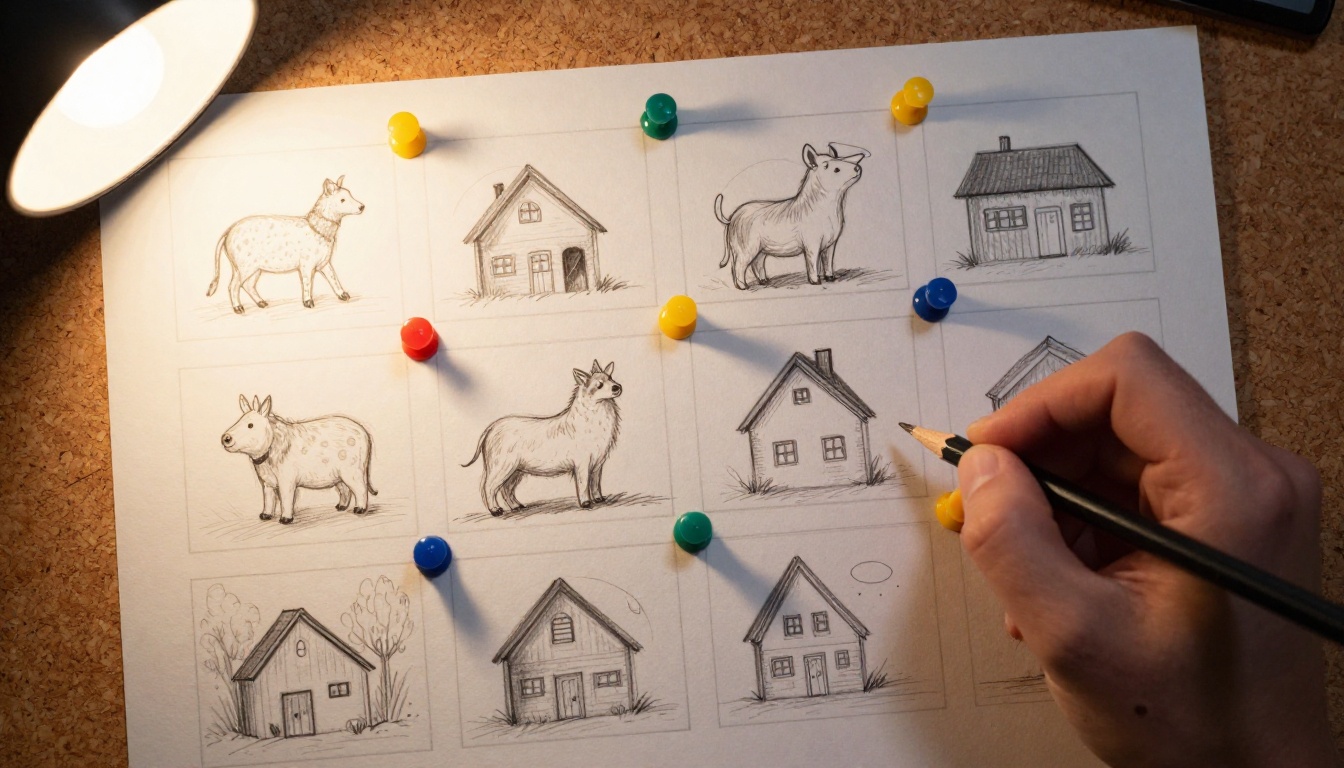
A Simple Pacing Template
Use this skeleton for a 32-page book with about 13 spreads:
- Spread 1: Introduce the main character and their world
- Spread 2: Show what they want
- Spread 3: Present the first obstacle
- Spreads 4 to 5: First attempt and failure
- Spreads 6 to 7: Second attempt, higher stakes
- Spread 8: The lowest point
- Spreads 9 to 10: A new idea or helper appears
- Spread 11: The turning point
- Spread 12: Resolution
- Spread 13: A quiet, satisfying last image
Use the Page Turn
A page turn is a tiny cliffhanger. Place surprises on the right-hand page so the reader must flip to see the answer. Good picture books use around 6 to 8 deliberate page-turn reveals.
✅ Best practice: Read your draft aloud with a timer. If it takes longer than eight minutes, cut a spread.
Page count affects your wallet as much as your story. More pages mean more paper, more ink, and heavier shipping.
| Page Count | Relative Print Cost | Shipping Weight | Typical Use |
|---|
| 24 | Lowest | Light | Short, simple stories |
| 32 | Standard | Light | Default picture book |
| 40 | About 20 to 30% more | Medium | Longer stories |
| 48 | About 40 to 50% more | Medium | Nonfiction, special editions |
Trim Size Matters Too
Common trim sizes include 8 x 10 inches, 8.5 x 8.5 inches, and 10 x 8 inches landscape. Square formats feel friendly for young readers, while landscape suits wide scenery. Pick your trim size before you finish illustrating, because changing it later means redoing every spread.
Self-Publishing Rules
Print-on-demand services often accept 24 pages as a minimum, and many allow any even number above that. That freedom is useful, but a 32-page book still looks "right" to bookstores and librarians. If you plan to sell in stores, stick with 32.
Going Digital: No Page Limits
Here is where picture books change. A digital edition has no signatures, no paper cost, and no shipping weight. You can add a page for a bonus activity, a read-aloud audio track, or an extra illustrated scene without paying a printer.
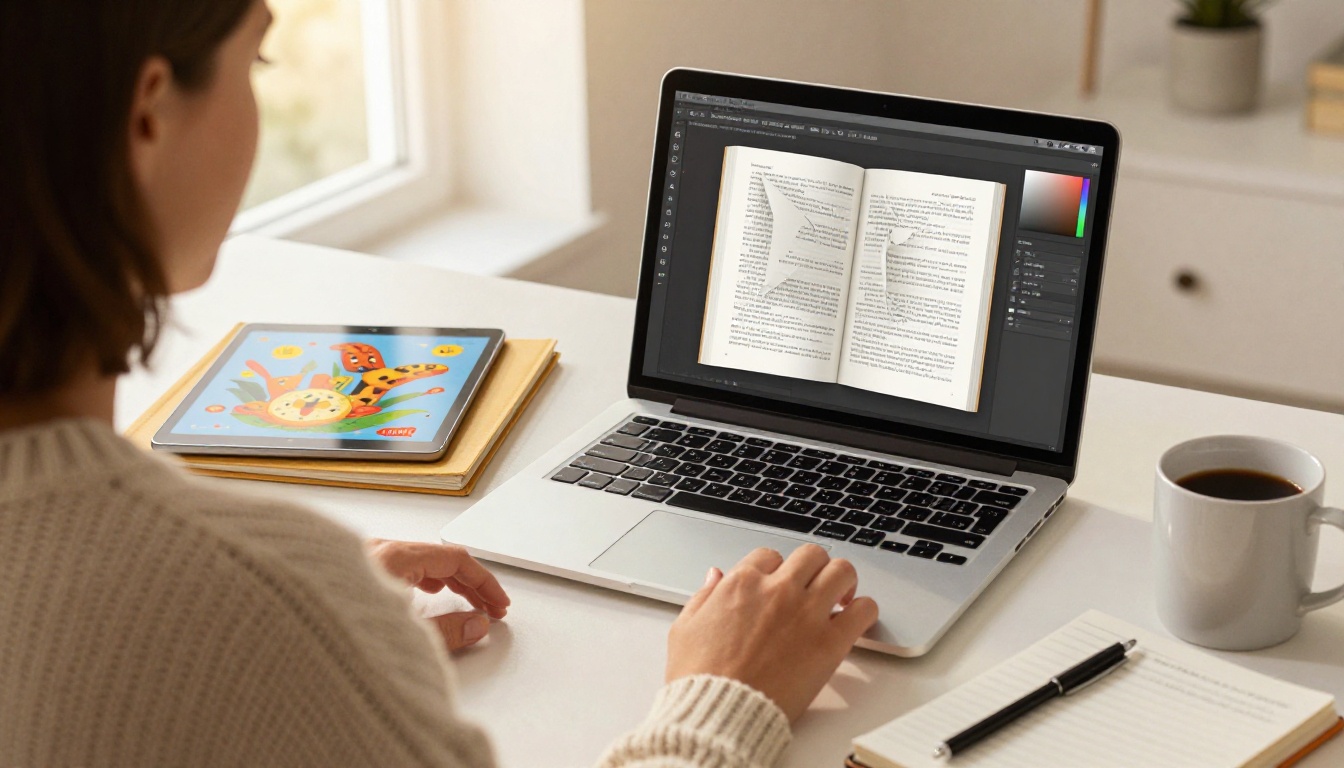
A flipbook keeps the feel of turning a real page, complete with a page-curl effect, while adding things paper cannot: embedded audio, links, and instant sharing. If you already have a PDF of your layout, the PDF to Flipbook Converter turns it into an interactive book in minutes. For longer works, the Interactive E-Book Publisher offers more control.
Print vs Digital at a Glance
| Feature | Printed Book | Digital Flipbook |
|---|
| Page count rules | Multiples of 8 | Any number |
| Cost per extra page | Rises with each signature | None |
| Audio narration | Not possible | Supported |
| Sharing | Mailing or buying | Link or embed |
| Updates after release | New print run | Instant |
| Tracking readers | Not possible | Analytics on Professional plan |
How to Create a Picture Book Flipbook With Flipbooks AI
Follow these steps to publish your picture book online:
- Export your layout as a PDF. Use spreads or single pages, at 300 DPI if you plan to print as well.
- Create your free account. Head to Flipbooks AI and sign in.
- Upload the PDF. The platform converts every page into a flipbook automatically, with no watermarks.
- Customize the look. Adjust background color, page-turn effects, branding, and the cover display so it matches your illustrations.
- Add media. Embed a narration track or a short video so young readers can listen along.
- Set sharing options. Copy a direct link, use an embed code for your website, or turn on password protection for a private preview with an editor or family.
- Check analytics. On the Professional plan, you can see how far readers get and capture leads. Compare options on the pricing page.
💡 Pro tip: Even in digital form, keep to 32 pages if you plan to print later. You will not need to redesign anything when a printer asks for files.
You can also embed the finished book on your own site using the Embed Flipbook on Website tool, which works nicely for author pages and classroom blogs.
Real-World Examples of Page Planning
Three quick scenarios show how the numbers work in practice.
A parent making a birthday gift. A mother writes a 20-spread story about her daughter's first year. She uses a flipbook with 40 pages, adds family photos, and shares a password-protected link with grandparents. No printer constraints apply.
A teacher building a class reader. A kindergarten teacher creates a 16-page book on the alphabet for her students. She prints 24 copies on a school printer and shares a digital version through the Course Material Publisher for families at home.

An author pitching agents. A debut writer submits a 600-word manuscript sized for 32 pages, with a short note listing 13 planned spreads. The editor sees a writer who understands production, which builds trust before page one is read.
Common Mistakes to Avoid
Even experienced authors trip over page count. Watch for these five:
- Writing 40 pages of story for a 32-page slot. Remember that front matter eats 4 to 8 pages.
- Ignoring the gutter. The middle fold hides part of each spread, so keep faces and text away from it.
- Cramming text onto every spread. White space gives young eyes room to rest.
- Skipping the dummy. A paper mock-up shows pacing problems that a document cannot.
- Forgetting the final page. Plan a quiet last image that rewards a second reading.
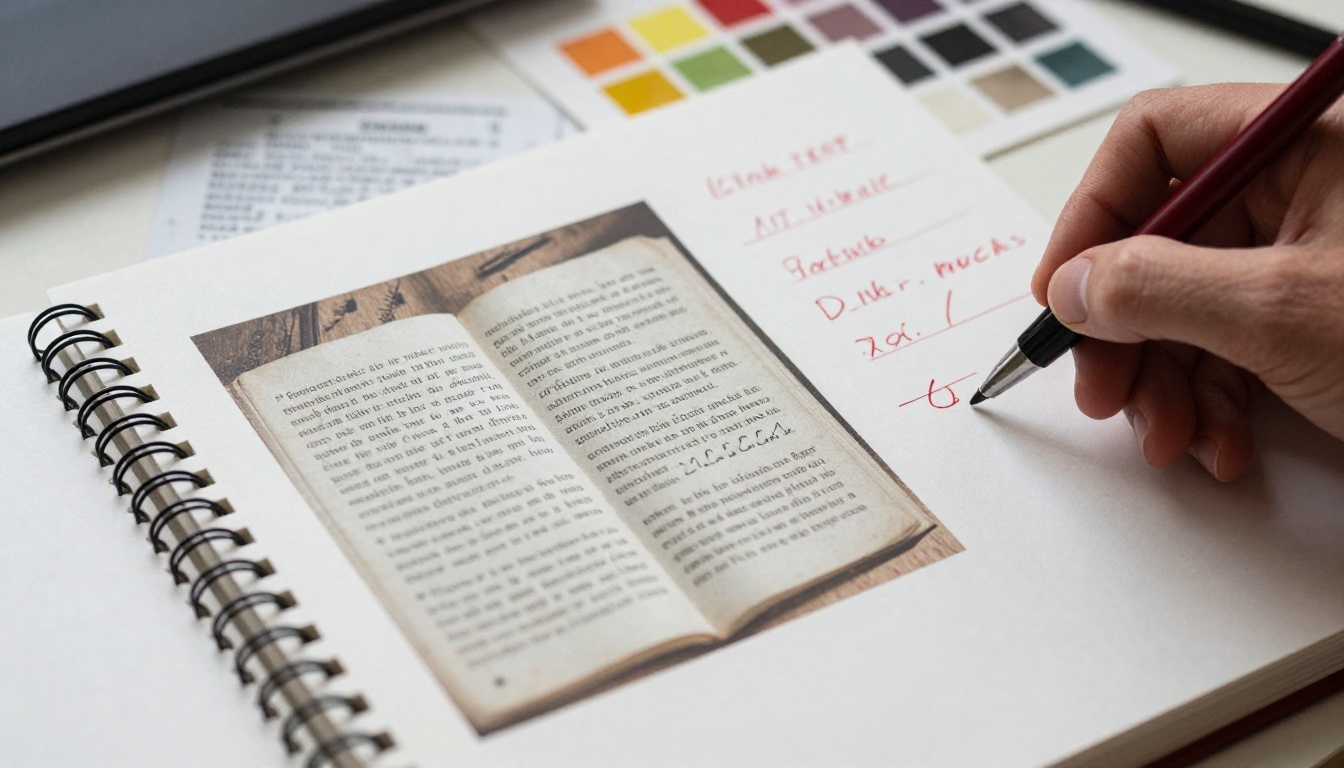
Build a Dummy Before You Commit
Fold eight sheets of printer paper in half and staple them at the spine. That gives you a 32-page mock-up. Sketch tiny drawings and rough text on each page, then flip through it. You will feel immediately where the story drags or rushes.
Final Checklist Before You Submit or Publish
Run through this list one last time:
Ready to turn your layout into something readers can open on any device? Get started for free on Flipbooks AI, browse all flipbook tools, or compare pricing plans to choose what works for you. Whether your book runs 24 pages or 48, the right page count is the one that lets your story breathe.
The bedtime reader on the other side of the screen only cares about one thing: how it feels to turn the next page.