Most monthly newsletters land between 4 and 8 pages, but that number is a starting point, not a rule. The right length depends on who reads it, what you have to say and how people open it. If you publish digitally, a tool like Flipbooks AI lets you change the page count from one issue to the next without reprinting anything, which makes testing length far easier.
This article gives you a direct answer, then shows you how to arrive at your own number with real examples, three comparison tables and a simple planning method.
The Short Answer
If you want a number right now, use this: 6 pages is the safest default for a monthly newsletter that mixes news, a feature story and a call to action. Go to 4 pages if your readers are busy professionals. Go to 8 to 12 pages if your readers actively want depth, such as members of a club, alumni or customers of a hobby brand.
💡 Pro tip: A newsletter that readers finish at 4 pages beats one they abandon at page 3 of 12. Completion matters more than size.
Why Page Count Matters
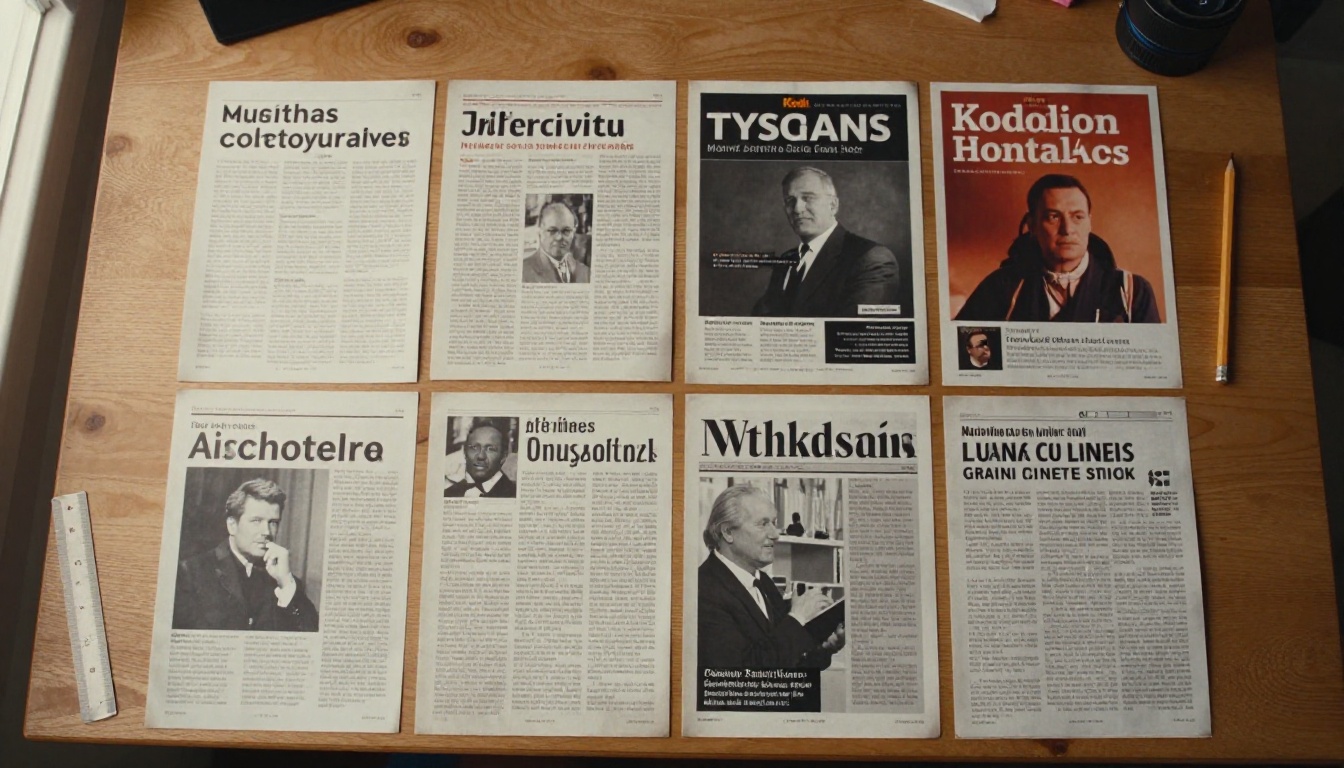
Page count signals effort, both yours and the reader's. A single sheet says "quick update." A twelve page issue says "settle in." Readers decide within seconds which one they are holding or clicking, and that first impression shapes whether they read, skim or archive.
Print Versus Digital Rules
In print, pages come in multiples of four because of how sheets are folded. A 5 or 7 page print newsletter wastes paper and money. In digital formats there is no such limit, so you can publish 5, 7 or 9 pages and let the content decide.
Page Counts by Newsletter Type
Different newsletters serve different jobs. Here is a practical range for each, based on common reader behavior.
| Newsletter type | Ideal pages | Reading time | Main goal |
|---|
| Company update | 4 to 6 | 5 to 8 minutes | Keep staff and clients informed |
| Ecommerce promotion | 2 to 4 | 2 to 4 minutes | Drive clicks to products |
| School or parent letter | 4 to 8 | 6 to 10 minutes | Share events and news |
| Nonprofit impact report | 6 to 10 | 8 to 14 minutes | Build trust and donations |
| Hobby or community club | 8 to 12 | 12 to 20 minutes | Entertain and inform members |
| Real estate market update | 4 to 6 | 4 to 7 minutes | Show listings and local data |
Short Issues: 2 to 4 Pages
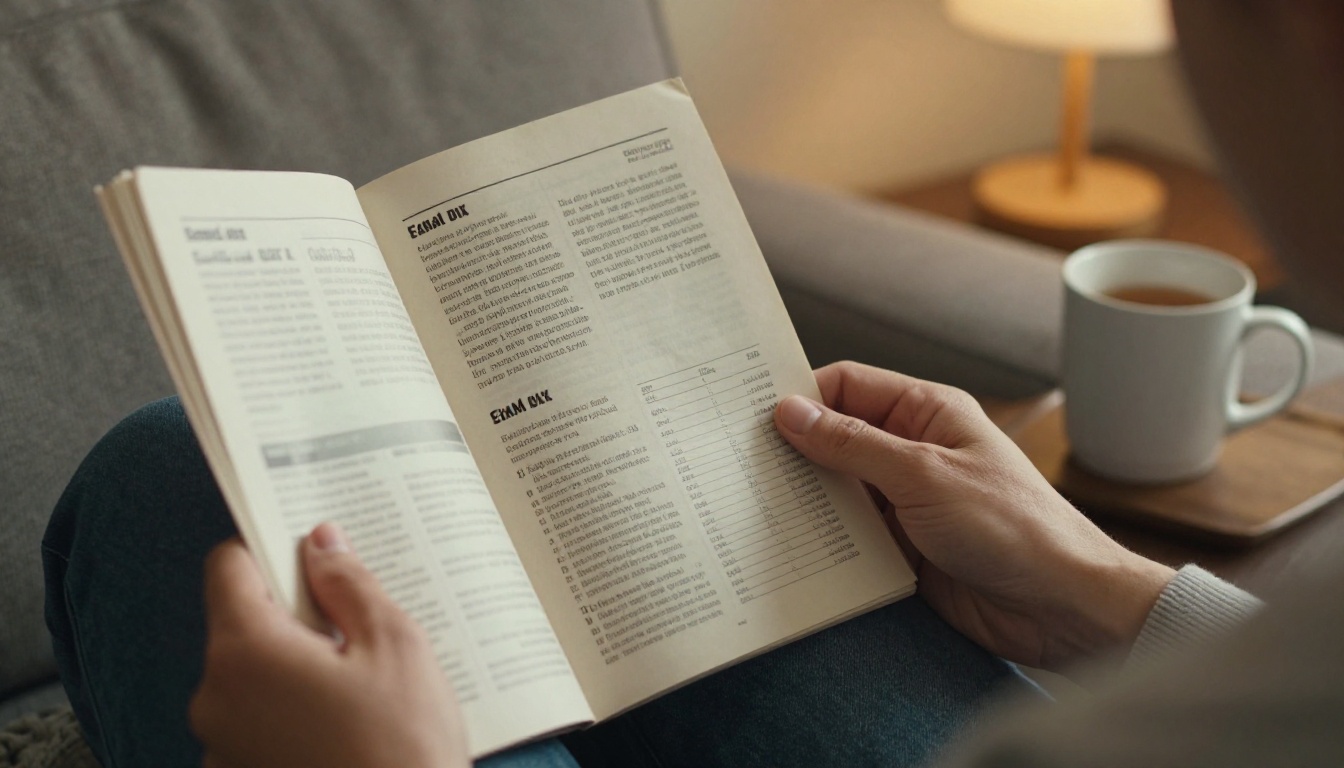
Short issues work when your content is simple and your readers are rushed. Think of a boutique announcing new arrivals or a clinic sharing opening hours and one health tip. Each page needs a clear job: a lead story, a product or offer, and a call to action.
A florist, for example, can run a four page issue: one page for the seasonal feature, one for the top five bouquets, one for a customer story and one for the order page.
Medium Issues: 5 to 8 Pages
This is the sweet spot for most businesses. You have room for a main article, two short items, a visual spread and a closing action. It also gives you space for white space, which makes every page easier to read.
Long Issues: 9 to 12 Pages
Long issues only make sense when the audience asks for them. A photography club with member galleries, event recaps and equipment reviews can fill twelve pages and still hold attention, because every reader finds their own corner. If you are unsure, split a long issue into a main newsletter plus a separate supplement.
How to Choose Your Number
Instead of guessing, use a simple method. It takes about ten minutes and saves hours of editing later.
Step 1: Count Your Real Content
List every item you could include this month. Be honest about which items are strong and which are filler. Most teams find that only 60 percent of their draft is worth publishing.
Step 2: Assign Pages Per Item
Use a rough budget for each content block:
- Lead story: 1 to 2 pages
- Short news items: half a page each
- Photo or visual spread: 1 page
- Event calendar or dates: half a page
- Customer or member spotlight: 1 page
- Call to action page: 1 page
Add them up. If the total is 9 and your readers prefer short issues, cut the weakest two items.

Step 3: Check Against Reader Time
Divide the number of words by 200 for a rough reading time in minutes. A 6 page issue with about 1,500 words and several images takes around 8 minutes. If your audience gives you 5 minutes, trim or add more visuals.
⚠️ Warning: Do not pad a thin month to hit your usual page count. Readers notice filler immediately, and a shorter issue builds more trust than a stretched one.
Words and Images Per Page
Page count is only half the picture. Density decides whether a page feels easy or exhausting.
| Page style | Words per page | Images per page | Best for |
|---|
| Light and visual | 100 to 150 | 2 to 3 | Retail, travel, events |
| Balanced | 200 to 300 | 1 to 2 | Company news, schools |
| Text heavy | 350 to 450 | 0 to 1 | Reports, member letters |
A balanced layout at 250 words per page gives you roughly 1,500 words across 6 pages, which suits most monthly issues.
Use White Space on Purpose
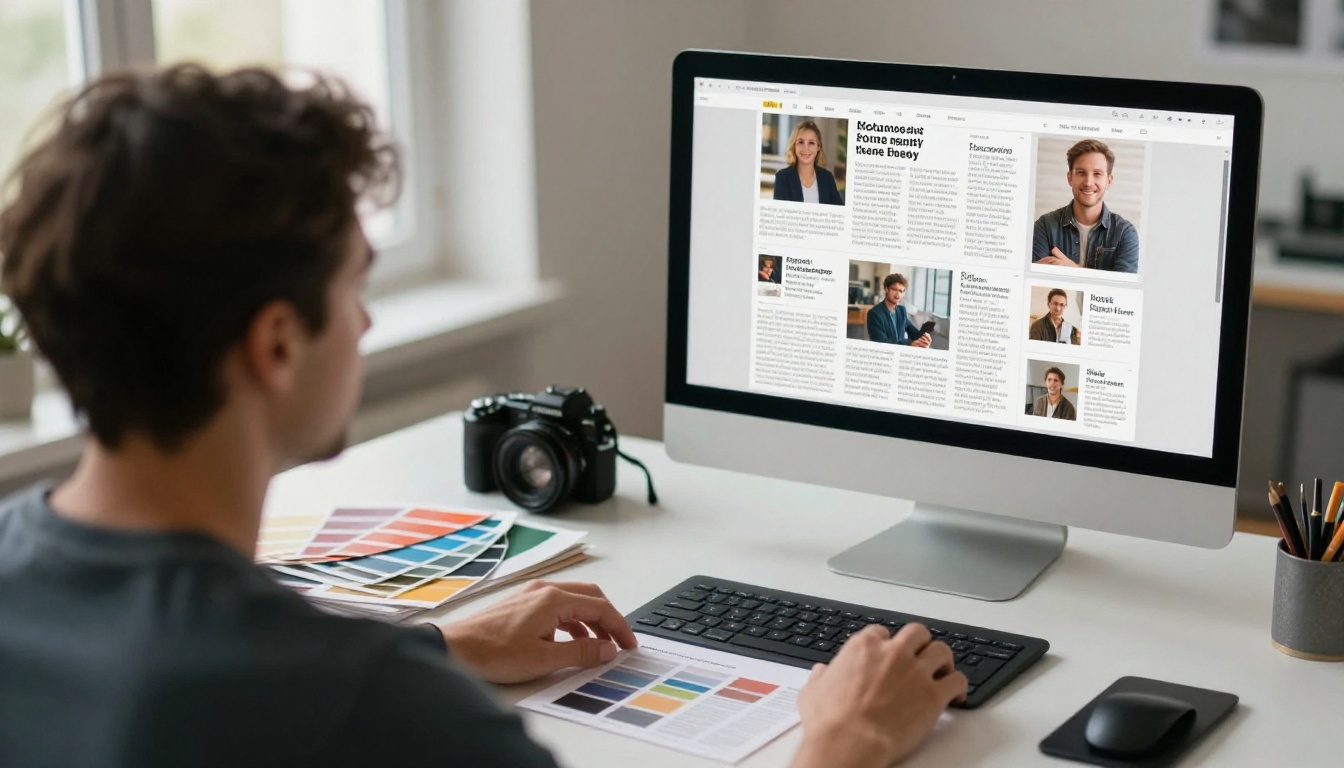
Margins, gaps between sections and short paragraphs are not wasted room. They are what make a 6 page issue feel lighter than a cramped 4 page one. Keep at least 15 percent of every page empty.
Give Every Page One Job
Each page should have a single main idea. If you cannot describe a page in one short sentence, it is trying to do too much. Split it or cut it.
How people read changes how many pages they accept. A printed issue on a coffee table tolerates more pages than a PDF opened on a phone between meetings.
Phone Readers Need Shorter Issues
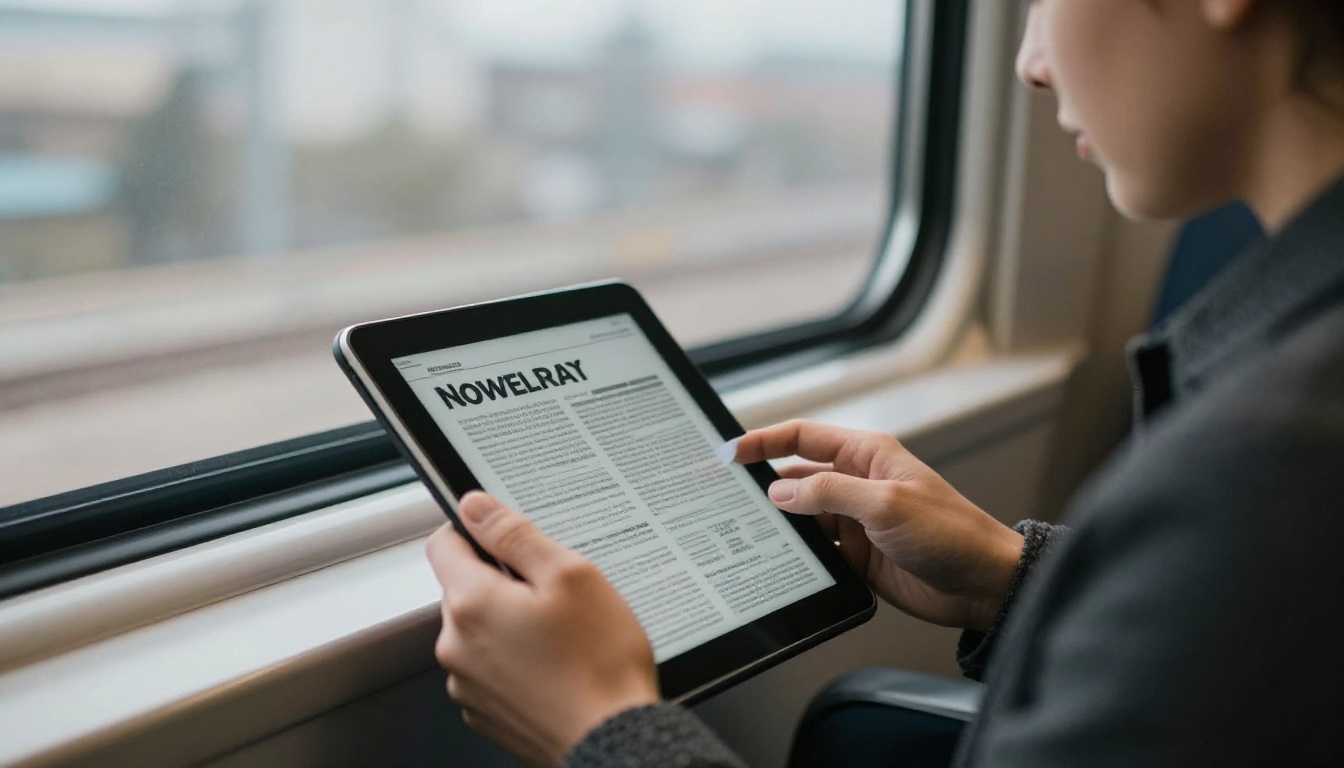
On a phone, scrolling through a flat PDF is awkward. Pinching and zooming makes 8 pages feel like 20. If most of your audience reads on mobile, aim for 4 to 6 pages, or use a mobile responsive format that reflows content.
Why Flipbooks Fit Monthly Issues
A flipbook turns your PDF into a page turning reader that works on any screen, with no downloads and no watermarks. Readers get the feel of a real publication, and you get a single link to share. The Newsletter Flipbook Publisher is built for exactly this, and the PDF to Flipbook Converter handles any file you already have.
Here is how the main formats compare:
| Format | Best page range | Mobile friendly | Trackable | Cost per issue |
|---|
| Printed booklet | 4, 8, 12 | Not applicable | No | High |
| Flat PDF attachment | 4 to 8 | Poor | Limited | Low |
| Email body only | 1 to 2 screens | Good | Yes | Low |
| Flipbook link | 4 to 12 | Excellent | Yes | Low |
How to Publish Your Newsletter as a Flipbook
If you already design your newsletter in a layout tool, publishing it as a flipbook takes a few minutes. Here is the process on Flipbooks AI.

Upload and Convert Your PDF
- Create a free account at Flipbooks AI.
- Export your finished newsletter as a PDF at its final page count.
- Upload the file. Each PDF page becomes a flip page automatically.
- Check the page order and preview how it turns on desktop and phone.
Customize the Look
Add your logo, pick brand colors and choose a page effect. You can also embed a short video or audio message from the editor on the first spread. Branding stays consistent from issue to issue, which helps readers recognize you at a glance.
Share and Protect It
Send the direct link in your email, or place it on your site with an embed code. If an issue is for members only, add password protection. Readers can also download an offline copy when you allow it.
Track What People Read
The Professional plan includes analytics and lead generation, so you can see which pages hold attention and where readers stop. That data answers the page count question better than any rule of thumb. Check the pricing plans to see which tier fits your volume.
✅ Best practice: After three issues, look at the drop off page in your analytics. If most readers leave at page 5, your ideal length is probably 5 or a stronger page 5.
Real Examples That Work
Numbers are easier to trust when you see them in use. These are realistic setups for common situations.
A Local Gym
A neighborhood gym publishes 4 pages: a member of the month, a class schedule, one nutrition tip and a promotion. Readers finish it in 3 minutes, and the front desk keeps a link on a tablet.
A School Parent Letter
A primary school runs 6 pages: principal note, upcoming dates, class highlights, a photo spread, lunch menu and a volunteer request. The School Newsletter Creator makes the layout repeatable each month.
A Nonprofit Impact Issue
A charity prints 8 pages in the autumn: a beneficiary story, financial highlights, project updates and a donation page. Because donors read this closely, depth earns trust.
A Photography Club
A club publishes 12 pages with member galleries, contest results and gear notes. Members expect depth, so the long format is a benefit rather than a risk.
Mistakes That Cost You Readers
Even with the right page count, a few habits can undo the work.
- Changing length every month without reason. A steady rhythm builds expectation. Vary by one or two pages, not six.
- Burying the best story on page 4. Put your strongest item on page 1 or 2.
- Ignoring the cover page. Readers judge by the first page. Use a clear headline and one strong photo.
- Skipping the call to action. End every issue with one clear next step.
- Never checking the data. Use analytics or reply rates to adjust.
💡 Quick test: Send issue A at 4 pages and issue B at 8 pages to two halves of your list. Compare opens, time spent and clicks. Two months of this tells you more than any article can.
Your Monthly Page Plan
Here is a ready to use plan. Pick the row that matches your audience and start there.
| Your audience | Start with | Adjust after 3 issues |
|---|
| Busy customers | 4 pages | Add 1 page if readers finish |
| Staff and partners | 6 pages | Trim weakest section |
| Members and fans | 8 pages | Add a supplement if demand grows |
Ready to build your next issue? Get started for free on Flipbooks AI, browse all flipbook tools to find the right template, or compare pricing plans to choose what works for you.



