Most portfolios fail for one boring reason: they are the wrong length. Too short and the reviewer sees no range. Too long and they stop at page eight. If you are building a portfolio in a tool like Flipbooks AI, page count is the first decision that shapes everything else, so it is worth getting right before you design a single spread.
The short answer: most portfolios land between 10 and 30 pages, but the right number depends heavily on your field, your career stage, and who will open the file. Below you will find realistic numbers for each discipline, a way to cut your work down, and a table you can use to check your own count.

The Quick Answer
If you only have a minute, use this table as your starting point.
| Field | Recommended pages | Projects to show | Notes |
|---|
| Graphic design | 15 to 25 | 4 to 6 | Two or three pages per project |
| Photography | 20 to 40 | 3 to 5 series | Series matter more than single shots |
| Architecture | 20 to 30 | 4 to 6 | Plans, sections and model photos |
| Fashion | 15 to 25 | 3 to 5 collections | Lookbook style, image driven |
| UX and product design | 12 to 20 | 3 to 4 case studies | Process matters more than polish |
| Illustration | 12 to 20 | 8 to 12 pieces | Variety within one clear style |
| Student or entry level | 10 to 15 | 3 to 5 | Quality beats volume |
| Freelance, client facing | 8 to 15 | 3 to 5 | Short, results focused |
💡 Pro tip: Treat these ranges as ceilings, not goals. A tight 12 pages almost always beats a padded 30.
Why Page Count Matters
A portfolio is not an archive. It is an argument. Every page either supports the claim "hire me" or weakens it.
Reviewers are busy. A recruiter may spend two to three minutes on a first pass. A creative director may give you ten. Neither will read a 60 page document from start to finish, and the weakest pages shape the overall impression more than the strongest ones do.
Attention Is Limited
Think about how people behave with a flipbook or PDF:
- They look at the first spread for a few seconds.
- They skim the next three or four pages.
- They skip to the middle or the end if they are still curious.
- They close the file the moment something feels repetitive.
That pattern means your first five pages carry most of the weight, and your last page should never be filler.
Quality Signals Come From Cuts
Cutting work shows judgment. Showing 12 excellent pieces tells a reviewer you know what good looks like. Showing 40 mixed pieces tells them you cannot tell the difference.
Graphic Design Portfolios
Graphic designers usually work best at 15 to 25 pages. That gives room for a cover, a short about page, four to six projects, and a contact page.
How to Split the Pages
A simple layout many designers use:
- Cover page (1)
- Short introduction or about page (1)
- Project one, the strongest (3 pages)
- Projects two to five (2 to 3 pages each)
- Closing page with contact details (1)
Lead with your best project, not your newest. End with your second best, so the file closes on a high point.
What Each Project Needs
- One hero image that shows the finished work at full size
- One page of context: the brief, your role, the result
- One page of detail shots, mockups or process
If a project needs more than three pages, it probably deserves to be a standalone case study linked from the main portfolio.
Photography Portfolios
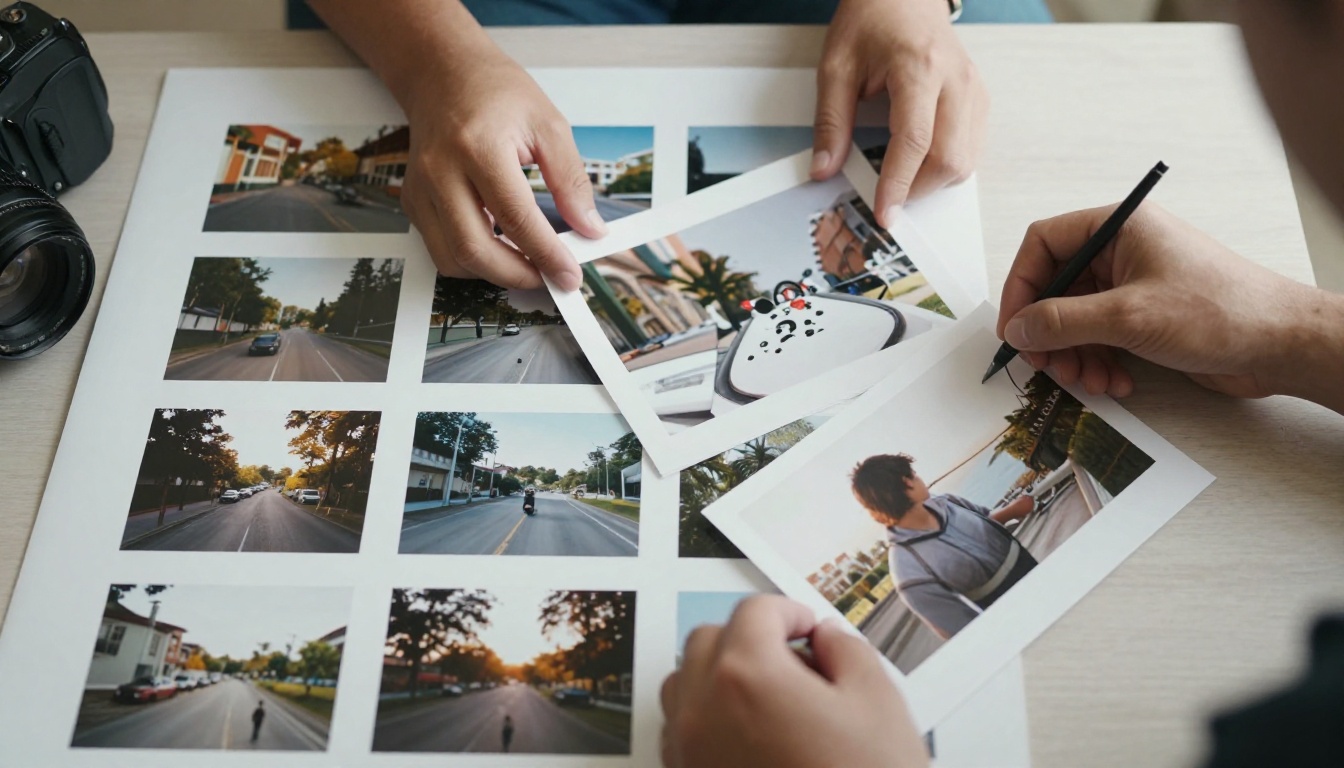
Photographers get more room, usually 20 to 40 pages, because images need space to breathe. The difference is that pages are mostly full bleed pictures with very little text.
Think in Series
Do not show 80 unrelated frames. Show three to five series of six to ten images each. A series proves you can sustain a visual idea, which is what clients pay for.
| Approach | Page count | Result |
|---|
| Random best shots | 30 to 50 | Feels scattered |
| Three tight series | 20 to 30 | Clear point of view |
| One long project | 25 to 40 | Strong for editorial work |
⚠️ Warning: Never include near duplicates. If two photos look similar, keep the stronger one and cut the other.
To present photo work digitally, a tool such as the Photography Portfolio flipbook keeps images large and page turns smooth, which suits this format well.
Architecture Portfolios
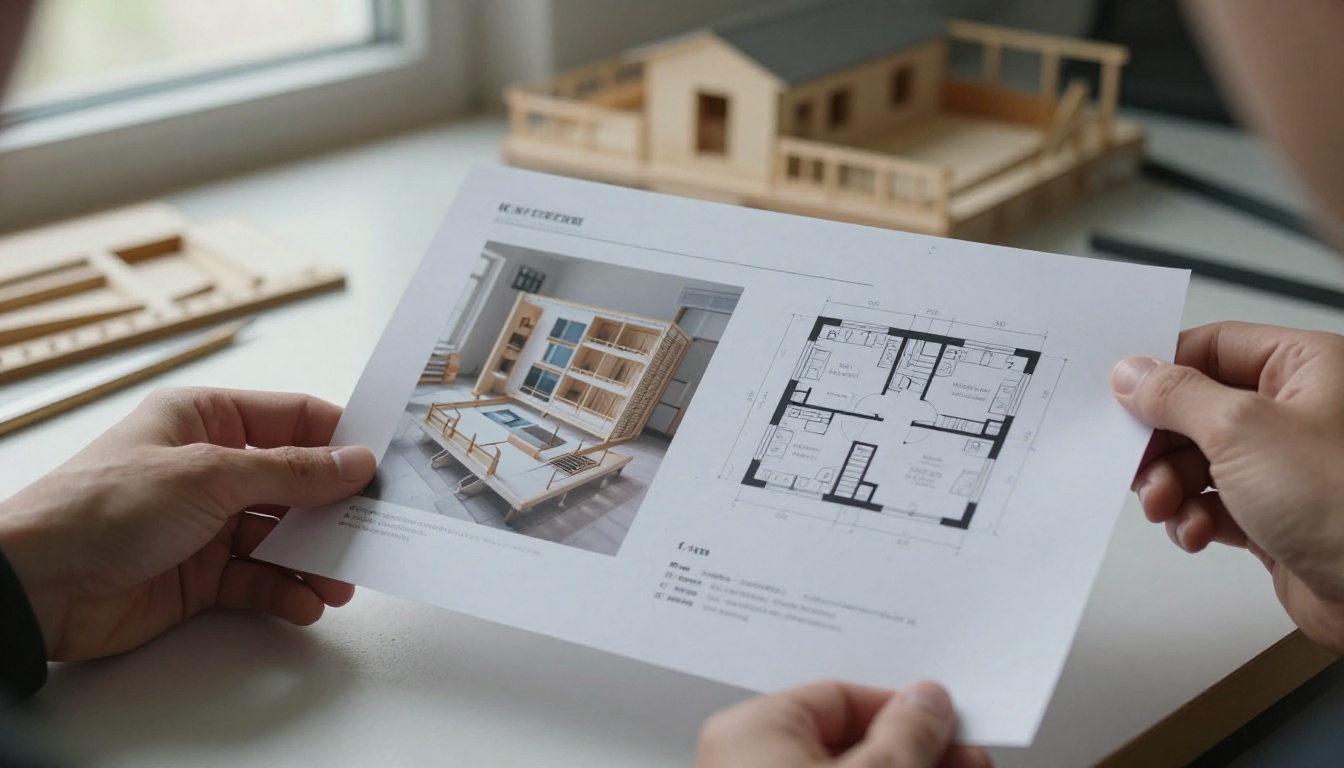
Architecture students and professionals typically land at 20 to 30 pages. The challenge here is density: plans, sections, renders and model photos all compete for space.
A Practical Structure
- Opening spread: your best project as a single full page image
- Four to six projects: each one gets a two to four page sequence
- Each sequence: concept sketch, plan, section, final image or model photo
- Closing page: software skills, education, contact
Avoid the Common Trap
Many applicants include every drawing from every studio. A reviewer cannot absorb that. Pick the projects that show different skills: one urban scale, one detailed building, one technical or craft focused piece.
✅ Best practice: Keep a consistent grid across projects. A reader should always know where to look for the plan, the text and the hero image.
Fashion and Lookbook Portfolios
Fashion portfolios work best at 15 to 25 pages. They behave like a magazine: strong imagery, little copy, and a clear mood.

Page Budget by Collection
| Section | Pages |
|---|
| Cover and statement | 2 |
| Collection one | 4 to 6 |
| Collection two | 4 to 6 |
| Collection three | 3 to 5 |
| Technical sketches or fabric swatches | 2 to 3 |
| Contact | 1 |
If you are building a styled lookbook, the Interactive Lookbook Designer and the Lookbook Flipbook Builder are made for this layout.
UX and Product Design Portfolios
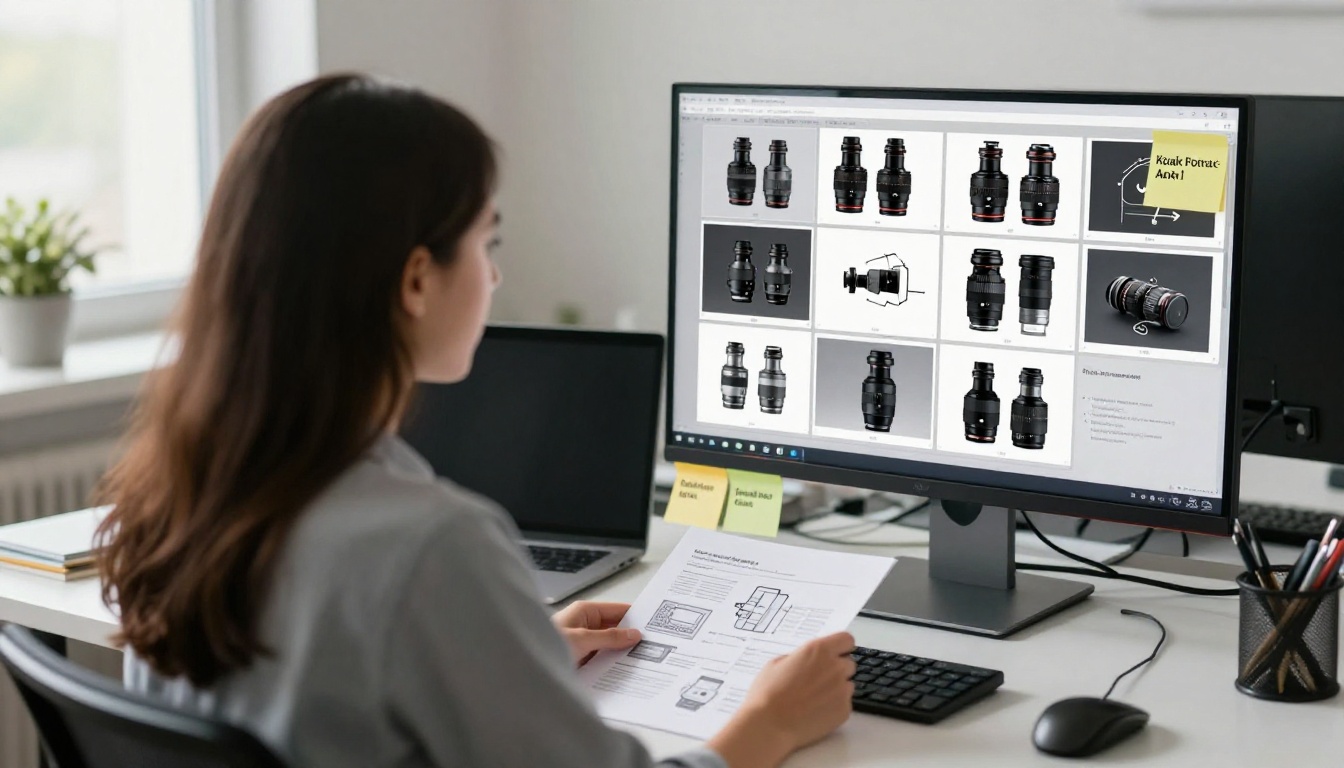
UX portfolios are different. Hiring managers read case studies, so the page count is shorter but each page carries more text. Aim for 12 to 20 pages and three or four case studies.
The Case Study Formula
Each case study fits on three to five pages:
- The problem and your role
- Research and what you found
- Two or three design decisions, with the reasoning
- The final solution
- The measurable result
Numbers help. "Reduced checkout drop off by 18 percent" is more convincing than "improved the experience."
💡 Pro tip: Put the outcome on the first page of each case study. Reviewers who stop reading early still get the point.
Illustration Portfolios
Illustrators can show more pieces because each one takes only a page. Target 12 to 20 pages with 8 to 12 pieces, grouped by theme or style.

The biggest mistake is style whiplash. If your portfolio mixes watercolor, vector and pencil work with nothing connecting them, art directors cannot picture what they would be hiring you to do. Show one dominant style, and add a single page of range if you must.
Student Portfolios
Students and entry level applicants should stay between 10 and 15 pages. You have fewer projects, and that is fine. Reviewers expect it.

What to Include
- Three to five projects, including at least one personal or self directed piece
- A brief about page with your school, focus and tools
- One page showing process, such as sketches or drafts
- A clear contact page
What to Leave Out
- Class assignments that look like everyone else's
- Anything you would not defend in an interview
- Pages that repeat the same skill
A student with eleven sharp pages looks more professional than one with thirty uneven ones. For students applying to programs or first jobs, the Digital Portfolio Creator makes it simple to turn a PDF into a clean page turning file.
Freelance and Client Facing Portfolios
If your audience is a potential client rather than an employer, go shorter: 8 to 15 pages. Clients care about whether you can solve their problem, not about every project you have touched.

A strong structure:
- Page 1: who you help and the result you deliver
- Pages 2 to 8: three to five projects with outcomes
- Page 9: testimonials or logos
- Page 10: services, pricing range and how to book
✅ Best practice: Tailor the order for each client. Move the most relevant project to page two before sending.
How to Cut Your Portfolio Down
Most people have the opposite problem from "too few pages." Here is a quick method to get from a bloated draft to a tight one.
- List every project and score each one from 1 to 5 for quality and relevance.
- Remove anything below a 4. Be strict.
- Check for repeats. If two projects prove the same skill, keep one.
- Cut each project to its best pages. One hero image, one context page, one detail page.
- Ask someone outside your field to flip through it in two minutes and tell you what they remember.
- Remove one more page. Seriously. Most portfolios improve with one more cut.
Three Mistakes to Avoid
- Padding with filler: blank pages, repeated mockups and long process dumps
- Hiding the best work: put it on pages two or three, not page twenty
- Ignoring the format: a printed portfolio and a digital one read differently
Print vs Digital Page Counts
Format changes the right length. Printed books cost money per page and are usually shown in person, so they run short. Digital files can run slightly longer, but only if navigation is clear.
| Format | Typical range | Why |
|---|
| Printed book | 10 to 20 pages | Cost and interview time |
| PDF attachment | 10 to 25 pages | File size and email limits |
| Online flipbook | 12 to 30 pages | Easy navigation and sharing |
| Website portfolio | Not page based | Use a separate PDF for applications |
An online flipbook also gives you one thing a PDF does not: a trackable link. With the Professional plan on Flipbooks AI, you can see how many people opened the file and how far they got, which tells you exactly where reviewers stop reading.
How to Build Your Portfolio Flipbook
Once your page count is settled, here is how to publish it with Flipbooks AI:
- Create your account. Sign up here to open the dashboard.
- Upload your PDF. Export your portfolio from InDesign, Figma, Canva or any layout tool, then upload it. The PDF to Flipbook Converter turns it into a page turning flipbook in seconds.
- Customize the look. Add your brand colors, choose a page flip effect and set a background that suits your work.
- Add media. Embed a short video or audio clip on a project page if it helps tell the story.
- Protect it if needed. Use password protection for client work under NDA.
- Share it. Copy the direct link, or use the embed option to place the flipbook on your own website.
- Track results. Check analytics to see which pages hold attention and which lose it.
The result is mobile responsive, has no watermarks, and can be downloaded for offline use when a reviewer asks for a copy. If you want a faster starting point, try the Portfolio Flipbook Builder.

A Final Page Count Checklist
Before you send your portfolio, run through this list:
- Is my strongest project within the first three pages?
- Can every page justify its place in one sentence?
- Does each project show a different skill?
- Have I cut anything repetitive?
- Is the page count within the range for my field?
- Would a stranger understand what I do after two minutes?
If the answer to any of these is no, cut and rearrange before you share it.
Ready to Publish Yours?
The right page count is the one that makes a reviewer want to see more. Pick the range for your field, cut ruthlessly, and put your best work first.
When your pages are ready, get started for free on Flipbooks AI and turn your PDF into a flipbook people actually finish. Browse all flipbook tools to find the best fit for your field, or compare pricing plans to pick the one that suits your needs.



