Every catalog project hits the same wall sooner or later: you have the photos, the prices and the descriptions, and then someone asks, "So how many pages is this going to be?" Pick a number that is too low and your products feel cramped. Pick one that is too high and buyers give up before they reach your best sellers. The good news is that page count is not a guess. It follows a few predictable rules, and once you know them you can plan a catalog in minutes. If you plan to publish digitally, a tool like Flipbooks AI also removes most of the printing limits that force awkward page counts in the first place.
The short answer: most product catalogs land between 16 and 48 pages. Small shops with a tight range do well at 12 to 24 pages, mid-size brands usually need 32 to 64, and wholesale or industrial catalogs can run past 100. The right number depends on how many products you sell, how much detail each one needs, and how your customers actually read.
The Quick Answer by Catalog Type
Before running any math, it helps to see where similar businesses end up. These ranges come from common print and digital practice across retail, wholesale and boutique brands.
| Catalog type | Typical page count | Products per page | Best format |
|---|
| Boutique or lookbook style | 12 to 24 | 1 to 3 | Print or flipbook |
| Small retail product line | 16 to 32 | 4 to 6 | Print or flipbook |
| Seasonal promotional catalog | 24 to 48 | 4 to 8 | Print and digital |
| Full retail catalog | 48 to 96 | 6 to 10 | Digital first |
| Wholesale or B2B catalog | 64 to 200+ | 8 to 16 | Digital with search |
| Industrial parts catalog | 100 to 400+ | 12 to 30 | Digital with index |
💡 Pro tip: Treat these as starting ranges, not rules. A luxury candle brand with 14 products can look better at 20 airy pages than at 8 packed ones.

Why page count matters at all
Page count shapes the whole experience. A short catalog signals curation and confidence. A long one signals choice and depth. Neither is better, but each sets an expectation. Shoppers who open a 16 page catalog expect to see your hero items quickly. Buyers who open a 120 page catalog expect an index and clear sections.
Print versus digital changes the rules
Printed catalogs are bound in signatures of 4 pages, and most saddle stitched booklets need a total divisible by 4. Perfect bound catalogs usually start around 40 to 48 pages because thinner books lack a spine. Digital catalogs have no such limit, so you can publish 18 pages or 23 pages without wasting a blank sheet.
A Simple Formula for Your Page Count
Guessing wastes time. Use this three step calculation instead.
- Count your products. Include only items you want to feature this season.
- Choose a density. Decide how many products sit on each page (1 for premium, 4 to 6 for balanced, 8 or more for reference style).
- Add structural pages. Cover, table of contents, about page, ordering info and back cover usually add 4 to 8 pages.
The formula looks like this: (products ÷ products per page) + structural pages = total pages.
Worked example for a home goods shop
A shop sells 60 products. The owner wants balanced pages with 5 items each, which gives 12 product pages. Add 6 structural pages (front cover, contents, brand story, ordering info, size chart, back cover) and the total is 18. For print, round up to 20 so the signature count works. For digital, 18 is perfectly fine.
| Products | Density | Product pages | Structural pages | Print total | Digital total |
|---|
| 20 | 2 per page | 10 | 4 | 16 | 14 |
| 60 | 5 per page | 12 | 6 | 20 | 18 |
| 150 | 6 per page | 25 | 7 | 32 | 32 |
| 400 | 10 per page | 40 | 8 | 48 | 48 |
Pick density before you pick pages
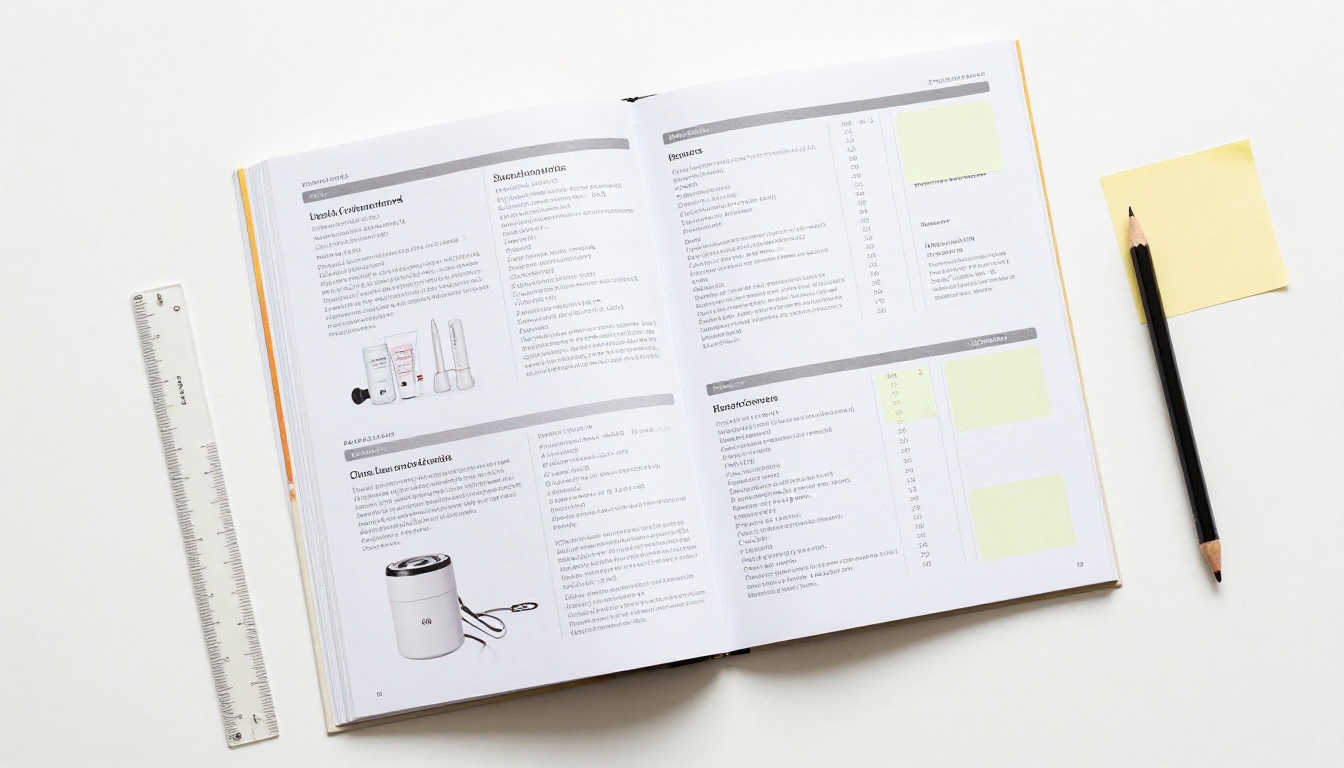
Density is the lever most people forget. Doubling products per page cuts your page count in half, but it also cuts the room for photos and descriptions. A good test: if a shopper cannot tell where one product ends and the next begins within two seconds, the page is too dense.
Matching Length to Your Business
The same page count does not work for every seller. Think about who is reading and why.
Small shops and boutiques
If you sell a handful of curated items, shorter is stronger. Twelve to 24 pages let each product breathe, and you can mix in lifestyle photography, a founder note and a short care or sizing page. Customers browsing a boutique catalog are usually in discovery mode, not comparison mode, so mood matters more than coverage.

A fashion brand can build this type of piece with the Fashion Catalog Creator, and a furniture seller can use the Furniture Catalog Maker to show room settings alongside product shots.
Growing ecommerce brands
Online stores often have hundreds of SKUs but only want to feature a slice in a catalog. A seasonal catalog of 24 to 48 pages works well: a few pages for new arrivals, pages for best sellers, a gift section and a sale section. Link every product to its online page so the catalog drives traffic instead of replacing your store.
Wholesale and B2B sellers
Buyers in this group compare specs, minimum order quantities and pricing tiers. They tolerate length if the structure helps them. A 100 page catalog with a clickable table of contents, section tabs and an index beats a 40 page catalog that hides half the range. The Digital Catalog Maker suits this type well since search and navigation replace the need to skim every page.
| Seller type | Reader goal | Recommended length | Must have |
|---|
| Boutique | Browse and feel the brand | 12 to 24 pages | Lifestyle photos |
| Ecommerce brand | Pick gifts or restock | 24 to 48 pages | Links to product pages |
| Wholesaler | Compare and reorder | 64 to 200 pages | Index and price tiers |
| Manufacturer | Find a part number | 100 to 400 pages | Search and specs tables |
What Print Costs Do to Page Count
If you print, page count is a budget decision as much as a design one. Paper weight, binding and quantity all change the price per copy.
Binding sets the limits
- Saddle stitch (staples): 8 to 64 pages, cheapest, pages in multiples of 4.
- Perfect bound (glued spine): 40 to 400 pages, looks premium, higher cost.
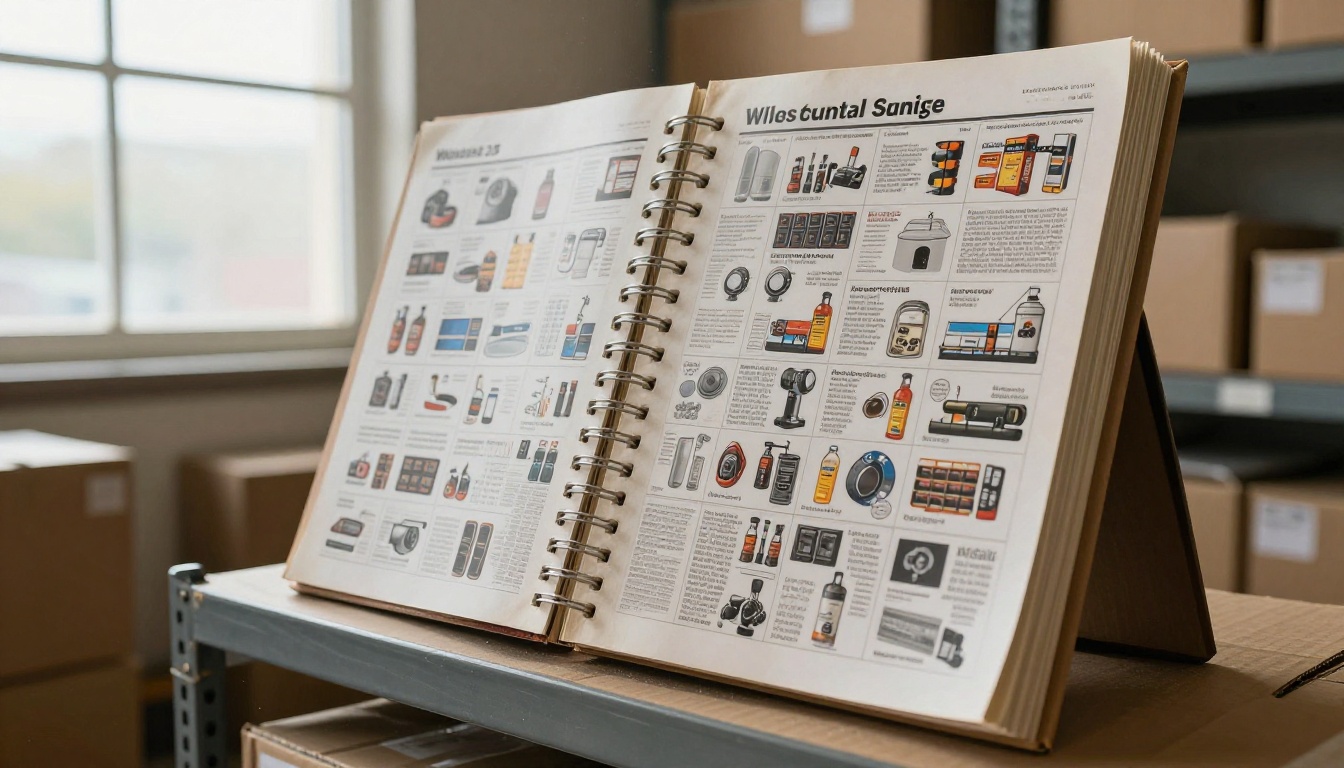
- Spiral or wire bound: 20 to 300 pages, lies flat, popular for price books and workbooks.
Trim the waste
Every extra page adds cost for every copy you ship. Sellers who print 2,000 copies feel this quickly. Dropping from 36 to 32 pages can save a whole signature. Before you finalize, check whether any page repeats information you already show elsewhere.
⚠️ Warning: A page count that is not a multiple of 4 will leave blank pages in a stapled booklet. Your printer will flag this, but it is cheaper to catch it during layout.
Where digital wins
A digital flipbook skips paper, postage and reprint costs. You can update prices on Monday and republish the same afternoon. If you already have a PDF, the PDF to Flipbook Converter turns it into a page turning experience with no print run at all.

Page Count and Reader Behavior
Readers do not treat all pages equally. Knowing where attention drops helps you place the right content in the right spot.
The front matters most
Most readers look at the first 8 to 10 pages with real attention. After that, they skim or jump by section. Put your best sellers, new arrivals and strongest photography in that early stretch. Hide nothing important past page 30 unless your catalog has navigation that lets people jump straight there.
Use sections, not endless scrolling
For any catalog over 32 pages, break the content into clear sections with a divider page or a header strip. Sections give readers a mental map. They also let you cut a section later without redesigning the whole piece.
Mobile reading changes the math
More than half of catalog views now happen on phones. On a small screen, dense pages become unreadable. A digital catalog meant for mobile should use fewer products per page, larger photos and shorter descriptions. That often means a few extra pages, which is fine since digital pages cost nothing to add.

How to Build Your Catalog as a Flipbook
If you want the flexibility to choose any page count, a digital flipbook is the easiest route. Here is how to build one with Flipbooks AI.
Step 1: Prepare your pages
Lay out your catalog in your design tool of choice using the formula above. Export it as a single PDF. Keep photos at a resolution that stays sharp when zoomed.
Step 2: Upload and convert
Sign in to your Flipbooks AI account and upload the PDF. The platform converts each page into a flipbook with realistic page turning, and the process usually takes under a minute. For a quick start, open the Product Catalog generator.
Step 3: Customize the look
Add your logo, pick brand colors and choose a page effect. You can also embed videos and audio on product pages, which suits items that benefit from a demo. There are no watermarks on your finished flipbook, and the layout adapts to phones and tablets.
Step 4: Share it
Publish with a direct link, or copy an embed code to place the catalog on your site. If your catalog is for trade customers only, add password protection. The Embed Flipbook on Website tool shows exactly how.
Step 5: Track what happens
On the Professional plan, analytics show which pages get read and where people stop. That data answers the page count question better than any rule of thumb. If readers drop off at page 14 every time, your catalog may be 14 pages too long, or your best content may be placed too late.
✅ Best practice: Publish a first version, check the analytics after two weeks, then trim or reorder. A flipbook can be updated at any time, so your first version does not have to be perfect.

Common Page Count Mistakes
Plenty of catalogs fail for the same few reasons. Check yours against this list.
- Padding to hit a number. Filler pages dilute your range. If you only have 14 good pages, publish 14.
- Cramming to stay short. Ten products on a page with tiny text looks cheap and sells less.
- No structure pages. Forgetting the contents page, ordering details or contact info forces readers to hunt.
- Ignoring the print rules. Odd page counts waste paper and money.
- Treating the catalog as permanent. Prices and stock change. Plan for updates, which digital catalogs handle in minutes.
- Skipping a call to action. Every few pages should point readers toward ordering, visiting the site or contacting you.
A quick self check
Ask yourself three questions before you lock the layout. Can a reader find any product within three clicks or page turns? Does every page earn its place? Would a shorter version sell just as well? If the answer to the last question is yes, cut it.
| Mistake | What it costs you | Fast fix |
|---|
| Filler pages | Lower perceived value | Remove or merge pages |
| Over dense layouts | Poor readability | Cut products per page to 4 to 6 |
| No navigation | Lost sales on long catalogs | Add contents and section tabs |
| Wrong print multiple | Blank pages and extra cost | Round to a multiple of 4 |
| Static content | Out of date pricing | Move to a digital flipbook |
Real Examples to Copy
Seeing numbers applied helps. These three scenarios reflect common setups.
A ceramics studio with 30 pieces. Two pieces per page across 15 product pages, plus 5 structural pages, gives 20 pages. The studio prints 20 pages saddle stitched for markets and publishes the same file as a flipbook for its newsletter.
A pet supply ecommerce brand with 220 products. Six per page produces 37 product pages. Add a contents page, five category dividers, an ordering page and covers for a 48 page catalog, which also works as a perfect bound print piece.
A hardware distributor with 1,800 parts. At 20 per page the product section alone reaches 90 pages. With indexes, specification tables and ordering pages, the final book hits 120. It lives as a searchable digital catalog, with a print run limited to top accounts.
Choose Your Number and Ship It
There is no single correct page count, but there is a correct process: count your products, set a density, add structural pages, then adjust for print or digital. Start with the ranges in the first table, test the result with real readers, and let analytics tell you what to trim.
Ready to see your catalog in action? Get started for free on Flipbooks AI and turn your PDF into a flipbook in minutes. Browse all flipbook tools to find the right template for your catalog type, or compare pricing plans to pick the one that fits your business.



