A client walks in, glances at your price list, and either smiles and picks a treatment or frowns and asks, "So what is the difference between these two?" That small moment decides whether the session starts relaxed or awkward. The way massage therapists present a menu of services with prices shapes bookings, tips, rebooking rates and even how clients talk about you afterward. Whether you rent a room in a clinic or run your own studio, a menu that reads clearly does half of your selling for you. Tools like Flipbooks AI make it easy to turn that menu into a polished, shareable digital page-flip document, but first the menu itself has to be right.
This article walks through what to include, how to word it, how to price it, and how to publish it so clients can find it on their phones.
Most clients decide in under a minute. They scan, compare, and pick the option that feels safe. If your menu is a wall of text, they default to the cheapest or the shortest session. If it is organized, they trust you and often choose a better fit.
A strong menu does four jobs:
- Sets expectations about what each treatment feels like and who it suits.
- Removes price anxiety by showing costs up front.
- Guides upgrades through add-ons placed where clients already look.
- Signals professionalism through consistent layout, spelling and tone.
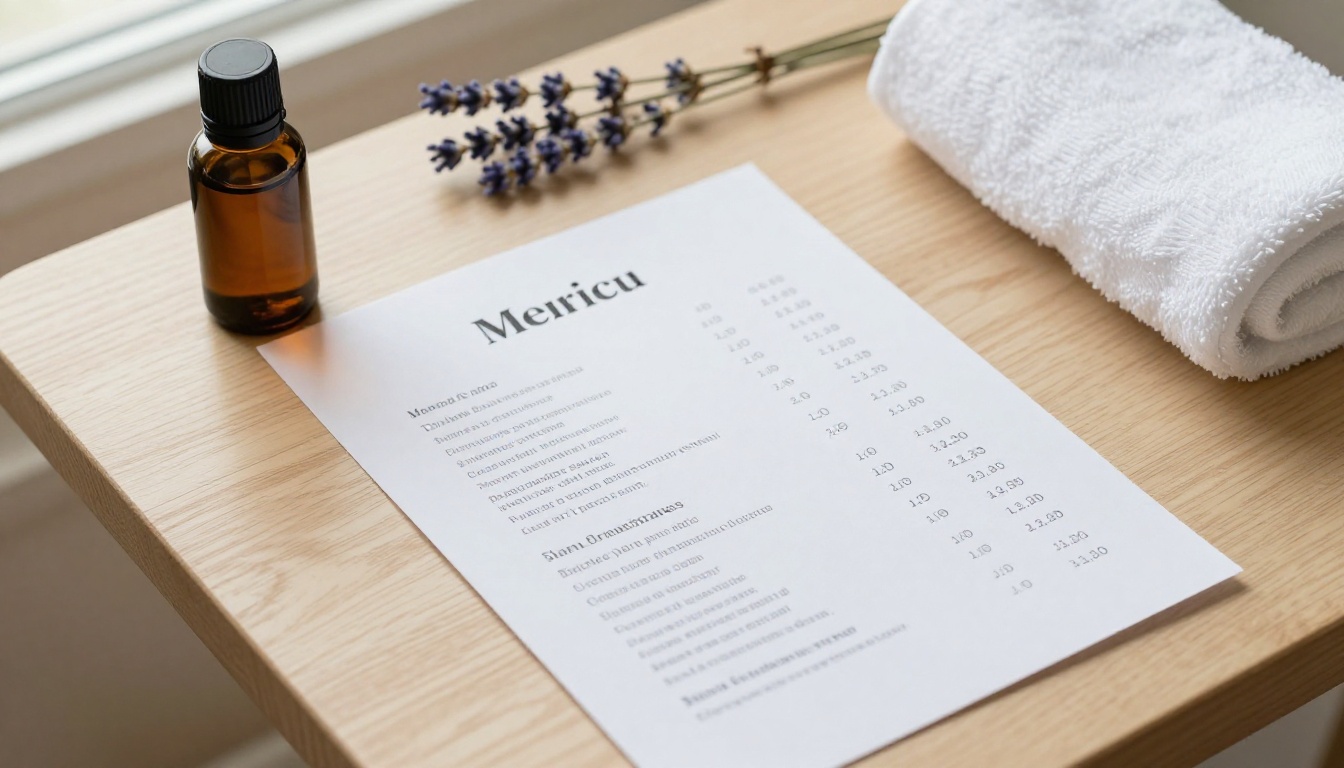
💡 Pro tip: Read your menu out loud. If you stumble on a phrase, a new client will stumble on it too.
What Clients Actually Look For
Surveys of spa and clinic visitors tend to show the same pattern: people want to know the type, the length and the price, in that order. Everything else is secondary. Put those three pieces of information on the same line.
The Cost of a Confusing Menu
A confusing menu creates hidden friction. Clients message you to ask basic questions, you spend unpaid time answering, and some never book at all. A clear menu cuts these messages sharply and frees your time for paid work.
Start with the treatments you genuinely want to do more of. A menu is not a list of everything you are trained in. It is a curated set of options that fit your schedule and your body.
Core Treatments
Most therapists feature three to six core services. A typical set looks like this:
- Swedish or relaxation massage: light to medium pressure for stress relief.
- Deep tissue massage: slower, firmer work on tight areas.
- Sports massage: focused on recovery, mobility and training loads.
- Prenatal massage: side-lying support for expecting clients.
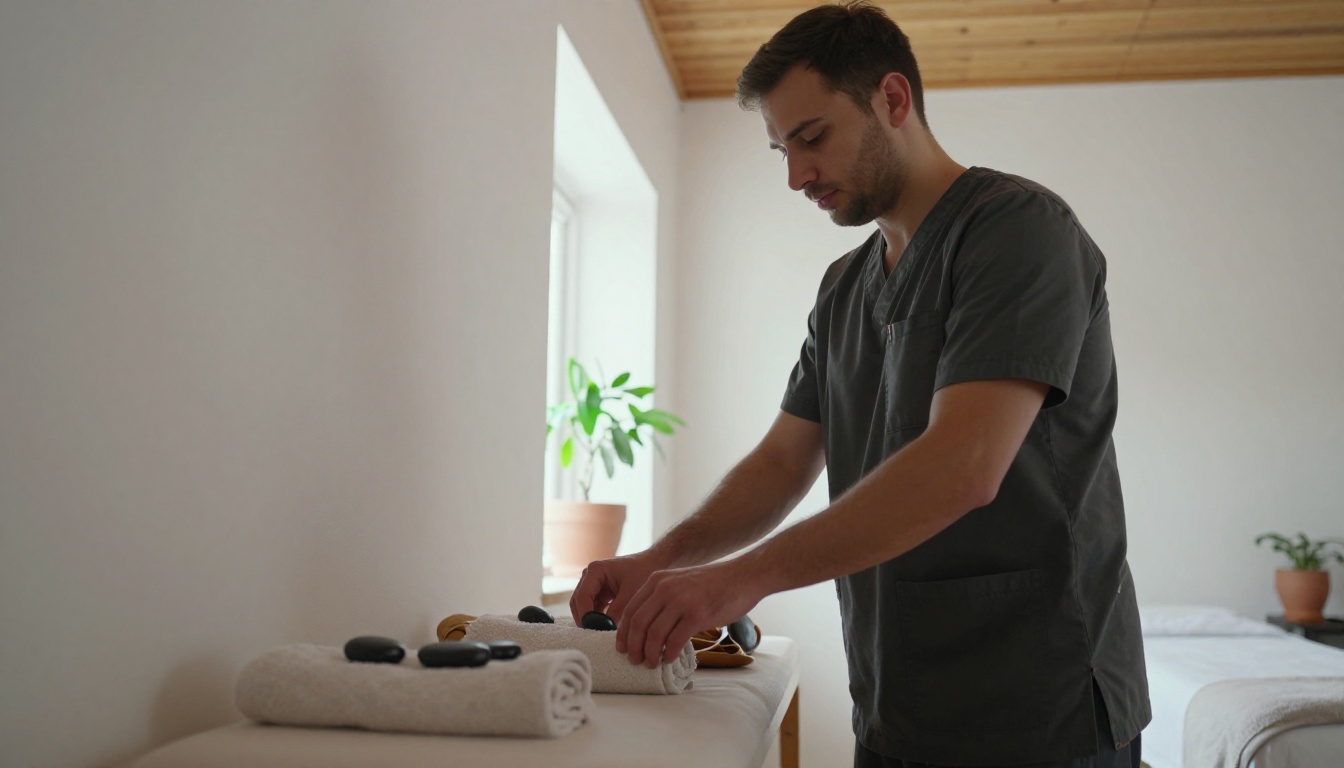
- Hot stone massage: heated stones used to warm muscles before work begins.
- Targeted treatment: neck, shoulders and back for short appointments.
Durations Clients Understand Quickly
Offer two or three lengths per service, not five. The most common lengths are 30, 60 and 90 minutes. Anything more starts to feel like a puzzle.
Add-Ons Worth Listing
Add-ons are small upgrades that sit beside the main treatment. They raise your average ticket without lengthening the booking much.
- Aromatherapy blend
- Hot towels for the feet
- Scalp massage extension
- Cupping or stretching
- CBD or arnica balm, where permitted
✅ Best practice: Keep add-ons to five or fewer. Too many choices slow people down.
There is no single correct layout, but a few formats work reliably. Pick the one that matches your space and your clients.
| Layout | Best for | Strength | Weakness |
|---|
| Single-page list | Solo practitioners | Fast to read | Little room for detail |
| Tiered packages | Spas and clinics | Encourages upgrades | Can feel salesy |
| Booklet or flipbook | Studios with many services | Room for photos and descriptions | Needs more design effort |
| Wall board | Walk-in locations | Visible at a glance | Hard to update often |
The One-Page List
This is the simplest option. A heading, four to six treatments, and a price column. If you run a small practice, start here.
The Tiered Package
Tiered menus group services into Essential, Signature and Deluxe. Clients tend to choose the middle option, so place the one you most want to sell there.
The Flipbook Menu
A page-flip menu lets you add photos, longer descriptions, intake notes and policies without crowding a single sheet. It is also easy to send by text or email and to embed on your website.
How to Price Your Services
Prices on a menu do more than collect money. They tell clients what kind of practice you run. A budget price attracts bargain hunters. A confident price attracts clients who value consistency.
A Simple Pricing Table
Here is a sample structure for a solo therapist in a mid-sized city. Adjust the numbers to your market.
| Service | 30 min | 60 min | 90 min |
|---|
| Relaxation massage | $50 | $90 | $130 |
| Deep tissue massage | $55 | $100 | $145 |
| Sports massage | $55 | $105 | $150 |
| Prenatal massage | n/a | $95 | $135 |
| Hot stone massage | n/a | $115 | $160 |
Three Common Mistakes
- Pricing by guesswork. Calculate your costs per session, including laundry, oils, rent share, insurance and unpaid admin time.
- Discounting too early. First-visit discounts are fine, but permanent discounts train clients to expect them.
- Hiding the price. Phrases like "contact for rates" cost you bookings.
Add-On Pricing
| Add-on | Typical price | Time added |
|---|
| Aromatherapy | $10 | 0 min |
| Hot towel foot treatment | $12 | 5 min |
| Scalp massage | $15 | 10 min |
| Cupping | $20 | 10 min |
| Extra 15 minutes | $25 | 15 min |
⚠️ Warning: Check local rules before listing products such as CBD balms. Regulations vary widely by region.
Writing Descriptions That Sell
Short, sensory and honest descriptions beat long technical ones. Aim for one or two sentences per service.
Describe the Feeling, Not the Anatomy
Compare these two lines:
- "Myofascial release of the trapezius and levator scapulae."
- "Slow, steady work on tight shoulders and neck, ideal after long desk days."
The second one tells the client what they will feel and why they might want it.
Use Plain Pressure Language
Many clients are unsure what "medium pressure" means. Add a simple scale, such as Light, Medium or Firm, and mention that pressure is always adjustable during the session.
Add Who It Is For
A short tag helps people choose: "Great for runners," "Gentle for first-timers," "Helpful during pregnancy."
Design Choices That Build Trust
Your menu is part of the atmosphere, just like the lighting and the towels. Clean design suggests clean practice.
Color and Typography
Choose two or three colors, usually soft neutrals with one accent such as sage, terracotta or deep blue. Use one readable serif or sans-serif font for body text and a second for headings.
Photos That Match Reality
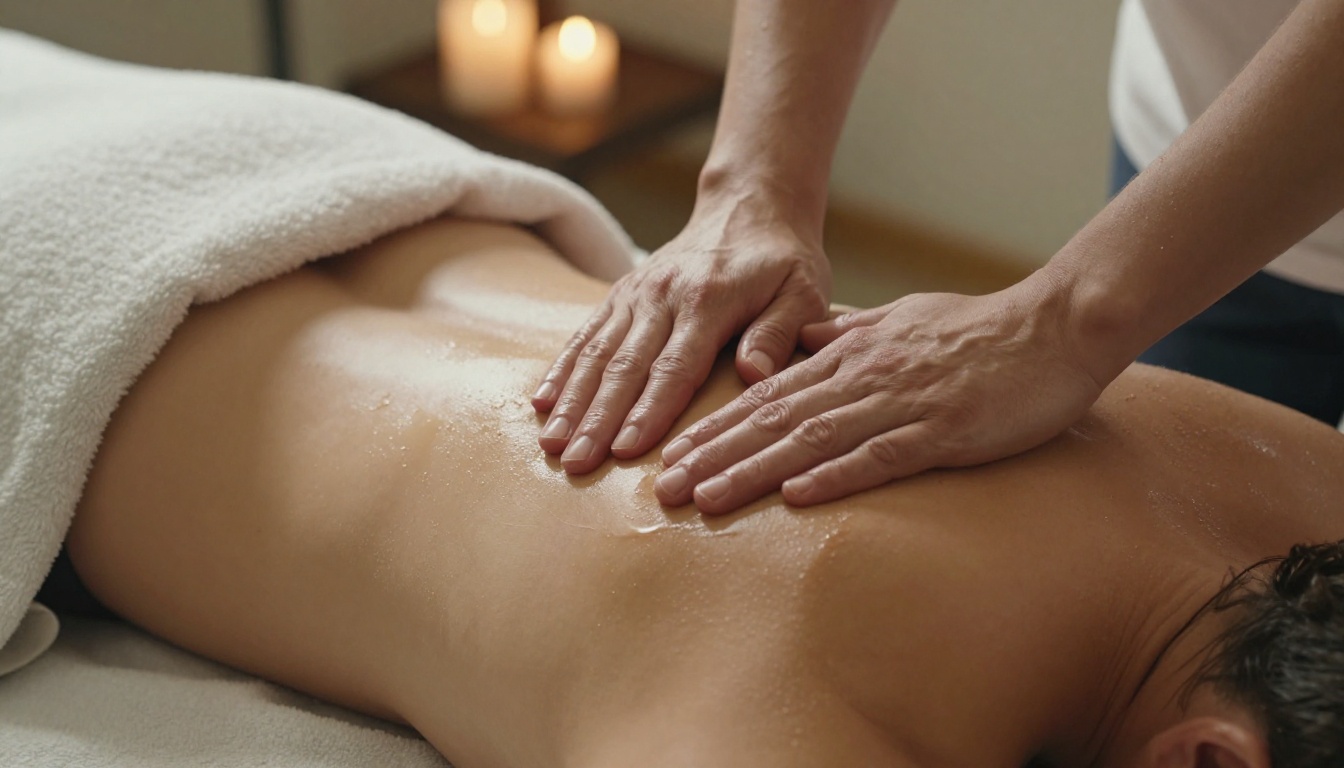
Use real photos of your own room, your own tools and, with permission, your own work. Stock images of candlelit spas can set expectations you cannot meet.
Policies in Plain Sight
Place cancellation terms, late arrival rules and health notes at the bottom of the menu in calm, friendly language. A line such as "Please give 24 hours notice if you need to reschedule" works better than a warning in capital letters.

| Element | Weak version | Strong version |
|---|
| Heading | "Services" | "Massage Menu" |
| Price format | "$90.00 USD" | "$90" |
| Description | Medical jargon | Plain, sensory language |
| Policies | Long paragraph | Three short bullet points |
A printed menu is great at the front desk, but clients now search, compare and book from their phones. A digital flipbook gives you a page-turning menu that looks like a real booklet and opens on any device. It is a close cousin of the Spa & Wellness Menu format and works for solo therapists just as well as for spas.
Step by Step
- Design your menu in any tool. Canva, Word or Google Docs all work. Export it as a PDF with one service group per page.
- Create your account. Sign up on Flipbooks AI and open the dashboard.
- Upload the PDF. The PDF to Flipbook Converter turns it into a page-turning flipbook in moments.
- Customize the look. Add your logo, pick brand colors, choose a page-turn effect and, if you like, embed a short video or relaxing audio clip.
- Set sharing options. Copy a direct link for texts and social bios, or use the Embed Flipbook on Website option to place it on your booking page.
- Protect private pages. Use password protection for package pricing meant only for members or corporate clients.
- Track what works. On the Professional plan, analytics show which pages get read and lead capture collects contact details. See the pricing plans for details.
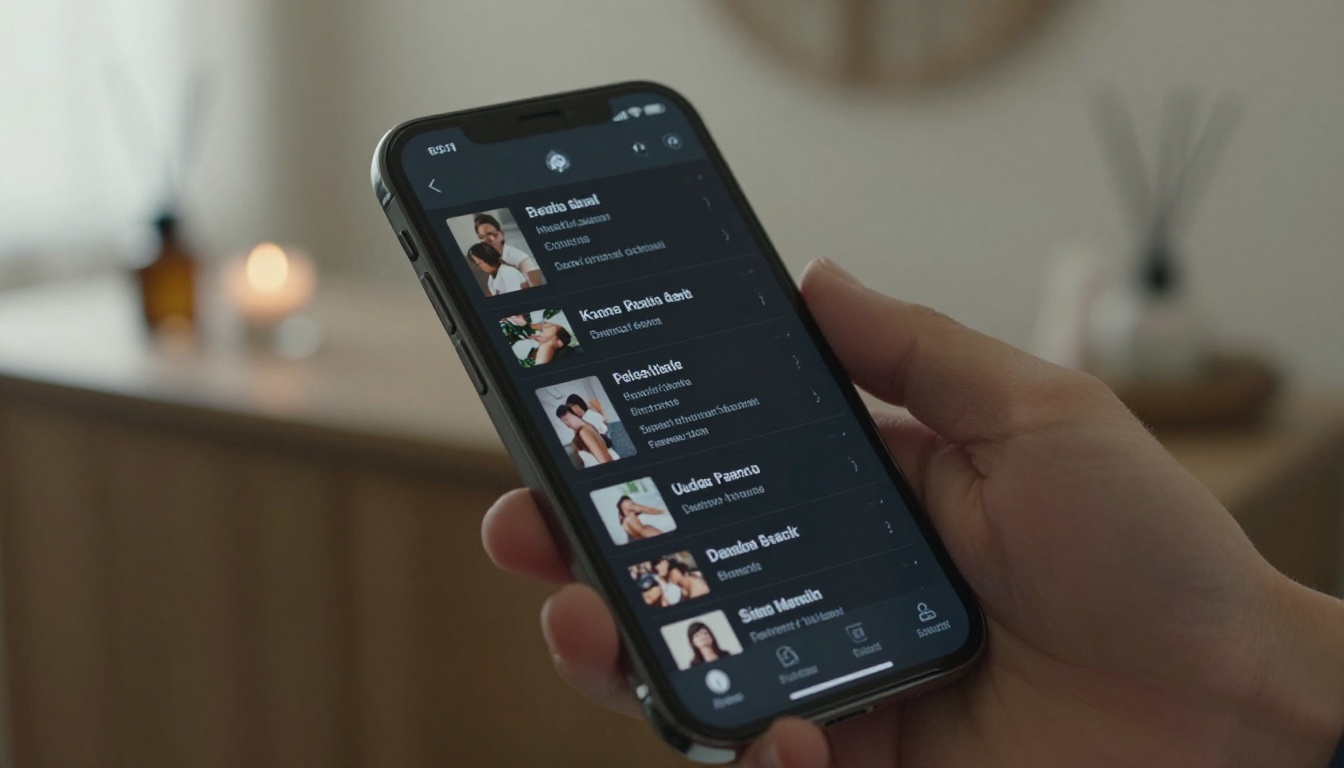
💡 Pro tip: Put your flipbook link in your Instagram bio, Google Business profile and email signature. One link, one source of truth.
Why a Flipbook Beats a Static PDF
| Feature | Plain PDF | Flipbook menu |
|---|
| Mobile reading | Pinch and zoom | Responsive pages |
| Page-turn feel | None | Natural effect |
| Embed on website | Awkward | Simple code |
| Password protection | Limited | Built in |
| Analytics | None | Available on Professional |
| Watermarks | Varies | None |
Because there are no watermarks and you can use custom branding, the menu looks like it belongs to your practice. If you want more design ideas, browse all the flipbook tools, including the Menu Flipbook Designer and the Digital Price List Generator.
Seeing how different practices present their offers helps you borrow what fits.
The Solo Home Studio
Anna, a therapist working from a converted garage studio, lists four services and three add-ons on a single page. She puts the 60-minute price in bold and shows 90 minutes in regular type. Her flipbook includes a photo of the room and a short "What to expect" page for first-timers.
The Sports Clinic
A clinic near a running track groups services by goal: Recovery, Mobility and Pre-Event. Each group has one sentence and two durations. Clients choose by outcome, not by technique name.
The Boutique Spa
A boutique spa offers three tiers, Essential, Signature and Deluxe, each with a short description and a clear price. The middle tier includes hot stones and aromatherapy. Most clients choose it, which is exactly the point.
Comparing the Three Approaches
| Practice type | Layout | Price display | Upsell method |
|---|
| Solo studio | One-page list | Three durations | Add-on list |
| Sports clinic | Goal groups | Two durations | Package bundles |
| Boutique spa | Tiered packages | Single price per tier | Middle-tier anchor |
A menu is a living document. Review it every quarter, and update it whenever you change prices or add a service.
When to Raise Prices
Raise prices when your calendar stays full for several weeks, when your costs rise, or when you complete new training. Give regular clients one to two months notice and a friendly note explaining the change. Because a flipbook link stays the same when you update the file, your clients always see the current version.
Seasonal Offers
Add a single seasonal page rather than rewriting the whole menu. Examples include a winter warmth package with hot stones, or a spring recovery offer for gardeners and runners.
Test and Measure
Ask new clients how they found you and which part of the menu helped them choose. Track which services sell best and which never get booked. Remove the quiet ones.
Your Next Step
Here is a quick checklist before you publish:
A good menu feels effortless to the client and took careful thought from you. Once it is ready, create your free account on Flipbooks AI, upload your PDF and share the link in minutes. If you want a premium look, compare the plans and see which features fit your practice, or browse the full list of tools and templates for more menu ideas.
Clients who feel informed relax faster, and relaxed clients book again.