A clinic manager gets four catalog emails before lunch. Two are 80 MB attachments that bounce, one is a PDF with last year's pricing, and one is a link that asks for a login. The rep who gets a clean, fast, current catalog in front of that manager wins the conversation. This article breaks down how medical device reps share product catalogs with clinics today, which formats work, and how tools like Flipbooks AI turn a heavy PDF into a link that opens in two seconds on any phone.
Why Catalog Sharing Is Hard in Healthcare
Selling to clinics is not like selling to consumers. A single purchase can involve a physician, a nurse lead, an office manager, and a procurement contact. Each person wants something different from the same document.
The catalog has to survive a few harsh realities:
- Locked-down email. Many clinics block large attachments and unknown file types.
- Shared devices. Front desk computers and exam room tablets are slow and rarely updated.
- Compliance review. Product claims, indications, and pricing must be accurate and approved.
- Short attention. A busy clinician gives a catalog about thirty seconds before moving on.
💡 Pro tip: Treat the catalog as a tool for the clinic's decision makers, not as a brochure for you. Ask who reviews it and on which device before you choose a format.
Most reps use a mix of formats depending on the account. Here is how they compare in real use.
| Format | Strength | Weakness | Best Use |
|---|
| Printed binder | Tactile, great for demos | Outdated fast, costly to reprint | In-person visits |
| PDF by email | Familiar to everyone | Large, hard to track, easy to forward in old versions | Quick quotes |
| PDF on shared drive | Single source of truth | Needs permissions, clunky on phones | Internal team |
| Slide deck | Good for presentations | Poor for browsing a full range | Lunch and learns |
| Web portal | Searchable, ordering built in | Logins create friction | Existing customers |
| Flipbook link | Opens instantly, tracks reads, no login | Needs a quick setup | First contact and follow-ups |
The flipbook format sits in a useful middle ground. It keeps the page-by-page feel of a real catalog while loading like a website.
What Clinics Actually Want From a Catalog
Ask ten office managers what makes a catalog useful and the answers are surprisingly consistent.
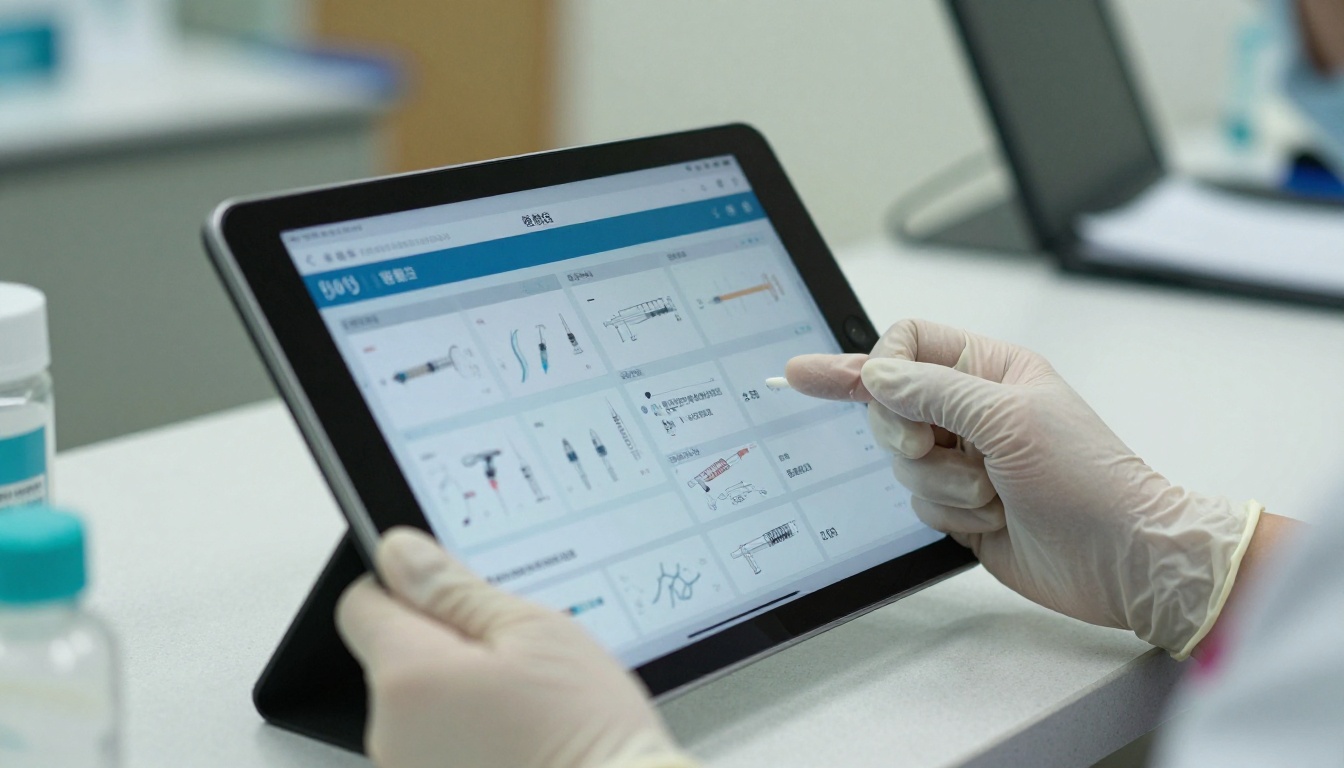
Fast Loading on Any Device
If the file takes more than a few seconds to open on a clinic Wi-Fi network, it gets closed. Compressed pages that load progressively beat a single huge download every time.
Clear Product Specs
Part numbers, sizes, sterile or non-sterile status, and reorder codes should be easy to spot. Clinics compare items side by side, so consistent layouts help.
Current Information
An outdated catalog is worse than none. Clinics need to trust that the page in front of them reflects what is available now.
Easy Forwarding
Decisions are made by groups. The catalog must be simple to forward to a physician partner or a purchasing contact without breaking.
Three Ways to Share a Catalog Without Friction
Send a Link, Not an Attachment
A link bypasses attachment limits and spam filters in most cases. It also lets you update the catalog without resending anything. When you fix a price or add a new product line, everyone with the link sees the new version.
Use a QR Code in Person
During a visit, a QR code on a leave-behind card or on your tablet lets the clinic scan and open the catalog on their own phone. No typing, no email address to confirm.

Embed It Where Clinics Already Look
If your company has a distributor page or a partner portal, you can embed a flipbook on a website so the catalog lives right where buyers expect it.
✅ Best practice: Use one master link per product line, then share that same link everywhere. Updating one file is far easier than hunting down old attachments.
How to Build a Shareable Catalog With Flipbooks AI
If you already have a PDF from marketing, you can have a shareable catalog in a few minutes. The Product Catalog generator and the PDF to Flipbook Converter handle most of the work.

Step by Step Setup
- Create an account. Head to Flipbooks AI and sign up.
- Upload your PDF. Drag in the approved catalog file. Pages convert into a flipbook automatically, keeping images sharp.
- Apply your branding. Add your logo, set brand colors, and choose a page-turn effect. Keep it subtle for a clinical audience.
- Add media. Embed a short product demo video or a recorded instructions clip on the relevant page. Clinics value seeing a device in use.
- Link the pages. Turn part numbers and product names into clickable links to spec sheets or your ordering form.
- Choose sharing options. Copy the direct link, grab the embed code, or generate a QR code for print.
- Add password protection when the catalog includes contract pricing.
- Publish and test. Open the link on a phone, a tablet, and a desktop before sending it.
The platform never adds a watermark, and the layout is mobile responsive, so a physician reading on a phone between patients sees the same clean pages.
Features Reps Use Most
| Feature | Why It Matters to Reps | Plan Level |
|---|
| Direct link sharing | Fast follow-up after a visit | All plans |
| Embed code | Place catalog on partner pages | All plans |
| Password protection | Protect contract pricing | Standard and above |
| Unlimited flipbooks | One per product line or region | Standard and above |
| Reader analytics | See which pages clinics view | Professional |
| Lead capture | Collect contact info before access | Professional |
| Offline download | Use in clinics with weak signal | Professional |
You can compare every option on the pricing page.
Protecting Pricing and Sensitive Details
Not every page should be public. List prices might be fine to share widely, but negotiated rates should not travel freely.

Build Two Versions
Create a public catalog with specs and images, and a private one with contract pricing. Password protect the private one and give the password only to the buying contact.
Keep Claims Approved
Only publish content your regulatory and legal team has cleared. A flipbook is easy to update, which means a corrected claim reaches every reader at once.
⚠️ Warning: Never share patient information or case photos with identifiable details in a catalog. Use approved, de-identified imagery only.
Control Who Sees What
| Audience | Catalog Version | Access Method |
|---|
| New prospect clinic | Public specs and images | Open link |
| Existing customer | Full range with reorder codes | Password link |
| Group purchasing contact | Contract pricing | Password and lead capture |
| Conference visitor | Highlights only | QR code to open link |
Real-World Examples From the Field
The Orthopedic Rep Covering Twelve Clinics
An orthopedic implant rep used to email a 60 MB PDF after each visit. Half the clinics never received it. After switching to a single flipbook link, every follow-up message contained the same short URL. Replies came faster because clinics could open it from their phone in the parking lot.
The Wound Care Distributor
A regional distributor kept three catalogs for three product families. Reps now keep each as a flipbook and send the right link by text. When a manufacturer changed a part number, the update went live in minutes rather than a week.
The Diagnostic Equipment Team
A small team used a sales presentation flipbook at a regional conference. A QR code at the booth opened the catalog instantly, and visitors forwarded it to colleagues before leaving the hall.

Tracking What Clinics Read
Sending a catalog is only half the job. Knowing what happens after is where reps gain an edge.

Signals Worth Watching
- Pages viewed: If a clinic spends time on one product family, lead your next call with it.
- Time on page: Long reads on specs suggest a technical buyer is evaluating.
- Repeat opens: Several opens in a week usually mean the document is being passed around.
- New viewers: A new location or device often means a second decision maker joined.
Reader analytics and lead capture are part of the Professional tier. Review the plan details to see what fits your team size.

💡 Pro tip: Send a short message within a day of a spike in views. A line like "I saw the catalog was shared, can I answer questions about sizing?" feels helpful, not pushy.
Common Mistakes to Avoid
- Sending the biggest file you have. Compress and convert before sharing.
- Mixing old and new versions. Keep one live link and retire the rest.
- Skipping mobile testing. Most first opens happen on a phone.
- Hiding the reorder code. Make codes visible on every product page.
- Forgetting a call to action. End each section with a clear contact or order link.
- No clean naming. Name the file by product line so clinics find it again later.
Your Next Move
The best sharing method is the one a clinic actually opens. A short link, a clean mobile layout, current specs, and simple controls on pricing will do more for your pipeline than another round of attachments.

Ready to build your first shareable catalog? Get started for free on Flipbooks AI, browse all flipbook tools to find the right template, or compare pricing plans to pick the features your team needs.



