A haul truck throws a fault code at 5:40 a.m., the nearest cell tower is eleven kilometers away, and the only person who remembers the fix is on leave. This is a normal morning at many mines and quarries. The crews who keep moving are the ones who carry their equipment manuals offline, in a format that opens fast on a dusty tablet. Tools like Flipbooks AI turn heavy PDF manuals into page-turning documents that can be saved to a device before the shift starts, so no signal is needed once the crew is in the pit.
This article walks through how real site crews handle manuals when the network drops, which formats hold up, what to include, and how to build your own offline library step by step.
Why Signal Dies Where Work Happens
Mining and quarrying are built around geology, not infrastructure. Ore bodies and limestone benches sit in valleys, deserts, and mountain ranges where carriers never built coverage. Even sites with a plant-side Wi-Fi network lose it a few hundred meters into the pit, behind a ridge, or underground.
The result is a gap between where information lives (the office server) and where it is needed (under the truck). Crews fill that gap in three ways:
- Printed binders kept in the cab, which get greasy, outdated, and lost.
- Photos of manual pages on a personal phone, which are unsearchable and often blurry.
- Memory and radio calls, which work until the one expert is unavailable.
All three fail in predictable ways. A binder from 2019 may describe a component that was replaced in a service bulletin last spring. A photo shows page 212 but not the warning on page 211. A radio call burns ten minutes of idle machine time.
The Hidden Cost of Waiting
Idle heavy equipment is expensive. A large haul truck can cost hundreds of dollars per hour to own and operate, and the loading unit waiting behind it costs the same again. Ten minutes hunting for a procedure is not a small delay, it is a chain reaction across the haul cycle.
| Delay source | Typical lost time | Who feels it |
|---|
| Walking to the office for a binder | 15 to 30 minutes | Mechanic, truck, loader |
| Radio call to an expert | 5 to 15 minutes | Whole maintenance crew |
| Wrong torque spec found, redo | 1 to 3 hours | Maintenance and production |
| Waiting for signal to open a PDF | Open ended | Everyone on the bench |
Safety Is the Bigger Issue
Speed matters, but the worse risk is working from a guess. Lockout steps, hydraulic pressure release, and tire handling procedures are written for a reason. A crew that cannot open the correct page tends to rely on habit, and habit is how people get hurt.
⚠️ Never treat a remembered procedure as a substitute for the current manual. Equipment revisions change fasteners, sequences, and safety steps.
What "Offline" Really Means
Offline does not mean a PDF sitting in a folder. A 600 page OEM manual can be 80 MB, slow to open on a mid-range tablet, and miserable to search with gloves on. Real offline use has four requirements.
- The file must live on the device, not stream from a server.
- It must open in a couple of seconds, even on older hardware.
- Pages must be easy to turn and zoom with a gloved thumb.
- Updates must be simple, so crews never work from an outdated copy.
Offline PDF Versus Offline Flipbook
Both can work without signal, but they behave differently in the field.
| Feature | Raw PDF in a folder | Offline flipbook |
|---|
| Opens on a tablet without signal | Yes | Yes, after a one time download |
| Load time for large manuals | Slow, whole file parsed | Fast, page by page |
| Page turning | Scroll and pinch | Tap or swipe, like a book |
| Mobile layout | Fixed, tiny text | Responsive, zoom friendly |
| Replace with new revision | Manual file swap, easy to miss | One link, one download |
| Embedded video clips | Rarely | Supported |
| Usage tracking when back online | None | Available on the Professional plan |
The practical takeaway: a raw PDF is a fallback, while a flipbook built for mobile is a working tool. If you want to see how that conversion works, the PDF to Flipbook Converter is the quickest place to start.
How Crews Use Manuals in the Pit
Concrete examples show the pattern better than theory. These are common scenes on active sites.
The Haul Truck Fault Code
A driver reports a code on the dash. The mechanic opens the truck's service manual on a rugged tablet, taps the troubleshooting section, and finds the code table. No call, no walk to the office. The same mechanic can open the matching wiring diagram without leaving the machine.
The Tire Change
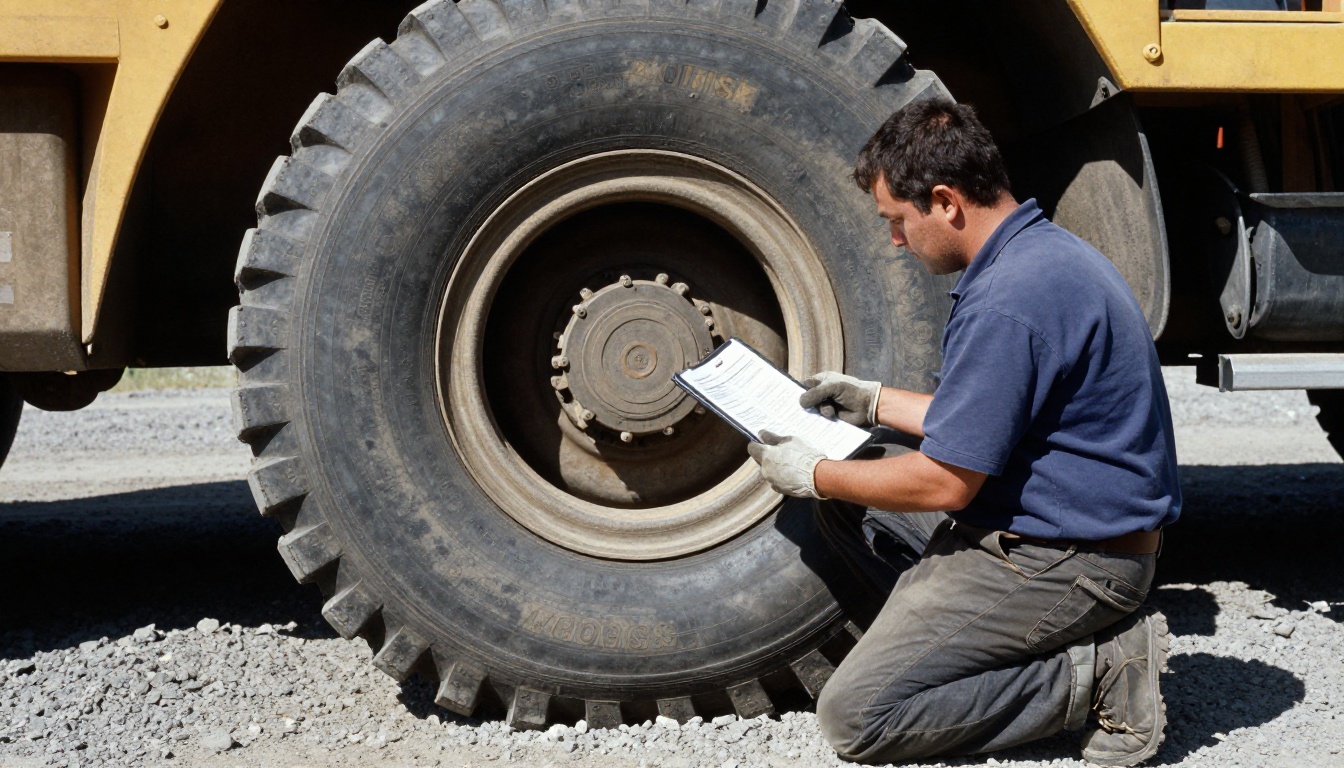
Tire handling is among the most dangerous jobs on a mine. Crews keep the tire service procedure, pressure charts, and exclusion zone diagrams on the tablet. A supervisor reads each step aloud while the team works through the sequence.
The Crusher Shutdown
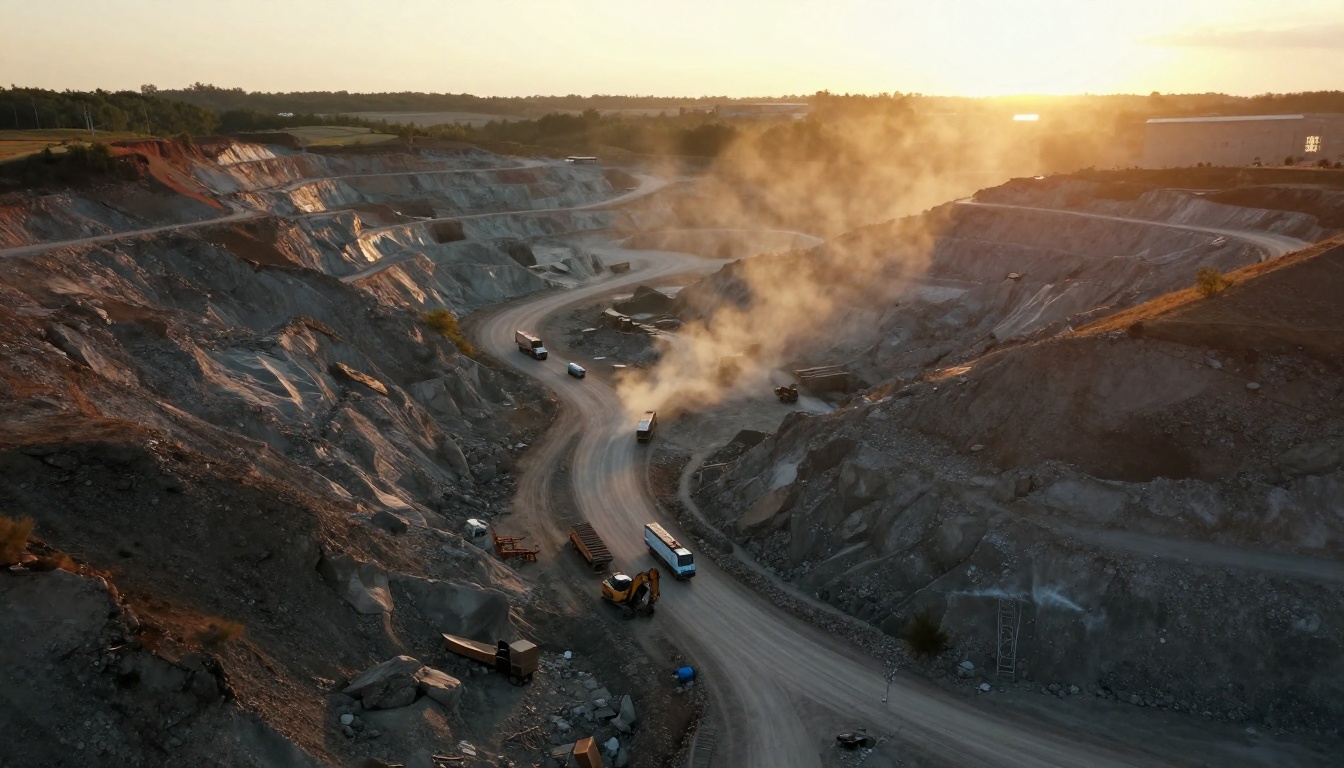
At a quarry crusher plant, a maintenance planner uses a phone to open lockout sequences and belt tension tables while standing on a steel platform. The phone view matters here, because tablets are often left in the truck. A mobile responsive flipbook reflows to a phone screen cleanly, while a raw PDF forces constant side scrolling.
The Underground Inspection
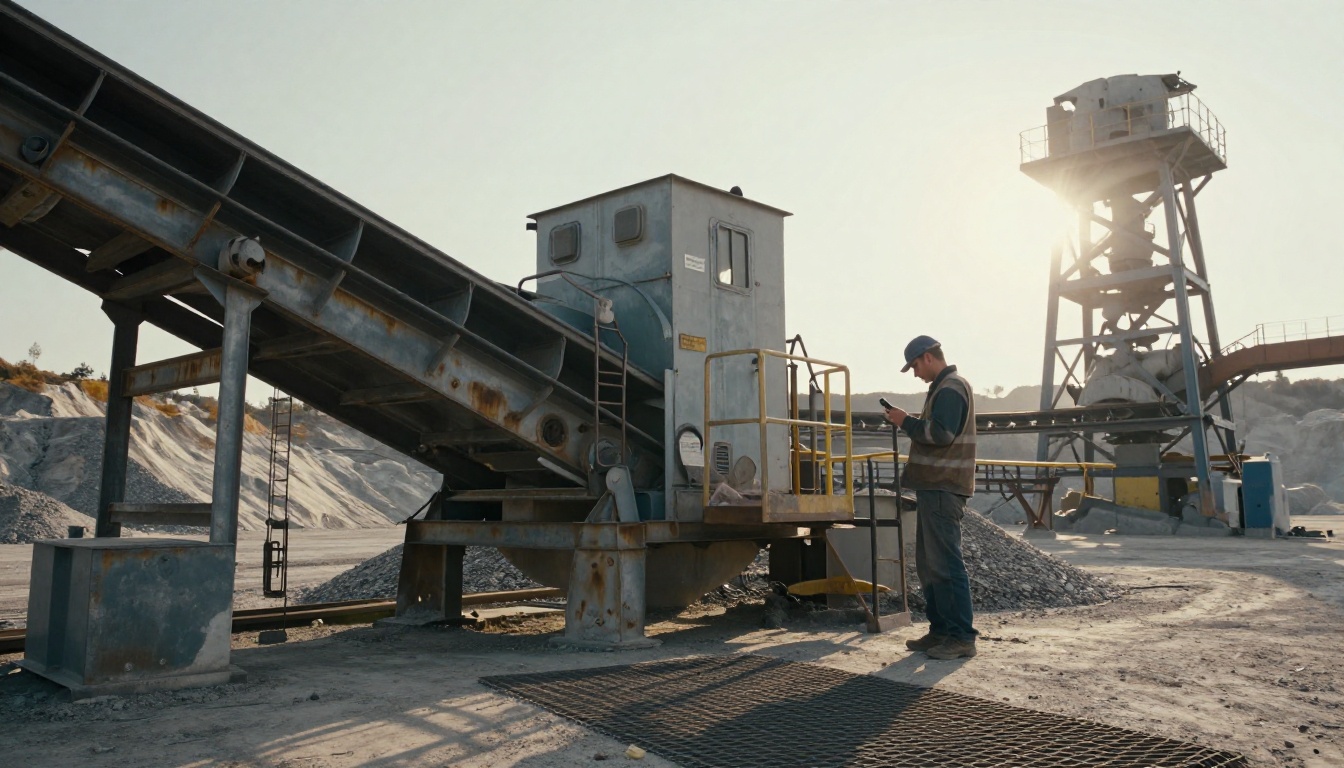
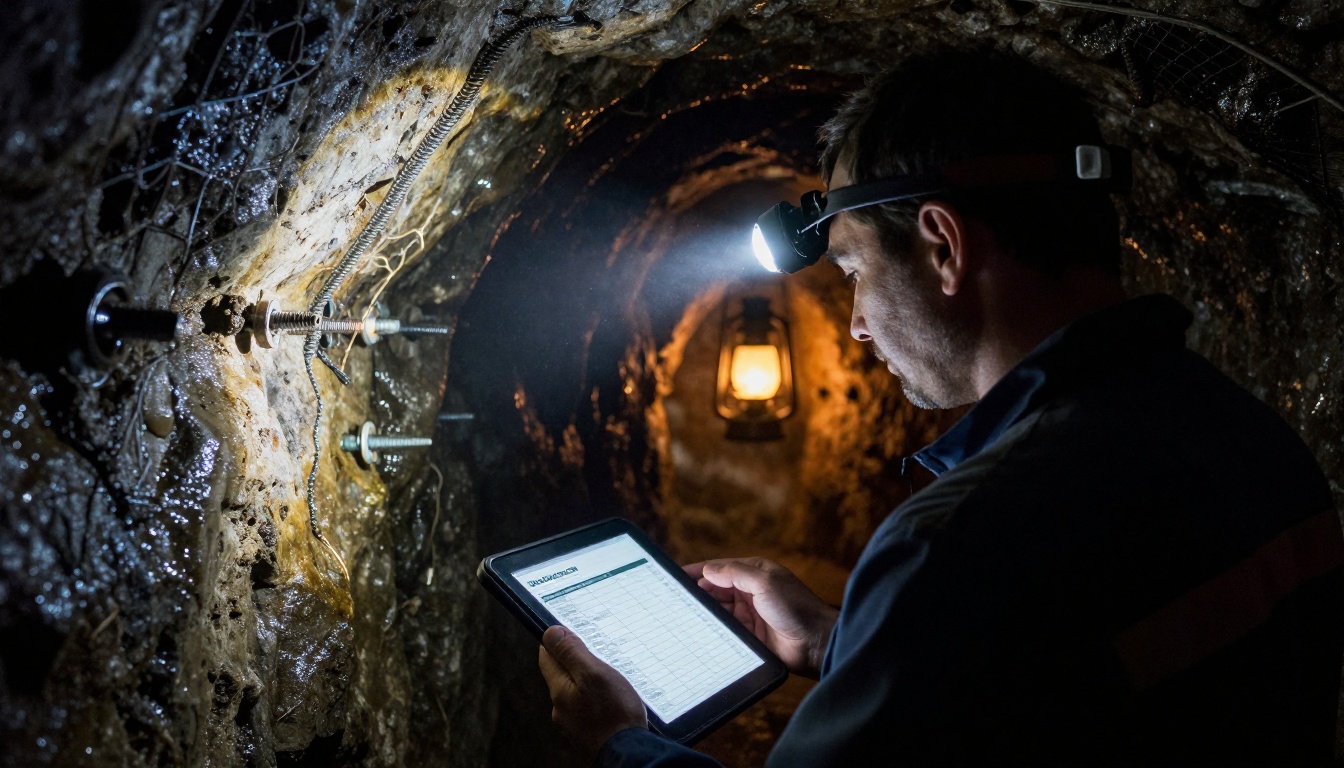
Underground, there is no signal at all, not even a weak one. Technicians load inspection checklists and equipment manuals onto devices at the surface, then work through the shift entirely offline. Dust and low light make large buttons and clear pages a requirement, not a luxury.
What Belongs in a Site Manual Library
Not every document deserves a spot on the tablet. A cluttered library is as slow as a missing one. A good offline set is organized by machine and by task.
- OEM operator and service manuals for each fleet model.
- Preventive maintenance schedules with interval tables.
- Lockout and tagout procedures for every major asset.
- Fault code lists and troubleshooting trees.
- Lubrication charts and fluid capacity tables.
- Parts diagrams with part numbers for ordering.
- Site safety rules and emergency response plans.
- Short video clips showing tricky procedures.
How to Prioritize
| Priority | Document type | Reason |
|---|
| High | Lockout, tire, and hydraulic safety procedures | Injury risk if done from memory |
| High | Fault codes and troubleshooting | Direct link to downtime |
| Medium | Maintenance schedules and lube charts | Daily use, planned work |
| Medium | Parts diagrams | Speeds up ordering |
| Lower | Full OEM catalogs | Large, rarely needed in the pit |
💡 Split a huge OEM manual into task sized files, such as "Brakes" or "Hydraulics." Smaller flipbooks open faster and are easier to share by machine.
How to Build an Offline Manual Library
Here is a simple workflow a maintenance planner can finish in an afternoon. The Training Manual Flipbook tool follows the same pattern for onboarding material.
- Gather the source PDFs. Pull current manuals from the OEM portal and your internal procedures. Check the revision date on each one.
- Split by machine and task. Break large files into sections so each opens quickly.
- Create your account. Create an account on Flipbooks AI and open the dashboard.
- Upload the PDF. The platform converts it into a flipbook with turning pages and a mobile layout.
- Apply branding. Add your company logo and colors, so crews recognize official documents. There are no watermarks on any plan.
- Add multimedia. Embed a short video or audio clip for steps that are hard to describe in text.
- Choose sharing settings. Use a direct link for the crew, or an embed on your intranet. Turn on password protection for restricted procedures.
- Enable offline download. Make the flipbook available for download so devices can save it before leaving the plant.
- Test in airplane mode. Put a tablet into airplane mode and open every flipbook. If it opens, it works in the pit.
- Publish a rollout note. Tell crews where the library lives and who owns updates.

Plan Features That Matter on Site
| Need | Feature | Plan |
|---|
| Unlimited manuals per machine | Unlimited flipbooks | Standard and above |
| Restrict sensitive procedures | Password protection | Available on paid plans |
| See which manuals crews open | Analytics | Professional |
| Track who requests access | Lead generation and access capture | Professional |
| Work with no signal | Offline downloads | Available on paid plans |
You can compare each tier on the pricing page before deciding.
Habits That Keep the System Alive
Technology only helps if crews trust it. These habits separate sites that use their offline library from sites that quietly go back to binders.
Sync Before the Shift
Make syncing part of the pre-start routine. Devices connect to plant Wi-Fi at the gate, download new revisions, then go into the pit. If it takes more than a minute, people skip it.
Name Files Like a Mechanic Would
Use names crews search for: "CAT 785 Brakes" beats "Service Manual Vol 3 Rev C." Put the machine ID in the title, and keep the revision date in the first page.
Retire Old Copies
When a manual is revised, replace the flipbook link and remove the old one. Printed binders in the cab should be pulled on the same day. A mixed system, where old and new copies float around, is worse than either alone.
✅ Best practice: assign one owner per machine type. That person approves each revision and checks the library monthly.
Protect the Devices
Offline libraries live on tablets, so treat the hardware seriously. Rugged cases, screen protectors, and gloves friendly touch settings matter more than processor speed. Keep a spare device in the maintenance container, already loaded.
Training New Crew Members
Offline manuals are also a training tool. New operators and apprentices can read the same procedures the senior crew uses, at their own pace, during breaks or ahead of a new assignment. A foreman can walk an apprentice through a lockout sequence on the tablet, then confirm each step at the machine.

A few practical ideas:
- Build a new starter flipbook with site rules, radio etiquette, and the first week checklist.
- Add short video clips of correct tire, belt, and hydraulic procedures.
- Keep a competency checklist in the same document, so supervisors can sign off in person.
- Review manual pages in the toolbox talk before a high risk job.
For a bigger catalog of machines or parts, the Digital Catalog Maker works well for spare parts books that crews page through with the same offline workflow.
Common Mistakes to Avoid
- Uploading one giant file. A 900 page PDF opens slowly and is hard to find anything in.
- Skipping the airplane mode test. Many teams assume offline works and find out in the pit that it does not.
- Forgetting revision control. Outdated procedures carry a real safety risk.
- Ignoring phone screens. Planners and supervisors often use phones, so check the mobile layout.
- Overloading the library. Fewer, better organized documents beat a full dump of every file ever received.
- No named owner. Without ownership, the library goes stale within months.
Start Your Offline Manual Library
Mines and quarries will keep being built far from towers, and crews will keep needing the right page in seconds. A well built offline library cuts idle time, supports safer work, and gives newer crew members the same reference as veterans.
Ready to put your manuals in the pit? Get started for free on Flipbooks AI, browse all available tools and templates, or compare plans to pick the offline and analytics features your site needs.



