A salon owner has maybe ten minutes a day to think about product orders, and most of that time is squeezed between a color appointment and a blowout. If your haircare catalog is a 60 MB PDF buried in an email, it will lose to everything else on their phone. The brands that win shelf space in salons treat the catalog as a sales tool that is easy to open, easy to browse and easy to reorder from. Tools like Flipbooks AI make that practical even for small brands with no design team.
This article walks through how professional haircare brands actually share catalogs with salon owners today, which formats work best, what to put inside, and how to build a digital version step by step.
Why Salon Owners Ignore Catalogs
Before choosing a channel, it helps to see why so many catalogs fail. Salon owners are not buying like consumers. They are running a small business, juggling staff schedules, and judging every product on three questions: will clients ask for it, will it perform behind the chair, and will the margin make sense.
A catalog that fails to answer those questions quickly gets ignored. The common problems are easy to spot:
- Files too large to open on mobile. Owners check email on their phones between clients.
- No clear wholesale pricing. If they have to ask for a price list, many simply don't.
- Retail-style copy. Language aimed at consumers does not explain professional results or backbar usage.
- No way to order. A beautiful page with no next step is a dead end.
- Outdated versions. A printed catalog from last year still lists discontinued shades.
💡 Pro tip: Treat your catalog like a salon menu. If an owner cannot find a product, its price and its purpose in under thirty seconds, the layout needs work.
The Main Ways Brands Share Catalogs
Most professional haircare brands use a mix of channels instead of betting on one. Each has a different cost, speed and level of personal touch.

Field Sales Reps
The traditional route is still strong. A rep visits the salon, shows the line, leaves samples and takes an order. The relationship is the product. The weakness is reach: one rep can only visit so many salons each week, and printed binders are heavy and quickly out of date.
Smart brands now hand reps a tablet loaded with a digital catalog. The rep can zoom into shade charts, play a short tutorial video and send the same link to the owner before leaving.
Email and Direct Links
Email is the cheapest channel and the easiest to measure, provided the catalog opens quickly. A short message with one clear link outperforms a message with five attachments. The owner taps, browses, and forwards the link to a senior stylist or a business partner.
Trade Shows and Education Events
Beauty shows and brand education days put products in owners' hands. The catalog works as the follow-up: a QR code at the booth leads to the digital version, and the brand can see who opened it afterward.
Distributor and Wholesale Portals
Many salons buy through distributors. Brands supply distributors with current catalogs so that reps selling multiple lines can present theirs accurately. A shared link means the distributor never has an old file.
Print vs PDF vs Flipbook
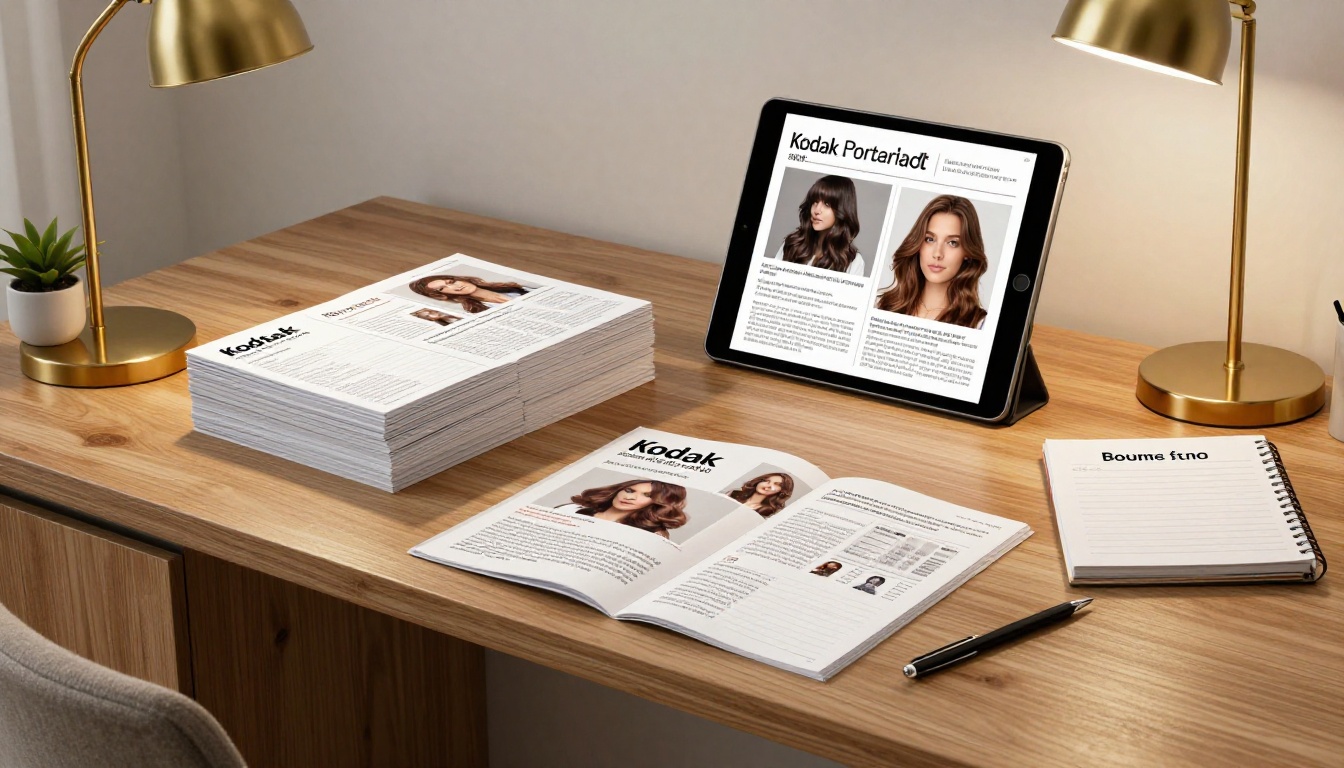
The format matters as much as the channel. Here is how the three common options compare for a haircare brand selling to salons.
| Feature | Printed Catalog | Standard PDF | Digital Flipbook |
|---|
| Mobile friendly | No | Poor | Excellent |
| Cost per recipient | High | Free | Low |
| Easy to update | No | Manual re-send | Instant |
| Shows tutorial video | No | No | Yes |
| Tracks who opened it | No | No | Yes (analytics) |
| Feels premium | Yes | Rarely | Yes |
| Works offline | Yes | Yes | Yes (offline download) |
Print still has a place for high-value accounts, because a beautiful binder on a reception desk builds brand presence. But for everything else, a page-turning digital version gives the feel of print with the convenience of a link. You can turn an existing file into one with the PDF to Flipbook Converter.
What Salon Owners Want Inside
A strong haircare catalog answers business questions first and beauty questions second. Owners want proof that a line sells and performs.
Lead with Results
Open with the hero products and the outcome they deliver: smoother blowouts, longer-lasting color, faster processing times. Use real before and after photos, shot in salons, not studio fantasies.
Show Wholesale Pricing Clearly
Put wholesale prices and suggested retail prices side by side, with the margin visible. Owners calculate this in their heads anyway. Making it explicit builds trust.
Separate Backbar from Retail
Salons buy two kinds of product: items used on clients during services, and items sold to take home. Organize pages accordingly, so owners can quickly build a backbar order and a retail order.
Include Education
Mixing ratios, timing charts, and application diagrams make your catalog useful after the sale. Stylists keep and reuse them.
Make Reordering Obvious
Add a clear contact, ordering link or distributor list on every section. The shortest path from interest to order wins.
✅ Best practice: Add SKU numbers next to every product image. Owners often order by SKU through a distributor and will thank you for it.
A Sample Catalog Structure
Here is a layout that works well for a mid-size professional haircare line.
| Section | Pages | Purpose |
|---|
| Brand story and promise | 1 to 2 | Build credibility and set tone |
| Hero products | 3 to 4 | Lead with best sellers |
| Color line and shade charts | 4 to 6 | Help stylists plan formulas |
| Treatments and care | 4 to 6 | Upsell services |
| Styling products | 3 to 4 | Retail focus |
| Backbar kits and starter packs | 2 to 3 | Lower the entry cost |
| Pricing and margins | 2 | Support the buying decision |
| Education and contacts | 2 | Support the reorder |

Real-World Examples
A few scenarios show how this plays out in practice.
A boutique color brand with three reps creates a flipbook for each region. Reps send the link after every visit, and the owner can reopen it whenever a client asks about a shade.
A scalp care line sells mostly through distributors. They publish one flipbook with a protected link, and each distributor rep embeds it in their own portal so every salon sees the same current pricing.
A new styling tool brand goes to a trade show with a QR code on every table. Visitors scan, browse the catalog on their phone, and the brand follows up with those who spent the most time on the heat tools pages.
An established salon chain supplier keeps a print run for its top fifty accounts but sends the digital version to the other two thousand. The cost drops sharply while reach goes up.

How to Create a Haircare Catalog with Flipbooks AI
If you already have a design file, you are about ten minutes from a shareable catalog. Here is the process.
- Sign up. Go to Flipbooks AI and create an account.
- Upload your PDF. Export your catalog from your design tool at a moderate resolution and drag it in. The platform converts every page into a flipbook automatically.
- Add your branding. Pick your brand colors, upload your logo and choose the page-turn effect that matches your tone. Luxury lines often prefer subtle motion.
- Add multimedia. Embed a short application video on the color chart page or an audio note from the founder. Embed videos and audio directly on the page where they matter.
- Set privacy. Use password protection for wholesale pricing so only approved salons can see it.
- Share it. Copy the direct link for email, generate a QR code for events, or follow the instructions to embed the flipbook on your website.
- Track the results. On the Professional plan, analytics and lead generation show which pages get attention and who requested more information. See the pricing plans for details.
For ready-made structures, try the Product Catalog Generator or the Digital Catalog Maker. If your line is visual and trend-led, the Interactive Lookbook Designer suits it well.
⚠️ Warning: Never publish wholesale prices on a public link. Use password protection, or your salon customers will see the same numbers as consumers and competitors.

Features That Matter Most
Not every feature is equally useful for a haircare brand. Here is how the main ones apply.
| Feature | How Haircare Brands Use It | Plan |
|---|
| No watermarks | Keeps the brand look premium | All |
| Unlimited flipbooks | One per region, per season, per line | Standard and above |
| Password protection | Gate wholesale pricing | Standard and above |
| Embedded video | Application and mixing demos | All |
| Analytics | See which products draw attention | Professional |
| Lead generation | Capture owner contact details | Professional |
| Offline download | Reps use it in salons with weak signal | All |
| Mobile-responsive design | Opens cleanly on a phone | All |
Mistakes to Avoid
Even good catalogs underperform when the process around them is weak. Watch for these common errors.
Sending It Once
One email is not a campaign. Follow up after a week, again after a month, and again when a new launch arrives. The link stays the same, so the effort is small.
Overloading the Page
A page with twenty products and tiny type is hard to read on a phone. Give each hero product space.
Ignoring Stylists
Owners decide, but stylists influence. Include education that stylists find useful and they will ask for your line by name.
Forgetting to Measure
If you cannot tell which pages were opened, you are guessing. Analytics turn a catalog into a feedback tool that shows which products deserve more promotion.
Mixing Consumer and Pro Messaging
Salon owners notice when copy reads like a drugstore ad. Keep the tone professional and results-based.

A Simple Rollout Plan
If you are starting from scratch, this schedule gets a catalog into salons in a month.
| Week | Task | Output |
|---|
| 1 | Collect product photos, pricing and education material | Content folder |
| 2 | Design and export the PDF | Final file |
| 3 | Convert to a flipbook, add video and password | Shareable link |
| 4 | Email salons, brief reps, print QR codes | First wave of opens |
After the first month, review the analytics, remove pages nobody reads and add what owners asked about.
Ready to Send Yours?
Salon owners want a catalog they can open in seconds, trust at a glance and act on without a phone call. A digital flipbook delivers that, and it keeps working long after the rep leaves the building.
Ready to build yours? Get started for free on Flipbooks AI, browse all available tools and templates, or compare pricing plans to pick the right fit for your brand.



