Every promo distributor has lived this moment: a prospect opens your catalog, spots the supplier's logo on page one, and asks why they shouldn't just order direct. If your catalog looks like everyone else's, you have no good answer. This article shows how promo product distributors rebrand supplier catalogs as their own, step by step, and how a flipbook platform like Flipbooks AI turns a pile of supplier PDFs into one polished, trackable, shareable catalog.
Why Rebranding Matters
Promotional products are a crowded market. Hundreds of distributors sell the same ballpoint pens, the same stainless bottles and the same cotton totes, often sourced from the same handful of suppliers. The product is rarely the difference. The experience of buying from you is.
A supplier catalog is built to sell the supplier. It carries their logo, their contact details, their pricing structure and sometimes their website. Hand that to a customer and you have effectively advertised a competitor.

The Trust Problem
Buyers want a single point of contact. When they see three different brands across a catalog, they start to wonder who will actually handle their order, fix a mistake or answer a call at 4 pm on a Friday.
The Margin Problem
Supplier catalogs often show suggested retail or net pricing. Share those numbers as is and you either give away your margin or invite haggling. A rebranded catalog lets you show your prices only.
The Memory Problem
A prospect who flips through a catalog with your logo on every page remembers you. One with a supplier logo remembers the supplier.
💡 Pro tip: Treat the catalog as a sales rep that never sleeps. Every page should say who you are and how to reach you.
What Rebranding Actually Includes
Rebranding is more than swapping a logo. Done well, it touches every element a buyer sees.
| Element | Supplier Version | Rebranded Version |
|---|
| Logo and cover | Supplier name and artwork | Your logo, your cover, your tagline |
| Contact details | Supplier sales line | Your phone, email and rep names |
| Pricing | Net or suggested pricing | Your sell price or price tiers |
| Order process | Supplier order form | Your quote request and ordering steps |
| Page footer | Supplier website | Your website and social links |
| Format | Large static PDF | Mobile friendly flipbook with links |
Check Your Permissions First
Most suppliers publish catalogs and images specifically so distributors can resell them, and many offer white label or "blank" versions. Before you edit anything, confirm the supplier's terms. Look for a distributor portal, a branding policy, or a rep who can send artwork without supplier marks.
⚠️ Warning: Never remove copyright notices from product photography unless the supplier has said you may. When in doubt, ask in writing.
Decide What Stays and What Goes
A simple rule works well: keep product images, specifications and decoration methods, and replace everything that identifies who the buyer should call or pay.
The Workflow in Five Steps
Here is a repeatable process that distributors use to turn raw supplier material into a branded catalog.
- Collect the source files. Download PDFs, image packs and spec sheets from each supplier portal.
- Choose your product selection. Pick the items you actually want to push this quarter, not the whole 400 page book.
- Apply your brand. Add your logo, colors, fonts, contact details and your own pricing.
- Convert to a flipbook. Upload the final PDF so it becomes a page turning, mobile ready catalog.
- Share and track. Send a link, embed it on your site and watch which pages get attention.

Build a Curated Selection
Curation is the quiet advantage of a rebranded catalog. A supplier book lists everything. Yours can lead with the fifty items that sell, grouped by buyer type:
- New hire kits: notebooks, pens, lanyards, water bottles
- Event giveaways: totes, stress toys, phone accessories, lip balm
- Executive gifts: leather goods, insulated tumblers, tech accessories
- Apparel programs: polos, hoodies, caps, jackets
Buyers rarely want to browse 5,000 SKUs. They want you to narrow it down.
Keep a Consistent Visual System
Pick one font pairing, two or three brand colors and one grid for product pages. Consistency makes pages sourced from five different suppliers look like they came from one studio.
Pricing Pages That Protect Your Margin
Pricing is where rebranding earns its keep. Instead of copying supplier net prices, build a structure that fits how you sell.
| Pricing Approach | Best For | Watch Out For |
|---|
| Single sell price per item | Small catalogs, simple orders | Hard to adjust for volume |
| Quantity break tables | Bulk orders, repeat buyers | Needs updates when costs change |
| "From" pricing with quote link | High customization items | Buyers may skip the quote step |
| No prices, request a quote | Premium or custom projects | Slower to qualify leads |

A Simple Markup Example
Say a supplier sells a 20 oz tumbler at $6.40 each for 250 units. You decide on a 40 percent markup for that tier:
- Supplier cost: $6.40
- Your sell price: $8.96, rounded to $8.95
- Profit per unit: $2.55
- Profit on 250 units: $637.50
Show only the $8.95 line in the catalog. The buyer never sees the supplier number, and you can adjust tiers without redoing the whole book.
Include Setup and Decoration Costs
Add a short table near the front that explains imprint methods and typical setup fees. It sets expectations early and cuts down on back and forth emails.
✅ Best practice: Put "request a quote" links on every page. Buyers who are ready to order should never have to hunt for the next step.
Why a Flipbook Beats a Static PDF
Many distributors stop at a branded PDF. That is a good first move, but a PDF has limits. It is heavy to email, awkward on phones, and you never learn whether anyone opened it.
| Feature | Static PDF | Flipbook |
|---|
| Mobile experience | Pinch and zoom | Responsive, page turning |
| File size to share | Often 20 MB or more | A single link |
| Clickable links | Possible but fragile | Built in |
| Updates | Resend a new file | Update the live link |
| Visibility into views | None | Analytics available |
| Password protection | Limited | Available |

Where Buyers Actually Read
Most purchasing managers check catalogs on a phone between meetings. A flipbook adapts to that screen. A 60 MB PDF does not.
One Link Replaces Many Attachments
Instead of attaching a fresh PDF to every email, send one link. When prices change or a product is discontinued, you update the catalog once and every shared link shows the new version.
How to Create a Branded Catalog with Flipbooks AI
Once your branded PDF is ready, turning it into an interactive catalog takes a few minutes.
- Create your account. Create a free account on Flipbooks AI.
- Upload the PDF. Use the PDF to Flipbook Converter. Drag your file in and the pages are converted automatically, keeping images sharp and text readable.
- Customize the look. Add your logo, set brand colors, pick a page turning effect and choose a background that matches your website.
- Add multimedia. Embed a short product video, a supplier factory clip or an audio intro on key pages. Photos and clips help buyers picture the product.
- Choose sharing options. Copy a direct link, grab an embed code for your site, or turn on password protection for private customer catalogs.
- Check the results. On the Professional plan, analytics and lead generation show which pages get opened and who asked for more information. See the details on the pricing page.
For product focused books, the Product Catalog generator and the Digital Catalog Maker are good starting points. If you want a visual style closer to a lookbook, the Catalog Flipbook Creator fits well.
💡 Pro tip: Flipbooks AI never adds watermarks, so your catalog carries only your brand. Standard plans and above include unlimited flipbooks, which suits distributors who keep separate catalogs per industry or per client.
Embed It on Your Website
Place the catalog on a product page using the Embed Flipbook on Website tool. Visitors browse without leaving your site, and your analytics stay in one place.
Real World Examples
Here are three scenarios that show how distributors put this into practice.
The Corporate Gifting Specialist
A distributor serving mid size companies builds a gift catalog with 60 curated items, grouped by budget: under $15, $15 to $40 and premium. Each page has a quote button. They send a password protected version to each client with that client's logo already placed on sample mockups. Buyers feel the catalog was made for them.
The Event and Trade Show Supplier
A supplier focused on events builds a seasonal catalog that refreshes every quarter. When a trade show season approaches, they email one link, update the live flipbook with limited stock items, and avoid resending files. The same link sits on a QR code at their booth.

The Apparel and Merch Reseller
A reseller selling team apparel makes separate flipbooks for schools, gyms and local businesses. Each one shows only relevant items and sizes, with pricing tiers for team orders. Because they can create unlimited flipbooks on a Standard plan, adding a new vertical costs nothing extra.
Common Mistakes to Avoid
Rebranding goes wrong in predictable ways. These are the ones worth watching for.
- Leaving supplier traces. A faded supplier logo on a product photo, a footer URL or a stray phone number defeats the purpose. Scan every page.
- Mixing image styles. Product shots from five suppliers will have different backgrounds and lighting. Place them on a consistent card or background.
- Overloading the catalog. More pages do not mean more sales. Fewer, better chosen items convert better.
- Forgetting the call to action. Every page needs a clear way to request a quote.
- Never updating. Out of date prices damage trust faster than any design flaw.
Match What You Promise
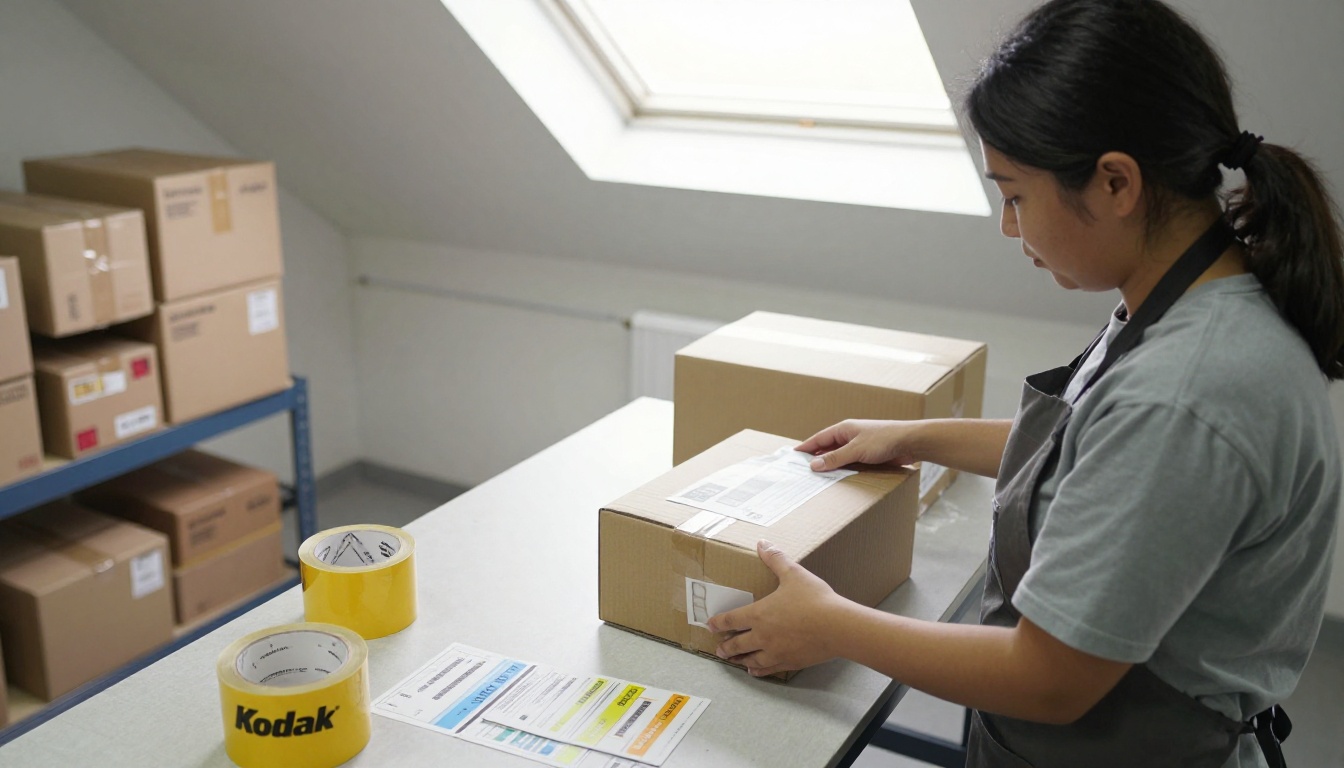
A polished catalog raises expectations. Lead times, minimum quantities and decoration limits should be accurate and visible, so your fulfillment team can deliver what the pages imply.
Use the Catalog to Win Sales
A rebranded flipbook is also a lead tool. Once it is live, put it to work.
| Channel | How to Use the Catalog | Goal |
|---|
| Email outreach | Send one link with a short note | Open rate and replies |
| Website | Embed on product and landing pages | Quote requests |
| Sales calls | Share the link during the call | Faster decisions |
| Trade shows | QR code on signage and handouts | Capture contacts |
| Social media | Post a featured page or seasonal link | New leads |
Follow Up Based on Behavior
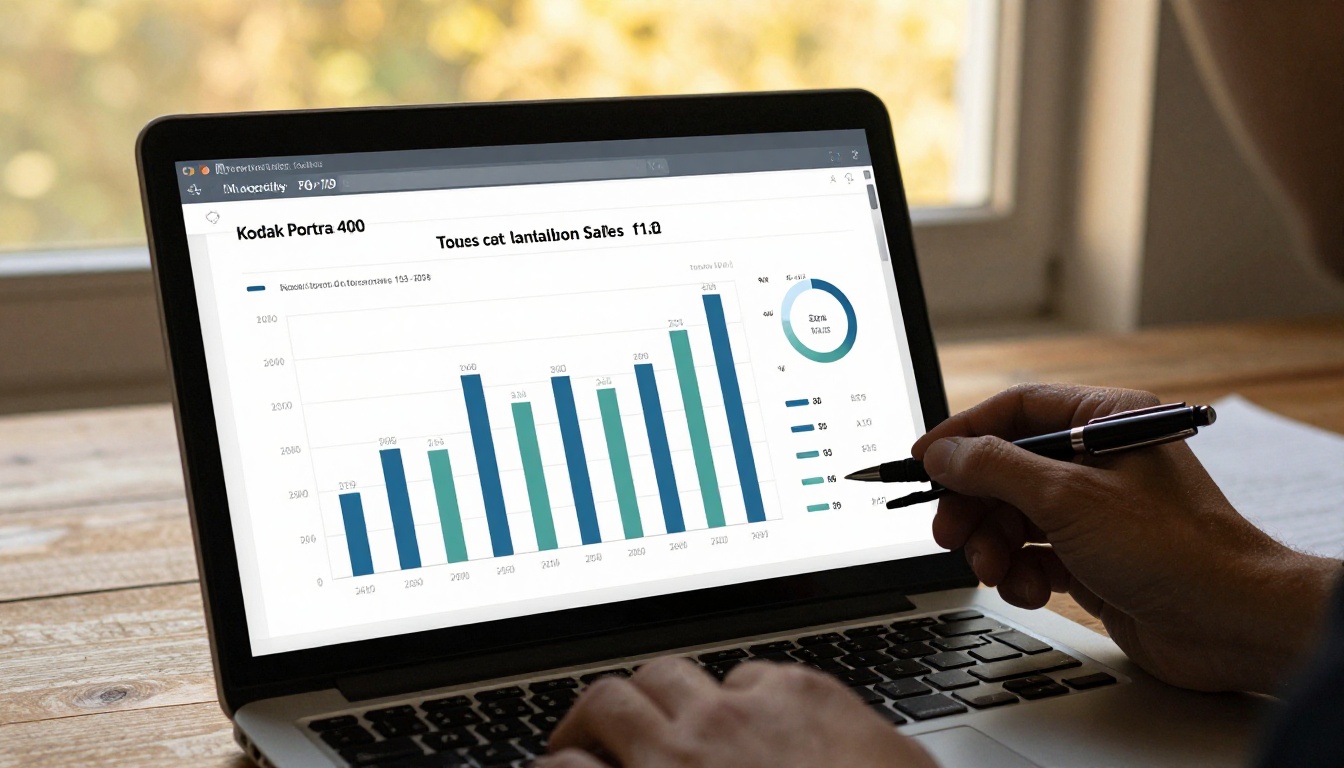
When analytics show that a prospect spent time on the drinkware pages, your follow up writes itself: "I noticed you may be looking at bottles for your summer program. Want a sample?" That is a much stronger opener than "just checking in."
Pair It with a Sales Presentation
For larger accounts, combine the catalog with a short Sales Presentation flipbook that explains your process, turnaround times and references. Browse all flipbook tools to find formats for price lists, lookbooks and more. The Digital Price List Generator is useful for quick quote sheets.
A Short Checklist Before You Publish
Run through this list before sending your catalog to a single customer.
- Supplier logos, names and contact info are removed from every page.
- All prices are your sell prices, with quantity tiers where needed.
- Your logo, phone, email and website appear on the cover and footer.
- Every product image is sharp and consistent in style.
- Quote links work on every page, tested on a phone.
- Decoration methods, setup fees and lead times are clear.
- The catalog is published as a flipbook with a short link and an embed on your site.

Keep It Alive
Set a calendar reminder each quarter to review prices, retire discontinued items and add new best sellers. A catalog that stays current becomes a tool your customers keep bookmarked.
Ready to Build Yours?
Rebranding a supplier catalog is one of the highest return tasks a promo distributor can take on. It protects your margin, builds trust and gives every prospect a reason to remember your name instead of the supplier's.
Ready to make your own? Get started for free on Flipbooks AI and convert your first branded PDF into a mobile friendly catalog today. Compare pricing plans to see which one fits your volume, or create an account and head straight to pricing when you want analytics and lead generation. For more formats and templates, browse the full list of tools and templates.



