Most owners do not choose a property manager because of a clever slogan. They choose the one who made the decision feel easy, safe and well explained. A professional services brochure for property management does exactly that: it answers the questions an owner is too polite to ask on the first call. With a tool like Flipbooks AI, you can turn a plain PDF into a page-turning brochure that looks sharp on any phone, and that is often the difference between a quick "yes" and a silent "no thanks."
Below you will find what owners actually look for, what to put on each page, how to show fees without scaring anyone, and a step-by-step walkthrough for building and sharing your brochure.
Why Owners Judge You by Your Brochure
Before an owner calls you, they have already compared you with two or three other companies. They scroll, skim and forward documents to a spouse or business partner. Your brochure often travels without you, so it has to do the talking.
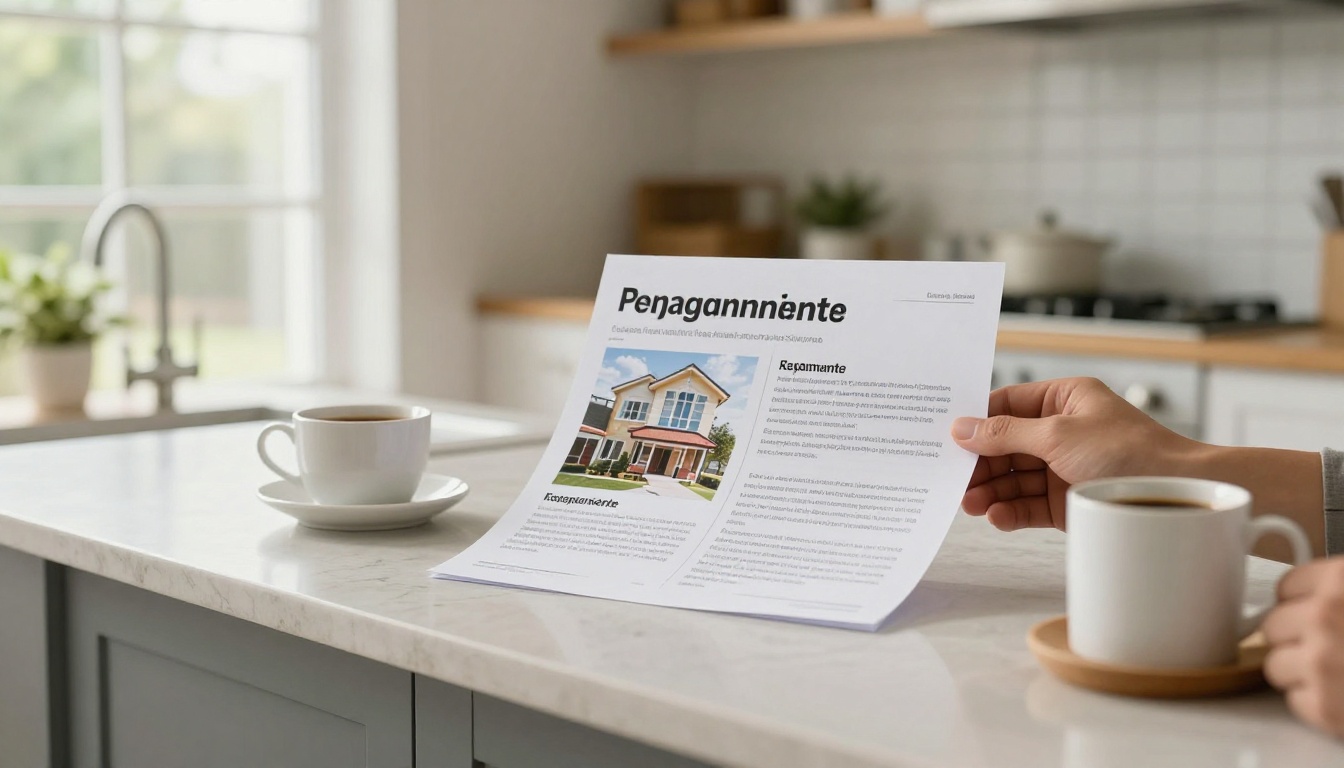
The Owner's Real Worries
Owners rarely fear the rent collection process itself. They fear surprises. Think about the quiet questions behind every inquiry:
- Will my money be handled safely and on time?
- What happens at 2 a.m. when a pipe bursts?
- How much will I really pay, including the extras?
- Will tenants be screened properly, or will I deal with evictions?
- Can I reach a real person when I need one?
A strong brochure answers each of these in plain language before the owner has to ask. That removes friction, and removing friction is what wins listings.
What a Weak Brochure Looks Like
We have all seen it: a blurry logo, a stock photo of a handshake, six paragraphs about "our commitment to excellence," and no price anywhere. Owners read that as "this company hides something." Specifics build trust. Vague praise does not.
💡 Pro tip: Read your current brochure out loud. If a sentence could appear on any competitor's page, rewrite it with a number, a name or a timeframe.
What to Include on Every Page
A good brochure is not long. It is organized. Think of it as a short conversation that moves from "who are you" to "what do I get" to "how do I start."
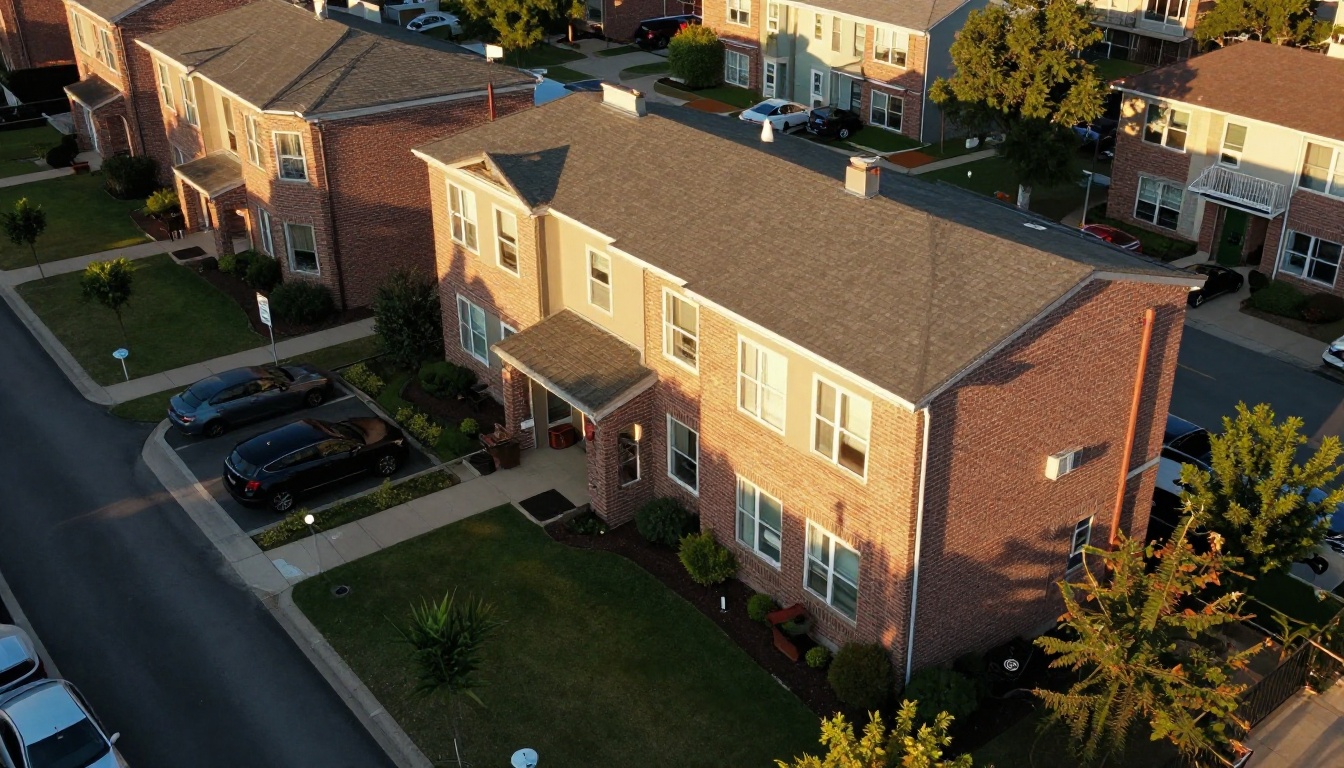
Page-by-Page Structure
| Page | Content | Purpose |
|---|
| 1. Cover | Company name, one clear promise, a real property photo | First impression |
| 2. About you | Years in business, doors managed, team photos | Credibility |
| 3. Services | Leasing, rent collection, maintenance, inspections, reporting | Show scope |
| 4. Process | How onboarding works in 4 to 5 steps | Lower uncertainty |
| 5. Pricing | Management fee, leasing fee, renewal fee, extras | Transparency |
| 6. Proof | Occupancy rates, response times, owner testimonials | Reduce risk |
| 7. Next step | Contact details, booking link, simple call to action | Move to action |
Use Real Numbers
Owners respond to measurable claims. Compare these two lines:
- Weak: "We fill vacancies quickly."
- Strong: "Our average vacancy lasts 18 days across 240 units."
If you do not track these numbers yet, start now. Even a rough average, honestly labeled, beats an empty promise.
Keep Text Short
Each page should hold one idea. Use short paragraphs, a bold lead sentence and a visual. If an owner has to zoom in on a phone to read it, the page is too dense.
Show Your Services Without Jargon
Owners are not property professionals. Words like "CAM reconciliation" or "turnover scope" mean little to a retired teacher who inherited a duplex. Translate everything.
Group Services by Owner Goal
Instead of listing 30 tasks, group them by what the owner wants:
- Fill my unit fast: photography, listing syndication, showings, screening.
- Get paid reliably: online rent collection, late fee handling, monthly deposits.
- Protect my property: inspections, preventive maintenance, vendor oversight.
- Stay informed without effort: monthly statements, an owner portal, annual summaries.
This structure helps owners see the value, not just the task list.
Make Maintenance Visible
Maintenance is where most owner relationships break. Show your approval thresholds, how fast you respond to emergencies, and whether you use in-house technicians or vetted vendors. A short table works well here:
| Request Type | Response Time | Owner Approval Needed |
|---|
| Emergency (leak, no heat) | Same day | No |
| Urgent repair | Within 48 hours | Above $300 |
| Routine request | Within 5 days | Above $500 |
| Capital project | Quote first | Always |
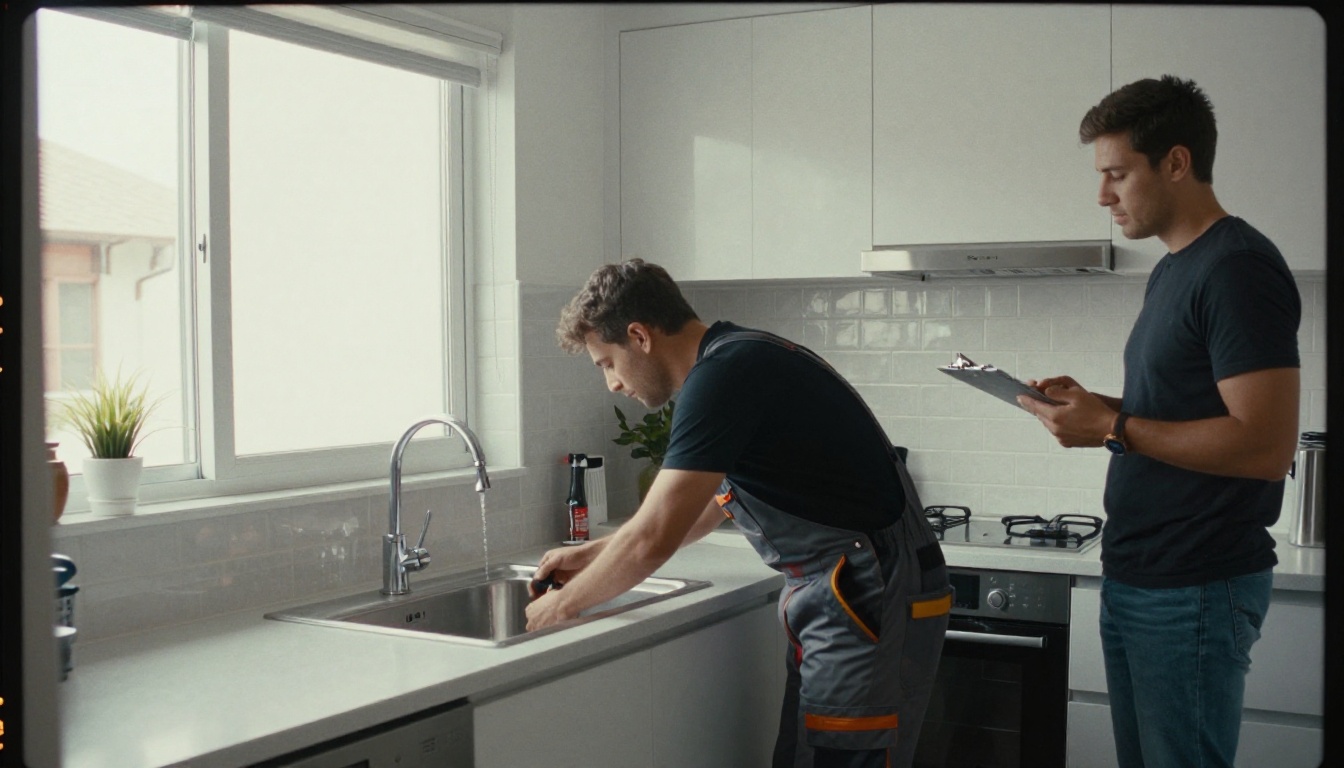
✅ Best practice: Put a real photo of your maintenance team on this page. Faces make a promise feel believable.
Present Fees With Confidence
Pricing is the page owners flip to first. If you hide it, they assume the worst. If you present it clearly, you look like the safe option, even when you are not the cheapest.
A Simple Fee Table
| Fee | Typical Range | What Owners Should Know |
|---|
| Monthly management | 6% to 10% of rent | Covers day-to-day operations |
| Leasing fee | 50% to 100% of one month | Charged when a new tenant moves in |
| Renewal fee | $100 to $250 | Charged when a lease renews |
| Maintenance markup | 0% to 10% | State it openly or state "none" |
| Inspection fee | $0 to $75 | List how often they happen |
Adjust the ranges to your market, but always show the structure. Owners care less about the exact percentage than about whether they can predict their bill.
Explain What the Fee Buys
Pair each fee with a sentence about the outcome. "Leasing fee: includes professional photos, a market rent study and tenant screening with income and credit checks." Now the number has a reason behind it.
Address the Cheaper Competitor
Do not pretend lower-priced options do not exist. Add a small comparison box: "Lower fees often mean extra charges for inspections, advertising or lease renewals. Ours are listed on this page, and that is the full bill." That honesty tends to stick with owners.
⚠️ Warning: Hidden fees are the number one reason owners switch managers. If a charge is not in your brochure, do not bill it.
Prove Results With Stories and Data
Claims tell. Proof shows. Owners want evidence that other owners like them are happy.

Use a Short Case Study
A single page with a before and after is powerful. For example:
- The situation: An out-of-state owner with two duplexes, 45 days vacant, and a contractor who stopped answering calls.
- What you did: Reset the rent to market, refreshed the listing photos, and set up a vendor list.
- The result: Both units leased in 19 days, maintenance costs dropped 22%, and the owner now receives one clear statement each month.
Keep it factual. Use a quote from the owner if they agree.
Show the Metrics That Matter
| Metric | Why Owners Care |
|---|
| Average days vacant | Lost income |
| On-time rent percentage | Cash flow stability |
| Average maintenance response | Property condition |
| Tenant retention rate | Fewer turnover costs |
| Owner retention rate | Proof that owners stay |
Pick three or four you can back up. Updating them each quarter keeps the brochure fresh and shows you are paying attention.
Add Reviews and Credentials
Include licenses, memberships and any association badges. Add two or three short testimonials with first names and property types. A tiny detail like "Maria, 6-unit owner" feels more real than "Satisfied customer."
Build It as an Interactive Flipbook
A static PDF is fine. A flipbook is better. It opens in the browser, turns pages like a real brochure, works on phones and can be updated without resending a new attachment. Owners who read on the go will appreciate it, and you gain a link you can drop into emails, listing replies and social messages.

How to Create Your Brochure With Flipbooks AI
- Start your account. Create a free account on Flipbooks AI. No credit card is needed to try the basics.
- Upload your PDF. Design the brochure in your favorite tool, export it as a PDF and upload it. The PDF to Flipbook Converter turns it into a page-turning flipbook in seconds. If you want a template-style start, open the Real Estate Brochure Creator or the Brochure Flipbook Maker.
- Customize the look. Add your logo, brand colors and page-turn effects. Embed a short welcome video or an audio message from you, which adds a personal touch without extra attachments.
- Check the mobile view. Open the preview on your phone. Make sure fee tables and photos are readable without zooming.
- Share it. Copy the direct link, send it by email or text, or follow the steps in Embed Flipbook on Website to place it on your services page.
- Protect private versions. If you build a custom proposal for one owner, turn on password protection so only that person can open it.
💡 Pro tip: Keep one public brochure for your website and a private, password-protected version for each serious prospect with their property details on the last page.
Features That Help You Close
| Feature | How It Helps Property Managers |
|---|
| No watermarks | Your brand stays front and center |
| Unlimited flipbooks (Standard plan and above) | One per owner, one per property type |
| Password protection | Safe custom proposals |
| Offline downloads | Owners can review without a connection |
| Embedded video and audio | Introduce your team in 30 seconds |
| Mobile-responsive design | Reads well on any phone |
| Analytics and lead generation (Professional plan) | See who opened it and capture contact details |
Analytics deserve a special mention. On the Professional plan, you can see which pages prospects spend time on. If everyone lingers on the fees page, make it clearer. If nobody reaches the last page, shorten the middle.
Share It Where Owners Actually Look
A great brochure that nobody sees is just a nice file. Put it where owners already are.
Four Places to Use It
- Your website: Embed it on the "For Owners" page next to a booking button.
- Email replies: Send the link within an hour of every inquiry.
- Local groups and landlord meetups: Share the link or a QR code on a printed card.
- Follow-up messages: A short text with the link feels less pushy than a sales call.
A Simple Follow-Up Rhythm
| Day | Action |
|---|
| 0 | Send the brochure link with a personal note |
| 2 | Check analytics and send a short question about their property |
| 5 | Offer a 15-minute call or a walkthrough |
| 10 | Share a short case study from a similar owner |
Make It Easy to Say Yes
End the brochure with one clear next step: a booking link, a phone number, or a request form. Do not offer five options. Owners who are ready to move should not have to hunt.

Common Mistakes to Avoid
Even experienced managers repeat the same errors. Here are the five most frequent ones:
- Too many pages. Aim for 8 to 12 pages. Shorter is easier to finish.
- Stock photos only. Use real properties, real staff and real maintenance work.
- No pricing. Owners will assume it is expensive or confusing.
- Outdated numbers. Review statistics every quarter.
- No call to action. If the last page does not tell the owner what to do next, the brochure stops working.
Also check consistency. If your brochure says "response within 24 hours" but your voicemail says "we return calls in two to three days," owners notice.

Ready to Win More Owners?
A services brochure is not decoration. It is your quiet salesperson, working while you are on a property tour, answering a tenant or sleeping. When it shows clear services, honest fees and real proof, owners feel safe signing.
Here is where to go next:
Start with one brochure, track which pages owners read, and improve it every quarter. The managers who keep their brochure honest and current are the ones owners remember.



