A guest with a shellfish allergy does not want to interrupt dinner to ask whether the soup base is safe. They want to look at a menu on their phone, before they ever leave the house, and know. That is exactly what the best restaurants now deliver, and tools like Flipbooks AI make it possible without a developer or a printing budget.
This article walks through how restaurants publish allergen menus diners can check first: what to include, which formats work, how to keep the information accurate, and how to put it online in an afternoon.
Why Diners Check First
Food allergies are not a niche concern. Roughly one in ten adults reports a food allergy, and many more avoid gluten, dairy or nuts for medical or personal reasons. Add families who dine out together and you get a large share of every dining room.
These guests behave differently from the rest. They research. They compare. They skip restaurants that make them guess.
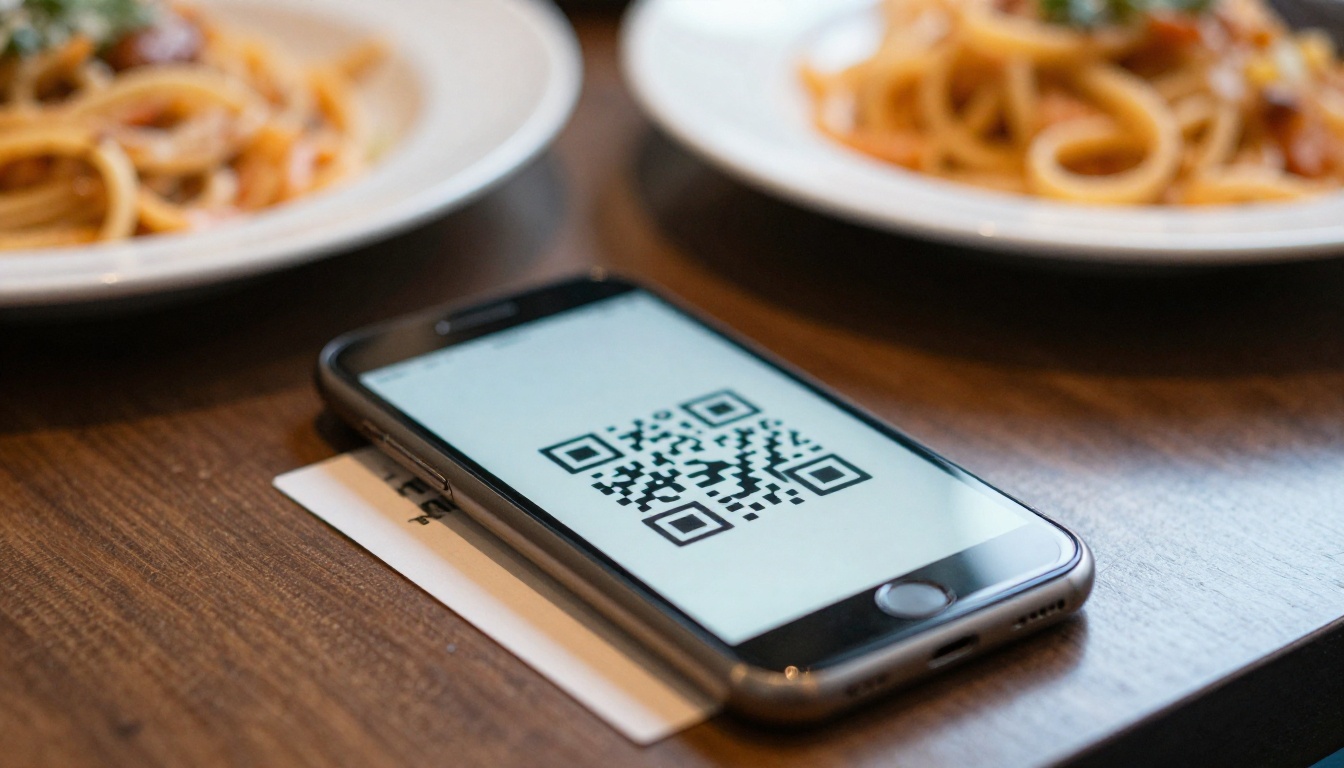
The Trust Factor
When allergen information is easy to find, a guest reads it as a signal: this kitchen takes me seriously. When it is hidden behind "ask your server," the same guest reads uncertainty.
The Business Case
A restaurant that publishes clear allergen data tends to see:
- More reservations from groups that include a guest with restrictions
- Fewer interruptions for servers, who no longer repeat the same answers
- Lower risk of mistakes caused by rushed verbal explanations
- Better reviews that mention safety and care
💡 Pro tip: Many allergic guests choose the restaurant for the whole table. Win one, and you win six covers' worth of revenue, not one.
Before choosing a format, decide what information belongs on the page. In many regions, the major allergens are defined by law, so check your local rules. A commonly used list includes:
- Milk
- Eggs
- Fish
- Shellfish and crustaceans
- Tree nuts
- Peanuts
- Wheat and gluten-containing grains
- Soy
- Sesame
- Mustard, celery, lupin and sulphites (in regions where these are listed)
Dish Level Detail
Every dish should state which allergens it contains. Better menus also say which allergens could be present through cross contact, such as a shared fryer.
Modification Notes
Guests love to see what can change. A line such as "Can be made dairy free with olive oil" saves a conversation and makes the dish more attractive.
A Last Updated Date
Recipes change. Suppliers change. Put a visible date on the menu so readers know it is current.
⚠️ Warning: Never write "allergen free" unless your kitchen can truly guarantee it. Use accurate phrasing such as "prepared without peanuts" and explain the cross contact risk.
Restaurants publish allergen information in several ways. Each has strengths and weaknesses.
| Format | Easy to update | Works on phones | Searchable online | Cost |
|---|
| Printed allergen binder | Low | No | No | Medium |
| Plain PDF link | Medium | Poor (pinch and zoom) | Sometimes | Low |
| Website HTML page | High | Good | Yes | Medium to high |
| Flipbook menu with allergen pages | High | Excellent | Yes, when embedded | Low |
| Third party ordering app | Medium | Good | Limited | Variable |
A plain PDF is the most common choice and also the most frustrating for guests on small screens. A flipbook keeps the layout of a designed menu but behaves like a page-turning experience that adapts to the device.
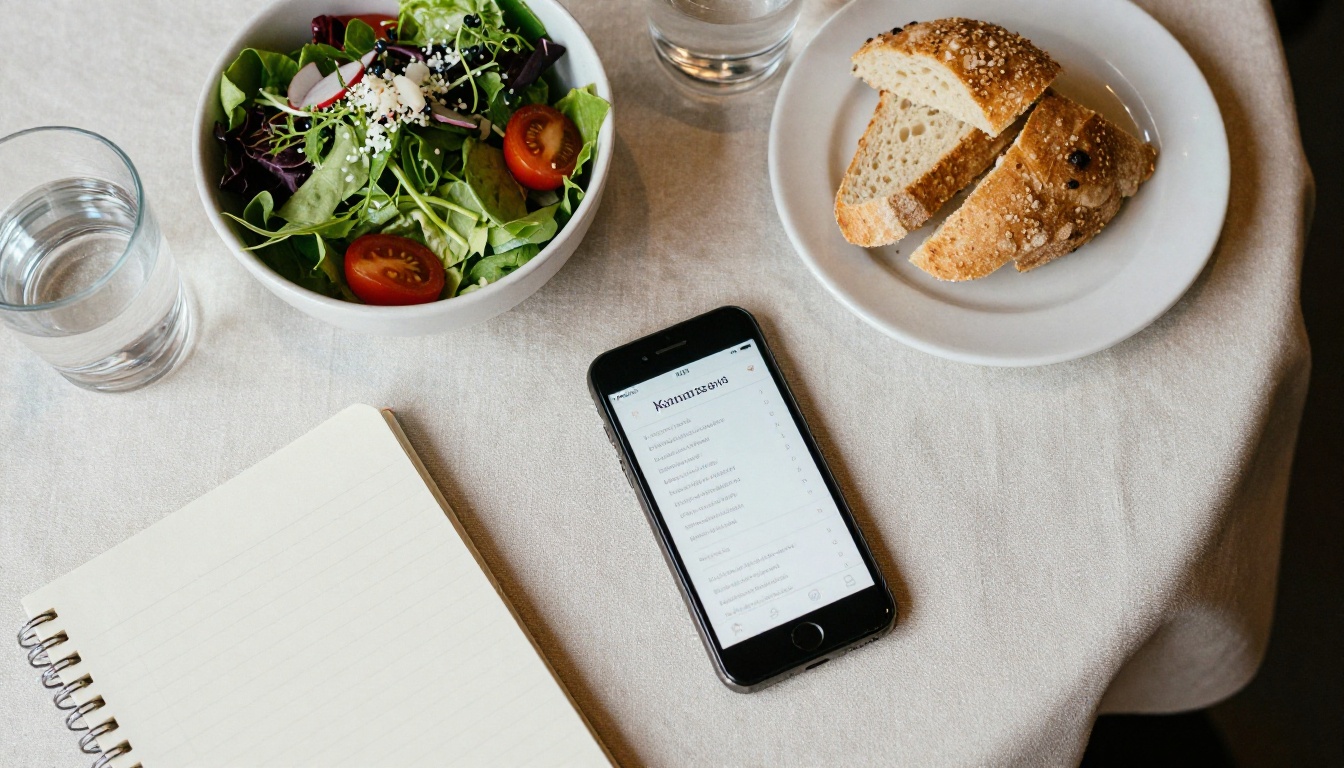
Designing for Quick Scanning
Someone checking an allergen menu is looking for one thing: can I eat this? Design should answer in two seconds.
Use a Matrix
The most readable layout is a grid. Dishes run down the left side, allergens run across the top, and a symbol marks each match.
| Dish | Milk | Egg | Nuts | Gluten | Shellfish |
|---|
| Garden salad | | | ● | | |
| Margherita pizza | ● | | | ● | |
| Grilled prawns | ● | | | | ● |
| Chocolate tart | ● | ● | ● | ● | |
| Roast chicken | | | | | |
Use Icons and Plain Words
Icons help, but never rely on them alone. Pair each icon with a short label so screen readers and colorblind guests can read it.
Keep Tap Targets Large
On mobile, small symbols are hard to read. Make fonts at least 16 pixels equivalent and leave space between rows.
✅ Best practice: Put a legend on every allergen page, not only the first one. Guests often jump straight to a section.
Building the Kitchen Process First
A beautiful digital menu is only as accurate as the kitchen behind it. Before publishing anything, fix the process.
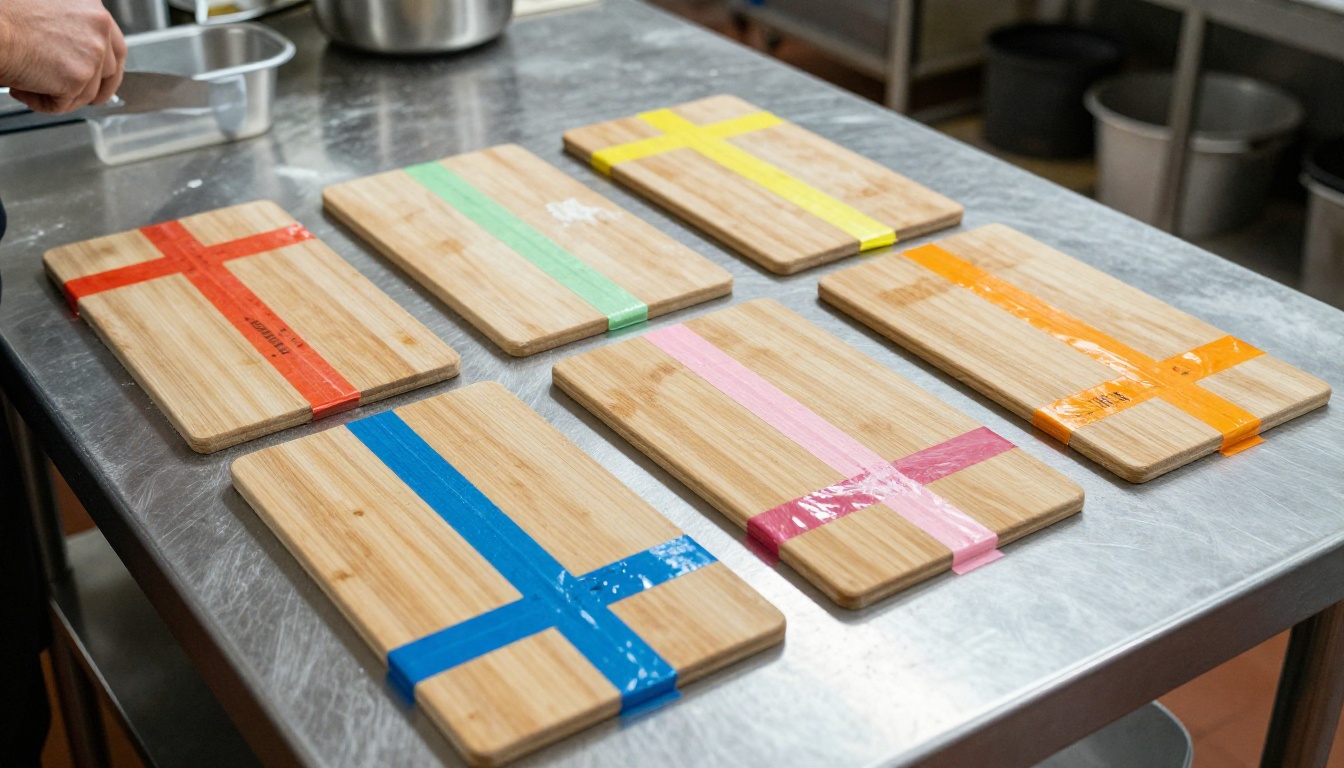
Record Every Recipe
List each ingredient, including sauces, stocks, garnishes and oils. Most allergen mistakes come from hidden components.
Check Supplier Labels
Ask suppliers for updated ingredient sheets each quarter. When a product changes, update the menu the same day.
Assign One Owner
Give a single person responsibility for the allergen master document. The chef or kitchen manager usually works best.

Train the Team
Servers should know how to read the menu and when to bring in the chef. The digital menu supports the conversation. It does not replace it.
| Task | Frequency | Owner |
|---|
| Review recipes for changes | Monthly | Head chef |
| Collect supplier ingredient sheets | Quarterly | Kitchen manager |
| Update the published menu | Whenever a dish changes | Manager |
| Staff refresher session | Every season | General manager |
If your allergen menu lives in a spreadsheet or a Word document, you can have an online version ready quickly. Here is the process.

Step 1: Prepare the PDF
Export your menu and allergen matrix as a PDF. Put the main menu first and the allergen pages right after, so both live in one publication.
Step 2: Create Your Account
Head to Flipbooks AI and sign up. Then open the Restaurant Menu Creator or the Menu Flipbook Designer.
Step 3: Upload and Convert
Upload your file with the PDF to Flipbook Converter. Within moments, your pages become a responsive flipbook that reads well on a phone.
Step 4: Customize
Add your logo and brand colors, and choose the page effect that suits your style. Keep it simple: a restrained design looks more trustworthy next to safety information.
Step 5: Share It
You have several options:
- A direct link for social profiles and reservation pages
- An embed code, using Embed Flipbook on Website
- A QR code on tables, windows and takeaway bags
- Password protection if you only want staff to see an internal version
Step 6: Track Use
On the Professional plan, analytics show which pages guests open most. If the allergen pages get steady traffic, you know the format is doing its job. See the pricing plans for details.
💡 Pro tip: Keep a separate staff flipbook, protected with a password, that includes preparation notes and cross contact details not meant for guests.
Where to Put the Link
A great allergen menu nobody can find does not help. Place the link wherever a worried guest might look.
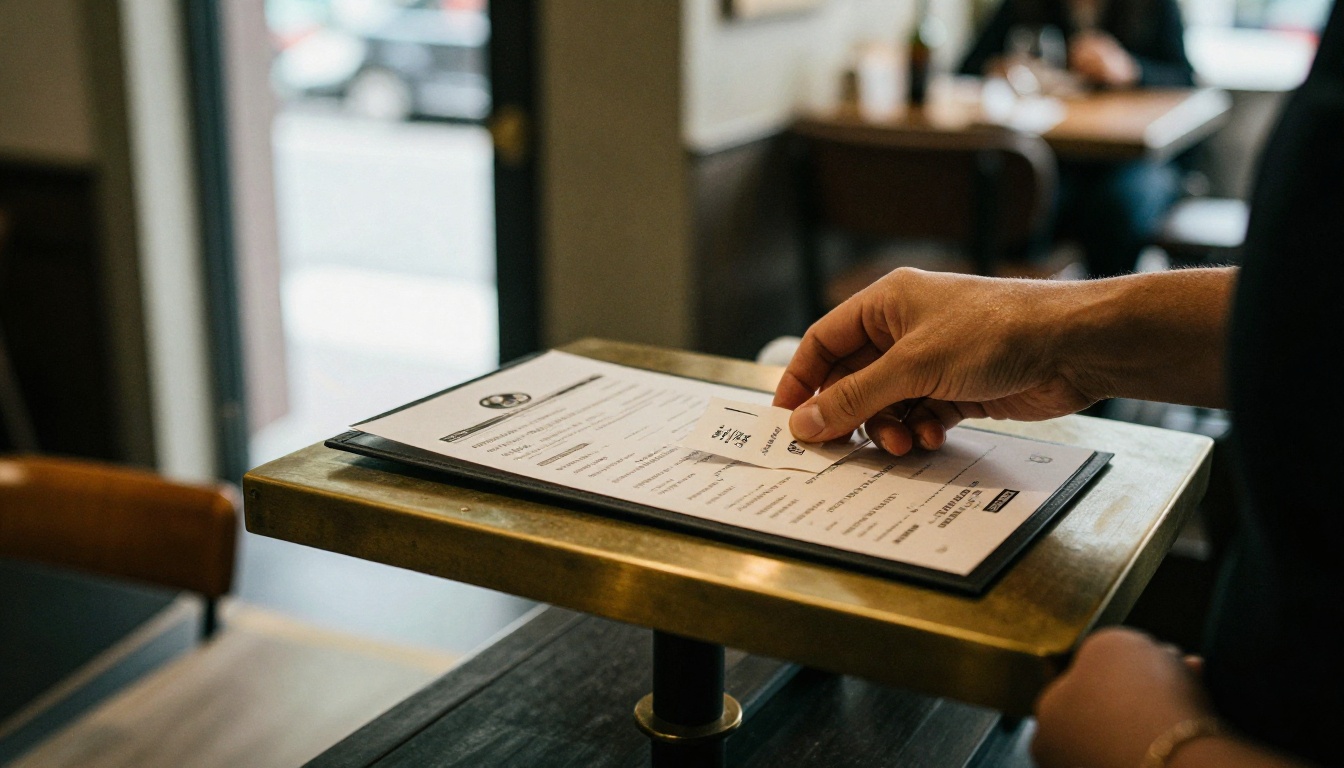
| Location | Why it works | Effort |
|---|
| Homepage menu button | First place guests look | Low |
| Google Business Profile | Appears in search results | Low |
| Reservation confirmation email | Guests check before arriving | Low |
| Table QR code | Instant access during service | Medium |
| Social media bio | Reaches people who follow you | Low |
| Entrance sign | Helps walk in customers | Medium |
Name the Link Clearly
"Allergen Menu" beats "Menu 2." Use plain wording in link text and page titles so search engines and guests understand the page.
Add It to Search Results
Create a dedicated page on your website titled something like "Allergen information" and embed the flipbook there. Searchers who type your restaurant name plus "gluten free" or "nut allergy" can then land directly on the right page.
Real World Examples
A Neighborhood Bistro
A 40 seat bistro placed a QR code on every table and at the host stand. Servers stopped repeating the same ten answers. Allergic guests could read the full matrix while the table waited for drinks.
A Family Pizzeria
A pizzeria with a long gluten free list built a two page flipbook: one page with dough, sauces and toppings, one with the allergen matrix. They linked it from their delivery listing, where allergen questions were most common.
A Hotel Restaurant
A hotel with international guests made three versions of the same flipbook in different languages and placed the links in the room welcome card. Guests checked the menu from their rooms before heading down.

Mistakes to Avoid
Even well meaning restaurants slip. Watch for these common issues.
- Outdated data. A menu that lists last season's dishes loses trust fast.
- Vague wording. "May contain nuts" on every dish tells guests nothing.
- Tiny text. If it needs pinch and zoom, many guests will give up.
- Hidden links. If the allergen menu is three clicks deep, it might as well not exist.
- No human backup. Always invite guests to confirm with staff for severe allergies.
⚠️ Warning: A digital menu is a communication tool, not a legal shield. Follow local labeling regulations and keep your internal records current.
Even the clearest menu will not answer every question. Some guests will have uncommon allergies, and some dishes will need a custom preparation.

Treat the published menu as the first step. The guest checks it, narrows the choices, and then confirms the details with a server or chef. That order saves everyone time and builds confidence.
A Simple Script for Servers
- "I saw you looked at our allergen menu. Is there anything else I should tell the kitchen?"
- "Let me bring the chef over to confirm that dish."
- "We can prepare that without sesame, using a clean pan."
Honest Limits
If a dish cannot be made safely, say so kindly and suggest an alternative. Guests remember honesty far longer than a risky yes.
Keeping Everything Fresh
Publishing is not a one time event. Build a short routine so the flipbook never drifts from reality.
| When | What to do |
|---|
| Every menu change | Update the allergen matrix and re-upload the PDF |
| Every supplier change | Re-check the ingredient sheets |
| Every month | Open the live link on a phone and test it |
| Every season | Review the menu with the whole team |
Because a flipbook link stays the same when you update the file, your QR codes and website embeds keep working. Nothing needs to be reprinted.

Once the allergen flipbook is live, extend the same approach to other documents:
Each one benefits from the same mobile-friendly format and the same no watermark policy.

Ready to Publish Yours?
Guests with allergies are asking one simple question: can I trust this kitchen? A clear, current and easy to open allergen menu answers it before they arrive.
Get started for free on Flipbooks AI, browse all flipbook tools, or compare pricing plans to pick what suits your restaurant. Turn your PDF into a mobile menu today, and let diners check first.



