Every school has a story worth telling, and for decades that story lived inside a printed yearbook that cost thousands of dollars, arrived months after the school year ended, and got lost under a bed within a year. Today, schools across the country are moving those stories online with digital flipbooks that load instantly, share with a single link, and live permanently in students' hands via their phones. Flipbooks AI is at the center of that shift, giving school staff, yearbook clubs, and student editors the tools to produce professional-grade digital yearbooks without printing contracts, delivery delays, or budget overruns.
This is not about replacing tradition. It is about preserving it better.
Why Print Yearbooks Are Fading Fast
The Real Cost of Print
The numbers are difficult to ignore. A single printed hardcover yearbook typically costs a school between $25 and $60 per copy, and that price assumes a minimum order of 200 to 500 books. Add in the design software subscription, the staff time to coordinate photography, the proofing rounds, and the shipping fee, and a school yearbook program can easily run $15,000 to $30,000 per academic year.
| Cost Factor | Printed Yearbook | Digital Flipbook |
|---|
| Per-copy production cost | $25 - $60 | $0 |
| Minimum order requirement | 200-500 copies | None |
| Design software | $300 - $800/year | Included |
| Shipping and handling | $500 - $2,000 | $0 |
| Distribution time | 4 - 8 weeks | Instant |
| Reprint cost (damaged/lost) | Full price | $0 |
| Total estimated annual spend | $15,000 - $30,000 | $99 - $299/year |
Those figures reflect a reality most school administrators know well: yearbook budgets are consistently one of the first programs under pressure when funding tightens. Digital flipbooks do not eliminate the effort of producing a yearbook. They eliminate the most expensive and least flexible part of the process.
Distribution Nightmares Schools Face
Even when a school has the budget, printed yearbook logistics create friction. Books arrive in summer when many students have already left campus. International students cannot receive physical copies. Students who change addresses mid-year miss their order entirely. And once a yearbook is printed, any errors are permanent.
Digital distribution solves all of these with a single shareable URL. Students in another country, graduates who moved away, or parents who simply cannot make pickup day all get the same full-quality experience within seconds of the yearbook going live.
What a Digital Flipbook Yearbook Actually Is
From PDF to Interactive Publication
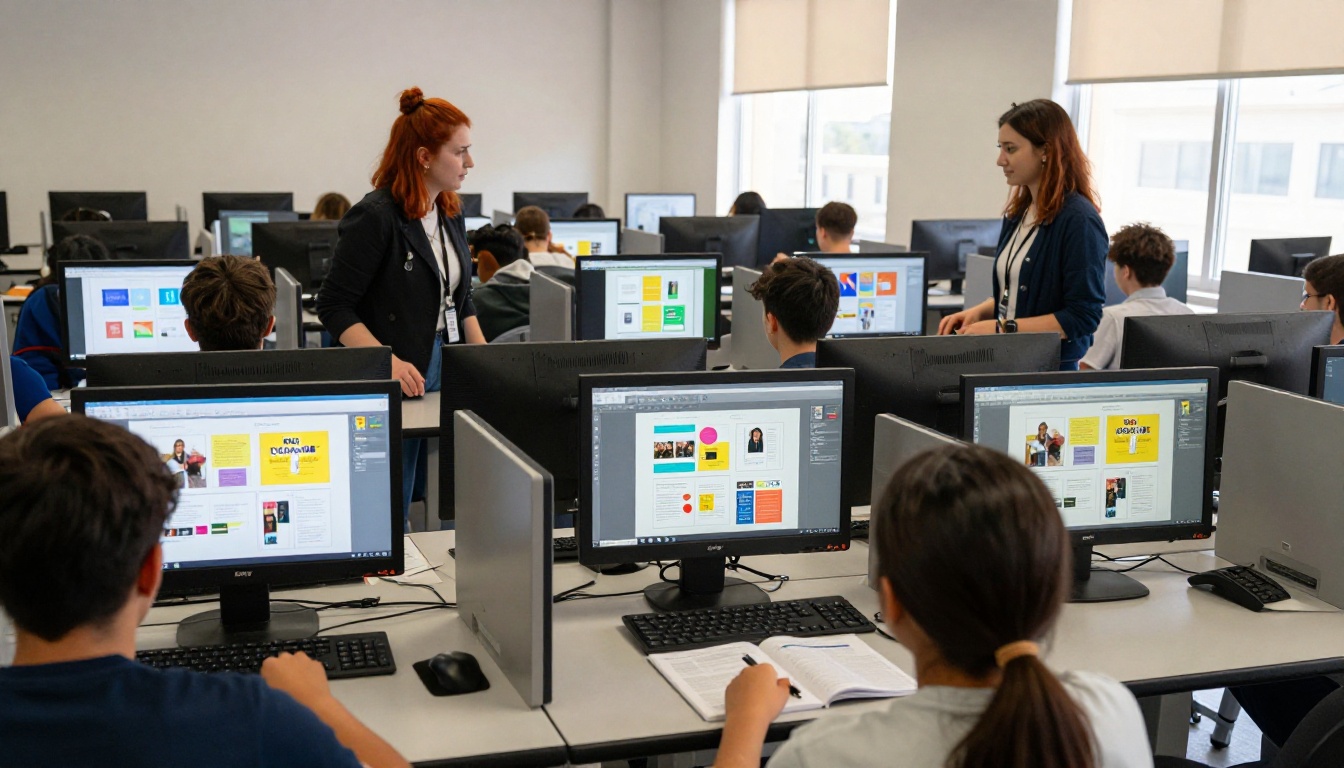
A digital flipbook is a web-based publication that mimics the physical page-turn experience of a real book, displayed inside any browser or mobile device. The creation process starts with a PDF. Your school's yearbook committee designs the layout in any software they already use, whether that is Adobe InDesign, Canva, or Google Slides, exports it as a PDF, and uploads it to the flipbook platform.
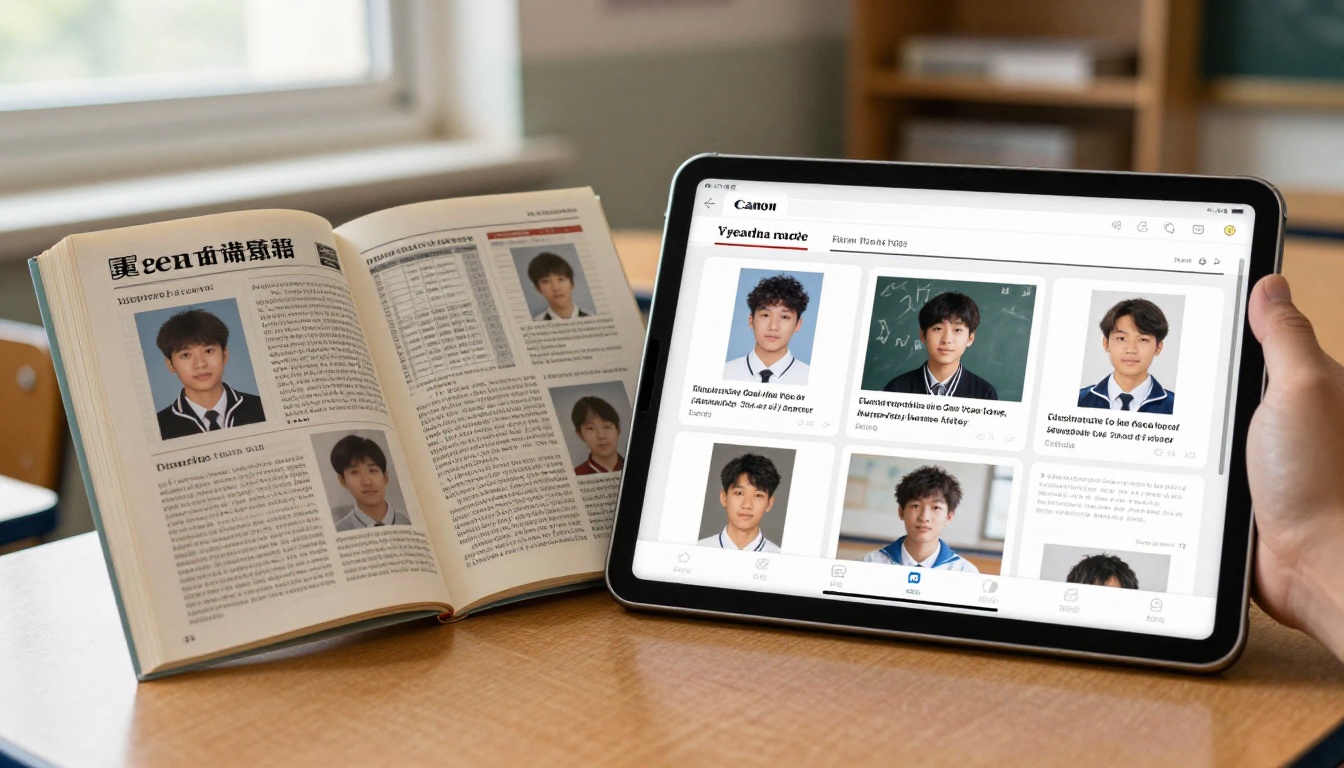
From there, the PDF becomes an animated, interactive book with realistic page-turning physics, zoom functionality, and clickable links. No app installation. No plugin required. It works on every device.
Features That Go Beyond Static Pages
What separates a digital flipbook from a simple PDF is interactivity. Schools using Flipbooks AI can embed video clips directly into yearbook pages, so the homecoming game video plays right inside the book. Audio messages from teachers or students can be attached to specific pages. Hyperlinks connect to school social media profiles, event photos, or athletic records.
💡 Pro tip: Use the video embed feature on the graduation section to include a clip of the ceremony. Students who could not attend live will watch it on repeat for years.
The result is not just a yearbook. It is a multimedia time capsule.
How Schools Build a Flipbook Yearbook
Gathering and Organizing School Photos
The photography phase works identically whether the final product is printed or digital. A designated student photographer or yearbook staff member documents school events throughout the year: sports days, prom, science fairs, class trips, drama productions, and graduation. The main difference with digital is that photo quality standards are more flexible. Print requires 300 DPI minimum. Digital screens render well at 72-150 DPI, meaning more photos qualify and fewer shots get rejected for technical reasons.
Most schools use a shared Google Drive folder or Dropbox with event-based subfolders. Student editors review and select the final photos, then pass the approved set to the design team.
Designing Pages That Tell the Story
Page layout for a digital yearbook follows the same principles as print design, with the added freedom of color depth. Print yearbooks often limit color use to control printing costs. Digital yearbooks have zero color-related costs, so every page can be full-bleed color, use rich gradients, and feature high-contrast imagery without penalty.
✅ Best practice: Design pages at 1920x1080 pixels for optimal screen display, even if your base document format is A4 or letter size. The flipbook engine scales beautifully.
Common sections in a school flipbook yearbook include:
- Opening spread with school name, motto, and year
- Faculty and staff portraits
- Grade-level and homeroom class photos
- Club and extracurricular spotlights
- Sports season highlights
- Academic achievements and awards
- Senior superlatives and "most likely to" pages
- Candid moments and behind-the-scenes photos
- Farewell messages from teachers
- Senior quotes and post-graduation plans
Adding Video Clips and Audio Moments
This is where digital yearbooks pull definitively ahead of print. A printed page about the school play shows three photos. A flipbook page about the school play shows three photos and a 90-second clip of opening night. Graduation speeches, championship game moments, school choir performances, and pep rallies all belong in the yearbook now, not in a separate YouTube playlist that no one remembers to visit.
How to Create Your School Yearbook with Flipbooks AI
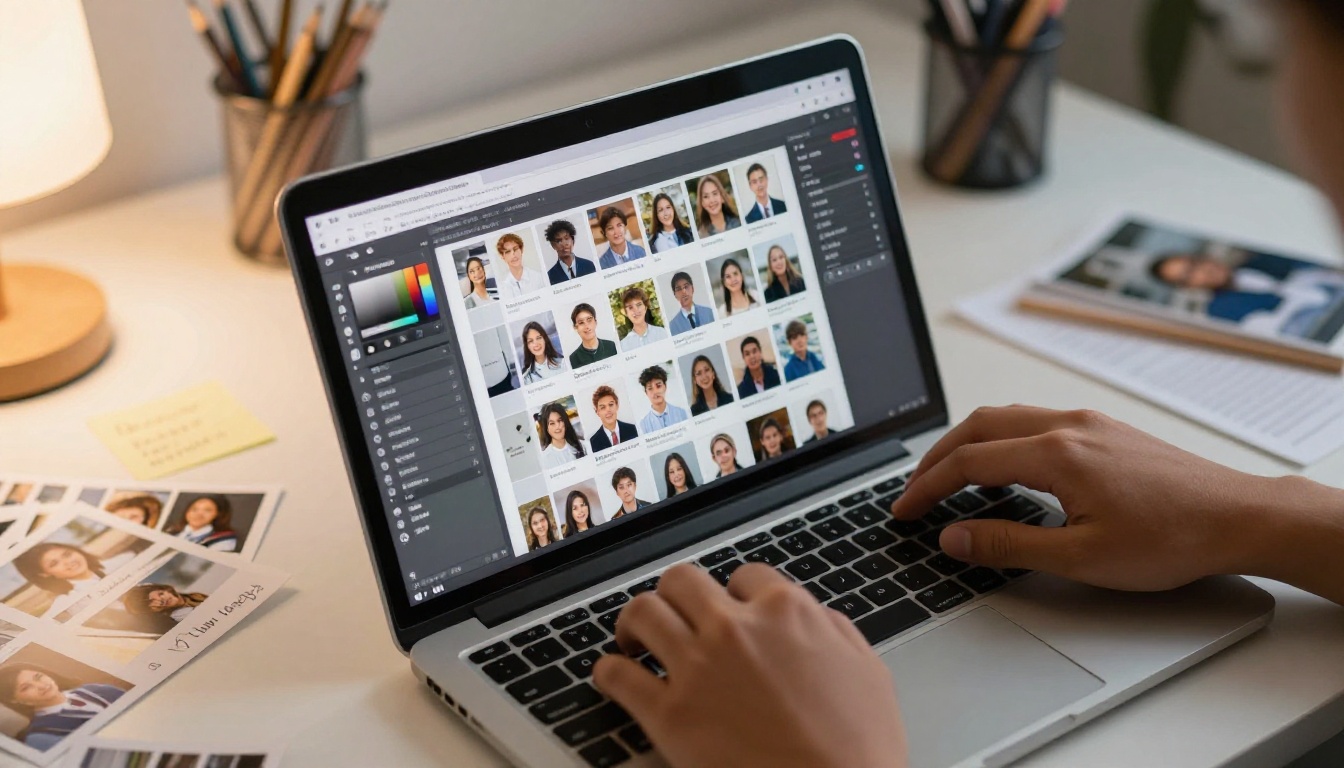
Flipbooks AI provides everything schools need to turn a PDF yearbook into a polished, shareable digital publication. The Yearbook Flipbook Maker tool is built specifically for school use cases and handles everything from upload to distribution.
Step 1: Create Your Account
Go to flipbooksai.com/account and sign up. The Standard plan supports unlimited flipbooks with no watermarks, making it suitable for a full yearbook program that publishes multiple editions (fall sports, winter formal, spring graduation). For schools that need data on who is viewing the yearbook and when, or want to collect student contact info through lead forms, the Professional plan adds those capabilities.
Step 2: Upload Your Yearbook PDF
Once your yearbook design is finalized, export it as a PDF and upload it directly in the dashboard. Flipbooks AI converts the PDF automatically, creating the interactive flipbook with page-turn animations. Uploads typically finish in two to four minutes depending on file size.
⚠️ Important: Flatten all fonts and embedded images before exporting your PDF to avoid rendering issues. Use PDF/X-1a export setting in InDesign or "Print quality" export in Canva.
Step 3: Brand It for Your School
After upload, the customization panel lets you set:
- Custom domain or subdomain so the link reads like
yearbook.yourschool.edu
- School colors applied to the flipbook player chrome and loading screen
- School logo displayed on the reader interface
- Background texture behind the open book (dark wood, soft felt, neutral gray)
- Page flip sound on or off
This branding turns a generic digital publication into something that feels officially part of the school's identity.
Step 4: Add Multimedia and Rich Content
Inside each page, use the editor to embed:
- Videos: Paste a YouTube or Vimeo URL directly onto any page
- Audio: Attach an MP3 file to a page (perfect for graduation speeches)
- Links: Make sponsor logos, social handles, or QR codes clickable
- Pop-up images: Tap a thumbnail to open a full-resolution version
The School Newsletter Creator tool also works well for creating companion publications to the main yearbook, like a senior edition newsletter or a class trip recap flipbook.
Step 5: Share with the Whole School
Once published, sharing options include:
- Direct link: One URL shared by email, SMS, or school app
- Embed code: Paste into the school website or parent portal for an inline reading experience using the Embed Flipbook on Website tool
- Password protection: Keep the yearbook accessible only to enrolled families
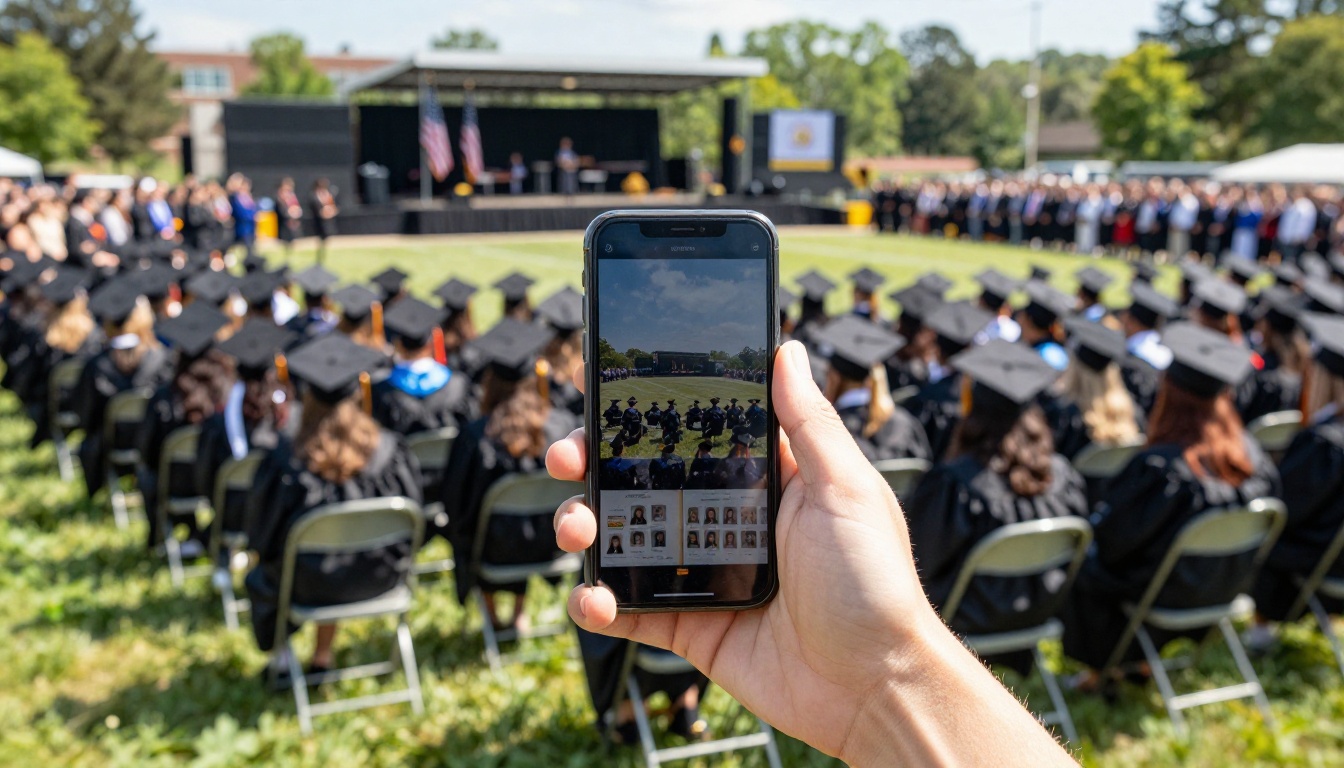
- QR code: Print a QR code on graduation programs so parents can scan and open the yearbook instantly
Printed vs. Digital: The Honest Comparison
Cost Breakdown
The financial case for digital yearbooks is straightforward. The hidden costs of print are significant beyond just the per-copy price.
| Factor | Printed | Digital Flipbook |
|---|
| Upfront design cost | High | Low (same tools) |
| Color printing | Adds cost per page | Free |
| Error correction | Reprint entire batch | Edit and republish |
| Lost/damaged copies | Replace at full cost | Resend the link |
| Storage requirements | Physical space | None |
| Accessibility (visually impaired) | Limited | Screen reader compatible |
| SEO and online discoverability | None | Indexable by search engines |
| Long-term preservation | Fades, deteriorates | Permanent digital archive |
Feature-by-Feature Comparison
| Feature | Printed Yearbook | Digital Flipbook Yearbook |
|---|
| Page-turn experience | Physical | Animated (realistic) |
| Video content | No | Yes, embedded |
| Audio content | No | Yes, per-page |
| Clickable links | No | Yes |
| Search within book | No | Yes, full text search |
| Mobile access | Carry physically | Any smartphone |
| International access | Shipping required | Instant, anywhere |
| Update after publish | Impossible | Yes, any time |
| Analytics (who viewed) | None | Yes (Professional plan) |
| Password protection | Not applicable | Yes |
Plans That Fit School Budgets
Flipbooks AI pricing is structured in a way that makes sense for school programs at different scales.
| Plan | Best For | Flipbooks | Watermark | Analytics | Price |
|---|
| Free | Testing and prototypes | 3 | Yes | No | $0 |
| Standard | Small schools, single edition | Unlimited | No | No | ~$19/mo |
| Professional | Full yearbook programs, multiple editions | Unlimited | No | Yes | ~$49/mo |
For most schools, the Standard plan provides everything needed for a full yearbook program. No watermarks means students see a clean, professional publication with no platform branding. The Professional plan becomes worthwhile when the school wants to track readership (how many families opened the yearbook, which pages held attention longest) or wants to collect graduate contact information for alumni outreach down the road.
💡 Budget tip: Split the Professional plan cost across the yearbook club fee, a PTA contribution, and a small school admin line item. The combined cost is a fraction of a single page of print advertising in a traditional yearbook.
Real-World Uses Beyond the Yearbook
Once a school has the flipbook workflow in place, the same tools apply to a range of other school publications that previously required print budgets or clunky PDF attachments.
School newsletters: The School Newsletter Creator turns weekly or monthly newsletters into engaging publications parents actually open and read rather than glancing at a plain-text email.
Event programs: The Event Program Maker handles graduation programs, theater night playbills, and sports banquet programs without printing costs.
Course materials: The Course Material Publisher lets teachers publish reading packets, project guides, and syllabi as interactive flipbooks students access on their devices.
Digital portfolios: The Digital Portfolio Creator gives students a professional format for presenting their best work during college applications or scholarship reviews.
Training manuals: The Training Manual Flipbook tool handles staff onboarding guides and student volunteer orientation packets.
Each of these use cases is already part of normal school operations. Flipbooks just make them more accessible, more professional, and dramatically cheaper than print alternatives.
Three Common Mistakes Schools Make
Waiting Until May to Start
The most avoidable mistake in any yearbook program is treating it as an end-of-year project. Schools that produce the strongest yearbooks start collecting photos and drafting section structures in September. A shared folder organized by month and event type makes the final assembly in April or May a matter of hours, not weeks.
Forgetting Families Without Fast Internet
Password-protected flipbooks solve privacy but can add friction for families with slow connections. Flipbooks AI supports offline download for Professional plan users, allowing the yearbook to be saved to a device and read without an internet connection. This is particularly valuable for schools serving rural communities or international families.
✅ Best practice: Always offer a downloadable version alongside the online flipbook. Most families will use the online version, but having the offline option available prevents access complaints.
Skipping the Proofreading Round
Because digital yearbooks can be edited after publishing, some yearbook editors skip rigorous pre-publish proofing. Resist this. Once a yearbook is shared, any corrections require re-uploading the PDF and re-sharing the link, which creates confusion about which version is current. Treat the first publish as permanent and proof accordingly.
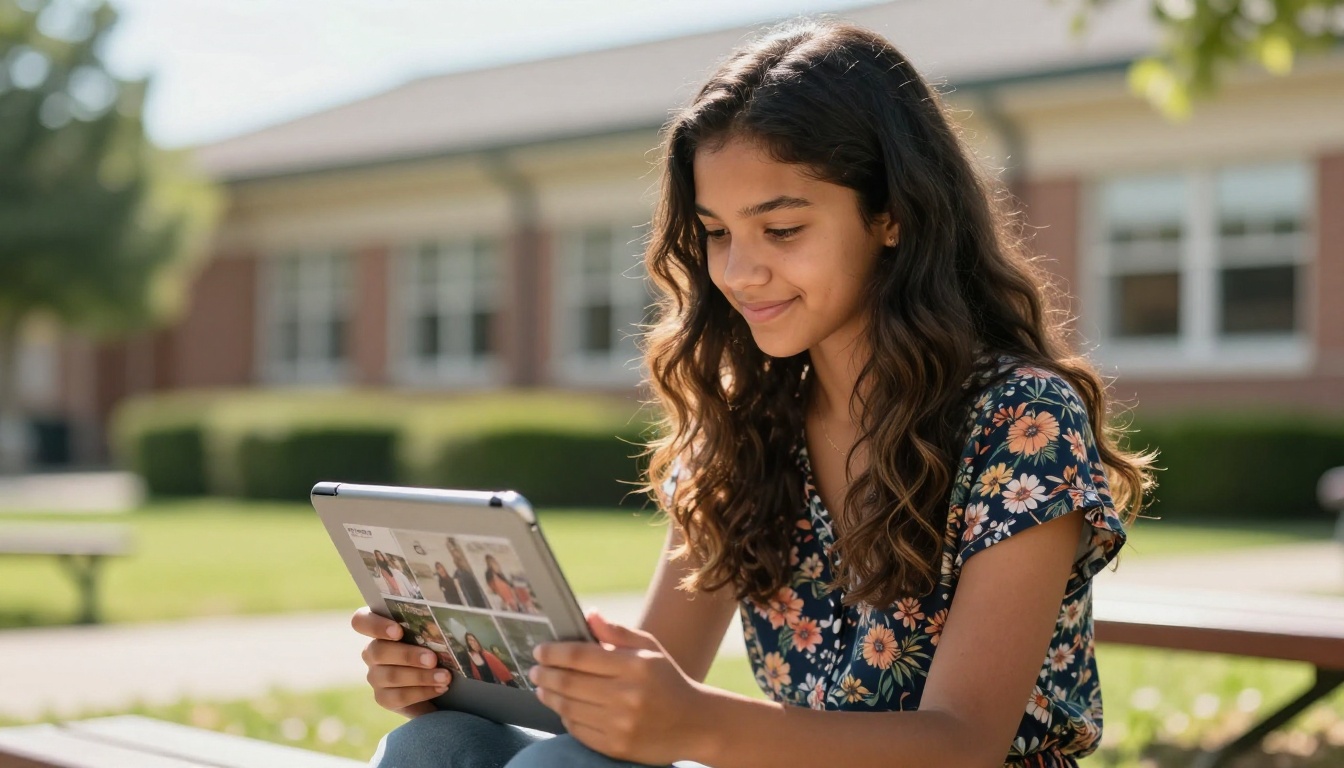
Start Your School's Digital Yearbook This Year
The shift from printed yearbooks to digital flipbooks is already happening in schools across every grade level and budget range. The technology is not experimental. It is mature, reliable, and purpose-built for exactly this use case. What used to require a printing contract, a logistics coordinator, and a $20,000 budget now requires a PDF and an afternoon.
Flipbooks AI gives yearbook committees, school administrators, and student editors everything they need to produce a publication students will actually share, parents will actually read, and graduates will actually keep. Not in a box in the attic, but on their phone, accessible forever.
Ready to build this year's yearbook? Create your account on Flipbooks AI and start with the Yearbook Flipbook Maker tool today. Compare pricing plans to find what fits your school's budget, or browse all flipbook tools for school publications.



