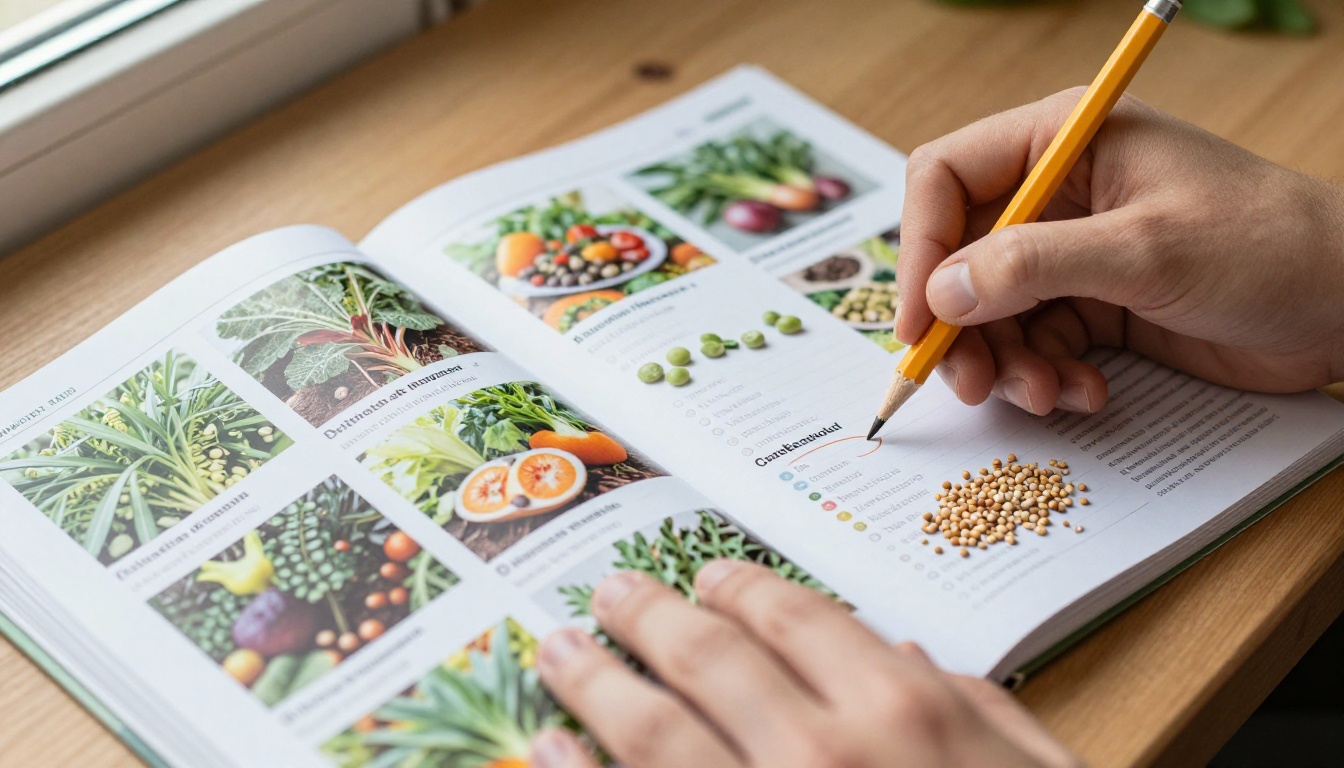
Every January, a quiet ritual starts in kitchens across the country: gardeners flip through thick seed catalogs with a pencil in hand. If you run a seed company, that ritual is your biggest sales window, and moving it online without losing its charm is harder than it looks. This article shows how seed companies publish their huge annual catalogs online, which formats work, and how a tool like Flipbooks AI turns a 250-page PDF into something people actually want to browse.
Why Seed Catalogs Are Different
A seed catalog is not a normal product brochure. It is a reference book, a wish list, and a planning tool all at once. Customers keep it on the coffee table for months, circle varieties, fold corners, and compare it with last year's copy.
Three traits make it a special publishing challenge:
- Size: most catalogs run between 150 and 300 pages, with thousands of SKUs.
- Seasonality: the whole document is rebuilt every year, usually between September and December.
- Dense data: days to maturity, planting depth, hardiness zones, germination rates, and organic certifications on every listing.
A product database alone cannot reproduce that experience. A plain website grid of 4,000 items loses the storytelling, the grouped layouts, and the serendipity of turning a page and landing on a variety you did not know you wanted.
The Three Ways Seed Companies Go Online
Most seed companies end up choosing among three formats. Each has trade-offs.
| Format | Best For | Main Weakness | Setup Effort |
|---|
| Plain PDF download | Quick archive copy | Slow to open, hard to search on phones | Very low |
| Full online store only | Customers who know what they want | Loses browsing and storytelling | High |
| Interactive flipbook catalog | Seasonal browsing plus ordering links | Needs a clean source PDF | Low |
| Hybrid (flipbook plus store) | Most mid-size and large sellers | Needs consistent product links | Medium |
The hybrid model is where the smartest sellers land. The flipbook carries the inspiration, and the store handles checkout. Each page links straight to the product, so a gardener who falls in love with a heirloom tomato spread is one tap from the cart.
💡 Pro tip: Keep the PDF and the store in sync by using the same variety codes in both. When a customer asks about "item 2417," your team and your site speak the same language.
Why PDFs Alone Fall Short
Plenty of companies still post a 120 MB PDF and call it done. It works, but it is a poor experience.
- Downloads stall on rural connections, where many of your gardeners live.
- Pinch-zooming on a phone to read a planting chart is miserable.
- There is no way to see which pages people actually read.
- Sharing means emailing a huge attachment.
A flipbook fixes each of those. Pages load progressively, the layout adapts to mobile screens, and a single link replaces the attachment. The PDF to Flipbook Converter handles the conversion without re-designing anything.
Preparing a 250-Page Catalog for Digital
Before any upload, the source file deserves an hour of attention. A clean PDF makes a clean flipbook.
Export at the Right Size
Export from InDesign or your layout tool at 150 dpi for screen, not the 300 dpi print version. This keeps the file well under 100 MB while photos of tomatoes and zinnias still look crisp. If you want a print-ready copy for your mailing house, keep that as a separate file.
Keep Spreads Consistent
Decide early whether pages will show as single pages or two-page spreads. Seed catalogs often use full-width flower photography across a spread, so a two-page view usually preserves the design.
Clean Up Fonts and Links
Make sure fonts are embedded and that any existing hyperlinks point to live product pages. Broken links in a 250-page file are painful to find after launch, so test a sample from each section.
Plan the Table of Contents
With this many pages, navigation matters more than the visuals. Add bookmarks for each section: vegetables, herbs, flowers, cover crops, tools, and gifts. Readers should reach "Tomatoes" in one tap.
How to Publish Your Catalog with Flipbooks AI
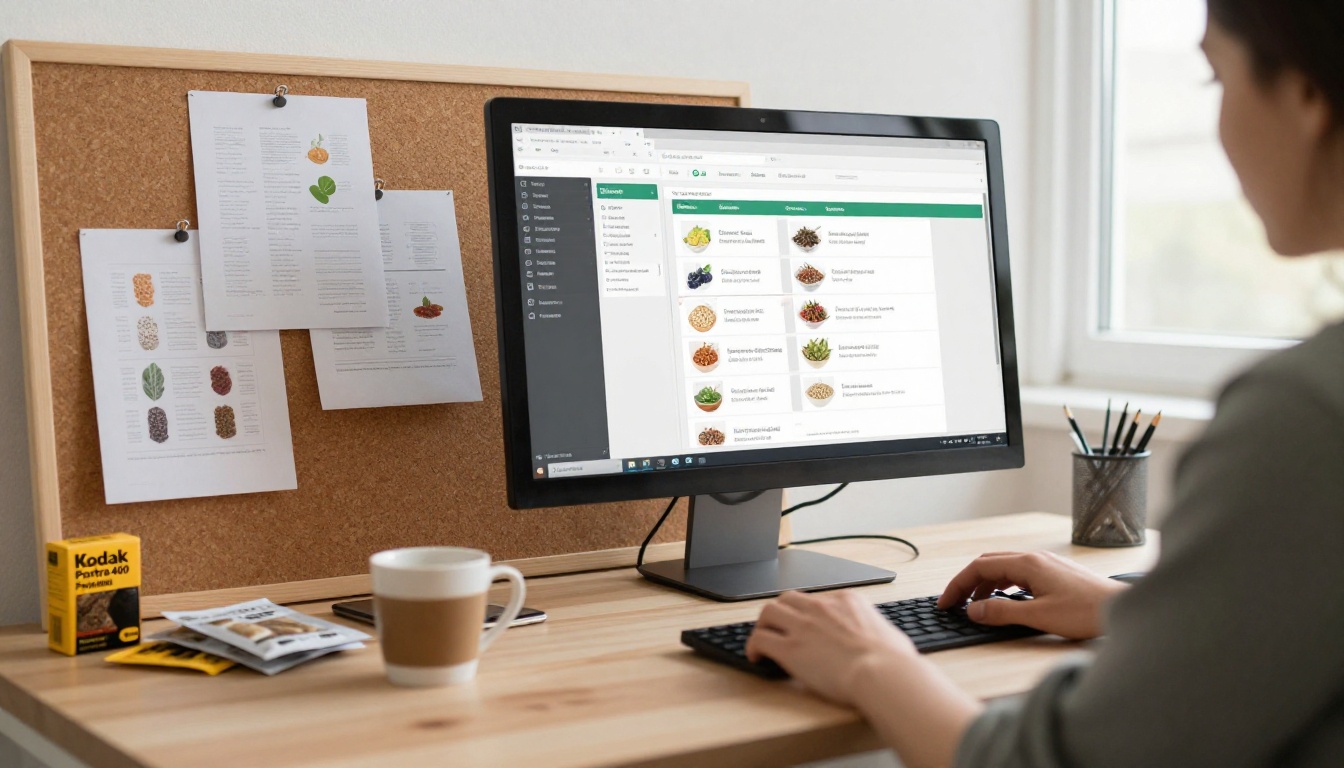
If your main goal is a branded, page-turning catalog online, the process takes minutes rather than weeks. Here is the practical workflow.
- Create your account. Go to Flipbooks AI and sign up. There are no watermarks on your output, ever.
- Upload the PDF. Drag in the screen-optimized file. The platform converts it into a flipbook and keeps your layout intact.
- Customize the viewer. Add your logo, set brand colors that match your seed packets, and choose page-flip effects. Soft earth tones work well for gardening audiences.
- Add multimedia. Embed a short video of your trial gardens or an audio note from your head grower. Embedding videos and audio is supported inside the flipbook.
- Link products. Add clickable links on each variety so readers can jump to the product page.
- Choose sharing options. Copy a direct link for your newsletter, grab the embed code for your site, or turn on password protection for wholesale-only catalogs. The Embed Flipbook on Website tool explains the embed step.
- Enable offline download. Some customers still want a copy for the greenhouse, where signal is poor.
For the broader category, the Digital Catalog Maker and Product Catalog tools are built for exactly this kind of large, structured document.
✅ Best practice: Publish a "preview" link to your email list two weeks before the official launch. Early browsing builds anticipation and gives you click data before the season opens.
Features That Matter for Seed Sellers
Not every flipbook feature is useful for a seed catalog. These are the ones that earn their place.
| Feature | Why Seed Companies Use It | Plan Level |
|---|
| Mobile-responsive reading | Gardeners browse on phones in the garden | All plans |
| Custom branding | Matches packets, labels, and website | All plans |
| Password protection | Wholesale and garden center price lists | Standard and above |
| Embedded video | Planting tutorials and farm tours | All plans |
| Analytics | Shows which varieties draw the most attention | Professional |
| Lead generation forms | Capture emails before opening the catalog | Professional |
| Offline download | Reading in greenhouses and fields | All plans |
You can compare each tier on the pricing page before deciding. Unlimited flipbooks start with the Standard plan, which is handy when you publish a spring catalog, a fall bulb catalog, and a wholesale edition.

Turning Browsers into Buyers
A beautiful flipbook is not the goal. Orders are. Here is how seed companies connect the two.
Link Every Variety to the Cart
Every product listing in the PDF should link to its product page. A customer reading about a purple carrot should reach checkout in two taps. This one change often does more for sales than any redesign.
Use Lead Capture Smartly
With the Professional plan, you can gate the catalog behind a short form. Ask only for an email address and a gardening zone. The zone lets you send relevant planting reminders later, which beats a generic blast.
Segment by Page Behavior
Analytics show which pages hold attention. If customers linger on the heirloom tomato spread but skip the cover crops, you have two decisions: promote cover crops differently, or move them closer to the front next year.
Feature Seasonal Collections
Use the first few pages for bundles: "Beginner Salad Garden," "Pollinator Mix," "Kids' Sunflower Kit." Bundles are easy to browse, and they raise average order value.
A Real-World Scenario
Picture a family-owned heirloom seed company with 1,800 varieties and a 240-page catalog. For years, they mailed 40,000 printed copies and posted a giant PDF online. Mail costs climbed, and the PDF generated almost no trackable data.
Here is what a switch to a flipbook might look like:
| Metric | Before (PDF Only) | After (Flipbook plus Links) |
|---|
| Average time to open on mobile | 25 to 40 seconds | 2 to 4 seconds |
| Pages with trackable views | None | Every page |
| Printed copies mailed | 40,000 | 25,000 to the best customers |
| Email shares of the catalog | Rare (attachment too large) | Common (single link) |
| Wholesale access control | Manual emailing | Password-protected edition |
Numbers like these will vary, but the pattern holds. Digital replaces the low-value print mailings, and print stays for the loyal customers who love it. Both formats work together.

Common Mistakes to Avoid
Seed companies repeat the same few errors when they go digital.
- Uploading the print PDF unchanged. A 400 MB print file converts slowly and wastes bandwidth. Export a screen version instead.
- Forgetting mobile. More than half of seed browsing now happens on phones. Test every section on a small screen.
- Skipping the table of contents. Without section bookmarks, a 250-page catalog feels endless.
- Not updating mid-season. When varieties sell out, readers should not discover that after clicking. Replace the flipbook or update the links.
- Ignoring the wholesale audience. Garden centers and farms want pricing tiers. A separate protected edition keeps retail and wholesale clean.
- Hiding the link. Put the catalog on your homepage, in your email footer, and in every order confirmation.
⚠️ Warning: Never leave last year's catalog live under the same address without a clear label. Customers will order discontinued varieties and write to support.
Getting the Catalog in Front of People
Publishing is half the job. Distribution is the rest.
- Email: send a hero image of the cover with a "Browse the new catalog" button.
- Social: share single-page screenshots, such as a gorgeous pollinator spread, linking back to the flipbook.
- Website: embed the catalog right on a landing page so visitors do not leave your site.
- Packaging: print a short URL or QR code on seed packets and order slips.
- Garden centers: give retail partners a protected link they can open on a tablet at the counter.
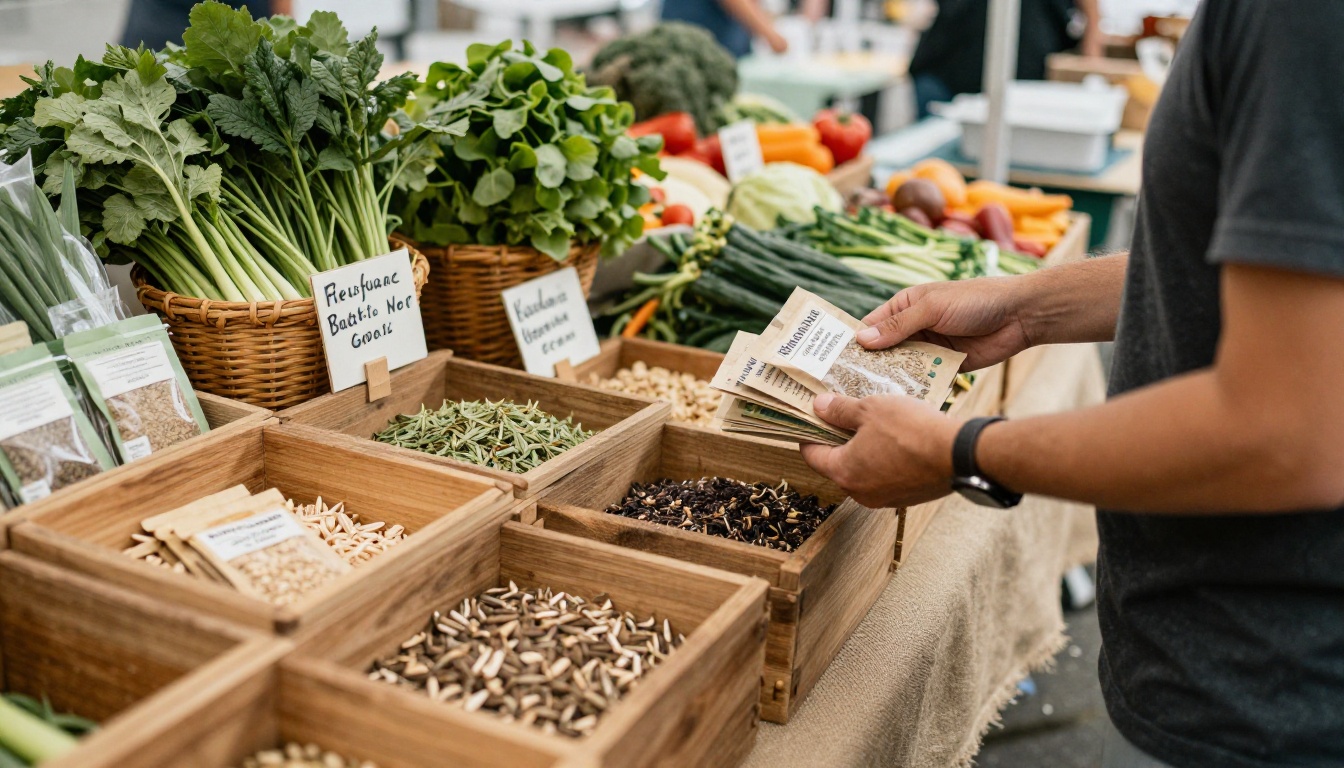
A QR code at a farmers market stall deserves special mention. A customer scans, flips through the full range on a phone, and orders what you did not bring to the stall. It extends a small table into your entire inventory.
Measuring What Works
Once the catalog is live, check results weekly through the season. Useful signals include:
- Total opens and unique readers to judge reach.
- Pages read per visit to see whether the layout holds attention.
- Most viewed pages to guide next year's page order.
- Link clicks per page to spot your strongest merchandising.
- Drop-off point to find the page where readers leave.

Take these numbers into your planning meeting each autumn. A catalog that is rebuilt every year deserves data-backed decisions about layout, featured varieties, and pricing. The analytics tools sit in the Professional plan, and they pay for themselves quickly when they reveal a single underperforming section.
Beyond the Main Catalog
Once the flagship catalog works, the same approach applies to other documents seed companies already produce:
Each one reuses the same branding and the same links, so the second and third documents take a fraction of the time.
Ready to Publish Yours?
The seed catalog tradition is not going away, and it should not. The pencil circles and folded corners are what make it special. The smart move is to keep that feeling and add the things paper cannot do: instant sharing, clickable ordering, mobile reading, and real data on what customers love.
If you are ready to put your own catalog online, get started for free on Flipbooks AI and upload your PDF today. Browse all available tools and templates to match your document type, and review the pricing plans to choose the level that fits your season. Your gardeners are already waiting for next year's catalog, so give them one that opens in seconds.



