A small museum rarely lacks material for a catalog. What it lacks is the budget to print 1,000 copies that may sit in a storage room for years. The good news: you can publish the same catalog as a page-turning digital edition, and a tool like Flipbooks AI turns your existing PDF into one in minutes. This article shows how small museums share exhibition catalogs without a print run, what it costs, and how to do it step by step.
Why Print Runs Hurt Small Museums
Large institutions print catalogs because they have retail channels, endowments and storage. A town museum with three staff members has none of that. The math rarely works.
A typical 64-page, full-color softcover catalog costs between $6 and $14 per copy at short run quantities, and the price per unit only drops when you order thousands. Add design, proofing, freight and warehousing, and a single show can swallow a quarter of a small exhibitions budget.
Then there is the problem of timing. Print lead times run two to five weeks. If a loan arrives late or a label changes, the printed catalog is already out of date on opening night.
The Hidden Costs
- Overruns and leftovers: most museums order extra to hit a price break, then store boxes for years.
- Shipping to lenders and funders: every grant report or loan agreement means mailing copies.
- Corrections: a typo in a credit line is permanent once ink hits paper.
- Reach: a printed catalog only travels as far as someone carries it.
Who Benefits Most From Going Digital
Historical societies, university galleries, art centers, regional science museums and community heritage sites all share the same constraint: limited money and a loyal but geographically scattered audience. Digital catalogs fit that profile well.
💡 Pro tip: Keep a short print run of 25 to 50 copies for donors, lenders and the permanent archive, and let the digital edition serve everyone else.
Print vs Digital: A Real Comparison
Here is how the two formats compare for a typical 60-page catalog.
| Factor | Short Print Run (500 copies) | Digital Flipbook Catalog |
|---|
| Upfront cost | $3,000 to $7,000 | Subscription fee only |
| Lead time | 2 to 5 weeks | Same day |
| Corrections after launch | Reprint required | Replace the PDF |
| Storage needs | Boxes, shelving | None |
| Reach | Local and mailed | Anywhere with a link |
| Visitor analytics | None | Views, time on page |
| Video and audio | Impossible | Embedded |
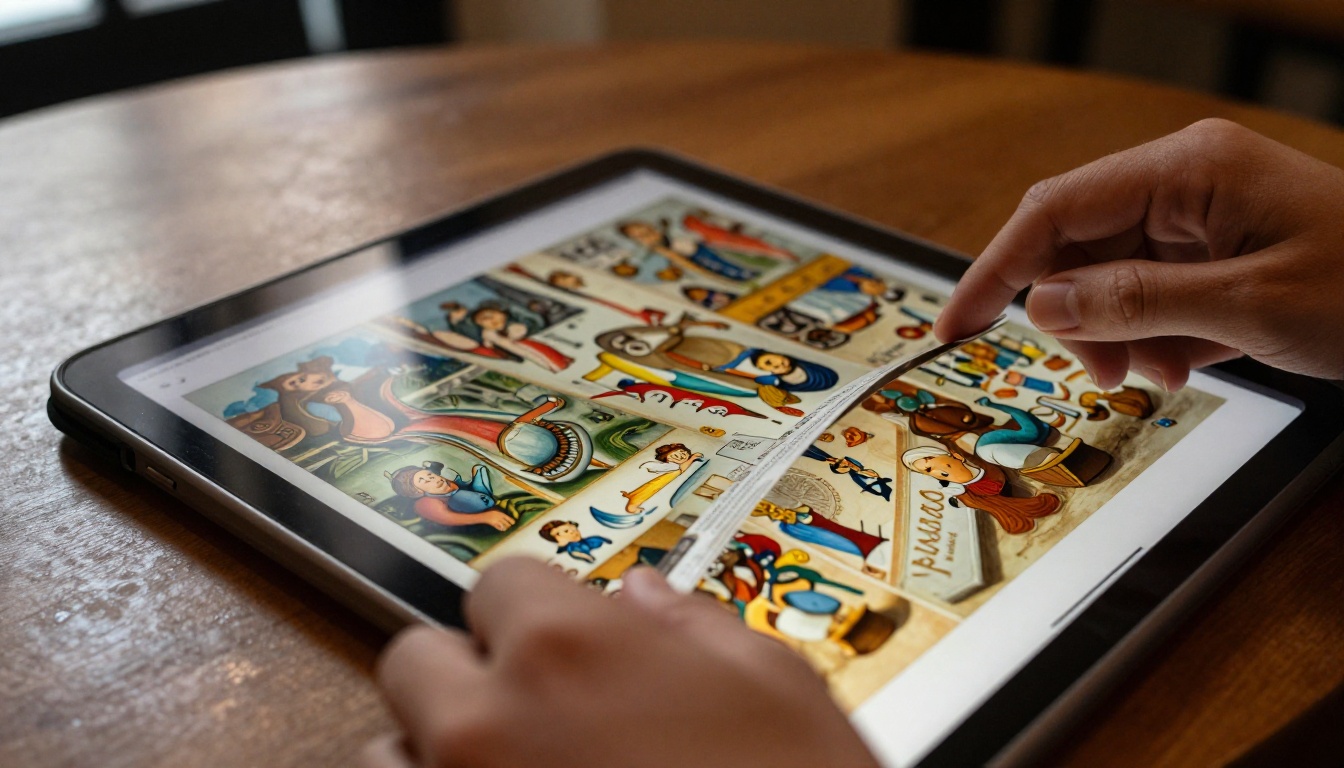
The numbers make the case, but format matters too. A flat PDF attached to an email is cheap, yet it feels like a file, not a publication. Visitors have to download it, zoom around, and often give up on mobile screens. A flipbook keeps the page-turning experience of a printed book and adds the convenience of a link.
What a Digital Catalog Actually Is
People often picture a dull PDF. A good digital catalog is closer to a small website that behaves like a book.
PDF vs Flipbook vs Website
| Format | Best For | Weak Spot |
|---|
| Plain PDF | Quick internal sharing | Poor mobile reading, no tracking |
| Flipbook | Public catalogs, press, funders | Needs a hosting tool |
| Custom web page | Large permanent collections | High build and upkeep cost |
For most small museums, the flipbook is the sweet spot. You keep your layout designer's work, you avoid a web build, and you get sharing features that a PDF cannot offer.
Features Worth Having
- Realistic page-turn motion that feels familiar
- Mobile-responsive reading with pinch zoom
- Clickable links to artist pages, donation forms and ticketing
- Embedded video of artist interviews and installation footage
- Password protection for loan agreements and donor previews
- No watermarks on the finished publication
The Step-by-Step Workflow
Here is the process most small teams follow, from final layout to a live link.
Step 1: Photograph the Works Properly
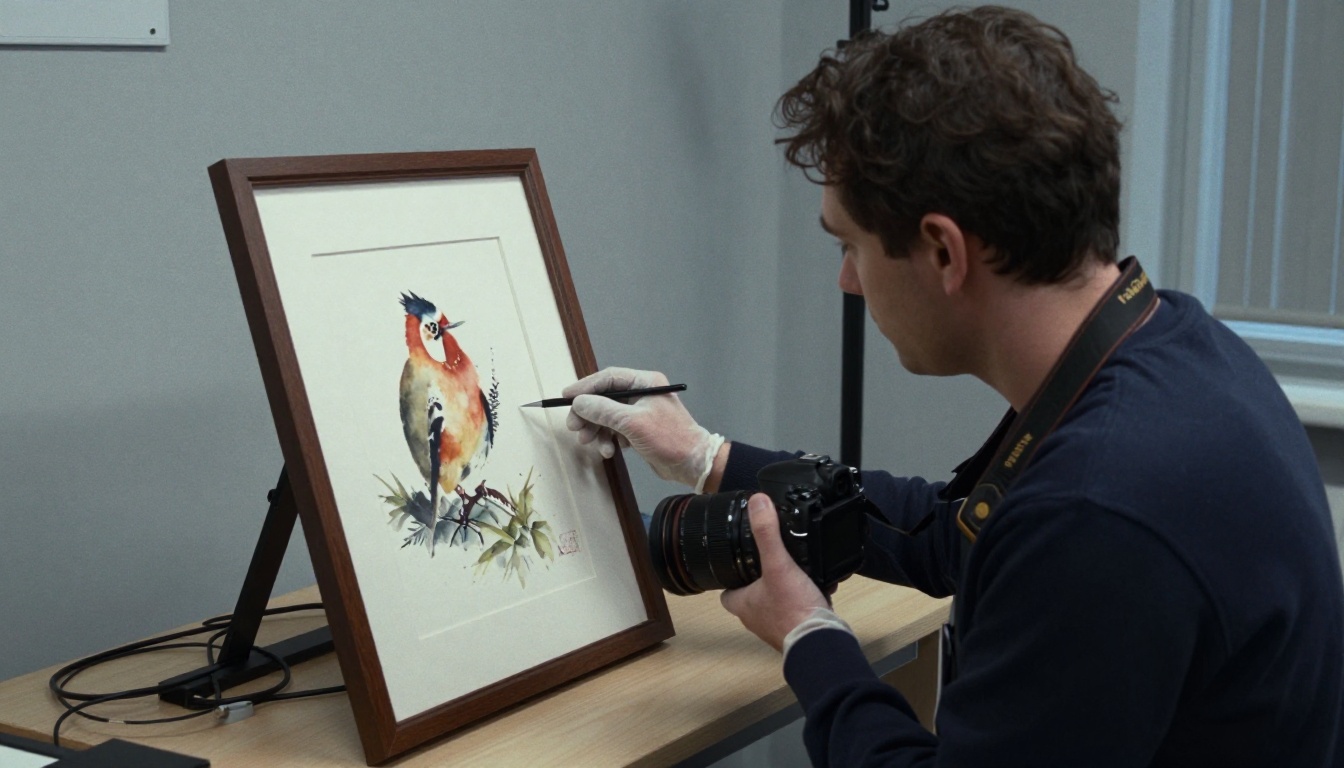
Good reproduction is the whole point of a catalog. Shoot on a copy stand or in diffused window light, avoid glare on glazed work, and keep a color target in at least one frame per session. Shoot at high resolution; you can compress later.
Step 2: Lay Out the Catalog as a PDF
Use whichever tool your team already knows: InDesign, Affinity Publisher, Canva or even Word with a careful template. Design for screens as well as paper:
- Use a consistent grid and generous margins.
- Keep body text at 10 pt or larger.
- Place captions directly under each image.
- Add working hyperlinks for artist websites and shop pages.
- Export at 150 dpi for web viewing to keep the file light.
Step 3: Convert the PDF to a Flipbook
This is where the work shrinks. Create a free account at Flipbooks AI, upload your PDF, and the platform builds the page-turning edition automatically. The PDF to Flipbook Converter handles standard exports with no special settings.
For museum-specific layouts, the Digital Catalog Maker and the Catalog Flipbook Creator are good starting points.
Step 4: Customize the Look
Match the flipbook to your institution:
- Upload your logo and set brand colors
- Choose a background that suits the exhibition, such as a soft neutral for painting shows
- Select page effects, from a gentle curl to a simple slide
- Add audio guides or artist interview videos on relevant pages
Step 5: Choose Your Sharing Method
| Method | Use It For |
|---|
| Direct link | Newsletters, social posts, press emails |
| QR code | Wall labels, posters, shop counter |
| Website embed | Exhibition page on your museum site |
| Password link | Lender previews and donor evenings |
The Embed Flipbook on Website tool gives you a snippet to paste into your CMS, so the catalog lives on your own exhibition page.
✅ Best practice: Print the QR code on the wall text beside the first work. Visitors can carry the full catalog home on their phones.
Putting the Catalog in Visitors' Hands
A digital catalog only helps if people find it. The best museums treat distribution as part of exhibition planning.
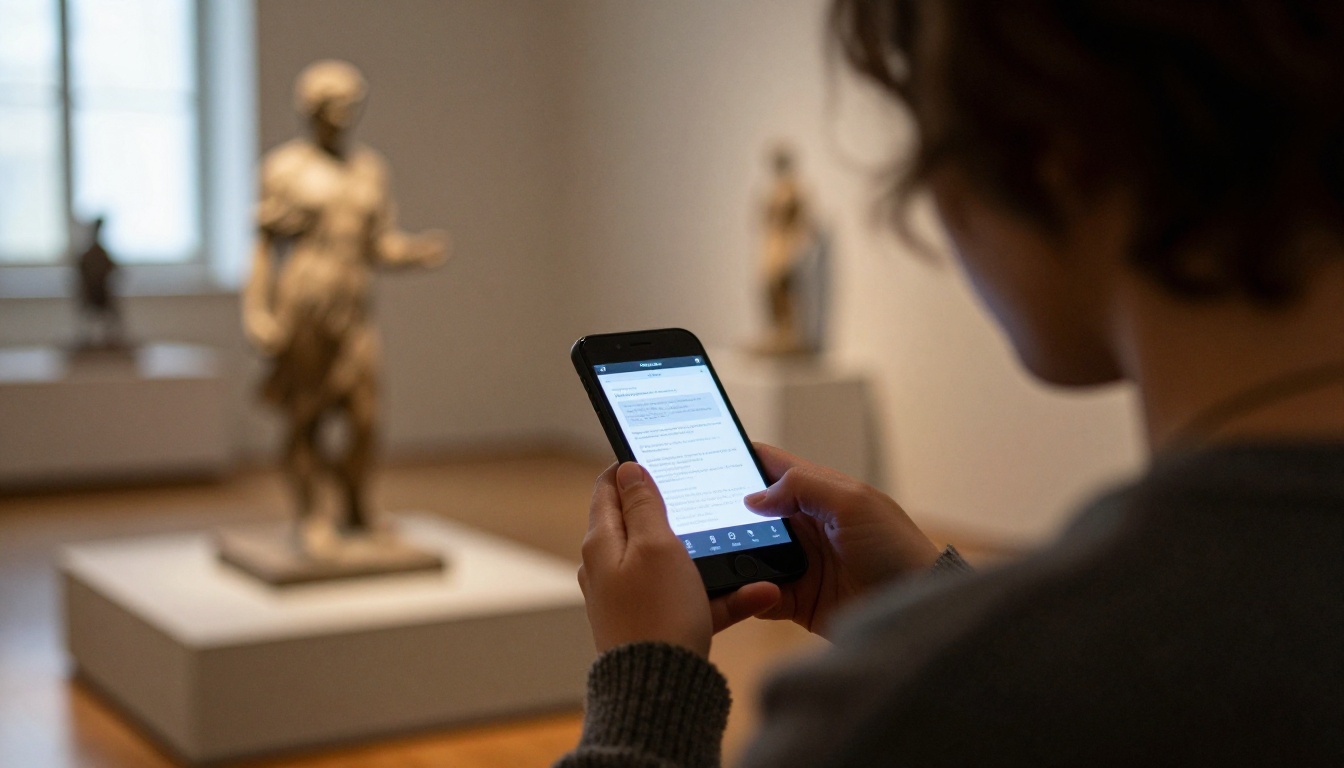
Inside the Gallery
Place QR codes at the entrance, beside the introductory text and near the exit. Many visitors prefer to read at home after the visit, and a code lets them keep the catalog without carrying a heavy book.
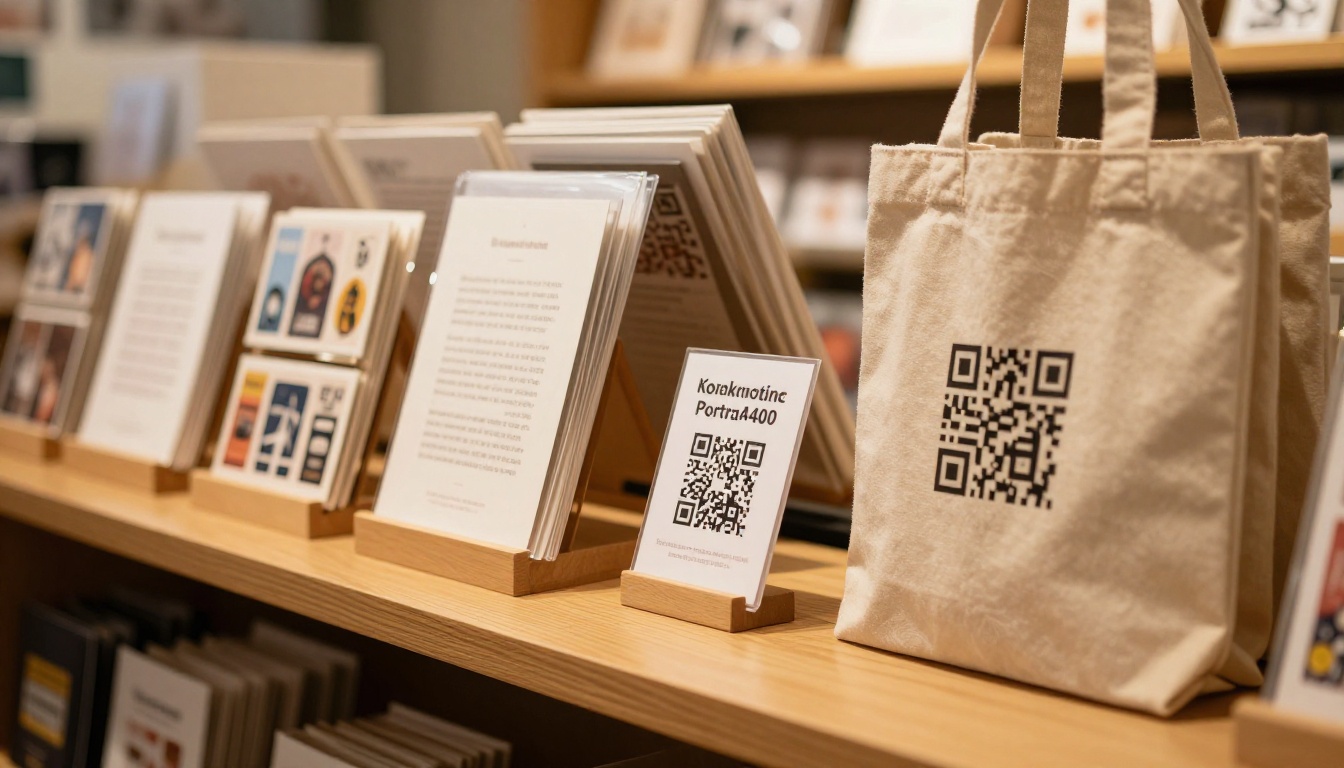
At the shop counter, offer the digital edition for free and the printed copy as a collectible. Staff report that this pairing often raises print sales among people who first browsed the digital version.
Beyond the Walls
- Email newsletter: send the link on opening day with a short curator note.
- Social media: post a single spread each day for a week, linking back to the full flipbook.
- Press kit: include the link in releases so journalists can pull images and credits instantly. The Press Kit Designer helps assemble supporting material.
- Partner sites: libraries, tourism boards and local schools can embed or link the catalog.
Reaching Schools
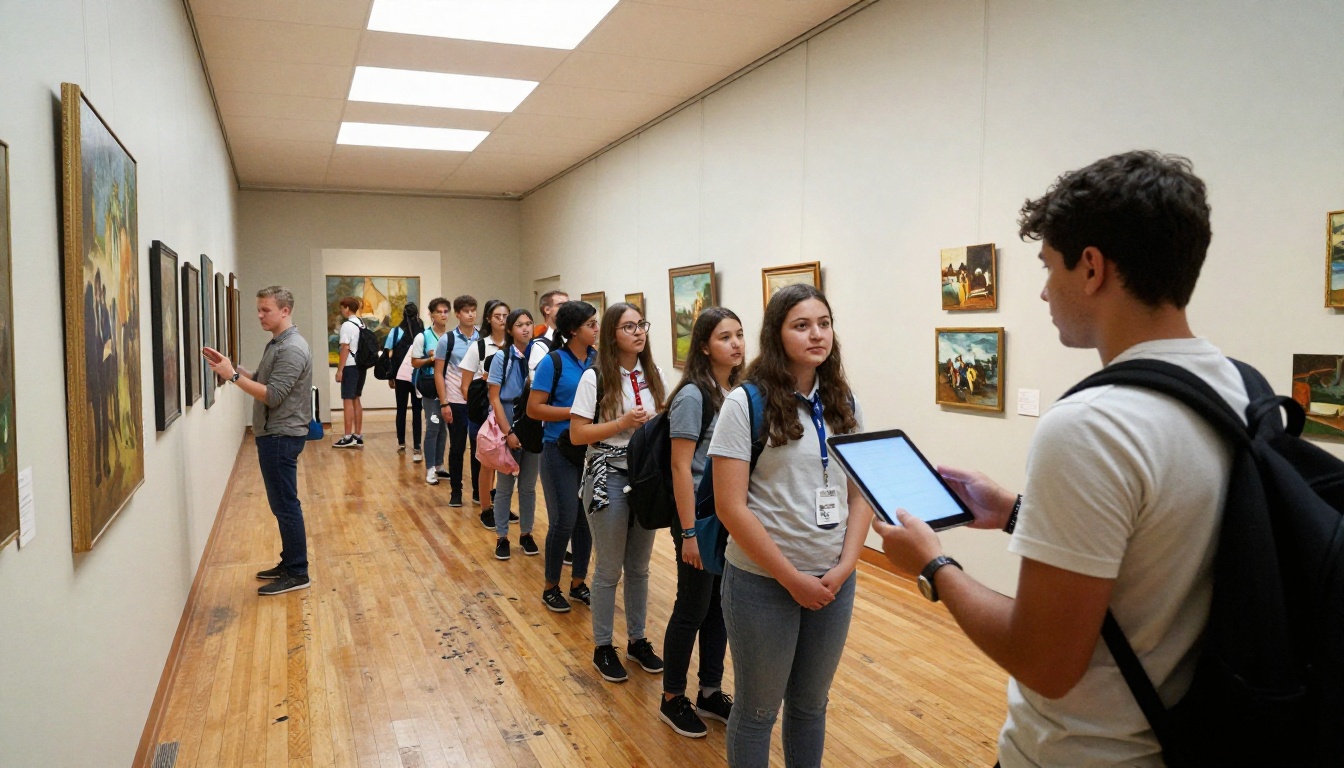
A teacher with a tablet can open the catalog in class before a visit, then use it to prompt discussion afterward. Pair it with a short worksheet and the exhibition becomes a classroom resource. The Course Material Publisher is useful for building companion teaching packs.
Real-World Scenarios
A Regional Art Center
A 40-seat art center hosts four shows a year. Printing 300 catalogs per show cost roughly $2,400 each time. By switching to flipbooks plus a 40-copy archival run, the center cut the per-show spend by about 80 percent and redirected the money to artist stipends.
A Local History Society
A volunteer-run society publishes a photographic exhibition every autumn. Older members still want paper, so the society prints 30 copies, while the flipbook goes to the 1,200 names on its mailing list. Corrections to captions, which volunteers send in for weeks after opening, are fixed in one upload.
A University Gallery
A gallery inside a campus library needs to give funders proof of reach. Its flipbook analytics show visits by day, giving the development office real numbers for the annual report.
Protecting Rights and Loans
Digital sharing raises fair questions about image rights and loan terms.
Check Your Agreements First
Before you publish, confirm:
- Lenders allow digital reproduction of their works.
- Artists have signed off on online use.
- Photographers are credited as agreed.
- Any estate or third-party permissions cover web distribution.
⚠️ Warning: A print license does not always include online use. Read the wording on every loan form before the flipbook goes public.
Use Access Controls
Password protection lets you share sensitive previews with lenders or trustees before opening day, then remove the password when the exhibition launches. Offline downloads can be turned on or off depending on how much control you need.
| Content Type | Suggested Setting |
|---|
| Public exhibition catalog | Open link, downloads optional |
| Pre-opening lender preview | Password protected |
| Donor-only catalog | Password plus lead capture |
| Archive edition | Open link, offline download on |
Measuring What Works
Printed catalogs give you a sales number and little else. A digital edition tells you which pages people actually read.
Metrics Worth Watching
- Total views: a quick sign of interest.
- Time spent per page: shows which works attract attention.
- Referral sources: tells you whether newsletters, social posts or QR codes drive traffic.
- Lead capture: collects email addresses from readers who want updates on future shows.
Analytics and lead generation are part of the Professional plan, so check the pricing plans to see which tier matches your needs. Unlimited flipbooks are available from the Standard plan up, which suits museums that run several exhibitions a year.
Using the Data
Bring the numbers to board meetings and grant reports. Show that 3,400 people opened the catalog from 22 countries, and funders see reach that no print run could deliver. Pair the figures with visitor attendance and the story gets stronger.
Building a Lasting Digital Archive
Every finished exhibition leaves behind a catalog. If you keep each one as a flipbook, you build a browsable history of the museum without needing shelves.
Organize From the Start
- Name each flipbook by year and exhibition title.
- Keep a master spreadsheet of links, dates and rights notes.
- Create a single archive page on your site that lists every catalog.
- Back up the source PDFs in two separate locations.
For museums that also publish annual summaries, the Non-Profit Annual Report tool turns a yearly review into a shareable edition in the same style.
Common Mistakes to Avoid
- Uploading a print-resolution PDF of 300 MB that loads slowly on phones
- Forgetting alt-style captions and credits on each image
- Hiding the link on a deep page nobody visits
- Skipping the QR code in the gallery
- Publishing without checking image rights
Start Your First Digital Catalog
You do not need a print budget to publish a catalog people will keep. Take the PDF you already have, convert it, and share a link before the opening reception.
Ready to build one? Get started for free on Flipbooks AI, browse all flipbook tools for museum-friendly layouts, and compare pricing plans to choose what works for your team. When you are ready for analytics and lead capture, upgrade through your account and give your next exhibition the audience it deserves.



