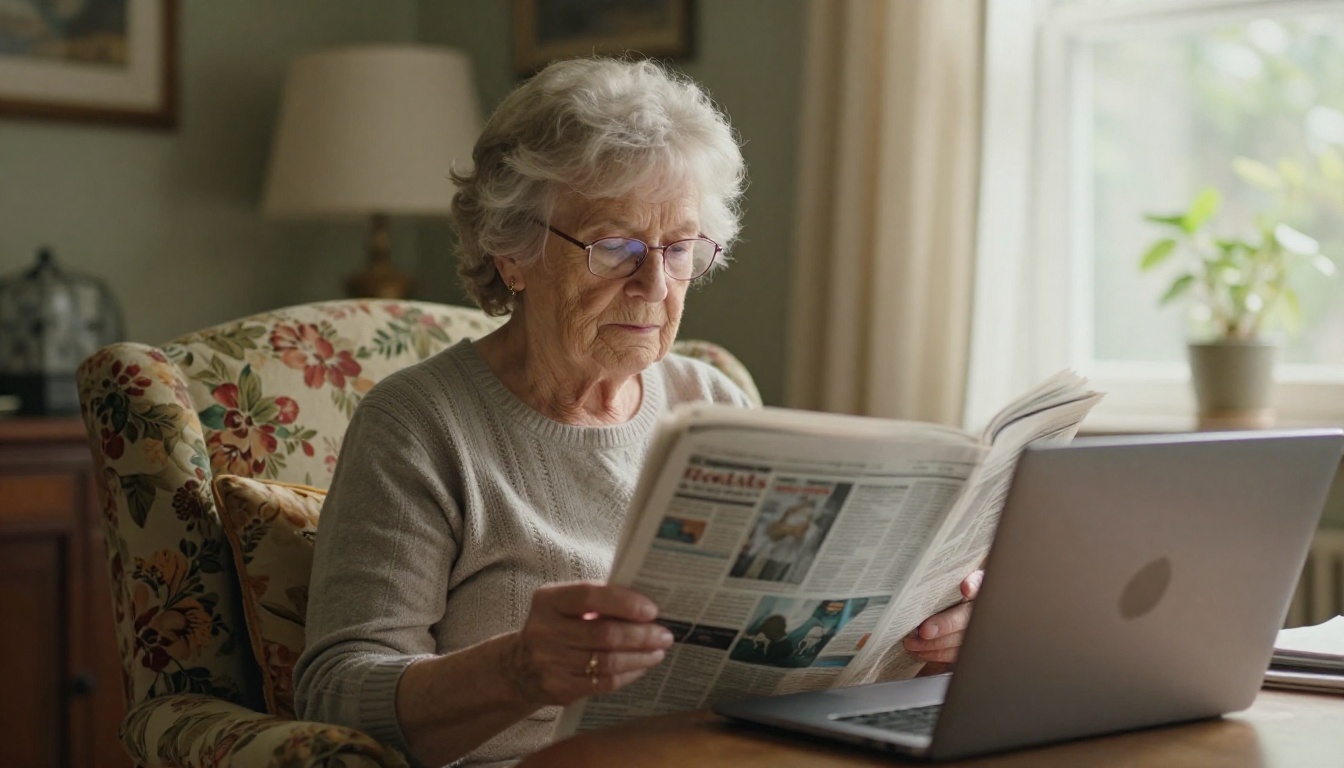
A subscriber moves three towns away, but still wants the Thursday front page, the obituaries and the high school football box scores exactly as they ran in print. That reader is the reason a print replica exists, and it is why small newspapers are quietly adding it to their subscription bundles. With a tool like Flipbooks AI, a weekly paper can turn the same PDF it sends to the press into a page-turning edition in minutes, with no developer and no new software to install.
This article shows how small newspapers set up a replica edition, what to charge, how to protect it behind a login or password, and how to measure whether it pays for itself.
Why Readers Want a Replica
A replica is an exact digital copy of the printed page: same layout, same ads, same headlines, same position on the page. It is different from a website or an app feed, which rearranges stories into a stream. Many loyal local readers trust the page because they know where things live.
The Familiarity Factor
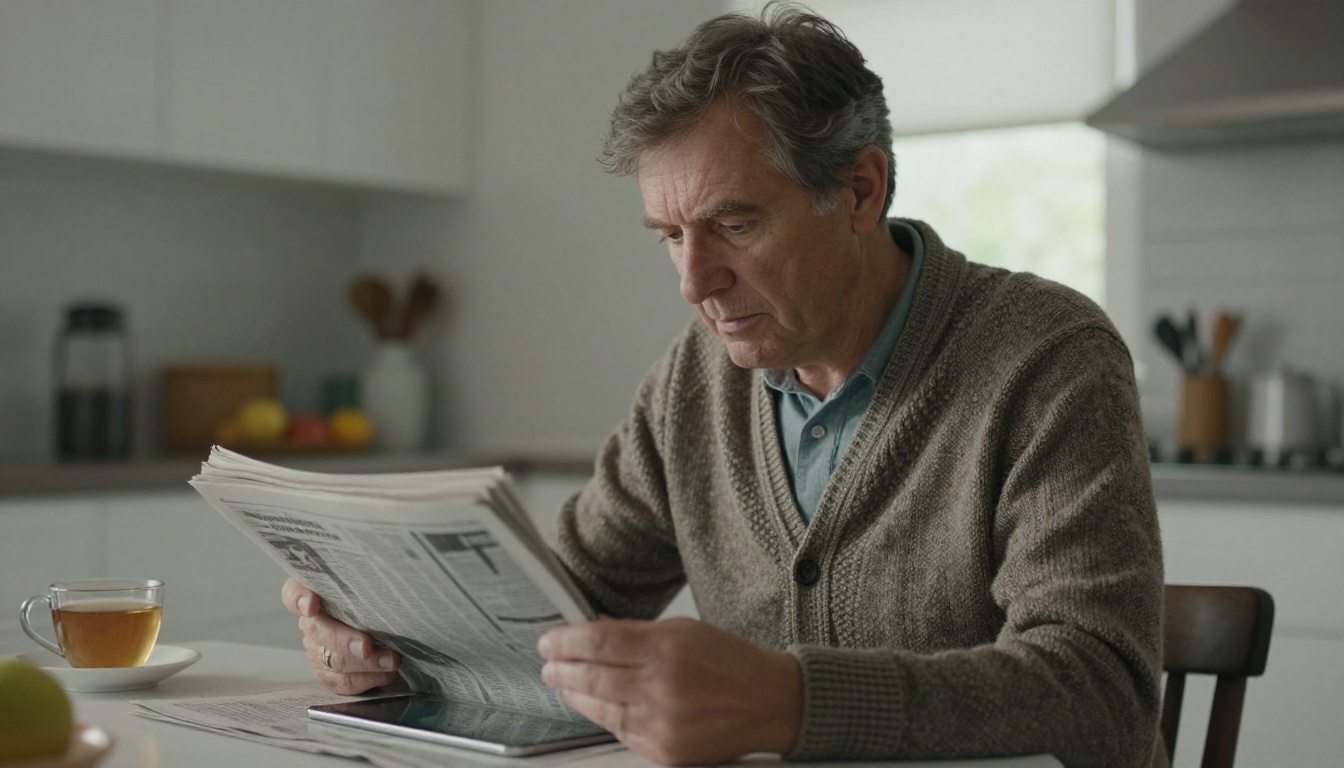
Readers over 55 still make up the core of most community paper subscriptions. They often resist app-based news, yet they will happily flip through a page that looks like the paper they have read for forty years. A replica removes the learning curve.
The Out-of-Town Subscriber
Snowbirds, college students, deployed military and families who moved away all want local news. Mailing a paper costs more every year, and delivery is slow. A replica reaches them the morning the edition goes to press.
The Advertiser Angle
Local advertisers pay for a specific page position. In a replica, their ad appears exactly as purchased, which keeps ad contracts intact and lets you add clickable links to their sites. That is a new selling point most small papers do not yet use.
💡 Pro tip: Ask your three biggest advertisers whether a clickable ad in the digital edition is worth a small premium. Many say yes without hesitation.
Replica vs Website vs App
Before you build anything, it helps to see where a replica fits next to the other digital options a small publisher has.
| Feature | Print Replica | News Website | Mobile App |
|---|
| Matches print layout | Yes | No | No |
| Setup effort | Low (upload PDF) | Medium | High |
| Ongoing cost | Low | Medium | High |
| Works for older readers | Excellent | Good | Fair |
| Shows print ads as sold | Yes | No | No |
| Updates the same day | Yes | Yes | Yes |
| Needs app store approval | No | No | Yes |
The replica wins on cost and speed. It will not replace your website, but it sits next to it as a premium, low-maintenance product.
Turning Your PDF Into a Replica
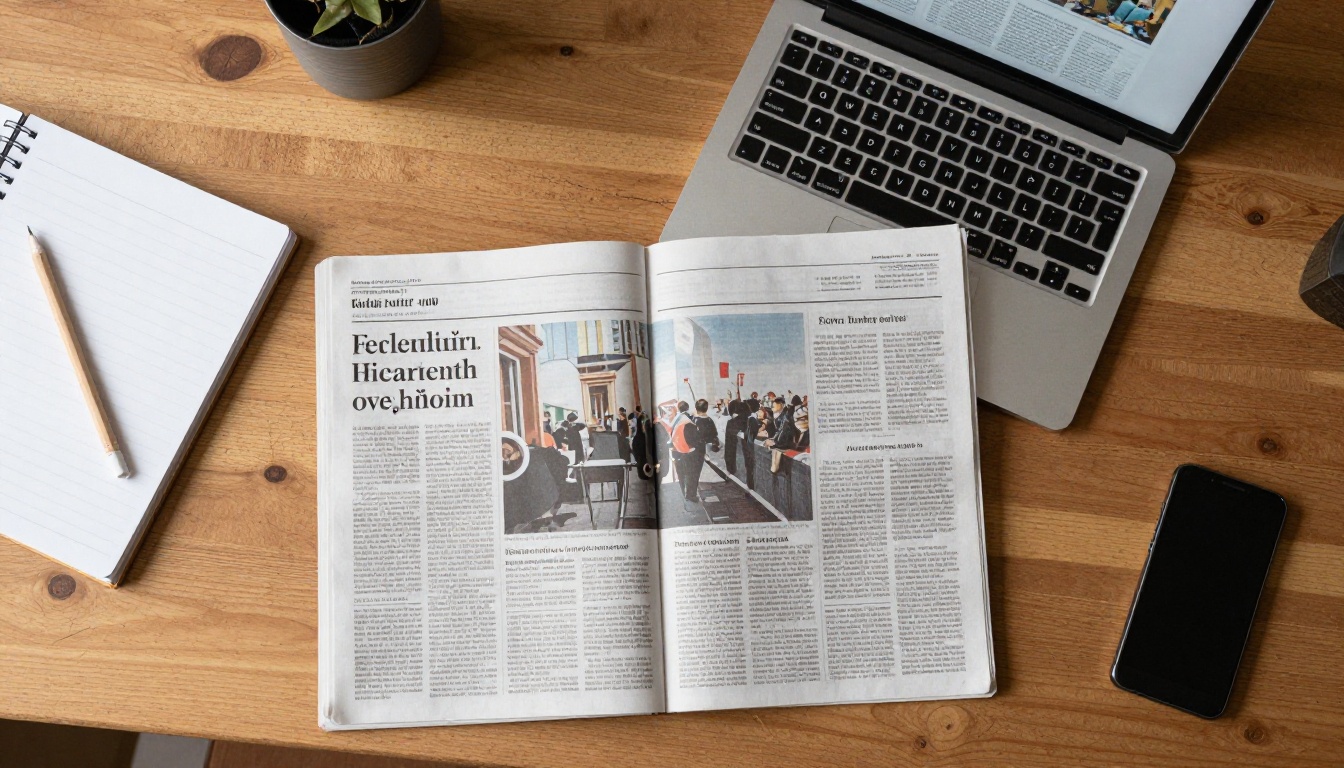
Most small papers already produce a press-ready PDF from InDesign, Affinity Publisher or a similar layout tool. That file is all you need.
Step-by-Step Setup
Here is how a typical weekly paper publishes an edition with Flipbooks AI:
- Export the PDF. Use the same file you send to the printer, or a lighter web-optimized export if the file is over 100 MB.
- Create an account. Sign up at flipbooksai.com/account and open your dashboard.
- Upload the PDF. The PDF to Flipbook Converter turns each page into a flippable spread with realistic page-turning motion.
- Add your branding. Set your masthead colors, logo and background so the reader sees your paper, not a generic viewer.
- Set access. Choose public, password-protected or embedded behind your own login.
- Publish and share. Copy the direct link or embed code and send it to subscribers.
✅ Best practice: Keep a consistent file name pattern, such as 2026-10-04-harbor-gazette. It makes the archive easy to search later.
Scanning Older Editions
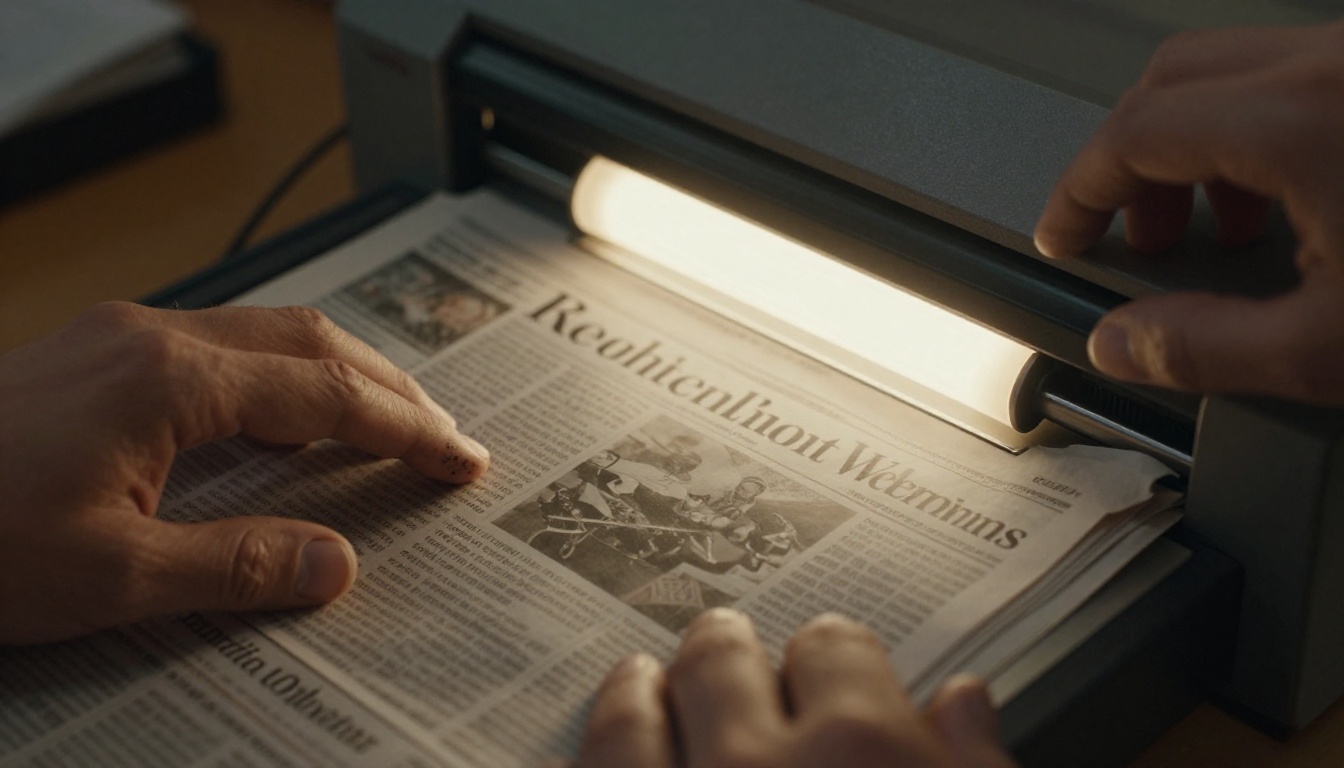
Many papers want to offer an archive too. If you only have printed back issues, scan them at 300 dpi, combine the scans into a PDF per issue and upload each one. The same process works for bound volumes and special anniversary editions.
Page Quality Checklist
- Export at 150 to 200 dpi for screens; higher only for photo-heavy pages.
- Keep fonts embedded so text stays crisp when readers zoom.
- Check that spreads (centerfold ads) are paired correctly.
- Preview on a phone, a tablet and a desktop before sending the link.
Controlling Who Gets Access
A replica is a paid product, so the edition must reach paying readers only. Small publishers usually pick one of three setups.
Password Protection
The simplest option. You set one password per edition and email it to subscribers with the weekly reminder. Flipbooks AI supports password-protected flipbooks on every plan, which suits papers with a few hundred subscribers.
Embedded Behind Your Login
If your site already has a membership system, such as WordPress with a paywall plugin, you can place the flipbook on a members-only page using the Embed Flipbook on Website option. Readers log in once and see every edition.
Private Links Per Edition
Some papers send a unique link in each subscriber email. It is easy to start, but links can be forwarded, so it works best for low-priced bundles where leakage is not a big concern.
| Access Method | Best For | Setup Time | Leak Risk |
|---|
| Shared password | Under 500 subscribers | 5 minutes | Medium |
| Embedded behind login | Papers with a paywall plugin | 1 hour | Low |
| Private email link | Free or low-priced bundles | 10 minutes | High |
⚠️ Warning: Do not post a public link on social media for subscriber-only editions. Search engines can index it.
Pricing the Digital Edition
Pricing is where small papers hesitate most. The right number depends on what readers already pay for print and what they get in return.
Three Common Models
- Bundled free: Print subscribers get the replica included. This lowers cancellations and costs you nothing extra.
- Digital only, discounted: Typically 40 to 60 percent below the print price, since there is no printing or postage.
- Premium add-on: A small monthly fee for archive access, clickable ads and early delivery.
A Realistic Example
Imagine a weekly paper with 1,800 print subscribers at $65 per year. Mailing out-of-area copies costs about $22 per subscriber annually. If 250 of them switch to a $39 digital plan, the paper keeps most of the revenue and removes the postage bill.
| Scenario | Subscribers | Annual Price | Postage Saved | Net Effect |
|---|
| Out-of-area mail copies | 250 | $65 | none | $16,250 revenue, $5,500 postage |
| Same readers on digital | 250 | $39 | $5,500 | $9,750 revenue, $0 postage |
| Added new digital readers | 150 | $39 | n/a | +$5,850 revenue |
The point is not that digital is always more profitable per reader. It is that it opens a new audience without a press run.
💡 Pro tip: Offer a first-month trial of the digital edition to every print subscriber. Many keep reading both formats.
Delivering the Edition Each Week
A replica only works if readers get a reminder. Build a routine that takes less than fifteen minutes per issue.
The Weekly Workflow
- Close the edition and export the PDF.
- Upload it to your flipbook dashboard.
- Check the first and last pages for errors.
- Copy the link into your email platform.
- Send the newsletter with the front-page thumbnail.
Using Newsletter Tools
Papers with a newsletter often pair the replica with the Newsletter Flipbook Publisher, which lets you publish shorter bulletins and special sections in the same flipbook style.
Special Sections and Magazines
Many community papers also publish seasonal magazines, such as the fall football preview, the county fair guide or the holiday gift section. Use the Magazine Flipbook Creator or the E-Magazine Publishing Tool to give those products their own page, branding and shareable link. Advertisers often pay more for these sections, and a digital version extends their reach beyond the paper's circulation area.
Features Readers Actually Use
Not every feature matters. These are the ones that tend to get used in local publishing.
Mobile Reading
Many subscribers open the edition on a phone during a commute or lunch break. A mobile-responsive viewer that supports pinch-to-zoom is essential. Check that headline text stays legible without sideways scrolling.
Offline Downloads
Rural readers often have unreliable connections. Offline downloads let them save the edition and read it later. This is one of the most requested features among older subscribers.
Embedded Media
A flipbook can include video and audio. A weekly paper might add a 30-second clip from the high school game or a short interview with the mayor next to the printed story. It gives the replica something print cannot offer, without changing the page layout.
Branding Without Watermarks
Flipbooks AI never adds a watermark, so the edition carries your masthead and colors only. That matters when readers pay for the product.
| Feature | Why It Matters | Plan Level |
|---|
| Password protection | Keeps editions for paying readers | All plans |
| Custom branding | Keeps the paper identity | All plans |
| Unlimited flipbooks | One per edition, every week | Standard and above |
| Analytics and lead generation | See who reads and capture emails | Professional |
| Offline downloads | Helps rural readers | All plans |
See the full list on the pricing page.
Measuring Whether It Works
You do not need a data team. Three simple numbers tell you if the replica is paying off.
Track Opens and Reading Time
Analytics on the Professional plan show how many people open each edition and which pages hold attention. If obituaries and the sports page get the most time, give them better placement in print as well.
Watch Churn
Compare cancellation rates for print-only subscribers against those with a digital bundle. Papers that include the replica often see fewer cancellations from readers who travel or move.
Count New Revenue
Track subscribers who joined only because the digital edition existed. Out-of-town relatives, college students and former residents are the usual first wave.
✅ Best practice: Review these numbers every quarter and adjust the price or bundle once, not every month.
Common Mistakes to Avoid
- Uploading an unoptimized 500 MB file. Slow loading drives readers away. Compress images first.
- Skipping the reminder email. A replica nobody opens is wasted effort. Send a link every release day.
- Forgetting the archive. Readers search for old obituaries and wedding notices. A tidy archive becomes a selling point.
- Hiding the digital option. Mention it in the print edition itself, on the masthead and in the subscription form.
- Changing passwords without notice. Tell subscribers in advance, or you will field angry calls.
Your First Replica This Week
You do not need a big rollout. Pick the next edition, upload it, send the link to ten loyal readers and ask what they think. Most small papers find that the first response is warm and specific, which gives a clear direction for pricing and features.
Ready to try it? Get started for free on Flipbooks AI, browse all flipbook tools for magazines, newsletters and reports, or compare pricing plans to find the right fit for your circulation.