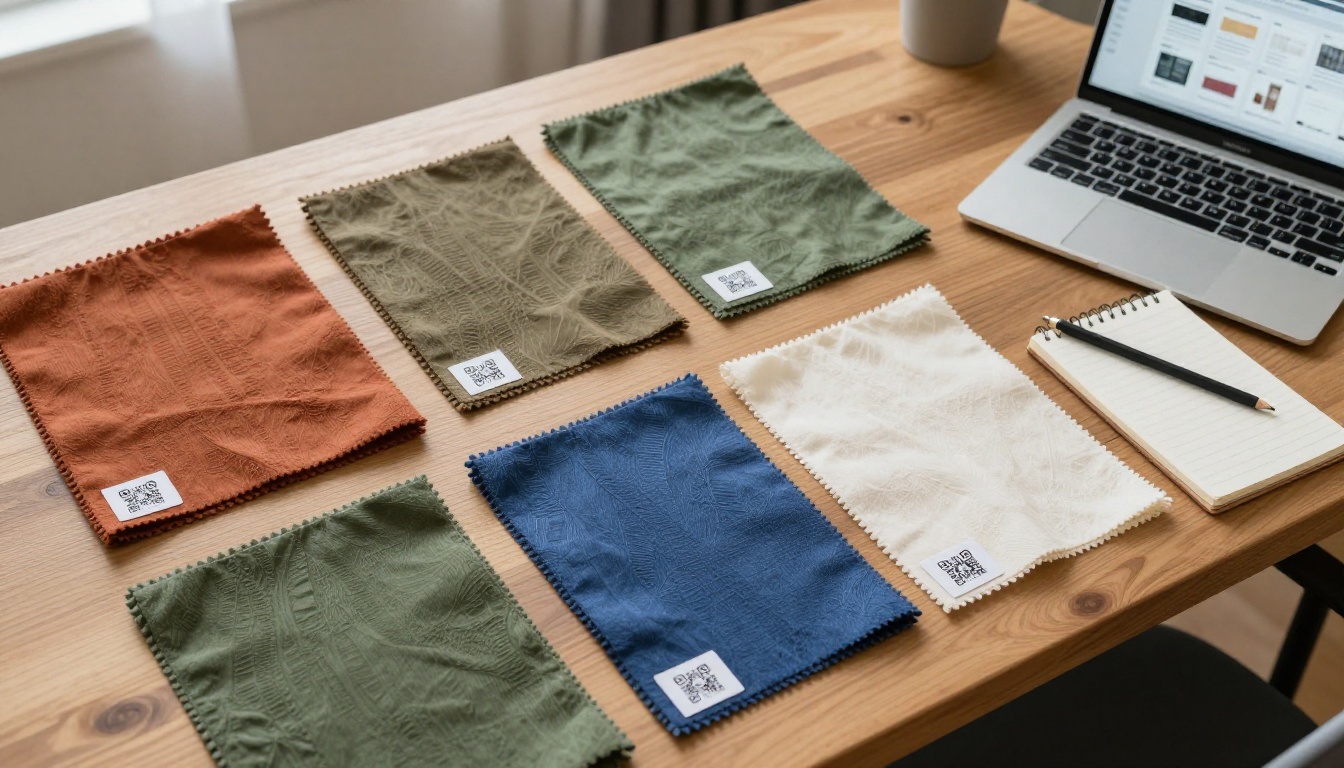
A buyer holds a swatch of heavy twill in one hand and wonders three things: what is the composition, what is the minimum order, and does it come in navy? The printed card says "Style 4471" and nothing else. That gap is exactly where orders stall. Textile suppliers now close it by printing a small QR code on every swatch, bolt tag and sample envelope, so one scan opens the full online catalog entry for that exact fabric. If you want the catalog itself to feel like a real page-turning book instead of a dull PDF link, a tool like Flipbooks AI makes that part easy.
This article shows how the whole system works, from code placement to catalog structure, with tables, a step-by-step setup and the mistakes that waste samples.
Why Swatches Need a Digital Twin
Physical samples are great at one job: letting a buyer feel the hand, drape and weight of a fabric. They are terrible at everything else. A card has room for a style number and maybe a width. It cannot show the full colorway range, certifications, price breaks or lead times.
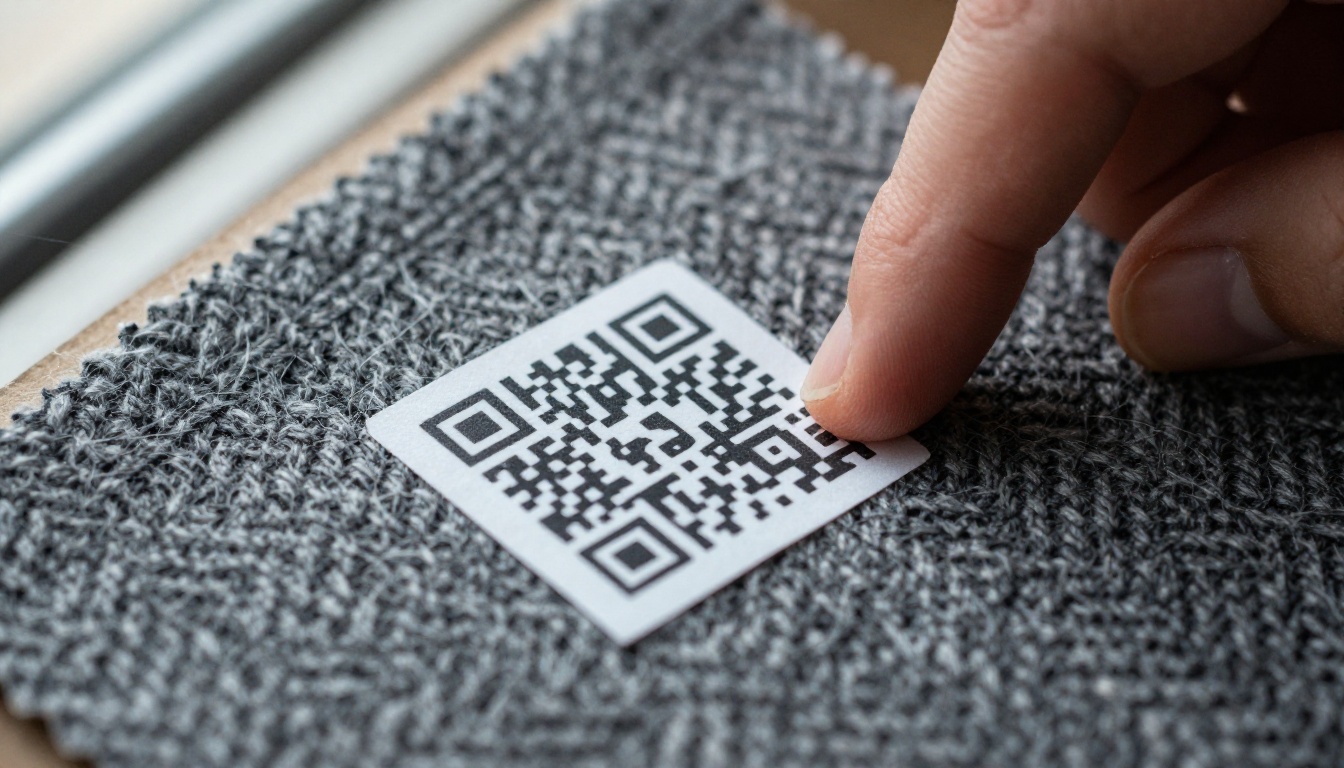
A digital twin solves this. Each physical sample points to one online page that carries everything the card cannot. The buyer keeps the tactile experience and gains instant answers.
Here is what changes for a supplier:
- Fewer repeat emails. Questions about width, weight and composition are answered before anyone writes to you.
- Longer shelf life for samples. A swatch mailed in March can still show current stock in October, because the page behind the code updates.
- Better follow-up. Scan data tells your sales team which fabrics a prospect actually opened.
- Lower print cost. You stop reprinting swatch books every time a price or colorway changes.
💡 Pro tip: Treat the QR code as a permanent address, not a campaign link. Print it once and change only the page behind it.
What the QR Code Should Open
The worst setup is a code that dumps a visitor on a homepage. The best setup opens the exact fabric, on a phone, in under two seconds.
One Code, One Fabric
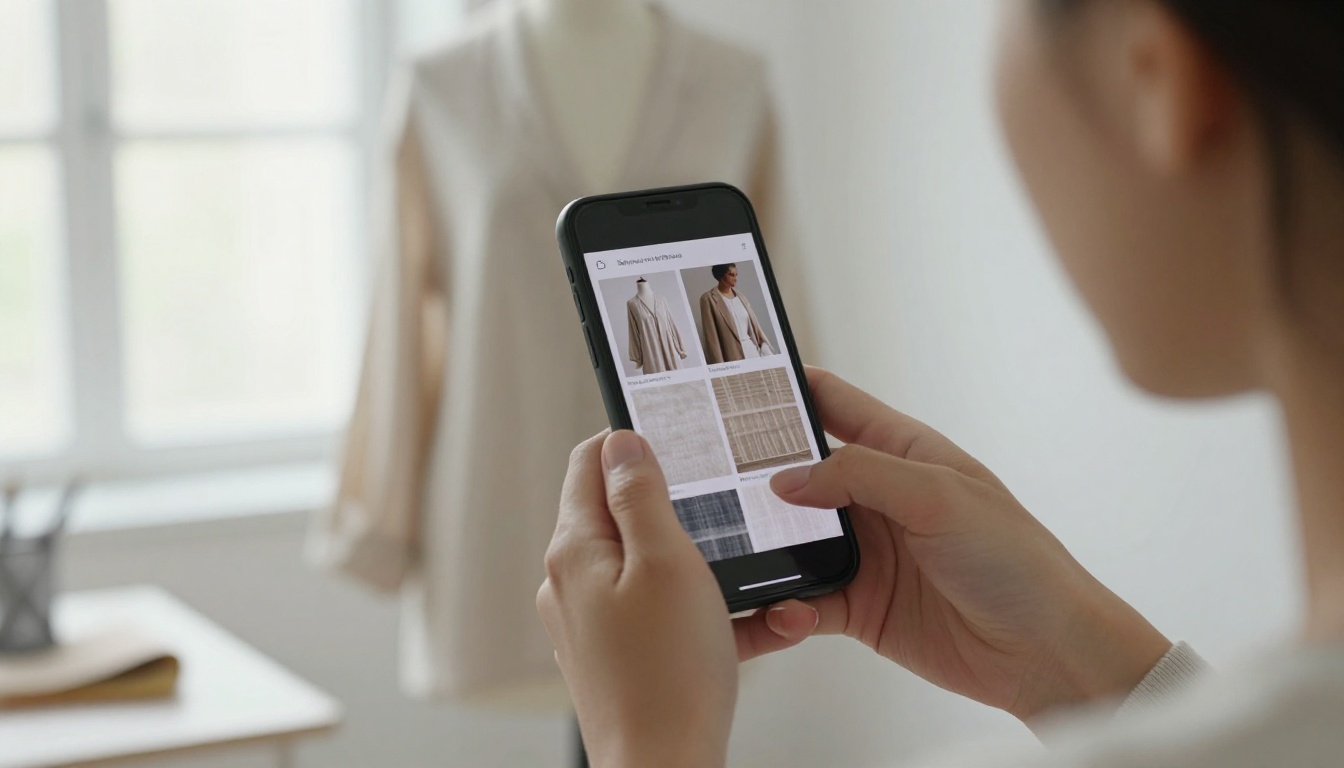
Give every fabric style its own page. If a swatch card holds six colorways of the same quality, one code can open that quality page with all six colors shown side by side.
The Data Buyers Expect
Buyers in apparel, upholstery and home textiles look for a similar core set of facts. Put them in a consistent order on every page:
- Fabric name and style number
- Composition (for example 98% cotton, 2% elastane)
- Weight (GSM or oz/yd²) and width
- Colorways with true-to-life photos
- Finish, handfeel and care notes
- Certifications (OEKO-TEX, GOTS, GRS)
- Minimum order quantity and lead time
- Price tiers or a request-quote button
- Related fabrics and matching trims
Page Format Options
Not every format suits every supplier. Here is how the common options compare.
| Format | Best for | Strength | Weakness |
|---|
| Product web page per fabric | Large mills with a dev team | Great for search traffic | Slow to build and update |
| Shared PDF link | Quick start | Easy to produce | Heavy files, no tracking, poor on phones |
| Spreadsheet link | Internal use | Fast edits | Looks unprofessional to buyers |
| Interactive flipbook catalog | Mid-size suppliers, agents | Page-turn feel, mobile friendly, trackable | Needs a source PDF |
For most suppliers, the flipbook route is the sweet spot. You already have a line sheet or catalog PDF, and the PDF to Flipbook Converter turns it into a mobile-ready page without any coding.
Where to Put the Code
Placement decides whether anyone scans. A code hidden under a staple or printed on a dark swatch will fail.
Swatch Cards and Books
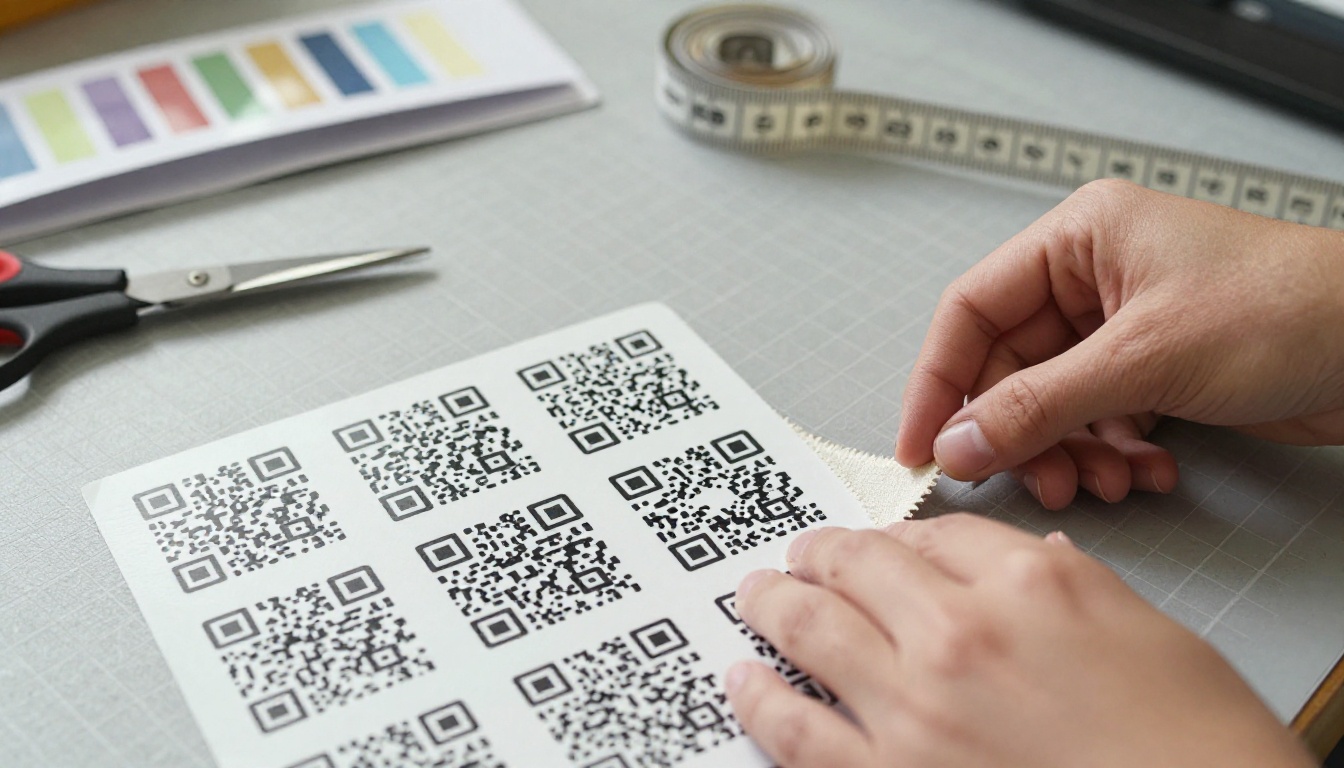
Print the QR on the back of the card, near a corner you can reach with a thumb, and keep it away from punched holes or folds. Leave at least a 4 mm quiet zone (blank border) around it.
Bolt and Roll Tags
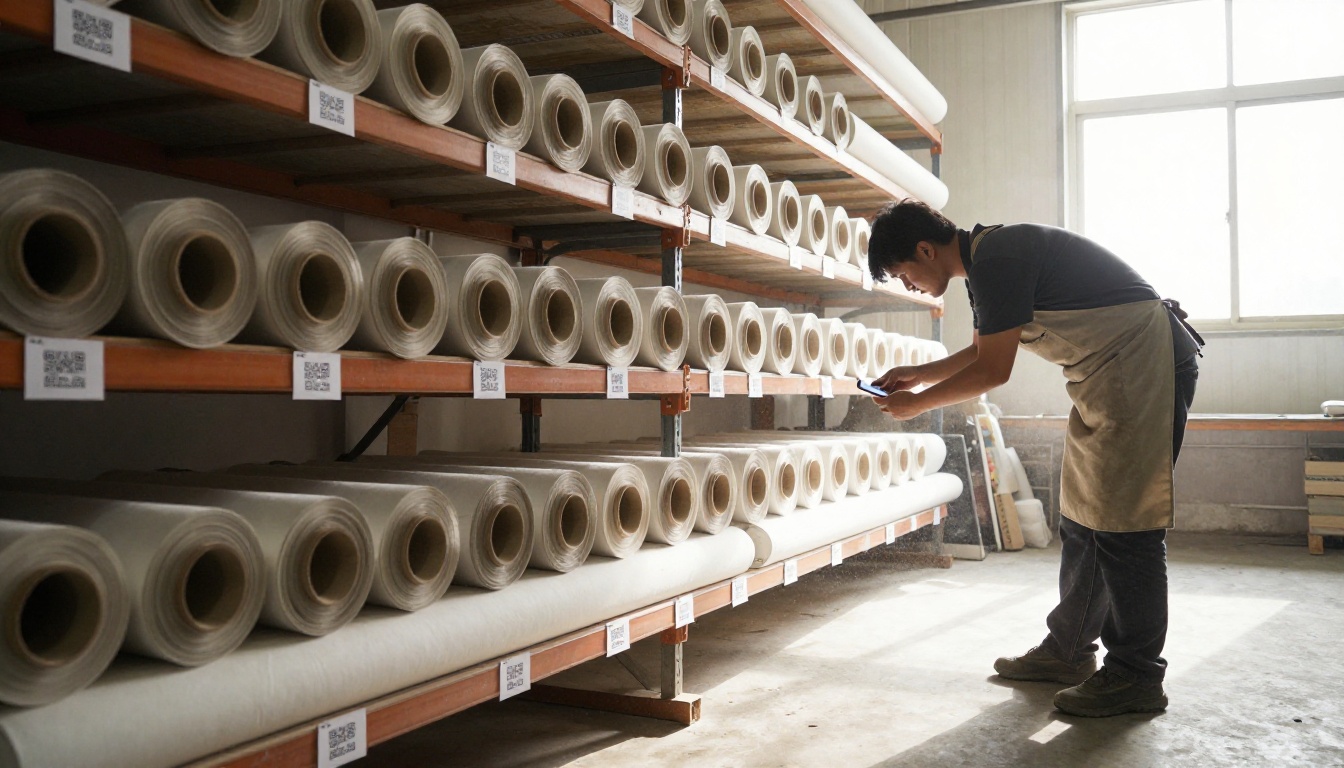
In a warehouse, a code on the bolt end lets staff and visiting buyers pull specs and stock status without hunting for a binder. Use laminated or synthetic tags so the code survives handling.
Sample Envelopes and Packaging
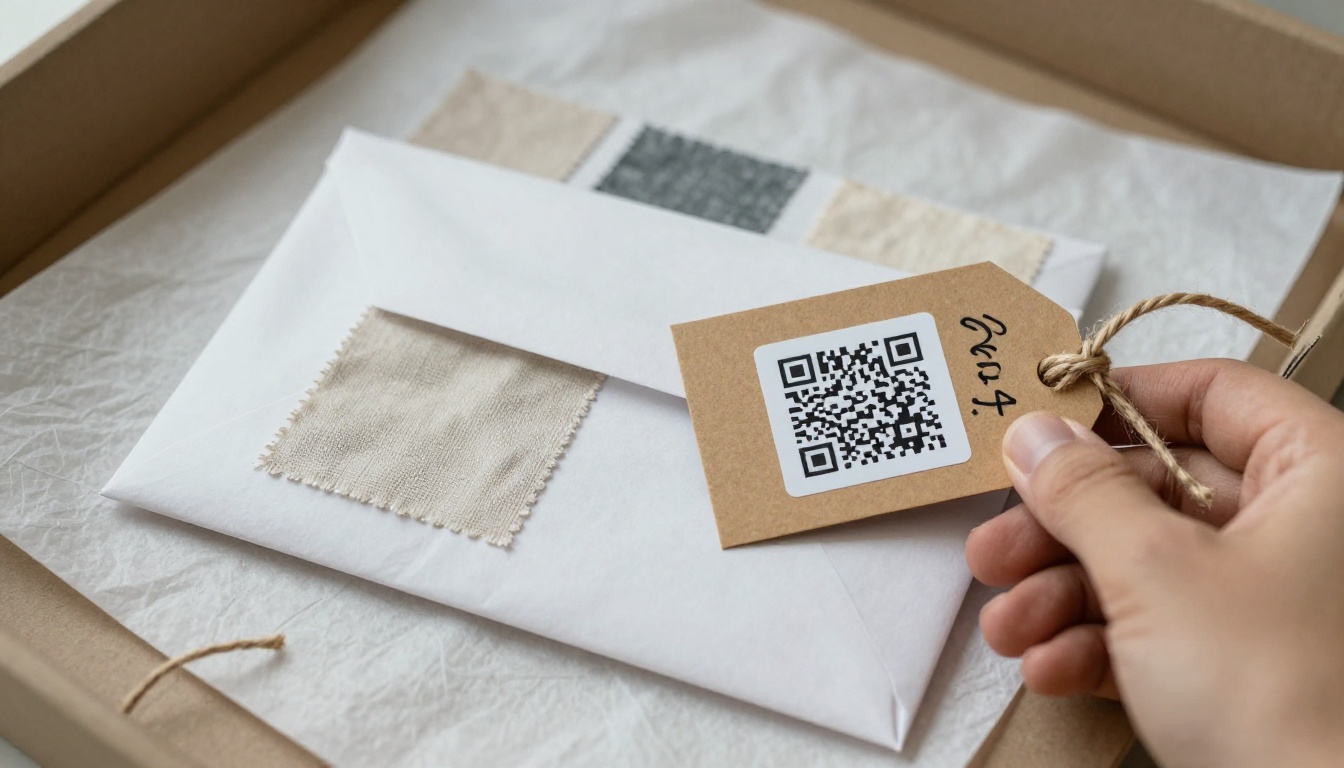
When you ship swatches to a buyer you may never meet, the envelope is your whole sales pitch. Add a code on the card inside and on the outer label so the catalog opens even before the envelope is cut.
| Placement | Min. code size | Best material | Typical scanner |
|---|
| Swatch card back | 20 mm | Matte sticker or direct print | Buyer's phone |
| Swatch book page | 18 mm | Printed with the page | Buyer's phone |
| Bolt tag | 25 mm | Synthetic or laminated tag | Staff and visitors |
| Shipping envelope | 25 mm | Printed label | Buyer's phone |
| Trade fair display | 30 mm or larger | Rigid card | Visitors at distance |
⚠️ Warning: Glossy lamination under bright showroom lights creates glare that blocks scans. Choose matte finishes.
How to Build the Catalog With Flipbooks AI
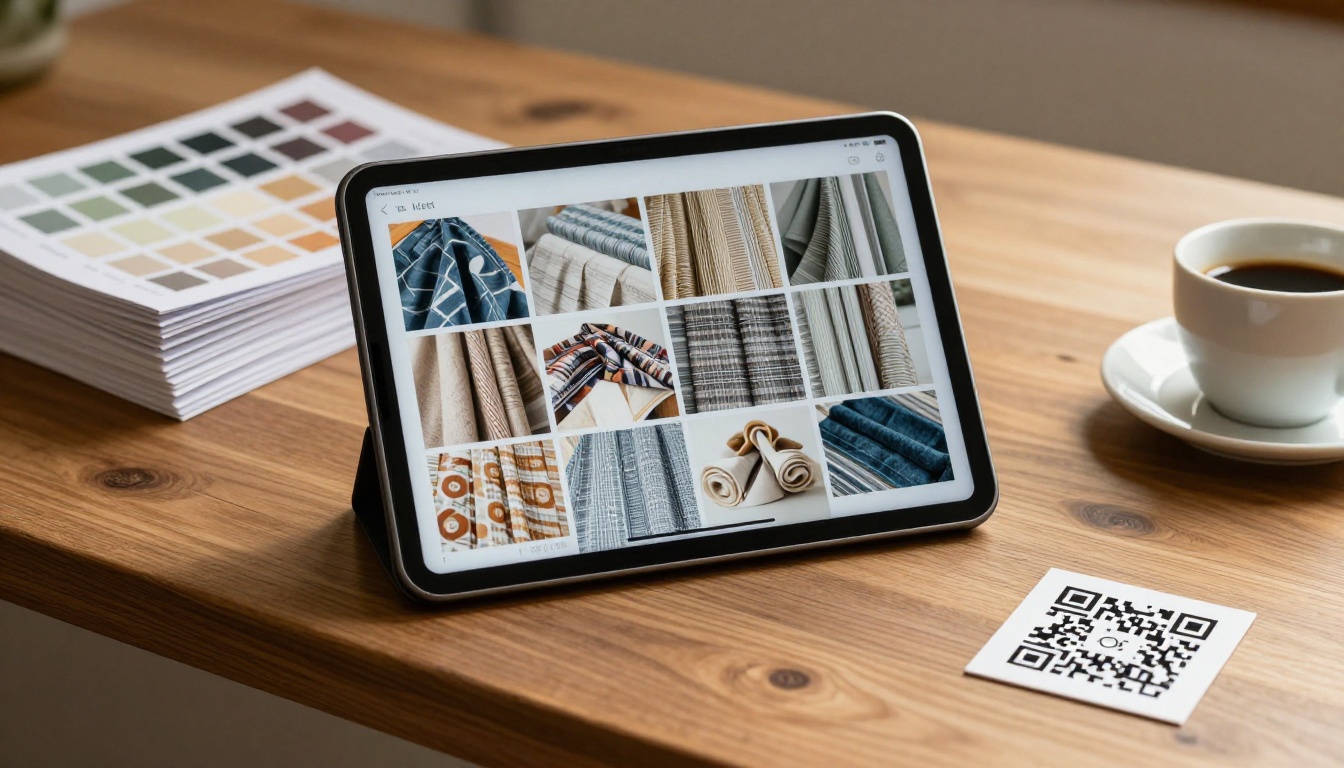
Once you know what the code points to, building the destination takes less than an hour. Here is a simple workflow using the Catalog Flipbook Creator and the Product Catalog tool.
Step 1: Prepare Your PDF
Export your line sheet as a PDF. Keep one fabric quality per spread: left page for hero photo and colorways, right page for specs and pricing. Compress images to a sensible size so pages load fast on mobile data.
Step 2: Upload and Convert
Create an account, upload the PDF and let the platform convert it into a flipbook. Page order and text stay intact, and links inside the PDF remain clickable.
Step 3: Customize the Look
Add your logo, brand colors and page-turn effect. Use the Fashion Catalog tool if your audience is mostly apparel designers, since its layouts suit lookbook-style fabric stories. You can also embed short videos that show how a fabric drapes or moves, and audio if you want a spoken note on a collection.
Step 4: Set Sharing Rules
Choose between a public link and a password-protected catalog. Wholesale price lists are a good case for the password option: print the password inside the sample envelope, or give it only to approved accounts. Flipbooks never add watermarks, so the catalog looks like your own brand.
Step 5: Generate the QR Code
Copy the flipbook's direct link and paste it into any QR generator that supports short, stable links. Download the code as SVG for print, since vector files stay sharp at any size. Test it on at least two phones, one iPhone and one Android, before printing a single label.
Step 6: Track the Scans
On the Professional plan you get analytics and lead generation. See which pages buyers open, how long they stay and whether they requested a quote. Use that to decide which fabrics deserve a restock or a second colorway.
| Task | Time needed | Skill level |
|---|
| Export line sheet to PDF | 15 minutes | Basic |
| Upload and convert | 5 minutes | Basic |
| Branding and effects | 20 minutes | Basic |
| Password and sharing | 5 minutes | Basic |
| QR creation and test | 10 minutes | Basic |
✅ Best practice: Build one flipbook per season or collection and keep the same link year after year. Replace the pages, not the address.
Real Examples From the Trade
Three situations show how suppliers apply this in practice.
The Regional Denim Mill
A mill ships a swatch ring of 30 denims to brands every quarter. Each card now carries a QR code that opens a flipbook with washes, ounce weights and stock status. Buyers stopped asking for spec sheets by email, and the sales team could see which washes were opened most before a follow-up call.
The Upholstery Fabric Agent
An agent who represents several mills carries one folio of samples. Instead of lugging six catalogs to a client meeting, they point the client to a single digital catalog per mill. The client scans, browses on a tablet and sends back a shortlist right there. If your use case leans toward interiors, the Furniture Catalog tool offers a fitting starting layout.
The Trade Fair Booth
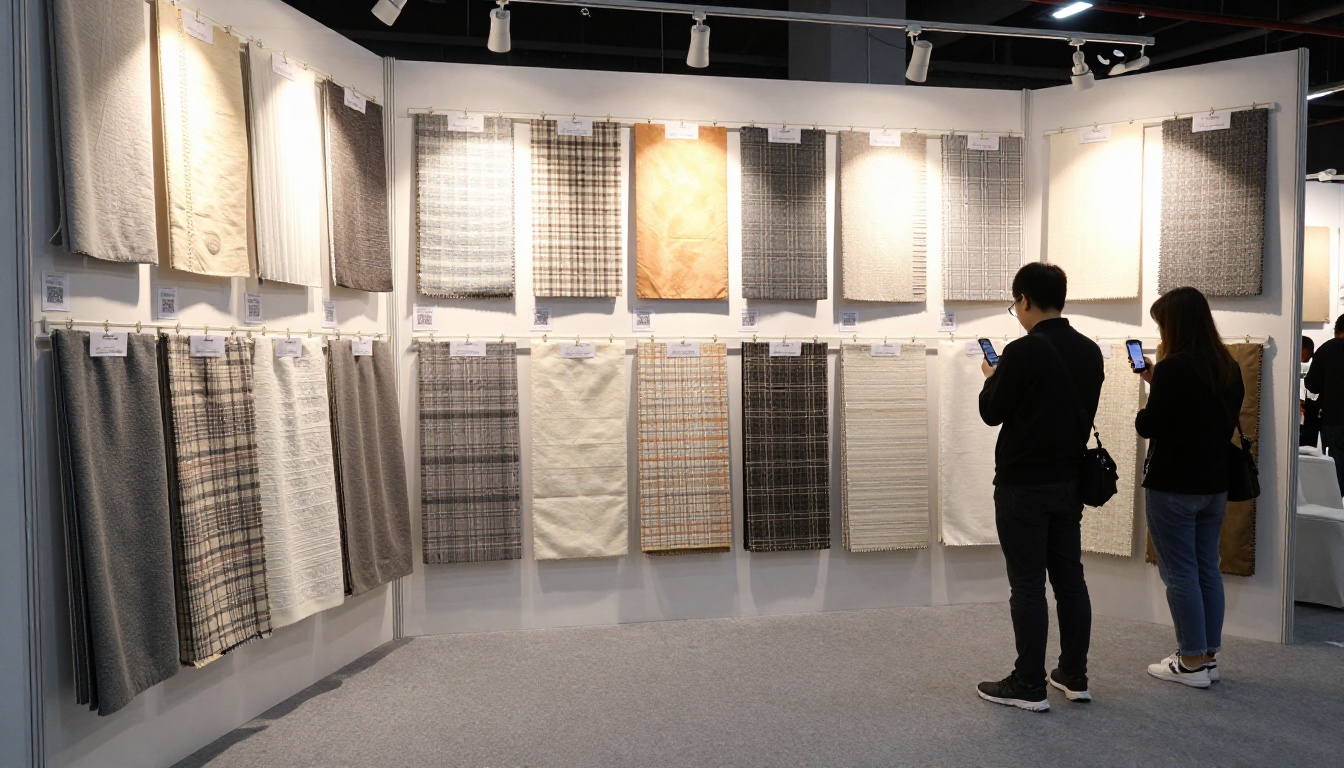
At a fair, you cannot hand every visitor a printed book. A wall of hanging swatches, each with a QR card underneath, lets visitors collect the fabrics they like on their own phones. Afterward, your lead list reflects real interest instead of a pile of business cards.
Designing Codes That Actually Scan
A QR code is simple, but small design choices make or break it.
- Use high contrast. Dark code on a light background. Never print a code over a busy fabric photo.
- Keep the link short. Short links create less dense patterns, which scan faster at small sizes.
- Add error correction level M or Q. This lets a code survive a scratch or a smudge.
- Include a short call to action. Words such as "Scan for colors and specs" raise scan rates because buyers know what they get.
- Never use a link you cannot change. If a code points to a one-off file you later delete, every printed card breaks.
Static vs Dynamic Codes
| Type | How it works | Pros | Cons |
|---|
| Static | Link is baked into the pattern | Free, works forever | Cannot change the destination |
| Dynamic | Code points to a redirect you control | Editable, trackable | May depend on a paid service |
For long-lived swatch books, a dynamic code on your own domain is the safest bet. You redirect it to the current flipbook link, and nobody is stranded if you change platforms.
Measuring What Buyers Do
Printing codes is only half the job. The other half is reading the signals.

Track these numbers monthly:
- Scans per swatch card. Low scans suggest poor placement or weak call to action.
- Pages viewed per visit. Shallow visits mean the first page does not answer the buyer's question.
- Quote requests per 100 scans. This is your real conversion rate.
- Top fabrics by opens. Use it to plan production runs and sample reprints.
💡 Pro tip: If a fabric gets many scans but few quote requests, check its page for missing price information or a confusing minimum order.
Common Mistakes to Avoid
- Printing before testing. Always scan the proof from several distances and lighting conditions.
- Pointing every code to the homepage. Buyers want the fabric they are holding, not a menu.
- Forgetting mobile. More than half of scans happen on phones, so desktop-only pages lose buyers.
- Skipping photos of colorways. Swatch dye lots vary, so show true-to-life images under daylight.
- No ownership of the link. If a freelancer owns the QR account and leaves, your cards go dead.
- Hiding the contact option. Add a visible quote or email button on every page.
Ready to Link Your First Swatch?
Start small. Pick your ten best-selling fabrics, build one flipbook, print ten labels and hand them to your next three buyers. Watch what they scan.
When you are ready to build the catalog, get started for free on Flipbooks AI, or browse all flipbook tools to find the layout that suits your range. If you need analytics, lead capture and unlimited flipbooks, compare the pricing plans. You can also embed a flipbook on your website so the same catalog serves both your QR codes and your online store.
One code on one swatch is a small change. Across a whole sample library, it turns a pile of cardboard into a sales channel that answers questions around the clock.



