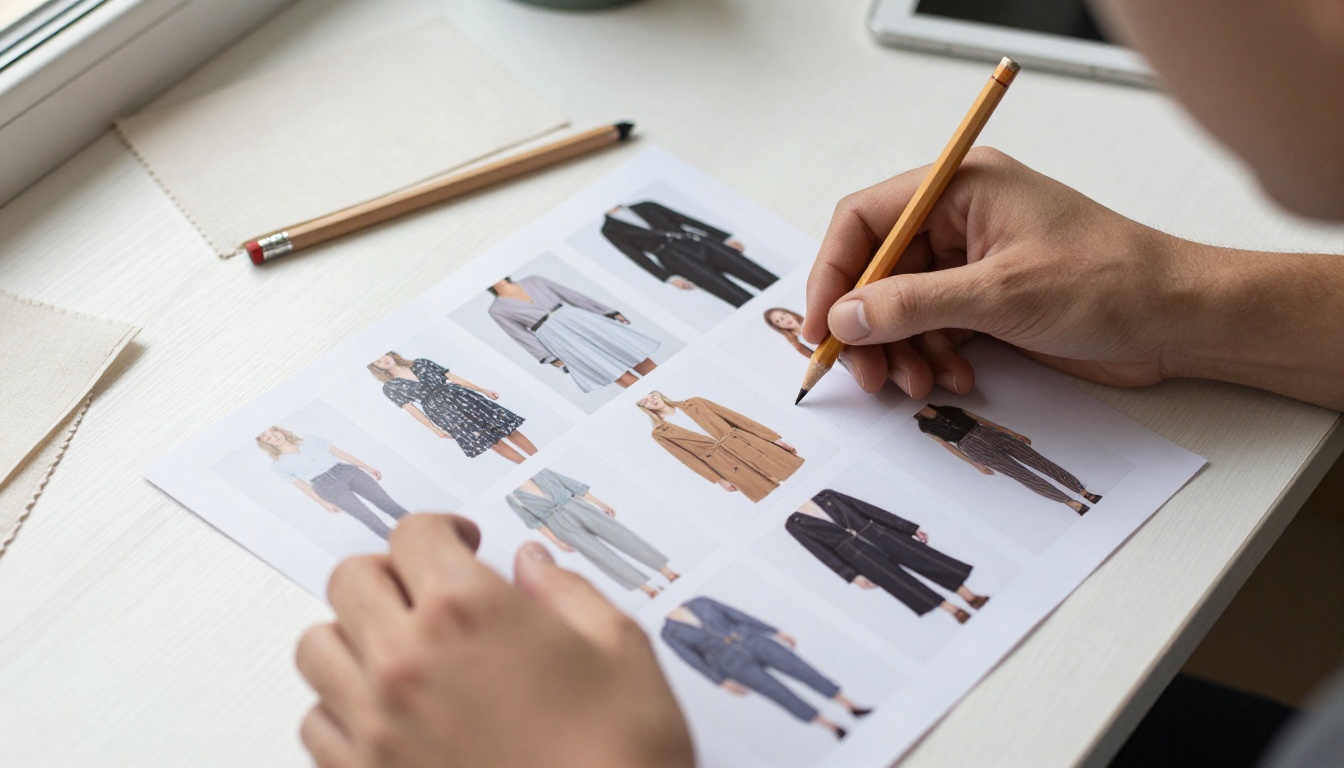
You spent weeks on the shoot, the styling and the layout. Then you linked a PDF on your shop and watched visitors bounce. A lookbook deserves better than a download link, and your Big Cartel store can host a page-turning, mobile-friendly version in a single afternoon. With Flipbooks AI you upload the PDF, get an interactive flipbook, and paste one embed snippet into a Big Cartel page.
This tutorial walks through the whole process: preparing the PDF, converting it, embedding it, linking it to products, and checking whether shoppers actually flip through it.
Why a Flipbook Beats a PDF
A PDF lookbook has three problems on a small shop. It forces a download on phones, it loads slowly when the images are large, and it leaves your brand page the moment someone taps the link. A flipbook fixes all three.
| Feature | Plain PDF link | Embedded flipbook |
|---|
| Opens inside your shop | No, new tab or download | Yes, on the page |
| Page-turn feel | None | Realistic page curl |
| Mobile experience | Pinch and zoom | Swipe and tap |
| Load speed | Whole file at once | Pages stream in |
| Tracking | Almost none | Views and page stats |
| Brand control | Zero | Colors, logo, background |
Big Cartel shoppers are mostly browsing on phones, and independent fashion buyers tend to scroll fast. A lookbook that feels like a magazine holds attention longer than a file icon.
💡 Pro tip: Think of the lookbook as your shop's best window display. Put it where people already look: the home page, a dedicated Lookbook page, or the top of a collection description.
What You Need Before You Start
Gather these before you open any tools:
- A finished PDF lookbook (8 to 24 pages works best)
- Your Big Cartel account with access to Pages and theme settings
- A free or paid account on Flipbooks AI
- Your logo and two or three brand colors
- Product URLs for every piece you want to feature
Check Your Big Cartel Plan
Big Cartel offers a free tier with a small product limit and paid tiers with more products and extra features. Embedding an external flipbook only needs a place to paste HTML, which means a custom page or your theme code. Check your admin area to confirm where you can add custom HTML in your current theme, since layouts differ between themes.
Prepare the PDF Properly
Most lookbook problems start in the PDF, not the flipbook. Run through this list:
- Export at 150 DPI for screens. Print resolution slows everything down.
- Keep file size under 30 MB if possible.
- Use consistent margins so page turns look clean.
- Put the cover on page one and a call to action on the last page.
- Number the pages so you can reference them later.
⚠️ Warning: Do not flatten text into images unless you have to. Live text keeps files lighter and sharper on retina screens.
How to Create Your Lookbook Flipbook
If you already have a PDF, the PDF to Flipbook Converter is the fastest route. Designers who want a purpose-built layout can also try the Lookbook Flipbook Builder or the Interactive Lookbook Designer.
Step 1: Upload the PDF
- Sign in at Flipbooks AI.
- Click the option to create a new flipbook.
- Drag your PDF into the upload area.
- Wait for the conversion. Most lookbooks finish in under a minute.
Every page becomes a flippable spread. There are no watermarks on your output, ever.
Step 2: Match Your Brand
Open the customization panel and set:
- Background color to match your Big Cartel theme
- Logo in the top corner
- Page effects such as soft shadow and page curl
- Toolbar buttons you want visible (zoom, share, fullscreen)
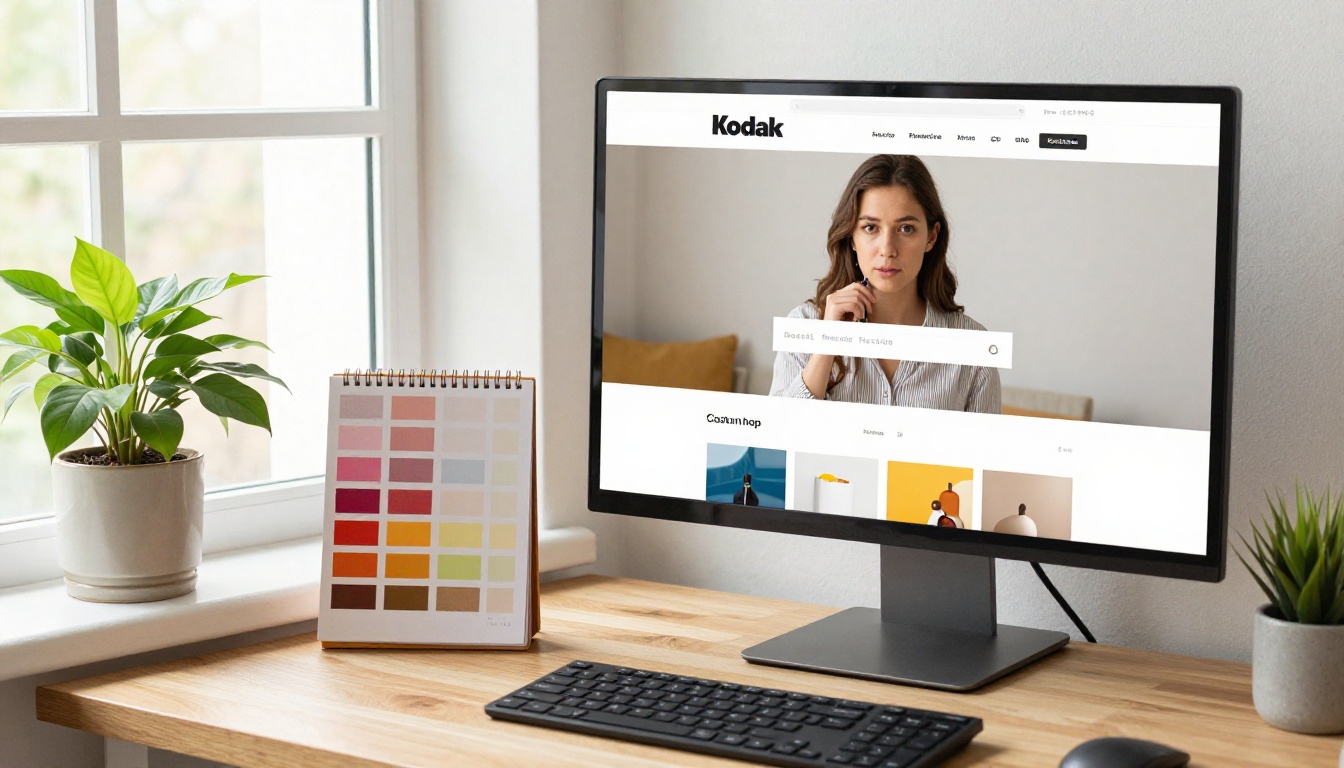
Picking a background that matches your shop theme is the small detail that makes the embed look native rather than pasted in.
Step 3: Add Links and Media
This is where a flipbook becomes more than a PDF. You can add clickable hotspots over products, so a shopper who loves the sage dress on page six taps it and lands on the product page in your store. You can also embed short videos or audio, like a behind-the-scenes clip or a playlist from the shoot.
✅ Best practice: Link every outfit to its Big Cartel product page. One lookbook with ten working links can outsell a dozen social posts.
Step 4: Set Privacy
Public lookbooks suit most shops. If you run wholesale previews or early access drops, use password protection so only buyers with the code can view the collection.
How to Embed It in Big Cartel
Once your flipbook is ready, grab the embed code from the share menu. It is a short HTML snippet that loads your flipbook in a responsive frame. The Embed Flipbook on Website page explains the options in detail.
Option A: A Dedicated Lookbook Page
This is the cleanest approach for most shops.
- In your Big Cartel admin, open Pages.
- Create a new page named Lookbook.
- Switch the editor to its HTML or source view if your theme offers one.
- Paste the embed snippet from Flipbooks AI.
- Save and preview the page on desktop and phone.
- Add the page to your shop navigation.
Option B: The Home Page
If your theme allows custom HTML on the home page, place the flipbook below your featured products or hero image. This puts the collection in front of every visitor.
Option C: A Link Button
If your theme blocks embedded frames, use the direct share link instead. Add a bold button on your home page that says View the Lookbook and points to the flipbook URL. You lose the in-page experience, but the flipbook still opens fast and looks polished.
| Placement | Best for | Effort | Visibility |
|---|
| Dedicated page | Seasonal collections | Low | Medium |
| Home page embed | New drops and launches | Medium | High |
| Direct link button | Restricted themes | Very low | Medium |
| Product page link | Single hero pieces | Medium | Targeted |
💡 Pro tip: Set the embed height to roughly 80% of the viewport on mobile so shoppers can still scroll past it. A frame that traps the scroll feels broken.
Design a Lookbook That Sells
The tool does not fix a weak lookbook. These choices do.
Lead With Your Best Look
Page one decides whether people keep flipping. Open with the strongest, most recognizable piece, not a title card with paragraphs of text.

Keep the Story Tight
A short narrative beats a long one. Try this structure:
- Page 1: hero look and collection name
- Pages 2 to 3: the mood, materials and palette
- Pages 4 to 12: outfits, one or two per spread
- Page 13: sizing and fit notes
- Page 14: shipping, returns and a link to the shop
Show Real Details
Shoppers buying clothes online worry about fabric, drape and fit. Close-ups of stitching and texture answer questions before they are asked. Behind-the-scenes shots also build trust with small-brand shoppers who want to know who made the clothes.

Real Scenarios
- A ceramic and apparel studio adds a spring lookbook with hotspots on every piece, then links it from newsletter footers.
- A streetwear label locks a pre-release flipbook behind a password and shares it with its mailing list 48 hours before a drop.
- A vintage reseller builds a monthly flipbook of one-off finds and removes sold pieces by updating the file.
For jewelry, accessories or homewares, the Product Catalog and Fashion Catalog tools work the same way.
Make It Work on Mobile
Most Big Cartel traffic arrives from Instagram, TikTok and email, which means phones. Test before you publish.
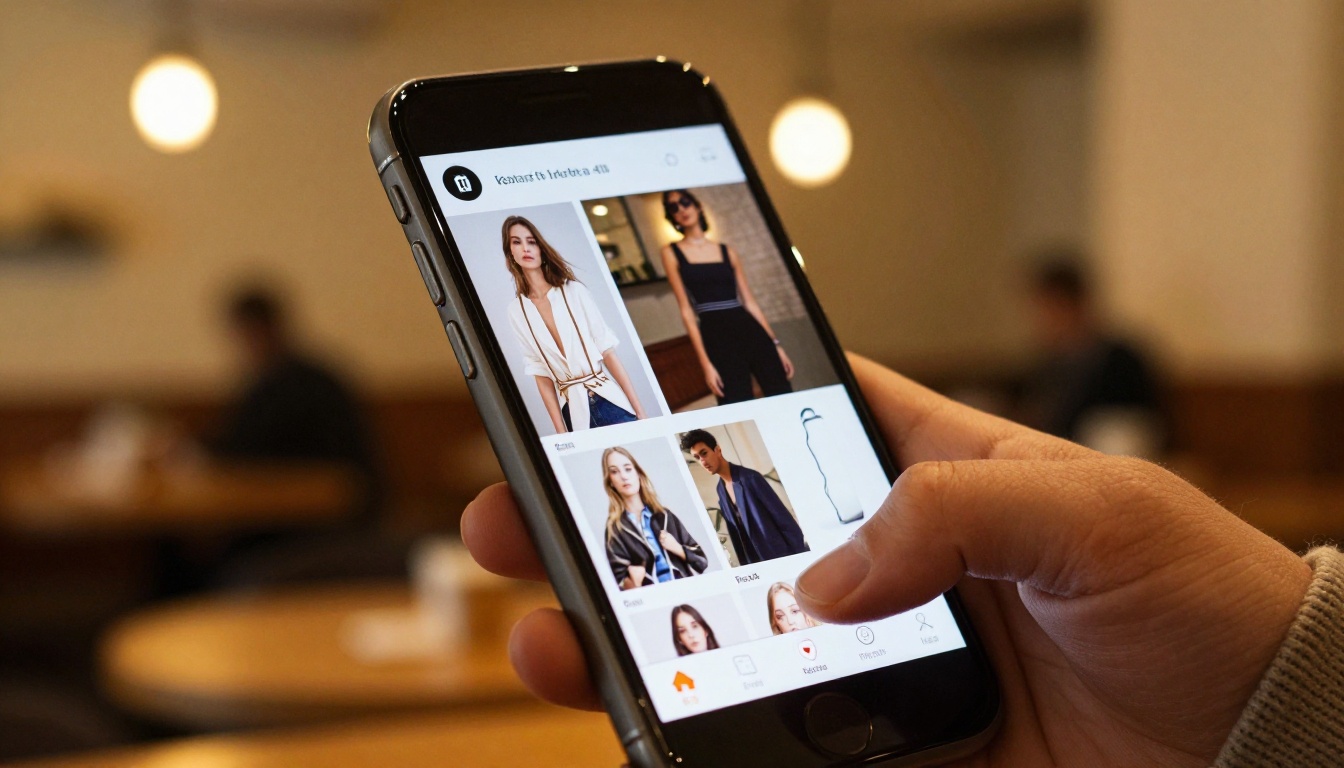
Flipbooks created on Flipbooks AI are mobile-responsive, so spreads become single pages on narrow screens and swipe gestures replace clicks. Still, check these items on a real phone:
- The first page loads in under three seconds
- Hotspots are large enough to tap
- Text stays readable without zooming
- The toolbar does not cover product details
- Fullscreen mode works and exits cleanly
Common Mistakes
| Mistake | What happens | Fix |
|---|
| 100 MB PDF | Slow loading, abandoned views | Compress images before export |
| Tiny body text | Unreadable on phones | Use 14 pt or larger |
| No product links | Shoppers admire but do not buy | Add hotspots to every outfit |
| Frame too short | Pages look cropped | Raise embed height or use responsive code |
| Mismatched background | Embed looks pasted in | Match the shop theme color |
| Hidden lookbook | Nobody finds it | Add it to navigation |
Track What Shoppers Do
Publishing is not the finish line. On the Professional plan, analytics and lead generation show how many people open the lookbook, which pages they reach, and how long they stay. Lead capture lets you ask for an email before the last pages, which feeds your mailing list directly.

What to Watch
- Drop-off page: if most people leave on page five, rework that spread.
- Most viewed pages: these are your best sellers. Feature them on the home page.
- Return visits: repeat viewers are warm buyers. Send them a restock note.
- Traffic source: compare Instagram, email and search to see where the best readers come from.
💡 Pro tip: Give each campaign its own share link so you can compare sources cleanly.
Plans at a Glance
| Need | Plan level | Why it matters |
|---|
| Try a single lookbook | Free | Test the workflow with no cost |
| Many collections | Standard and above | Unlimited flipbooks |
| Private wholesale previews | Paid plans | Password protection |
| Analytics and leads | Professional | Page stats and email capture |
| Offline PDF-style downloads | Paid plans | Share with stockists |
Compare the options on the pricing page before you choose.
Keep It Fresh Season After Season
A lookbook that never changes goes stale. Build a routine:
- Create a new flipbook for each collection.
- Keep older ones live as an archive page.
- Update the embed code on your Lookbook page only when a new drop goes live.
- Link the latest flipbook in order confirmation emails and packaging inserts.
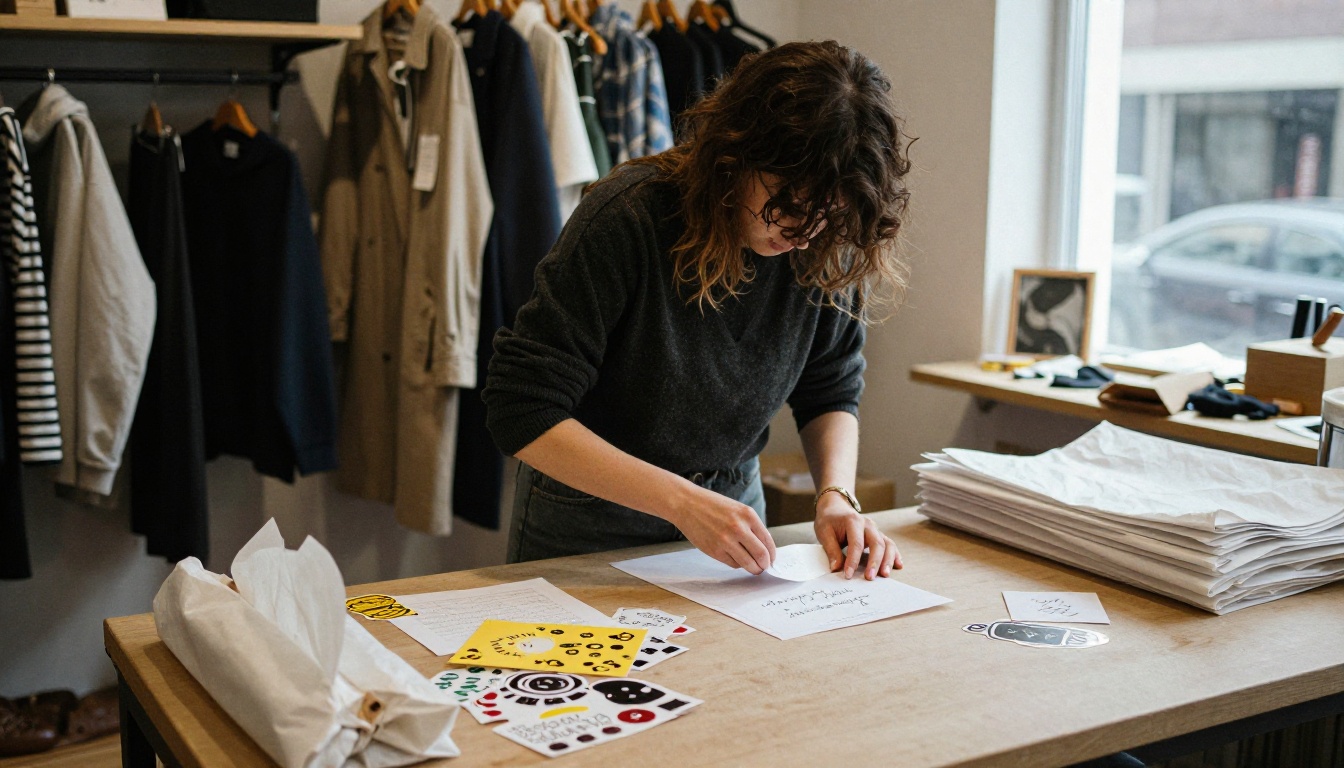
A QR code printed on a thank-you card sends past buyers straight to your new collection. That one card can turn a first order into a second.

Quick Troubleshooting
- The embed shows a blank box: your theme may strip frames. Use the direct link button instead.
- The flipbook looks blurry: re-export the PDF at a higher resolution and upload it again.
- Hotspots do not click on phones: enlarge them and avoid placing them near page edges.
- Pages feel slow: compress images and reduce page count.
Your Next Step
You now have a clear path: prepare a light PDF, convert it, brand it, link every outfit, and paste the embed on a Big Cartel page. The whole job takes less time than an average photoshoot edit.
Ready to publish? Get started for free on Flipbooks AI and turn your PDF into a flipbook today. Browse all flipbook tools and templates for catalogs, portfolios and more, and compare pricing plans when you are ready for analytics and unlimited collections.



