Converting a PDF into a beautiful, interactive flipbook used to mean expensive software or a steep learning curve. Not anymore. This article breaks down exactly how to do it for free: which tools actually work, what features matter, and how to go from PDF upload to shareable flipbook in under five minutes.
Converting a PDF into an interactive flipbook used to mean downloading clunky desktop software, paying for a license, and fighting with export settings for an hour. Today, you can do it entirely online in about five minutes, completely free. Whether you want to share a product catalog, a magazine, a brochure, or a classroom handout, the right tool makes all the difference between something people scroll past and something people actually read.
Why PDFs Fall Flat Online
PDFs were built for print. They are static, heavy on file size, and they require a dedicated reader app on mobile. When someone clicks a PDF link on their phone, they often get a download prompt instead of instant content. That friction kills readership before a single page is viewed.
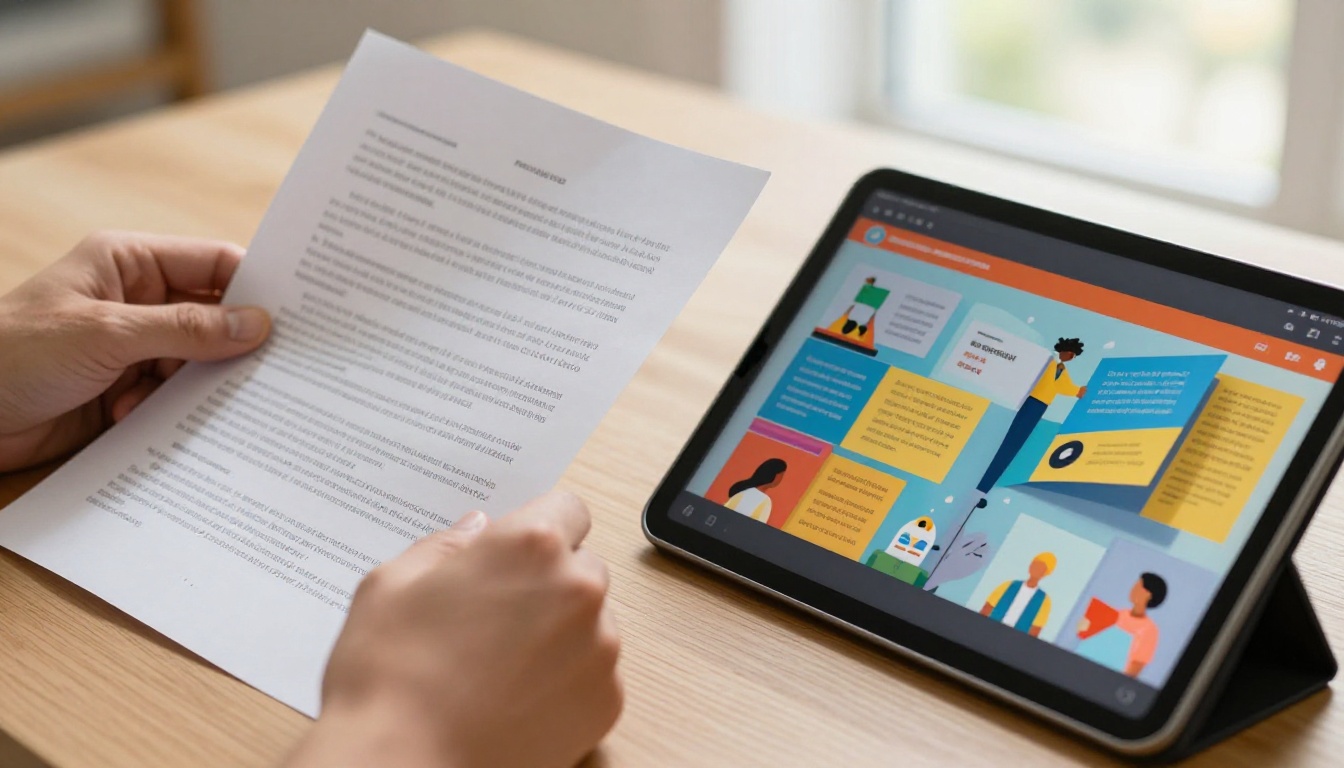
Flipbooks solve this problem directly. They open in any browser, work on every device, and deliver a realistic page-turning animation that makes digital content feel tactile and natural. A flipbook is not just a prettier PDF. It is a fundamentally different reading experience, and Flipbooks AI has made the conversion process available to everyone, for free.
What readers actually want
People do not want to download files. They want instant, scrollable, shareable content. Interactive flipbooks consistently produce longer average reading sessions compared to static PDF downloads. Readers flip pages, zoom in on details, and share direct links instead of forwarding file attachments.
The flipbook difference
Feature
Static PDF
Interactive Flipbook
Opens in browser
Sometimes
Always
Mobile optimized
Rarely
Yes
Page-turn animation
No
Yes
Embeddable on website
No
Yes
Shareable via link
Yes
Yes
Analytics tracking
No
Yes (Pro plans)
Password protection
No
Yes
No app needed
Rarely
Always
The gap is not cosmetic. Flipbooks are a publishing format built specifically for the web, while PDFs were designed for paper.
What to Look for in a Free Converter
Not all free PDF to flipbook tools are equal. Some slap a watermark across every page. Others cap you at five pages or three exports per month. Before picking a tool, check these non-negotiable features first.
Must-have features
No watermarks: Your flipbook should look professional, not like a promotional banner for the platform
Unlimited pages: Most PDFs run longer than 10 pages, so the tool must handle your full document
Custom sharing link: You need a clean URL to send by email or embed in a page, not just a download button
Mobile-responsive output: The flipbook must work on phones and tablets without zooming or horizontal scrolling
Browser-based viewing: Output should open instantly in any browser without requiring a plugin or app
Features that add real value
Custom branding with your logo and colors
HTML embed code for website integration
Password protection for private or client-facing documents
Analytics showing which pages readers actually view
Offline download for conference or offline scenarios
Lead capture form to gate access behind an email signup
⚠️ Watch out for: Watermarks on every page, page limits below 100, forced downloads instead of browser viewing, and no mobile support. These are signs of tools that prioritize upsells over actual usability.
How to Convert PDF to Flipbook Online for Free
Flipbooks AI makes the conversion process straightforward. Here is the full process from upload to shareable link.
Step 1: Create your account
Go to flipbooksai.com/account and sign up. No credit card needed. The free tier gives you immediate access to the core PDF to flipbook conversion features.
Step 2: Upload your PDF
From the dashboard, click New Flipbook and drag your PDF into the upload zone, or click to browse your files. The tool handles PDFs with hundreds of pages. Conversion typically takes between 10 and 30 seconds depending on file size.
💡 Pro tip: Make sure your source PDF uses high-resolution images and embedded fonts. A print-quality PDF at 150 DPI or higher produces sharper, more professional flipbook output than a compressed web PDF.
Step 3: Customize your flipbook
After conversion, you land in the customization panel. Changes appear in real time as you make them. Options include:
Adding your logo for brand consistency
Setting a custom background color or image
Choosing a page flip style (soft page curl, rigid pages, or instant)
Writing a custom title and description
Enabling an automatic table of contents for longer documents
Adding multimedia like embedded video clips or audio
Step 4: Set privacy and access
Before publishing, decide your access settings:
Public link: Anyone with the URL can view it
Password protected: Viewers must enter a password to access the flipbook
Embed on website: Copy the provided HTML snippet and paste it into any page
✅ Best practice: Password protection is ideal for internal company documents, client deliverables, or confidential proposals. It takes about three seconds to enable and gives you full control over who sees your content.
Step 5: Share your flipbook
Copy the shareable link and paste it into emails, social posts, or messaging apps. The link opens directly in any browser on any device. No downloads, no plugins, no friction.
For website embedding, paste the embed snippet into your page builder or CMS. The Embed Flipbook on Website tool provides platform-specific instructions for WordPress, Webflow, Squarespace, and more.
Free vs Paid Plans
Flipbooks AI pricing is designed around use volume and feature depth. Here is how the tiers compare:
Feature
Free
Standard
Professional
Flipbooks
Limited
Unlimited
Unlimited
Watermarks
None
None
None
Password protection
No
Yes
Yes
Custom branding
Basic
Full
Full
Analytics
No
No
Yes
Lead capture
No
No
Yes
Offline download
No
Yes
Yes
Embed on website
Yes
Yes
Yes
Priority support
No
No
Yes
💡 No plan ever adds watermarks to your flipbooks. This commitment holds across all tiers on Flipbooks AI, making even the free tier suitable for professional publishing.
Upgrading is about volume and depth of features like analytics and lead capture, not about removing unwanted badges from your content.
Real-World Use Cases
The question is not just how to convert a PDF to a flipbook. It is knowing when it actually changes outcomes. Here are the scenarios where flipbooks deliver measurable results.
Businesses and retail
A product catalog sent as a PDF attachment is easy to ignore. The same catalog as a flipbook link, embedded in an email campaign or landing page, invites active browsing. Retail brands, wholesale suppliers, and e-commerce businesses consistently see better results when switching from PDF attachments to flipbook links.
The Product Catalog and Digital Catalog Maker tools are built specifically for this use case, with templates optimized for product photography and pricing grids.
Real estate
Property brochures as flipbooks give potential buyers a premium first impression. Agents can link directly from listings, embed on agency websites, and share via messaging apps with a single tap. The Real Estate Brochure tool adds property-specific layouts from the start, with space for floor plans, specs, and photography.
Restaurants and hospitality
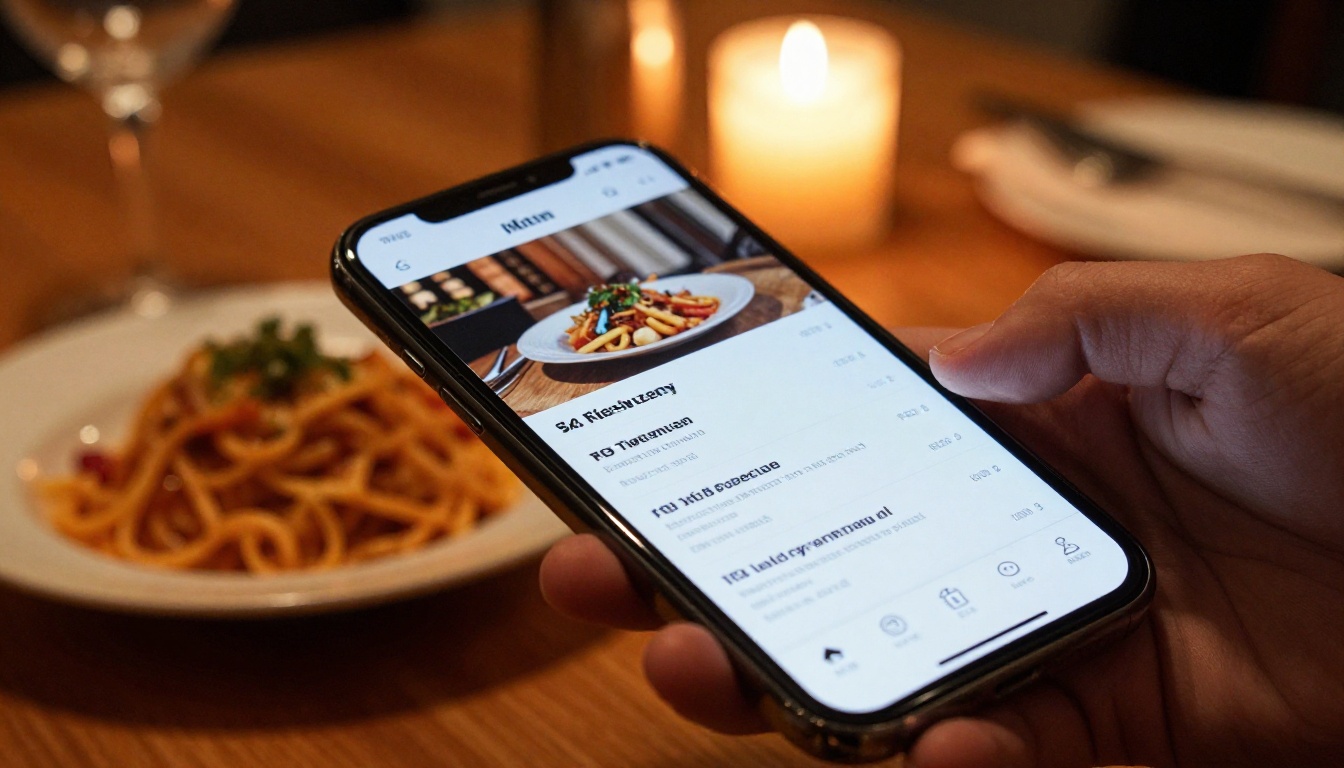
A PDF menu is a download. A flipbook menu is an experience. Restaurants that embed a flipbook menu on their website or Google Business Profile see better click-through rates from diners researching options. Use the Restaurant Menu Creator or Menu Flipbook Designer for layouts built around hospitality content.
Education
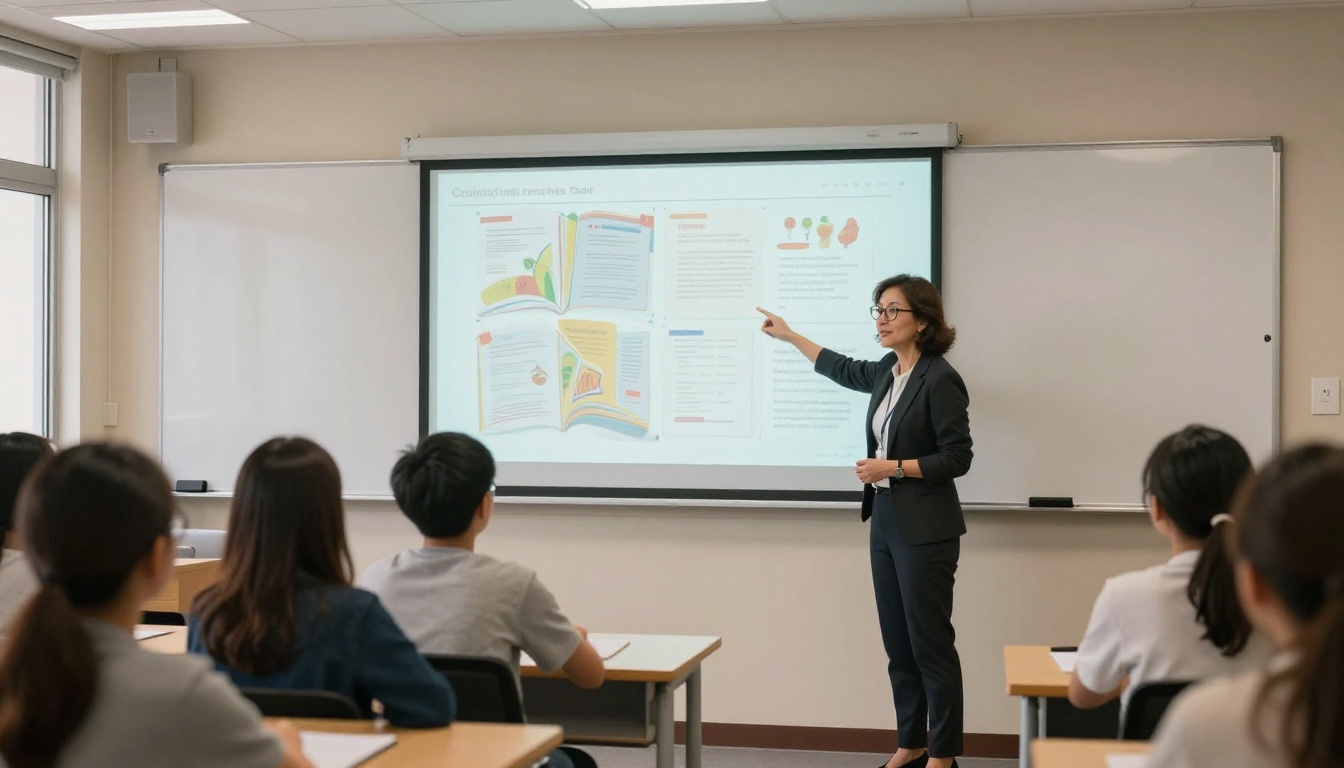
Teachers and course creators distribute syllabi, reading materials, and workbooks as static PDFs that students rarely open twice. As flipbooks, the same content is more accessible, easier to browse with a built-in table of contents, and shareable without institutional email requirements. The Course Material Publisher and Training Manual Flipbook tools serve this use case directly.
Portfolios and creative work
Designers, photographers, and architects traditionally share work as large PDF files that take time to download. A portfolio flipbook opens in seconds, presents work in a gallery-style page-turning format, and can be updated without resending a file. The Digital Portfolio Creator and Photography Portfolio tools handle this with layouts built for visual content.
3 Common Mistakes When Converting PDFs
These are the problems people run into most often, and how to avoid them before they cost you a reshoot or a full redo.
1. Uploading a low-resolution PDF
Flipbooks are viewed on screens at full resolution. If your source PDF was compressed for web download, images will appear blurry on larger screens. Always start with a print-quality PDF at 150 DPI minimum, 300 DPI preferred for image-heavy content like catalogs or portfolios.
2. Skipping the mobile preview
Most readers open flipbooks on a phone. Always check the mobile view before publishing. A layout that looks sharp on desktop can have type too small to read without pinching on a phone. Most converters include a mobile preview toggle in the editor — use it every time.
3. Publishing without metadata
Publishing without a title, description, and thumbnail means your flipbook shows up as an untitled document when shared on social media or messaging apps. Take 60 extra seconds to fill in these fields. They directly affect click-through rates and how your content is perceived before a page is even opened.
Comparing Popular Free Flipbook Tools
Several tools exist in this category. Here is an honest look at what actually separates them:
Tool
Watermark-Free
Unlimited Flipbooks
Analytics
Mobile Optimized
Embed Support
Flipbooks AI
Yes, all plans
Yes (Standard+)
Yes (Pro)
Yes
Yes
Tool B
Paid only
No
No
Partial
No
Tool C
Paid only
Yes
No
Yes
Partial
Tool D
Yes (paid only)
No
No
Yes
Yes
Flipbooks AI is the standout option for professionals because it removes watermarks across all plans. That single feature makes even free-tier output polished enough to send to clients or embed on a public-facing website without hesitation.
Tools for Every Use Case
The PDF to Flipbook Converter is the core starting point for general conversions. Flipbooks AI also offers a full directory of purpose-built tools organized by content type:
Browse the full directory at flipbooksai.com/tools to find the right starting point for your content type.
How to Embed a Flipbook on Your Website
Publishing a flipbook and embedding it are two separate steps. Once your flipbook is live, open the share panel and click the Embed tab. You will see an iframe snippet ready to copy:
Paste this code into your website HTML, WordPress HTML block, Webflow custom code section, or any CMS that accepts embed snippets. The flipbook renders responsively at whatever container width you set.
💡 Pro tip: Set width="100%" and keep height between 550px and 700px for most desktop layouts. The viewer handles mobile responsiveness automatically so you only need to define one size.
When to Consider Paid Features
The free plan handles most casual and light professional use well. Paid plans become worth it when:
You need analytics: Seeing which pages hold attention longest, where readers drop off, and total view counts lets you optimize sales materials and lead magnets based on real data
You need lead capture: Gating your flipbook behind an email form turns content into a list-building asset
You publish more than a few flipbooks per month: Standard removes all volume restrictions
You need offline access: Allowing readers to download a flipbook for offline viewing is a Standard and Professional plan feature
Professional plan analytics are especially valuable for marketing teams. If readers consistently stop at page 8, you know exactly where the pitch loses momentum, and you can fix it before the next send.
Start Converting Today
Converting a PDF to a flipbook online for free is no longer complicated. The technology is accessible, the results look professional, and the process takes less time than sending a chain of PDF attachments back and forth.
Ready to make your first flipbook? Get started for free on Flipbooks AI and have your PDF converted in under five minutes. No credit card, no software download, no friction.
Browse all available tools and templates to find the right format for your content type. Check pricing plans when you are ready to add analytics, lead capture, or unlimited publishing to your workflow.
Your PDFs deserve better than attachment downloads.