Fundraisers live or die by their materials. A paper brochure handed out at the door gets forgotten in a coat pocket. An email attachment never gets opened. But a beautifully designed, shareable digital flipbook? That stays with donors long after the event ends, and it keeps working for you when you send it out before the event even starts. Flipbooks AI makes this process fast, professional, and accessible to anyone, whether you're organizing a school bake sale or a major charity gala.
What a Flipbook Does for Your Fundraiser
Most fundraisers still rely on static PDFs, printed programs, or simple Google Docs to communicate their cause. These formats work, but they create friction. Donors have to download files, zoom into tiny text, or flip through unformatted pages with no visual hierarchy. A digital flipbook removes every one of those barriers.
Why printed programs fall short
Printed programs are expensive to produce, impossible to update once distributed, and create waste. If your event details change, you're stuck with outdated copies. Printing 500 programs for 300 attendees means 200 go straight to the trash. Beyond logistics, physical materials have zero analytics. You never know who read what, which pages resonated, or how long donors spent with your story.
The shareable advantage
A digital fundraising flipbook can be sent via email, shared on social media, embedded on your website, or texted to donors as a link. It opens instantly in any browser on any device, no download required. You can update it after distribution without resending anything. And with the right platform, you'll know exactly how many people opened it and which pages held their attention longest.

| Format | Shareable | Updatable | Analytics | Cost |
|---|
| Printed Program | No | No | No | High |
| Static PDF | Limited | No | No | Low |
| Digital Flipbook | Yes | Yes | Yes | Low |
| Email Newsletter | Yes | No | Partial | Low |
💡 Send your fundraising flipbook 7-10 days before the event so donors arrive already connected to your cause and donation goals.
What to Include in a Fundraising Flipbook
Before you open any tool, map out your content. The most effective fundraising flipbooks follow a clear narrative arc that moves donors from awareness to action.
Your mission and story
The first pages should answer one question: why does this matter? Use your organization's story, a specific beneficiary story, or a before-and-after narrative that makes the impact concrete. Photos are essential here. A single compelling image of the people, animals, or community you serve does more than three paragraphs of statistics.
Donation tiers and impact
Donors respond better when they can see exactly what their money does. Structure your donation section as a clear tier breakdown:
- $25: Provides school supplies for one child for a month
- $50: Funds a week of meals for a shelter resident
- $100: Covers medical supplies for ten families
- $500: Sponsors a full community workshop session
- $1,000+: Named sponsor, recognition in all materials
Event schedule or program
If your flipbook doubles as an event program, include the full schedule, speaker bios, auction item listings, and any entertainment details. This gives attendees something to reference throughout the evening and keeps your cause front and center throughout every part of the night.
✅ Include a QR code or donation link on every third page so donors can give on the spot without hunting for it.
How to Create a Flipbook for a Fundraiser (Step-by-Step)
This is where Flipbooks AI makes the process genuinely straightforward. You don't need design experience or a team. You need a PDF and about 20 minutes.
Step 1: Build your PDF
Start in any design tool: Canva, Google Slides, Adobe InDesign, or even Microsoft PowerPoint. Design your fundraiser materials as you normally would, then export as a PDF. Use landscape orientation for best flipbook results (16:9 or standard widescreen proportions).
Quick layout checklist:
- Opening page with event name, date, and a strong hero image
- Mission statement page
- Impact statistics with visual charts
- Donation tier breakdown
- Event schedule or program
- Thank you page with sponsor recognition
Step 2: Upload and convert
Visit Flipbooks AI and create your account. From your dashboard, use the PDF to Flipbook Converter to upload your file. The platform converts it automatically, preserving all your design work while adding the interactive page-turning experience. Conversion takes under two minutes for most fundraiser documents.
Step 3: Customize your branding
Once converted, apply your organization's branding directly in the editor:
- Upload your logo to appear on every page
- Set your brand colors for the flipbook toolbar and background
- Choose a page-flip style (classic, modern, or minimal)
- Add a custom preview thumbnail for sharing across social channels
Step 4: Add multimedia
This is where digital completely outperforms print. Embed a short video of your organization's work directly into the flipbook pages. Add background audio if appropriate for your event's tone. Link specific pages to donation forms, RSVP pages, or sponsor websites. These interactive elements make your flipbook feel alive in a way no printed program ever can.
Step 5: Share with donors
Flipbooks AI gives you multiple distribution options:
- Direct link: Copy and paste into emails, texts, or social media posts
- Embed code: Place the flipbook directly on your fundraiser's website or donation page using the Embed Flipbook on Website tool
- QR code: Generate and print on physical invitations or event signage
- Password protection: For private donor preview events or exclusive supporter access
⚠️ Always test your flipbook link on both desktop and mobile before distributing. About 60% of email recipients open links on mobile first.
Not all fundraisers are built the same, and your flipbook should reflect your specific event format and audience.
School and PTA fundraisers
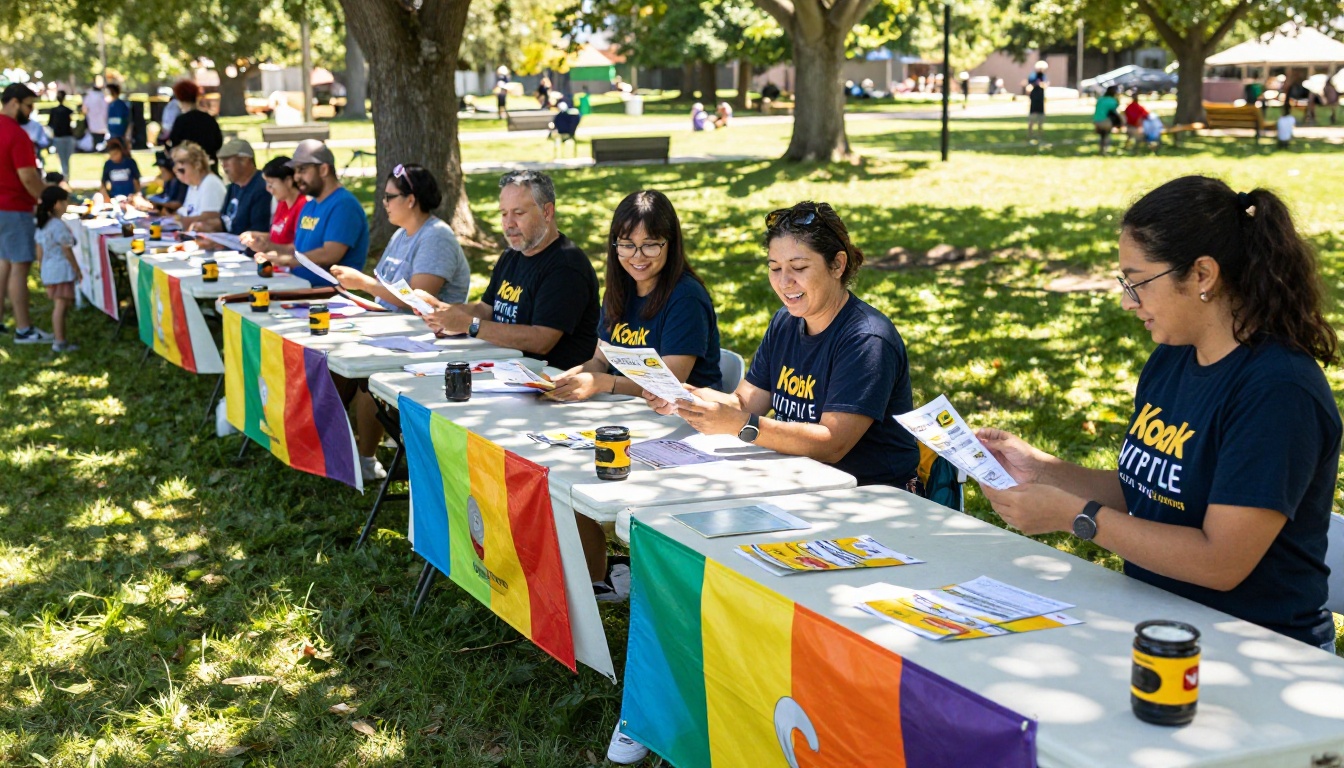
School fundraisers benefit enormously from digital materials because they reach parents where they already are: on their phones. A flipbook sent via the school app or parent email list gets opened multiple times. Include the goal amount, what funds will support (playground equipment, field trips, technology), and a simple donation link. The School Newsletter Creator is a solid starting point for schools that want a newsletter-style format with familiar visual structure.
Nonprofit charity galas
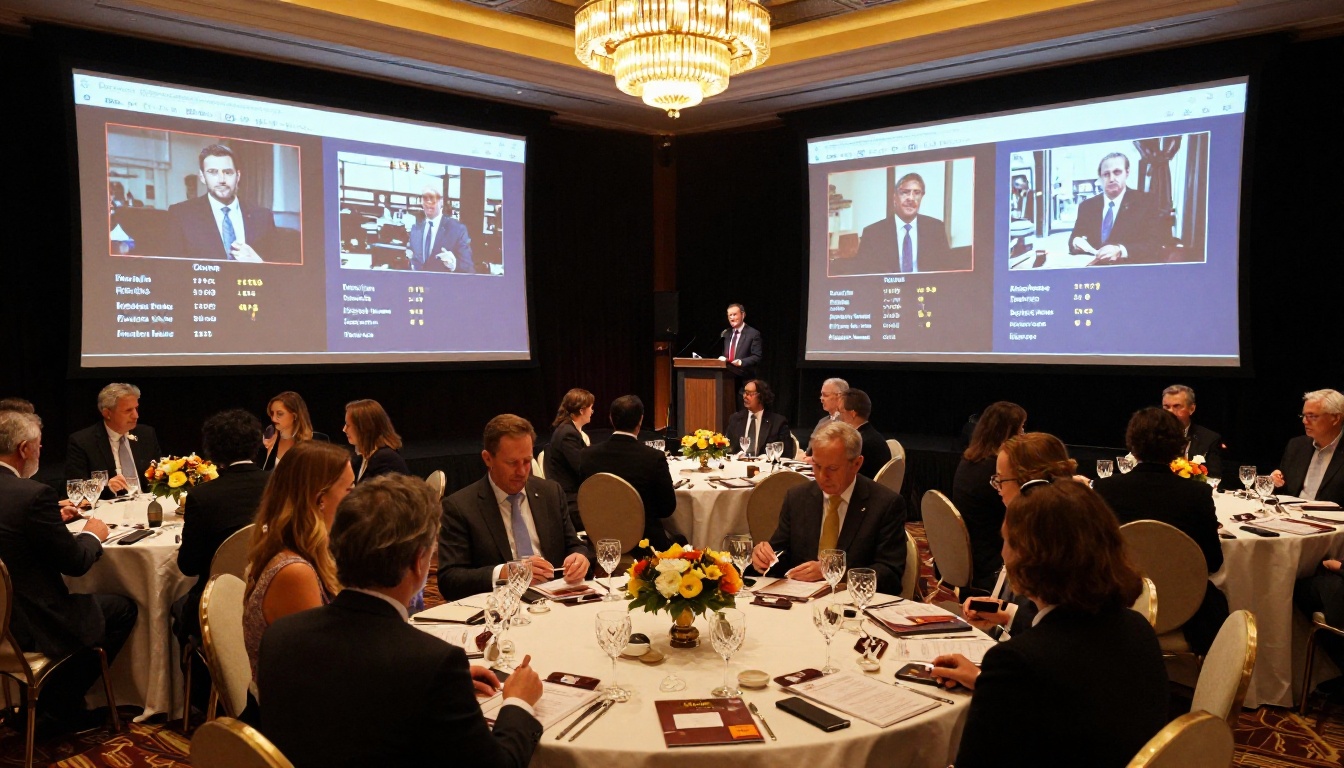
For formal charity galas, your flipbook serves as both pre-event marketing and the in-room event program. Send a preview version two weeks before the event to build anticipation. Then share the full version with the auction list and speaker bios the day before. At the event, include a QR code on each table tent so guests can access it instantly on their phones.
Crowdfunding support materials
If you're running a crowdfunding campaign on platforms like GoFundMe or Kickstarter, a flipbook gives your campaign a professional backstory document. Link it from your campaign page so potential donors who want more context can read your full story, see your impact data, and review how funds will be used. It signals credibility that a plain campaign page simply cannot.
Church and community drives
Community-based fundraisers often span weeks or months. A digital flipbook serves as a living document you can update as goals are met, new donors join, or the program evolves. Community members can share it organically through WhatsApp groups, neighborhood apps, and social media with a single tap.
| Fundraiser Type | Best Flipbook Format | Must-Include Content |
|---|
| School / PTA | Newsletter-style | Goal amount, use of funds, donation link |
| Charity Gala | Event program | Schedule, auction items, sponsor list |
| Crowdfunding | Impact brochure | Story, budget breakdown, team bios |
| Church / Community | Campaign update | Progress tracker, call-to-action |
| Charity Auction | Auction catalog | Item descriptions, estimated values, bidding info |
💡 Use the Event Program Maker for formal galas or the Non-Profit Annual Report tool when your fundraiser doubles as a year-in-review presentation.
Features Worth Using for Fundraisers
Flipbooks AI includes several features that go well beyond simple PDF conversion, and many of them are directly useful for fundraising scenarios.
Password protection for private events
Some donor cultivation events are by invitation only. Password protection lets you share a link publicly while restricting actual access to invited guests. This works well for major donor previews, board presentations, or VIP event programs where the content is not meant for general circulation.
Analytics to track donor interest
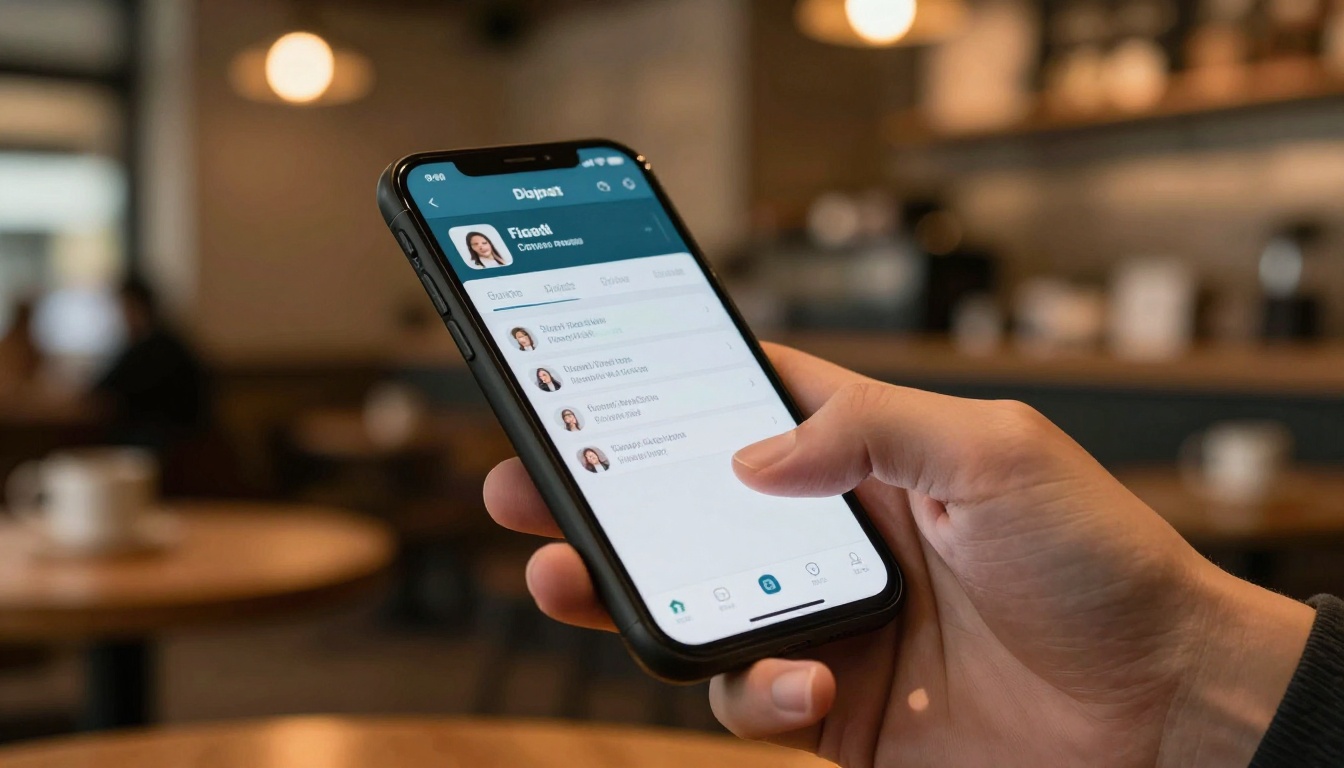
The Professional plan includes detailed analytics showing which pages donors spent the most time on, how many unique visitors opened your flipbook, and where they dropped off. This data helps you refine future fundraising materials. If donors consistently skip your statistics page, that's a signal to make the data more visual. If they linger on the impact stories, lead with more of that content next time.
Lead generation tools
The Professional plan also includes lead capture forms that embed directly in your flipbook. Potential donors who want more information fill out a form without ever leaving your document. This is particularly useful for recurring donor programs where you want to build a contact list during the campaign period without sending people to a separate landing page.
💡 Use the analytics data from your first fundraiser flipbook as a reference point. Year-over-year comparison shows whether your storytelling is improving and where donor attention is growing.
3 Common Mistakes to Avoid
Even well-intentioned fundraising flipbooks fall flat because of avoidable errors. These three come up most often.
1. Too much text, too little visual content. Donors are busy. A wall of text on every page kills interest. Aim for no more than 150 words per page, supported by strong imagery or data visualizations.
2. No clear donation call to action. Your flipbook should make it impossible to miss how to donate. Every section should have at least one donation prompt, whether it's a button, a link, or a QR code reference.
3. Sharing the file instead of the link. Attaching a PDF to an email is clunky and gets blocked by spam filters. Always share the flipbook as a live link. It loads faster, looks better, and you retain control over the content even after sending.
Pricing Plans Worth Knowing
Flipbooks AI offers tiered pricing that scales with your organization's needs. For small nonprofit teams running one or two events per year, the free plan gets you started. Organizations running multiple campaigns or needing analytics should look at the Standard or Professional plans.
| Plan | Flipbooks | Watermark | Analytics | Lead Capture | Password Protection |
|---|
| Free | Limited | Yes | No | No | No |
| Standard | Unlimited | No | No | No | Yes |
| Professional | Unlimited | No | Yes | Yes | Yes |
✅ Nonprofits often qualify for discounted or sponsored access to software tools. Contact the platform directly to ask about nonprofit pricing before committing to a plan.
Real-World Scenarios Where This Works
The theory is straightforward, but seeing how other organizations have applied it makes it click.
Animal shelter annual gala: A regional animal shelter replaced its printed auction program with a digital flipbook containing photos of adoptable animals, auction item descriptions with starting bids, and embedded video stories of past adoption successes. Donors opened the flipbook an average of 2.3 times before the event night.
University alumni fundraiser: A university development office created a class-specific flipbook for each graduating cohort's 10-year reunion, featuring class statistics, alumni spotlights, and a giving challenge tracker that updated in real time as donations came in throughout the campaign period.
Youth sports league equipment drive: A local soccer league used a two-page flipbook to show the current state of their equipment, the cost of replacements, and a simple donation tier system. Parents shared it through a team WhatsApp group. The campaign hit its goal in four days.
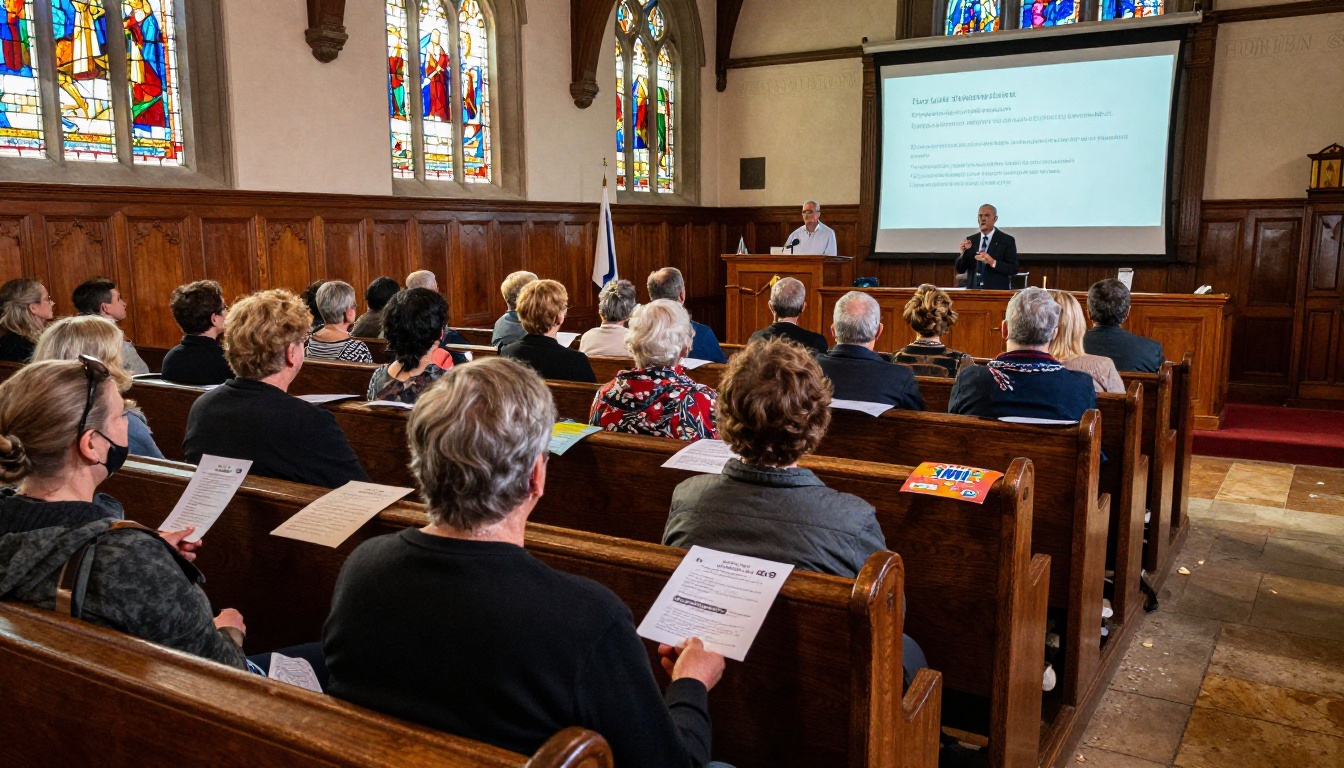
Each of these scenarios shares one thing: the flipbook made the cause tangible, shareable, and impossible to ignore. That's the work done right.
Ready to Build Yours
Your fundraiser deserves materials that match the quality of your cause. A digital flipbook built with Flipbooks AI takes less than an hour to create and works across every channel your donors already use: email, social media, mobile, and web.
Ready to create your first fundraising flipbook? Get started for free and have a shareable draft ready before your next campaign launches.
Check out the pricing plans to find what works for your organization's size and goals. Browse all available flipbook tools including the Event Program Maker and Non-Profit Annual Report to find the right starting point for your next campaign.



