If you've ever watched a flash sale promotion go unnoticed, the problem usually isn't the discount - it's the format. Static images and plain product pages don't create urgency or immersion the way an interactive, page-turning experience does. That's exactly what a sale flipbook delivers, and Flipbooks AI makes it possible to build one in minutes without any technical skills or design experience.
Why Flipbooks Work for Online Sales
Buyers scroll past thousands of promotions every day. Most promotional content looks identical: a banner, a discount code, a grid of product thumbnails. A flipbook breaks that pattern entirely. It mimics the physical experience of leafing through a sale catalog, which creates a sense of browsing - and browsing leads to buying.
Static Pages vs. Interactive Flipbooks
| Feature | Static Sale Page | Interactive Flipbook |
|---|
| Page-turn animation | No | Yes |
| Embeddable on websites | Limited | Yes, one code snippet |
| Mobile-responsive | Sometimes | Always |
| Shareable as a link | Basic URL | Clean branded link |
| Offline access | No | Yes (Professional plan) |
| Built-in analytics | No | Yes (Professional plan) |
| Video and audio embed | No | Yes |
The numbers back this up: interactive content consistently generates more time-on-page, more return visits, and more direct action than static alternatives. A flipbook turns a sale announcement into an event buyers want to experience rather than a page they close in two seconds.
What Buyers Actually Want
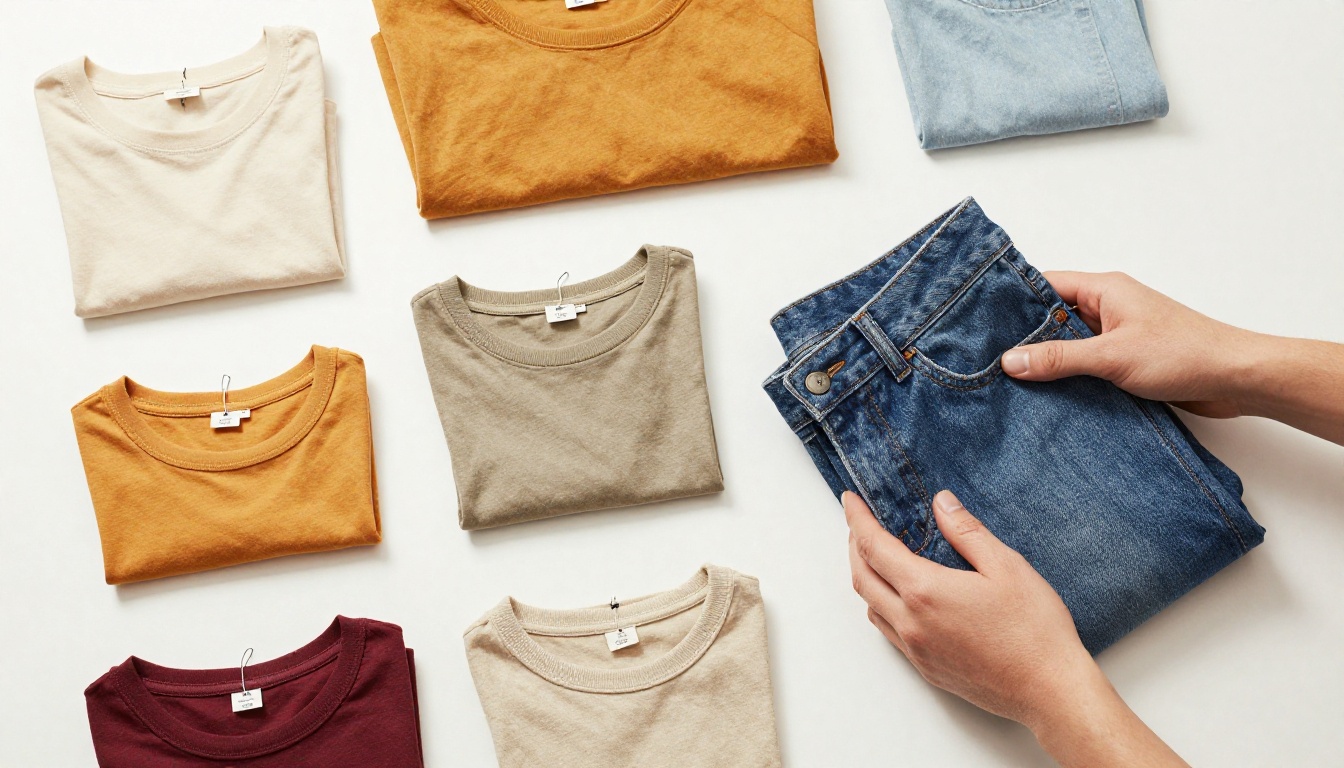
Buyers want three things from a sale experience: clarity on what's available, confidence in the price, and ease of access. A well-built sale flipbook delivers all three on a single shareable link. Product images are large and uncluttered, prices are visible at a glance, and the link works on any device without requiring an app download or account creation.
What to Put Inside Your Sale Flipbook
Before you upload anything, you need to know what goes on each page. A sale flipbook is not a general catalog - every page should push the reader toward a purchase decision. Clarity and urgency are the two variables that determine whether a sale flipbook converts or just gets viewed.
Product Pages That Sell
Each product spread should contain four elements working together:
- A full-width product photo on a clean or contextual background that shows the item in its best light
- The original price crossed out, with the sale price displayed larger and in a contrasting color to signal the deal immediately
- A short, punchy product description of two to three sentences maximum - enough to answer the question "why do I want this?"
- A clear call-to-action such as "Order Now", "Limited Stock", or a direct link to the checkout page
💡 Odd numbers work in your favor. A flipbook with 7, 9, or 11 product pages feels curated rather than overwhelming. Too many pages dilutes urgency.
Pricing Tables and Offers
If you're running a tiered sale - such as buy one get 10% off, buy three get 25% off - a table inside your flipbook makes the offer scannable and easy to act on:
| Quantity | Discount | Final Price per Item |
|---|
| 1 item | 10% off | $27.00 |
| 2 items | 18% off | $24.60 |
| 3+ items | 25% off | $22.50 |
Tables like this reduce hesitation at the decision point. When buyers see the math laid out clearly, they naturally reach for the bigger bundle. A visual table communicates this far more powerfully than a bullet list of the same information.

How to Build Your Sale Flipbook Step by Step
This is where Flipbooks AI turns what could be a multi-hour project into a 20-minute task. Here's the exact process from PDF to published, shareable flipbook.
Step 1: Design Your PDF
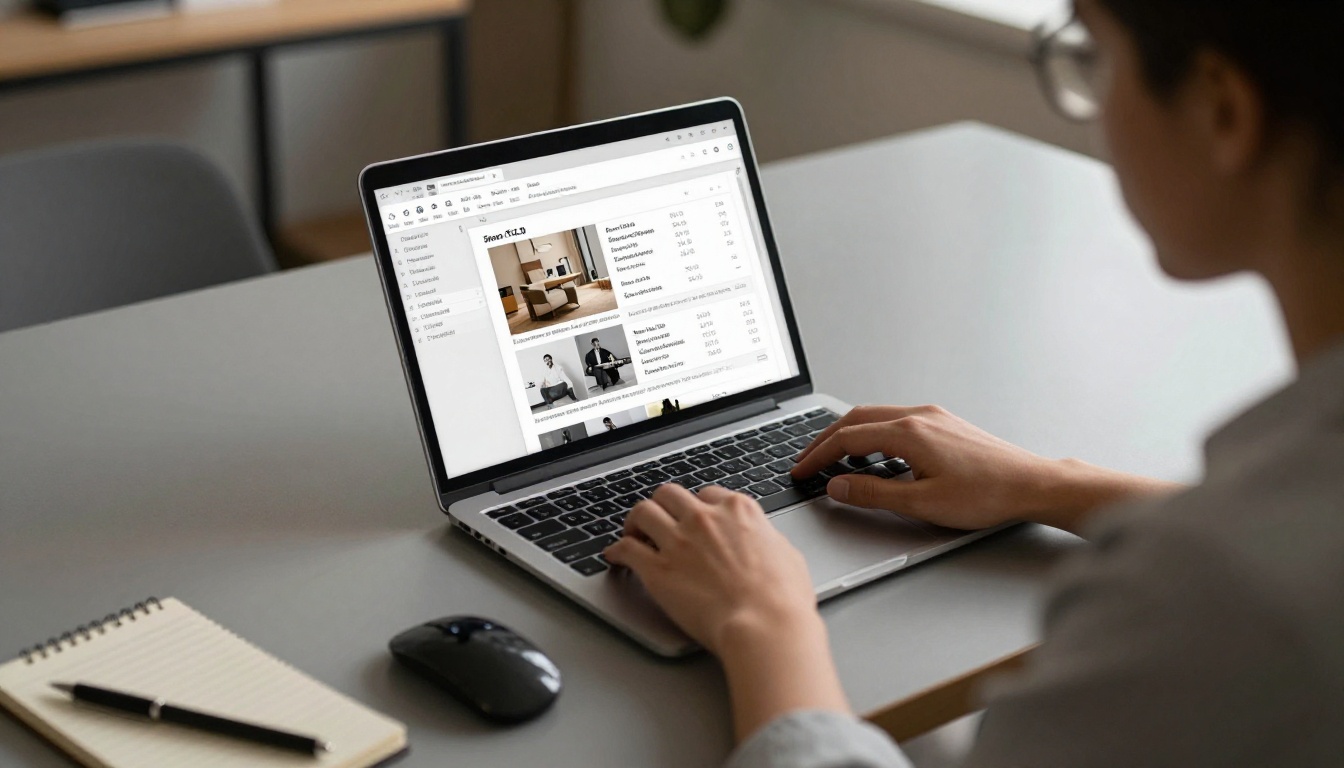
Your flipbook starts as a PDF. Use any design tool you're comfortable with: Canva, Adobe InDesign, Google Slides, or even PowerPoint. Keep these specs in mind before you export:
- Page size: 16:9 landscape works best for wide screens; A4 portrait works if you have more content per product
- Resolution: 300 DPI ensures images stay crisp when buyers zoom in on product details
- Font size: Minimum 14pt for body text - smaller text becomes unreadable when pages scale down on mobile
- Color contrast: High contrast between text and background for readability at any screen size
- Sale deadline: Include your end date on the cover page and again on the final page
Each page of your PDF becomes one spread in the flipbook. Design your opening page as a cover with your brand and sale headline, add a pricing summary or offer breakdown on page two, then move into product pages.
Step 2: Upload to Flipbooks AI
Once your PDF is ready, go to Flipbooks AI and create your account. The upload process is straightforward:
- Click Create New Flipbook from your dashboard
- Drag and drop your PDF file or click to browse your files
- Wait for the automatic conversion - typically under 30 seconds for a 15-page file
- Your flipbook is immediately live with a smooth page-turn animation applied automatically
✅ No configuration is required before uploading. The conversion happens automatically and the default output already looks polished and professional out of the box.
Step 3: Customize Your Branding
After conversion, the editor lets you make the flipbook match your brand identity:
- Logo placement: Upload your brand logo to appear consistently in the interface
- Color palette: Set your primary and accent colors so buttons and navigation match your store
- Page transitions: Choose between classic page-flip, slide, or fade animations
- Background: A clean solid color keeps focus on products; a subtle texture adds depth
- Table of contents: Enable a sidebar TOC for longer catalogs so buyers can jump to specific sections
For sale-specific flipbooks, use high-contrast button colors - red and orange have historically performed well for urgency-driven content - and keep the interface minimal so products dominate the visual space.
Step 4: Set Up Sharing and Embedding
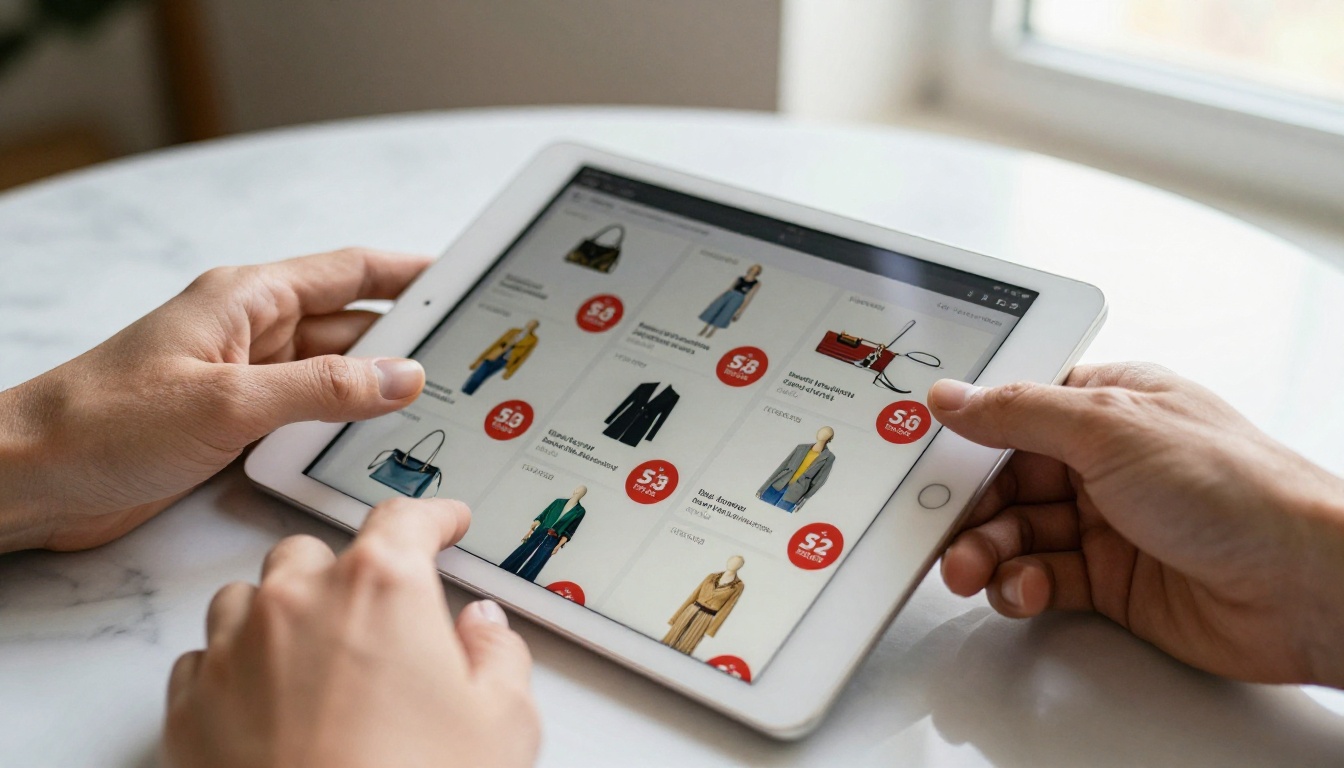
This is where a sale flipbook earns its return. Flipbooks AI gives you multiple distribution channels from a single publish action:
- Direct link: A clean URL you can paste into emails, WhatsApp messages, social bios, or SMS campaigns
- Embed code: One snippet of HTML to drop into your Shopify, WooCommerce, Squarespace, or Wix store
- QR code: Auto-generated for print materials, packaging inserts, or in-store displays
- Password protection: Lock the flipbook behind a code for VIP early access before a public sale launch (Standard plan and above)
⚠️ Set your sale end date visibly on the flipbook cover before publishing. Buyers respond to explicit deadlines. Vague or missing dates reduce urgency and increase procrastination.
Best Flipbook Types for Online Sales
Not all sales are the same structure, and Flipbooks AI has tools built for each one. Choosing the right format from the start saves design time and produces better results for your specific audience.
Product Catalogs
A seasonal sale catalog with many SKUs works best as a structured product catalog flipbook. Organize products by category with visual divider pages between sections. Use the Product Catalog Creator or the Digital Catalog Maker for pre-built templates.
Promotional Lookbooks
Fashion, beauty, and lifestyle brands perform well with a lookbook format. Rather than individual product pages, products appear across styled scene photographs that show items in context. The Interactive Lookbook Designer is built specifically for this approach.
Flash Sale Flyers
For a 24-48 hour flash sale, a short flipbook of 4-6 pages outperforms a long catalog. One cover page, two to three product spreads, a pricing table page, and a final call-to-action page. Short, fast, and urgent is the right structure when the window to buy is narrow. The Digital Price List Generator is ideal when the sale is primarily price-driven.
How to Share Your Flipbook During a Sale
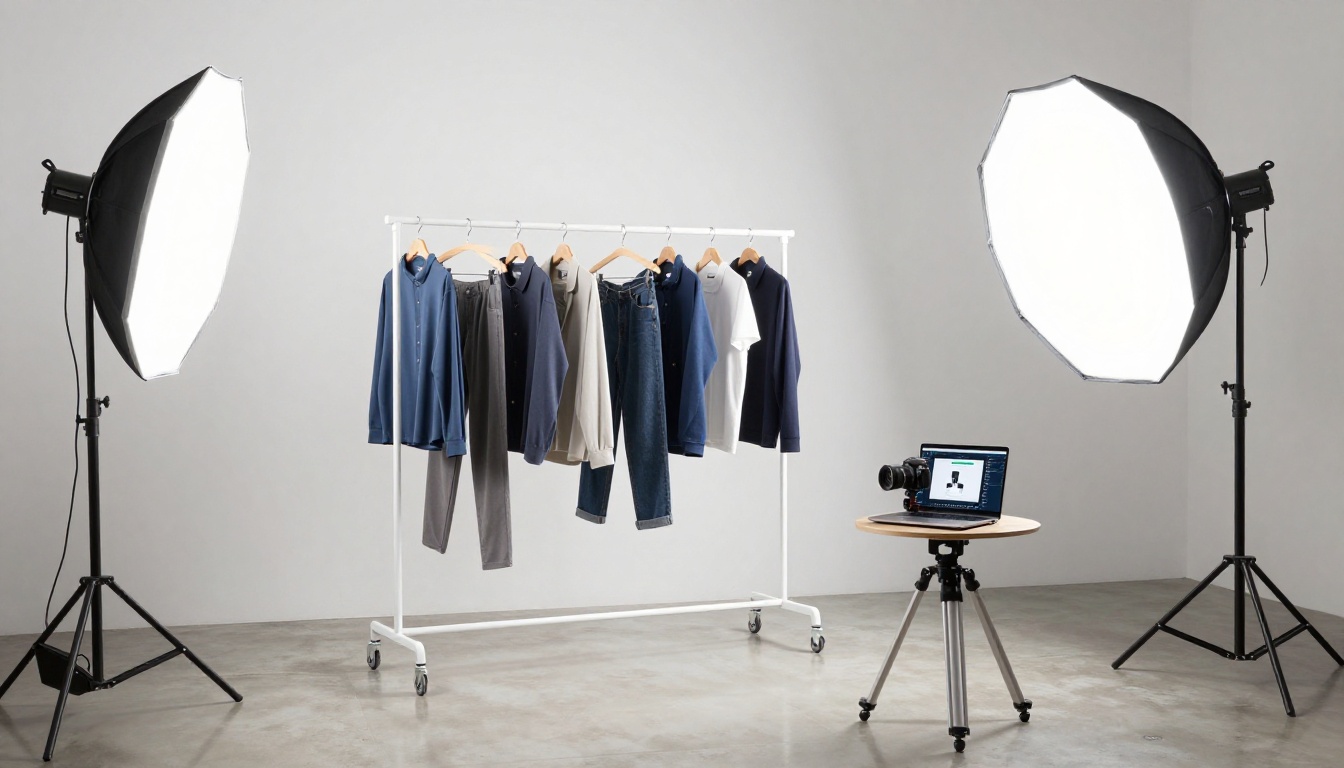
Building the flipbook is half the work. Getting it in front of buyers before the sale window closes is the other half. These three channels consistently deliver the most direct traffic for e-commerce sellers.
Embed on Your Store
The Embed Flipbook on Website tool generates a single line of embed code. Paste it into any page on your Shopify, WooCommerce, Squarespace, or Wix store. The most effective placements are:
- Your homepage during the sale window as a featured section that replaces the standard hero banner
- A dedicated sale landing page that serves as the single destination for all your campaign traffic
- Inside specific product category pages to cross-sell related discounted items
Share on Social Media
The direct link from Flipbooks AI generates a clean preview when shared on Facebook, Instagram bio, LinkedIn, or Twitter/X. For Instagram, place the flipbook link in your bio and reference it in Stories with a direct call-to-action. On TikTok and Reels, a quick screen recording of someone flipping through the pages performs well because the page-turn animation is visually engaging in short-form video format.
Email Campaigns
Embed a screenshot of your flipbook cover as the hero image in your campaign email, then link the image directly to the flipbook URL. This is significantly more clickable than a plain text link and avoids the rendering issues that come with embedding interactive content directly in an email client.
Subject line formula that works reliably: "Your [Brand] sale catalog is live - [page count] pages of deals ending [date]"
💡 Add your flipbook link to order confirmation emails too. If someone just completed a purchase, they're actively in a buying mindset. Showing them what else is on sale at that moment captures high-intent traffic you'd otherwise miss.
Flipbooks AI Plans for Sellers
Flipbooks AI offers three tiers. For online sellers specifically, the differences between plans come down to volume, branding control, and data access.
What Each Plan Offers
| Feature | Free | Standard | Professional |
|---|
| Watermark-free flipbooks | No | Yes | Yes |
| Unlimited flipbooks | No | Yes | Yes |
| Password protection | No | Yes | Yes |
| Custom branding and logo | No | Yes | Yes |
| Embed on any website | Yes | Yes | Yes |
| Viewer analytics | No | No | Yes |
| Lead generation forms | No | No | Yes |
| Offline downloads | No | No | Yes |
| Embedded video and audio | No | Yes | Yes |
For a one-time seasonal sale, the Standard plan covers everything needed: no watermarks, unlimited flipbooks, full custom branding, and password protection for VIP early access lists. If you run sales on a regular schedule and want to track which products and pages get the most views, the Professional plan adds analytics and lead generation that turn your flipbook into a data source as well as a sales tool.

3 Real-World Sale Flipbook Examples
Fashion boutique, end-of-season clearance: A small clothing brand exported 18 product photos from their Shopify store into a Canva PDF, uploaded it to Flipbooks AI, and sent the link in their monthly email newsletter. The flipbook received three times more click-throughs than their previous static sale banner in the same campaign slot.
Home goods store, Black Friday: A home decor retailer created a 10-page flipbook organizing their top deals by room: kitchen, bedroom, and living room. They embedded it on their homepage for the five-day sale window and used password protection to give email subscribers 24-hour early access before the public launch. The password created a sense of exclusivity that their audience responded to strongly.
B2B wholesale distributor, clearance stock: A distributor uploaded a PDF price list of discontinued items as a flipbook and sent the link to their buyer contacts instead of attaching a spreadsheet. The page-turn format made the price list feel like a curated offer rather than a raw data dump, and sell-through on the clearance inventory improved noticeably compared to prior clearance campaigns sent as PDF attachments.
Your Sale Flipbook Starts Here
The tools are available right now. Your next sale doesn't have to look like every other promotion in your buyers' inboxes. A flipbook takes the same products, the same prices, and the same promotions and wraps them in a format that buyers actually want to spend time with - one that feels closer to flipping through a sale catalog than clicking through another static page.
Ready to build yours? Create a free account on Flipbooks AI and upload your first PDF today. The conversion is automatic and your first flipbook can be live in under five minutes.
If you want to see what plan fits your sales volume and frequency, compare all pricing options to find the right tier. For inspiration on specific formats and use cases, browse the full flipbook tools directory to find templates built for your category, from seasonal fashion lookbooks to B2B wholesale catalogs.



