Podcast show notes are one of the most underused content assets in podcasting. Most hosts spend 20 to 40 minutes writing them, publish them as a plain text blog post, and watch them get ignored. The problem is not the content. It is the format. A wall of text with timestamps and links does not invite people to stay. A flipbook does. Flipbooks AI lets you convert your show notes PDF into a page-turning, interactive digital publication that listeners actually want to open, read, and share.
Why Podcast Show Notes Stay Buried

Most show notes live on a blog page that nobody scrolls past the first paragraph. Here is what typically happens:
- A listener finishes an episode and wants the resource links mentioned
- They search for the show notes page
- They find a dense wall of text
- They copy one link and leave
That is a missed opportunity. Show notes have real value: guest bios, book recommendations, chapter summaries, sponsor links, and timestamps. The format is the only thing failing them.
A digital flipbook changes the experience completely. Instead of a static page, your listeners get something they can flip through, zoom into, and share as a standalone document. It works on any device, loads instantly, and looks professionally designed even if you built it in 20 minutes.
💡 Podcasters who distribute show notes as flipbooks report higher click-through rates on resource links because readers interact with the content rather than scanning past it.
What a Flipbook Does Differently
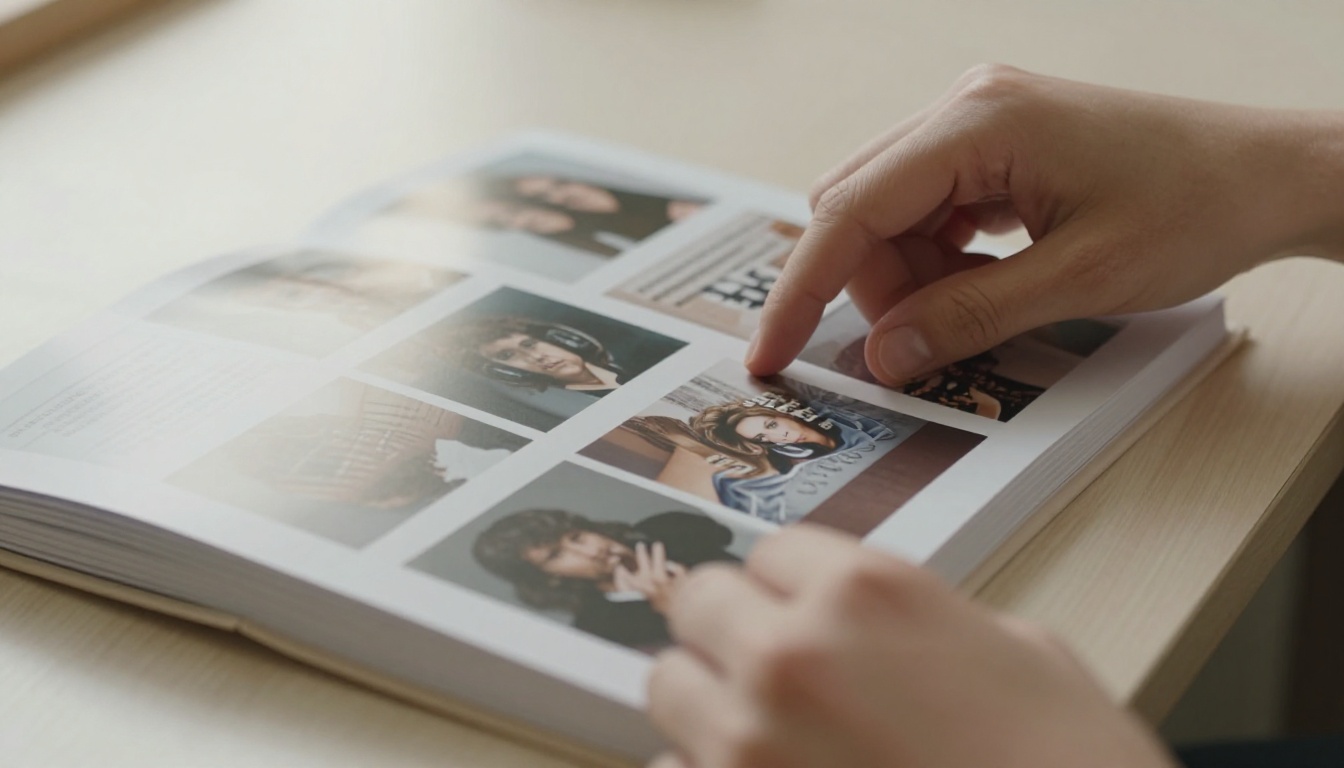
A standard show notes page is passive. A flipbook is interactive. Here is how they compare across the metrics that matter for podcast audiences:
| Feature | Plain Blog Post | Digital Flipbook |
|---|
| Page-turn animation | No | Yes |
| Mobile-responsive | Sometimes | Always |
| Embeddable anywhere | No | Yes |
| Shareable as standalone link | No | Yes |
| Analytics on page views | Basic | Per-page (Professional) |
| Password protection | No | Yes |
| Clickable links | Yes | Yes |
| Offline download | No | Yes (Professional) |
| Custom branding | Limited | Full |
| Embed video and audio | No | Yes |
The flipbook format is built for the way podcast listeners consume content: on mobile, on the go, and in quick bursts between episodes. A well-structured show notes flipbook gives listeners a reason to return to your content between releases.
What to Put in Your Podcast Flipbook

Before you open any tool, you need to know what goes inside. The best podcast show note flipbooks share a consistent structure that serves both first-time listeners and loyal regulars.
The Core Sections
Every episode flipbook should include these elements:
- Episode title and number with the guest name prominently placed
- Episode summary in 2 to 3 sentences, written for someone who has not listened yet
- Chapter timestamps with a one-line description of each segment
- Guest bio with photo if available, plus their social links and website
- Resource list with every book, tool, or link mentioned, formatted as clickable items
- Key quotes pulled from the episode, formatted as pull quotes for visual impact
- Sponsor section with clear CTAs for any episode sponsors
- Call to action asking listeners to subscribe, leave a review, or share
Optional Power Sections
Depending on your show format, these additions add serious value:
- Transcript excerpts for the most quotable or searchable moments
- Infographic summary of the main ideas, great for interview episodes
- Community question prompting listeners to engage in your newsletter or Discord
- Next episode preview with a teaser and a link to subscribe
✅ Aim for 6 to 10 pages per episode flipbook. That gives you enough depth to be useful without overwhelming the reader.
The biggest mistake podcasters make when creating flipbooks is treating them like a Word document export. Flipbooks are a visual medium. Each page is a canvas. The design decisions you make at this stage determine whether readers flip forward or close the tab.
Page Layout Principles
- One idea per page: Do not cram everything onto two pages. Timestamps get their own spread. Guest bio gets its own page. Breathing room is part of the design.
- Large readable type: Podcast audiences often read flipbooks on mobile. Minimum 14px body text, 24px headings.
- High-contrast colors: Your brand colors should work on both light and dark backgrounds. Test before publishing.
- Visual anchors: Every page needs at least one visual element, whether that is a photo, icon, pull quote box, or color block.
File Preparation Tips
When building your PDF before uploading, follow these steps:
- Use a 16:9 or A4 landscape format for optimal flipbook display
- Embed all fonts so they render correctly after conversion
- Keep file size under 50MB for fast loading
- Use hyperlinks inside the PDF since they carry over into the flipbook
- Add page numbers to help listeners navigate chapter by chapter
⚠️ Avoid using raster images at low resolution. Blurry images in a digital flipbook look unprofessional and undermine your brand credibility with both listeners and sponsors.
How to Create a Flipbook for Podcast Show Notes with Flipbooks AI

Flipbooks AI is built for exactly this use case. The platform converts your PDF show notes into a fully interactive digital flipbook in minutes, with no design software needed. Here is the complete process.
Step 1: Create Your Account
Go to Flipbooks AI and create your account. The free tier lets you test the platform with up to three flipbooks. For podcast publishing at scale, the Standard plan gives you unlimited flipbooks with no watermarks, which is what most podcasters need from episode one.
Step 2: Upload Your PDF
Once inside your dashboard:
- Click Create New Flipbook
- Select Upload PDF and choose your show notes file
- Wait for the conversion, typically under 60 seconds for a 10-page document
- Preview the automatically generated flipbook before making any changes
The PDF to Flipbook Converter handles the entire page-mapping process automatically. Every page of your PDF becomes a flipbook page with working links and proper formatting preserved.
Step 3: Customize Your Branding
This is where your podcast's identity comes through:
- Set your brand colors using the color picker to match your podcast artwork
- Upload your podcast logo to appear in the header or footer of every page
- Choose a background style such as paper texture, solid color, or gradient
- Add page transition effects including classic flip, slide, or fade
- Set background music if you want ambient audio while readers browse the episode
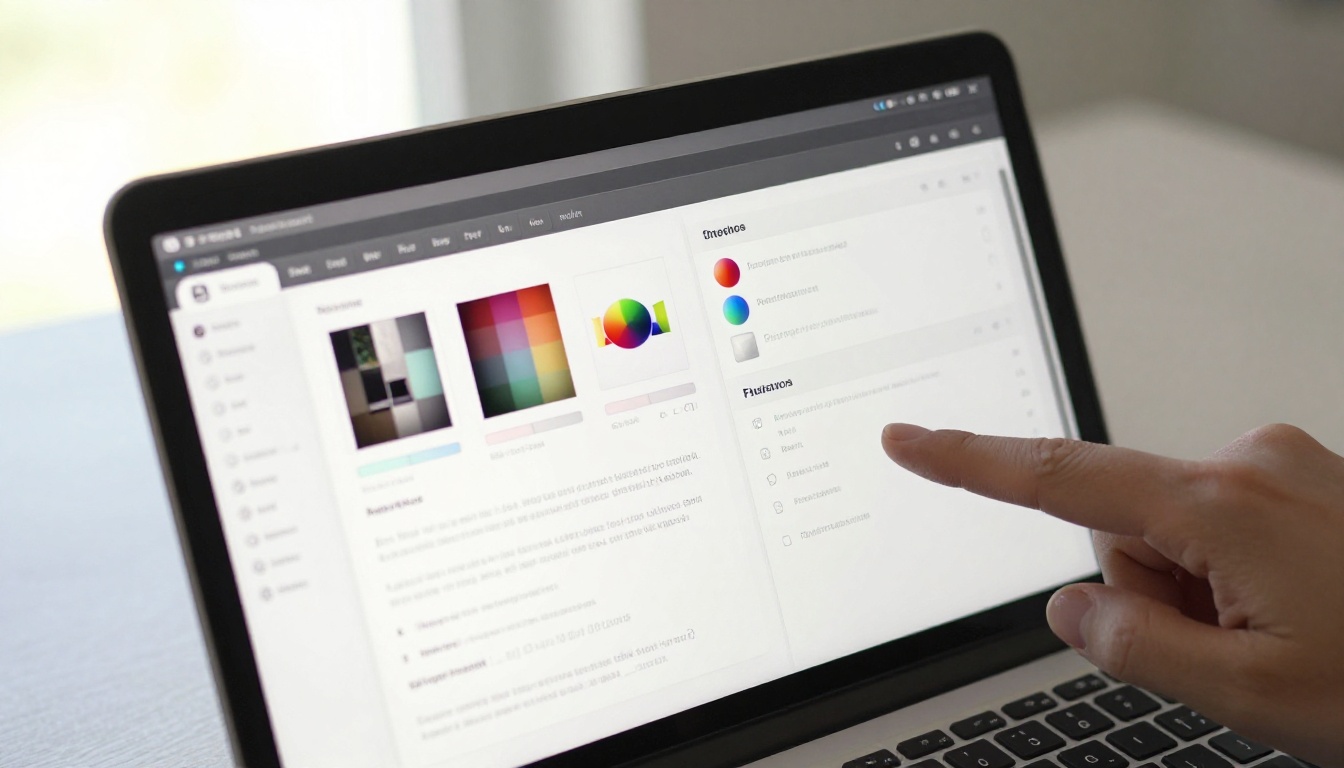
Step 4: Add Multimedia Elements
One of the strongest features for podcasters is the ability to embed audio and video directly into flipbook pages. You can:
- Embed a teaser clip from the episode on the first page to hook new readers
- Add a YouTube link to a video version of the episode
- Include audio snippets of key quotes mentioned in the show notes
- Link directly to your Spotify or Apple Podcasts episode page from within the flipbook
This turns your show notes into a multimedia experience rather than a static summary document.
Step 5: Configure Sharing and Privacy
Before publishing, set your distribution preferences:
- Set a custom URL slug that matches your episode title for SEO benefit
- Enable password protection if the flipbook is for paid subscribers or Patreon members
- Toggle search engine indexing on or off based on your distribution strategy
- Copy the embed code if you want to drop the flipbook directly into your website or newsletter
Step 6: Publish and Distribute
Hit publish. You will receive:
- A direct shareable link to paste in email newsletters, social posts, and podcast descriptions
- An embed code for your website show notes page
- A QR code that you can mention during the episode itself
💡 Mentioning the flipbook by name during your recording creates a natural call to action. Try: "All the links from today's conversation are in the interactive show notes, link in description."
How to Share Your Podcast Flipbook
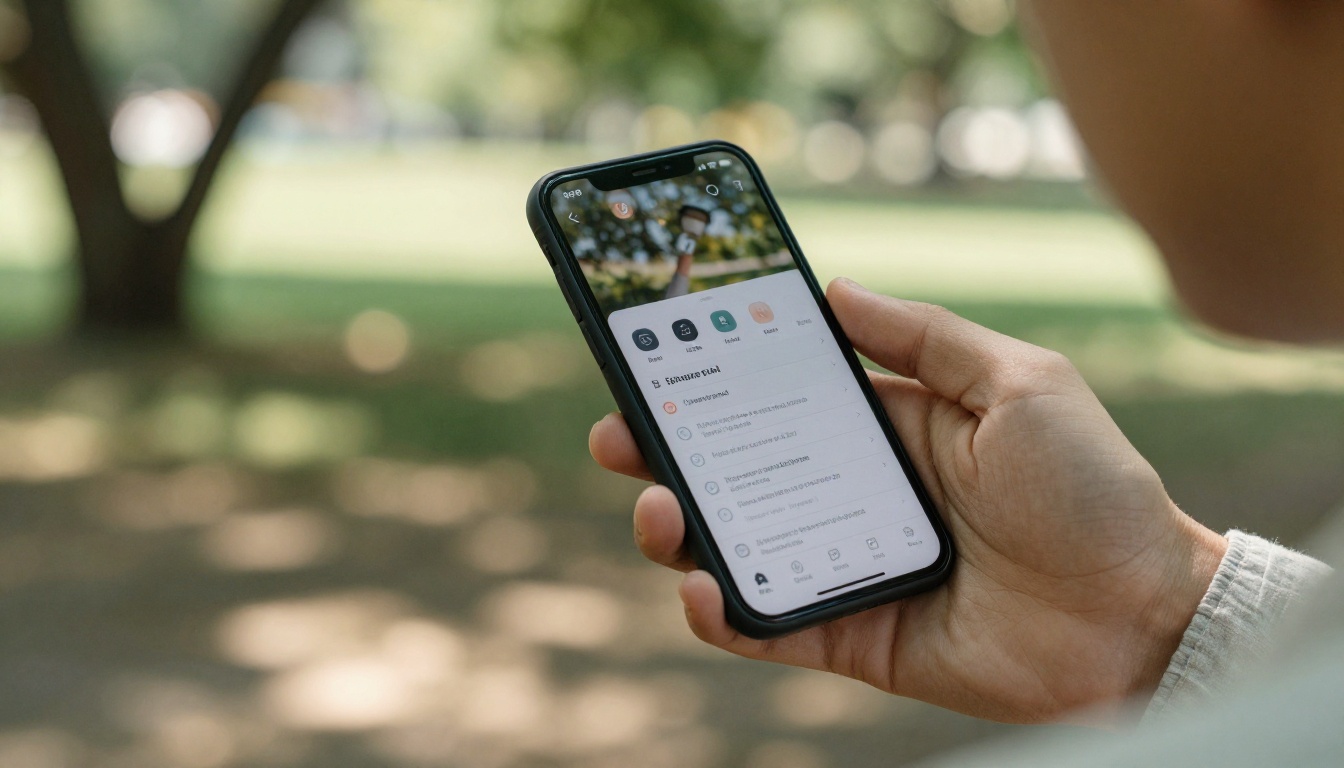
Generating the flipbook is only half the job. The distribution strategy determines how many listeners actually see it.
Where to Drop the Link
| Distribution Channel | Best Placement | Expected Impact |
|---|
| Podcast description | First paragraph | High, visible in all apps |
| Email newsletter | Dedicated section | High, engaged audience |
| Social media post | Bio link or post body | Medium, depends on platform |
| Website show notes page | Embedded flipbook | High, great for SEO |
| YouTube description | Episode description | Medium, crossover listeners |
| Discord or community | Pinned post | High, super-fans |
| LinkedIn (B2B shows) | Article or post | Medium to High |
Embedding in Your Website
The embed code from Flipbooks AI drops directly into any website builder: WordPress, Squarespace, Webflow, or plain HTML. The flipbook renders inside a responsive iframe, meaning it adapts to any screen size without extra configuration.
Replace your flat show notes page with an embedded flipbook and your average time-on-page increases because readers interact with the content rather than scrolling past it in seconds.
Sending to Guests
This is an underrated distribution move. When you send your guest the flipbook link for their episode, they receive a polished, branded asset they will actually want to share on their own channels. A plain text show notes page rarely gets reshared by guests. A beautiful interactive flipbook does, and each share extends your reach to a new audience.
Which Plan Fits Your Podcast

Choosing the right plan from Flipbooks AI pricing depends on how you use your show notes and how many episodes you publish per month.
| Feature | Free | Standard | Professional |
|---|
| Flipbooks | 3 | Unlimited | Unlimited |
| Watermark | Yes | No | No |
| Custom branding | No | Yes | Yes |
| Password protection | No | Yes | Yes |
| Embed on website | No | Yes | Yes |
| Per-page analytics | No | No | Yes |
| Lead generation forms | No | No | Yes |
| Offline downloads | No | No | Yes |
| Priority support | No | No | Yes |
Free: Good for testing the format with one or two episodes before committing to a workflow.
Standard: The practical choice for active podcasters. Unlimited flipbooks with no watermarks means every episode gets its own professional show notes document without ongoing restrictions.
Professional: Built for shows monetizing through sponsorships or paid communities. Per-page analytics tell you exactly which sections of your show notes get the most attention, which is useful data for sponsor placement decisions. Lead generation forms let you capture subscriber emails directly from the flipbook itself.
💡 If you run a Patreon or paid membership, the Professional plan's password protection lets you create exclusive extended show notes for paying members while keeping a public version available for everyone else.
What Podcasters Are Actually Doing With Flipbooks

The podcasters getting the most mileage from flipbooks are not just replacing their show notes pages. They are building a content ecosystem around each episode.
The Episode Drop System
Some shows release their flipbook the day before the episode goes live. The flipbook teases the guest, previews the main topics, and lists the key resources, building anticipation in a way a social media post never could. Subscribers share the preview flipbook before they have even heard the episode.
The Resource Library
For educational podcasts covering a consistent topic area, flipbooks accumulate into a resource library over time. Each episode's flipbook links to related episodes, creating an internal network of content that keeps listeners browsing for longer and reduces the drop-off between seasons.
The Sponsorship Package
For shows pitching to new sponsors, a portfolio of polished episode flipbooks demonstrates production quality and audience commitment in a format sponsors can actually browse at their own pace. A PDF deck sent by email is forgettable. An interactive flipbook shared via link is not.
The Interview Asset
Interview shows convert their flipbooks into guest assets. The guest receives a branded, shareable document that includes their bio, their best quotes, and links to their work. Most guests share it organically. Some even link back to it from their own websites, which creates valuable backlinks to your show notes page.
Make Every Episode Count
Your show notes already contain everything a listener needs to get full value from your podcast. The format is the only thing stopping them from using it. A flipbook transforms that static text into something people open on their phones, flip through during their commute, bookmark for later, and share with colleagues who ask "what was that podcast you mentioned?"
Ready to turn your next episode's show notes into an interactive experience? Create your free account on Flipbooks AI and convert your first PDF in under two minutes.
If you publish regularly and need unlimited flipbooks without watermarks, check the pricing plans to find the tier that matches your production volume. For those looking at specific use cases beyond show notes, browse all available flipbook tools to see what else is possible with the same platform.



