Running a yoga class means wearing a dozen hats at once. You are the instructor, the scheduler, the brand, and the welcome committee. One thing that often gets overlooked is how you present your studio's information to students. Printed schedules fade on bulletin boards, email attachments go unread, and social media posts disappear in the feed. A digital flipbook for your yoga class solves all of this, giving students a beautiful, interactive booklet they can browse on any device. Flipbooks AI lets you build one in minutes, no design background required.

What Makes a Yoga Flipbook Worth Building
Before jumping into the how, it is worth understanding why a flipbook works better than a PDF or a printed handout. A flipbook is a digital publication with realistic page-turning animation. When you share your yoga class schedule, pose sequences, or studio welcome booklet as a flipbook, students engage with it the way they would a magazine, not a document.
The Problem with Plain PDFs
Most yoga studios send out a PDF schedule or a printed brochure and leave it at that. The problem is that PDFs are passive. Students download them, forget to open them, or struggle to read them on a phone screen. A printed brochure is one-time use and costs money every time you update it.
A digital flipbook is:
- Always up to date when shared via link
- Mobile-responsive by default
- Visually compelling with page-turn effects
- Shareable without printing costs
- Embeddable on your website or booking page
💡 Yoga studios that switch from printed schedules to digital flipbooks typically eliminate recurring print costs entirely while improving student retention of class information.
What Students Actually Want
Students want to know three things quickly: when classes are, what to expect, and who is teaching. A flipbook lets you put all of that in one place with a layout that is actually pleasant to read. You can include photos, short instructor bios, pose breakdowns, pricing, and FAQ sections, all in a format that feels considered and professional.
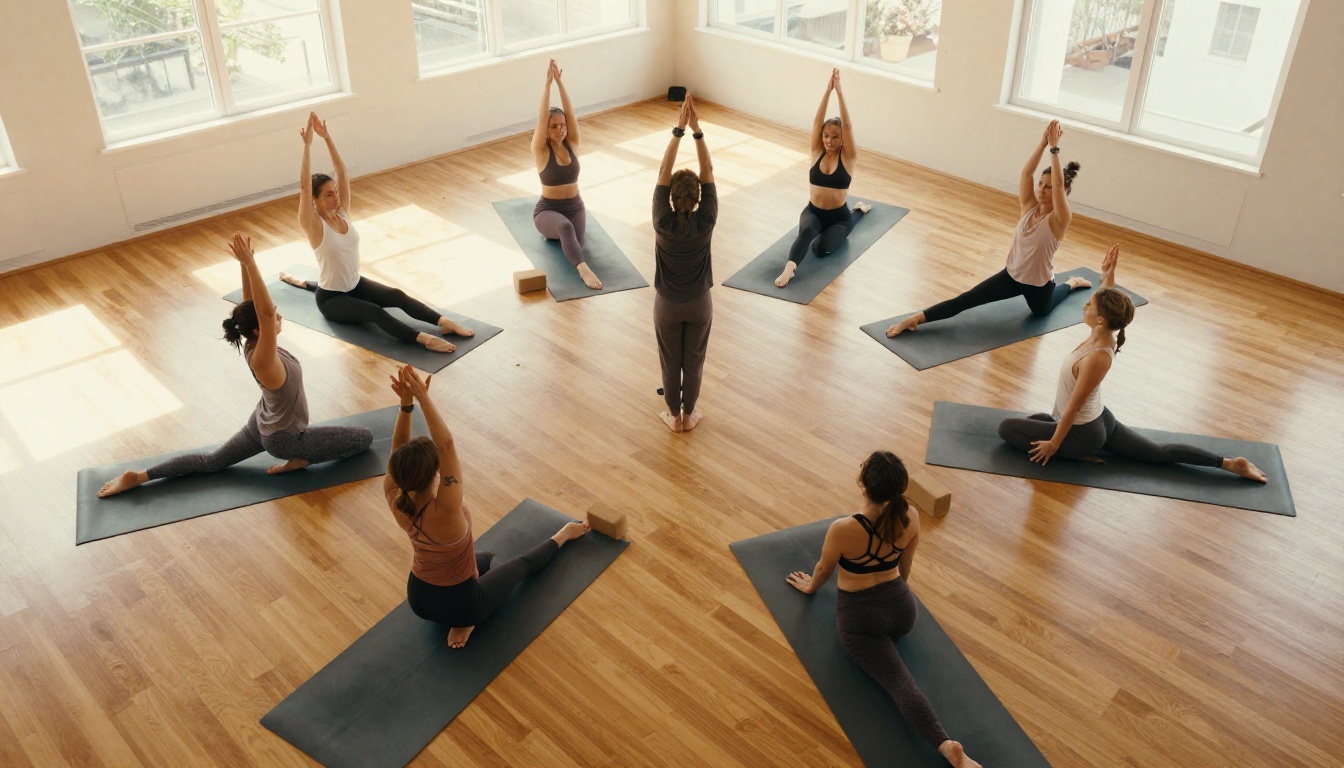
What to Include in Your Yoga Class Flipbook
The content of your flipbook will depend on your studio type, but there are pages that consistently work across every yoga format, from hot yoga to yin to aerial classes.
Class Schedule and Timetable
This is the page students check most often. A clear weekly timetable with class names, times, difficulty levels, and instructor names is the backbone of any yoga studio flipbook.
| Column | What to Include |
|---|
| Class Name | Vinyasa Flow, Restorative, Power Yoga |
| Day and Time | Monday 7am, Thursday 6pm |
| Instructor | Name and short photo |
| Level | Beginner, All Levels, Experienced |
| Duration | 45 min, 60 min, 90 min |
| Room | Studio A, Rooftop, Online |
Pose Sequences and References
Including two to three pages of photographed pose sequences gives students something to study outside of class. Organize them by difficulty, by body focus (core, hips, back), or by class type. A visual reference that students can flip through before bed is something they will return to again and again.
Instructor Bios and Studio Philosophy
Students choose instructors as much as they choose classes. A short bio page with a photo, teaching style, certifications, and specialty makes the studio feel personal. Add a section on your studio's philosophy to make new students feel they are joining a community, not just buying a service.
Pricing and Membership Options
Clear, visual pricing information reduces the friction of the first booking. A table format works best here, showing exactly what each membership tier includes.
✅ Best practice: Include a QR code or clickable link in your flipbook pointing directly to your online booking page. This turns a static document into an active sales tool.

How to Design Your Yoga PDF Before Converting
Flipbooks AI works by converting a PDF into a beautiful interactive flipbook. Your first step is designing a solid PDF, and you do not need to be a designer to do this well.
Tools That Work for Non-Designers
- Canva: Has yoga-specific templates, free tier available
- Adobe Express: Clean layouts, good typography defaults
- Google Slides: Export to PDF, surprisingly capable for simple booklets
- Microsoft PowerPoint: Export to PDF for multi-page booklets
Pick whichever feels familiar. Work at a consistent aspect ratio, 16:9 for landscape or A4 for portrait, and keep your design clean and readable. Consistency matters more than complexity.
Layout Tips That Actually Work
A few principles separate a polished yoga flipbook from an amateur one:
- Use no more than 2 fonts: One for headings, one for body text
- Leave white space: Crowded pages feel stressful, the opposite of what yoga is
- High-quality photos: Blurry or pixelated images undermine credibility instantly
- Consistent color palette: 2-3 colors max, tied to your studio branding
- Page numbers: Makes navigation easy when embedded on a website
Must-Have Pages Checklist
| Page | Priority | Notes |
|---|
| Front Page with Welcome | Essential | Studio name, photo, tagline |
| Weekly Schedule | Essential | Table format, all classes |
| Class Descriptions | Essential | What to expect in each format |
| Instructor Profiles | High | Name, photo, 2-3 sentences |
| Pricing and Memberships | High | Clear tiers, what is included |
| What to Bring | Medium | Mat, water, props, dress code |
| FAQ | Medium | Parking, booking, cancellation |
| Contact and Socials | Medium | Website, Instagram, phone |
How to Create a Flipbook for Your Yoga Class with Flipbooks AI
Once your PDF is ready, turning it into a professional digital flipbook takes less than five minutes on Flipbooks AI. Here is the exact process.
Step 1: Set Up Your Account
Go to flipbooksai.com/account and sign up for free. The free plan lets you see exactly what your flipbook will look like before committing to a paid plan. No credit card required to start.
Step 2: Upload Your PDF
From your dashboard, click "Create Flipbook" and upload your yoga class PDF. The platform converts each page automatically, preserving your fonts, images, and layout. Most PDFs under 50 pages process in under 30 seconds.
💡 If your PDF has a title page, it becomes the visible thumbnail when you share the flipbook link. Make your first page count visually since it is the first thing students see before clicking through.
Step 3: Customize Your Flipbook
This is where Flipbooks AI stands apart from basic PDF converters. You can:
- Set your brand colors so the flipbook matches your studio's visual identity
- Add a custom logo that appears in the viewer header
- Choose page-turn effects (flat or 3D page curl)
- Enable or disable the download button depending on whether you want students to save a copy
- Add background music for an ambient, immersive feel
- Embed videos directly into the flipbook, perfect for a short intro clip from your lead instructor
Step 4: Share With Your Students
Once published, you get several sharing options:
- Direct link: Copy and paste into your newsletter, WhatsApp group, or Instagram bio
- Embed code: Drop it onto your website so visitors can browse without leaving your page, using the Embed Flipbook on Website tool
- Password protection: For members-only content like premium pose programs or retreat details
- QR code: Print it on business cards or your studio window for walk-in visitors
Flipbooks AI Plans: What Each Tier Offers
Choosing the right plan depends on how much content you create and whether you need features like analytics or lead generation.
| Feature | Free | Standard | Professional |
|---|
| Flipbooks | 1 | Unlimited | Unlimited |
| Watermark | Yes | No | No |
| Custom Branding | No | Yes | Yes |
| Password Protection | No | Yes | Yes |
| Embed on Website | No | Yes | Yes |
| Offline Downloads | No | Yes | Yes |
| Analytics | No | No | Yes |
| Lead Generation Forms | No | No | Yes |
| Custom Domain | No | No | Yes |
⚠️ The free plan includes a watermark on your flipbook. For a professional yoga studio, the Standard plan removes it and adds custom branding, which is worth it from day one.
For studios that want to track which pages students read most, the Professional plan's analytics are genuinely useful. You can see exactly how far into your schedule booklet students browse, which class descriptions get read, and how long they spend on the pricing page.
Check pricing plans to find what fits your studio size and goals.
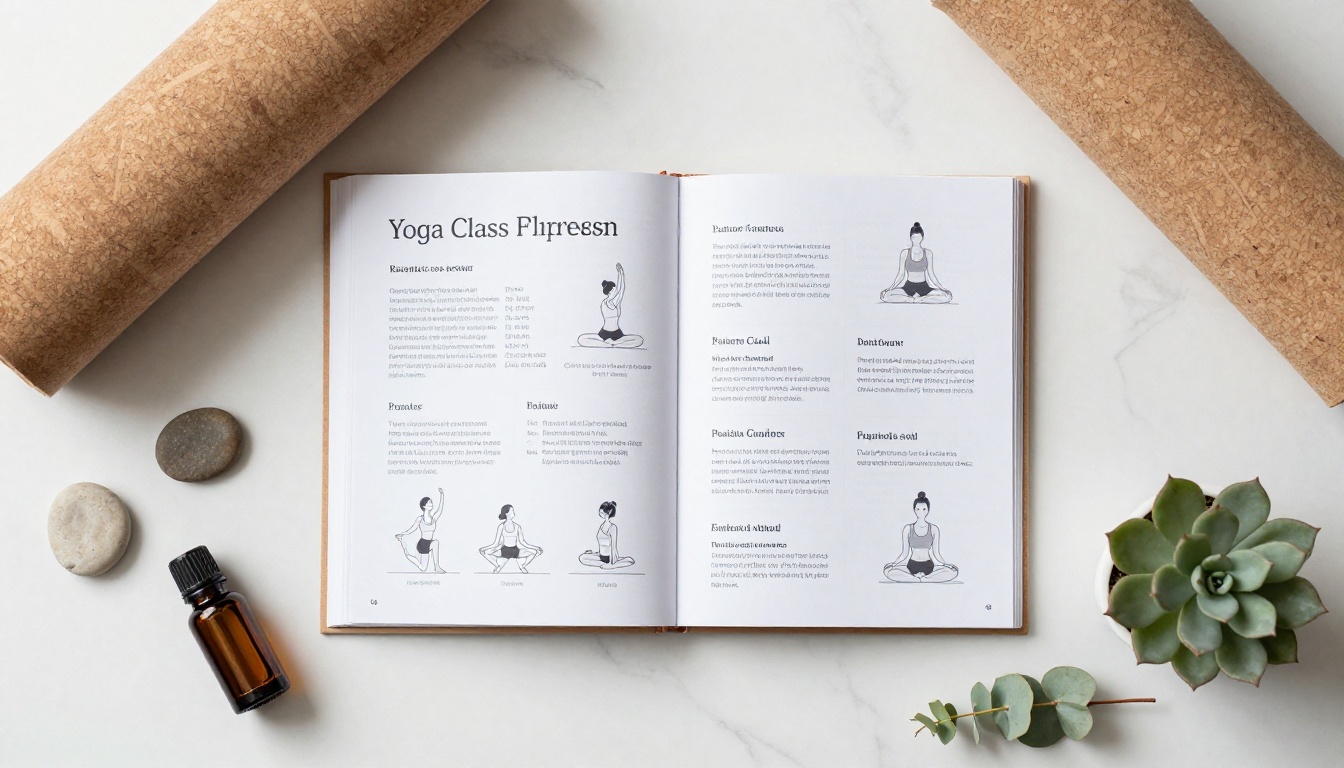
Three Ways to Share Your Yoga Flipbook
Building the flipbook is the easy part. Getting students to actually read it is where most studios miss an opportunity. Here are three approaches that work.
Embed It on Your Website
Add the flipbook directly to your "Classes" or "About" page using the embed code from Flipbooks AI. Visitors see it as soon as they land on the page, no click required, no download needed. This is the highest-conversion placement because the student never has to leave your site to browse your schedule.
Use the PDF to Flipbook Converter to ensure your source file converts cleanly before embedding.
Send It in Your Welcome Email
When a new student books their first class, send them a welcome email with the flipbook link instead of a PDF attachment. "Here is everything you need to know before your first class," followed by a live link that opens a beautiful, page-turning booklet, is a dramatically better first impression than a generic attachment.
Print a QR Code for Your Studio
For walk-in visitors or people at events, a printed QR code pointing to your flipbook bridges the physical and digital perfectly. You can laminate a card and leave it at your reception desk, attach it to a pull-up banner, or include it on your business cards.

Real-World Scenarios Where This Works
The Small Independent Studio
A solo yoga instructor running two classes a week does not need a complex marketing system. A single flipbook with a welcome message, weekly schedule, pricing, and instructor bio does the entire job. It looks professional from day one and costs nothing to update. When you add a new class or change a time, update the PDF, re-upload, and the shared link automatically shows the new version.
The Online Yoga Teacher
For instructors selling digital programs, a flipbook is an ideal format for course materials. You can create a beautifully designed practice booklet, meditation workbook, or 30-day challenge PDF and distribute it as a flipbook with password protection. Only paying students get the link. Use the Course Material Publisher to build exactly this kind of experience.
Corporate Wellness Programs
Many yoga instructors also run corporate wellness contracts. When pitching to a company, a professionally designed flipbook outlining your program offerings, session formats, instructor credentials, and pricing is far more impressive than a plain Word document or email. Use the Training Manual Flipbook for structured, multi-section program materials.

Making Your Flipbook Work Harder Over Time
A flipbook is not just a pretty brochure. With the right features, it becomes an active part of your studio's operations.
Track What Students Actually Read
The Professional plan at Flipbooks AI includes page-level analytics. This tells you which sections of your yoga class booklet students spend the most time on. If 80% of readers drop off before reaching your pricing page, you know to move that section earlier. If the FAQ page gets the most attention, you know students have questions you are not answering elsewhere.
Add Embedded Video for Pose Demonstrations
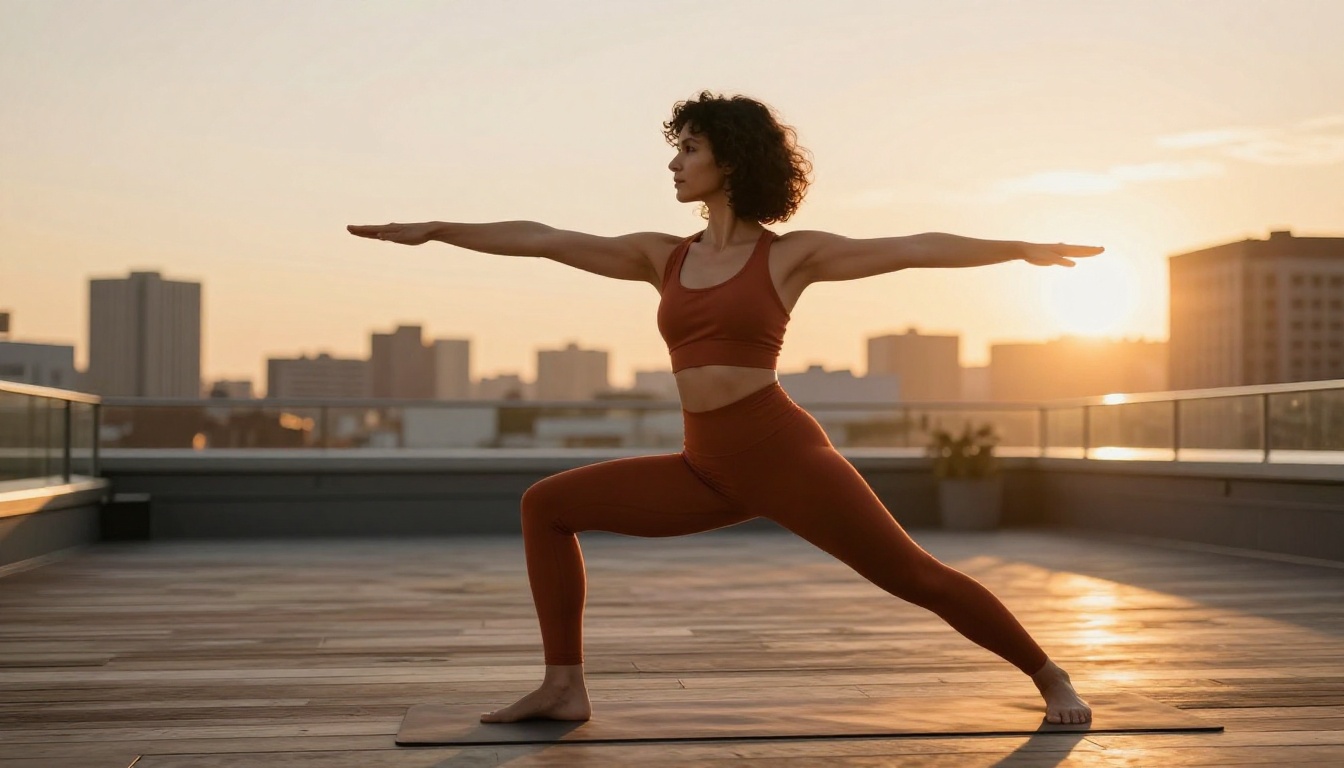
Instead of showing a static photo of a pose, you can embed a short instructional clip directly into the flipbook page. A 30-second video of a warrior two breakdown, embedded right beside the written description, makes your content dramatically more useful. This is available on Standard and Professional plans.
Protect Premium Content with Passwords
If you sell a premium pose library, a retreat itinerary, or a private workshop program, password protection keeps that content for paying students only. You share the same link but only people with the password can open it. This is a simple, effective way to add perceived value to premium offerings without building a separate membership portal.
✅ Use a different password for each product tier. This lets you revoke access cleanly if a student's subscription lapses without affecting everyone else.
Seasonal Updates and Keeping Things Fresh
One of the biggest advantages of a digital flipbook over printed materials is how easy it is to update. When your winter schedule changes, when you add a new instructor, when your pricing shifts, update the PDF, re-upload, and students who already have the link automatically get the current version.
Practical rhythms that work well for yoga studios:
- Quarterly schedule updates: New season, new flipbook version
- Monthly event inserts: Workshops, retreats, and special classes added to a dedicated "Events" page
- Annual rebrand: Once a year, refresh your visual design to keep things current
This is far cheaper than reprinting brochures and far more reliable than updating multiple social media posts and hoping students see them.
Who Should Create a Yoga Class Flipbook
Not every yoga instructor needs one immediately. Here is a quick breakdown of who benefits most:
| Instructor Type | Benefit | Priority |
|---|
| Studio owner with 5+ classes | Central hub for all class info | High |
| Independent instructor | Professional impression at low cost | High |
| Online yoga teacher | Course delivery and marketing | High |
| Corporate wellness provider | Pitch materials and program booklets | Medium |
| Instructor running retreats | Itinerary and welcome materials | Medium |
| Beginner teaching first class | Probably overkill for now | Low |
Your First Flipbook Is One Upload Away
If you have been putting off creating materials for your yoga class because it feels like a design project you do not have time for, a flipbook changes the equation entirely. Build your content in Canva or Google Slides, export it as a PDF, upload it to Flipbooks AI, and you have a professional digital publication in under ten minutes.
There is no software to install, no design expertise required, and no recurring print costs. You get a link you can share anywhere, embed anywhere, and update anytime.
Ready to start? Create your account for free and have your first yoga class flipbook live before your next class. When you are ready for custom branding, analytics, or password-protected premium content, compare plans to choose what fits where you are right now.
Browse all the flipbook tools available to find formats built specifically for fitness, wellness, and education use cases.



