Your phone gallery is sitting on thousands of moments you barely revisit. A weekend trip from two years ago. Your kid's first birthday. That one golden-hour sunset you stopped to photograph. These memories deserve more than a quick scroll that disappears in seconds. A digital flipbook gives them permanence, beauty, and shareability, and the whole process takes under 10 minutes with Flipbooks AI.
This article covers exactly how to create a flipbook from your phone gallery: which photos to pick, how to organize them, how to upload and customize, and how to share the finished result. No design background needed. No complicated software. Just your phone, your photos, and a browser.
What Makes Phone Gallery Photos Perfect for Flipbooks
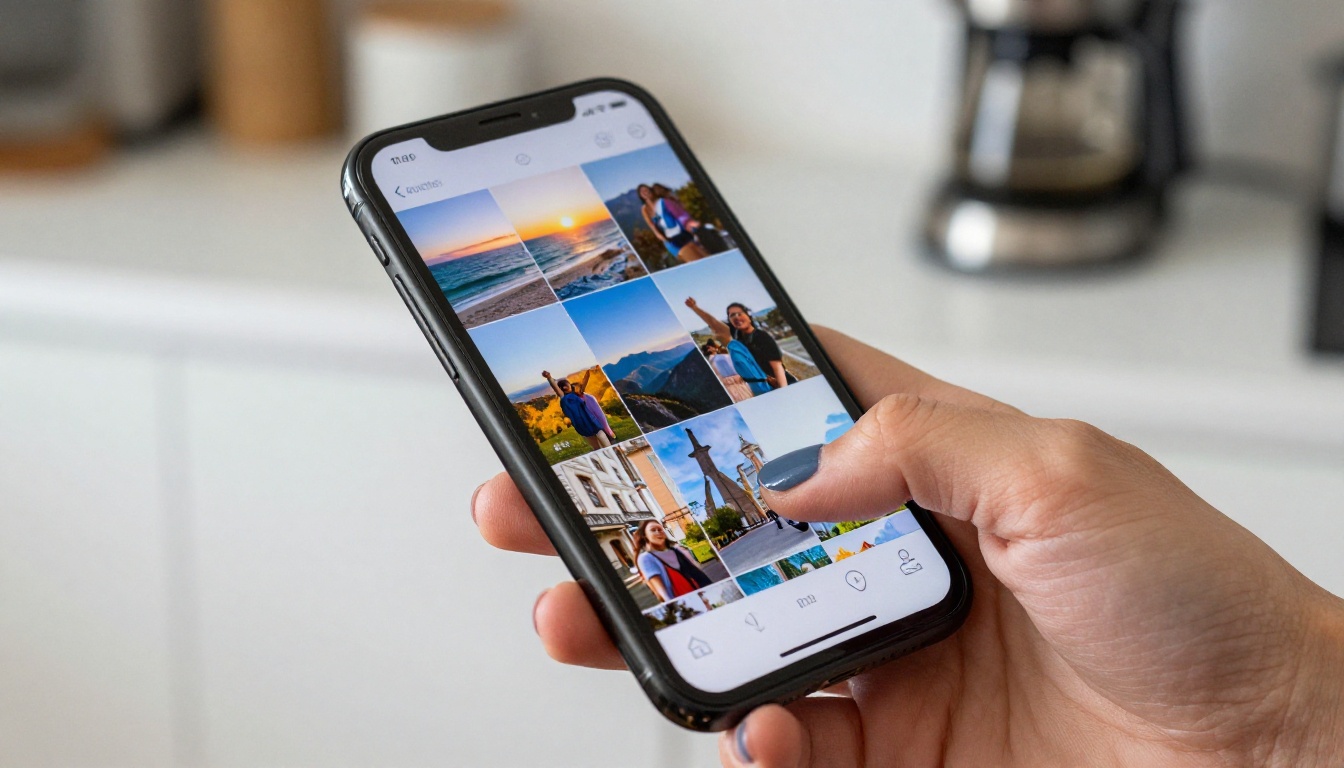
Most people store photos in one massive unsorted grid. Thousands of images with no real structure, no narrative, no easy way to share a specific set with someone. Flipbooks solve this at a fundamental level because they impose exactly the thing a gallery grid lacks: a beginning, a middle, and an end.
The volume problem most people ignore
The average smartphone user takes over 2,000 photos per year. Almost none of them get organized. You remember taking the shots, but actually showing them to someone means handing over your phone and watching them scroll awkwardly through images that include grocery lists, random screenshots, and blurry test shots.
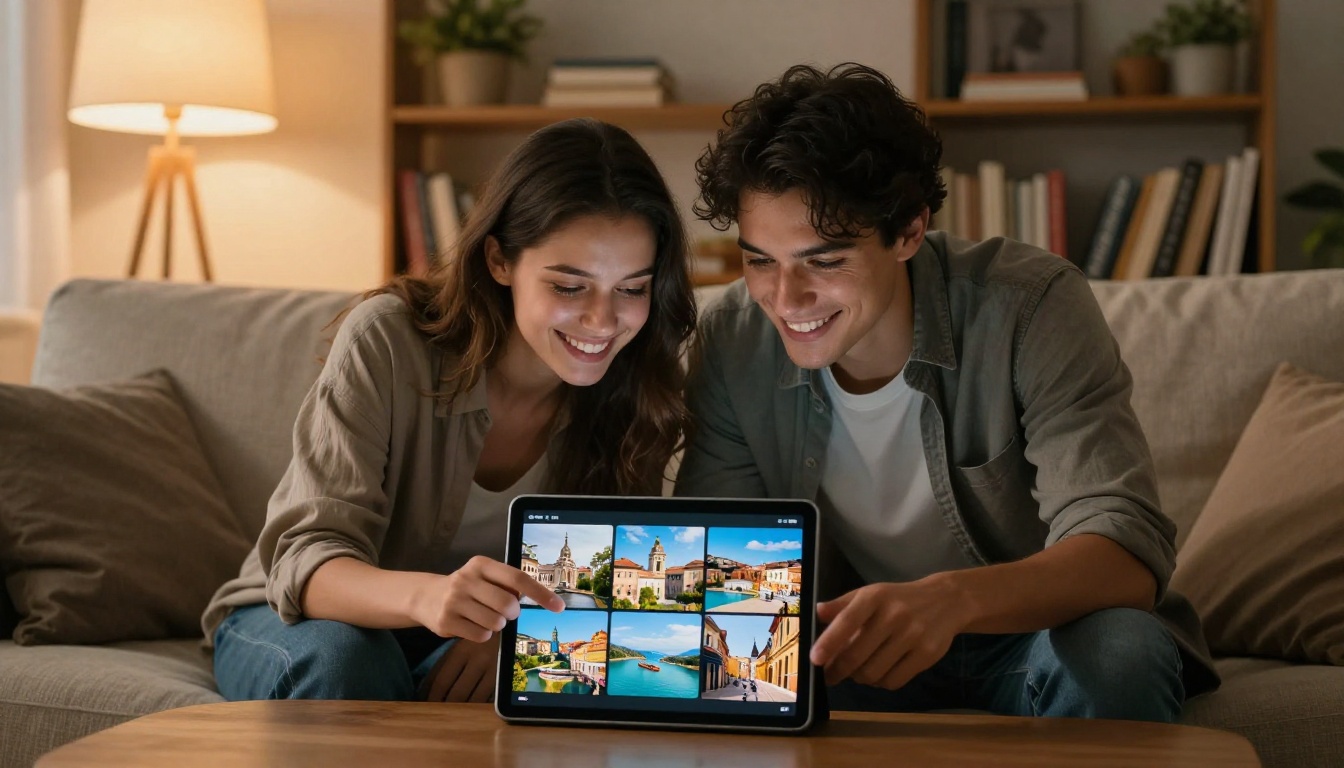
A flipbook changes the dynamic entirely. You curate 20 to 50 images from a specific event or period, arrange them in a meaningful sequence, and turn that collection into an experience someone can actually sit down and enjoy, without handing over your phone.
Why static albums no longer cut it
Cloud albums are useful for storage. They are not great for storytelling. A photo dump in Google Photos or iCloud is still just a grid. There is no page turn, no pacing, no immersive reading experience. A digital flipbook feels like holding something real, and that difference in presentation makes a real difference in how the viewer engages with your photos.
How to Create a Flipbook from Your Phone Gallery
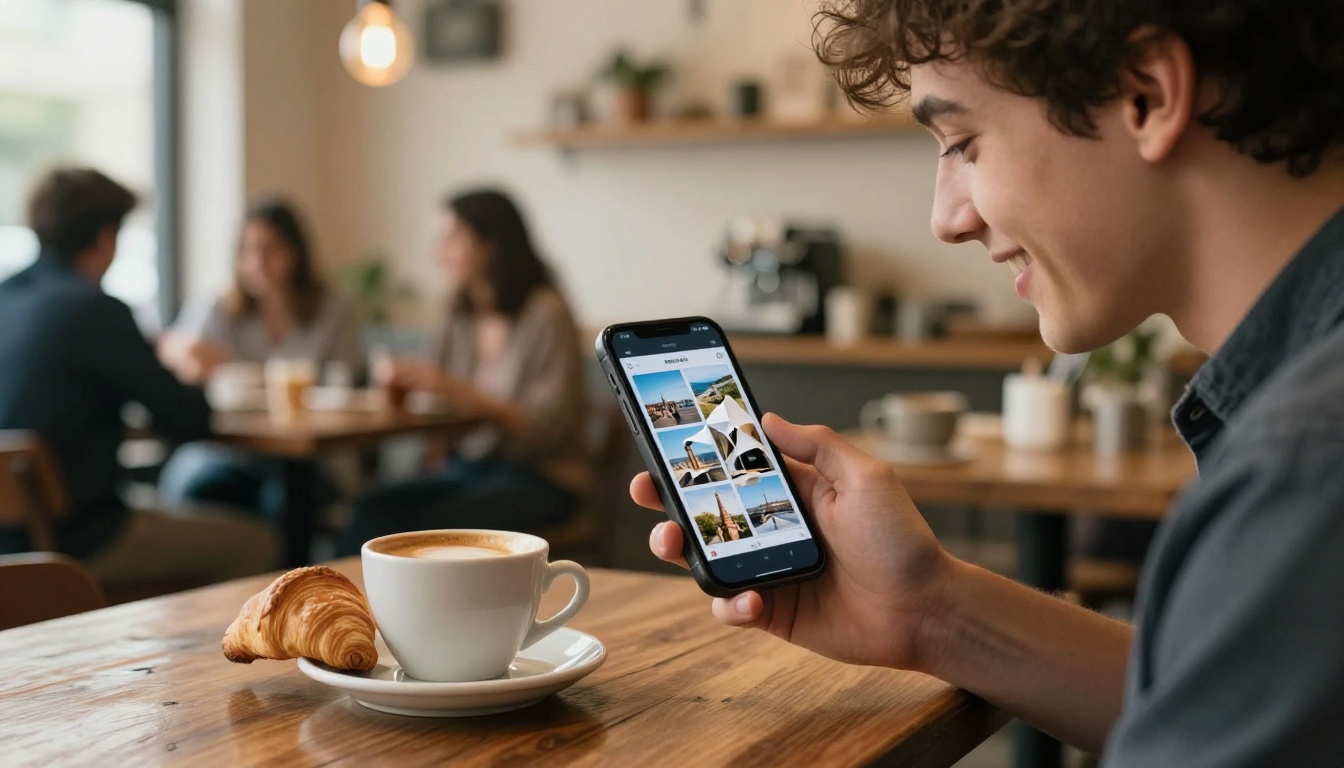
Here is the full process from photos on your phone to a shareable flipbook link.
Step 1: Select and organize your photos
Start on your phone. Open your gallery and identify the specific set of photos you want to use. This could be:
- A vacation or weekend trip
- A birthday party or family gathering
- A personal milestone (graduation, anniversary, new home)
- A collection of a hobby or creative project
The ideal range: 15 to 60 photos. Too few and the flipbook feels thin. Too many and you lose the narrative. Delete duplicates and blurry shots before you start.
💡 Arrange your photos chronologically first, then adjust the order to create a natural story arc. Start with an establishing shot, build through the middle, and end on a strong image.
Step 2: Export or prepare your PDF
Flipbooks AI works best with a PDF, so your next step is converting your selected photos into one. Here is how to do this directly from your phone:
On iPhone:
- Open the Photos app and select all the images you want
- Tap Share, then tap "Print"
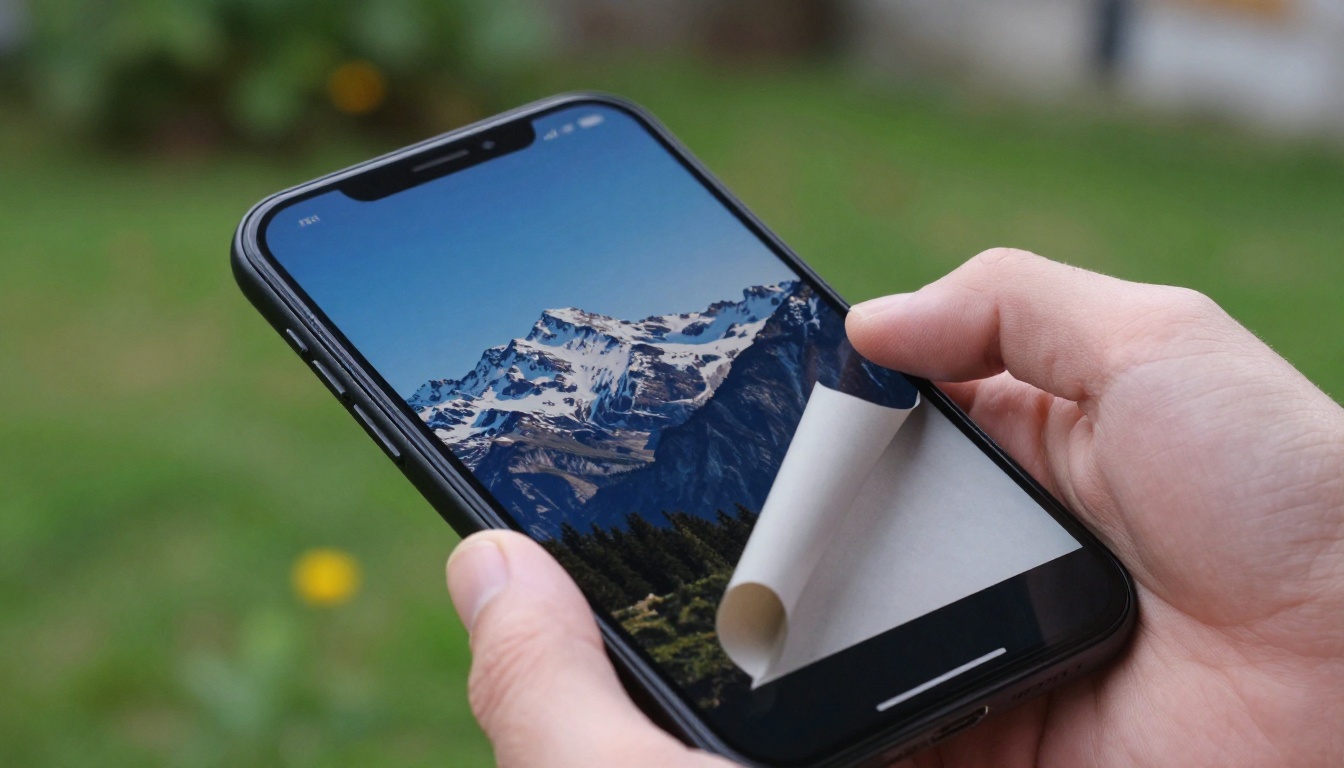
- Pinch out on the print preview to export as PDF
- Save to Files or share directly
On Android:
- Open your gallery app and select your photos
- Use Google Photos, tap Share, then Print, then Save as PDF
- Or use a free app like Adobe Scan or Image to PDF Converter
Working from a computer: Select photos in any file manager, right-click, and print to PDF directly. Most operating systems support this natively.
Step 3: Upload to Flipbooks AI
Once your PDF is ready:
- Go to flipbooksai.com and create a free account
- Click "New Flipbook" or "Upload PDF"
- Select your photo PDF from your device
- Wait for the upload and processing, usually under 60 seconds
The platform automatically converts each PDF page into a flipbook page, preserving photo quality and layout without any manual work from you.
Step 4: Customize your flipbook
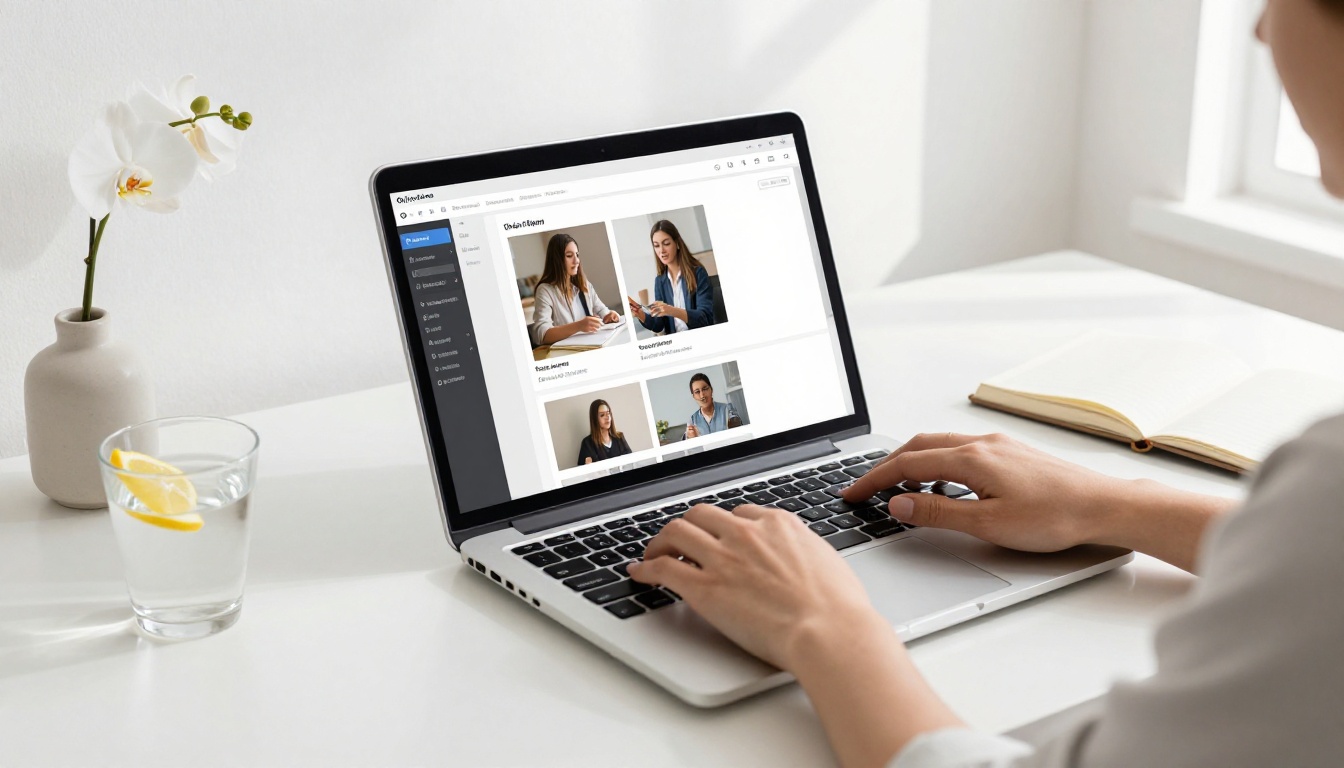
This is where the final product comes together. Inside the Flipbooks AI editor you can:
- Choose a page flip style: soft page curl, hard cover, or magazine-style turning
- Add a front page image: Use your best photo as a dedicated opening page
- Set branding: Add your name or a title overlay if sharing publicly
- Add background music: Pair the flipbook with a song for emotional impact
- Adjust colors: Match the overall palette to the mood of your photos
✅ Keep the design minimal. Your photos are the star. A clean white or dark background lets the images breathe without competing with them.
Step 5: Share it anywhere
When your flipbook is ready, Flipbooks AI gives you multiple ways to share:
- Direct link: Copy a URL and paste it into any message, email, or social media post
- Embed code: Drop it into a website or blog with a single HTML snippet using the Embed Flipbook on Website tool
- Password protection: Restrict access so only specific people can view it
- Download: Save an offline version for presentations or events
Best Photo Types for Your Flipbook
Not all phone photos translate equally well to a flipbook format. Here is what works best and why.
Travel and adventure shots
Travel photos are natural flipbook material. They have a built-in narrative structure: departure, arrival, activities, return. A travel flipbook shared with friends or family gives them the experience of being there without the chaos of a photo dump. You can also use the Photography Portfolio Flipbook tool if your shots are especially strong visually.
Family and personal memories
Birthdays, holidays, reunions, and everyday moments. These are the photos that matter most in 10 years. Turning them into a flipbook creates something tangible and shareable that goes beyond a social media post. Grandparents who do not use Instagram can receive a link and open a beautiful flipbook on any device.
Events and celebrations
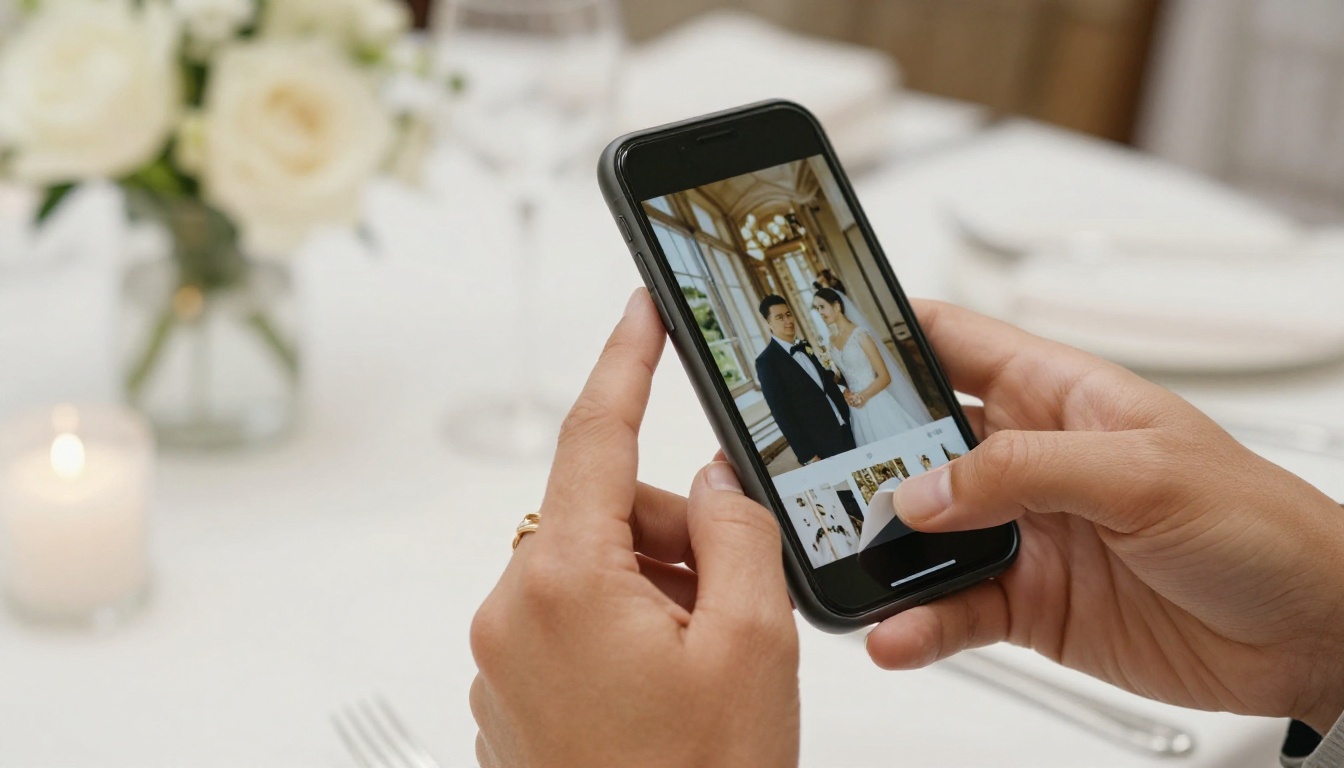
Weddings, graduations, baby showers. Events generate hundreds of photos in a few hours. A curated flipbook of the 40 best shots beats a WhatsApp photo dump every time. The Wedding Album Flipbook tool is built specifically for this use case, with layouts suited to ceremony photography.
Flipbooks AI Plans at a Glance
Before diving in, here is a clear comparison of what each plan offers:
| Feature | Free | Standard | Professional |
|---|
| Flipbooks | 1 | Unlimited | Unlimited |
| Watermark | Yes | No | No |
| Password Protection | No | Yes | Yes |
| Custom Branding | No | Yes | Yes |
| Analytics | No | No | Yes |
| Lead Generation | No | No | Yes |
| Offline Downloads | No | No | Yes |
| Video and Audio Embeds | No | Yes | Yes |
| Mobile-Responsive | Yes | Yes | Yes |
💡 For personal use, the Standard plan is the sweet spot: unlimited flipbooks, no watermark, and full sharing options. Check pricing plans to see what fits your needs.
How to Choose the Right Photos
The quality of your flipbook depends almost entirely on your curation. Here is a practical framework.
Editing before you upload
Run your selected photos through a quick edit pass before creating your PDF. Built-in tools on both iPhone and Android let you:
- Adjust brightness and contrast
- Fix white balance, especially important for indoor shots
- Crop to a consistent aspect ratio (16:9 or square work well)
- Remove obviously weak shots: blurry, poorly exposed, or exact duplicates
Aim for visual consistency. A flipbook where every photo has a wildly different color temperature feels scattered. A consistent warm tone, or a consistent cooler tone, makes the whole thing feel intentional and professional.
Photo order matters
Think of your flipbook like a short film. You need:
- An opening image that establishes the setting or mood
- Building shots that develop the story through people, activities, and details
- Peak moments placed in the middle or two-thirds through
- A closing image that feels like a natural ending, whether a sunset, a group photo, or a quiet final moment
This structure creates an emotional arc that makes viewers feel something rather than just passively seeing photos.
Real Uses for a Phone Gallery Flipbook
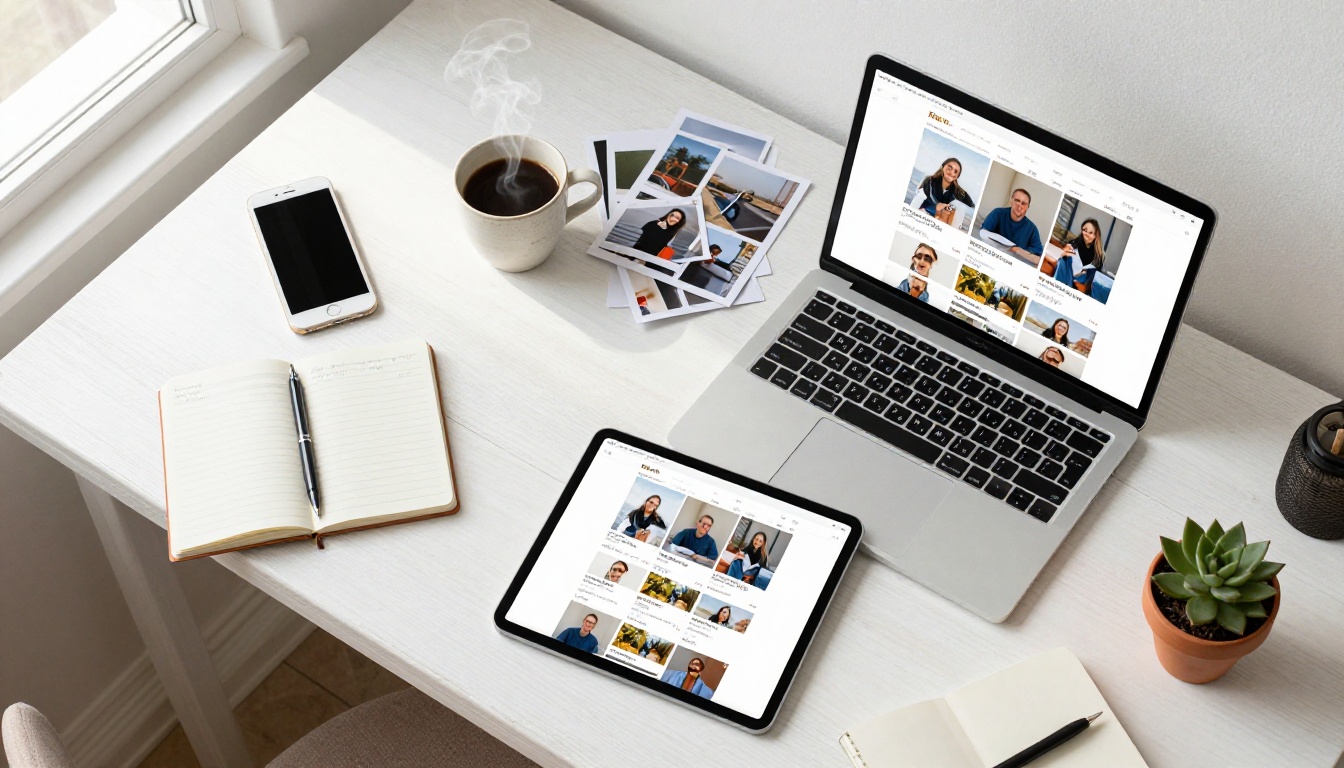
Here are specific scenarios where a phone gallery flipbook genuinely outperforms every other sharing method:
| Situation | Why a Flipbook Works |
|---|
| Family reunion photos | Relatives of any age can open it on any device without a social media account |
| Wedding guest gallery | Collect photos from multiple guests into one unified, elegant presentation |
| Travel journal | Sequential narrative format mirrors the actual journey |
| Kid's yearly photo album | An annual tradition that grows into a beautiful long-term archive |
| Pet photo collection | A shareable format that works without overwhelming a group chat |
| Sports season highlights | Great for teams to share with parents after the season ends |
| School project documentation | Step-by-step visual story of a project from start to finish |
⚠️ Avoid mixing unrelated photo sets in a single flipbook. If you combine your Portugal trip with your office holiday party, the flipbook loses coherence. One theme per flipbook is the rule.
Privacy and Sharing Options
Password protection
If you are creating a flipbook of personal or family photos, you probably do not want it publicly indexed. Flipbooks AI's Standard and Professional plans include password protection. You set a password, share the link with your intended audience, and no one else can view it.
This is particularly useful for:
- Wedding photos shared before the official gallery is ready
- Baby photos shared with close family only
- Personal travel journals you want control over
Sharing via link or embed
For photos you want to share broadly, the direct link feature makes distribution simple. One URL works across:
- Text messages and WhatsApp
- Email newsletters
- Facebook and Instagram bios
- Personal websites or blogs via the embed code option

Make It Even Better
A few things that consistently improve the final result:
Use landscape-oriented photos when possible. Flipbooks display in a horizontal reading format, so landscape shots fill the page naturally. Portrait shots work but may leave empty space on the sides depending on your layout settings.
Pick a front image that hooks people. The opening image is the first thing anyone sees. Choose your most visually striking photo, not necessarily your most sentimental one. Beauty earns the click; sentiment earns the scroll.
Keep the flipbook under 50 pages. Longer is not better. A tightly edited 30-page flipbook is far more enjoyable than a 150-page one that loses the viewer halfway through. Ruthless editing is a skill worth developing.
Name it well. A title like "Portugal 2024" or "Sophie's First Year" is immediately clear and searchable. Generic titles get ignored.
Test on mobile before sharing. Flipbooks AI renders perfectly on mobile browsers, but open your finished flipbook on your phone before sending it to make sure everything looks right and pages turn smoothly.
How Flipbooks AI Compares to Other Options
There are a handful of tools that let you create digital photo books. Here is how they actually stack up for phone gallery use:
| Tool | Page-Flip Effect | No Watermark (Free) | Password Protection | Mobile-Friendly | PDF Upload |
|---|
| Flipbooks AI | Yes | No (Standard+) | Yes | Yes | Yes |
| Google Photos | No | Yes | No | Yes | No |
| iCloud Shared Album | No | Yes | No | Limited | No |
| Canva | Limited | No | No | Yes | No |
| Issuu | Yes | No | Paid only | Yes | Yes |
Flipbooks AI stands out for combining the actual page-turn effect with full sharing controls and no required app download for viewers. Everything runs in the browser, on any device, without installation.
From Gallery to Shareable Flipbook
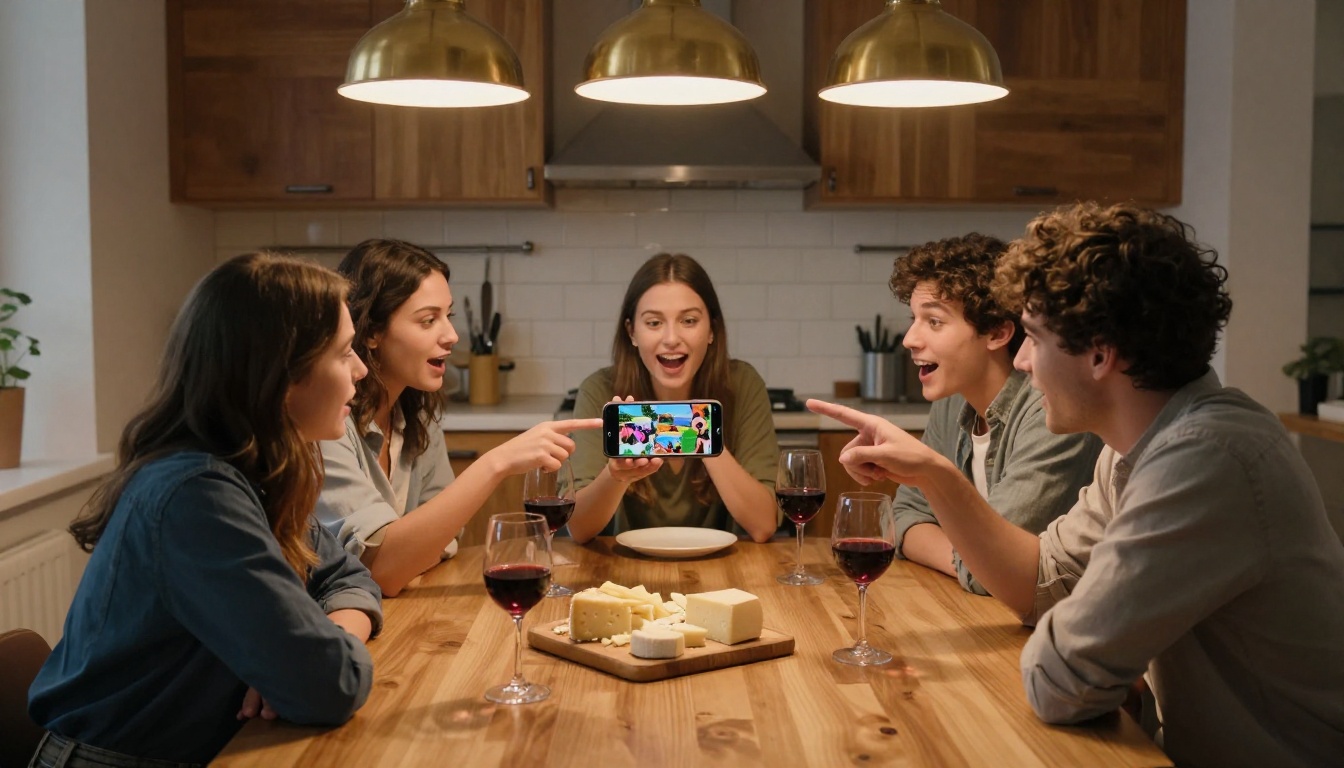
Your phone gallery is not just storage. It is a raw archive of experiences that deserve a proper format. A digital flipbook takes 20 to 50 of your best photos and turns them into something people actually want to sit down and look through, something that feels like a real artifact rather than a throwaway scroll.
The process is simple: select your photos, export as a PDF, upload to Flipbooks AI, customize the look, and share via link or embed. That is the whole thing.
Ready to start? Create your free account and upload your first photo set today. Want more features like analytics and offline access? Check the pricing plans to find what fits. And if you have other creative projects in mind beyond personal galleries, browse all available flipbook tools to see what else is possible.



