You spent hours putting together that PDF, and it ends up sitting in someone's email, barely opened and never shared. A digital flipbook solves that problem immediately. The same file becomes a page-turning, browser-based publication that works on any device and actually gets read. The entire process takes less time than your morning coffee. This article walks you through exactly how to create a flipbook from PDF in minutes using Flipbooks AI, from your first upload to a polished, shareable publication.
Why PDFs Lose Readers Fast
Static PDFs were a practical innovation for the early internet. Today, they feel out of place. Files are slow to download, poor at rendering on mobile screens, and offer nothing interactive to hold a reader's attention. Meanwhile, a properly built digital flipbook loads instantly in a browser, preserves every detail of your original layout, and gives readers the satisfying, tactile feeling of turning physical pages.
The Problem With Sending Files

Here is what happens in the real world with static PDF files:
- Real estate agents send beautifully designed brochures that prospects stop reading after the first two pages
- Restaurant owners email menus that appear as tiny, illegible text on a phone screen
- Marketing teams produce polished product catalogs that get downloaded once and buried in a downloads folder
- Educators share course materials that students scroll through passively without retaining structure
The format itself creates friction. A flipbook removes that friction by meeting readers where they are: in a browser, on any device, without downloading anything.
Static PDF vs. Interactive Flipbook
| Feature | Static PDF | Interactive Flipbook |
|---|
| Page-turn animation | None | Realistic 3D curl effect |
| Mobile experience | Pinch-to-zoom at best | Fully responsive layout |
| Browser access | Download required | Opens instantly in browser |
| Embedded media | Not supported | Video and audio supported |
| Reader analytics | None | Full tracking available |
| Custom branding | Not applicable | Logo, colors, custom domain |
| Password protection | Software-dependent | Built-in and instant |
| Sharing method | File attachment | Link or embed code |
Before You Upload: What to Prepare
A little preparation before uploading saves troubleshooting time later.
Your Source PDF
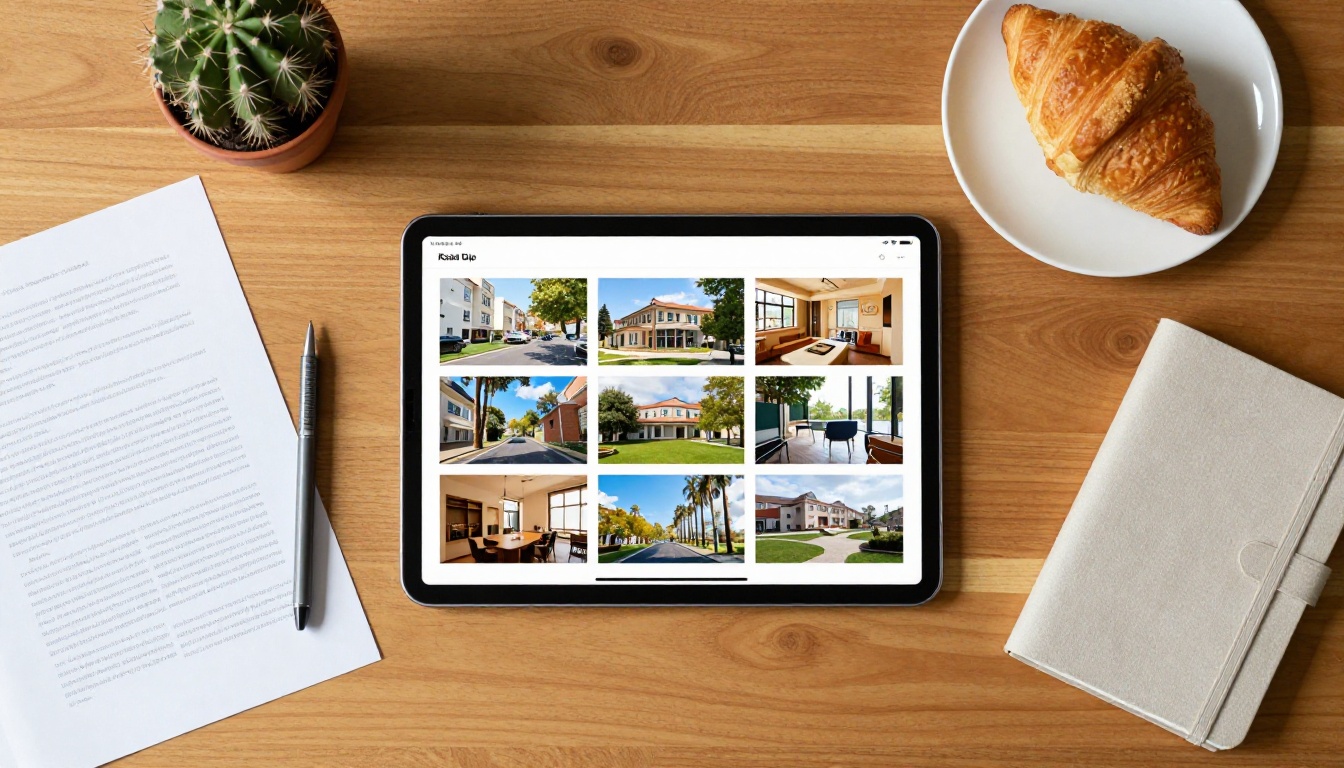
Your PDF is the only file you need to start. Before uploading, check these four things:
- Resolution: Use at least 150 DPI for readable text. For image-heavy publications, 300 DPI produces noticeably sharper output.
- Font embedding: Ensure fonts are embedded directly in the PDF, not referenced externally. Linked fonts will substitute with system defaults during conversion.
- Page orientation consistency: Mixing portrait and landscape pages in one document can cause layout irregularities. Stick to one orientation throughout when possible.
- File size: Most platforms process files up to 500MB without issue. Leaner files convert faster, so consider compressing large PDFs before uploading without sacrificing resolution.
Knowing How You Will Share It
Your sharing method shapes a few settings you will configure after conversion:
- Website embed: You will want the embed code and may need to set a specific aspect ratio for your layout
- Email or social sharing: A direct link works best; no file attachment needed
- Private distribution: Password protection should be enabled before sharing the link
- Printed materials: The QR code option connects offline audiences to the live publication instantly
How to Create a Flipbook from PDF in Minutes

This is the core process. Follow these steps on Flipbooks AI and you will have a live, interactive flipbook ready to share in under five minutes.
Step 1: Sign Up
Go to flipbooksai.com/account and create a free account. No credit card required at signup. The free plan gives you full access to the conversion workflow so you can see the finished result before choosing a paid plan.
Step 2: Upload Your PDF
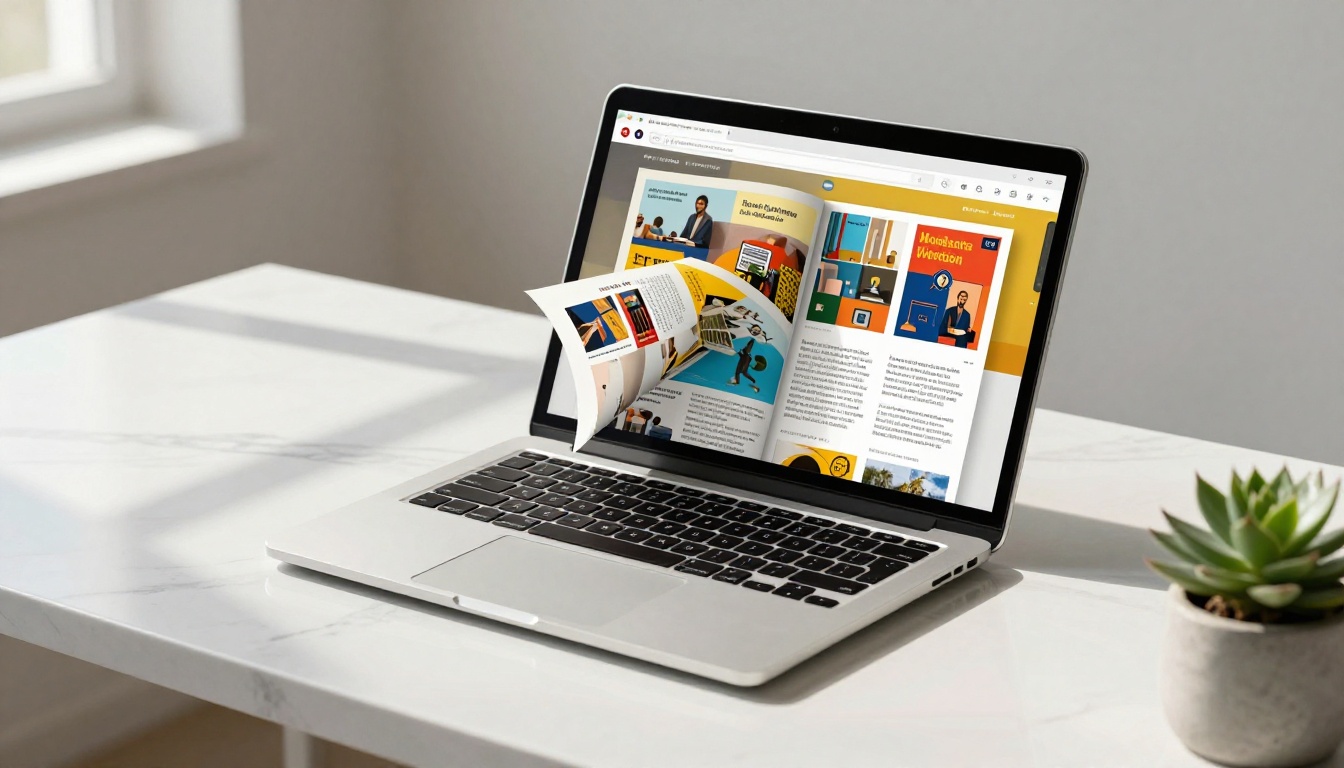
Inside your dashboard:
- Click "New Flipbook"
- Select "Upload PDF" from the creation options
- Drag and drop your file into the designated upload zone, or click to browse local files
- Watch the progress bar: most files under 50MB process within 30 seconds
💡 If your PDF contains bookmarks or a structured table of contents, Flipbooks AI carries those over as clickable navigation within the finished flipbook automatically.
Step 3: Customize Your Publication
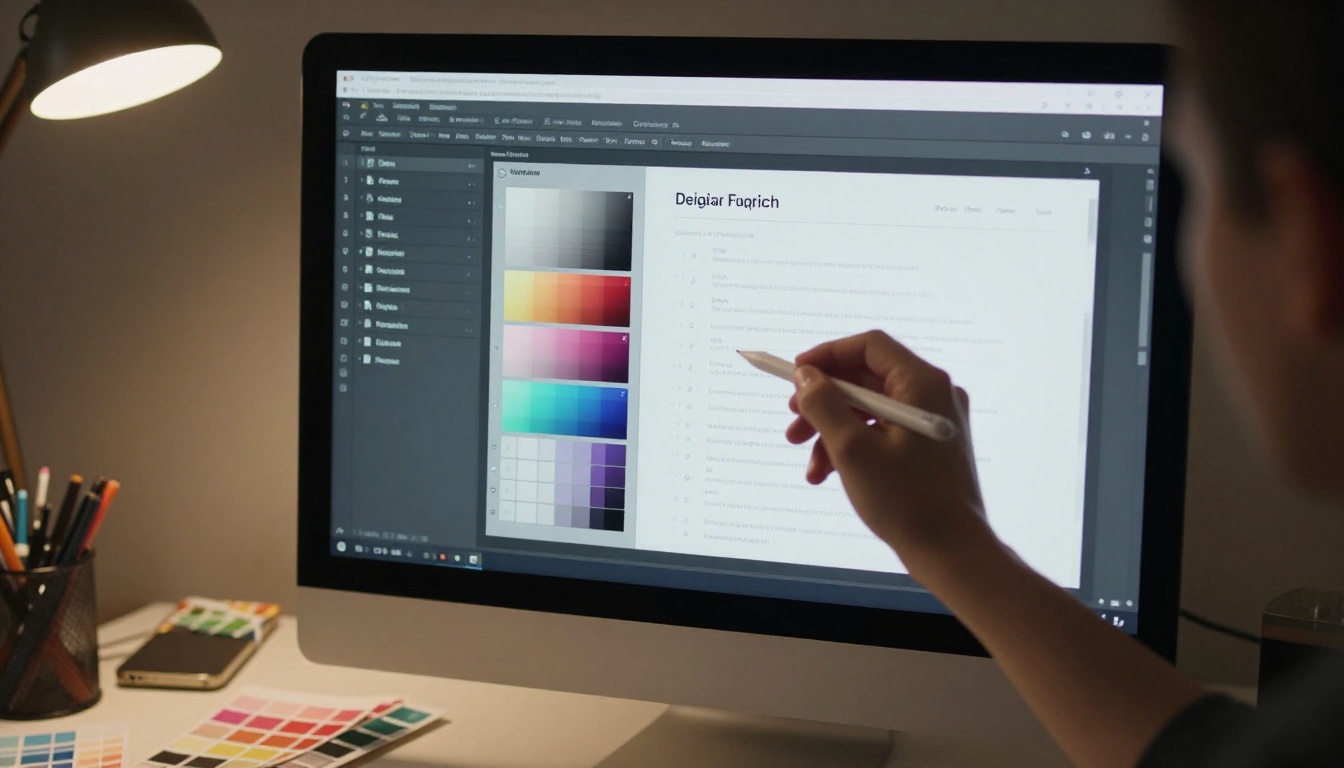
After conversion, you enter the customization panel. This is where the publication takes on its own identity rather than looking like a generic converted file.
Branding controls:
- Upload your logo for display in the viewer header
- Set your brand colors using exact hex codes for buttons, accents, and backgrounds
- Add a custom favicon that appears in browser tabs
- Choose a background texture or solid color for the reader interface
Reading experience settings:
- Toggle the realistic page-curl shadow on or off
- Set autoplay speed for automatic page advancement in kiosk or display mode
- Switch between single-page view and double-page spread for magazine-style layouts
- Enable the table of contents sidebar for longer publications
Multimedia options:
- Embed YouTube or Vimeo videos directly onto any page
- Add clickable hotspots that link to external product pages or contact forms
- Insert audio narration for training manuals or guided reading experiences
Step 4: Set Your Access Controls

Who should be able to see this flipbook? The access controls are straightforward:
- Public: Anyone with the link can view with no barrier
- Password-protected: Viewers must enter a password before the flipbook opens
- Unlisted: Accessible with the direct link but not indexed publicly
- Domain-restricted: Embedding only works on specific websites you approve
⚠️ Always enable password protection on internal reports, confidential pricing documents, and HR materials. Setting a password takes under 10 seconds and can be updated or removed at any time.
Step 5: Publish and Distribute
Once your settings are confirmed, click "Publish." The platform generates three distribution assets instantly:
- Direct link: A permanent URL that opens the flipbook in any browser without plugins
- Embed code: A standard HTML iframe for website integration
- QR code: A scannable code for printed materials, signage, and packaging
✅ Use the direct link for email campaigns and social media. Use the embed code on your website pages. Print the QR code on physical materials to connect offline readers to the live flipbook.
Customization That Actually Moves the Needle
Most people publish their flipbook and stop there. The ones who get real results go a step further by tailoring the experience to their specific audience.
Branding That Removes Every Trace of Generic
Custom branding does more than add your logo. It removes the default platform styling entirely, so the flipbook feels like a native part of your website. With Standard plans and above, there are no watermarks, ever. Add your brand hex codes, a vector logo for sharp rendering at any zoom level, and optionally connect a custom domain so the flipbook URL carries your own brand name.
Interactive Features That Actually Get Used
The practical difference between a PDF and a flipbook comes from interaction:
- Live hyperlinks: Every clickable link in your original PDF works inside the flipbook without any additional setup
- Embedded video: A product demo video on page three of a catalog converts better than a static screenshot
- Lead capture forms: Available on the Professional plan, these let you require a name and email before the flipbook opens, turning every read into a qualified contact
Which Tool Fits Your Content Type
The tools directory at Flipbooks AI offers purpose-built converters for specific document types. Different industries use different formats:
Sharing Without Friction

A published flipbook lives at a permanent URL and requires nothing from the viewer beyond a browser. No app downloads, no plugins, no accounts needed.
Embedding on Your Website
The provided embed code is a standard HTML iframe compatible with every major website builder: WordPress, Wix, Webflow, Squarespace, Shopify, and plain HTML. The flipbook scales responsively inside its container, preserving the reading experience on screens of any size.
For platform-specific embedding instructions, the Embed Flipbook on Website tool provides step-by-step instructions tailored to each builder.
Social Media and Email
Direct links work for every social platform. When shared on LinkedIn, Facebook, or Twitter/X, the link generates a preview card with your flipbook thumbnail, which significantly increases click rates compared to a plain text link.
For email campaigns, embed a static thumbnail image with a "Click to Read" call-to-action button pointing to the flipbook URL. Email clients do not render iframes, but this two-step approach consistently drives strong click-through rates.
QR Codes for Physical Materials
The built-in QR code generator bridges printed materials to the live digital publication. Practical applications:
- Business cards that open your digital portfolio
- Restaurant table tents linking to the current menu
- Product packaging connecting customers to the full catalog
- Trade show banners driving traffic to a sales presentation flipbook
- Wedding invitations linking guests to a photo album or itinerary
Plans at a Glance

Picking the right plan from the start prevents hitting limits at the wrong moment.
| Feature | Free | Standard | Professional |
|---|
| Number of flipbooks | 1 | Unlimited | Unlimited |
| Watermark | Yes | No | No |
| Password protection | No | Yes | Yes |
| Custom branding | No | Yes | Yes |
| Reader analytics | No | Basic | Full |
| Lead generation forms | No | No | Yes |
| Offline download | No | Yes | Yes |
| Video embedding | No | Yes | Yes |
| Custom domain | No | No | Yes |
| Priority support | No | No | Yes |
💡 For freelancers, small businesses, and marketing teams: the Standard plan covers the majority of real-world needs. Unlimited flipbooks, no watermarks, password protection, custom branding, and offline downloads at a straightforward monthly price.
See the full feature breakdown on the pricing page.
Mistakes That Cost You Readers
A few avoidable errors can undermine an otherwise solid flipbook. Know these before you publish.
Low-Resolution Source Files
Starting from a screen-optimized PDF (72 DPI) produces blurry images in the flipbook, particularly noticeable on high-resolution displays and Retina screens. Always export from your original design file at 150-300 DPI before uploading.
Not Checking Mobile Before Sharing
Over 60% of web content is consumed on mobile devices. After publishing, open the flipbook link on your phone. Verify text readability without zooming, image display quality, and that any interactive hotspots are large enough to tap accurately. Fix issues before sharing publicly.
Skipping the Table of Contents on Long Documents
Publications longer than 12 pages benefit significantly from navigable structure. If your original PDF does not include a table of contents page, add one before uploading. Readers who can jump directly to the section they want stay longer and return more often.
Sending Private Documents Without Password Protection
An unlisted flipbook is not a private flipbook. Without a password, anyone who receives the link, or encounters it in a forwarded email or shared log, can view the content without restriction. Always add password protection to financial documents, internal reports, and client-specific materials. It takes under 10 seconds to configure.
Ignoring Analytics After Publishing
The Professional plan includes full reader analytics: page-by-page read rates, average time on publication, geographic data, and device breakdown. This data tells you exactly which sections readers skip and which they return to, which is information you can use to improve your next publication.
Start With Your Next PDF
You already have the source file. Create a free account on Flipbooks AI and convert your first PDF today. The entire process takes minutes, and the free plan lets you see the finished result before paying anything.
When you are ready for unlimited publications, custom branding, and no watermarks, compare plans to pick what fits your workflow. For specific content types, browse the full tools directory to find a purpose-built option: whether that is a fashion catalog, a real estate brochure, a digital portfolio, or a recipe book flipbook.
Your PDF is ready. The flipbook is minutes away.



